@needle-tools/engine 4.13.1 → 4.14.0-next.31f837e
This diff represents the content of publicly available package versions that have been released to one of the supported registries. The information contained in this diff is provided for informational purposes only and reflects changes between package versions as they appear in their respective public registries.
- package/components.needle.json +1 -1
- package/dist/generateMeshBVH.worker-DFcS3P04.js +21 -0
- package/dist/gltf-progressive-8voIgNp_.js +1528 -0
- package/dist/gltf-progressive-BRRBj-nY.umd.cjs +10 -0
- package/dist/gltf-progressive-Dkh3tG4-.min.js +10 -0
- package/dist/loader.worker-C6cXDgR1.js +23 -0
- package/dist/{materialx-BF23AVE8.umd.cjs → materialx-CxlgposR.umd.cjs} +1 -1
- package/dist/{materialx-fkoFuRh3.js → materialx-D66rYPqe.js} +2 -2
- package/dist/{materialx-B9ddsHcF.min.js → materialx-Dx8st96L.min.js} +1 -1
- package/dist/{needle-engine.bundle-tjI5Fq2c.umd.cjs → needle-engine.bundle-BQXG5qbQ.umd.cjs} +138 -145
- package/dist/{needle-engine.bundle-DauZUYl7.js → needle-engine.bundle-Byl5i6zJ.js} +6403 -6164
- package/dist/needle-engine.bundle-D7w0XD7M.min.js +1646 -0
- package/dist/needle-engine.d.ts +251 -23
- package/dist/needle-engine.js +416 -415
- package/dist/needle-engine.min.js +1 -1
- package/dist/needle-engine.umd.cjs +1 -1
- package/dist/{postprocessing-DdM-tz1j.js → postprocessing-BkSpxpYB.js} +2 -2
- package/dist/{postprocessing-BVNrgYZK.min.js → postprocessing-Ce5-UWiA.min.js} +1 -1
- package/dist/{postprocessing-CI2TjWpu.umd.cjs → postprocessing-DFVElmAh.umd.cjs} +1 -1
- package/dist/{three-BW2s1Yl-.umd.cjs → three-Bad8p1pf.umd.cjs} +46 -46
- package/dist/{three-I__hSXzr.min.js → three-CWn13_u1.min.js} +33 -33
- package/dist/{three-VvRoMeIN.js → three-DFV1-P9z.js} +4209 -4209
- package/dist/{three-examples-BhfOE7NG.js → three-examples-43yqn3mL.js} +1 -1
- package/dist/{three-examples-Bpfu6ke_.umd.cjs → three-examples-CO-tx3Sp.umd.cjs} +1 -1
- package/dist/{three-examples-D8zAE_7t.min.js → three-examples-DKuJVGT4.min.js} +1 -1
- package/dist/{three-mesh-ui-BU55xDxJ.umd.cjs → three-mesh-ui-ChzVOraf.umd.cjs} +1 -1
- package/dist/{three-mesh-ui-C3QbemOV.min.js → three-mesh-ui-DyEA5HQF.min.js} +1 -1
- package/dist/{three-mesh-ui-CcMp-FQm.js → three-mesh-ui-fSAQJxdI.js} +1 -1
- package/dist/{vendor-COVQl0b8.umd.cjs → vendor-B51YffMU.umd.cjs} +1 -1
- package/dist/{vendor-BiyIZ61v.js → vendor-CgpZ5ivC.js} +1 -1
- package/dist/{vendor-DW7zqjuT.min.js → vendor-pe19S9r5.min.js} +1 -1
- package/lib/engine/api.d.ts +1 -0
- package/lib/engine/api.js +1 -0
- package/lib/engine/api.js.map +1 -1
- package/lib/engine/engine_context.js +12 -2
- package/lib/engine/engine_context.js.map +1 -1
- package/lib/engine/engine_lightdata.js +8 -6
- package/lib/engine/engine_lightdata.js.map +1 -1
- package/lib/engine/engine_materialpropertyblock.d.ts +47 -0
- package/lib/engine/engine_materialpropertyblock.js +412 -0
- package/lib/engine/engine_materialpropertyblock.js.map +1 -0
- package/lib/engine/engine_utils.d.ts +1 -0
- package/lib/engine/engine_utils.js +1 -0
- package/lib/engine/engine_utils.js.map +1 -1
- package/lib/engine/engine_utils_screenshot.d.ts +171 -14
- package/lib/engine/engine_utils_screenshot.js +65 -0
- package/lib/engine/engine_utils_screenshot.js.map +1 -1
- package/lib/engine/engine_utils_screenshot.xr.d.ts +1 -1
- package/lib/engine/engine_utils_screenshot.xr.js +1 -1
- package/lib/engine/extensions/NEEDLE_techniques_webgl.js +3 -0
- package/lib/engine/extensions/NEEDLE_techniques_webgl.js.map +1 -1
- package/lib/engine/xr/NeedleXRSession.d.ts +5 -0
- package/lib/engine/xr/NeedleXRSession.js +5 -0
- package/lib/engine/xr/NeedleXRSession.js.map +1 -1
- package/lib/engine-components/ReflectionProbe.d.ts +0 -1
- package/lib/engine-components/ReflectionProbe.js +15 -76
- package/lib/engine-components/ReflectionProbe.js.map +1 -1
- package/lib/engine-components/RendererLightmap.d.ts +13 -9
- package/lib/engine-components/RendererLightmap.js +68 -81
- package/lib/engine-components/RendererLightmap.js.map +1 -1
- package/lib/engine-components/SeeThrough.js.map +1 -1
- package/lib/engine-components/VideoPlayer.js +6 -0
- package/lib/engine-components/VideoPlayer.js.map +1 -1
- package/lib/engine-components/utils/OpenURL.d.ts +1 -0
- package/lib/engine-components/utils/OpenURL.js +1 -0
- package/lib/engine-components/utils/OpenURL.js.map +1 -1
- package/lib/engine-components/web/CursorFollow.d.ts +1 -0
- package/lib/engine-components/web/CursorFollow.js +1 -0
- package/lib/engine-components/web/CursorFollow.js.map +1 -1
- package/lib/engine-components/web/ScrollFollow.d.ts +1 -0
- package/lib/engine-components/web/ScrollFollow.js +1 -0
- package/lib/engine-components/web/ScrollFollow.js.map +1 -1
- package/lib/engine-components/webxr/WebARCameraBackground.d.ts +9 -0
- package/lib/engine-components/webxr/WebARCameraBackground.js +9 -0
- package/lib/engine-components/webxr/WebARCameraBackground.js.map +1 -1
- package/lib/engine-components/webxr/WebXR.d.ts +1 -0
- package/lib/engine-components/webxr/WebXR.js +1 -0
- package/lib/engine-components/webxr/WebXR.js.map +1 -1
- package/package.json +4 -4
- package/plugins/vite/build-pipeline.js +16 -2
- package/src/engine/api.ts +1 -0
- package/src/engine/engine_context.ts +17 -3
- package/src/engine/engine_lightdata.ts +8 -6
- package/src/engine/engine_materialpropertyblock.ts +500 -0
- package/src/engine/engine_utils.ts +1 -0
- package/src/engine/engine_utils_screenshot.ts +241 -17
- package/src/engine/engine_utils_screenshot.xr.ts +1 -1
- package/src/engine/extensions/NEEDLE_techniques_webgl.ts +3 -0
- package/src/engine/xr/NeedleXRSession.ts +5 -0
- package/src/engine-components/ContactShadows.ts +1 -1
- package/src/engine-components/ReflectionProbe.ts +17 -89
- package/src/engine-components/RendererLightmap.ts +76 -87
- package/src/engine-components/SeeThrough.ts +2 -2
- package/src/engine-components/VideoPlayer.ts +6 -0
- package/src/engine-components/utils/OpenURL.ts +1 -0
- package/src/engine-components/web/CursorFollow.ts +1 -0
- package/src/engine-components/web/ScrollFollow.ts +1 -0
- package/src/engine-components/webxr/WebARCameraBackground.ts +12 -3
- package/src/engine-components/webxr/WebXR.ts +1 -0
- package/dist/generateMeshBVH.worker-iyfPIK6R.js +0 -21
- package/dist/gltf-progressive-BURrJW0U.umd.cjs +0 -8
- package/dist/gltf-progressive-DHLDFNvQ.min.js +0 -8
- package/dist/gltf-progressive-eiJCrjLb.js +0 -1400
- package/dist/loader.worker-C1GG9A7C.js +0 -23
- package/dist/needle-engine.bundle-BNIUpreS.min.js +0 -1653
- package/src/include/three/DragControls.js +0 -232
package/components.needle.json
CHANGED
|
@@ -1 +1 @@
|
|
|
1
|
-
[{"file":"src/engine-components/AlignmentConstraint.ts","name":"AlignmentConstraint","kind":"class","categories":["Constraints"],"groups":["Components"],"inheritedFrom":"Behaviour","comment":{"kind":"text","shortText":"Aligns and scales object between two targets","text":"The [AlignmentConstraint](https://engine.needle.tools/docs/api/AlignmentConstraint) positions and scales this GameObject to span between two target objects.\nThe object is rotated to face `to` and scaled along Z to match the distance.\n\n**Use cases:**\n- Dynamic beams or laser effects between objects\n- Stretchy connectors or ropes\n- Visual links between UI elements\n- Debug lines between transforms\n\n**How it works:**\n- Position: Centered between `from` and `to` (or at `from` if not centered)\n- Rotation: Looks at `to` from `from`\n- Scale: Z-axis scales to match distance, X/Y use `width`"},"flags":{},"children":[{"name":"from","kind":"property","type":"GameObject | undefined","comment":{"kind":"text","shortText":""}},{"name":"to","kind":"property","type":"GameObject | undefined","comment":{"kind":"text","shortText":""}}]},{"file":"src/engine-components/Animation.ts","name":"Animation","kind":"class","categories":["Animation and Sequencing"],"groups":["Components"],"inheritedFrom":"Behaviour","comment":{"kind":"text","shortText":"Plays animations from AnimationClips","text":"Animation component to play animations on a GameObject.\nFor simpler animation needs compared to Animator, this component directly\nplays AnimationClips without state machine logic.\n\n**Key features:**\n- Play animations by index, name, or clip reference\n- Cross-fade between animations with `fadeDuration`\n- Loop or play once with optional clamping\n- Random start time and speed variation\n- Promise-based completion handling\n\n\n"},"flags":{},"children":[{"name":"playAutomatically","kind":"property","type":"boolean","comment":{"kind":"text","shortText":"If true, the animation will start playing when the component is enabled"}},{"name":"randomStartTime","kind":"property","type":"boolean","comment":{"kind":"text","shortText":"If true, the animation will start at a random time. This is used when the animation component is enabled"}},{"name":"minMaxSpeed","kind":"property","type":"Vec2","comment":{"kind":"text","shortText":"The animation min-max speed range"}},{"name":"minMaxOffsetNormalized","kind":"property","type":"Vec2","comment":{"kind":"text","shortText":"The normalized offset to start the animation at. This will override startTime"}},{"name":"loop","kind":"property","type":"boolean","comment":{"kind":"text","shortText":"Set to true to loop the animation"}},{"name":"clampWhenFinished","kind":"property","type":"boolean","comment":{"kind":"text","shortText":"If true, the animation will clamp when finished"}},{"name":"clips","kind":"property","type":"AnimationClip[]","comment":{"kind":"text","shortText":""}}]},{"file":"src/engine-components/Animator.ts","name":"Animator","kind":"class","categories":["Animation and Sequencing"],"groups":["Components"],"inheritedFrom":"Behaviour","comment":{"kind":"text","shortText":"Plays and manages animations on a GameObject based on an AnimatorController","text":"Animator plays and manages state-machine based animations on a GameObject.\nUses an AnimatorController for state transitions, blending, and parameters.\n\n**State machine animations:**\nDefine animation states and transitions in Unity's Animator window or in [Blender's Animator Controller editor](https://engine.needle.tools/docs/blender/animation.html)\nControl transitions via parameters (bool, int, float, trigger).\n\n\n\n**Creating at runtime:**\nUse `AnimatorController.createFromClips()` to create controllers from code.\n\n**Parameters:**\n- `setTrigger(name)` - Trigger a one-shot transition\n- `setBool(name, value)` - Set boolean parameter\n- `setFloat(name, value)` - Set float parameter\n- `setInteger(name, value)` - Set integer parameter"},"flags":{},"children":[{"name":"applyRootMotion","kind":"property","type":"boolean","comment":{"kind":"text","shortText":"When enabled, animation will affect the root transform position and rotation"}},{"name":"hasRootMotion","kind":"property","type":"boolean","comment":{"kind":"text","shortText":"Indicates whether this animator contains root motion data"}},{"name":"keepAnimatorControllerStateOnDisable","kind":"property","type":"boolean","comment":{"kind":"text","shortText":"When enabled, the animator will maintain its state when the component is disabled"}},{"name":"runtimeAnimatorController","kind":"property","type":"AnimatorControllerModel | AnimatorController | undefined | null","comment":{"kind":"text","shortText":"Sets or replaces the animator controller for this component.\nHandles binding the controller to this animator instance and ensures\nproper initialization when the controller changes."}}]},{"file":"src/engine-components/AudioListener.ts","name":"AudioListener","kind":"class","categories":["Multimedia"],"groups":["Components"],"inheritedFrom":"Behaviour","comment":{"kind":"text","shortText":"Receives audio in the scene and outputs it to speakers","text":"The [AudioListener](https://engine.needle.tools/docs/api/AudioListener) represents a listener that can hear audio sources in the scene.\nThis component creates and manages a Three.js three#AudioListener, automatically connecting it\nto the main camera or a Camera in the parent hierarchy."},"flags":{},"children":[]},{"file":"src/engine-components/AudioSource.ts","name":"AudioSource","kind":"class","categories":["Multimedia"],"groups":["Components"],"inheritedFrom":"Behaviour","comment":{"kind":"text","shortText":"Plays audio clips from files or media streams","text":"Plays audio clips in the scene with support for spatial (3D) positioning.\n\n**Browser autoplay policies:**\nWeb browsers require user interaction before playing audio. Use\n`AudioSource.userInteractionRegistered` to check if playback is allowed,\nor `registerWaitForAllowAudio()` to queue playback until interaction occurs.\n\n**Spatial audio:**\nSet `spatialBlend` to 1 for full 3D positioning, or 0 for 2D (non-spatial).\nRequires an AudioListener in the scene (typically on the camera).\n\n**Visibility handling:**\nAudio automatically pauses when the tab is hidden unless `playInBackground = true`.\nOn mobile, audio always pauses in background regardless of this setting."},"flags":{},"children":[{"name":"clip","kind":"property","type":"string | MediaStream","comment":{"kind":"text","shortText":"The audio clip to play. Can be a URL string pointing to an audio file or a MediaStream object."}},{"name":"playOnAwake","kind":"property","type":"boolean","comment":{"kind":"text","shortText":"When true, the audio will automatically start playing when the component is enabled.\nWhen false, you must call play() manually to start audio playback."}},{"name":"preload","kind":"property","type":"boolean","comment":{"kind":"text","shortText":"When true, the audio clip will be loaded during initialization rather than when play() is called.\nThis can reduce playback delay but increases initial loading time."}},{"name":"playInBackground","kind":"property","type":"boolean","comment":{"kind":"text","shortText":"When true, audio will continue playing when the browser tab loses focus.\nWhen false, audio will pause when the tab is minimized or not active."}},{"name":"pitch","kind":"property","type":"number","comment":{"kind":"text","shortText":"Controls the playback rate (speed) of the audio.\nValues greater than 1 increase speed, values less than 1 decrease it.\nThis affects both speed and pitch of the audio."}},{"name":"rollOffMode","kind":"property","type":"AudioRolloffMode","comment":{"kind":"text","shortText":"Determines how audio volume decreases with distance from the listener."}}]},{"file":"src/engine-components/AxesHelper.ts","name":"AxesHelper","kind":"class","categories":["Helpers"],"groups":["Components"],"inheritedFrom":"Behaviour","comment":{"kind":"text","shortText":"Visualizes object axes (X=red, Y=green, Z=blue)","text":"The [AxesHelper](https://engine.needle.tools/docs/api/AxesHelper) visualizes the local coordinate axes of an object.\nDisplays colored lines for X (red), Y (green), and Z (blue) axes.\n\n**Use cases:**\n- Debugging object orientation and rotation\n- Visualizing pivot points\n- Understanding coordinate systems\n\n**Properties:**\n- `length` - Length of axis lines in world units\n- `depthTest` - Whether axes are occluded by scene objects\n- `isGizmo` - Only show when `?gizmos` URL parameter is set"},"flags":{},"children":[{"name":"length","kind":"property","type":"number","comment":{"kind":"text","shortText":"The length of each axis line in scene units."}},{"name":"depthTest","kind":"property","type":"boolean","comment":{"kind":"text","shortText":"Whether the axes should be occluded by objects in the scene.\nWhen set to false, axes will always appear on top regardless of their depth."}},{"name":"isGizmo","kind":"property","type":"boolean","comment":{"kind":"text","shortText":"When true, this helper will only be visible if the debug flag `?gizmos` is enabled."}}]},{"file":"src/engine-components/BasicIKConstraint.ts","name":"BasicIKConstraint","kind":"class","categories":["Animation and Sequencing"],"groups":["Components"],"inheritedFrom":"Behaviour","comment":{"kind":"text","shortText":"Two-bone inverse kinematics constraint","text":"The [BasicIKConstraint](https://engine.needle.tools/docs/api/BasicIKConstraint) provides simple two-bone inverse kinematics.\nPositions this GameObject as a \"joint\" between `from` and `to` targets,\nusing a `hint` object to determine the bend direction.\n\n**Use cases:**\n- Simple arm/leg IK (elbow/knee positioning)\n- Mechanical linkages\n- Procedural animation joints\n\n**How it works:**\n- Calculates joint position based on `desiredDistance` (bone length)\n- Uses `hint` to determine which way the joint bends\n- Automatically handles stretching when targets are too far apart"},"flags":{},"children":[]},{"file":"src/engine-components/BoxHelperComponent.ts","name":"BoxHelperComponent","kind":"class","categories":["Helpers"],"groups":["Components"],"inheritedFrom":"Behaviour","comment":{"kind":"text","shortText":"Bounding box helper with intersection tests","text":"A component that creates a bounding box around an object and provides intersection testing functionality.\n\nDebug mode can be enabled with the URL parameter `?debugboxhelper`, which will visualize intersection tests.\nHelper visualization can be enabled with the URL parameter `?gizmos`."},"flags":{},"children":[]},{"file":"src/engine-components/Camera.ts","name":"Camera","kind":"class","categories":["Camera and Controls"],"groups":["Components"],"inheritedFrom":"Behaviour","comment":{"kind":"text","shortText":"Rendering scenes from a specific viewpoint","text":"[Camera](https://engine.needle.tools/docs/api/Camera) handles rendering from a specific viewpoint in the scene.\nSupports both perspective and orthographic cameras with various rendering options.\nInternally uses three.js PerspectiveCamera or OrthographicCamera.\n\n\n\n**Background clearing:**\nControl how the camera clears the background using `clearFlags`:\n- `Skybox` - Use scene skybox/environment\n- `SolidColor` - Clear with `backgroundColor`\n- `None` - Don't clear (for layered rendering)\n\n**Render targets:**\nSet `targetTexture` to a RenderTexture to render to a texture\ninstead of the screen (useful for mirrors, portals, minimaps).\n\n[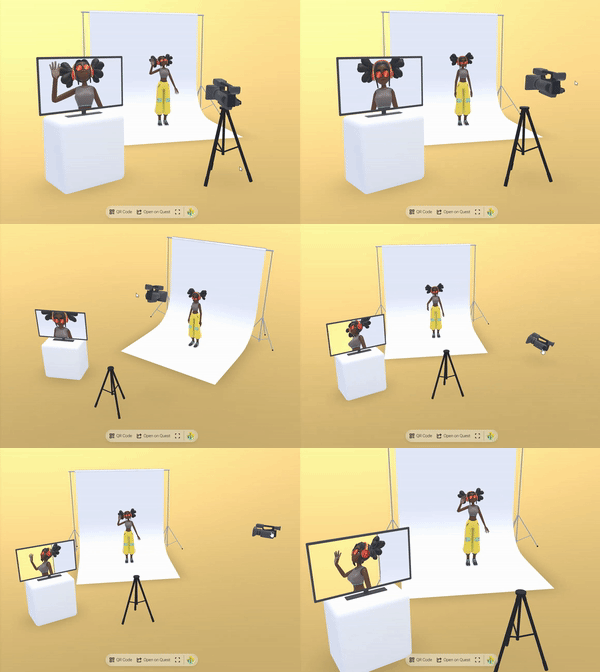](https://engine.needle.tools/samples/movie-set)"},"flags":{},"children":[{"name":"aspect","kind":"property","type":"number","comment":{"kind":"text","shortText":""}},{"name":"fieldOfView","kind":"property","type":"number | undefined","comment":{"kind":"text","shortText":""}},{"name":"nearClipPlane","kind":"property","type":"any","comment":{"kind":"text","shortText":""}},{"name":"farClipPlane","kind":"property","type":"any","comment":{"kind":"text","shortText":""}},{"name":"orthographic","kind":"property","type":"boolean","comment":{"kind":"text","shortText":"Determines if the camera should use orthographic projection instead of perspective."}},{"name":"orthographicSize","kind":"property","type":"number","comment":{"kind":"text","shortText":"The size of the orthographic camera's view volume when in orthographic mode.\nLarger values show more of the scene."}},{"name":"ARBackgroundAlpha","kind":"property","type":"number","comment":{"kind":"text","shortText":"Controls the transparency level of the camera background in AR mode on supported devices.\nValue from 0 (fully transparent) to 1 (fully opaque)."}},{"name":"cullingMask","kind":"property","type":"number","comment":{"kind":"text","shortText":"Gets or sets the layers mask that determines which objects this camera will render.\nUses the three.js layers mask convention."}},{"name":"backgroundBlurriness","kind":"property","type":"number | undefined","comment":{"kind":"text","shortText":"Gets or sets the blurriness of the skybox background.\nValues range from 0 (sharp) to 1 (maximum blur)."}},{"name":"backgroundIntensity","kind":"property","type":"number | undefined","comment":{"kind":"text","shortText":"Gets or sets the intensity of the skybox background.\nValues range from 0 (dark) to 10 (very bright)."}},{"name":"backgroundRotation","kind":"property","type":"Euler | undefined","comment":{"kind":"text","shortText":"Gets or sets the rotation of the skybox background.\nControls the orientation of the environment map."}},{"name":"environmentIntensity","kind":"property","type":"number | undefined","comment":{"kind":"text","shortText":"Gets or sets the intensity of the environment lighting.\nControls how strongly the environment map affects scene lighting."}},{"name":"targetTexture","kind":"property","type":"RenderTexture | null","comment":{"kind":"text","shortText":"Gets or sets the texture that the camera should render to instead of the screen.\nUseful for creating effects like mirrors, portals or custom post processing."}}]},{"file":"src/engine-components/CharacterController.ts","name":"CharacterController","kind":"class","categories":["Character"],"groups":["Components"],"inheritedFrom":"Behaviour","comment":{"kind":"text","shortText":"Character Movement Controller","text":"The [CharacterController](https://engine.needle.tools/docs/api/CharacterController) adds a capsule collider and rigidbody to the object, constrains rotation, and provides movement and grounded state.\nIt is designed for typical character movement in 3D environments.\n\nThe controller automatically:\n- Creates a CapsuleCollider if one doesn't exist\n- Creates a Rigidbody if one doesn't exist\n- Locks rotation on all axes to prevent tipping over\n- Tracks ground contact for jump detection"},"flags":{},"children":[{"name":"center","kind":"property","type":"Vector3","comment":{"kind":"text","shortText":"Center offset of the capsule collider in local space"}},{"name":"radius","kind":"property","type":"number","comment":{"kind":"text","shortText":"Radius of the capsule collider"}},{"name":"height","kind":"property","type":"number","comment":{"kind":"text","shortText":"Height of the capsule collider"}}]},{"file":"src/engine-components/CharacterController.ts","name":"CharacterControllerInput","kind":"class","categories":["Character"],"groups":["Components"],"inheritedFrom":"Behaviour","comment":{"kind":"text","shortText":"User Input for Character Controller","text":"CharacterControllerInput handles user input to control a CharacterController.\nIt supports movement, looking around, jumping, and double jumping.\n\nDefault controls:\n- **W/S**: Move forward/backward\n- **A/D**: Rotate left/right\n- **Space**: Jump (supports double jump)\n\nThe component automatically sets animator parameters:\n- `running` (bool): True when moving\n- `jumping` (bool): True when starting a jump\n- `doubleJump` (bool): True during double jump\n- `falling` (bool): True when falling from height"},"flags":{},"children":[{"name":"controller","kind":"property","type":"CharacterController","comment":{"kind":"text","shortText":"The CharacterController to drive with input"}},{"name":"movementSpeed","kind":"property","type":"number","comment":{"kind":"text","shortText":"Movement speed multiplier"}},{"name":"rotationSpeed","kind":"property","type":"number","comment":{"kind":"text","shortText":"Rotation speed multiplier"}},{"name":"jumpForce","kind":"property","type":"number","comment":{"kind":"text","shortText":"Impulse force applied when jumping from ground"}},{"name":"doubleJumpForce","kind":"property","type":"number","comment":{"kind":"text","shortText":"Impulse force applied for the second jump (set to 0 to disable double jump)"}},{"name":"animator","kind":"property","type":"Animator","comment":{"kind":"text","shortText":"Optional Animator for character animations"}}]},{"file":"src/engine-components/Collider.ts","name":"Collider","kind":"class","categories":["Physics"],"groups":["Components"],"inheritedFrom":"Behaviour","comment":{"kind":"text","shortText":"Physics collider base class","text":"Collider is the base class for all physics collision shapes.\nColliders define the physical boundary of objects for collision detection.\n\n\n\n**Usage with Rigidbody:**\n- Add a collider to define collision shape\n- Add a Rigidbody to the same or parent object for physics simulation\n- Without Rigidbody, collider acts as static geometry\n\n**Trigger mode:**\nSet `isTrigger = true` for detection without physical collision.\nTriggers fire `onTriggerEnter`, `onTriggerStay`, `onTriggerExit` events.\n\n**Collision filtering:**\nUse `membership` and `filter` arrays to control which objects collide."},"flags":{"isAbstract":true},"children":[{"name":"attachedRigidbody","kind":"property","type":"Rigidbody | null","comment":{"kind":"text","shortText":"The Rigidbody that this collider is attached to. This handles the physics simulation for this collider."}},{"name":"isTrigger","kind":"property","type":"boolean","comment":{"kind":"text","shortText":"When `true` the collider will not be used for collision detection but will still trigger events.\nTrigger colliders can trigger events when other colliders enter their space, without creating a physical response/collision."}},{"name":"sharedMaterial","kind":"property","type":"PhysicsMaterial","comment":{"kind":"text","shortText":"The physics material that defines physical properties of the collider such as friction and bounciness."}},{"name":"membership","kind":"property","type":"number[]","comment":{"kind":"text","shortText":"The layers that this collider belongs to. Used for filtering collision detection."}},{"name":"filter","kind":"property","type":"number[]","comment":{"kind":"text","shortText":"The layers that this collider will interact with. Used for filtering collision detection."}}]},{"file":"src/engine-components/Collider.ts","name":"SphereCollider","kind":"class","categories":["Physics"],"groups":["Components"],"inheritedFrom":"Collider","comment":{"kind":"text","shortText":"Sphere-shaped physics collider","text":"SphereCollider represents a sphere-shaped collision volume.\nEfficient and suitable for balls, projectiles, or approximate collision bounds.\n\n"},"flags":{},"children":[{"name":"radius","kind":"property","type":"number","comment":{"kind":"text","shortText":"The radius of the sphere collider."}},{"name":"center","kind":"property","type":"Vector3","comment":{"kind":"text","shortText":"The center position of the sphere collider relative to the transform's position."}}]},{"file":"src/engine-components/Collider.ts","name":"BoxCollider","kind":"class","categories":["Physics"],"groups":["Components"],"inheritedFrom":"Collider","comment":{"kind":"text","shortText":"Box-shaped physics collider","text":"BoxCollider represents a box-shaped (cuboid) collision volume.\nMost common collider type, efficient for walls, floors, crates, and rectangular objects.\n\n"},"flags":{},"children":[{"name":"size","kind":"property","type":"Vector3","comment":{"kind":"text","shortText":"The size of the box collider along each axis."}},{"name":"center","kind":"property","type":"Vector3","comment":{"kind":"text","shortText":"The center position of the box collider relative to the transform's position."}}]},{"file":"src/engine-components/Collider.ts","name":"MeshCollider","kind":"class","categories":["Physics"],"groups":["Components"],"inheritedFrom":"Collider","comment":{"kind":"text","shortText":"MeshCollider creates a collision shape from a mesh geometry.\nAllows for complex collision shapes th…","text":"MeshCollider creates a collision shape from a mesh geometry.\nAllows for complex collision shapes that match the exact geometry of an object.\n\n\n\n- Example: https://samples.needle.tools/physics-basic\n- Example: https://samples.needle.tools/physics-playground\n- Example: https://samples.needle.tools/physics-&-animation"},"flags":{},"children":[{"name":"sharedMesh","kind":"property","type":"Mesh","comment":{"kind":"text","shortText":"The mesh that is used to create the collision shape.\nIf not set, the collider will try to use the mesh of the object it's attached to."}},{"name":"convex","kind":"property","type":"boolean","comment":{"kind":"text","shortText":"When `true` the collider is treated as a solid object without holes.\nSet to `false` if you want this mesh collider to be able to contain other objects."}}]},{"file":"src/engine-components/Collider.ts","name":"CapsuleCollider","kind":"class","categories":["Physics"],"groups":["Components"],"inheritedFrom":"Collider","comment":{"kind":"text","shortText":"CapsuleCollider represents a capsule-shaped collision volume (cylinder with hemispherical ends).\nId…","text":"CapsuleCollider represents a capsule-shaped collision volume (cylinder with hemispherical ends).\nIdeal for character controllers and objects that need a rounded collision shape.\n\n\n\n- Example: https://samples.needle.tools/physics-basic\n- Example: https://samples.needle.tools/physics-playground\n- Example: https://samples.needle.tools/physics-&-animation"},"flags":{},"children":[{"name":"center","kind":"property","type":"Vector3","comment":{"kind":"text","shortText":"The center position of the capsule collider relative to the transform's position."}},{"name":"radius","kind":"property","type":"number","comment":{"kind":"text","shortText":"The radius of the capsule's cylindrical body and hemispherical ends."}},{"name":"height","kind":"property","type":"number","comment":{"kind":"text","shortText":"The total height of the capsule including both hemispherical ends."}}]},{"file":"src/engine-components/ContactShadows.ts","name":"ContactShadows","kind":"class","categories":["Rendering"],"groups":["Components"],"inheritedFrom":"Behaviour","comment":{"kind":"text","shortText":"Display contact shadows on the ground","text":"[ContactShadows](https://engine.needle.tools/docs/api/ContactShadows) renders proximity-based soft shadows on flat surfaces.\nIdeal for products or objects that need visual grounding without real-time shadows.\nProduces soft, blurred shadows that hug the ground, giving a sense of contact and depth.\n\n\n\n**Setup options:**\n1. `ContactShadows.auto(context)` - Auto-create and fit to scene\n2. Add component manually to control position and scale\n3. HTML attribute: `<needle-engine contactshadows=\"0.7\">`\n\n**Properties:**\n- `opacity` / `darkness` - Shadow intensity\n- `blur` - Softness of shadow edges\n- Object scale defines shadow area size\n\n**Debug:** Use `?debugcontactshadows` URL parameter."},"flags":{},"children":[{"name":"autoFit","kind":"property","type":"boolean","comment":{"kind":"text","shortText":"When enabled the contact shadows component will be created to fit the whole scene."}},{"name":"darkness","kind":"property","type":"number","comment":{"kind":"text","shortText":"Darkness of the shadows."}},{"name":"opacity","kind":"property","type":"number","comment":{"kind":"text","shortText":"Opacity of the shadows."}},{"name":"blur","kind":"property","type":"number","comment":{"kind":"text","shortText":"Blur of the shadows."}},{"name":"occludeBelowGround","kind":"property","type":"boolean","comment":{"kind":"text","shortText":"When enabled objects will not be visible below the shadow plane"}},{"name":"backfaceShadows","kind":"property","type":"boolean","comment":{"kind":"text","shortText":"When enabled the backfaces of objects will cast shadows as well."}}]},{"file":"src/engine-components/DeleteBox.ts","name":"DeleteBox","kind":"class","categories":["Interactivity"],"groups":["Components"],"inheritedFrom":"BoxHelperComponent","comment":{"kind":"text","shortText":"Box area that deletes objects entering it","text":"The [DeleteBox](https://engine.needle.tools/docs/api/DeleteBox) component creates an invisible deletion zone that destroys objects entering it.\nWorks with objects that have a Deletable component attached.\n\n\n\n**Use cases:**\n- Trash bins in sandbox builders\n- Kill zones in physics simulations\n- Cleanup areas for multiplayer scenes\n\n**Setup:**\n1. Add DeleteBox to a GameObject with a BoxCollider-like shape\n2. Add Deletable component to objects that should be destroyable\n3. Objects entering the box will be destroyed (synced across network)\n\n**Debug:** Use `?debugdeletable` URL parameter to visualize deletion areas.\n\n- Example: https://engine.needle.tools/samples/collaborative-sandbox"},"flags":{},"children":[]},{"file":"src/engine-components/DeleteBox.ts","name":"Deletable","kind":"class","categories":["Interactivity"],"groups":["Components"],"inheritedFrom":"Behaviour","comment":{"kind":"text","shortText":"Marks object as destroyable by DeleteBox","text":"Marks a GameObject as deletable by DeleteBox zones.\nObjects with this component will be destroyed (and synced across network)\nwhen they enter a DeleteBox area.\n\n**Note:** Objects currently being used (with UsageMarker) are protected from deletion."},"flags":{},"children":[]},{"file":"src/engine-components/DeviceFlag.ts","name":"DeviceFlag","kind":"class","categories":["Utilities"],"groups":["Components"],"inheritedFrom":"Behaviour","comment":{"kind":"text","shortText":"Show or hide GameObject based on device type","text":"DeviceFlag shows or hides GameObjects based on device type.\nUse for responsive 3D content - show different UI, models, or interactions\ndepending on mobile vs desktop.\n\n**Device types:**\n- `Desktop` - Traditional computers with mouse/keyboard\n- `Mobile` - Phones and tablets with touch input\n- Combine with bitwise OR for multiple: `Desktop | Mobile`"},"flags":{},"children":[{"name":"visibleOn","kind":"property","type":"DeviceType","comment":{"kind":"text","shortText":""}}]},{"file":"src/engine-components/DragControls.ts","name":"DragControls","kind":"class","categories":["Interactivity"],"groups":["Components"],"inheritedFrom":"Behaviour","comment":{"kind":"text","shortText":"Enables dragging of objects in 2D or 3D space","text":"[DragControls](https://engine.needle.tools/docs/api/DragControls) enables interactive dragging of objects in 2D (screen space) or 3D (world space).\n\n\n\n**Drag modes:**\n- `XZPlane` - Drag on horizontal plane (good for floor objects)\n- `Attached` - Follow pointer directly (screen plane in 2D, controller in XR)\n- `HitNormal` - Drag along the surface normal where clicked\n- `DynamicViewAngle` - Auto-switch between XZ and screen based on view angle\n- `SnapToSurfaces` - Snap to scene geometry while dragging\n\n**Features:**\n- Works across desktop, mobile, VR, and AR\n- Optional grid snapping (`snapGridResolution`)\n- Rotation preservation (`keepRotation`)\n- Automatic networking with SyncedTransform\n\n\n**Debug:** Use `?debugdrag` URL parameter for visual helpers."},"flags":{},"children":[{"name":"dragMode","kind":"property","type":"DragMode","comment":{"kind":"text","shortText":"Determines how and where the object is dragged along. Different modes include\ndragging along a plane, attached to the pointer, or following surface normals."}},{"name":"snapGridResolution","kind":"property","type":"number","comment":{"kind":"text","shortText":"Snaps dragged objects to a 3D grid with the specified resolution.\nSet to 0 to disable snapping."}},{"name":"keepRotation","kind":"property","type":"boolean","comment":{"kind":"text","shortText":"When true, maintains the original rotation of the dragged object while moving it.\nWhen false, allows the object to rotate freely during dragging."}},{"name":"xrDragMode","kind":"property","type":"DragMode","comment":{"kind":"text","shortText":"Determines how and where the object is dragged along while dragging in XR.\nUses a separate setting from regular drag mode for better XR interaction."}},{"name":"xrKeepRotation","kind":"property","type":"boolean","comment":{"kind":"text","shortText":"When true, maintains the original rotation of the dragged object during XR dragging.\nWhen false, allows the object to rotate freely during XR dragging."}},{"name":"xrDistanceDragFactor","kind":"property","type":"number","comment":{"kind":"text","shortText":"Multiplier that affects how quickly objects move closer or further away when dragging in XR.\nHigher values make distance changes more pronounced.\nThis is similar to mouse acceleration on a screen."}},{"name":"showGizmo","kind":"property","type":"boolean","comment":{"kind":"text","shortText":"When enabled, draws a visual line from the dragged object downwards to the next raycast hit,\nproviding visual feedback about the object's position relative to surfaces below it."}}]},{"file":"src/engine-components/DropListener.ts","name":"DropListener","kind":"class","categories":["Asset Management"],"groups":["Components"],"inheritedFrom":"Behaviour","comment":{"kind":"text","shortText":"Drag-and-drop file loading for 3D assets","text":"DropListener enables drag-and-drop loading of 3D files directly into your scene.\nUsers can drop glTF/GLB files onto the canvas to dynamically add new objects at runtime.\n\n[](https://engine.needle.tools/samples/droplistener)\n\n**Supported formats:** glTF, GLB, FBX, OBJ, USDZ, VRM\n\n**Key features:**\n- Drop files directly onto canvas or onto a specific dropArea\n- Paste URLs from clipboard (Ctrl/Cmd+V)\n- Auto-fit objects to a specific size with fitIntoVolume\n- Network sync to share dropped objects with other users\n- Special handling for GitHub and Polyhaven URLs\n\n**Events:**\n- `file-dropped` - Fired for each dropped file\n- `object-added` - Fired when object is loaded and added to scene\n\n**Debug:** Use `?debugdroplistener` URL parameter"},"flags":{},"children":[{"name":"dropArea","kind":"property","type":"Object3D","comment":{"kind":"text","shortText":"When assigned, the DropListener will only accept files that are dropped on this specific object.\nThis allows creating designated drop zones in your scene."}},{"name":"fitIntoVolume","kind":"property","type":"boolean","comment":{"kind":"text","shortText":"When enabled, dropped objects will be automatically scaled to fit within the volume defined by fitVolumeSize.\nUseful for ensuring dropped models appear at an appropriate scale.\n\n**Tip**: Use the handy `fitObjectIntoVolume` function (`import { fitObjectIntoVolume } from \"@needle-tools/engine\"`) for custom fitting needs."}},{"name":"fitVolumeSize","kind":"property","type":"any","comment":{"kind":"text","shortText":"Defines the dimensions of the volume that dropped objects will be scaled to fit within.\nOnly used when fitIntoVolume is enabled."}},{"name":"placeAtHitPosition","kind":"property","type":"boolean","comment":{"kind":"text","shortText":"When enabled, dropped objects will be positioned at the point where the cursor hit the scene.\nWhen disabled, objects will be placed at the origin of the DropListener."}},{"name":"useNetworking","kind":"property","type":"boolean","comment":{"kind":"text","shortText":"When enabled, the DropListener will automatically synchronize dropped files to other connected clients.\nWhen a file is dropped locally, it will be uploaded to blob storage and the URL will be shared with other clients."}},{"name":"onDropped","kind":"property","type":"EventList<DropListenerOnDropArguments>","comment":{"kind":"text","shortText":"Event list that gets invoked after a file has been successfully added to the scene.\nReceives DropListenerOnDropArguments containing the added object and related information."}}]},{"file":"src/engine-components/Duplicatable.ts","name":"Duplicatable","kind":"class","categories":["Interactivity"],"groups":["Components"],"inheritedFrom":"Behaviour","comment":{"kind":"text","shortText":"Duplicates a GameObject on pointer events","text":"The [Duplicatable](https://engine.needle.tools/docs/api/Duplicatable) component creates clones of a GameObject when clicked/tapped/dragged.\nPerfect for spawning objects, creating drag-and-drop inventories, or multiplayer object creation.\n\n\n\n**How it works:**\n- When the user clicks on this object, it creates a clone of the assigned `object`\n- The clone is automatically set up with DragControls so users can drag it\n- If networking is enabled, clones are synced via SyncedTransform\n- Rate limiting prevents spam (controlled by `limitCount`)\n\n**Setup tips:**\n- Assign `object` to a template object (it will be hidden and used as source)\n- If `object` is not assigned, the component's own GameObject is used as template\n- Add an ObjectRaycaster to enable pointer detection (added automatically if missing)"},"flags":{},"children":[{"name":"parent","kind":"property","type":"GameObject | null","comment":{"kind":"text","shortText":"Parent object for spawned duplicates.\nIf not set, duplicates are parented to this GameObject's parent."}},{"name":"object","kind":"property","type":"GameObject | null","comment":{"kind":"text","shortText":"Template object to duplicate. This object will be hidden and used as the source for clones.\nIf not assigned, this GameObject itself is used as the template."}},{"name":"limitCount","kind":"property","type":"any","comment":{"kind":"text","shortText":"Maximum duplications allowed per second to prevent spam.\nThe counter decreases by 1 each second."}}]},{"file":"src/engine-components/EventTrigger.ts","name":"EventTrigger","kind":"class","categories":["Interactivity"],"groups":["Components"],"inheritedFrom":"Behaviour","comment":{"kind":"text","shortText":"Triggers events on pointer interactions","text":"The [EventTrigger](https://engine.needle.tools/docs/api/EventTrigger) component is used to trigger events when certain pointer events occur on the GameObject.\nIt implements the IPointerEventHandler interface and can be used to expose events to the user in the editor without writing code."},"flags":{},"children":[{"name":"triggers","kind":"property","type":"Array<TriggerEvent>","comment":{"kind":"text","shortText":"A list of events that should be triggered when a pointer event occurs on the GameObject."}}]},{"file":"src/engine-components/Fog.ts","name":"Fog","kind":"class","categories":["Rendering"],"groups":["Components"],"inheritedFrom":"Behaviour","comment":{"kind":"text","shortText":"Adds fog effect to the scene","text":"Adds distance-based fog effect to the scene.\nWhen enabled, objects will fade into the fog color based on their distance from the camera.\n\nThis component is automatically added to the scene when fog is enabled in the editor.\nFor setting fog from code you can simply use `scene.fog = new Fog3(color, near, far)` without adding this component."},"flags":{},"children":[{"name":"near","kind":"property","type":"number","comment":{"kind":"text","shortText":""}},{"name":"far","kind":"property","type":"number","comment":{"kind":"text","shortText":""}},{"name":"color","kind":"property","type":"Color","comment":{"kind":"text","shortText":""}}]},{"file":"src/engine-components/Gizmos.ts","name":"BoxGizmo","kind":"class","categories":["Helpers"],"groups":["Components"],"inheritedFrom":"Behaviour","comment":{"kind":"text","shortText":"Display a box around the object","text":"BoxGizmo is a component that displays a box around the object in the scene. It can optionally expand to the object's bounds."},"flags":{},"children":[{"name":"objectBounds","kind":"property","type":"boolean","comment":{"kind":"text","shortText":""}},{"name":"color","kind":"property","type":"Color","comment":{"kind":"text","shortText":""}},{"name":"isGizmo","kind":"property","type":"boolean","comment":{"kind":"text","shortText":""}}]},{"file":"src/engine-components/GridHelper.ts","name":"GridHelper","kind":"class","categories":["Helpers"],"groups":["Components"],"inheritedFrom":"Behaviour","comment":{"kind":"text","shortText":"The [GridHelper](https://engine.needle.tools/docs/api/GridHelper) displays a flat grid in the scene…","text":"The [GridHelper](https://engine.needle.tools/docs/api/GridHelper) displays a flat grid in the scene for visual reference.\nUseful for debugging, level design, or providing spatial context.\n\n\n\n**Properties:**\n- `color0` / `color1` - Alternating grid line colors\n- `isGizmo` - When true, only shows when gizmos are enabled"},"flags":{},"children":[{"name":"isGizmo","kind":"property","type":"boolean","comment":{"kind":"text","shortText":""}},{"name":"color0","kind":"property","type":"Color | ColorRepresentation","comment":{"kind":"text","shortText":""}},{"name":"color1","kind":"property","type":"Color | ColorRepresentation","comment":{"kind":"text","shortText":""}}]},{"file":"src/engine-components/GroundProjection.ts","name":"GroundProjectedEnv","kind":"class","categories":["Rendering"],"groups":["Components"],"inheritedFrom":"Behaviour","comment":{"kind":"text","shortText":"Projects the environment map onto the ground","text":"The [GroundProjectedEnv](https://engine.needle.tools/docs/api/GroundProjectedEnv) projects the environment map onto a virtual ground plane.\nCreates a realistic floor from 360° panoramas/HDRIs by deforming the skybox\ninto a hemisphere with a beveled floor.\n\n\n[](https://engine.needle.tools/samples/ground-projection)\n\n**Key properties:**\n- `radius` - Size of the projection sphere (keep camera inside)\n- `height` - How high the original photo was taken (affects floor magnification)\n- `autoFit` - Automatically center and position at ground level\n- `arBlending` - Blend with real-world in AR (0=hidden, 1=visible)\n\n**Debug:** Use `?debuggroundprojection` URL parameter."},"flags":{},"children":[{"name":"applyOnAwake","kind":"property","type":"boolean","comment":{"kind":"text","shortText":"If true the projection will be created on awake and onEnable"}},{"name":"autoFit","kind":"property","type":"boolean","comment":{"kind":"text","shortText":"When enabled the position of the projected environment will be adjusted to be centered in the scene (and ground level)."}},{"name":"radius","kind":"property","type":"number","comment":{"kind":"text","shortText":"Radius of the projection sphere. Set it large enough so the camera stays inside (make sure the far plane is also large enough)"}},{"name":"height","kind":"property","type":"number","comment":{"kind":"text","shortText":"How far the camera that took the photo was above the ground. A larger value will magnify the downward part of the image."}},{"name":"arBlending","kind":"property","type":"number","comment":{"kind":"text","shortText":"Blending factor for the AR projection being blended with the scene background.\n0 = not visible in AR - 1 = blended with real world background.\nValues between 0 and 1 control the smoothness of the blend while lower values result in smoother blending."}}]},{"file":"src/engine-components/Interactable.ts","name":"UsageMarker","kind":"class","categories":["Interactivity"],"groups":["Components"],"inheritedFrom":"Behaviour","comment":{"kind":"text","shortText":"Marks object as currently being interacted with","text":"UsageMarker indicates an object is currently being interacted with.\nComponents like DragControls add this to prevent accidental deletion\nby DeleteBox while the user is dragging."},"flags":{},"children":[]},{"file":"src/engine-components/Interactable.ts","name":"Interactable","kind":"class","categories":[],"groups":[],"inheritedFrom":"Behaviour","comment":{"kind":"text","shortText":""},"flags":{},"children":[]},{"file":"src/engine-components/Joints.ts","name":"Joint","kind":"class","categories":["Physics"],"groups":["Components"],"inheritedFrom":"Behaviour","comment":{"kind":"text","shortText":"Connect two Rigidbodies with physics constraints","text":"Base class for physics joints that connect two Rigidbody components.\nJoints constrain how two bodies can move relative to each other.\n\nThe joint is created between:\n- The Rigidbody on this GameObject (automatically found)\n- The connectedBody Rigidbody you specify"},"flags":{"isAbstract":true},"children":[{"name":"connectedBody","kind":"property","type":"Rigidbody","comment":{"kind":"text","shortText":"The other Rigidbody to connect to"}}]},{"file":"src/engine-components/Joints.ts","name":"FixedJoint","kind":"class","categories":["Physics"],"groups":["Components"],"inheritedFrom":"Joint","comment":{"kind":"text","shortText":"Lock two Rigidbodies together rigidly","text":"FixedJoint locks two Rigidbody components together, making them move as one rigid unit.\nThe bodies maintain their relative position and rotation at the time the joint is created.\n\nUse this for:\n- Attaching objects together permanently\n- Creating compound rigid bodies\n- Welding broken pieces back together"},"flags":{},"children":[]},{"file":"src/engine-components/Joints.ts","name":"HingeJoint","kind":"class","categories":["Physics"],"groups":["Components"],"inheritedFrom":"Joint","comment":{"kind":"text","shortText":"Connect two Rigidbodies with a rotating hinge","text":"HingeJoint connects two Rigidbody components with a rotating constraint,\nlike a door hinge or wheel axle. Bodies can only rotate around the specified axis.\n\nUse this for:\n- Doors and gates\n- Wheels and axles\n- Pendulums\n- Any rotating mechanical connection"},"flags":{},"children":[{"name":"anchor","kind":"property","type":"Vector3","comment":{"kind":"text","shortText":"Local position of the hinge pivot point"}},{"name":"axis","kind":"property","type":"Vector3","comment":{"kind":"text","shortText":"Axis of rotation for the hinge (e.g., Vector3(0,1,0) for vertical axis)"}}]},{"file":"src/engine-components/LODGroup.ts","name":"LODGroup","kind":"class","categories":["Rendering"],"groups":["Components"],"inheritedFrom":"Behaviour","comment":{"kind":"text","shortText":"Level of Detail Group for optimizing rendering","text":"LODGroup manages multiple levels of detail for optimized rendering.\nObjects switch between different detail levels based on distance from camera.\n\nLOD levels are defined in LODModel objects, each specifying:\n- The distance at which that level becomes active\n- The Renderer components to show at that level\n\nThis is useful for performance optimization - showing high-detail models up close\nand lower-detail versions at distance where the difference isn't visible.\n\n**Progressive Loading:**\nFor automatic texture/mesh LOD streaming, see the `@needle-tools/gltf-progressive` package\nwhich provides progressive loading capabilities independent of this component.\n\n**Debug options:**\n- `?debuglods` - Log LOD switching information\n- `?nolods` - Disable LOD system entirely"},"flags":{},"children":[{"name":"lodModels","kind":"property","type":"LODModel[]","comment":{"kind":"text","shortText":"Array of LOD level configurations"}}]},{"file":"src/engine-components/Light.ts","name":"Light","kind":"class","categories":["Rendering"],"groups":["Components"],"inheritedFrom":"Behaviour","comment":{"kind":"text","shortText":"Light component for various light types and shadow settings","text":"[Light](https://engine.needle.tools/docs/api/Light) creates a light source in the scene for illuminating 3D objects.\n\n**Light types:**\n- `Directional` - Sun-like parallel rays (best for outdoor scenes)\n- `Point` - Omnidirectional from a point (bulbs, candles)\n- `Spot` - Cone-shaped (flashlights, stage lights)\n\n**Shadows:**\nEnable shadows via `shadows` property. Configure quality with shadow resolution\nsettings. Directional lights support adaptive shadow cascades.\n\n**Performance tips:**\n- Use baked lighting (`lightmapBakeType = Baked`) when possible\n- Limit shadow-casting lights (1-2 recommended)\n- Reduce shadow resolution for mobile\n\n**Debug:** Use `?debuglights` URL parameter for visual helpers."},"flags":{},"children":[{"name":"type","kind":"property","type":"LightType","comment":{"kind":"text","shortText":"The type of light (spot, directional, point, etc.)\nCan not be changed at runtime."}},{"name":"color","kind":"property","type":"Color","comment":{"kind":"text","shortText":"The color of the light"}},{"name":"shadowNearPlane","kind":"property","type":"number","comment":{"kind":"text","shortText":"The near plane distance for shadow projection"}},{"name":"shadowBias","kind":"property","type":"number","comment":{"kind":"text","shortText":"Shadow bias value to reduce shadow acne and peter-panning"}},{"name":"shadowNormalBias","kind":"property","type":"number","comment":{"kind":"text","shortText":"Shadow normal bias to reduce shadow acne on sloped surfaces"}},{"name":"shadows","kind":"property","type":"LightShadows","comment":{"kind":"text","shortText":"Shadow casting mode (None, Hard, or Soft)"}},{"name":"lightmapBakeType","kind":"property","type":"LightmapBakeType","comment":{"kind":"text","shortText":"Determines if the light contributes to realtime lighting, baked lighting, or a mix"}},{"name":"intensity","kind":"property","type":"number","comment":{"kind":"text","shortText":"Brightness of the light. In WebXR experiences, the intensity is automatically\nadjusted based on the AR session scale to maintain consistent lighting."}}]},{"file":"src/engine-components/LookAtConstraint.ts","name":"LookAtConstraint","kind":"class","categories":["Camera and Controls"],"groups":["Components"],"inheritedFrom":"Behaviour","comment":{"kind":"text","shortText":"Look At Constraint for camera targeting","text":"The [LookAtConstraint](https://engine.needle.tools/docs/api/LookAtConstraint) component is primarely used by OrbitControls to set the camera's focus point.\nIt does not have its own logic to update the look-at position.\n\nThe constraint uses a list of source objects - the look-at target is\ncalculated from the first source in the `sources` array.\n\n**Integration with OrbitControls:**\nWhen attached to the same GameObject as OrbitControls, this constraint\ncontrols where the camera orbits around and looks at."},"flags":{},"children":[{"name":"constraintActive","kind":"property","type":"boolean","comment":{"kind":"text","shortText":"When true, the constraint is active and affects the target.\nSet to false to temporarily disable without removing sources."}},{"name":"locked","kind":"property","type":"boolean","comment":{"kind":"text","shortText":"When true, the look-at position is locked and won't update\neven if source objects move."}},{"name":"sources","kind":"property","type":"Object3D[]","comment":{"kind":"text","shortText":"Objects to look at. The first object in the array is used\nas the primary look-at target."}}]},{"file":"src/engine-components/NeedleMenu.ts","name":"NeedleMenu","kind":"class","categories":["User Interface"],"groups":["Components"],"inheritedFrom":"Behaviour","comment":{"kind":"text","shortText":"Configuration component for the Needle Menu overlay","text":"[NeedleMenu](https://engine.needle.tools/docs/api/NeedleMenu) provides configuration for the built-in UI menu.\nThe menu renders as HTML overlay in browser mode and automatically\nswitches to a 3D spatial menu in VR/AR.\n\n\n\n**Features:**\n- Fullscreen toggle button\n- Audio mute/unmute button\n- QR code sharing (desktop only)\n- Spatial menu in XR (appears when looking up)\n- Custom positioning (top/bottom)\n\n**Programmatic access:**\nAccess the menu API via `this.context.menu` to add custom buttons,\nshow/hide elements, or modify behavior at runtime."},"flags":{},"children":[{"name":"position","kind":"property","type":"\"top\" | \"bottom\"","comment":{"kind":"text","shortText":"Determines the vertical positioning of the menu on the screen"}},{"name":"showNeedleLogo","kind":"property","type":"boolean","comment":{"kind":"text","shortText":"Controls the visibility of the Needle logo in the menu (requires PRO license)"}},{"name":"showSpatialMenu","kind":"property","type":"boolean","comment":{"kind":"text","shortText":"When enabled, displays the menu in VR/AR mode when the user looks up"}},{"name":"createFullscreenButton","kind":"property","type":"boolean","comment":{"kind":"text","shortText":"When enabled, adds a fullscreen toggle button to the menu"}},{"name":"createMuteButton","kind":"property","type":"boolean","comment":{"kind":"text","shortText":"When enabled, adds an audio mute/unmute button to the menu"}},{"name":"createQRCodeButton","kind":"property","type":"boolean","comment":{"kind":"text","shortText":"When enabled, adds a button to display a QR code for sharing the application.\nThe QR code is only displayed on desktop devices."}}]},{"file":"src/engine-components/NestedGltf.ts","name":"NestedGltf","kind":"class","categories":["Asset Management"],"groups":["Components"],"inheritedFrom":"Behaviour","comment":{"kind":"text","shortText":"Loads and instantiates a nested glTF file","text":"NestedGltf loads and instantiates a glTF file when the component starts.\nNestedGltf components are created by the Unity exporter when nesting Objects with the GltfObject component (in Unity).\nUse this for lazy-loading content, modular scene composition, or dynamic asset loading.\n\n\n\nThe loaded glTF is instantiated as a sibling (child of parent) by default,\ninheriting the transform of the GameObject with this component.\n\n**Features:**\n- Automatic loading on start\n- Progress callbacks for loading UI\n- Preloading support for faster display\n- Event callback when loading completes"},"flags":{},"children":[{"name":"filePath","kind":"property","type":"AssetReference","comment":{"kind":"text","shortText":"Reference to the glTF file to load. Can be a URL or asset path."}},{"name":"loaded","kind":"property","type":"EventList<{ component: NestedGltf, instance: any, asset: AssetReference }>","comment":{"kind":"text","shortText":"Event fired when the glTF has been loaded and instantiated.\nProvides the component, loaded instance, and asset reference."}},{"name":"loadAssetInParent","kind":"property","type":"any","comment":{"kind":"text","shortText":"EXPERIMENTAL for cloud asset loading"}}]},{"file":"src/engine-components/Networking.ts","name":"Networking","kind":"class","categories":["Networking"],"groups":["Components"],"inheritedFrom":"Behaviour","comment":{"kind":"text","shortText":"Networking configuration","text":"Provides configuration to the built-in networking system.\nThis component supplies websocket URLs for establishing connections.\nIt implements the INetworkingWebsocketUrlProvider interface."},"flags":{},"children":[{"name":"url","kind":"property","type":"string | null","comment":{"kind":"text","shortText":"The websocket URL to connect to for networking functionality.\nCan be a complete URL or a relative path that will be resolved against the current origin."}},{"name":"urlParameterName","kind":"property","type":"string | null","comment":{"kind":"text","shortText":"Name of the URL parameter that can override the websocket connection URL.\nWhen set, the URL will be overridden by the parameter value from the browser URL.\nFor example, with `urlParameterName=\"ws\"`, adding `?ws=ws://localhost:8080` to the browser URL will override the connection URL."}},{"name":"localhost","kind":"property","type":"string | null","comment":{"kind":"text","shortText":"Alternative URL to use when running on a local network.\nThis is particularly useful for development, when the server is running on the same machine as the client."}}]},{"file":"src/engine-components/OffsetConstraint.ts","name":"OffsetConstraint","kind":"class","categories":["Constraints"],"groups":["Components"],"inheritedFrom":"Behaviour","comment":{"kind":"text","shortText":"Maintains positional/rotational offset relative to target","text":"The [OffsetConstraint](https://engine.needle.tools/docs/api/OffsetConstraint) maintains a fixed positional and rotational offset relative to a target object.\nUseful for attaching objects to moving targets while preserving a specific spatial relationship.\n\n**Use cases:**\n- Camera following a player with offset\n- UI elements attached to characters\n- Weapons attached to hands\n- Objects orbiting around a target\n\n**Options:**\n- `affectPosition` - Apply position offset\n- `affectRotation` - Apply rotation offset\n- `alignLookDirection` - Make object face same direction as target\n- `levelLookDirection` - Keep look direction horizontal (ignore pitch)\n- `levelPosition` - Project position onto horizontal plane\n- `referenceSpace` - Transform offset in this object's coordinate space"},"flags":{},"children":[{"name":"referenceSpace","kind":"property","type":"GameObject | undefined","comment":{"kind":"text","shortText":""}},{"name":"from","kind":"property","type":"GameObject | undefined","comment":{"kind":"text","shortText":""}},{"name":"positionOffset","kind":"property","type":"Vector3","comment":{"kind":"text","shortText":""}},{"name":"rotationOffset","kind":"property","type":"Vector3","comment":{"kind":"text","shortText":""}}]},{"file":"src/engine-components/OrbitControls.ts","name":"OrbitControls","kind":"class","categories":["Camera and Controls"],"groups":["Components"],"inheritedFrom":"Behaviour","comment":{"kind":"text","shortText":"Camera controller using three.js OrbitControls","text":"[OrbitControls](https://engine.needle.tools/docs/api/OrbitControls) provides interactive camera control using three.js OrbitControls.\nUsers can rotate, pan, and zoom the camera to explore 3D scenes.\n\n**Features:**\n- Rotation around a target point (orbit)\n- Panning to move the view\n- Zooming via scroll or pinch\n- Auto-rotation for showcases\n- Configurable angle and distance limits\n- Smooth damping for natural feel\n\n\n\n**Access underlying controls:**\n- `controls` - The three.js OrbitControls instance\n- `controllerObject` - The object being controlled (usually the camera)\n\n**Debug options:**\n- `?debugorbit` - Log orbit control events\n- `?freecam` - Enable unrestricted camera movement"},"flags":{},"children":[{"name":"autoTarget","kind":"property","type":"boolean","comment":{"kind":"text","shortText":"When enabled OrbitControls will automatically raycast find a look at target in start"}},{"name":"autoFit","kind":"property","type":"boolean","comment":{"kind":"text","shortText":"When enabled the scene will be automatically fitted into the camera view in onEnable"}},{"name":"enableRotate","kind":"property","type":"boolean","comment":{"kind":"text","shortText":"When enabled the camera can be rotated"}},{"name":"autoRotate","kind":"property","type":"boolean","comment":{"kind":"text","shortText":"When enabled the camera will rotate automatically"}},{"name":"autoRotateSpeed","kind":"property","type":"number","comment":{"kind":"text","shortText":"The speed at which the camera will rotate automatically. Will only be used when `autoRotate` is enabled"}},{"name":"minAzimuthAngle","kind":"property","type":"number","comment":{"kind":"text","shortText":"The minimum azimuth angle in radians"}},{"name":"maxAzimuthAngle","kind":"property","type":"number","comment":{"kind":"text","shortText":"The maximum azimuth angle in radians"}},{"name":"minPolarAngle","kind":"property","type":"number","comment":{"kind":"text","shortText":"The minimum polar angle in radians"}},{"name":"maxPolarAngle","kind":"property","type":"number","comment":{"kind":"text","shortText":"The maximum polar angle in radians"}},{"name":"enableKeys","kind":"property","type":"boolean","comment":{"kind":"text","shortText":"When enabled the camera can be moved using keyboard keys. The keys are defined in the `controls.keys` property"}},{"name":"enableDamping","kind":"property","type":"boolean","comment":{"kind":"text","shortText":"When enabled the camera movement will be damped"}},{"name":"dampingFactor","kind":"property","type":"number","comment":{"kind":"text","shortText":"The damping factor for the camera movement. For more information see the [three.js documentation](https://threejs.org/docs/#examples/en/controls/OrbitControls.dampingFactor)"}},{"name":"enableZoom","kind":"property","type":"boolean","comment":{"kind":"text","shortText":"When enabled the camera can be zoomed"}},{"name":"minZoom","kind":"property","type":"number","comment":{"kind":"text","shortText":"The minimum zoom level"}},{"name":"maxZoom","kind":"property","type":"number","comment":{"kind":"text","shortText":"The maximum zoom level"}},{"name":"zoomSpeed","kind":"property","type":"number","comment":{"kind":"text","shortText":"Sets the zoom speed of the OrbitControls"}},{"name":"enablePan","kind":"property","type":"boolean","comment":{"kind":"text","shortText":"When enabled the camera can be panned"}},{"name":"lookAtConstraint","kind":"property","type":"LookAtConstraint | null","comment":{"kind":"text","shortText":"Assigning a LookAtConstraint will make the camera look at the constraint source"}},{"name":"lookAtConstraint01","kind":"property","type":"number","comment":{"kind":"text","shortText":"The weight of the first lookAtConstraint source"}},{"name":"allowInterrupt","kind":"property","type":"boolean","comment":{"kind":"text","shortText":"If true user input interrupts the camera from animating to a target"}},{"name":"middleClickToFocus","kind":"property","type":"boolean","comment":{"kind":"text","shortText":"If true the camera will focus on the target when the middle mouse button is clicked"}},{"name":"doubleClickToFocus","kind":"property","type":"boolean","comment":{"kind":"text","shortText":"If true the camera will focus on the target when the left mouse button is double clicked"}},{"name":"clickBackgroundToFitScene","kind":"property","type":"number","comment":{"kind":"text","shortText":"When enabled the camera will fit the scene to the camera view when the background is clicked the specified number of times within a short time"}},{"name":"targetBounds","kind":"property","type":"Object3D | null","comment":{"kind":"text","shortText":""}}]},{"file":"src/engine-components/PlayerColor.ts","name":"PlayerColor","kind":"class","categories":["Networking"],"groups":["Components"],"inheritedFrom":"Behaviour","comment":{"kind":"text","shortText":"Assigns a unique color to the player object","text":"[PlayerColor](https://engine.needle.tools/docs/api/PlayerColor) Assigns a unique color for each user in the room to the object it is attached to.\nThe color is generated based on the user's ID."},"flags":{},"children":[]},{"file":"src/engine-components/ReflectionProbe.ts","name":"ReflectionProbe","kind":"class","categories":["Rendering"],"groups":["Components"],"inheritedFrom":"Behaviour","comment":{"kind":"text","shortText":"Provides reflection data to materials","text":"The [ReflectionProbe](https://engine.needle.tools/docs/api/ReflectionProbe) provides environment reflection data to materials within its defined area.\nUse for chrome-like materials that need accurate environment reflections.\n\n**Setup:**\n1. Add ReflectionProbe component to an object\n2. Assign a cubemap or HDR texture\n3. In Renderer components, assign the probe as anchor override\n\n**Note:** Volume-based automatic assignment is not fully supported yet.\nObjects (Renderer components) can explicitly reference their reflection probe.\n\n**Debug options:**\n- `?debugreflectionprobe` - Log probe info\n- `?noreflectionprobe` - Disable all reflection probes\n\n- Example: https://engine.needle.tools/samples/reflection-probes"},"flags":{},"children":[{"name":"center","kind":"property","type":"Vector3","comment":{"kind":"text","shortText":""}},{"name":"size","kind":"property","type":"Vector3","comment":{"kind":"text","shortText":""}}]},{"file":"src/engine-components/Renderer.ts","name":"Renderer","kind":"class","categories":["Rendering"],"groups":["Components"],"inheritedFrom":"Behaviour","comment":{"kind":"text","shortText":"The [Renderer](https://engine.needle.tools/docs/api/Renderer) component controls rendering properti…","text":"The [Renderer](https://engine.needle.tools/docs/api/Renderer) component controls rendering properties of meshes including materials,\nlightmaps, reflection probes, and GPU instancing.\n\n**Materials:**\nAccess materials via `sharedMaterials` array. Changes affect all instances.\nUse material cloning for per-instance variations.\n\n**Instancing:**\nEnable GPU instancing for improved performance with many identical objects.\nUse `Renderer.setInstanced(obj, true)` or `enableInstancing` property.\n\n**Lightmaps:**\nBaked lighting is automatically applied when exported from Unity or Blender.\nAccess via the associated RendererLightmap component.\n\n[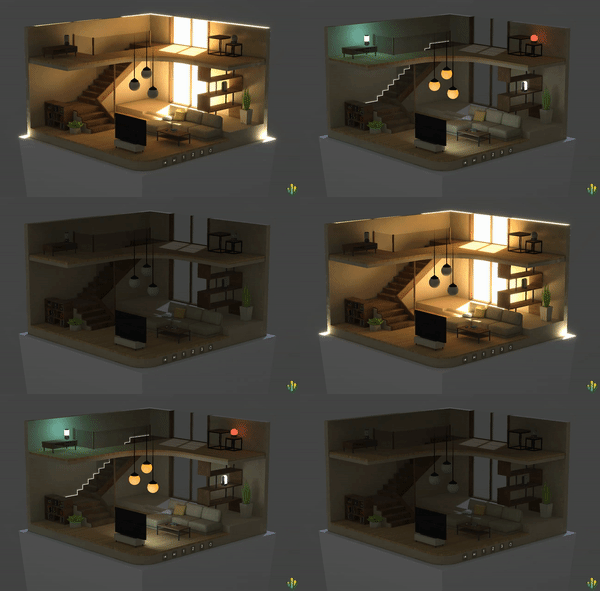](https://engine.needle.tools/samples/multiple-lightmaps/)\n\n**Debug options:**\n- `?debugrenderer` - Log renderer info\n- `?wireframe` - Show wireframe rendering\n- `?noinstancing` - Disable GPU instancing"},"flags":{},"children":[{"name":"receiveShadows","kind":"property","type":"boolean","comment":{"kind":"text","shortText":""}},{"name":"shadowCastingMode","kind":"property","type":"ShadowCastingMode","comment":{"kind":"text","shortText":""}},{"name":"lightmapIndex","kind":"property","type":"number","comment":{"kind":"text","shortText":""}},{"name":"lightmapScaleOffset","kind":"property","type":"Vector4","comment":{"kind":"text","shortText":""}},{"name":"enableInstancing","kind":"property","type":"boolean | boolean[] | undefined","comment":{"kind":"text","shortText":"If the renderer should use instancing\nIf this is a boolean (true) all materials will be instanced or (false) none of them.\nIf this is an array of booleans the materials will be instanced based on the index of the material."}},{"name":"renderOrder","kind":"property","type":"number[] | undefined","comment":{"kind":"text","shortText":""}},{"name":"allowOcclusionWhenDynamic","kind":"property","type":"boolean","comment":{"kind":"text","shortText":""}},{"name":"probeAnchor","kind":"property","type":"Object3D","comment":{"kind":"text","shortText":""}},{"name":"reflectionProbeUsage","kind":"property","type":"ReflectionProbeUsage","comment":{"kind":"text","shortText":""}}]},{"file":"src/engine-components/Renderer.ts","name":"MeshRenderer","kind":"class","categories":[],"groups":[],"inheritedFrom":"Renderer","comment":{"kind":"text","shortText":""},"flags":{},"children":[]},{"file":"src/engine-components/Renderer.ts","name":"SkinnedMeshRenderer","kind":"class","categories":["Rendering"],"groups":["Components"],"inheritedFrom":"MeshRenderer","comment":{"kind":"text","shortText":"Renderer for deformable meshes"},"flags":{},"children":[]},{"file":"src/engine-components/RigidBody.ts","name":"Rigidbody","kind":"class","categories":["Physics"],"groups":["Components"],"inheritedFrom":"Behaviour","comment":{"kind":"text","shortText":"Enables physics simulation with forces, gravity, and collisions","text":"Rigidbody component for realistic physics simulation and dynamic interactions.\nUsed together with a Collider to enable physical behavior like gravity, collisions,\nforces, and constraints. Powered by the Rapier physics engine.\n\n\n\n**Key features:**\n- Dynamic, kinematic, or static body types\n- Automatic or manual mass calculation\n- Gravity, drag, and angular drag control\n- Position and rotation constraints (locking axes)\n- Force, impulse, and velocity manipulation\n- Sleep/wake optimization for performance\n- Continuous collision detection (CCD) support"},"flags":{},"children":[{"name":"mass","kind":"property","type":"number","comment":{"kind":"text","shortText":"By default the mass will be automatically calculated (see `autoMass`) by the physics engine using the collider sizes\nTo set the mass manually you can either set the `mass` value or set `autoMass` to `false`"}},{"name":"useGravity","kind":"property","type":"boolean","comment":{"kind":"text","shortText":"Use gravity is a flag that can be set to false to disable gravity for a specific rigid-body."}},{"name":"centerOfMass","kind":"property","type":"Vector3","comment":{"kind":"text","shortText":"The center of mass is the point around which the mass of the rigid-body is evenly distributed. It is used to compute the torque applied to the rigid-body when forces are applied to it."}},{"name":"constraints","kind":"property","type":"RigidbodyConstraints","comment":{"kind":"text","shortText":"Constraints are used to lock the position or rotation of an object in a specific axis."}},{"name":"isKinematic","kind":"property","type":"boolean","comment":{"kind":"text","shortText":"IsKinematic is a flag that can be set to true to make a rigid-body kinematic. Kinematic rigid-bodies are not affected by forces and collisions. They are meant to be animated by the user."}},{"name":"drag","kind":"property","type":"number","comment":{"kind":"text","shortText":"Drag is a force that resists the motion of the rigid-body. It is applied to the center-of-mass of the rigid-body."}},{"name":"angularDrag","kind":"property","type":"number","comment":{"kind":"text","shortText":"Angular drag is a force that resists the rotation of the rigid-body. It is applied to the center-of-mass of the rigid-body."}},{"name":"detectCollisions","kind":"property","type":"boolean","comment":{"kind":"text","shortText":"Detect collisions is a flag that can be set to false to disable collision detection for a specific rigid-body."}},{"name":"sleepThreshold","kind":"property","type":"number","comment":{"kind":"text","shortText":"The sleeping threshold is the minimum velocity below which a dynamic rigid-body will be put to sleep by the physics engine."}},{"name":"collisionDetectionMode","kind":"property","type":"CollisionDetectionMode","comment":{"kind":"text","shortText":""}}]},{"file":"src/engine-components/SceneSwitcher.ts","name":"SceneSwitcher","kind":"class","categories":["Asset Management"],"groups":["Components"],"inheritedFrom":"Behaviour","comment":{"kind":"text","shortText":"Dynamically loads and switches between multiple scenes","text":"The SceneSwitcher can be used to dynamically load and unload extra content\nAvailable scenes are defined in the `scenes` array.\nLoaded scenes will be added to the SceneSwitcher's GameObject as a child and removed when another scene is loaded by the same SceneSwitcher.\nLive Examples\n- [Multi Scenes Sample](https://engine.needle.tools/samples/multi-scene-example) (source code available)\n- [Needle Website](https://needle.tools)\n- [Songs Of Cultures](https://app.songsofcultures.com)\n\n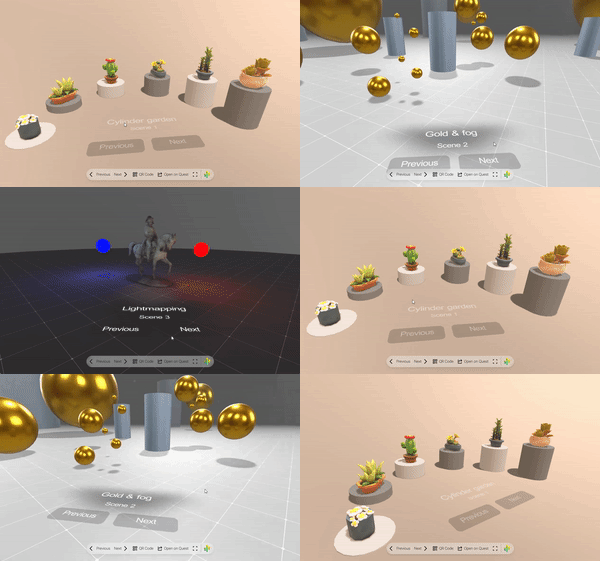\n*Replace entire scenes with the SceneSwitcher.*\n\n\n*Multiple SceneSwitcher components can be used at the same time and they can also be nested\n(a scene loaded by a SceneSwitcher can also have a SceneSwitcher to load sub-scenes).*\n\n### Interfaces\nUse the ISceneEventListener interface to listen to scene open and closing events with the ability to modify transitions and stall the scene loading process.\n\n### Events\n- `loadscene-start`: Called when a scene starts loading\n- `loadscene-finished`: Called when a scene finished loading\n- `progress`: Called when a scene is loading and the progress changes\n- `scene-opened`: Called when a scene is loaded and added to the SceneSwitcher's GameObject"},"flags":{},"children":[{"name":"autoLoadFirstScene","kind":"property","type":"boolean","comment":{"kind":"text","shortText":"When enabled the first scene will be loaded when the SceneSwitcher becomes active"}},{"name":"scenes","kind":"property","type":"AssetReference[]","comment":{"kind":"text","shortText":"The scenes that can be loaded by the SceneSwitcher."}},{"name":"loadingScene","kind":"property","type":"AssetReference","comment":{"kind":"text","shortText":"The scene that is displayed while a scene is loading."}},{"name":"queryParameterName","kind":"property","type":"string","comment":{"kind":"text","shortText":"the url parameter that is set/used to store the currently loaded scene in, set to \"\" to disable"}},{"name":"useSceneName","kind":"property","type":"boolean","comment":{"kind":"text","shortText":"when enabled the scene name will be used as the query parameter (otherwise the scene index will be used)\nNeeds `queryParameterName` set"}},{"name":"clamp","kind":"property","type":"boolean","comment":{"kind":"text","shortText":"When enabled the current scene index will be clamped to the scenes array bounds.\nFor example when the last scene is loaded and `clamp` is true then trying to load the `next()` scene will not change the scene.\nWhen `clamp` is false and the last scene is loaded then the first scene will be loaded instead."}},{"name":"useHistory","kind":"property","type":"boolean","comment":{"kind":"text","shortText":"when enabled the new scene is pushed to the browser navigation history, only works with a valid query parameter set"}},{"name":"useKeyboard","kind":"property","type":"boolean","comment":{"kind":"text","shortText":"when enabled you can switch between scenes using keyboard left, right, A and D or number keys"}},{"name":"useSwipe","kind":"property","type":"boolean","comment":{"kind":"text","shortText":"when enabled you can switch between scenes using swipe (mobile only)"}},{"name":"useSceneLighting","kind":"property","type":"boolean","comment":{"kind":"text","shortText":"when enabled will automatically apply the environment scene lights"}},{"name":"useSceneBackground","kind":"property","type":"boolean","comment":{"kind":"text","shortText":"When enabled will automatically apply the skybox from the loaded scene"}},{"name":"preloadNext","kind":"property","type":"number","comment":{"kind":"text","shortText":"how many scenes after the currently active scene should be preloaded"}},{"name":"preloadPrevious","kind":"property","type":"number","comment":{"kind":"text","shortText":"how many scenes before the currently active scene should be preloaded"}},{"name":"preloadConcurrent","kind":"property","type":"number","comment":{"kind":"text","shortText":"how many scenes can be loaded in parallel"}},{"name":"createMenuButtons","kind":"property","type":"boolean","comment":{"kind":"text","shortText":"When enabled will create a button for the Needle menu to switch to the next or previous scene"}},{"name":"sceneLoadingStart","kind":"property","type":"EventList<LoadSceneEvent>","comment":{"kind":"text","shortText":"Called when a scene starts loading"}},{"name":"sceneLoadingProgress","kind":"property","type":"EventList<ProgressEvent>","comment":{"kind":"text","shortText":""}},{"name":"sceneLoaded","kind":"property","type":"EventList<SceneSwitcher>","comment":{"kind":"text","shortText":"The sceneLoaded event is called when a scene/glTF is loaded and added to the scene"}}]},{"file":"src/engine-components/ScreenCapture.ts","name":"ScreenCapture","kind":"class","categories":["Networking","Multimedia"],"groups":["Components"],"inheritedFrom":"Behaviour","comment":{"kind":"text","shortText":"Share screen, camera or microphone in a networked room","text":"ScreenCapture enables sharing screen, camera, or microphone with users in a networked room.\nThe stream is displayed via a VideoPlayer component on the same GameObject.\n\n**Supported capture devices:**\n- `Screen` - Share desktop/window/tab\n- `Camera` - Share webcam feed\n- `Microphone` - Audio only\n- `Canvas` - Share the 3D canvas (experimental)\n\n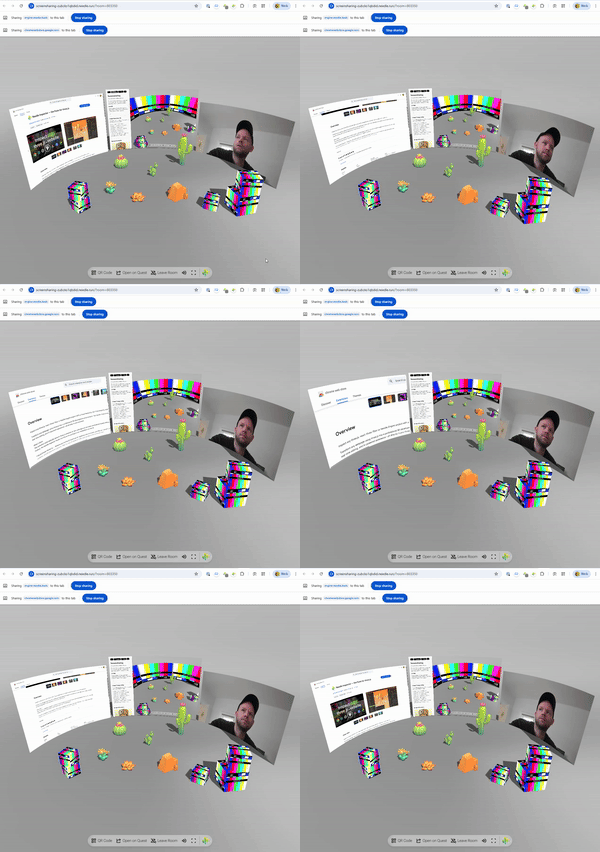\n\n**How it works:**\n- Click the object to start/stop sharing (if `allowStartOnClick` is true)\n- Or call `share()` / `close()` programmatically\n- Stream is sent to all users in the same room via WebRTC\n- Receiving clients see the video on their VideoPlayer\n\n**Debug:** Append `?debugscreensharing` to the URL for console logging."},"flags":{},"children":[{"name":"allowStartOnClick","kind":"property","type":"boolean","comment":{"kind":"text","shortText":"When enabled the stream will start when the user clicks on the object this component is attached to\nIt is also possible to start the stream manually from your code by calling the share method\nTo modify what type of device is shared you can set the device property."}},{"name":"autoConnect","kind":"property","type":"boolean","comment":{"kind":"text","shortText":"When enabled the stream will start when this component becomes active (enabled in the scene)"}},{"name":"videoPlayer","kind":"property","type":"VideoPlayer | undefined","comment":{"kind":"text","shortText":"If a VideoPlayer component is assigned to this property the video will be displayed on the VideoPlayer component."}},{"name":"device","kind":"property","type":"ScreenCaptureDeviceTypes","comment":{"kind":"text","shortText":"Which streaming device type should be used when starting to share (if share is called without a device option). Options are Screen, Camera, Microphone.\nThis is e.g. used if `allowStartOnClick` is enabled and the user clicks on the object."}},{"name":"deviceName","kind":"property","type":"string","comment":{"kind":"text","shortText":"If assigned the device the device will be selected by this id or label when starting to share.\nNote: This is only supported for `Camera` devices"}}]},{"file":"src/engine-components/SeeThrough.ts","name":"SeeThrough","kind":"class","categories":["Rendering"],"groups":["Components"],"inheritedFrom":"Behaviour","comment":{"kind":"text","shortText":"Fades objects when they obscure the camera's view of a reference point","text":"Automatically fades objects to transparent when they obscure a reference point from the camera's view.\nPerfect for architectural visualization, third-person games, or any scenario where objects should\nbecome see-through when blocking the view of important content.\n\n[](https://engine.needle.tools/samples/see-through)\n\n**How it works:**\n- Monitors the angle between the camera, this object, and a reference point\n- When the object blocks the view to the reference point, it fades out\n- Automatically affects all Renderer components on this object and children\n- Supports both transparent fading and alpha hash (dithered) fading\n\n**Key Features:**\n- Smooth fade transitions with configurable duration\n- Optional alpha hash for maintaining opaque rendering (better performance)\n- Automatic or manual update modes\n- Disables raycasting when faded (objects become click-through)\n- Preserves original material properties when re-enabled\n\n**Configuration:**\n- `referencePoint` - Object to keep visible (defaults to scene root)\n- `fadeDuration` - Transition speed (default: 0.05 seconds)\n- `minAlpha` - Minimum opacity when faded (default: 0 = fully transparent)\n- `useAlphaHash` - Use dithered transparency instead of true transparency (default: true)\n\n**Performance:**\n- Materials are cloned once per renderer to avoid affecting shared materials\n- Updates direction calculation every 20 frames by default (configurable via `autoUpdate`)\n- Use `needsUpdate = true` to force immediate recalculation\n\n**Requirements:**\nRequires at least one Renderer component on the same object or child objects."},"flags":{},"children":[{"name":"referencePoint","kind":"property","type":"Object3D | null","comment":{"kind":"text","shortText":"Assign a reference point - if this point will be obscured from the camera by this object then this object will fade out.\nIf no reference point is assigned the scene's root object will be used as reference point."}},{"name":"fadeDuration","kind":"property","type":"number","comment":{"kind":"text","shortText":"Fade Duration in seconds"}},{"name":"minAlpha","kind":"property","type":"number","comment":{"kind":"text","shortText":"Minimum alpha value when fading out (0-1)"}},{"name":"useAlphaHash","kind":"property","type":"boolean","comment":{"kind":"text","shortText":"When useAlphaHash is enabled the object will fade out using alpha hashing, this means the object can stay opaque. If disabled the object will set to be transparent when fading out."}},{"name":"overrideAlpha","kind":"property","type":"number","comment":{"kind":"text","shortText":"Override the alpha value, -1 means no override"}},{"name":"autoUpdate","kind":"property","type":"boolean","comment":{"kind":"text","shortText":""}}]},{"file":"src/engine-components/ShadowCatcher.ts","name":"ShadowCatcher","kind":"class","categories":["Rendering"],"groups":["Components"],"inheritedFrom":"Behaviour","comment":{"kind":"text","shortText":"Renders real-time shadows from lights onto surfaces","text":"ShadowCatcher renders real-time shadows cast by lights onto a mesh surface.\nCaptures actual shadow data from the scene's lighting system (directional lights, point lights, spot lights).\n\nIf the GameObject is a Mesh, it applies a shadow-catching material to it.\nOtherwise, it creates a quad mesh with the shadow-catching material automatically.\n\n[](https://engine.needle.tools/samples/shadow-catcher/)\n*Additive ShadowCatcher mode with point light shadows*\n\n[](https://engine.needle.tools/samples/transmission/)\n*ShadowCatcher with directional light shadows*\n\n**Shadow Modes:**\n- `ShadowMask` - Only renders shadows (works best with directional lights)\n- `Additive` - Renders light additively (works best with point/spot lights)\n- `Occluder` - Occludes light without rendering shadows\n\n**ShadowCatcher vs ContactShadows:**\n- **ShadowCatcher**: Real-time shadows from actual lights. Accurate directional shadows that match light sources. Requires lights with shadows enabled. Updates every frame.\n- **ContactShadows**: Proximity-based ambient occlusion-style shadows. Extremely soft and diffuse, ideal for subtle grounding. Better performance, works without lights.\n\n**When to use ShadowCatcher:**\n- You need accurate shadows that match specific light directions\n- Scene has real-time lighting with shadow-casting lights\n- Shadows need to follow light attenuation and angles\n- AR/VR scenarios where light estimation is available\n- Hard or semi-hard shadow edges are desired\n\n**When to use ContactShadows instead:**\n- You want very soft, ambient occlusion-style ground shadows\n- Performance is critical (no per-frame shadow rendering)\n- Scene doesn't have shadow-casting lights\n- Product visualization or configurators (subtle grounding effect)\n- Soft, diffuse shadows are more visually appealing than accurate ones\n\n**Note:** ShadowCatcher meshes are not raycastable by default (layer 2). Change layers in `onEnable()` if raycasting is needed."},"flags":{},"children":[{"name":"mode","kind":"property","type":"ShadowMode","comment":{"kind":"text","shortText":""}},{"name":"shadowColor","kind":"property","type":"RGBAColor","comment":{"kind":"text","shortText":""}}]},{"file":"src/engine-components/Skybox.ts","name":"RemoteSkybox","kind":"class","categories":["Rendering"],"groups":["Components"],"inheritedFrom":"Behaviour","comment":{"kind":"text","shortText":"Sets the skybox or environment texture of a scene","text":"The [RemoteSkybox](https://engine.needle.tools/docs/api/RemoteSkybox) component allows you to set the skybox or environment texture of a scene from a URL, a local file or a static skybox name.\nIt supports .hdr, .exr, .jpg, .png, and .ktx2 files.\n\n**HTML Attributes:**\nYou can control skybox and environment from HTML using `<needle-engine>` attributes:\n- `background-image`: Sets the scene background/skybox image\n- `environment-image`: Sets the scene environment map (for reflections and lighting)\n\nThese attributes accept URLs or magic skybox names (see examples below).\n\n**Magic Skybox Names:**\nBuilt-in optimized skyboxes hosted on Needle CDN:\n- `\"studio\"` - Neutral studio lighting (default)\n- `\"blurred-skybox\"` - Blurred environment\n- `\"quicklook\"` - Apple QuickLook object mode style\n- `\"quicklook-ar\"` - Apple QuickLook AR mode style\n\n### Events\n- `dropped-unknown-url`: Emitted when a file is dropped on the scene. The event detail contains the sender, the url and a function to apply the url."},"flags":{},"children":[{"name":"url","kind":"property","type":"MagicSkyboxName | AnyString","comment":{"kind":"text","shortText":"URL to a remote skybox.\nTo update the skybox/environment map use `setSkybox(url)`.\n\nThe url can also be set to a magic skybox name.\nMagic name options are: \"quicklook\", \"quicklook-ar\", \"studio\", \"blurred-skybox\".\nThese will resolve to built-in skyboxes hosted on the Needle CDN that are static, optimized for the web and will never change."}},{"name":"allowDrop","kind":"property","type":"boolean","comment":{"kind":"text","shortText":"When enabled a user can drop a link to a skybox image on the scene to set the skybox."}},{"name":"background","kind":"property","type":"boolean","comment":{"kind":"text","shortText":"When enabled the skybox will be set as the background of the scene."}},{"name":"environment","kind":"property","type":"boolean","comment":{"kind":"text","shortText":"When enabled the skybox will be set as the environment of the scene (to be used as environment map for reflections and lighting)"}},{"name":"allowNetworking","kind":"property","type":"boolean","comment":{"kind":"text","shortText":"When enabled dropped skybox urls (or assigned skybox urls) will be networked to other users in the same networked room."}}]},{"file":"src/engine-components/SmoothFollow.ts","name":"SmoothFollow","kind":"class","categories":["Interactivity"],"groups":["Components"],"inheritedFrom":"Behaviour","comment":{"kind":"text","shortText":"Smoothly follows a target object's position and/or rotation","text":"[SmoothFollow](https://engine.needle.tools/docs/api/SmoothFollow) makes this GameObject smoothly follow another target object's position and/or rotation.\n\n**Position Following:**\nWhen enabled (`followFactor > 0`), this object will move towards the target's world position.\nThe object interpolates from its current position to the target's position each frame.\nUse `positionAxes` to restrict following to specific axes (e.g., only horizontal movement).\n\n**Rotation Following:**\nWhen enabled (`rotateFactor > 0`), this object will rotate to match the target's world rotation.\nThe object smoothly interpolates from its current rotation to the target's rotation each frame.\nThis makes the object face the same direction as the target, not look at it (use LookAt for that).\n\n**Smoothing:**\nBoth position and rotation use time-based interpolation (lerp/slerp).\nHigher factor values = faster following (less lag), lower values = slower following (more lag).\nSet a factor to 0 to disable that type of following entirely.\n\n**Common Use Cases:**\n- Camera following a player character\n- UI elements tracking world objects\n- Delayed motion effects (ghost trails, spring arms)\n- Smoothed object attachment"},"flags":{},"children":[{"name":"target","kind":"property","type":"Object3D | null","comment":{"kind":"text","shortText":"The target to follow. If null, the GameObject will not move."}},{"name":"followFactor","kind":"property","type":"any","comment":{"kind":"text","shortText":"Speed factor for position following.\nControls how quickly this object moves to match the target's position.\nHigher values = faster/tighter following (less lag), lower = slower/looser (more lag).\nSet to 0 to disable position following entirely."}},{"name":"rotateFactor","kind":"property","type":"any","comment":{"kind":"text","shortText":"Speed factor for rotation following.\nControls how quickly this object rotates to match the target's rotation.\nHigher values = faster/tighter following (less lag), lower = slower/looser (more lag).\nSet to 0 to disable rotation following entirely."}},{"name":"positionAxes","kind":"property","type":"Axes","comment":{"kind":"text","shortText":"Which position axes to follow. Use bitwise OR to combine:\n`Axes.X | Axes.Y` follows only X and Y axes."}}]},{"file":"src/engine-components/SpatialTrigger.ts","name":"SpatialTriggerReceiver","kind":"class","categories":["Interactivity"],"groups":["Components"],"inheritedFrom":"Behaviour","comment":{"kind":"text","shortText":"Receives spatial trigger events","text":"Component that receives and responds to spatial events, like entering or exiting a trigger zone.\nUsed in conjunction with SpatialTrigger to create interactive spatial events.\n\nPlace this on objects that should react when entering trigger zones. The receiver checks\nagainst all active SpatialTriggers each frame and fires events when intersections change.\n\nEvents can be connected via EventList in the editor or listened to in code."},"flags":{},"children":[{"name":"triggerMask","kind":"property","type":"number","comment":{"kind":"text","shortText":"Bitmask determining which triggers this receiver responds to\nOnly triggers with matching masks will interact with this receiver"}},{"name":"onEnter","kind":"property","type":"EventList<any>","comment":{"kind":"text","shortText":"Event invoked when this object enters a trigger zone"}},{"name":"onStay","kind":"property","type":"EventList<any>","comment":{"kind":"text","shortText":"Event invoked continuously while this object is inside a trigger zone"}},{"name":"onExit","kind":"property","type":"EventList<any>","comment":{"kind":"text","shortText":"Event invoked when this object exits a trigger zone"}}]},{"file":"src/engine-components/SpatialTrigger.ts","name":"SpatialTrigger","kind":"class","categories":["Interactivity"],"groups":["Components"],"inheritedFrom":"Behaviour","comment":{"kind":"text","shortText":"Define a trigger zone that detects entering objects","text":"A spatial trigger component that detects objects within a box-shaped area.\nUsed to trigger events when objects enter, stay in, or exit the defined area.\n\nThe trigger area is defined by the GameObject's bounding box (uses BoxHelperComponent).\nObjects with SpatialTriggerReceiver components are tested against this area.\n\n**Mask system:** Both trigger and receiver have a `triggerMask` - they only interact\nwhen their masks have overlapping bits set. This allows selective triggering.\n\n**Debug:** Use `?debugspatialtrigger` URL parameter to visualize trigger zones."},"flags":{},"children":[{"name":"triggerMask","kind":"property","type":"number","comment":{"kind":"text","shortText":"Bitmask determining which receivers this trigger affects.\nOnly receivers with matching masks will be triggered."}}]},{"file":"src/engine-components/SpectatorCamera.ts","name":"SpectatorCamera","kind":"class","categories":["Networking"],"groups":["Components"],"inheritedFrom":"Behaviour","comment":{"kind":"text","shortText":"Spectator camera for following other users","text":"SpectatorCamera enables following and spectating other users in networked sessions.\nSwitch between first-person (see what they see) and third-person (orbit around them) views.\n\n**Keyboard controls** (when `useKeys = true`):\n- `F` - Request all users to follow the local player\n- `ESC` - Stop spectating\n\n**Spectator modes:**\n- `FirstPerson` - View from the followed player's perspective\n- `ThirdPerson` - Freely orbit around the followed player\n\n**Debug:** Use `?debugspectator` URL parameter for logging."},"flags":{},"children":[{"name":"useKeys","kind":"property","type":"boolean","comment":{"kind":"text","shortText":"When enabled, pressing F will send a request to all connected users to follow the local player.\nPressing ESC will stop spectating."}}]},{"file":"src/engine-components/SpriteRenderer.ts","name":"SpriteRenderer","kind":"class","categories":["Rendering"],"groups":["Components"],"inheritedFrom":"Behaviour","comment":{"kind":"text","shortText":"Renders 2D images from a sprite sheet","text":"The sprite renderer renders a sprite on a GameObject using an assigned spritesheet (SpriteData).\n\n- Example: https://engine.needle.tools/samples/spritesheet-animation"},"flags":{},"children":[{"name":"drawMode","kind":"property","type":"SpriteDrawMode","comment":{"kind":"text","shortText":""}},{"name":"size","kind":"property","type":"Vec2","comment":{"kind":"text","shortText":""}},{"name":"color","kind":"property","type":"RGBAColor","comment":{"kind":"text","shortText":""}},{"name":"sharedMaterial","kind":"property","type":"Material","comment":{"kind":"text","shortText":"The material that is used to render the sprite"}},{"name":"transparent","kind":"property","type":"boolean","comment":{"kind":"text","shortText":""}},{"name":"cutoutThreshold","kind":"property","type":"number","comment":{"kind":"text","shortText":""}},{"name":"castShadows","kind":"property","type":"boolean","comment":{"kind":"text","shortText":""}},{"name":"renderOrder","kind":"property","type":"number","comment":{"kind":"text","shortText":""}},{"name":"toneMapped","kind":"property","type":"boolean","comment":{"kind":"text","shortText":""}}]},{"file":"src/engine-components/SyncedCamera.ts","name":"SyncedCamera","kind":"class","categories":["Networking"],"groups":["Components"],"inheritedFrom":"Behaviour","comment":{"kind":"text","shortText":"Syncs camera position and rotation of users in a networked room","text":"SyncedCamera is a component that syncs the camera position and rotation of all users in the room.\nA prefab can be set to represent the remote cameras visually in the scene."},"flags":{},"children":[{"name":"cameraPrefab","kind":"property","type":"Object3D | null | AssetReference","comment":{"kind":"text","shortText":"The prefab to visually represent the remote cameras in the scene."}}]},{"file":"src/engine-components/SyncedRoom.ts","name":"SyncedRoom","kind":"class","categories":["Networking"],"groups":["Components"],"inheritedFrom":"Behaviour","comment":{"kind":"text","shortText":"Joins a networked room based on URL parameters or a random room","text":"[SyncedRoom](https://engine.needle.tools/docs/api/SyncedRoom) is a behaviour that will attempt to join a networked room based on the URL parameters or a random room.\nIt will also create a button in the menu to join or leave the room.\nYou can also join a networked room by calling the core methods like `this.context.connection.joinRoom(\"roomName\")`."},"flags":{},"children":[{"name":"roomName","kind":"property","type":"string","comment":{"kind":"text","shortText":"The name of the room to join."}},{"name":"urlParameterName","kind":"property","type":"string","comment":{"kind":"text","shortText":"The URL parameter name to use for the room name. E.g. if set to \"room\" the URL will look like `?room=roomName`."}},{"name":"joinRandomRoom","kind":"property","type":"boolean","comment":{"kind":"text","shortText":"If true, the room will be joined automatically when this component becomes active."}},{"name":"requireRoomParameter","kind":"property","type":"boolean","comment":{"kind":"text","shortText":"If true and no room parameter is found in the URL then no room will be joined."}},{"name":"autoRejoin","kind":"property","type":"boolean","comment":{"kind":"text","shortText":"If true, the room will be rejoined automatically when disconnected."}},{"name":"createJoinButton","kind":"property","type":"boolean","comment":{"kind":"text","shortText":"If true, a join/leave room button will be created in the menu."}},{"name":"createViewOnlyButton","kind":"property","type":"boolean","comment":{"kind":"text","shortText":"If true, a join/leave room button for the view only URL will be created in the menu."}},{"name":"roomPrefix","kind":"property","type":"string","comment":{"kind":"text","shortText":"The room prefix to use for the room name. E.g. if set to \"room_\" and the room name is \"name\" the final room name will be \"room_name\"."}}]},{"file":"src/engine-components/SyncedTransform.ts","name":"SyncedTransform","kind":"class","categories":["Networking"],"groups":["Components"],"inheritedFrom":"Behaviour","comment":{"kind":"text","shortText":"Synchronizes object transform over the network with ownership management","text":"SyncedTransform synchronizes position and rotation of a GameObject across the network.\nWhen users interact with an object (e.g., via DragControls), they automatically\ntake ownership and their changes are broadcast to other users.\n\n**Features:**\n- Automatic ownership transfer when interacting\n- Smooth interpolation of remote updates\n- Physics integration (can override kinematic state)\n- Fast mode for rapidly moving objects\n\n**Requirements:**\n- Active network connection via SyncedRoom\n- Objects must have unique GUIDs (set automatically in Unity/Blender export)\n\n**Ownership:**\nThis component uses OwnershipModel internally to manage object ownership.\nOnly the client that owns an object can send transform updates. Use `requestOwnership()`\nbefore modifying the transform, or check `hasOwnership()` to see if you can modify it.\n\n**Debug:** Use `?debugsync` URL parameter for logging."},"flags":{},"children":[]},{"file":"src/engine-components/TestRunner.ts","name":"TestRunner","kind":"class","categories":[],"groups":[],"inheritedFrom":"Behaviour","comment":{"kind":"text","shortText":"The TestRunner component is used to run tests when the scene starts\n @internal"},"flags":{},"children":[]},{"file":"src/engine-components/TestRunner.ts","name":"TestSimulateUserData","kind":"class","categories":[],"groups":[],"inheritedFrom":"Behaviour","comment":{"kind":"text","shortText":""},"flags":{},"children":[]},{"file":"src/engine-components/TransformGizmo.ts","name":"TransformGizmo","kind":"class","categories":["Helpers"],"groups":["Components"],"inheritedFrom":"Behaviour","comment":{"kind":"text","shortText":"Object manipulation gizmo for translate/rotate/scale","text":"The [TransformGizmo](https://engine.needle.tools/docs/api/TransformGizmo) displays manipulation controls for translating, rotating, and scaling objects.\nWraps three.js TransformControls with keyboard shortcuts and snapping support.\n\n**Keyboard shortcuts:**\n- `W` - Translate mode\n- `E` - Rotate mode\n- `R` - Scale mode\n- `Q` - Toggle local/world space\n- `Shift` (hold) - Enable grid snapping\n- `+/-` - Adjust gizmo size\n- `X/Y/Z` - Toggle axis visibility\n- `Space` - Toggle controls enabled\n\n**Snapping:**\nConfigure grid snapping with `translationSnap`, `rotationSnapAngle`, and `scaleSnap`.\n\n**Networking:**\nAutomatically works with SyncedTransform for multiplayer editing."},"flags":{},"children":[{"name":"isGizmo","kind":"property","type":"boolean","comment":{"kind":"text","shortText":"When true, this is considered a helper gizmo and will only be shown if showGizmos is enabled in engine parameters."}},{"name":"translationSnap","kind":"property","type":"number","comment":{"kind":"text","shortText":"Specifies the translation grid snap value in world units.\nApplied when holding Shift while translating an object."}},{"name":"rotationSnapAngle","kind":"property","type":"number","comment":{"kind":"text","shortText":"Specifies the rotation snap angle in degrees.\nApplied when holding Shift while rotating an object."}},{"name":"scaleSnap","kind":"property","type":"number","comment":{"kind":"text","shortText":"Specifies the scale snapping value.\nApplied when holding Shift while scaling an object."}}]},{"file":"src/engine-components/VideoPlayer.ts","name":"VideoPlayer","kind":"class","categories":["Multimedia"],"groups":["Components"],"inheritedFrom":"Behaviour","comment":{"kind":"text","shortText":"Plays video clips from URLs or streams","text":"[VideoPlayer](https://engine.needle.tools/docs/api/VideoPlayer) plays video clips from URLs, media streams, or HLS playlists (m3u8 livestreams).\n\n**Supported formats:**\n- Standard video files (MP4, WebM, etc.)\n- Media streams (from webcam, screen capture, etc.)\n- HLS playlists (m3u8) for livestreaming\n\n[](https://engine.needle.tools/samples/video-playback/)\n\n**Rendering modes:**\nVideo can be rendered to a material texture, render texture, or camera planes.\nSet `targetMaterialRenderer` to apply video to a specific mesh's material.\n\n**Browser autoplay:**\nVideos may require user interaction to play with audio.\nSet `playOnAwake = true` for automatic playback (muted if needed)."},"flags":{},"children":[{"name":"playOnAwake","kind":"property","type":"boolean","comment":{"kind":"text","shortText":"When true the video will start playing as soon as the component is enabled"}},{"name":"aspectMode","kind":"property","type":"AspectMode","comment":{"kind":"text","shortText":"The aspect mode to use for the video. If"}},{"name":"clip","kind":"property","type":"string | MediaStream | null","comment":{"kind":"text","shortText":""}},{"name":"source","kind":"property","type":"VideoSource","comment":{"kind":"text","shortText":""}},{"name":"renderMode","kind":"property","type":"VideoRenderMode","comment":{"kind":"text","shortText":""}},{"name":"targetMaterialProperty","kind":"property","type":"string","comment":{"kind":"text","shortText":""}},{"name":"targetMaterialRenderer","kind":"property","type":"Renderer","comment":{"kind":"text","shortText":""}},{"name":"targetTexture","kind":"property","type":"Texture","comment":{"kind":"text","shortText":""}},{"name":"time","kind":"property","type":"number","comment":{"kind":"text","shortText":""}},{"name":"isLooping","kind":"property","type":"boolean","comment":{"kind":"text","shortText":""}},{"name":"audioOutputMode","kind":"property","type":"VideoAudioOutputMode","comment":{"kind":"text","shortText":""}}]},{"file":"src/engine-components/Voip.ts","name":"Voip","kind":"class","categories":["Networking"],"groups":["Components"],"inheritedFrom":"Behaviour","comment":{"kind":"text","shortText":"Voice over IP for networked audio communication","text":"[Voip](https://engine.needle.tools/docs/api/Voip) Voice over IP (VoIP) component for real-time audio communication between users.\nAllows sending and receiving audio streams in networked rooms.\n\n**Requirements:**\n- Active network connection (via SyncedRoom or manual connection)\n- User permission for microphone access (requested automatically)\n- HTTPS connection (required for WebRTC)\n\n**Features:**\n- Automatic connection when joining rooms (`autoConnect`)\n- Background audio support (`runInBackground`)\n- Optional UI toggle button (`createMenuButton`)\n- Mute/unmute control\n\n**Debug:** Use `?debugvoip` URL parameter or set `debug = true` for logging.\nPress 'v' to toggle mute, 'c' to connect/disconnect when debugging."},"flags":{},"children":[{"name":"autoConnect","kind":"property","type":"boolean","comment":{"kind":"text","shortText":"When enabled, VoIP will start when a room is joined or when this component is enabled while already in a room."}},{"name":"runInBackground","kind":"property","type":"boolean","comment":{"kind":"text","shortText":"When enabled, VoIP will stay connected even when the browser tab is not focused/active anymore."}},{"name":"createMenuButton","kind":"property","type":"boolean","comment":{"kind":"text","shortText":"When enabled, a menu button will be created to allow the user to toggle VoIP on and off."}}]},{"file":"src/engine-components/avatar/AvatarBlink_Simple.ts","name":"AvatarBlink_Simple","kind":"class","categories":[],"groups":[],"inheritedFrom":"Behaviour","comment":{"kind":"text","shortText":""},"flags":{},"children":[{"name":"eyes","kind":"property","type":"Object3D[]","comment":{"kind":"text","shortText":""}},{"name":"lastBlinkTime","kind":"property","type":"number","comment":{"kind":"text","shortText":""}},{"name":"blinkLength","kind":"property","type":"number","comment":{"kind":"text","shortText":""}},{"name":"eyesOpen","kind":"property","type":"boolean","comment":{"kind":"text","shortText":""}}]},{"file":"src/engine-components/avatar/AvatarEyeLook_Rotation.ts","name":"AvatarEyeLook_Rotation","kind":"class","categories":[],"groups":[],"inheritedFrom":"Behaviour","comment":{"kind":"text","shortText":""},"flags":{},"children":[{"name":"head","kind":"property","type":"GameObject | null","comment":{"kind":"text","shortText":""}},{"name":"eyes","kind":"property","type":"GameObject[] | null","comment":{"kind":"text","shortText":""}},{"name":"target","kind":"property","type":"Object3D | null","comment":{"kind":"text","shortText":""}}]},{"file":"src/engine-components/avatar/Avatar_Brain_LookAt.ts","name":"Avatar_Brain_LookAt","kind":"class","categories":[],"groups":[],"inheritedFrom":"Behaviour","comment":{"kind":"text","shortText":""},"flags":{},"children":[]},{"file":"src/engine-components/avatar/Avatar_MouthShapes.ts","name":"Avatar_MouthShapes","kind":"class","categories":[],"groups":[],"inheritedFrom":"Behaviour","comment":{"kind":"text","shortText":""},"flags":{},"children":[{"name":"idle","kind":"property","type":"Object3D[]","comment":{"kind":"text","shortText":""}},{"name":"talking","kind":"property","type":"Object3D[]","comment":{"kind":"text","shortText":""}}]},{"file":"src/engine-components/avatar/Avatar_MustacheShake.ts","name":"Avatar_MustacheShake","kind":"class","categories":[],"groups":[],"inheritedFrom":"Behaviour","comment":{"kind":"text","shortText":""},"flags":{},"children":[]},{"file":"src/engine-components/debug/LogStats.ts","name":"LogStats","kind":"class","categories":[],"groups":[],"inheritedFrom":"Behaviour","comment":{"kind":"text","shortText":""},"flags":{},"children":[]},{"file":"src/engine-components/export/gltf/GltfExport.ts","name":"GltfExportBox","kind":"class","categories":[],"groups":[],"inheritedFrom":"BoxHelperComponent","comment":{"kind":"text","shortText":""},"flags":{},"children":[]},{"file":"src/engine-components/export/gltf/GltfExport.ts","name":"GltfExport","kind":"class","categories":["Asset Management"],"groups":["Components"],"inheritedFrom":"Behaviour","comment":{"kind":"text","shortText":"Export selected 3D objects to glTF format","text":"GltfExport is a component that enables exporting selected 3D objects from the scene to the glTF format.\nYou can specify whether to export in binary format (.glb) or JSON format (.gltf), and select specific objects to include in the export.\nThe exported glTF file can be used in various 3D applications and engines that support the glTF standard."},"flags":{},"children":[{"name":"binary","kind":"property","type":"boolean","comment":{"kind":"text","shortText":""}},{"name":"objects","kind":"property","type":"Object3D[]","comment":{"kind":"text","shortText":""}}]},{"file":"src/engine-components/export/usdz/USDZExporter.ts","name":"USDZExporter","kind":"class","categories":["XR"],"groups":["Components"],"inheritedFrom":"Behaviour","comment":{"kind":"text","shortText":"Export 3D objects as USDZ files for Apple QuickLook AR","text":"USDZExporter creates USDZ files and opens them in Apple QuickLook on iOS/iPadOS/visionOS.\nEnables \"View in AR\" functionality for Apple devices directly from web experiences.\n\n**Key features:**\n- Auto-exports animations and audio sources\n- Interactive behaviors via Needle's \"Everywhere Actions\" system\n- RealityKit physics support (iOS 18+, visionOS 1+)\n- Custom QuickLook overlay with call-to-action buttons\n- Progressive texture/mesh LOD handling\n\n[](https://engine.needle.tools/samples/?overlay=samples&tag=usdz)\n\n**Automatic setup:**\n- Creates QuickLook button on compatible devices\n- Respects XRFlag for AR-specific visibility\n- Handles WebARSessionRoot scale\n\n**Custom extensions:**\nAdd custom behaviors by implementing IUSDExporterExtension and adding to extensions array.\n\n**Debug:** Use `?debugusdz` URL parameter. Press 'T' to trigger export."},"flags":{},"children":[{"name":"objectToExport","kind":"property","type":"Object3D | null | undefined","comment":{"kind":"text","shortText":"Assign the object to export as USDZ file. If undefined or null, the whole scene will be exported."}},{"name":"autoExportAnimations","kind":"property","type":"boolean","comment":{"kind":"text","shortText":"Collect all Animations/Animators automatically on export and emit them as playing at the start.\nAnimator state chains and loops will automatically be collected and exported in order as well.\nIf this setting is off, Animators need to be registered by components – for example from PlayAnimationOnClick."}},{"name":"autoExportAudioSources","kind":"property","type":"boolean","comment":{"kind":"text","shortText":"Collect all AudioSources automatically on export and emit them as playing at the start.\nThey will loop according to their settings.\nIf this setting is off, Audio Sources need to be registered by components – for example from PlayAudioOnClick."}},{"name":"exportFileName","kind":"property","type":"string | null | undefined","comment":{"kind":"text","shortText":""}},{"name":"customUsdzFile","kind":"property","type":"string | null | undefined","comment":{"kind":"text","shortText":""}},{"name":"customBranding","kind":"property","type":"CustomBranding","comment":{"kind":"text","shortText":""}},{"name":"anchoringType","kind":"property","type":"\"plane\" | \"image\" | \"face\" | \"none\"","comment":{"kind":"text","shortText":""}},{"name":"maxTextureSize","kind":"property","type":"256 | 512 | 1024 | 2048 | 4096 | 8192","comment":{"kind":"text","shortText":""}},{"name":"planeAnchoringAlignment","kind":"property","type":"\"horizontal\" | \"vertical\" | \"any\"","comment":{"kind":"text","shortText":""}},{"name":"interactive","kind":"property","type":"boolean","comment":{"kind":"text","shortText":"Enabling this option will export QuickLook-specific preliminary behaviours along with the USDZ files.\nThese extensions are only supported on QuickLook on iOS/visionOS/MacOS.\nKeep this option off for general USDZ usage."}},{"name":"physics","kind":"property","type":"boolean","comment":{"kind":"text","shortText":"Enabling this option will export the USDZ file with RealityKit physics components.\nRigidbody and Collider components will be converted to their RealityKit counterparts.\nPhysics are supported on QuickLook in iOS 18+ and VisionOS 1+.\nPhysics export is automatically turned off when there are no Rigidbody components anywhere on the exported object."}},{"name":"allowCreateQuicklookButton","kind":"property","type":"boolean","comment":{"kind":"text","shortText":""}},{"name":"quickLookCompatible","kind":"property","type":"boolean","comment":{"kind":"text","shortText":""}}]},{"file":"src/engine-components/export/usdz/extensions/behavior/BehaviourComponents.ts","name":"ChangeTransformOnClick","kind":"class","categories":["Everywhere Actions"],"groups":["Components"],"inheritedFrom":"Behaviour","comment":{"kind":"text","shortText":"Moves an object to a target transform upon click"},"flags":{},"children":[{"name":"object","kind":"property","type":"Object3D","comment":{"kind":"text","shortText":""}},{"name":"target","kind":"property","type":"Object3D","comment":{"kind":"text","shortText":""}},{"name":"duration","kind":"property","type":"number","comment":{"kind":"text","shortText":""}},{"name":"relativeMotion","kind":"property","type":"boolean","comment":{"kind":"text","shortText":""}}]},{"file":"src/engine-components/export/usdz/extensions/behavior/BehaviourComponents.ts","name":"ChangeMaterialOnClick","kind":"class","categories":["Everywhere Actions"],"groups":["Components"],"inheritedFrom":"Behaviour","comment":{"kind":"text","shortText":"Changes the material of objects when clicked"},"flags":{},"children":[{"name":"materialToSwitch","kind":"property","type":"Material","comment":{"kind":"text","shortText":"The material that will be switched to the variant material"}},{"name":"variantMaterial","kind":"property","type":"Material","comment":{"kind":"text","shortText":"The material that will be switched to"}},{"name":"fadeDuration","kind":"property","type":"number","comment":{"kind":"text","shortText":"The duration of the fade effect in seconds (USDZ/Quicklook only)"}}]},{"file":"src/engine-components/export/usdz/extensions/behavior/BehaviourComponents.ts","name":"SetActiveOnClick","kind":"class","categories":["Everywhere Actions"],"groups":["Components"],"inheritedFrom":"Behaviour","comment":{"kind":"text","shortText":"Sets the active state of an object when clicked"},"flags":{},"children":[{"name":"target","kind":"property","type":"Object3D","comment":{"kind":"text","shortText":""}},{"name":"toggleOnClick","kind":"property","type":"boolean","comment":{"kind":"text","shortText":""}},{"name":"targetState","kind":"property","type":"boolean","comment":{"kind":"text","shortText":""}},{"name":"hideSelf","kind":"property","type":"boolean","comment":{"kind":"text","shortText":""}}]},{"file":"src/engine-components/export/usdz/extensions/behavior/BehaviourComponents.ts","name":"HideOnStart","kind":"class","categories":["Everywhere Actions"],"groups":["Components"],"inheritedFrom":"Behaviour","comment":{"kind":"text","shortText":"Hides the object on scene start"},"flags":{},"children":[]},{"file":"src/engine-components/export/usdz/extensions/behavior/BehaviourComponents.ts","name":"EmphasizeOnClick","kind":"class","categories":["Everywhere Actions"],"groups":["Components"],"inheritedFrom":"Behaviour","comment":{"kind":"text","shortText":"Emphasizes the target object when clicked"},"flags":{},"children":[{"name":"target","kind":"property","type":"Object3D","comment":{"kind":"text","shortText":""}},{"name":"duration","kind":"property","type":"number","comment":{"kind":"text","shortText":""}},{"name":"motionType","kind":"property","type":"EmphasizeActionMotionType","comment":{"kind":"text","shortText":""}}]},{"file":"src/engine-components/export/usdz/extensions/behavior/BehaviourComponents.ts","name":"PlayAudioOnClick","kind":"class","categories":["Everywhere Actions"],"groups":["Components"],"inheritedFrom":"Behaviour","comment":{"kind":"text","shortText":"Plays an audio clip when clicked"},"flags":{},"children":[{"name":"target","kind":"property","type":"AudioSource","comment":{"kind":"text","shortText":""}},{"name":"clip","kind":"property","type":"string","comment":{"kind":"text","shortText":""}},{"name":"toggleOnClick","kind":"property","type":"boolean","comment":{"kind":"text","shortText":""}}]},{"file":"src/engine-components/export/usdz/extensions/behavior/BehaviourComponents.ts","name":"PlayAnimationOnClick","kind":"class","categories":["Everywhere Actions"],"groups":["Components"],"inheritedFrom":"Behaviour","comment":{"kind":"text","shortText":"Plays an animation when clicked"},"flags":{},"children":[{"name":"animator","kind":"property","type":"Animator","comment":{"kind":"text","shortText":""}},{"name":"stateName","kind":"property","type":"string","comment":{"kind":"text","shortText":""}}]},{"file":"src/engine-components/export/usdz/extensions/behavior/BehaviourComponents.ts","name":"PreliminaryAction","kind":"class","categories":[],"groups":[],"inheritedFrom":"Behaviour","comment":{"kind":"text","shortText":""},"flags":{},"children":[{"name":"target","kind":"property","type":"Object3D","comment":{"kind":"text","shortText":""}}]},{"file":"src/engine-components/export/usdz/extensions/behavior/BehaviourComponents.ts","name":"PreliminaryTrigger","kind":"class","categories":[],"groups":[],"inheritedFrom":"Behaviour","comment":{"kind":"text","shortText":""},"flags":{},"children":[{"name":"target","kind":"property","type":"PreliminaryAction","comment":{"kind":"text","shortText":""}}]},{"file":"src/engine-components/export/usdz/extensions/behavior/BehaviourComponents.ts","name":"VisibilityAction","kind":"class","categories":["Everywhere Actions"],"groups":["Components"],"inheritedFrom":"PreliminaryAction","comment":{"kind":"text","shortText":"Hides or shows the object when clicked"},"flags":{},"children":[{"name":"type","kind":"property","type":"VisibilityActionType","comment":{"kind":"text","shortText":""}},{"name":"duration","kind":"property","type":"number","comment":{"kind":"text","shortText":""}}]},{"file":"src/engine-components/export/usdz/extensions/behavior/BehaviourComponents.ts","name":"TapGestureTrigger","kind":"class","categories":["Everywhere Actions"],"groups":["Components"],"inheritedFrom":"PreliminaryTrigger","comment":{"kind":"text","shortText":"Triggers an action when the object is tapped/clicked"},"flags":{},"children":[]},{"file":"src/engine-components/particlesystem/ParticleSystem.ts","name":"ParticleSystemRenderer","kind":"class","categories":[],"groups":[],"inheritedFrom":"Behaviour","comment":{"kind":"text","shortText":""},"flags":{},"children":[{"name":"renderMode","kind":"property","type":"ParticleSystemRenderMode","comment":{"kind":"text","shortText":""}},{"name":"particleMaterial","kind":"property","type":"SpriteMaterial | MeshBasicMaterial","comment":{"kind":"text","shortText":""}},{"name":"trailMaterial","kind":"property","type":"SpriteMaterial | MeshBasicMaterial","comment":{"kind":"text","shortText":""}},{"name":"maxParticleSize","kind":"property","type":"number","comment":{"kind":"text","shortText":""}},{"name":"minParticleSize","kind":"property","type":"number","comment":{"kind":"text","shortText":""}},{"name":"velocityScale","kind":"property","type":"number","comment":{"kind":"text","shortText":""}},{"name":"cameraVelocityScale","kind":"property","type":"number","comment":{"kind":"text","shortText":""}},{"name":"lengthScale","kind":"property","type":"number","comment":{"kind":"text","shortText":""}}]},{"file":"src/engine-components/particlesystem/ParticleSystem.ts","name":"ParticleSystem","kind":"class","categories":["Rendering"],"groups":["Components"],"inheritedFrom":"Behaviour","comment":{"kind":"text","shortText":"Handles the motion and rendering of many individual particles","text":"ParticleSystem efficiently handles the motion and rendering of many individual particles.\nUse it for visual effects like fire, smoke, sparks, rain, magic spells, and more.\n\n\n\n\n**Modules:**\nConfigure particle behavior through modules like EmissionModule, ShapeModule,\nColorOverLifetimeModule, SizeOverLifetimeModule, VelocityOverLifetimeModule,\nNoiseModule, and TrailModule.\n\n**Custom behaviors:**\nAdd custom particle behaviors by extending ParticleSystemBaseBehaviour and\ncalling `addBehaviour()`. This gives you full control over particle initialization and updates.\n\n**Performance:**\nParticles are batched together for fast, performant rendering even on low-end devices.\nNeedle Engine uses [three.quarks](https://github.com/Alchemist0823/three.quarks) internally."},"flags":{},"children":[{"name":"colorOverLifetime","kind":"property","type":"ColorOverLifetimeModule","comment":{"kind":"text","shortText":""}},{"name":"main","kind":"property","type":"MainModule","comment":{"kind":"text","shortText":""}},{"name":"emission","kind":"property","type":"EmissionModule","comment":{"kind":"text","shortText":""}},{"name":"sizeOverLifetime","kind":"property","type":"SizeOverLifetimeModule","comment":{"kind":"text","shortText":""}},{"name":"shape","kind":"property","type":"ShapeModule","comment":{"kind":"text","shortText":""}},{"name":"noise","kind":"property","type":"NoiseModule","comment":{"kind":"text","shortText":""}},{"name":"trails","kind":"property","type":"TrailModule","comment":{"kind":"text","shortText":""}},{"name":"velocityOverLifetime","kind":"property","type":"VelocityOverLifetimeModule","comment":{"kind":"text","shortText":""}},{"name":"limitVelocityOverLifetime","kind":"property","type":"LimitVelocityOverLifetimeModule","comment":{"kind":"text","shortText":""}},{"name":"inheritVelocity","kind":"property","type":"InheritVelocityModule","comment":{"kind":"text","shortText":""}},{"name":"colorBySpeed","kind":"property","type":"ColorBySpeedModule","comment":{"kind":"text","shortText":""}},{"name":"textureSheetAnimation","kind":"property","type":"TextureSheetAnimationModule","comment":{"kind":"text","shortText":""}},{"name":"rotationOverLifetime","kind":"property","type":"RotationOverLifetimeModule","comment":{"kind":"text","shortText":""}},{"name":"rotationBySpeed","kind":"property","type":"RotationBySpeedModule","comment":{"kind":"text","shortText":""}},{"name":"sizeBySpeed","kind":"property","type":"SizeBySpeedModule","comment":{"kind":"text","shortText":""}}]},{"file":"src/engine-components/physics/Attractor.ts","name":"Attractor","kind":"class","categories":["Physics"],"groups":["Components"],"inheritedFrom":"Behaviour","comment":{"kind":"text","shortText":"Attract Rigidbodies towards the position of this component","text":"Used to attract Rigidbodies towards the position of this component.\nAdd Rigidbodies to the `targets` array to have them be attracted.\nYou can use negative strength values to create a repulsion effect."},"flags":{},"children":[{"name":"strength","kind":"property","type":"number","comment":{"kind":"text","shortText":""}},{"name":"radius","kind":"property","type":"number","comment":{"kind":"text","shortText":""}},{"name":"targets","kind":"property","type":"Rigidbody[]","comment":{"kind":"text","shortText":""}}]},{"file":"src/engine-components/postprocessing/Effects/Antialiasing.ts","name":"Antialiasing","kind":"class","categories":["Effects"],"groups":["Components"],"inheritedFrom":"PostProcessingEffect","comment":{"kind":"text","shortText":"[Antialiasing](https://engine.needle.tools/docs/api/Antialiasing) provides SMAA (Subpixel Morpholog…","text":"[Antialiasing](https://engine.needle.tools/docs/api/Antialiasing) provides SMAA (Subpixel Morphological Antialiasing) post-processing effect to smooth edges in the rendered scene."},"flags":{},"children":[{"name":"preset","kind":"property","type":"VolumeParameter","comment":{"kind":"text","shortText":""}}]},{"file":"src/engine-components/postprocessing/Effects/BloomEffect.ts","name":"BloomEffect","kind":"class","categories":["Effects"],"groups":["Components"],"inheritedFrom":"PostProcessingEffect","comment":{"kind":"text","shortText":"Bloom Post-Processing Effect","text":"[BloomEffect](https://engine.needle.tools/docs/api/BloomEffect) can be used to make bright areas in the scene glow."},"flags":{},"children":[{"name":"threshold","kind":"property","type":"VolumeParameter","comment":{"kind":"text","shortText":"The bloom threshold controls at what brightness level the bloom effect will be applied.\nA higher value means the bloom will be applied to brighter areas or lights only"}},{"name":"intensity","kind":"property","type":"VolumeParameter","comment":{"kind":"text","shortText":"Intensity of the bloom effect. A higher value will increase the intensity of the bloom effect."}},{"name":"scatter","kind":"property","type":"VolumeParameter","comment":{"kind":"text","shortText":"Scatter value. The higher the value, the more the bloom will scatter."}}]},{"file":"src/engine-components/postprocessing/Effects/ChromaticAberration.ts","name":"ChromaticAberration","kind":"class","categories":["Effects"],"groups":["Components"],"inheritedFrom":"PostProcessingEffect","comment":{"kind":"text","shortText":"Chromatic Aberration Post-Processing Effect","text":"[ChromaticAberration](https://engine.needle.tools/docs/api/ChromaticAberration) simulates the color fringing effect seen in real-world cameras.\nIt offsets the red, green, and blue color channels to create a distorted, colorful edge around objects.\nThis effect can enhance the visual appeal of scenes by adding a subtle or pronounced chromatic distortion."},"flags":{},"children":[{"name":"intensity","kind":"property","type":"VolumeParameter","comment":{"kind":"text","shortText":""}}]},{"file":"src/engine-components/postprocessing/Effects/ColorAdjustments.ts","name":"ColorAdjustments","kind":"class","categories":["Effects"],"groups":["Components"],"inheritedFrom":"PostProcessingEffect","comment":{"kind":"text","shortText":"Color Adjustments Post-Processing Effect","text":"[ColorAdjustments](https://engine.needle.tools/docs/api/ColorAdjustments) allows you to modify the overall color properties of the rendered scene, including post-exposure, contrast, hue shift, and saturation.\nThese adjustments can be used to enhance the visual aesthetics of the scene or to achieve specific artistic effects."},"flags":{},"children":[{"name":"postExposure","kind":"property","type":"VolumeParameter","comment":{"kind":"text","shortText":""}},{"name":"contrast","kind":"property","type":"VolumeParameter","comment":{"kind":"text","shortText":"Range -1 to 1, where 0 is the default value, -1 is the lowest contrast and 1 is the highest contrast."}},{"name":"hueShift","kind":"property","type":"VolumeParameter","comment":{"kind":"text","shortText":""}},{"name":"saturation","kind":"property","type":"VolumeParameter","comment":{"kind":"text","shortText":""}}]},{"file":"src/engine-components/postprocessing/Effects/DepthOfField.ts","name":"DepthOfField","kind":"class","categories":["Effects"],"groups":["Components"],"inheritedFrom":"PostProcessingEffect","comment":{"kind":"text","shortText":"Depth of Field Post-Processing Effect","text":"[DepthOfField](https://engine.needle.tools/docs/api/DepthOfField) simulates the focusing behavior of real-world cameras by blurring objects that are outside the focal plane.\nThis effect enhances the sense of depth in a scene by mimicking how cameras focus on subjects at varying distances, creating a more immersive visual experience.\nIt can be adjusted to achieve different artistic effects, from subtle background blurring to pronounced bokeh effects."},"flags":{},"children":[{"name":"mode","kind":"property","type":"DepthOfFieldMode","comment":{"kind":"text","shortText":""}},{"name":"focusDistance","kind":"property","type":"VolumeParameter","comment":{"kind":"text","shortText":""}},{"name":"focalLength","kind":"property","type":"VolumeParameter","comment":{"kind":"text","shortText":""}},{"name":"aperture","kind":"property","type":"VolumeParameter","comment":{"kind":"text","shortText":""}},{"name":"gaussianMaxRadius","kind":"property","type":"VolumeParameter","comment":{"kind":"text","shortText":""}},{"name":"resolutionScale","kind":"property","type":"VolumeParameter","comment":{"kind":"text","shortText":""}},{"name":"bokehScale","kind":"property","type":"VolumeParameter","comment":{"kind":"text","shortText":""}}]},{"file":"src/engine-components/postprocessing/Effects/EffectWrapper.ts","name":"EffectWrapper","kind":"class","categories":["Effects"],"groups":["Components"],"inheritedFrom":"PostProcessingEffect","comment":{"kind":"text","shortText":"[EffectWrapper](https://engine.needle.tools/docs/api/EffectWrapper) wraps a custom postprocessing e…","text":"[EffectWrapper](https://engine.needle.tools/docs/api/EffectWrapper) wraps a custom postprocessing effect to integrate it with the Needle Engine post-processing pipeline."},"flags":{},"children":[]},{"file":"src/engine-components/postprocessing/Effects/Pixelation.ts","name":"PixelationEffect","kind":"class","categories":["Effects"],"groups":["Components"],"inheritedFrom":"PostProcessingEffect","comment":{"kind":"text","shortText":"Pixelation Post-Processing Effect","text":"[PixelationEffect](https://engine.needle.tools/docs/api/PixelationEffect) Pixelation effect simulates a pixelated look by enlarging pixels in the rendered scene.\nThis effect can be used to achieve a retro or stylized visual aesthetic, reminiscent of early video games or low-resolution graphics."},"flags":{},"children":[{"name":"granularity","kind":"property","type":"VolumeParameter","comment":{"kind":"text","shortText":""}}]},{"file":"src/engine-components/postprocessing/Effects/ScreenspaceAmbientOcclusion.ts","name":"ScreenSpaceAmbientOcclusion","kind":"class","categories":["Effects"],"groups":["Components"],"inheritedFrom":"PostProcessingEffect","comment":{"kind":"text","shortText":"[ScreenSpaceAmbientOcclusion](https://engine.needle.tools/docs/api/ScreenSpaceAmbientOcclusion) is…","text":"[ScreenSpaceAmbientOcclusion](https://engine.needle.tools/docs/api/ScreenSpaceAmbientOcclusion) is a screenspace ambient occlusion post-processing effect.\nWe recommend using ScreenSpaceAmbientOcclusionN8 instead."},"flags":{},"children":[{"name":"intensity","kind":"property","type":"VolumeParameter","comment":{"kind":"text","shortText":""}},{"name":"falloff","kind":"property","type":"VolumeParameter","comment":{"kind":"text","shortText":""}},{"name":"samples","kind":"property","type":"VolumeParameter","comment":{"kind":"text","shortText":""}},{"name":"color","kind":"property","type":"VolumeParameter","comment":{"kind":"text","shortText":""}},{"name":"luminanceInfluence","kind":"property","type":"VolumeParameter","comment":{"kind":"text","shortText":""}}]},{"file":"src/engine-components/postprocessing/Effects/ScreenspaceAmbientOcclusionN8.ts","name":"ScreenSpaceAmbientOcclusionN8","kind":"class","categories":["Effects"],"groups":["Components"],"inheritedFrom":"PostProcessingEffect","comment":{"kind":"text","shortText":"Screen Space Ambient Occlusion (SSAO) Post-Processing Effect","text":"[ScreenSpaceAmbientOcclusionN8](https://engine.needle.tools/docs/api/ScreenSpaceAmbientOcclusionN8) is a screen space ambient occlusion (SSAO) effect.\nAmbient Occlusion is a shading method used to calculate how exposed each point in a scene is to ambient lighting.\nThe effect enhances the depth and realism of 3D scenes by simulating the soft shadows that occur in crevices, corners, and areas where objects are close to each other.\nThis implementation uses the N8AO library to provide high-quality SSAO with various quality settings."},"flags":{},"children":[{"name":"gammaCorrection","kind":"property","type":"boolean","comment":{"kind":"text","shortText":""}},{"name":"aoRadius","kind":"property","type":"VolumeParameter","comment":{"kind":"text","shortText":"The most important parameter for your ambient occlusion effect.\nControls the radius/size of the ambient occlusion in world units.\nShould be set to how far you want the occlusion to extend from a given object.\nSet it too low, and AO becomes an edge detector.\nToo high, and the AO becomes \"soft\" and might not highlight the details you want.\nThe radius should be one or two magnitudes less than scene scale:\nif your scene is 10 units across, the radius should be between 0.1 and 1. If its 100, 1 to 10."}},{"name":"falloff","kind":"property","type":"VolumeParameter","comment":{"kind":"text","shortText":"The second most important parameter for your ambient occlusion effect.\nControls how fast the ambient occlusion fades away with distance in proportion to its radius.\nDefaults to 1, and behind-the-scenes, is a calculated as a ratio of your radius (0.2 * distanceFalloff is the size used for attenuation).\nDecreasing it reduces \"haloing\" artifacts and improves the accuracy of your occlusion,\nbut making it too small makes the ambient occlusion disappear entirely."}},{"name":"intensity","kind":"property","type":"VolumeParameter","comment":{"kind":"text","shortText":"A purely artistic control for the intensity of the AO - runs the ao through the function pow(ao, intensity),\nwhich has the effect of darkening areas with more ambient occlusion.\nUseful to make the effect more pronounced.\nAn intensity of 2 generally produces soft ambient occlusion that isn't too noticeable,\nwhereas one of 5 produces heavily prominent ambient occlusion."}},{"name":"color","kind":"property","type":"VolumeParameter","comment":{"kind":"text","shortText":"The color of the ambient occlusion. By default, it is black, but it can be changed to any color\nto offer a crude approximation of global illumination.\nRecommended in scenes where bounced light has a uniform \"color\",\nfor instance a scene that is predominantly lit by a blue sky.\nThe color is expected to be in the sRGB color space, and is automatically converted to linear space for you.\nKeep the color pretty dark for sensible results."}},{"name":"screenspaceRadius","kind":"property","type":"boolean","comment":{"kind":"text","shortText":"If you want the AO to calculate the radius based on screen space, you can do so by setting configuration.screenSpaceRadius to true.\nThis is useful for scenes where the camera is moving across different scales a lot,\nor for scenes where the camera is very close to the objects."}},{"name":"quality","kind":"property","type":"ScreenSpaceAmbientOcclusionN8QualityMode","comment":{"kind":"text","shortText":"The quality of the ambient occlusion effect."}}]},{"file":"src/engine-components/postprocessing/Effects/Sharpening.ts","name":"SharpeningEffect","kind":"class","categories":["Effects"],"groups":["Components"],"inheritedFrom":"PostProcessingEffect","comment":{"kind":"text","shortText":"Sharpening Post-Processing Effect","text":"[SharpeningEffect](https://engine.needle.tools/docs/api/SharpeningEffect) Sharpening effect enhances the details and edges in the rendered scene by increasing the contrast between adjacent pixels.\nThis effect can make textures and fine details appear clearer and more defined, improving the overall visual quality of the scene.\nIt is particularly useful in scenes where details may be lost due to blurriness or low resolution."},"flags":{},"children":[{"name":"amount","kind":"property","type":"number","comment":{"kind":"text","shortText":""}},{"name":"radius","kind":"property","type":"number","comment":{"kind":"text","shortText":""}}]},{"file":"src/engine-components/postprocessing/Effects/TiltShiftEffect.ts","name":"TiltShiftEffect","kind":"class","categories":["Effects"],"groups":["Components"],"inheritedFrom":"PostProcessingEffect","comment":{"kind":"text","shortText":"Tilt Shift Post-Processing Effect","text":"[TiltShiftEffect](https://engine.needle.tools/docs/api/TiltShiftEffect) Tilt Shift effect simulates a miniature scene by applying a selective focus blur to the rendered image.\nThis effect creates a shallow depth of field, making real-world scenes appear as if they are small-scale models.\nIt is often used in photography and cinematography to draw attention to specific areas of the scene while blurring out the rest."},"flags":{},"children":[{"name":"offset","kind":"property","type":"VolumeParameter","comment":{"kind":"text","shortText":""}},{"name":"rotation","kind":"property","type":"VolumeParameter","comment":{"kind":"text","shortText":""}},{"name":"focusArea","kind":"property","type":"VolumeParameter","comment":{"kind":"text","shortText":""}},{"name":"feather","kind":"property","type":"VolumeParameter","comment":{"kind":"text","shortText":""}},{"name":"kernelSize","kind":"property","type":"VolumeParameter","comment":{"kind":"text","shortText":""}},{"name":"resolutionScale","kind":"property","type":"VolumeParameter","comment":{"kind":"text","shortText":""}}]},{"file":"src/engine-components/postprocessing/Effects/Tonemapping.ts","name":"ToneMappingEffect","kind":"class","categories":["Effects"],"groups":["Components"],"inheritedFrom":"PostProcessingEffect","comment":{"kind":"text","shortText":"Tonemapping Post-Processing Effect","text":"[ToneMappingEffect](https://engine.needle.tools/docs/api/ToneMappingEffect) adjusts the brightness and contrast of the rendered scene to map high dynamic range (HDR) colors to a displayable range.\nThis effect is essential for achieving realistic lighting and color representation in 3D scenes, as it helps to preserve details in both bright and dark areas.\nVarious tonemapping algorithms can be applied to achieve different visual styles and effects."},"flags":{},"children":[{"name":"mode","kind":"property","type":"VolumeParameter","comment":{"kind":"text","shortText":""}},{"name":"exposure","kind":"property","type":"VolumeParameter","comment":{"kind":"text","shortText":""}}]},{"file":"src/engine-components/postprocessing/Effects/Vignette.ts","name":"Vignette","kind":"class","categories":["Effects"],"groups":["Components"],"inheritedFrom":"PostProcessingEffect","comment":{"kind":"text","shortText":"Vignette Post-Processing Effect","text":"[Vignette](https://engine.needle.tools/docs/api/Vignette) darkens the edges of the rendered scene to draw attention to the center.\nThis effect simulates the natural vignetting that occurs in photography and cinematography, where the corners of an image are darker than the center.\nIt can be used to enhance the visual focus on the main subject of the scene and create a more immersive viewing experience."},"flags":{},"children":[{"name":"color","kind":"property","type":"VolumeParameter","comment":{"kind":"text","shortText":""}},{"name":"intensity","kind":"property","type":"VolumeParameter","comment":{"kind":"text","shortText":""}},{"name":"center","kind":"property","type":"VolumeParameter","comment":{"kind":"text","shortText":""}}]},{"file":"src/engine-components/postprocessing/PostProcessingEffect.ts","name":"PostProcessingEffect","kind":"class","categories":["Effects"],"groups":["Components"],"inheritedFrom":"Component","comment":{"kind":"text","shortText":"PostProcessingEffect is a base class for post processing effects that can be applied to the scene.…","text":"PostProcessingEffect is a base class for post processing effects that can be applied to the scene.\nTo create a custom post processing effect, extend this class and override the `onCreateEffect` method and call `registerCustomEffectType` to make it available in the editor."},"flags":{"isAbstract":true},"children":[{"name":"active","kind":"property","type":"boolean","comment":{"kind":"text","shortText":"Whether the effect is active or not. Prefer using `enabled` instead."}}]},{"file":"src/engine-components/postprocessing/Volume.ts","name":"Volume","kind":"class","categories":["Rendering","Effects"],"groups":["Components"],"inheritedFrom":"Behaviour","comment":{"kind":"text","shortText":"Manage Post-Processing Effects","text":"[Volume](https://engine.needle.tools/docs/api/Volume) The Volume/PostprocessingManager component is responsible for managing post processing effects.\nAdd this component to any object in your scene to enable post processing effects."},"flags":{},"children":[]},{"file":"src/engine-components/splines/Spline.ts","name":"SplineContainer","kind":"class","categories":["Splines"],"groups":["Components"],"inheritedFrom":"Behaviour","comment":{"kind":"text","shortText":"Manages smooth spline curves defined by control point knots","text":"[SplineContainer](https://engine.needle.tools/docs/api/SplineContainer) manages spline curves defined by a series of knots (control points).\nThis component stores spline data and generates smooth curves that can be used for animation paths, camera paths, racing tracks, or any curved path in 3D space.\n\n\n\n**How It Works:**\nThe spline is defined by an array of SplineData knots. Each knot contains:\n- **Position**: The location of the control point\n- **Rotation**: Orientation at that point (useful for banking/tilting objects along the path)\n- **Tangents**: Handles that control the curve's smoothness and shape\n\nThe component uses Catmull-Rom interpolation to create smooth curves between knots. The curve is automatically\nrebuilt when knots are added, removed, or marked dirty, and all sampling methods return positions in world space.\n\n**Key Features:**\n- Smooth Catmull-Rom curve interpolation\n- Support for open and closed curves\n- Dynamic knot management (add/remove at runtime)\n- World-space sampling with getPointAt and getTangentAt\n- Automatic curve regeneration when modified\n- Built-in debug visualization\n- Integrates seamlessly with SplineWalker\n\n**Common Use Cases:**\n- Camera paths and cinematics\n- Object movement along curved paths\n- Racing game tracks and racing lines\n- Character patrol routes\n- Procedural road/path generation\n- Animation curves for complex motion\n- Cable/rope visualization"},"flags":{},"children":[]},{"file":"src/engine-components/splines/SplineWalker.ts","name":"SplineWalker","kind":"class","categories":["Splines"],"groups":["Components"],"inheritedFrom":"Behaviour","comment":{"kind":"text","shortText":"Moves an object along a spline","text":"[SplineWalker](https://engine.needle.tools/docs/api/SplineWalker) Moves an object along a SplineContainer.\nUse this with a SplineContainer component.\n\n\n\n- Example http://samples.needle.tools/splines"},"flags":{},"children":[]},{"file":"src/engine-components/timeline/PlayableDirector.ts","name":"PlayableDirector","kind":"class","categories":["Animation and Sequencing"],"groups":["Components"],"inheritedFrom":"Behaviour","comment":{"kind":"text","shortText":"Controls and plays TimelineAssets","text":"PlayableDirector is the main component for controlling timelines in Needle Engine.\nIt orchestrates playback of TimelineAssets containing animation, audio, signal,\ncontrol, and activation tracks.\n\n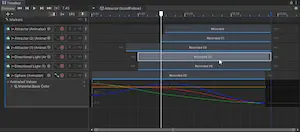\n*Screenshot: Timeline in Unity*\n\n**Supported track types:**\n- Animation tracks - animate objects using AnimationClips\n- Audio tracks - play synchronized audio\n- Activation tracks - show/hide objects at specific times\n- Signal tracks - trigger events at specific points\n- Control tracks - control nested timelines or prefab instances\n- Marker tracks - add metadata and navigation points\n\n[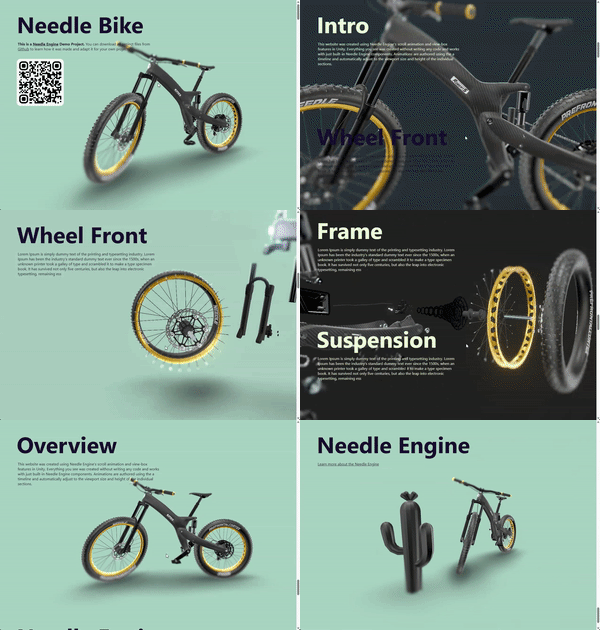](https://engine.needle.tools/samples/bike-scrollytelling-responsive-3d)\n\n[](https://app.songsofcultures.com/?scene=little-brother)\n\n**Playback control:**\nUse `play()`, `pause()`, `stop()` for basic control.\nSet `time` directly and call `evaluate()` for scrubbing.\nAdjust `speed` for playback rate and `weight` for blending."},"flags":{},"children":[{"name":"playOnAwake","kind":"property","type":"boolean","comment":{"kind":"text","shortText":"When true, the timeline starts playing automatically when the component awakens.\nSet to false to control playback manually via `play()`."}},{"name":"extrapolationMode","kind":"property","type":"DirectorWrapMode","comment":{"kind":"text","shortText":"Determines how the timeline behaves when it reaches the end of its duration."}}]},{"file":"src/engine-components/timeline/SignalAsset.ts","name":"SignalReceiver","kind":"class","categories":["Animation and Sequencing"],"groups":["Components"],"inheritedFrom":"Behaviour","comment":{"kind":"text","shortText":"Receives signals and invokes reactions","text":"SignalReceiver is a component that listens for signals and invokes a reaction when a signal is received.\nSignals can be added to a signal track on a PlayableDirector"},"flags":{},"children":[{"name":"events","kind":"property","type":"SignalReceiverEvent[]","comment":{"kind":"text","shortText":""}}]},{"file":"src/engine-components/ui/BaseUIComponent.ts","name":"BaseUIComponent","kind":"class","categories":["User Interface"],"groups":["Components"],"inheritedFrom":"Behaviour","comment":{"kind":"text","shortText":"Derive from this class if you want to implement your own UI components.\nIt provides utility methods…","text":"Derive from this class if you want to implement your own UI components.\nIt provides utility methods and simplifies managing the underlying three-mesh-ui hierarchy."},"flags":{},"children":[]},{"file":"src/engine-components/ui/BaseUIComponent.ts","name":"UIRootComponent","kind":"class","categories":[],"groups":[],"inheritedFrom":"BaseUIComponent","comment":{"kind":"text","shortText":""},"flags":{},"children":[]},{"file":"src/engine-components/ui/Button.ts","name":"Button","kind":"class","categories":["User Interface"],"groups":["Components"],"inheritedFrom":"Behaviour","comment":{"kind":"text","shortText":"UI Button that can be clicked to perform actions","text":"[Button](https://engine.needle.tools/docs/api/Button) is a UI component that can be clicked to trigger actions.\nSupports visual states (normal, highlighted, pressed, disabled) with\ncolor tints or animation transitions.\n\n**Visual transitions:**\n- `ColorTint` - Tint the button image with state colors\n- `Animation` - Trigger animator states for each button state\n- `SpriteSwap` - Swap sprites for each state (not fully supported)\n\n**Requirements:**\n- Typically paired with an Image component for visuals or any 3D object"},"flags":{},"children":[{"name":"onClick","kind":"property","type":"EventList<void>","comment":{"kind":"text","shortText":""}},{"name":"colors","kind":"property","type":"ButtonColors","comment":{"kind":"text","shortText":""}},{"name":"transition","kind":"property","type":"Transition","comment":{"kind":"text","shortText":""}},{"name":"animationTriggers","kind":"property","type":"AnimationTriggers","comment":{"kind":"text","shortText":""}},{"name":"animator","kind":"property","type":"Animator","comment":{"kind":"text","shortText":""}},{"name":"interactable","kind":"property","type":"any","comment":{"kind":"text","shortText":""}}]},{"file":"src/engine-components/ui/Canvas.ts","name":"Canvas","kind":"class","categories":["User Interface"],"groups":["Components"],"inheritedFrom":"UIRootComponent","comment":{"kind":"text","shortText":"Root component for UI elements, managing layout and rendering settings","text":"[Canvas](https://engine.needle.tools/docs/api/Canvas) is the root component for all UI elements in a scene.\nDefines the rendering area and manages layout for child UI elements.\n\n**Render modes:**\n- `WorldSpace` - UI exists in 3D space, can be viewed from any angle\n- `ScreenSpaceOverlay` - UI rendered on top of everything (HUD)\n- `ScreenSpaceCamera` - UI rendered at a distance from a specific camera\n\n**Usage:**\nAll UI components (Button, Text, Image) must be\nchildren of a Canvas to render correctly. Multiple canvases can exist\nin a scene with different settings.\n\n**Rendering options:**\n- `renderOnTop` - Always render above other objects\n- `depthWrite` - Write to depth buffer (affects occlusion)\n- `doubleSided` - Render both sides of UI elements"},"flags":{},"children":[{"name":"renderOnTop","kind":"property","type":"boolean","comment":{"kind":"text","shortText":""}},{"name":"depthWrite","kind":"property","type":"boolean","comment":{"kind":"text","shortText":""}},{"name":"doubleSided","kind":"property","type":"boolean","comment":{"kind":"text","shortText":""}},{"name":"castShadows","kind":"property","type":"boolean","comment":{"kind":"text","shortText":""}},{"name":"receiveShadows","kind":"property","type":"boolean","comment":{"kind":"text","shortText":""}},{"name":"rootCanvas","kind":"property","type":"Canvas","comment":{"kind":"text","shortText":""}},{"name":"worldCamera","kind":"property","type":"Camera","comment":{"kind":"text","shortText":""}},{"name":"planeDistance","kind":"property","type":"number","comment":{"kind":"text","shortText":""}}]},{"file":"src/engine-components/ui/CanvasGroup.ts","name":"CanvasGroup","kind":"class","categories":["User Interface"],"groups":["Components"],"inheritedFrom":"Behaviour","comment":{"kind":"text","shortText":"Group UI elements to control transparency and interactivity","text":"[CanvasGroup](https://engine.needle.tools/docs/api/CanvasGroup) is a UI component that allows you to control the transparency and interactivity of a group of UI elements.\nBy adjusting the alpha property, you can fade in or out all child UI elements simultaneously.\nThe interactable and blocksRaycasts properties let you enable or disable user interaction for the entire group."},"flags":{},"children":[{"name":"interactable","kind":"property","type":"boolean","comment":{"kind":"text","shortText":""}},{"name":"blocksRaycasts","kind":"property","type":"boolean","comment":{"kind":"text","shortText":""}}]},{"file":"src/engine-components/ui/EventSystem.ts","name":"EventSystem","kind":"class","categories":["User Interface"],"groups":["Components"],"inheritedFrom":"Behaviour","comment":{"kind":"text","shortText":"Manages and dispatches input events to UI components","text":"[EventSystem](https://engine.needle.tools/docs/api/EventSystem) is responsible for managing and dispatching input events to UI components within the scene."},"flags":{},"children":[]},{"file":"src/engine-components/ui/Graphic.ts","name":"Graphic","kind":"class","categories":["User Interface"],"groups":["Components"],"inheritedFrom":"BaseUIComponent","comment":{"kind":"text","shortText":"[Graphic](https://engine.needle.tools/docs/api/Graphic) provides basic rendering for UI elements wi…","text":"[Graphic](https://engine.needle.tools/docs/api/Graphic) provides basic rendering for UI elements with color, opacity, and texture support."},"flags":{},"children":[{"name":"raycastTarget","kind":"property","type":"boolean","comment":{"kind":"text","shortText":""}}]},{"file":"src/engine-components/ui/Graphic.ts","name":"MaskableGraphic","kind":"class","categories":["User Interface"],"groups":["Components"],"inheritedFrom":"Graphic","comment":{"kind":"text","shortText":""},"flags":{},"children":[]},{"file":"src/engine-components/ui/Image.ts","name":"Image","kind":"class","categories":["User Interface"],"groups":["Components"],"inheritedFrom":"MaskableGraphic","comment":{"kind":"text","shortText":"Display a 2D image in the UI","text":"[Image](https://engine.needle.tools/docs/api/Image) displays a sprite (2D texture) in the UI. Can be used for icons,\nbackgrounds, or any visual element that needs a texture.\n\n**Properties:**\n- `image` - Direct texture assignment (convenience property)\n- `sprite` - Sprite object containing texture and rect info\n- `color` - Tint color applied to the image (inherited from Graphic)\n\n**Usage with Button:**\nImage is commonly paired with Button to create clickable\nUI elements with visual feedback via color tinting."},"flags":{},"children":[{"name":"pixelsPerUnitMultiplier","kind":"property","type":"number","comment":{"kind":"text","shortText":""}}]},{"file":"src/engine-components/ui/Image.ts","name":"RawImage","kind":"class","categories":["User Interface"],"groups":["Components"],"inheritedFrom":"MaskableGraphic","comment":{"kind":"text","shortText":""},"flags":{},"children":[]},{"file":"src/engine-components/ui/InputField.ts","name":"InputField","kind":"class","categories":["User Interface"],"groups":["Components"],"inheritedFrom":"Behaviour","comment":{"kind":"text","shortText":"Text field for user input","text":"[InputField](https://engine.needle.tools/docs/api/InputField) is a UI component that allows users to enter and edit text.\nIt provides a text input area where users can type, delete, and modify text.\nThe InputField supports placeholder text, events for value changes, and end edit actions."},"flags":{},"children":[{"name":"textComponent","kind":"property","type":"Text","comment":{"kind":"text","shortText":""}},{"name":"placeholder","kind":"property","type":"Text","comment":{"kind":"text","shortText":""}},{"name":"onValueChanged","kind":"property","type":"EventList<any>","comment":{"kind":"text","shortText":""}},{"name":"onEndEdit","kind":"property","type":"EventList<any>","comment":{"kind":"text","shortText":""}}]},{"file":"src/engine-components/ui/Layout.ts","name":"LayoutGroup","kind":"class","categories":[],"groups":[],"inheritedFrom":"Behaviour","comment":{"kind":"text","shortText":""},"flags":{"isAbstract":true},"children":[{"name":"childAlignment","kind":"property","type":"TextAnchor","comment":{"kind":"text","shortText":""}},{"name":"reverseArrangement","kind":"property","type":"boolean","comment":{"kind":"text","shortText":""}},{"name":"spacing","kind":"property","type":"number","comment":{"kind":"text","shortText":""}},{"name":"padding","kind":"property","type":"Padding","comment":{"kind":"text","shortText":""}},{"name":"minWidth","kind":"property","type":"number","comment":{"kind":"text","shortText":""}},{"name":"minHeight","kind":"property","type":"number","comment":{"kind":"text","shortText":""}},{"name":"flexibleHeight","kind":"property","type":"number","comment":{"kind":"text","shortText":""}},{"name":"flexibleWidth","kind":"property","type":"number","comment":{"kind":"text","shortText":""}},{"name":"preferredHeight","kind":"property","type":"number","comment":{"kind":"text","shortText":""}},{"name":"preferredWidth","kind":"property","type":"number","comment":{"kind":"text","shortText":""}}]},{"file":"src/engine-components/ui/Layout.ts","name":"HorizontalOrVerticalLayoutGroup","kind":"class","categories":[],"groups":[],"inheritedFrom":"LayoutGroup","comment":{"kind":"text","shortText":""},"flags":{"isAbstract":true},"children":[{"name":"childControlHeight","kind":"property","type":"boolean","comment":{"kind":"text","shortText":""}},{"name":"childControlWidth","kind":"property","type":"boolean","comment":{"kind":"text","shortText":""}},{"name":"childForceExpandHeight","kind":"property","type":"boolean","comment":{"kind":"text","shortText":""}},{"name":"childForceExpandWidth","kind":"property","type":"boolean","comment":{"kind":"text","shortText":""}},{"name":"childScaleHeight","kind":"property","type":"boolean","comment":{"kind":"text","shortText":""}},{"name":"childScaleWidth","kind":"property","type":"boolean","comment":{"kind":"text","shortText":""}}]},{"file":"src/engine-components/ui/Layout.ts","name":"VerticalLayoutGroup","kind":"class","categories":["User Interface"],"groups":["Components"],"inheritedFrom":"HorizontalOrVerticalLayoutGroup","comment":{"kind":"text","shortText":"[VerticalLayoutGroup](https://engine.needle.tools/docs/api/VerticalLayoutGroup) arranges child UI e…","text":"[VerticalLayoutGroup](https://engine.needle.tools/docs/api/VerticalLayoutGroup) arranges child UI elements vertically with spacing, padding, and alignment options."},"flags":{},"children":[]},{"file":"src/engine-components/ui/Layout.ts","name":"HorizontalLayoutGroup","kind":"class","categories":["User Interface"],"groups":["Components"],"inheritedFrom":"HorizontalOrVerticalLayoutGroup","comment":{"kind":"text","shortText":"[HorizontalLayoutGroup](https://engine.needle.tools/docs/api/HorizontalLayoutGroup) arranges child…","text":"[HorizontalLayoutGroup](https://engine.needle.tools/docs/api/HorizontalLayoutGroup) arranges child UI elements horizontally with spacing, padding, and alignment options."},"flags":{},"children":[]},{"file":"src/engine-components/ui/Layout.ts","name":"GridLayoutGroup","kind":"class","categories":["User Interface"],"groups":["Components"],"inheritedFrom":"LayoutGroup","comment":{"kind":"text","shortText":"[GridLayoutGroup](https://engine.needle.tools/docs/api/GridLayoutGroup) arranges child UI elements…","text":"[GridLayoutGroup](https://engine.needle.tools/docs/api/GridLayoutGroup) arranges child UI elements in a grid pattern."},"flags":{},"children":[]},{"file":"src/engine-components/ui/Outline.ts","name":"Outline","kind":"class","categories":["User Interface"],"groups":["Components"],"inheritedFrom":"Behaviour","comment":{"kind":"text","shortText":"Add an outline effect to UI elements","text":"[Outline](https://engine.needle.tools/docs/api/Outline) is a UI component that adds an outline effect to UI elements.\nYou can customize the outline color and distance to create a visual border around the UI element."},"flags":{},"children":[{"name":"effectColor","kind":"property","type":"RGBAColor","comment":{"kind":"text","shortText":""}},{"name":"effectDistance","kind":"property","type":"Vector2","comment":{"kind":"text","shortText":""}}]},{"file":"src/engine-components/ui/Raycaster.ts","name":"Raycaster","kind":"class","categories":["Interactivity"],"groups":["Components"],"inheritedFrom":"Behaviour","comment":{"kind":"text","shortText":"[ObjectRaycaster](https://engine.needle.tools/docs/api/ObjectRaycaster) Base class for raycasters t…","text":"[ObjectRaycaster](https://engine.needle.tools/docs/api/ObjectRaycaster) Base class for raycasters that detect pointer interactions.\nDerive from this class to create custom raycasting logic.\n\n**Built-in raycasters:**\n- ObjectRaycaster - Raycasts against 3D objects\n- GraphicRaycaster - Raycasts against UI elements\n- SpatialGrabRaycaster - Sphere overlap for XR grab\n\n**Important:** If you override `awake`, `onEnable`, or `onDisable`,\ncall the base class methods to ensure proper registration with EventSystem."},"flags":{"isAbstract":true},"children":[]},{"file":"src/engine-components/ui/Raycaster.ts","name":"ObjectRaycaster","kind":"class","categories":["Interactivity"],"groups":["Components"],"inheritedFrom":"Raycaster","comment":{"kind":"text","shortText":"ObjectRaycaster enables pointer interactions with 3D objects.\nAdd this component to any object that…","text":"ObjectRaycaster enables pointer interactions with 3D objects.\nAdd this component to any object that needs click/hover detection.\n\n**Usage:**\nObjects with ObjectRaycaster will receive pointer events when\nthey implement interfaces like IPointerClickHandler.\n\n**Note:**\nIn older Needle Engine versions the ObjectRaycaster was required to be added to the Scene.\nThis is no longer the case - the EventSystem will automatically handle raycasts."},"flags":{},"children":[{"name":"ignoreSkinnedMeshes","kind":"property","type":"any","comment":{"kind":"text","shortText":""}}]},{"file":"src/engine-components/ui/Raycaster.ts","name":"GraphicRaycaster","kind":"class","categories":["User Interface"],"groups":["Components"],"inheritedFrom":"ObjectRaycaster","comment":{"kind":"text","shortText":"Raycaster for UI elements","text":"GraphicRaycaster enables pointer interactions with UI elements.\nAdd this to a Canvas or UI hierarchy to enable button clicks,\nhover effects, and other UI interactions.\n\n**Requirements:**\n- Must be on the same object as a Canvas or on a parent\n- UI elements need proper RectTransform setup"},"flags":{},"children":[]},{"file":"src/engine-components/ui/Raycaster.ts","name":"SpatialGrabRaycaster","kind":"class","categories":["XR"],"groups":["Components"],"inheritedFrom":"Raycaster","comment":{"kind":"text","shortText":"SpatialGrabRaycaster enables direct grab interactions in VR/AR.\nUses sphere overlap detection aroun…","text":"SpatialGrabRaycaster enables direct grab interactions in VR/AR.\nUses sphere overlap detection around the controller/hand position\nto allow grabbing objects by reaching into them.\n\n**Features:**\n- Active only during XR sessions\n- Can be globally disabled via `SpatialGrabRaycaster.allow`\n- Works alongside ray-based interaction"},"flags":{},"children":[]},{"file":"src/engine-components/ui/RectTransform.ts","name":"RectTransform","kind":"class","categories":["User Interface"],"groups":["Components"],"inheritedFrom":"BaseUIComponent","comment":{"kind":"text","shortText":"UI Rectangle Transform","text":"[RectTransform](https://engine.needle.tools/docs/api/RectTransform) defines a rectangle for UI layout with anchoring, pivoting, and positioning capabilities."},"flags":{},"children":[{"name":"sizeDelta","kind":"property","type":"Vector2","comment":{"kind":"text","shortText":""}},{"name":"pivot","kind":"property","type":"Vector2","comment":{"kind":"text","shortText":""}},{"name":"anchorMin","kind":"property","type":"Vector2","comment":{"kind":"text","shortText":""}},{"name":"anchorMax","kind":"property","type":"Vector2","comment":{"kind":"text","shortText":""}}]},{"file":"src/engine-components/ui/SpatialHtml.ts","name":"SpatialHtml","kind":"class","categories":["User Interface"],"groups":["Components"],"inheritedFrom":"Behaviour","comment":{"kind":"text","shortText":"Render HTML elements as 3D objects in the scene","text":"[SpatialHtml](https://engine.needle.tools/docs/api/SpatialHtml) is a component that allows you to integrate HTML elements into a 3D scene.\nBy specifying the ID of an existing HTML element, you can render it as a 3D object within the scene."},"flags":{},"children":[{"name":"id","kind":"property","type":"string | null","comment":{"kind":"text","shortText":""}},{"name":"keepAspect","kind":"property","type":"boolean","comment":{"kind":"text","shortText":""}}]},{"file":"src/engine-components/ui/Text.ts","name":"Text","kind":"class","categories":["User Interface"],"groups":["Components"],"inheritedFrom":"Graphic","comment":{"kind":"text","shortText":"Display text in the UI","text":"[Text](https://engine.needle.tools/docs/api/Text) displays text content in the UI. Supports custom fonts, colors,\nalignment, and basic rich text formatting.\n\n**Text properties:**\n- `text` - The string content to display\n- `fontSize` - Size of the text in pixels\n- `color` - Text color (inherited from Graphic)\n- `alignment` - Text anchor position (UpperLeft, MiddleCenter, etc.)\n\n**Fonts:**\nSet the `font` property to a URL pointing to a font file.\nSupports MSDF (Multi-channel Signed Distance Field) fonts for crisp rendering."},"flags":{},"children":[{"name":"alignment","kind":"property","type":"TextAnchor","comment":{"kind":"text","shortText":""}},{"name":"verticalOverflow","kind":"property","type":"VerticalWrapMode","comment":{"kind":"text","shortText":""}},{"name":"horizontalOverflow","kind":"property","type":"HorizontalWrapMode","comment":{"kind":"text","shortText":""}},{"name":"lineSpacing","kind":"property","type":"number","comment":{"kind":"text","shortText":""}},{"name":"supportRichText","kind":"property","type":"boolean","comment":{"kind":"text","shortText":""}},{"name":"font","kind":"property","type":"string","comment":{"kind":"text","shortText":""}},{"name":"fontStyle","kind":"property","type":"FontStyle","comment":{"kind":"text","shortText":""}}]},{"file":"src/engine-components/utils/LookAt.ts","name":"LookAt","kind":"class","categories":["Everywhere Actions","Interactivity"],"groups":["Components"],"inheritedFrom":"Behaviour","comment":{"kind":"text","shortText":"Makes the object look at a target object or the camera","text":"The [LookAt](https://engine.needle.tools/docs/api/LookAt) behaviour makes the object look at a target object or the camera.\nIt can also invert the forward direction and keep the up direction."},"flags":{},"children":[{"name":"target","kind":"property","type":"Object3D","comment":{"kind":"text","shortText":"The target object to look at. If not set, the main camera will be used."}},{"name":"invertForward","kind":"property","type":"boolean","comment":{"kind":"text","shortText":"Inverts the forward direction."}},{"name":"keepUpDirection","kind":"property","type":"boolean","comment":{"kind":"text","shortText":"Keep the up direction."}},{"name":"copyTargetRotation","kind":"property","type":"boolean","comment":{"kind":"text","shortText":"Copy the target rotation."}}]},{"file":"src/engine-components/utils/OpenURL.ts","name":"OpenURL","kind":"class","categories":["Interactivity"],"groups":["Components"],"inheritedFrom":"Behaviour","comment":{"kind":"text","shortText":"OpenURL behaviour opens a URL in a new tab or window when the object (or any if it's children) is c…","text":"OpenURL behaviour opens a URL in a new tab or window when the object (or any if it's children) is clicked."},"flags":{},"children":[{"name":"url","kind":"property","type":"string","comment":{"kind":"text","shortText":"The URL to open."}},{"name":"mode","kind":"property","type":"OpenURLMode","comment":{"kind":"text","shortText":"The mode in which the URL should be opened: NewTab, SameTab, NewWindow."}},{"name":"clickable","kind":"property","type":"boolean","comment":{"kind":"text","shortText":"If true, the URL will be opened when the object with this component is clicked."}}]},{"file":"src/engine-components/web/Clickthrough.ts","name":"ClickThrough","kind":"class","categories":["Web"],"groups":["Components"],"inheritedFrom":"Behaviour","comment":{"kind":"text","shortText":"Enables pointer events to pass through canvas to HTML elements behind it","text":"[ClickThrough](https://engine.needle.tools/docs/api/ClickThrough) enables pointer events to pass through the 3D canvas to HTML elements positioned behind it.\nThis component dynamically toggles `pointer-events: none` on the canvas when no 3D objects are hit by raycasts, allowing interaction with underlying HTML content.\n\n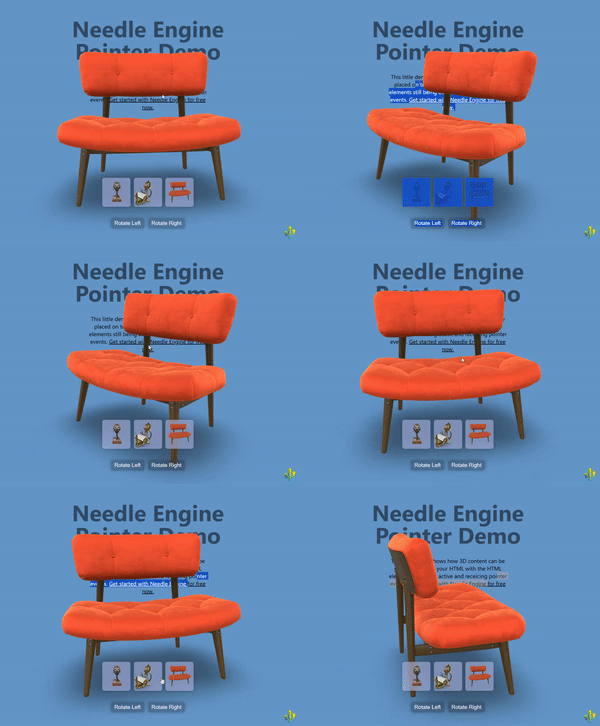\n\n**How It Works:**\nThe component listens to pointer events and performs raycasts to detect if any 3D objects are under the cursor:\n- **When 3D objects are hit**: Canvas has `pointer-events: all` (normal 3D interaction)\n- **When nothing is hit**: Canvas has `pointer-events: none` (clicks pass through to HTML)\n\nThis creates a seamless experience where users can interact with both 3D objects and underlying HTML elements\nthrough the same canvas area, depending on what's under the cursor.\n\n**Key Features:**\n- Automatic pointer event routing based on 3D hit detection\n- Works with both mouse and touch input\n- Supports transparent or semi-transparent canvases\n- Can be enabled via component or HTML attribute\n- No performance impact when disabled\n- Handles multi-touch scenarios correctly\n\n**Common Use Cases:**\n- Overlaying 3D elements on top of HTML content (headers, hero sections)\n- Creating \"floating\" 3D objects that don't block underlying UI\n- Mixed 2D/3D interfaces where both need to be interactive\n- Transparent 3D overlays on websites\n- Product showcases with clickable text/buttons beneath the 3D view\n- Interactive storytelling with mixed HTML and 3D content\n\n**Setup Options:**\n\n**Option 1: Component-based** (programmatic setup)\n```ts\n// Add to any GameObject in your scene\nscene.addComponent(ClickThrough);\n```\n\n**Option 2: HTML attribute** (declarative setup, recommended)\n```html\n<!-- Enable clickthrough via HTML attribute -->\n<needle-engine clickthrough></needle-engine>\n\n<!-- Dynamically toggle clickthrough -->\n<needle-engine id=\"engine\" clickthrough=\"true\"></needle-engine>\n<script>\n // Disable clickthrough\n document.getElementById('engine').setAttribute('clickthrough', 'false');\n</script>\n```"},"flags":{},"children":[]},{"file":"src/engine-components/web/CursorFollow.ts","name":"CursorFollow","kind":"class","categories":["Interactivity"],"groups":["Components"],"inheritedFrom":"Behaviour","comment":{"kind":"text","shortText":"Makes objects follow the cursor/touch position in 3D space","text":"[CursorFollow](https://engine.needle.tools/docs/api/CursorFollow) makes an object smoothly follow the cursor or touch position in 3D space.\nThe component tracks pointer movement and updates the object's position to follow it, with optional damping for smooth motion.\n\n\n\n**How It Works:**\nThe component creates a ray from the camera through the cursor position and places the object along that ray.\nBy default, it maintains the object's initial distance from the camera, creating a natural cursor-following effect\nthat works consistently regardless of camera movement.\n\n**Key Features:**\n- Smooth cursor following with configurable damping\n- Works with both mouse and touch input\n- Can follow cursor across the entire page or just within the canvas\n- Maintains consistent distance from camera by default\n- Optional surface snapping using raycasts\n- Responds to camera movement automatically\n\n**Common Use Cases:**\n- Interactive 3D cursors or pointers\n- Look-at effects combined with LookAtConstraint\n- Floating UI elements that track cursor\n- Interactive product showcases\n- 3D header effects and hero sections\n- Virtual laser pointers in XR experiences"},"flags":{},"children":[{"name":"damping","kind":"property","type":"number","comment":{"kind":"text","shortText":"Damping factor controlling how smoothly the object follows the cursor (in seconds).\n\nThis value determines the \"lag\" or smoothness of the following motion:\n- `0`: Instant movement, no damping (object snaps directly to cursor position)\n- `0.1-0.2`: Quick, responsive following with slight smoothing\n- `0.3-0.5`: Noticeable smooth trailing effect\n- `1.0+`: Slow, heavily damped movement\n\nThe damping uses delta time, so the movement speed is framerate-independent and\nprovides consistent behavior across different devices.\n\n**Tip:** For look-at effects, values between 0.2-0.4 typically feel most natural.\nFor cursor indicators, 0.1 or less provides better responsiveness."}},{"name":"useFullPage","kind":"property","type":"boolean","comment":{"kind":"text","shortText":"Whether the object should track the cursor across the entire webpage or only within the canvas.\n\n**When `true` (default):**\n- The object follows the cursor anywhere on the page, even outside the canvas bounds\n- Perfect for look-at effects where you want continuous tracking\n- Great for embedded 3D elements that should feel aware of the whole page\n- Example: A 3D character in a hero section that watches the cursor as you scroll\n\n**When `false`:**\n- The object only follows the cursor when it's inside the Needle Engine canvas\n- Useful for contained experiences where the 3D element shouldn't react to external cursor movement\n- Better for multi-canvas scenarios or when you want isolated 3D interactions\n\n**Note:** When enabled, the component listens to `window.pointermove` events to track the\nfull-page cursor position. When disabled, it uses the context's input system which is\ncanvas-relative."}},{"name":"keepDistance","kind":"property","type":"boolean","comment":{"kind":"text","shortText":"Whether to maintain the object's initial distance from the camera while following the cursor.\n\n**When `true` (default):**\n- The object stays at a constant distance from the camera, moving in a spherical arc around it\n- Creates a natural \"floating at cursor position\" effect\n- The object's depth remains consistent as you move the cursor around\n- Perfect for cursors, pointers, or look-at targets\n\n**When `false`:**\n- The object's distance can change based on where the cursor projects in 3D space\n- More useful when combined with snapToSurface to follow surface geometry\n- Can create unusual depth behavior if not carefully configured\n\n**How it works:**\nOn the first update, the component measures the distance from the object to the camera.\nThis initial distance is then maintained throughout the object's lifetime (unless updateDistance is called).\nThe object moves along a ray from the camera through the cursor, staying at this fixed distance."}},{"name":"snapToSurface","kind":"property","type":"boolean","comment":{"kind":"text","shortText":"When enabled, the object snaps to the surfaces of other objects in the scene using raycasting.\n\n**How it works:**\nAfter positioning the object at the cursor location, a raycast is performed backwards toward the camera.\nIf the ray hits any surface, the object is moved to that hit point, effectively \"snapping\" to the surface.\n\n**Use cases:**\n- 3D paint or decal placement tools\n- Surface markers or waypoints\n- Interactive object placement in AR/VR\n- Cursor that follows terrain or mesh surfaces\n\n**Important notes:**\n- Requires objects in the scene to have colliders for raycasting to work\n- Works best with keepDistance set to `false` to allow depth changes\n- Can be combined with damping for smooth surface following\n- The raycast uses the physics system's raycast functionality\n\n**Debug mode:**\nAdd `?debugcursor` to your URL to visualize the raycast hits with green debug lines."}}]},{"file":"src/engine-components/web/HoverAnimation.ts","name":"HoverAnimation","kind":"class","categories":["Interactivity"],"groups":["Components"],"inheritedFrom":"Behaviour","comment":{"kind":"text","shortText":"Plays animations on pointer hover enter/exit events","text":"[HoverAnimation](https://engine.needle.tools/docs/api/HoverAnimation) plays animations in response to pointer hover events on the object this component is attached to.\nThe component automatically detects when the mouse pointer or touch enters/exits the object or any of its children, triggering the corresponding animations.\n\n**How It Works:**\nThe component listens to pointer enter and exit events and switches between two animation states:\n- **Hover state**: Plays when the pointer enters the object (default: scale up to 110%)\n- **Idle state**: Plays when the pointer exits the object (default: returns to original scale)\n\n**Default Behavior:**\nIf no custom animation clips are provided, the component automatically creates a smooth scale-up animation using the\ntype, duration, and scaleFactor properties. This provides instant hover feedback without\nrequiring any animation setup.\n\n**Custom Animations:**\nYou can provide your own animation clips for complete control over the hover effect. This allows you to create\ncomplex animations involving position, rotation, color changes, or any other animated property.\n\n**Common Use Cases:**\n- Interactive buttons with scale feedback\n- Product showcases with highlight animations\n- Menu items with hover effects\n- Interactive 3D objects in AR/VR experiences\n- Call-to-action elements with attention-grabbing animations"},"flags":{},"children":[{"name":"type","kind":"property","type":"ScaleClipType","comment":{"kind":"text","shortText":"The easing type for the default scale animation.\n\nThis property controls how the scale animation interpolates from the start to end value.\nDifferent easing types create different \"feels\" for the hover effect.\n\n**Available types:**\n- `\"linear\"`: Constant speed throughout the animation\n- `\"ease-in\"`: Starts slow, ends fast\n- `\"ease-out\"`: Starts fast, ends slow (good for responsive feel)\n- `\"ease-in-out\"`: Starts slow, fast in middle, ends slow (smooth and natural)\n\n**Note:** This is only used when no custom hovered animation clip is provided.\nIf you provide a custom animation clip, this property is ignored."}},{"name":"duration","kind":"property","type":"number","comment":{"kind":"text","shortText":"Duration of the default hover animation in seconds.\n\nThis controls how long it takes for the object to scale up when hovered.\nShorter durations feel more responsive, while longer durations feel smoother.\n\n**Recommendations:**\n- `0.1-0.15s`: Snappy, responsive feel (good for buttons)\n- `0.2-0.3s`: Smooth, noticeable animation\n- `0.4s+`: Slow, emphasized effect\n\n**Note:** This is only used when no custom hovered animation clip is provided.\nIf you provide a custom animation clip, this property is ignored."}},{"name":"scaleFactor","kind":"property","type":"number","comment":{"kind":"text","shortText":"The scale multiplier to apply when the object is hovered.\n\nThis value is multiplied with the object's original scale to determine the hover size.\nA value of `1.0` means no change, values greater than `1.0` scale up, and values less than `1.0` scale down.\n\n**Examples:**\n- `1.0`: No scale change\n- `1.1`: Scale to 110% (subtle effect, default)\n- `1.2`: Scale to 120% (noticeable effect)\n- `1.5`: Scale to 150% (dramatic effect)\n- `0.9`: Scale to 90% (shrink on hover)\n\n**Note:** This is only used when no custom hovered animation clip is provided.\nIf you provide a custom animation clip, this property is ignored."}},{"name":"hovered","kind":"property","type":"AnimationClip | null","comment":{"kind":"text","shortText":"Custom animation clip to play when the pointer hovers over the object.\n\nIf `null`, the component automatically generates a scale-up animation based on the\ntype, duration, and scaleFactor properties.\n\nProvide a custom animation clip if you want more complex hover effects such as:\n- Color changes or material property animations\n- Position or rotation changes\n- Multi-property animations\n- Animations affecting child objects\n\n**Tip:** The animation plays with a 0.1s fade duration for smooth transitions."}},{"name":"idle","kind":"property","type":"AnimationClip | null","comment":{"kind":"text","shortText":"Custom animation clip to play when the pointer is not hovering over the object (idle state).\n\nIf `null`, an empty animation clip is used, which returns the object to its original state\nwhen the hover animation ends.\n\nYou can provide a custom idle animation for effects such as:\n- Subtle breathing or floating motion when not hovered\n- Pulsing or glowing effects in idle state\n- Return-to-normal animations with custom easing\n- Looping ambient animations\n\n**Tip:** The idle animation is played with `loop: true`, so it will repeat continuously\nuntil the object is hovered again."}}]},{"file":"src/engine-components/web/ScrollFollow.ts","name":"ScrollFollow","kind":"class","categories":["Web"],"groups":["Components"],"inheritedFrom":"Behaviour","comment":{"kind":"text","shortText":"Links scroll position to target objects","text":"The [ScrollFollow](https://engine.needle.tools/docs/api/ScrollFollow) component allows you to link the scroll position of the page (or a specific element) to one or more target objects.\n\nThis can be used to create scroll-based animations, audio playback, or other effects. For example you can link the scroll position to a timeline (PlayableDirector) to create scroll-based storytelling effects or to an Animator component to change the animation state based on scroll.\n\n\n\n\nAssign target objects to the component to have them updated based on the current scroll position (check the 'target' property for supported types)."},"flags":{},"children":[{"name":"target","kind":"property","type":"object[] | object | null","comment":{"kind":"text","shortText":"Target object(s) to follow the scroll position of the page.\n\nSupported target types:\n- PlayableDirector (timeline), the scroll position will be mapped to the timeline time\n- Animator, the scroll position will be set to a float parameter named \"scroll\"\n- Animation, the scroll position will be mapped to the animation time\n- AudioSource, the scroll position will be mapped to the audio time\n- SplineWalker, the scroll position will be mapped to the position01 property\n- Light, the scroll position will be mapped to the intensity property\n- Object3D, the object will move vertically based on the scroll position\n- Any object with a `scroll` property (number or function)"}},{"name":"damping","kind":"property","type":"number","comment":{"kind":"text","shortText":"Damping for the movement, set to 0 for instant movement"}},{"name":"invert","kind":"property","type":"boolean","comment":{"kind":"text","shortText":"If true, the scroll value will be inverted (e.g. scrolling down will result in a value of 0)"}},{"name":"htmlSelector","kind":"property","type":"string | null","comment":{"kind":"text","shortText":"**Experimental - might change in future updates**\nIf set, the scroll position will be read from the specified element instead of the window.\nUse a CSS selector to specify the element, e.g. `#my-scrollable-div` or `.scroll-container`."}},{"name":"mode","kind":"property","type":"\"window\"","comment":{"kind":"text","shortText":""}},{"name":"changed","kind":"property","type":"EventList<ScrollFollowEvent>","comment":{"kind":"text","shortText":"Event fired when the scroll position changes"}}]},{"file":"src/engine-components/web/ViewBox.ts","name":"ViewBox","kind":"class","categories":["Camera and Controls"],"groups":["Components"],"inheritedFrom":"Behaviour","comment":{"kind":"text","shortText":"Automatically fits a box area into the camera view","text":"[ViewBox](https://engine.needle.tools/docs/api/ViewBox) automatically fits a defined box area into the camera view regardless of screen size or aspect ratio.\nThis component is useful for framing characters, objects, or scenes in the center of the view while ensuring they remain fully visible.\nYou can animate or scale the viewbox to create dynamic zoom effects, cinematic transitions, or responsive framing.\n\n[](https://engine.needle.tools/samples/bike-scrollytelling-responsive-3d)\n\nThe ViewBox component works by adjusting the camera's focus rect settings (offset and zoom) to ensure that the box defined by the\nGameObject's position, rotation, and scale fits perfectly within the visible viewport. It supports different modes for one-time\nfitting or continuous adjustment, making it versatile for both static compositions and animated sequences.\n\n**Key Features:**\n- Automatically adjusts camera framing to fit the box area\n- Works with any screen size and aspect ratio\n- Supports one-time fitting or continuous updates\n- Can be animated for dynamic zoom and framing effects\n- Multiple ViewBoxes can be active, with the most recently enabled taking priority\n- Handles camera positioning to ensure the box is visible (moves camera if inside the box)\n\n**Common Use Cases:**\n- Character framing in cutscenes or dialogue\n- Product showcases with guaranteed visibility\n- Scrollytelling experiences with animated camera movements\n- Responsive layouts that adapt to different screen sizes\n- UI-driven camera transitions\n\n- [Example on needle.run](https://viewbox-demo-z23hmxbz2gkayo-z1nyzm6.needle.run/)\n- [Scrollytelling Demo using animated Viewbox](https://scrollytelling-bike-z23hmxb2gnu5a.needle.run/)\n- [Example on Stackblitz](https://stackblitz.com/edit/needle-engine-view-box-example)"},"flags":{},"children":[{"name":"referenceFieldOfView","kind":"property","type":"number","comment":{"kind":"text","shortText":"The reference field of view (in degrees) used to calculate how the box should fit within the camera view.\nThis determines the baseline camera FOV for fitting calculations.\n\n**Behavior:**\n- If set to `-1` (default), the component will automatically use the camera's FOV on the first frame\n- Should typically match your camera's FOV for predictable framing\n- Can be set to a different value to create specific framing effects\n\n**Example:**\nIf your camera has an FOV of 60° and you set `referenceFieldOfView` to 60, the ViewBox will fit objects\nas they would appear with that field of view. Setting it to a wider FOV (e.g., 90) makes objects appear\nsmaller, while a narrower FOV (e.g., 30) makes them appear larger."}},{"name":"debug","kind":"property","type":"boolean","comment":{"kind":"text","shortText":"Enables debug visualization and logging for this ViewBox instance.\n\n**When enabled, you will see:**\n- A yellow wireframe box showing the active ViewBox bounds in 3D space\n- Gray wireframe boxes for inactive ViewBox instances\n- A red dashed outline on screen showing the projected box in 2D (when using `?debugviewbox` URL parameter)\n- Console logs for mode changes, FOV settings, and camera adjustments\n\n**Tip:** You can also enable debug visualization globally for all ViewBoxes by adding `?debugviewbox` to your URL."}}]},{"file":"src/engine-components/webxr/Avatar.ts","name":"Avatar","kind":"class","categories":["XR","Networking"],"groups":["Components"],"inheritedFrom":"Behaviour","comment":{"kind":"text","shortText":"WebXR Avatar component for head and hands synchronization","text":"Avatar component to setup a WebXR avatar with head and hand objects.\n\nThe avatar will automatically synchronize the head and hand objects with the XR rig when entering an XR session."},"flags":{},"children":[{"name":"head","kind":"property","type":"AssetReference","comment":{"kind":"text","shortText":""}},{"name":"leftHand","kind":"property","type":"AssetReference","comment":{"kind":"text","shortText":""}},{"name":"rightHand","kind":"property","type":"AssetReference","comment":{"kind":"text","shortText":""}}]},{"file":"src/engine-components/webxr/TeleportTarget.ts","name":"TeleportTarget","kind":"class","categories":["XR"],"groups":["Components"],"inheritedFrom":"Behaviour","comment":{"kind":"text","shortText":"Marker component for valid VR teleportation destinations","text":"Marks a GameObject as a valid teleportation target for VR locomotion.\nAdd this component to objects or surfaces where users should be able to teleport.\n\n**Usage:**\n- Add to floor surfaces, platforms, or designated teleport spots\n- Works with XRControllerMovement component's teleport system\n- Can be used to restrict teleportation to specific areas\n\n**Setup:**\n1. Add this component to GameObjects that should be teleport destinations\n2. Configure XRControllerMovement to use teleport targets (optional)\n3. Test teleportation in VR mode"},"flags":{},"children":[]},{"file":"src/engine-components/webxr/WebARCameraBackground.ts","name":"WebARCameraBackground","kind":"class","categories":["XR"],"groups":["Components"],"inheritedFrom":"Behaviour","comment":{"kind":"text","shortText":"Displays the camera feed as background in WebAR sessions","text":"WebARCameraBackground is a component that allows to display the camera feed as a background in an AR session to more easily blend the real world with the virtual world or applying effects to the camera feed.\n\n- Example: https://samples.needle.tools/ar-camera-background"},"flags":{},"children":[{"name":"backgroundTint","kind":"property","type":"RGBAColor","comment":{"kind":"text","shortText":"The tint color of the camera feed"}}]},{"file":"src/engine-components/webxr/WebARSessionRoot.ts","name":"WebARSessionRoot","kind":"class","categories":["XR"],"groups":["Components"],"inheritedFrom":"Behaviour","comment":{"kind":"text","shortText":"Root object for WebAR sessions, managing scene placement and user scaling in AR.","text":"The WebARSessionRoot is the root object for a WebAR session and used to place the scene in AR.\nIt is also responsible for scaling the user in AR and to define the center of the AR scene.\nIf not present in the scene it will be created automatically by the WebXR component when entering an AR session.\n\n**Note**: If the WebXR component WebXR.autoCenter option is enabled the scene will be automatically centered based on the content in the scene."},"flags":{},"children":[]},{"file":"src/engine-components/webxr/WebXR.ts","name":"WebXR","kind":"class","categories":["XR"],"groups":["Components"],"inheritedFrom":"Behaviour","comment":{"kind":"text","shortText":"WebXR Component for VR and AR support","text":"Use the WebXR component to enable VR and AR on **iOS and Android** in your scene. VisionOS support is also provided via QuickLook USDZ export.\n\nThe WebXR component is a simple to use wrapper around the NeedleXRSession API and adds some additional features like creating buttons for AR, VR, enabling default movement behaviour (XRControllerMovement) and controller rendering (XRControllerModel), as well as handling AR placement and Quicklook USDZ export.\n\n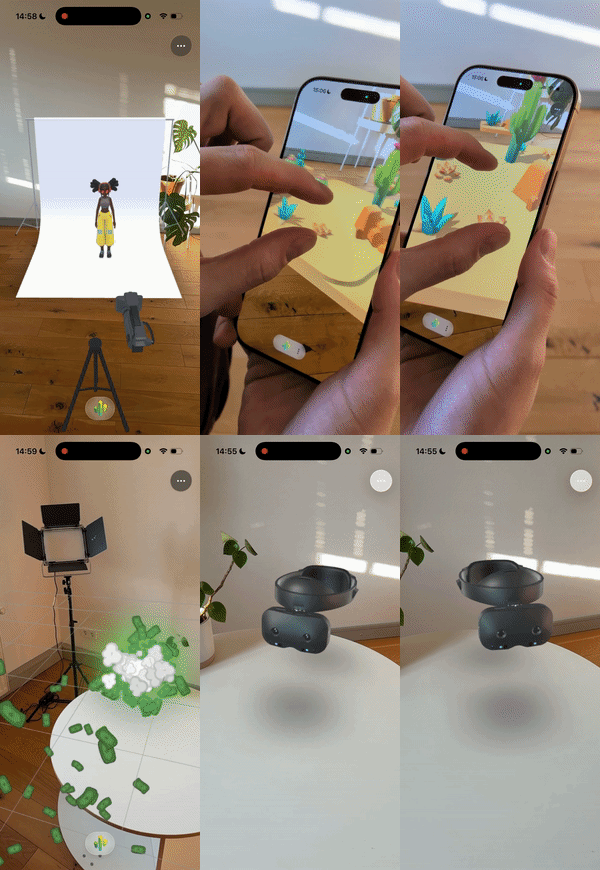"},"flags":{},"children":[{"name":"createVRButton","kind":"property","type":"boolean","comment":{"kind":"text","shortText":"When enabled, a button will be automatically added to NeedleMenu that allows users to enter VR mode."}},{"name":"createARButton","kind":"property","type":"boolean","comment":{"kind":"text","shortText":"When enabled, a button will be automatically added to NeedleMenu that allows users to enter AR mode."}},{"name":"createSendToQuestButton","kind":"property","type":"boolean","comment":{"kind":"text","shortText":"When enabled, a button to send the experience to an Oculus Quest will be shown if the current device does not support VR.\nThis helps direct users to compatible devices for optimal VR experiences."}},{"name":"createQRCode","kind":"property","type":"boolean","comment":{"kind":"text","shortText":"When enabled, a QR code will be generated and displayed on desktop devices to allow easy opening of the experience on mobile devices."}},{"name":"useDefaultControls","kind":"property","type":"boolean","comment":{"kind":"text","shortText":"When enabled, default movement controls will be automatically added to the scene when entering VR.\nThis includes teleportation and smooth locomotion options for VR controllers."}},{"name":"showControllerModels","kind":"property","type":"boolean","comment":{"kind":"text","shortText":"When enabled, 3D models representing the user's VR controllers will be automatically created and rendered in the scene."}},{"name":"showHandModels","kind":"property","type":"boolean","comment":{"kind":"text","shortText":"When enabled, 3D models representing the user's hands will be automatically created and rendered when hand tracking is available."}},{"name":"usePlacementReticle","kind":"property","type":"boolean","comment":{"kind":"text","shortText":"When enabled, a reticle will be displayed to help place the scene in AR. The user must tap on a detected surface to position the scene."}},{"name":"customARPlacementReticle","kind":"property","type":"AssetReference","comment":{"kind":"text","shortText":"Optional custom 3D object to use as the AR placement reticle instead of the default one."}},{"name":"usePlacementAdjustment","kind":"property","type":"boolean","comment":{"kind":"text","shortText":"When enabled, users can adjust the position, rotation, and scale of the AR scene with one or two fingers after initial placement."}},{"name":"arScale","kind":"property","type":"number","comment":{"kind":"text","shortText":"Determines the scale of the user relative to the scene in AR. Larger values make the 3D content appear smaller.\nOnly applies when `usePlacementReticle` is enabled."}},{"name":"useXRAnchor","kind":"property","type":"boolean","comment":{"kind":"text","shortText":"When enabled, an XRAnchor will be created for the AR scene and its position will be regularly updated to match the anchor.\nThis can help with spatial persistence in AR experiences."}},{"name":"autoPlace","kind":"property","type":"boolean","comment":{"kind":"text","shortText":"When enabled, the scene will be automatically placed as soon as a suitable surface is detected in AR,\nwithout requiring the user to tap to confirm placement."}},{"name":"autoCenter","kind":"property","type":"boolean","comment":{"kind":"text","shortText":"When enabled, the AR session root center will be automatically adjusted to place the center of the scene.\nThis helps ensure the scene is properly aligned with detected surfaces.\n\n**Note**: This option overrides the placement of the WebARSessionRoot component if both are used."}},{"name":"useQuicklookExport","kind":"property","type":"boolean","comment":{"kind":"text","shortText":"When enabled, a USDZExporter component will be automatically added to the scene if none is found.\nThis allows iOS and visionOS devices to view 3D content using Apple's AR QuickLook."}},{"name":"useDepthSensing","kind":"property","type":"boolean","comment":{"kind":"text","shortText":"When enabled, the 'depth-sensing' WebXR feature will be requested to provide real-time depth occlusion.\nCurrently only supported on Oculus Quest devices."}},{"name":"useSpatialGrab","kind":"property","type":"boolean","comment":{"kind":"text","shortText":"When enabled, a SpatialGrabRaycaster will be added or enabled in the scene,\nallowing users to interact with objects at a distance in VR/AR."}},{"name":"defaultAvatar","kind":"property","type":"AssetReference | boolean","comment":{"kind":"text","shortText":"Specifies the avatar representation that will be created when entering a WebXR session.\nCan be a reference to a 3D model or a boolean to use the default avatar."}}]},{"file":"src/engine-components/webxr/WebXRAvatar.ts","name":"AvatarMarker","kind":"class","categories":["XR","Networking"],"groups":["Components"],"inheritedFrom":"Behaviour","comment":{"kind":"text","shortText":"Internal marker for player-controlled objects in networked sessions","text":"Marks a GameObject as being controlled or owned by a player in networked XR sessions.\nThis is used internally by the networking system to identify player-controlled objects.\n\n**Note:** This is an internal marker class. For most use cases, use the Avatar component instead."},"flags":{},"children":[]},{"file":"src/engine-components/webxr/WebXRImageTracking.ts","name":"WebXRImageTracking","kind":"class","categories":["XR"],"groups":["Components"],"inheritedFrom":"Behaviour","comment":{"kind":"text","shortText":"The easiest way to create cross-platform AR image tracking experiences","text":"Create powerful AR image tracking experiences with just a few lines of code!\nWebXRImageTracking makes it incredibly easy to detect marker images in the real world and anchor 3D content to them.\nNeedle Engine automatically handles all the complexity across different platforms and fallback modes for you.\n\n[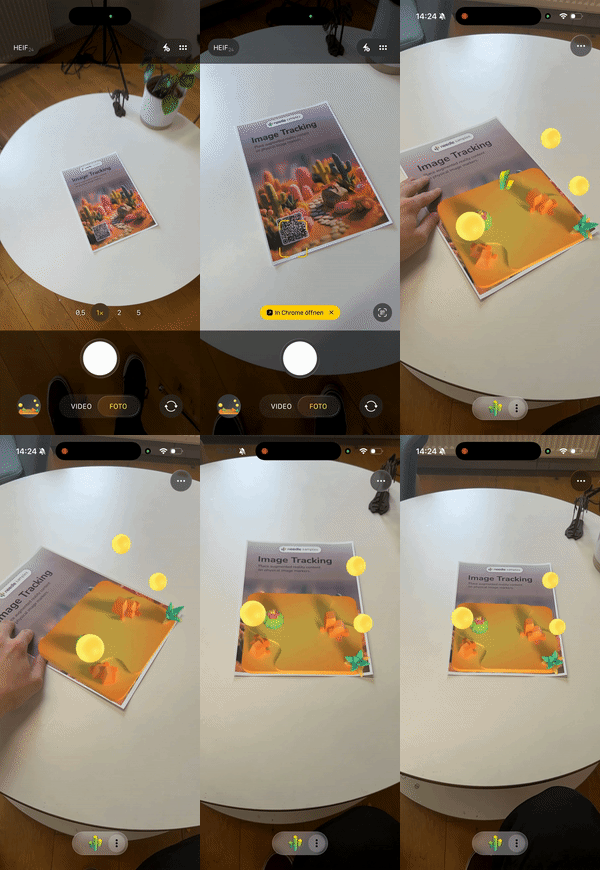](https://engine.needle.tools/samples/image-tracking)\n\n**What makes Needle Engine special:**\n- **Write once, run everywhere**: The same code works across iOS, Android, and visionOS\n- **Automatic platform optimization**: Seamlessly switches between WebXR, ARKit, and QuickLook\n- **Flexible deployment options**: From full WebXR with unlimited markers to QuickLook fallback\n- **Production ready**: Battle-tested tracking with adaptive smoothing and stability features\n\n**Platform Support & Options:**\n- **iOS (WebXR via AppClip)**: Full WebXR support - track unlimited markers simultaneously via native ARKit!\n- **iOS (QuickLook mode)**: Instant AR without app installation - perfect for quick demos (tracks first marker)\n- **Android (WebXR)**: Native WebXR Image Tracking API - unlimited markers (requires browser flag during early access)\n- **visionOS (QuickLook)**: Spatial image anchoring with Apple's AR QuickLook\n\n**Simple 3-Step Setup:**\n1. Add this component to any GameObject in your scene\n2. Configure your markers in the `trackedImages` array:\n - `image`: URL to your marker image\n - `widthInMeters`: Physical size of your printed marker\n - `object`: The 3D content to display\n3. Export and test - Needle handles the rest!\n\n**Pro Tips for Best Results:**\n- Use high-contrast markers with unique features for reliable tracking\n- Match `widthInMeters` to your actual physical marker size for accurate positioning\n- Enable `imageDoesNotMove` for wall posters or floor markers - significantly improves stability\n- Use `smooth` (enabled by default) for professional-looking, jitter-free tracking\n- Test with different marker sizes and lighting - Needle's adaptive tracking handles various conditions\n\n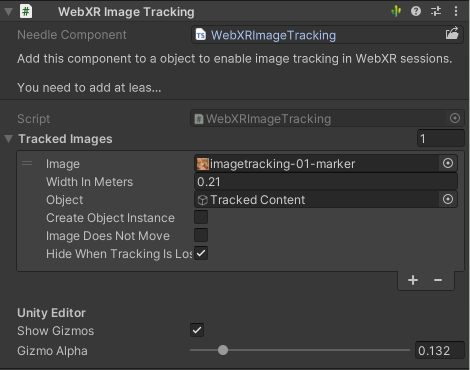\n*WebXRImageTracking component in Unity Editor*\n\n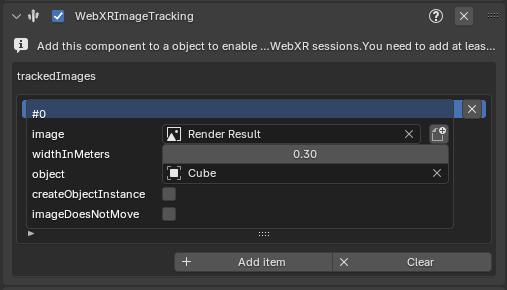\n*WebXRImageTracking panel/component in Blender*"},"flags":{},"children":[{"name":"trackedImages","kind":"property","type":"WebXRImageTrackingModel[]","comment":{"kind":"text","shortText":"Your list of markers to track. Add as many as you need!\n\n**How it works across platforms:**\n- **WebXR mode** (iOS AppClip, Android): All markers are tracked simultaneously - amazing for multi-marker experiences!\n- **QuickLook mode** (iOS fallback, visionOS): First marker is used - perfect for quick demos without app installation\n\n**Needle's smart deployment:** Configure all your markers once, and Needle automatically uses the best\ntracking mode available on each platform. No platform-specific code needed!"}},{"name":"smooth","kind":"property","type":"boolean","comment":{"kind":"text","shortText":"Enable Needle's professional-grade adaptive smoothing for rock-solid tracking.\nAutomatically reduces jitter while staying responsive to real movement.\n\n**Pro tip:** Keep this enabled (default) for production experiences!"}}]},{"file":"src/engine-components/webxr/WebXRPlaneTracking.ts","name":"WebXRPlaneTracking","kind":"class","categories":["XR"],"groups":["Components"],"inheritedFrom":"Behaviour","comment":{"kind":"text","shortText":"[WebXRPlaneTracking](https://engine.needle.tools/docs/api/WebXRPlaneTracking) tracks planes and mes…","text":"[WebXRPlaneTracking](https://engine.needle.tools/docs/api/WebXRPlaneTracking) tracks planes and meshes in the real world when in immersive-ar (e.g. on Oculus Quest)."},"flags":{},"children":[{"name":"dataTemplate","kind":"property","type":"AssetReference","comment":{"kind":"text","shortText":"Optional: if assigned it will be instantiated per tracked plane/tracked mesh.\nIf not assigned a simple mesh will be used. Use `occluder` to create occlusion meshes that don't render color but only depth."}},{"name":"occluder","kind":"property","type":"any","comment":{"kind":"text","shortText":"If true an occluder material will be applied to the tracked planes/meshes.\nNote: this will only be applied if dataTemplate is not assigned"}},{"name":"initiateRoomCaptureIfNoData","kind":"property","type":"any","comment":{"kind":"text","shortText":"If true the system will try to initiate room capture if no planes are detected."}},{"name":"usePlaneData","kind":"property","type":"boolean","comment":{"kind":"text","shortText":"If true plane tracking will be enabled"}},{"name":"useMeshData","kind":"property","type":"boolean","comment":{"kind":"text","shortText":"If true mesh tracking will be enabled"}},{"name":"runInVR","kind":"property","type":"any","comment":{"kind":"text","shortText":"when enabled mesh or plane tracking will also be used in VR"}}]},{"file":"src/engine-components/webxr/WebXRRig.ts","name":"XRRig","kind":"class","categories":["XR"],"groups":["Components"],"inheritedFrom":"Behaviour","comment":{"kind":"text","shortText":"A user in XR (VR or AR) is parented to an XR rig during the session.\nWhen moving through the scene…","text":"A user in XR (VR or AR) is parented to an XR rig during the session.\nWhen moving through the scene the rig is moved instead of the user.\n\nYou can create multiple rigs in your scene and switch between them during an active XR session by calling setAsActiveXRRig on the XRRig instance.\nFor advanced use-cases you can also provide your own XRRig class by implementing the IXRRig interface and adding it to your scene."},"flags":{},"children":[{"name":"priority","kind":"property","type":"number","comment":{"kind":"text","shortText":""}}]},{"file":"src/engine-components/webxr/XRFlag.ts","name":"XRFlag","kind":"class","categories":["XR","Utilities"],"groups":["Components"],"inheritedFrom":"Behaviour","comment":{"kind":"text","shortText":"XRFlag shows or hides GameObjects based on the current XR state or session.\nUse for XR-responsive c…","text":"XRFlag shows or hides GameObjects based on the current XR state or session.\nUse for XR-responsive content that should only appear in specific modes.\n\n**XR states:**\n- `Browser` - Normal web browsing (no XR)\n- `AR` - Augmented reality session\n- `VR` - Virtual reality session\n- `FirstPerson` - First-person view mode\n- `ThirdPerson` - Third-person/spectator view mode\n- Combine with bitwise OR: `AR | VR`\n\n**Debug options:**\n- `?debugxrflags` - Log flag changes\n- `?disablexrflags` - Disable all XR flags"},"flags":{},"children":[{"name":"visibleIn","kind":"property","type":"number","comment":{"kind":"text","shortText":""}}]},{"file":"src/engine-components/webxr/controllers/XRControllerFollow.ts","name":"XRControllerFollow","kind":"class","categories":["XR"],"groups":["Components"],"inheritedFrom":"Behaviour","comment":{"kind":"text","shortText":"Makes the object follow a specific XR controller or hand","text":"Add this script to an object and set `side` to make the object follow a specific controller.\n\nThis can be useful to attach objects to controllers, for example a laser pointer or a 3D model of a tool."},"flags":{},"children":[{"name":"side","kind":"property","type":"XRHandedness | number","comment":{"kind":"text","shortText":"Should this object follow a right hand/controller or left hand/controller.\nWhen a number is provided, the controller with that index is followed."}},{"name":"controller","kind":"property","type":"boolean","comment":{"kind":"text","shortText":"should it follow controllers (the physics controller)"}},{"name":"hands","kind":"property","type":"boolean","comment":{"kind":"text","shortText":"should it follow hands (when using hand tracking in WebXR)"}},{"name":"controlVisibility","kind":"property","type":"boolean","comment":{"kind":"text","shortText":"Disable if you don't want this script to modify the object's visibility\nIf enabled the object will be hidden when the configured controller or hand is not available\nIf disabled this script will not modify the object's visibility"}},{"name":"useGripSpace","kind":"property","type":"any","comment":{"kind":"text","shortText":"when true it will use the grip space, otherwise the ray space"}},{"name":"resetTransformAfterXRSession","kind":"property","type":"boolean","comment":{"kind":"text","shortText":"when enabled the position, rotation and scale of this object will be set to the position it was at when it entered the XR session"}}]},{"file":"src/engine-components/webxr/controllers/XRControllerModel.ts","name":"XRControllerModel","kind":"class","categories":["XR"],"groups":["Components"],"inheritedFrom":"Behaviour","comment":{"kind":"text","shortText":"Displays controller or hand models in XR","text":"XRControllerModel is a component that allows to display controller models or hand models in an XR session.\nIt automatically loads the appropriate model for the connected controller or hand.\n\nYou can configure if controller models or hand models should be created."},"flags":{},"children":[{"name":"createControllerModel","kind":"property","type":"boolean","comment":{"kind":"text","shortText":"If true, the controller model will be created when a controller is added/connected"}},{"name":"createHandModel","kind":"property","type":"boolean","comment":{"kind":"text","shortText":"If true, the hand model will be created when a hand is \"added\"/tracked"}},{"name":"customLeftHand","kind":"property","type":"AssetReference","comment":{"kind":"text","shortText":"assign a model or model url to create custom hand models"}},{"name":"customRightHand","kind":"property","type":"AssetReference","comment":{"kind":"text","shortText":"assign a model or model url to create custom hand models"}}]},{"file":"src/engine-components/webxr/controllers/XRControllerMovement.ts","name":"XRControllerMovement","kind":"class","categories":["XR"],"groups":["Components"],"inheritedFrom":"Behaviour","comment":{"kind":"text","shortText":"Move the XR rig using controller input","text":"XRControllerMovement is a component that allows to move the XR rig using the XR controller input.\n\nIt supports movement using the left controller's thumbstick and rotation using the right controller's thumbstick.\n\nAdditionally it supports teleporting using the right controller's thumbstick or by pinching the index finger tip in front of the hand (if hand tracking is enabled).\nIt also visualizes controller rays and hit points in the scene."},"flags":{},"children":[{"name":"movementSpeed","kind":"property","type":"any","comment":{"kind":"text","shortText":"Movement speed in meters per second"}},{"name":"rotationStep","kind":"property","type":"any","comment":{"kind":"text","shortText":"How many degrees to rotate the XR rig when using the rotation trigger"}},{"name":"useTeleport","kind":"property","type":"boolean","comment":{"kind":"text","shortText":"When enabled you can teleport using the right XR controller's thumbstick by pressing forward"}},{"name":"usePinchToTeleport","kind":"property","type":"boolean","comment":{"kind":"text","shortText":"When enabled you can teleport by pinching the right XR controller's index finger tip in front of the hand"}},{"name":"useTeleportTarget","kind":"property","type":"any","comment":{"kind":"text","shortText":"Enable to only allow teleporting on objects with a TeleportTarget component (see TeleportTarget)"}},{"name":"useTeleportFade","kind":"property","type":"any","comment":{"kind":"text","shortText":"Enable to fade out the scene when teleporting"}},{"name":"showRays","kind":"property","type":"boolean","comment":{"kind":"text","shortText":"enable to visualize controller rays in the 3D scene"}},{"name":"showHits","kind":"property","type":"boolean","comment":{"kind":"text","shortText":"enable to visualize pointer targets in the 3D scene"}}]}]
|
|
1
|
+
[{"file":"src/engine-components/AlignmentConstraint.ts","name":"AlignmentConstraint","kind":"class","categories":["Constraints"],"groups":["Components"],"inheritedFrom":"Behaviour","comment":{"kind":"text","shortText":"Aligns and scales object between two targets","text":"The [AlignmentConstraint](https://engine.needle.tools/docs/api/AlignmentConstraint) positions and scales this GameObject to span between two target objects.\nThe object is rotated to face `to` and scaled along Z to match the distance.\n\n**Use cases:**\n- Dynamic beams or laser effects between objects\n- Stretchy connectors or ropes\n- Visual links between UI elements\n- Debug lines between transforms\n\n**How it works:**\n- Position: Centered between `from` and `to` (or at `from` if not centered)\n- Rotation: Looks at `to` from `from`\n- Scale: Z-axis scales to match distance, X/Y use `width`"},"flags":{},"children":[{"name":"from","kind":"property","type":"GameObject | undefined","comment":{"kind":"text","shortText":""}},{"name":"to","kind":"property","type":"GameObject | undefined","comment":{"kind":"text","shortText":""}}]},{"file":"src/engine-components/Animation.ts","name":"Animation","kind":"class","categories":["Animation and Sequencing"],"groups":["Components"],"inheritedFrom":"Behaviour","comment":{"kind":"text","shortText":"Plays animations from AnimationClips","text":"Animation component to play animations on a GameObject.\nFor simpler animation needs compared to Animator, this component directly\nplays AnimationClips without state machine logic.\n\n**Key features:**\n- Play animations by index, name, or clip reference\n- Cross-fade between animations with `fadeDuration`\n- Loop or play once with optional clamping\n- Random start time and speed variation\n- Promise-based completion handling\n\n\n"},"flags":{},"children":[{"name":"playAutomatically","kind":"property","type":"boolean","comment":{"kind":"text","shortText":"If true, the animation will start playing when the component is enabled"}},{"name":"randomStartTime","kind":"property","type":"boolean","comment":{"kind":"text","shortText":"If true, the animation will start at a random time. This is used when the animation component is enabled"}},{"name":"minMaxSpeed","kind":"property","type":"Vec2","comment":{"kind":"text","shortText":"The animation min-max speed range"}},{"name":"minMaxOffsetNormalized","kind":"property","type":"Vec2","comment":{"kind":"text","shortText":"The normalized offset to start the animation at. This will override startTime"}},{"name":"loop","kind":"property","type":"boolean","comment":{"kind":"text","shortText":"Set to true to loop the animation"}},{"name":"clampWhenFinished","kind":"property","type":"boolean","comment":{"kind":"text","shortText":"If true, the animation will clamp when finished"}},{"name":"clips","kind":"property","type":"AnimationClip[]","comment":{"kind":"text","shortText":""}}]},{"file":"src/engine-components/Animator.ts","name":"Animator","kind":"class","categories":["Animation and Sequencing"],"groups":["Components"],"inheritedFrom":"Behaviour","comment":{"kind":"text","shortText":"Plays and manages animations on a GameObject based on an AnimatorController","text":"Animator plays and manages state-machine based animations on a GameObject.\nUses an AnimatorController for state transitions, blending, and parameters.\n\n**State machine animations:**\nDefine animation states and transitions in Unity's Animator window or in [Blender's Animator Controller editor](https://engine.needle.tools/docs/blender/animation.html)\nControl transitions via parameters (bool, int, float, trigger).\n\n\n\n**Creating at runtime:**\nUse `AnimatorController.createFromClips()` to create controllers from code.\n\n**Parameters:**\n- `setTrigger(name)` - Trigger a one-shot transition\n- `setBool(name, value)` - Set boolean parameter\n- `setFloat(name, value)` - Set float parameter\n- `setInteger(name, value)` - Set integer parameter"},"flags":{},"children":[{"name":"applyRootMotion","kind":"property","type":"boolean","comment":{"kind":"text","shortText":"When enabled, animation will affect the root transform position and rotation"}},{"name":"hasRootMotion","kind":"property","type":"boolean","comment":{"kind":"text","shortText":"Indicates whether this animator contains root motion data"}},{"name":"keepAnimatorControllerStateOnDisable","kind":"property","type":"boolean","comment":{"kind":"text","shortText":"When enabled, the animator will maintain its state when the component is disabled"}},{"name":"runtimeAnimatorController","kind":"property","type":"AnimatorControllerModel | AnimatorController | undefined | null","comment":{"kind":"text","shortText":"Sets or replaces the animator controller for this component.\nHandles binding the controller to this animator instance and ensures\nproper initialization when the controller changes."}}]},{"file":"src/engine-components/AudioListener.ts","name":"AudioListener","kind":"class","categories":["Multimedia"],"groups":["Components"],"inheritedFrom":"Behaviour","comment":{"kind":"text","shortText":"Receives audio in the scene and outputs it to speakers","text":"The [AudioListener](https://engine.needle.tools/docs/api/AudioListener) represents a listener that can hear audio sources in the scene.\nThis component creates and manages a Three.js three#AudioListener, automatically connecting it\nto the main camera or a Camera in the parent hierarchy."},"flags":{},"children":[]},{"file":"src/engine-components/AudioSource.ts","name":"AudioSource","kind":"class","categories":["Multimedia"],"groups":["Components"],"inheritedFrom":"Behaviour","comment":{"kind":"text","shortText":"Plays audio clips from files or media streams","text":"Plays audio clips in the scene with support for spatial (3D) positioning.\n\n**Browser autoplay policies:**\nWeb browsers require user interaction before playing audio. Use\n`AudioSource.userInteractionRegistered` to check if playback is allowed,\nor `registerWaitForAllowAudio()` to queue playback until interaction occurs.\n\n**Spatial audio:**\nSet `spatialBlend` to 1 for full 3D positioning, or 0 for 2D (non-spatial).\nRequires an AudioListener in the scene (typically on the camera).\n\n**Visibility handling:**\nAudio automatically pauses when the tab is hidden unless `playInBackground = true`.\nOn mobile, audio always pauses in background regardless of this setting."},"flags":{},"children":[{"name":"clip","kind":"property","type":"string | MediaStream","comment":{"kind":"text","shortText":"The audio clip to play. Can be a URL string pointing to an audio file or a MediaStream object."}},{"name":"playOnAwake","kind":"property","type":"boolean","comment":{"kind":"text","shortText":"When true, the audio will automatically start playing when the component is enabled.\nWhen false, you must call play() manually to start audio playback."}},{"name":"preload","kind":"property","type":"boolean","comment":{"kind":"text","shortText":"When true, the audio clip will be loaded during initialization rather than when play() is called.\nThis can reduce playback delay but increases initial loading time."}},{"name":"playInBackground","kind":"property","type":"boolean","comment":{"kind":"text","shortText":"When true, audio will continue playing when the browser tab loses focus.\nWhen false, audio will pause when the tab is minimized or not active."}},{"name":"pitch","kind":"property","type":"number","comment":{"kind":"text","shortText":"Controls the playback rate (speed) of the audio.\nValues greater than 1 increase speed, values less than 1 decrease it.\nThis affects both speed and pitch of the audio."}},{"name":"rollOffMode","kind":"property","type":"AudioRolloffMode","comment":{"kind":"text","shortText":"Determines how audio volume decreases with distance from the listener."}}]},{"file":"src/engine-components/AxesHelper.ts","name":"AxesHelper","kind":"class","categories":["Helpers"],"groups":["Components"],"inheritedFrom":"Behaviour","comment":{"kind":"text","shortText":"Visualizes object axes (X=red, Y=green, Z=blue)","text":"The [AxesHelper](https://engine.needle.tools/docs/api/AxesHelper) visualizes the local coordinate axes of an object.\nDisplays colored lines for X (red), Y (green), and Z (blue) axes.\n\n**Use cases:**\n- Debugging object orientation and rotation\n- Visualizing pivot points\n- Understanding coordinate systems\n\n**Properties:**\n- `length` - Length of axis lines in world units\n- `depthTest` - Whether axes are occluded by scene objects\n- `isGizmo` - Only show when `?gizmos` URL parameter is set"},"flags":{},"children":[{"name":"length","kind":"property","type":"number","comment":{"kind":"text","shortText":"The length of each axis line in scene units."}},{"name":"depthTest","kind":"property","type":"boolean","comment":{"kind":"text","shortText":"Whether the axes should be occluded by objects in the scene.\nWhen set to false, axes will always appear on top regardless of their depth."}},{"name":"isGizmo","kind":"property","type":"boolean","comment":{"kind":"text","shortText":"When true, this helper will only be visible if the debug flag `?gizmos` is enabled."}}]},{"file":"src/engine-components/BasicIKConstraint.ts","name":"BasicIKConstraint","kind":"class","categories":["Animation and Sequencing"],"groups":["Components"],"inheritedFrom":"Behaviour","comment":{"kind":"text","shortText":"Two-bone inverse kinematics constraint","text":"The [BasicIKConstraint](https://engine.needle.tools/docs/api/BasicIKConstraint) provides simple two-bone inverse kinematics.\nPositions this GameObject as a \"joint\" between `from` and `to` targets,\nusing a `hint` object to determine the bend direction.\n\n**Use cases:**\n- Simple arm/leg IK (elbow/knee positioning)\n- Mechanical linkages\n- Procedural animation joints\n\n**How it works:**\n- Calculates joint position based on `desiredDistance` (bone length)\n- Uses `hint` to determine which way the joint bends\n- Automatically handles stretching when targets are too far apart"},"flags":{},"children":[]},{"file":"src/engine-components/BoxHelperComponent.ts","name":"BoxHelperComponent","kind":"class","categories":["Helpers"],"groups":["Components"],"inheritedFrom":"Behaviour","comment":{"kind":"text","shortText":"Bounding box helper with intersection tests","text":"A component that creates a bounding box around an object and provides intersection testing functionality.\n\nDebug mode can be enabled with the URL parameter `?debugboxhelper`, which will visualize intersection tests.\nHelper visualization can be enabled with the URL parameter `?gizmos`."},"flags":{},"children":[]},{"file":"src/engine-components/Camera.ts","name":"Camera","kind":"class","categories":["Camera and Controls"],"groups":["Components"],"inheritedFrom":"Behaviour","comment":{"kind":"text","shortText":"Rendering scenes from a specific viewpoint","text":"[Camera](https://engine.needle.tools/docs/api/Camera) handles rendering from a specific viewpoint in the scene.\nSupports both perspective and orthographic cameras with various rendering options.\nInternally uses three.js PerspectiveCamera or OrthographicCamera.\n\n\n\n**Background clearing:**\nControl how the camera clears the background using `clearFlags`:\n- `Skybox` - Use scene skybox/environment\n- `SolidColor` - Clear with `backgroundColor`\n- `None` - Don't clear (for layered rendering)\n\n**Render targets:**\nSet `targetTexture` to a RenderTexture to render to a texture\ninstead of the screen (useful for mirrors, portals, minimaps).\n\n[](https://engine.needle.tools/samples/movie-set)"},"flags":{},"children":[{"name":"aspect","kind":"property","type":"number","comment":{"kind":"text","shortText":""}},{"name":"fieldOfView","kind":"property","type":"number | undefined","comment":{"kind":"text","shortText":""}},{"name":"nearClipPlane","kind":"property","type":"any","comment":{"kind":"text","shortText":""}},{"name":"farClipPlane","kind":"property","type":"any","comment":{"kind":"text","shortText":""}},{"name":"orthographic","kind":"property","type":"boolean","comment":{"kind":"text","shortText":"Determines if the camera should use orthographic projection instead of perspective."}},{"name":"orthographicSize","kind":"property","type":"number","comment":{"kind":"text","shortText":"The size of the orthographic camera's view volume when in orthographic mode.\nLarger values show more of the scene."}},{"name":"ARBackgroundAlpha","kind":"property","type":"number","comment":{"kind":"text","shortText":"Controls the transparency level of the camera background in AR mode on supported devices.\nValue from 0 (fully transparent) to 1 (fully opaque)."}},{"name":"cullingMask","kind":"property","type":"number","comment":{"kind":"text","shortText":"Gets or sets the layers mask that determines which objects this camera will render.\nUses the three.js layers mask convention."}},{"name":"backgroundBlurriness","kind":"property","type":"number | undefined","comment":{"kind":"text","shortText":"Gets or sets the blurriness of the skybox background.\nValues range from 0 (sharp) to 1 (maximum blur)."}},{"name":"backgroundIntensity","kind":"property","type":"number | undefined","comment":{"kind":"text","shortText":"Gets or sets the intensity of the skybox background.\nValues range from 0 (dark) to 10 (very bright)."}},{"name":"backgroundRotation","kind":"property","type":"Euler | undefined","comment":{"kind":"text","shortText":"Gets or sets the rotation of the skybox background.\nControls the orientation of the environment map."}},{"name":"environmentIntensity","kind":"property","type":"number | undefined","comment":{"kind":"text","shortText":"Gets or sets the intensity of the environment lighting.\nControls how strongly the environment map affects scene lighting."}},{"name":"targetTexture","kind":"property","type":"RenderTexture | null","comment":{"kind":"text","shortText":"Gets or sets the texture that the camera should render to instead of the screen.\nUseful for creating effects like mirrors, portals or custom post processing."}}]},{"file":"src/engine-components/CharacterController.ts","name":"CharacterController","kind":"class","categories":["Character"],"groups":["Components"],"inheritedFrom":"Behaviour","comment":{"kind":"text","shortText":"Character Movement Controller","text":"The [CharacterController](https://engine.needle.tools/docs/api/CharacterController) adds a capsule collider and rigidbody to the object, constrains rotation, and provides movement and grounded state.\nIt is designed for typical character movement in 3D environments.\n\nThe controller automatically:\n- Creates a CapsuleCollider if one doesn't exist\n- Creates a Rigidbody if one doesn't exist\n- Locks rotation on all axes to prevent tipping over\n- Tracks ground contact for jump detection"},"flags":{},"children":[{"name":"center","kind":"property","type":"Vector3","comment":{"kind":"text","shortText":"Center offset of the capsule collider in local space"}},{"name":"radius","kind":"property","type":"number","comment":{"kind":"text","shortText":"Radius of the capsule collider"}},{"name":"height","kind":"property","type":"number","comment":{"kind":"text","shortText":"Height of the capsule collider"}}]},{"file":"src/engine-components/CharacterController.ts","name":"CharacterControllerInput","kind":"class","categories":["Character"],"groups":["Components"],"inheritedFrom":"Behaviour","comment":{"kind":"text","shortText":"User Input for Character Controller","text":"CharacterControllerInput handles user input to control a CharacterController.\nIt supports movement, looking around, jumping, and double jumping.\n\nDefault controls:\n- **W/S**: Move forward/backward\n- **A/D**: Rotate left/right\n- **Space**: Jump (supports double jump)\n\nThe component automatically sets animator parameters:\n- `running` (bool): True when moving\n- `jumping` (bool): True when starting a jump\n- `doubleJump` (bool): True during double jump\n- `falling` (bool): True when falling from height"},"flags":{},"children":[{"name":"controller","kind":"property","type":"CharacterController","comment":{"kind":"text","shortText":"The CharacterController to drive with input"}},{"name":"movementSpeed","kind":"property","type":"number","comment":{"kind":"text","shortText":"Movement speed multiplier"}},{"name":"rotationSpeed","kind":"property","type":"number","comment":{"kind":"text","shortText":"Rotation speed multiplier"}},{"name":"jumpForce","kind":"property","type":"number","comment":{"kind":"text","shortText":"Impulse force applied when jumping from ground"}},{"name":"doubleJumpForce","kind":"property","type":"number","comment":{"kind":"text","shortText":"Impulse force applied for the second jump (set to 0 to disable double jump)"}},{"name":"animator","kind":"property","type":"Animator","comment":{"kind":"text","shortText":"Optional Animator for character animations"}}]},{"file":"src/engine-components/Collider.ts","name":"Collider","kind":"class","categories":["Physics"],"groups":["Components"],"inheritedFrom":"Behaviour","comment":{"kind":"text","shortText":"Physics collider base class","text":"Collider is the base class for all physics collision shapes.\nColliders define the physical boundary of objects for collision detection.\n\n\n\n**Usage with Rigidbody:**\n- Add a collider to define collision shape\n- Add a Rigidbody to the same or parent object for physics simulation\n- Without Rigidbody, collider acts as static geometry\n\n**Trigger mode:**\nSet `isTrigger = true` for detection without physical collision.\nTriggers fire `onTriggerEnter`, `onTriggerStay`, `onTriggerExit` events.\n\n**Collision filtering:**\nUse `membership` and `filter` arrays to control which objects collide."},"flags":{"isAbstract":true},"children":[{"name":"attachedRigidbody","kind":"property","type":"Rigidbody | null","comment":{"kind":"text","shortText":"The Rigidbody that this collider is attached to. This handles the physics simulation for this collider."}},{"name":"isTrigger","kind":"property","type":"boolean","comment":{"kind":"text","shortText":"When `true` the collider will not be used for collision detection but will still trigger events.\nTrigger colliders can trigger events when other colliders enter their space, without creating a physical response/collision."}},{"name":"sharedMaterial","kind":"property","type":"PhysicsMaterial","comment":{"kind":"text","shortText":"The physics material that defines physical properties of the collider such as friction and bounciness."}},{"name":"membership","kind":"property","type":"number[]","comment":{"kind":"text","shortText":"The layers that this collider belongs to. Used for filtering collision detection."}},{"name":"filter","kind":"property","type":"number[]","comment":{"kind":"text","shortText":"The layers that this collider will interact with. Used for filtering collision detection."}}]},{"file":"src/engine-components/Collider.ts","name":"SphereCollider","kind":"class","categories":["Physics"],"groups":["Components"],"inheritedFrom":"Collider","comment":{"kind":"text","shortText":"Sphere-shaped physics collider","text":"SphereCollider represents a sphere-shaped collision volume.\nEfficient and suitable for balls, projectiles, or approximate collision bounds.\n\n"},"flags":{},"children":[{"name":"radius","kind":"property","type":"number","comment":{"kind":"text","shortText":"The radius of the sphere collider."}},{"name":"center","kind":"property","type":"Vector3","comment":{"kind":"text","shortText":"The center position of the sphere collider relative to the transform's position."}}]},{"file":"src/engine-components/Collider.ts","name":"BoxCollider","kind":"class","categories":["Physics"],"groups":["Components"],"inheritedFrom":"Collider","comment":{"kind":"text","shortText":"Box-shaped physics collider","text":"BoxCollider represents a box-shaped (cuboid) collision volume.\nMost common collider type, efficient for walls, floors, crates, and rectangular objects.\n\n"},"flags":{},"children":[{"name":"size","kind":"property","type":"Vector3","comment":{"kind":"text","shortText":"The size of the box collider along each axis."}},{"name":"center","kind":"property","type":"Vector3","comment":{"kind":"text","shortText":"The center position of the box collider relative to the transform's position."}}]},{"file":"src/engine-components/Collider.ts","name":"MeshCollider","kind":"class","categories":["Physics"],"groups":["Components"],"inheritedFrom":"Collider","comment":{"kind":"text","shortText":"MeshCollider creates a collision shape from a mesh geometry.\nAllows for complex collision shapes th…","text":"MeshCollider creates a collision shape from a mesh geometry.\nAllows for complex collision shapes that match the exact geometry of an object.\n\n\n\n- Example: https://samples.needle.tools/physics-basic\n- Example: https://samples.needle.tools/physics-playground\n- Example: https://samples.needle.tools/physics-&-animation"},"flags":{},"children":[{"name":"sharedMesh","kind":"property","type":"Mesh","comment":{"kind":"text","shortText":"The mesh that is used to create the collision shape.\nIf not set, the collider will try to use the mesh of the object it's attached to."}},{"name":"convex","kind":"property","type":"boolean","comment":{"kind":"text","shortText":"When `true` the collider is treated as a solid object without holes.\nSet to `false` if you want this mesh collider to be able to contain other objects."}}]},{"file":"src/engine-components/Collider.ts","name":"CapsuleCollider","kind":"class","categories":["Physics"],"groups":["Components"],"inheritedFrom":"Collider","comment":{"kind":"text","shortText":"CapsuleCollider represents a capsule-shaped collision volume (cylinder with hemispherical ends).\nId…","text":"CapsuleCollider represents a capsule-shaped collision volume (cylinder with hemispherical ends).\nIdeal for character controllers and objects that need a rounded collision shape.\n\n\n\n- Example: https://samples.needle.tools/physics-basic\n- Example: https://samples.needle.tools/physics-playground\n- Example: https://samples.needle.tools/physics-&-animation"},"flags":{},"children":[{"name":"center","kind":"property","type":"Vector3","comment":{"kind":"text","shortText":"The center position of the capsule collider relative to the transform's position."}},{"name":"radius","kind":"property","type":"number","comment":{"kind":"text","shortText":"The radius of the capsule's cylindrical body and hemispherical ends."}},{"name":"height","kind":"property","type":"number","comment":{"kind":"text","shortText":"The total height of the capsule including both hemispherical ends."}}]},{"file":"src/engine-components/ContactShadows.ts","name":"ContactShadows","kind":"class","categories":["Rendering"],"groups":["Components"],"inheritedFrom":"Behaviour","comment":{"kind":"text","shortText":"Display contact shadows on the ground","text":"[ContactShadows](https://engine.needle.tools/docs/api/ContactShadows) renders proximity-based soft shadows on flat surfaces.\nIdeal for products or objects that need visual grounding without real-time shadows.\nProduces soft, blurred shadows that hug the ground, giving a sense of contact and depth.\n\n\n\n**Setup options:**\n1. `ContactShadows.auto(context)` - Auto-create and fit to scene\n2. Add component manually to control position and scale\n3. HTML attribute: `<needle-engine contactshadows=\"0.7\">`\n\n**Properties:**\n- `opacity` / `darkness` - Shadow intensity\n- `blur` - Softness of shadow edges\n- Object scale defines shadow area size\n\n**Debug:** Use `?debugcontactshadows` URL parameter."},"flags":{},"children":[{"name":"autoFit","kind":"property","type":"boolean","comment":{"kind":"text","shortText":"When enabled the contact shadows component will be created to fit the whole scene."}},{"name":"darkness","kind":"property","type":"number","comment":{"kind":"text","shortText":"Darkness of the shadows."}},{"name":"opacity","kind":"property","type":"number","comment":{"kind":"text","shortText":"Opacity of the shadows."}},{"name":"blur","kind":"property","type":"number","comment":{"kind":"text","shortText":"Blur of the shadows."}},{"name":"occludeBelowGround","kind":"property","type":"boolean","comment":{"kind":"text","shortText":"When enabled objects will not be visible below the shadow plane"}},{"name":"backfaceShadows","kind":"property","type":"boolean","comment":{"kind":"text","shortText":"When enabled the backfaces of objects will cast shadows as well."}}]},{"file":"src/engine-components/DeleteBox.ts","name":"DeleteBox","kind":"class","categories":["Interactivity"],"groups":["Components"],"inheritedFrom":"BoxHelperComponent","comment":{"kind":"text","shortText":"Box area that deletes objects entering it","text":"The [DeleteBox](https://engine.needle.tools/docs/api/DeleteBox) component creates an invisible deletion zone that destroys objects entering it.\nWorks with objects that have a Deletable component attached.\n\n\n\n**Use cases:**\n- Trash bins in sandbox builders\n- Kill zones in physics simulations\n- Cleanup areas for multiplayer scenes\n\n**Setup:**\n1. Add DeleteBox to a GameObject with a BoxCollider-like shape\n2. Add Deletable component to objects that should be destroyable\n3. Objects entering the box will be destroyed (synced across network)\n\n**Debug:** Use `?debugdeletable` URL parameter to visualize deletion areas.\n\n- Example: https://engine.needle.tools/samples/collaborative-sandbox"},"flags":{},"children":[]},{"file":"src/engine-components/DeleteBox.ts","name":"Deletable","kind":"class","categories":["Interactivity"],"groups":["Components"],"inheritedFrom":"Behaviour","comment":{"kind":"text","shortText":"Marks object as destroyable by DeleteBox","text":"Marks a GameObject as deletable by DeleteBox zones.\nObjects with this component will be destroyed (and synced across network)\nwhen they enter a DeleteBox area.\n\n**Note:** Objects currently being used (with UsageMarker) are protected from deletion."},"flags":{},"children":[]},{"file":"src/engine-components/DeviceFlag.ts","name":"DeviceFlag","kind":"class","categories":["Utilities"],"groups":["Components"],"inheritedFrom":"Behaviour","comment":{"kind":"text","shortText":"Show or hide GameObject based on device type","text":"DeviceFlag shows or hides GameObjects based on device type.\nUse for responsive 3D content - show different UI, models, or interactions\ndepending on mobile vs desktop.\n\n**Device types:**\n- `Desktop` - Traditional computers with mouse/keyboard\n- `Mobile` - Phones and tablets with touch input\n- Combine with bitwise OR for multiple: `Desktop | Mobile`"},"flags":{},"children":[{"name":"visibleOn","kind":"property","type":"DeviceType","comment":{"kind":"text","shortText":""}}]},{"file":"src/engine-components/DragControls.ts","name":"DragControls","kind":"class","categories":["Interactivity"],"groups":["Components"],"inheritedFrom":"Behaviour","comment":{"kind":"text","shortText":"Enables dragging of objects in 2D or 3D space","text":"[DragControls](https://engine.needle.tools/docs/api/DragControls) enables interactive dragging of objects in 2D (screen space) or 3D (world space).\n\n\n\n**Drag modes:**\n- `XZPlane` - Drag on horizontal plane (good for floor objects)\n- `Attached` - Follow pointer directly (screen plane in 2D, controller in XR)\n- `HitNormal` - Drag along the surface normal where clicked\n- `DynamicViewAngle` - Auto-switch between XZ and screen based on view angle\n- `SnapToSurfaces` - Snap to scene geometry while dragging\n\n**Features:**\n- Works across desktop, mobile, VR, and AR\n- Optional grid snapping (`snapGridResolution`)\n- Rotation preservation (`keepRotation`)\n- Automatic networking with SyncedTransform\n\n\n**Debug:** Use `?debugdrag` URL parameter for visual helpers."},"flags":{},"children":[{"name":"dragMode","kind":"property","type":"DragMode","comment":{"kind":"text","shortText":"Determines how and where the object is dragged along. Different modes include\ndragging along a plane, attached to the pointer, or following surface normals."}},{"name":"snapGridResolution","kind":"property","type":"number","comment":{"kind":"text","shortText":"Snaps dragged objects to a 3D grid with the specified resolution.\nSet to 0 to disable snapping."}},{"name":"keepRotation","kind":"property","type":"boolean","comment":{"kind":"text","shortText":"When true, maintains the original rotation of the dragged object while moving it.\nWhen false, allows the object to rotate freely during dragging."}},{"name":"xrDragMode","kind":"property","type":"DragMode","comment":{"kind":"text","shortText":"Determines how and where the object is dragged along while dragging in XR.\nUses a separate setting from regular drag mode for better XR interaction."}},{"name":"xrKeepRotation","kind":"property","type":"boolean","comment":{"kind":"text","shortText":"When true, maintains the original rotation of the dragged object during XR dragging.\nWhen false, allows the object to rotate freely during XR dragging."}},{"name":"xrDistanceDragFactor","kind":"property","type":"number","comment":{"kind":"text","shortText":"Multiplier that affects how quickly objects move closer or further away when dragging in XR.\nHigher values make distance changes more pronounced.\nThis is similar to mouse acceleration on a screen."}},{"name":"showGizmo","kind":"property","type":"boolean","comment":{"kind":"text","shortText":"When enabled, draws a visual line from the dragged object downwards to the next raycast hit,\nproviding visual feedback about the object's position relative to surfaces below it."}}]},{"file":"src/engine-components/DropListener.ts","name":"DropListener","kind":"class","categories":["Asset Management"],"groups":["Components"],"inheritedFrom":"Behaviour","comment":{"kind":"text","shortText":"Drag-and-drop file loading for 3D assets","text":"DropListener enables drag-and-drop loading of 3D files directly into your scene.\nUsers can drop glTF/GLB files onto the canvas to dynamically add new objects at runtime.\n\n[](https://engine.needle.tools/samples/droplistener)\n\n**Supported formats:** glTF, GLB, FBX, OBJ, USDZ, VRM\n\n**Key features:**\n- Drop files directly onto canvas or onto a specific dropArea\n- Paste URLs from clipboard (Ctrl/Cmd+V)\n- Auto-fit objects to a specific size with fitIntoVolume\n- Network sync to share dropped objects with other users\n- Special handling for GitHub and Polyhaven URLs\n\n**Events:**\n- `file-dropped` - Fired for each dropped file\n- `object-added` - Fired when object is loaded and added to scene\n\n**Debug:** Use `?debugdroplistener` URL parameter"},"flags":{},"children":[{"name":"dropArea","kind":"property","type":"Object3D","comment":{"kind":"text","shortText":"When assigned, the DropListener will only accept files that are dropped on this specific object.\nThis allows creating designated drop zones in your scene."}},{"name":"fitIntoVolume","kind":"property","type":"boolean","comment":{"kind":"text","shortText":"When enabled, dropped objects will be automatically scaled to fit within the volume defined by fitVolumeSize.\nUseful for ensuring dropped models appear at an appropriate scale.\n\n**Tip**: Use the handy `fitObjectIntoVolume` function (`import { fitObjectIntoVolume } from \"@needle-tools/engine\"`) for custom fitting needs."}},{"name":"fitVolumeSize","kind":"property","type":"any","comment":{"kind":"text","shortText":"Defines the dimensions of the volume that dropped objects will be scaled to fit within.\nOnly used when fitIntoVolume is enabled."}},{"name":"placeAtHitPosition","kind":"property","type":"boolean","comment":{"kind":"text","shortText":"When enabled, dropped objects will be positioned at the point where the cursor hit the scene.\nWhen disabled, objects will be placed at the origin of the DropListener."}},{"name":"useNetworking","kind":"property","type":"boolean","comment":{"kind":"text","shortText":"When enabled, the DropListener will automatically synchronize dropped files to other connected clients.\nWhen a file is dropped locally, it will be uploaded to blob storage and the URL will be shared with other clients."}},{"name":"onDropped","kind":"property","type":"EventList<DropListenerOnDropArguments>","comment":{"kind":"text","shortText":"Event list that gets invoked after a file has been successfully added to the scene.\nReceives DropListenerOnDropArguments containing the added object and related information."}}]},{"file":"src/engine-components/Duplicatable.ts","name":"Duplicatable","kind":"class","categories":["Interactivity"],"groups":["Components"],"inheritedFrom":"Behaviour","comment":{"kind":"text","shortText":"Duplicates a GameObject on pointer events","text":"The [Duplicatable](https://engine.needle.tools/docs/api/Duplicatable) component creates clones of a GameObject when clicked/tapped/dragged.\nPerfect for spawning objects, creating drag-and-drop inventories, or multiplayer object creation.\n\n\n\n**How it works:**\n- When the user clicks on this object, it creates a clone of the assigned `object`\n- The clone is automatically set up with DragControls so users can drag it\n- If networking is enabled, clones are synced via SyncedTransform\n- Rate limiting prevents spam (controlled by `limitCount`)\n\n**Setup tips:**\n- Assign `object` to a template object (it will be hidden and used as source)\n- If `object` is not assigned, the component's own GameObject is used as template\n- Add an ObjectRaycaster to enable pointer detection (added automatically if missing)"},"flags":{},"children":[{"name":"parent","kind":"property","type":"GameObject | null","comment":{"kind":"text","shortText":"Parent object for spawned duplicates.\nIf not set, duplicates are parented to this GameObject's parent."}},{"name":"object","kind":"property","type":"GameObject | null","comment":{"kind":"text","shortText":"Template object to duplicate. This object will be hidden and used as the source for clones.\nIf not assigned, this GameObject itself is used as the template."}},{"name":"limitCount","kind":"property","type":"any","comment":{"kind":"text","shortText":"Maximum duplications allowed per second to prevent spam.\nThe counter decreases by 1 each second."}}]},{"file":"src/engine-components/EventTrigger.ts","name":"EventTrigger","kind":"class","categories":["Interactivity"],"groups":["Components"],"inheritedFrom":"Behaviour","comment":{"kind":"text","shortText":"Triggers events on pointer interactions","text":"The [EventTrigger](https://engine.needle.tools/docs/api/EventTrigger) component is used to trigger events when certain pointer events occur on the GameObject.\nIt implements the IPointerEventHandler interface and can be used to expose events to the user in the editor without writing code."},"flags":{},"children":[{"name":"triggers","kind":"property","type":"Array<TriggerEvent>","comment":{"kind":"text","shortText":"A list of events that should be triggered when a pointer event occurs on the GameObject."}}]},{"file":"src/engine-components/Fog.ts","name":"Fog","kind":"class","categories":["Rendering"],"groups":["Components"],"inheritedFrom":"Behaviour","comment":{"kind":"text","shortText":"Adds fog effect to the scene","text":"Adds distance-based fog effect to the scene.\nWhen enabled, objects will fade into the fog color based on their distance from the camera.\n\nThis component is automatically added to the scene when fog is enabled in the editor.\nFor setting fog from code you can simply use `scene.fog = new Fog3(color, near, far)` without adding this component."},"flags":{},"children":[{"name":"near","kind":"property","type":"number","comment":{"kind":"text","shortText":""}},{"name":"far","kind":"property","type":"number","comment":{"kind":"text","shortText":""}},{"name":"color","kind":"property","type":"Color","comment":{"kind":"text","shortText":""}}]},{"file":"src/engine-components/Gizmos.ts","name":"BoxGizmo","kind":"class","categories":["Helpers"],"groups":["Components"],"inheritedFrom":"Behaviour","comment":{"kind":"text","shortText":"Display a box around the object","text":"BoxGizmo is a component that displays a box around the object in the scene. It can optionally expand to the object's bounds."},"flags":{},"children":[{"name":"objectBounds","kind":"property","type":"boolean","comment":{"kind":"text","shortText":""}},{"name":"color","kind":"property","type":"Color","comment":{"kind":"text","shortText":""}},{"name":"isGizmo","kind":"property","type":"boolean","comment":{"kind":"text","shortText":""}}]},{"file":"src/engine-components/GridHelper.ts","name":"GridHelper","kind":"class","categories":["Helpers"],"groups":["Components"],"inheritedFrom":"Behaviour","comment":{"kind":"text","shortText":"The [GridHelper](https://engine.needle.tools/docs/api/GridHelper) displays a flat grid in the scene…","text":"The [GridHelper](https://engine.needle.tools/docs/api/GridHelper) displays a flat grid in the scene for visual reference.\nUseful for debugging, level design, or providing spatial context.\n\n\n\n**Properties:**\n- `color0` / `color1` - Alternating grid line colors\n- `isGizmo` - When true, only shows when gizmos are enabled"},"flags":{},"children":[{"name":"isGizmo","kind":"property","type":"boolean","comment":{"kind":"text","shortText":""}},{"name":"color0","kind":"property","type":"Color | ColorRepresentation","comment":{"kind":"text","shortText":""}},{"name":"color1","kind":"property","type":"Color | ColorRepresentation","comment":{"kind":"text","shortText":""}}]},{"file":"src/engine-components/GroundProjection.ts","name":"GroundProjectedEnv","kind":"class","categories":["Rendering"],"groups":["Components"],"inheritedFrom":"Behaviour","comment":{"kind":"text","shortText":"Projects the environment map onto the ground","text":"The [GroundProjectedEnv](https://engine.needle.tools/docs/api/GroundProjectedEnv) projects the environment map onto a virtual ground plane.\nCreates a realistic floor from 360° panoramas/HDRIs by deforming the skybox\ninto a hemisphere with a beveled floor.\n\n\n[](https://engine.needle.tools/samples/ground-projection)\n\n**Key properties:**\n- `radius` - Size of the projection sphere (keep camera inside)\n- `height` - How high the original photo was taken (affects floor magnification)\n- `autoFit` - Automatically center and position at ground level\n- `arBlending` - Blend with real-world in AR (0=hidden, 1=visible)\n\n**Debug:** Use `?debuggroundprojection` URL parameter."},"flags":{},"children":[{"name":"applyOnAwake","kind":"property","type":"boolean","comment":{"kind":"text","shortText":"If true the projection will be created on awake and onEnable"}},{"name":"autoFit","kind":"property","type":"boolean","comment":{"kind":"text","shortText":"When enabled the position of the projected environment will be adjusted to be centered in the scene (and ground level)."}},{"name":"radius","kind":"property","type":"number","comment":{"kind":"text","shortText":"Radius of the projection sphere. Set it large enough so the camera stays inside (make sure the far plane is also large enough)"}},{"name":"height","kind":"property","type":"number","comment":{"kind":"text","shortText":"How far the camera that took the photo was above the ground. A larger value will magnify the downward part of the image."}},{"name":"arBlending","kind":"property","type":"number","comment":{"kind":"text","shortText":"Blending factor for the AR projection being blended with the scene background.\n0 = not visible in AR - 1 = blended with real world background.\nValues between 0 and 1 control the smoothness of the blend while lower values result in smoother blending."}}]},{"file":"src/engine-components/Interactable.ts","name":"UsageMarker","kind":"class","categories":["Interactivity"],"groups":["Components"],"inheritedFrom":"Behaviour","comment":{"kind":"text","shortText":"Marks object as currently being interacted with","text":"UsageMarker indicates an object is currently being interacted with.\nComponents like DragControls add this to prevent accidental deletion\nby DeleteBox while the user is dragging."},"flags":{},"children":[]},{"file":"src/engine-components/Interactable.ts","name":"Interactable","kind":"class","categories":[],"groups":[],"inheritedFrom":"Behaviour","comment":{"kind":"text","shortText":""},"flags":{},"children":[]},{"file":"src/engine-components/Joints.ts","name":"Joint","kind":"class","categories":["Physics"],"groups":["Components"],"inheritedFrom":"Behaviour","comment":{"kind":"text","shortText":"Connect two Rigidbodies with physics constraints","text":"Base class for physics joints that connect two Rigidbody components.\nJoints constrain how two bodies can move relative to each other.\n\nThe joint is created between:\n- The Rigidbody on this GameObject (automatically found)\n- The connectedBody Rigidbody you specify"},"flags":{"isAbstract":true},"children":[{"name":"connectedBody","kind":"property","type":"Rigidbody","comment":{"kind":"text","shortText":"The other Rigidbody to connect to"}}]},{"file":"src/engine-components/Joints.ts","name":"FixedJoint","kind":"class","categories":["Physics"],"groups":["Components"],"inheritedFrom":"Joint","comment":{"kind":"text","shortText":"Lock two Rigidbodies together rigidly","text":"FixedJoint locks two Rigidbody components together, making them move as one rigid unit.\nThe bodies maintain their relative position and rotation at the time the joint is created.\n\nUse this for:\n- Attaching objects together permanently\n- Creating compound rigid bodies\n- Welding broken pieces back together"},"flags":{},"children":[]},{"file":"src/engine-components/Joints.ts","name":"HingeJoint","kind":"class","categories":["Physics"],"groups":["Components"],"inheritedFrom":"Joint","comment":{"kind":"text","shortText":"Connect two Rigidbodies with a rotating hinge","text":"HingeJoint connects two Rigidbody components with a rotating constraint,\nlike a door hinge or wheel axle. Bodies can only rotate around the specified axis.\n\nUse this for:\n- Doors and gates\n- Wheels and axles\n- Pendulums\n- Any rotating mechanical connection"},"flags":{},"children":[{"name":"anchor","kind":"property","type":"Vector3","comment":{"kind":"text","shortText":"Local position of the hinge pivot point"}},{"name":"axis","kind":"property","type":"Vector3","comment":{"kind":"text","shortText":"Axis of rotation for the hinge (e.g., Vector3(0,1,0) for vertical axis)"}}]},{"file":"src/engine-components/LODGroup.ts","name":"LODGroup","kind":"class","categories":["Rendering"],"groups":["Components"],"inheritedFrom":"Behaviour","comment":{"kind":"text","shortText":"Level of Detail Group for optimizing rendering","text":"LODGroup manages multiple levels of detail for optimized rendering.\nObjects switch between different detail levels based on distance from camera.\n\nLOD levels are defined in LODModel objects, each specifying:\n- The distance at which that level becomes active\n- The Renderer components to show at that level\n\nThis is useful for performance optimization - showing high-detail models up close\nand lower-detail versions at distance where the difference isn't visible.\n\n**Progressive Loading:**\nFor automatic texture/mesh LOD streaming, see the `@needle-tools/gltf-progressive` package\nwhich provides progressive loading capabilities independent of this component.\n\n**Debug options:**\n- `?debuglods` - Log LOD switching information\n- `?nolods` - Disable LOD system entirely"},"flags":{},"children":[{"name":"lodModels","kind":"property","type":"LODModel[]","comment":{"kind":"text","shortText":"Array of LOD level configurations"}}]},{"file":"src/engine-components/Light.ts","name":"Light","kind":"class","categories":["Rendering"],"groups":["Components"],"inheritedFrom":"Behaviour","comment":{"kind":"text","shortText":"Light component for various light types and shadow settings","text":"[Light](https://engine.needle.tools/docs/api/Light) creates a light source in the scene for illuminating 3D objects.\n\n**Light types:**\n- `Directional` - Sun-like parallel rays (best for outdoor scenes)\n- `Point` - Omnidirectional from a point (bulbs, candles)\n- `Spot` - Cone-shaped (flashlights, stage lights)\n\n**Shadows:**\nEnable shadows via `shadows` property. Configure quality with shadow resolution\nsettings. Directional lights support adaptive shadow cascades.\n\n**Performance tips:**\n- Use baked lighting (`lightmapBakeType = Baked`) when possible\n- Limit shadow-casting lights (1-2 recommended)\n- Reduce shadow resolution for mobile\n\n**Debug:** Use `?debuglights` URL parameter for visual helpers."},"flags":{},"children":[{"name":"type","kind":"property","type":"LightType","comment":{"kind":"text","shortText":"The type of light (spot, directional, point, etc.)\nCan not be changed at runtime."}},{"name":"color","kind":"property","type":"Color","comment":{"kind":"text","shortText":"The color of the light"}},{"name":"shadowNearPlane","kind":"property","type":"number","comment":{"kind":"text","shortText":"The near plane distance for shadow projection"}},{"name":"shadowBias","kind":"property","type":"number","comment":{"kind":"text","shortText":"Shadow bias value to reduce shadow acne and peter-panning"}},{"name":"shadowNormalBias","kind":"property","type":"number","comment":{"kind":"text","shortText":"Shadow normal bias to reduce shadow acne on sloped surfaces"}},{"name":"shadows","kind":"property","type":"LightShadows","comment":{"kind":"text","shortText":"Shadow casting mode (None, Hard, or Soft)"}},{"name":"lightmapBakeType","kind":"property","type":"LightmapBakeType","comment":{"kind":"text","shortText":"Determines if the light contributes to realtime lighting, baked lighting, or a mix"}},{"name":"intensity","kind":"property","type":"number","comment":{"kind":"text","shortText":"Brightness of the light. In WebXR experiences, the intensity is automatically\nadjusted based on the AR session scale to maintain consistent lighting."}}]},{"file":"src/engine-components/LookAtConstraint.ts","name":"LookAtConstraint","kind":"class","categories":["Camera and Controls"],"groups":["Components"],"inheritedFrom":"Behaviour","comment":{"kind":"text","shortText":"Look At Constraint for camera targeting","text":"The [LookAtConstraint](https://engine.needle.tools/docs/api/LookAtConstraint) component is primarely used by OrbitControls to set the camera's focus point.\nIt does not have its own logic to update the look-at position.\n\nThe constraint uses a list of source objects - the look-at target is\ncalculated from the first source in the `sources` array.\n\n**Integration with OrbitControls:**\nWhen attached to the same GameObject as OrbitControls, this constraint\ncontrols where the camera orbits around and looks at."},"flags":{},"children":[{"name":"constraintActive","kind":"property","type":"boolean","comment":{"kind":"text","shortText":"When true, the constraint is active and affects the target.\nSet to false to temporarily disable without removing sources."}},{"name":"locked","kind":"property","type":"boolean","comment":{"kind":"text","shortText":"When true, the look-at position is locked and won't update\neven if source objects move."}},{"name":"sources","kind":"property","type":"Object3D[]","comment":{"kind":"text","shortText":"Objects to look at. The first object in the array is used\nas the primary look-at target."}}]},{"file":"src/engine-components/NeedleMenu.ts","name":"NeedleMenu","kind":"class","categories":["User Interface"],"groups":["Components"],"inheritedFrom":"Behaviour","comment":{"kind":"text","shortText":"Configuration component for the Needle Menu overlay","text":"[NeedleMenu](https://engine.needle.tools/docs/api/NeedleMenu) provides configuration for the built-in UI menu.\nThe menu renders as HTML overlay in browser mode and automatically\nswitches to a 3D spatial menu in VR/AR.\n\n\n\n**Features:**\n- Fullscreen toggle button\n- Audio mute/unmute button\n- QR code sharing (desktop only)\n- Spatial menu in XR (appears when looking up)\n- Custom positioning (top/bottom)\n\n**Programmatic access:**\nAccess the menu API via `this.context.menu` to add custom buttons,\nshow/hide elements, or modify behavior at runtime."},"flags":{},"children":[{"name":"position","kind":"property","type":"\"top\" | \"bottom\"","comment":{"kind":"text","shortText":"Determines the vertical positioning of the menu on the screen"}},{"name":"showNeedleLogo","kind":"property","type":"boolean","comment":{"kind":"text","shortText":"Controls the visibility of the Needle logo in the menu (requires PRO license)"}},{"name":"showSpatialMenu","kind":"property","type":"boolean","comment":{"kind":"text","shortText":"When enabled, displays the menu in VR/AR mode when the user looks up"}},{"name":"createFullscreenButton","kind":"property","type":"boolean","comment":{"kind":"text","shortText":"When enabled, adds a fullscreen toggle button to the menu"}},{"name":"createMuteButton","kind":"property","type":"boolean","comment":{"kind":"text","shortText":"When enabled, adds an audio mute/unmute button to the menu"}},{"name":"createQRCodeButton","kind":"property","type":"boolean","comment":{"kind":"text","shortText":"When enabled, adds a button to display a QR code for sharing the application.\nThe QR code is only displayed on desktop devices."}}]},{"file":"src/engine-components/NestedGltf.ts","name":"NestedGltf","kind":"class","categories":["Asset Management"],"groups":["Components"],"inheritedFrom":"Behaviour","comment":{"kind":"text","shortText":"Loads and instantiates a nested glTF file","text":"NestedGltf loads and instantiates a glTF file when the component starts.\nNestedGltf components are created by the Unity exporter when nesting Objects with the GltfObject component (in Unity).\nUse this for lazy-loading content, modular scene composition, or dynamic asset loading.\n\n\n\nThe loaded glTF is instantiated as a sibling (child of parent) by default,\ninheriting the transform of the GameObject with this component.\n\n**Features:**\n- Automatic loading on start\n- Progress callbacks for loading UI\n- Preloading support for faster display\n- Event callback when loading completes"},"flags":{},"children":[{"name":"filePath","kind":"property","type":"AssetReference","comment":{"kind":"text","shortText":"Reference to the glTF file to load. Can be a URL or asset path."}},{"name":"loaded","kind":"property","type":"EventList<{ component: NestedGltf, instance: any, asset: AssetReference }>","comment":{"kind":"text","shortText":"Event fired when the glTF has been loaded and instantiated.\nProvides the component, loaded instance, and asset reference."}},{"name":"loadAssetInParent","kind":"property","type":"any","comment":{"kind":"text","shortText":"EXPERIMENTAL for cloud asset loading"}}]},{"file":"src/engine-components/Networking.ts","name":"Networking","kind":"class","categories":["Networking"],"groups":["Components"],"inheritedFrom":"Behaviour","comment":{"kind":"text","shortText":"Networking configuration","text":"Provides configuration to the built-in networking system.\nThis component supplies websocket URLs for establishing connections.\nIt implements the INetworkingWebsocketUrlProvider interface."},"flags":{},"children":[{"name":"url","kind":"property","type":"string | null","comment":{"kind":"text","shortText":"The websocket URL to connect to for networking functionality.\nCan be a complete URL or a relative path that will be resolved against the current origin."}},{"name":"urlParameterName","kind":"property","type":"string | null","comment":{"kind":"text","shortText":"Name of the URL parameter that can override the websocket connection URL.\nWhen set, the URL will be overridden by the parameter value from the browser URL.\nFor example, with `urlParameterName=\"ws\"`, adding `?ws=ws://localhost:8080` to the browser URL will override the connection URL."}},{"name":"localhost","kind":"property","type":"string | null","comment":{"kind":"text","shortText":"Alternative URL to use when running on a local network.\nThis is particularly useful for development, when the server is running on the same machine as the client."}}]},{"file":"src/engine-components/OffsetConstraint.ts","name":"OffsetConstraint","kind":"class","categories":["Constraints"],"groups":["Components"],"inheritedFrom":"Behaviour","comment":{"kind":"text","shortText":"Maintains positional/rotational offset relative to target","text":"The [OffsetConstraint](https://engine.needle.tools/docs/api/OffsetConstraint) maintains a fixed positional and rotational offset relative to a target object.\nUseful for attaching objects to moving targets while preserving a specific spatial relationship.\n\n**Use cases:**\n- Camera following a player with offset\n- UI elements attached to characters\n- Weapons attached to hands\n- Objects orbiting around a target\n\n**Options:**\n- `affectPosition` - Apply position offset\n- `affectRotation` - Apply rotation offset\n- `alignLookDirection` - Make object face same direction as target\n- `levelLookDirection` - Keep look direction horizontal (ignore pitch)\n- `levelPosition` - Project position onto horizontal plane\n- `referenceSpace` - Transform offset in this object's coordinate space"},"flags":{},"children":[{"name":"referenceSpace","kind":"property","type":"GameObject | undefined","comment":{"kind":"text","shortText":""}},{"name":"from","kind":"property","type":"GameObject | undefined","comment":{"kind":"text","shortText":""}},{"name":"positionOffset","kind":"property","type":"Vector3","comment":{"kind":"text","shortText":""}},{"name":"rotationOffset","kind":"property","type":"Vector3","comment":{"kind":"text","shortText":""}}]},{"file":"src/engine-components/OrbitControls.ts","name":"OrbitControls","kind":"class","categories":["Camera and Controls"],"groups":["Components"],"inheritedFrom":"Behaviour","comment":{"kind":"text","shortText":"Camera controller using three.js OrbitControls","text":"[OrbitControls](https://engine.needle.tools/docs/api/OrbitControls) provides interactive camera control using three.js OrbitControls.\nUsers can rotate, pan, and zoom the camera to explore 3D scenes.\n\n**Features:**\n- Rotation around a target point (orbit)\n- Panning to move the view\n- Zooming via scroll or pinch\n- Auto-rotation for showcases\n- Configurable angle and distance limits\n- Smooth damping for natural feel\n\n\n\n**Access underlying controls:**\n- `controls` - The three.js OrbitControls instance\n- `controllerObject` - The object being controlled (usually the camera)\n\n**Debug options:**\n- `?debugorbit` - Log orbit control events\n- `?freecam` - Enable unrestricted camera movement"},"flags":{},"children":[{"name":"autoTarget","kind":"property","type":"boolean","comment":{"kind":"text","shortText":"When enabled OrbitControls will automatically raycast find a look at target in start"}},{"name":"autoFit","kind":"property","type":"boolean","comment":{"kind":"text","shortText":"When enabled the scene will be automatically fitted into the camera view in onEnable"}},{"name":"enableRotate","kind":"property","type":"boolean","comment":{"kind":"text","shortText":"When enabled the camera can be rotated"}},{"name":"autoRotate","kind":"property","type":"boolean","comment":{"kind":"text","shortText":"When enabled the camera will rotate automatically"}},{"name":"autoRotateSpeed","kind":"property","type":"number","comment":{"kind":"text","shortText":"The speed at which the camera will rotate automatically. Will only be used when `autoRotate` is enabled"}},{"name":"minAzimuthAngle","kind":"property","type":"number","comment":{"kind":"text","shortText":"The minimum azimuth angle in radians"}},{"name":"maxAzimuthAngle","kind":"property","type":"number","comment":{"kind":"text","shortText":"The maximum azimuth angle in radians"}},{"name":"minPolarAngle","kind":"property","type":"number","comment":{"kind":"text","shortText":"The minimum polar angle in radians"}},{"name":"maxPolarAngle","kind":"property","type":"number","comment":{"kind":"text","shortText":"The maximum polar angle in radians"}},{"name":"enableKeys","kind":"property","type":"boolean","comment":{"kind":"text","shortText":"When enabled the camera can be moved using keyboard keys. The keys are defined in the `controls.keys` property"}},{"name":"enableDamping","kind":"property","type":"boolean","comment":{"kind":"text","shortText":"When enabled the camera movement will be damped"}},{"name":"dampingFactor","kind":"property","type":"number","comment":{"kind":"text","shortText":"The damping factor for the camera movement. For more information see the [three.js documentation](https://threejs.org/docs/#examples/en/controls/OrbitControls.dampingFactor)"}},{"name":"enableZoom","kind":"property","type":"boolean","comment":{"kind":"text","shortText":"When enabled the camera can be zoomed"}},{"name":"minZoom","kind":"property","type":"number","comment":{"kind":"text","shortText":"The minimum zoom level"}},{"name":"maxZoom","kind":"property","type":"number","comment":{"kind":"text","shortText":"The maximum zoom level"}},{"name":"zoomSpeed","kind":"property","type":"number","comment":{"kind":"text","shortText":"Sets the zoom speed of the OrbitControls"}},{"name":"enablePan","kind":"property","type":"boolean","comment":{"kind":"text","shortText":"When enabled the camera can be panned"}},{"name":"lookAtConstraint","kind":"property","type":"LookAtConstraint | null","comment":{"kind":"text","shortText":"Assigning a LookAtConstraint will make the camera look at the constraint source"}},{"name":"lookAtConstraint01","kind":"property","type":"number","comment":{"kind":"text","shortText":"The weight of the first lookAtConstraint source"}},{"name":"allowInterrupt","kind":"property","type":"boolean","comment":{"kind":"text","shortText":"If true user input interrupts the camera from animating to a target"}},{"name":"middleClickToFocus","kind":"property","type":"boolean","comment":{"kind":"text","shortText":"If true the camera will focus on the target when the middle mouse button is clicked"}},{"name":"doubleClickToFocus","kind":"property","type":"boolean","comment":{"kind":"text","shortText":"If true the camera will focus on the target when the left mouse button is double clicked"}},{"name":"clickBackgroundToFitScene","kind":"property","type":"number","comment":{"kind":"text","shortText":"When enabled the camera will fit the scene to the camera view when the background is clicked the specified number of times within a short time"}},{"name":"targetBounds","kind":"property","type":"Object3D | null","comment":{"kind":"text","shortText":""}}]},{"file":"src/engine-components/PlayerColor.ts","name":"PlayerColor","kind":"class","categories":["Networking"],"groups":["Components"],"inheritedFrom":"Behaviour","comment":{"kind":"text","shortText":"Assigns a unique color to the player object","text":"[PlayerColor](https://engine.needle.tools/docs/api/PlayerColor) Assigns a unique color for each user in the room to the object it is attached to.\nThe color is generated based on the user's ID."},"flags":{},"children":[]},{"file":"src/engine-components/ReflectionProbe.ts","name":"ReflectionProbe","kind":"class","categories":["Rendering"],"groups":["Components"],"inheritedFrom":"Behaviour","comment":{"kind":"text","shortText":"Provides reflection data to materials","text":"The [ReflectionProbe](https://engine.needle.tools/docs/api/ReflectionProbe) provides environment reflection data to materials within its defined area.\nUse for chrome-like materials that need accurate environment reflections.\n\n**Setup:**\n1. Add ReflectionProbe component to an object\n2. Assign a cubemap or HDR texture\n3. In Renderer components, assign the probe as anchor override\n\n**Note:** Volume-based automatic assignment is not fully supported yet.\nObjects (Renderer components) can explicitly reference their reflection probe.\n\n**Debug options:**\n- `?debugreflectionprobe` - Log probe info\n- `?noreflectionprobe` - Disable all reflection probes\n\n- Example: https://engine.needle.tools/samples/reflection-probes"},"flags":{},"children":[{"name":"center","kind":"property","type":"Vector3","comment":{"kind":"text","shortText":""}},{"name":"size","kind":"property","type":"Vector3","comment":{"kind":"text","shortText":""}}]},{"file":"src/engine-components/Renderer.ts","name":"Renderer","kind":"class","categories":["Rendering"],"groups":["Components"],"inheritedFrom":"Behaviour","comment":{"kind":"text","shortText":"The [Renderer](https://engine.needle.tools/docs/api/Renderer) component controls rendering properti…","text":"The [Renderer](https://engine.needle.tools/docs/api/Renderer) component controls rendering properties of meshes including materials,\nlightmaps, reflection probes, and GPU instancing.\n\n**Materials:**\nAccess materials via `sharedMaterials` array. Changes affect all instances.\nUse material cloning for per-instance variations.\n\n**Instancing:**\nEnable GPU instancing for improved performance with many identical objects.\nUse `Renderer.setInstanced(obj, true)` or `enableInstancing` property.\n\n**Lightmaps:**\nBaked lighting is automatically applied when exported from Unity or Blender.\nAccess via the associated RendererLightmap component.\n\n[](https://engine.needle.tools/samples/multiple-lightmaps/)\n\n**Debug options:**\n- `?debugrenderer` - Log renderer info\n- `?wireframe` - Show wireframe rendering\n- `?noinstancing` - Disable GPU instancing"},"flags":{},"children":[{"name":"receiveShadows","kind":"property","type":"boolean","comment":{"kind":"text","shortText":""}},{"name":"shadowCastingMode","kind":"property","type":"ShadowCastingMode","comment":{"kind":"text","shortText":""}},{"name":"lightmapIndex","kind":"property","type":"number","comment":{"kind":"text","shortText":""}},{"name":"lightmapScaleOffset","kind":"property","type":"Vector4","comment":{"kind":"text","shortText":""}},{"name":"enableInstancing","kind":"property","type":"boolean | boolean[] | undefined","comment":{"kind":"text","shortText":"If the renderer should use instancing\nIf this is a boolean (true) all materials will be instanced or (false) none of them.\nIf this is an array of booleans the materials will be instanced based on the index of the material."}},{"name":"renderOrder","kind":"property","type":"number[] | undefined","comment":{"kind":"text","shortText":""}},{"name":"allowOcclusionWhenDynamic","kind":"property","type":"boolean","comment":{"kind":"text","shortText":""}},{"name":"probeAnchor","kind":"property","type":"Object3D","comment":{"kind":"text","shortText":""}},{"name":"reflectionProbeUsage","kind":"property","type":"ReflectionProbeUsage","comment":{"kind":"text","shortText":""}}]},{"file":"src/engine-components/Renderer.ts","name":"MeshRenderer","kind":"class","categories":[],"groups":[],"inheritedFrom":"Renderer","comment":{"kind":"text","shortText":""},"flags":{},"children":[]},{"file":"src/engine-components/Renderer.ts","name":"SkinnedMeshRenderer","kind":"class","categories":["Rendering"],"groups":["Components"],"inheritedFrom":"MeshRenderer","comment":{"kind":"text","shortText":"Renderer for deformable meshes"},"flags":{},"children":[]},{"file":"src/engine-components/RigidBody.ts","name":"Rigidbody","kind":"class","categories":["Physics"],"groups":["Components"],"inheritedFrom":"Behaviour","comment":{"kind":"text","shortText":"Enables physics simulation with forces, gravity, and collisions","text":"Rigidbody component for realistic physics simulation and dynamic interactions.\nUsed together with a Collider to enable physical behavior like gravity, collisions,\nforces, and constraints. Powered by the Rapier physics engine.\n\n\n\n**Key features:**\n- Dynamic, kinematic, or static body types\n- Automatic or manual mass calculation\n- Gravity, drag, and angular drag control\n- Position and rotation constraints (locking axes)\n- Force, impulse, and velocity manipulation\n- Sleep/wake optimization for performance\n- Continuous collision detection (CCD) support"},"flags":{},"children":[{"name":"mass","kind":"property","type":"number","comment":{"kind":"text","shortText":"By default the mass will be automatically calculated (see `autoMass`) by the physics engine using the collider sizes\nTo set the mass manually you can either set the `mass` value or set `autoMass` to `false`"}},{"name":"useGravity","kind":"property","type":"boolean","comment":{"kind":"text","shortText":"Use gravity is a flag that can be set to false to disable gravity for a specific rigid-body."}},{"name":"centerOfMass","kind":"property","type":"Vector3","comment":{"kind":"text","shortText":"The center of mass is the point around which the mass of the rigid-body is evenly distributed. It is used to compute the torque applied to the rigid-body when forces are applied to it."}},{"name":"constraints","kind":"property","type":"RigidbodyConstraints","comment":{"kind":"text","shortText":"Constraints are used to lock the position or rotation of an object in a specific axis."}},{"name":"isKinematic","kind":"property","type":"boolean","comment":{"kind":"text","shortText":"IsKinematic is a flag that can be set to true to make a rigid-body kinematic. Kinematic rigid-bodies are not affected by forces and collisions. They are meant to be animated by the user."}},{"name":"drag","kind":"property","type":"number","comment":{"kind":"text","shortText":"Drag is a force that resists the motion of the rigid-body. It is applied to the center-of-mass of the rigid-body."}},{"name":"angularDrag","kind":"property","type":"number","comment":{"kind":"text","shortText":"Angular drag is a force that resists the rotation of the rigid-body. It is applied to the center-of-mass of the rigid-body."}},{"name":"detectCollisions","kind":"property","type":"boolean","comment":{"kind":"text","shortText":"Detect collisions is a flag that can be set to false to disable collision detection for a specific rigid-body."}},{"name":"sleepThreshold","kind":"property","type":"number","comment":{"kind":"text","shortText":"The sleeping threshold is the minimum velocity below which a dynamic rigid-body will be put to sleep by the physics engine."}},{"name":"collisionDetectionMode","kind":"property","type":"CollisionDetectionMode","comment":{"kind":"text","shortText":""}}]},{"file":"src/engine-components/SceneSwitcher.ts","name":"SceneSwitcher","kind":"class","categories":["Asset Management"],"groups":["Components"],"inheritedFrom":"Behaviour","comment":{"kind":"text","shortText":"Dynamically loads and switches between multiple scenes","text":"The SceneSwitcher can be used to dynamically load and unload extra content\nAvailable scenes are defined in the `scenes` array.\nLoaded scenes will be added to the SceneSwitcher's GameObject as a child and removed when another scene is loaded by the same SceneSwitcher.\nLive Examples\n- [Multi Scenes Sample](https://engine.needle.tools/samples/multi-scene-example) (source code available)\n- [Needle Website](https://needle.tools)\n- [Songs Of Cultures](https://app.songsofcultures.com)\n\n\n*Replace entire scenes with the SceneSwitcher.*\n\n\n*Multiple SceneSwitcher components can be used at the same time and they can also be nested\n(a scene loaded by a SceneSwitcher can also have a SceneSwitcher to load sub-scenes).*\n\n### Interfaces\nUse the ISceneEventListener interface to listen to scene open and closing events with the ability to modify transitions and stall the scene loading process.\n\n### Events\n- `loadscene-start`: Called when a scene starts loading\n- `loadscene-finished`: Called when a scene finished loading\n- `progress`: Called when a scene is loading and the progress changes\n- `scene-opened`: Called when a scene is loaded and added to the SceneSwitcher's GameObject"},"flags":{},"children":[{"name":"autoLoadFirstScene","kind":"property","type":"boolean","comment":{"kind":"text","shortText":"When enabled the first scene will be loaded when the SceneSwitcher becomes active"}},{"name":"scenes","kind":"property","type":"AssetReference[]","comment":{"kind":"text","shortText":"The scenes that can be loaded by the SceneSwitcher."}},{"name":"loadingScene","kind":"property","type":"AssetReference","comment":{"kind":"text","shortText":"The scene that is displayed while a scene is loading."}},{"name":"queryParameterName","kind":"property","type":"string","comment":{"kind":"text","shortText":"the url parameter that is set/used to store the currently loaded scene in, set to \"\" to disable"}},{"name":"useSceneName","kind":"property","type":"boolean","comment":{"kind":"text","shortText":"when enabled the scene name will be used as the query parameter (otherwise the scene index will be used)\nNeeds `queryParameterName` set"}},{"name":"clamp","kind":"property","type":"boolean","comment":{"kind":"text","shortText":"When enabled the current scene index will be clamped to the scenes array bounds.\nFor example when the last scene is loaded and `clamp` is true then trying to load the `next()` scene will not change the scene.\nWhen `clamp` is false and the last scene is loaded then the first scene will be loaded instead."}},{"name":"useHistory","kind":"property","type":"boolean","comment":{"kind":"text","shortText":"when enabled the new scene is pushed to the browser navigation history, only works with a valid query parameter set"}},{"name":"useKeyboard","kind":"property","type":"boolean","comment":{"kind":"text","shortText":"when enabled you can switch between scenes using keyboard left, right, A and D or number keys"}},{"name":"useSwipe","kind":"property","type":"boolean","comment":{"kind":"text","shortText":"when enabled you can switch between scenes using swipe (mobile only)"}},{"name":"useSceneLighting","kind":"property","type":"boolean","comment":{"kind":"text","shortText":"when enabled will automatically apply the environment scene lights"}},{"name":"useSceneBackground","kind":"property","type":"boolean","comment":{"kind":"text","shortText":"When enabled will automatically apply the skybox from the loaded scene"}},{"name":"preloadNext","kind":"property","type":"number","comment":{"kind":"text","shortText":"how many scenes after the currently active scene should be preloaded"}},{"name":"preloadPrevious","kind":"property","type":"number","comment":{"kind":"text","shortText":"how many scenes before the currently active scene should be preloaded"}},{"name":"preloadConcurrent","kind":"property","type":"number","comment":{"kind":"text","shortText":"how many scenes can be loaded in parallel"}},{"name":"createMenuButtons","kind":"property","type":"boolean","comment":{"kind":"text","shortText":"When enabled will create a button for the Needle menu to switch to the next or previous scene"}},{"name":"sceneLoadingStart","kind":"property","type":"EventList<LoadSceneEvent>","comment":{"kind":"text","shortText":"Called when a scene starts loading"}},{"name":"sceneLoadingProgress","kind":"property","type":"EventList<ProgressEvent>","comment":{"kind":"text","shortText":""}},{"name":"sceneLoaded","kind":"property","type":"EventList<SceneSwitcher>","comment":{"kind":"text","shortText":"The sceneLoaded event is called when a scene/glTF is loaded and added to the scene"}}]},{"file":"src/engine-components/ScreenCapture.ts","name":"ScreenCapture","kind":"class","categories":["Networking","Multimedia"],"groups":["Components"],"inheritedFrom":"Behaviour","comment":{"kind":"text","shortText":"Share screen, camera or microphone in a networked room","text":"ScreenCapture enables sharing screen, camera, or microphone with users in a networked room.\nThe stream is displayed via a VideoPlayer component on the same GameObject.\n\n**Supported capture devices:**\n- `Screen` - Share desktop/window/tab\n- `Camera` - Share webcam feed\n- `Microphone` - Audio only\n- `Canvas` - Share the 3D canvas (experimental)\n\n\n\n**How it works:**\n- Click the object to start/stop sharing (if `allowStartOnClick` is true)\n- Or call `share()` / `close()` programmatically\n- Stream is sent to all users in the same room via WebRTC\n- Receiving clients see the video on their VideoPlayer\n\n**Debug:** Append `?debugscreensharing` to the URL for console logging."},"flags":{},"children":[{"name":"allowStartOnClick","kind":"property","type":"boolean","comment":{"kind":"text","shortText":"When enabled the stream will start when the user clicks on the object this component is attached to\nIt is also possible to start the stream manually from your code by calling the share method\nTo modify what type of device is shared you can set the device property."}},{"name":"autoConnect","kind":"property","type":"boolean","comment":{"kind":"text","shortText":"When enabled the stream will start when this component becomes active (enabled in the scene)"}},{"name":"videoPlayer","kind":"property","type":"VideoPlayer | undefined","comment":{"kind":"text","shortText":"If a VideoPlayer component is assigned to this property the video will be displayed on the VideoPlayer component."}},{"name":"device","kind":"property","type":"ScreenCaptureDeviceTypes","comment":{"kind":"text","shortText":"Which streaming device type should be used when starting to share (if share is called without a device option). Options are Screen, Camera, Microphone.\nThis is e.g. used if `allowStartOnClick` is enabled and the user clicks on the object."}},{"name":"deviceName","kind":"property","type":"string","comment":{"kind":"text","shortText":"If assigned the device the device will be selected by this id or label when starting to share.\nNote: This is only supported for `Camera` devices"}}]},{"file":"src/engine-components/SeeThrough.ts","name":"SeeThrough","kind":"class","categories":["Rendering"],"groups":["Components"],"inheritedFrom":"Behaviour","comment":{"kind":"text","shortText":"Fades objects when they obscure the camera's view of a reference point","text":"Automatically fades objects to transparent when they obscure a reference point from the camera's view.\nPerfect for architectural visualization, third-person games, or any scenario where objects should\nbecome see-through when blocking the view of important content.\n\n[](https://engine.needle.tools/samples/see-through)\n\n**How it works:**\n- Monitors the angle between the camera, this object, and a reference point\n- When the object blocks the view to the reference point, it fades out\n- Automatically affects all Renderer components on this object and children\n- Supports both transparent fading and alpha hash (dithered) fading\n\n**Key Features:**\n- Smooth fade transitions with configurable duration\n- Optional alpha hash for maintaining opaque rendering (better performance)\n- Automatic or manual update modes\n- Disables raycasting when faded (objects become click-through)\n- Preserves original material properties when re-enabled\n\n**Configuration:**\n- `referencePoint` - Object to keep visible (defaults to scene root)\n- `fadeDuration` - Transition speed (default: 0.05 seconds)\n- `minAlpha` - Minimum opacity when faded (default: 0 = fully transparent)\n- `useAlphaHash` - Use dithered transparency instead of true transparency (default: true)\n\n**Performance:**\n- Materials are cloned once per renderer to avoid affecting shared materials\n- Updates direction calculation every 20 frames by default (configurable via `autoUpdate`)\n- Use `needsUpdate = true` to force immediate recalculation\n\n**Requirements:**\nRequires at least one Renderer component on the same object or child objects."},"flags":{},"children":[{"name":"referencePoint","kind":"property","type":"Object3D | null","comment":{"kind":"text","shortText":"Assign a reference point - if this point will be obscured from the camera by this object then this object will fade out.\nIf no reference point is assigned the scene's root object will be used as reference point."}},{"name":"fadeDuration","kind":"property","type":"number","comment":{"kind":"text","shortText":"Fade Duration in seconds"}},{"name":"minAlpha","kind":"property","type":"number","comment":{"kind":"text","shortText":"Minimum alpha value when fading out (0-1)"}},{"name":"useAlphaHash","kind":"property","type":"boolean","comment":{"kind":"text","shortText":"When useAlphaHash is enabled the object will fade out using alpha hashing, this means the object can stay opaque. If disabled the object will set to be transparent when fading out."}},{"name":"overrideAlpha","kind":"property","type":"number","comment":{"kind":"text","shortText":"Override the alpha value, -1 means no override"}},{"name":"autoUpdate","kind":"property","type":"boolean","comment":{"kind":"text","shortText":""}}]},{"file":"src/engine-components/ShadowCatcher.ts","name":"ShadowCatcher","kind":"class","categories":["Rendering"],"groups":["Components"],"inheritedFrom":"Behaviour","comment":{"kind":"text","shortText":"Renders real-time shadows from lights onto surfaces","text":"ShadowCatcher renders real-time shadows cast by lights onto a mesh surface.\nCaptures actual shadow data from the scene's lighting system (directional lights, point lights, spot lights).\n\nIf the GameObject is a Mesh, it applies a shadow-catching material to it.\nOtherwise, it creates a quad mesh with the shadow-catching material automatically.\n\n[](https://engine.needle.tools/samples/shadow-catcher/)\n*Additive ShadowCatcher mode with point light shadows*\n\n[](https://engine.needle.tools/samples/transmission/)\n*ShadowCatcher with directional light shadows*\n\n**Shadow Modes:**\n- `ShadowMask` - Only renders shadows (works best with directional lights)\n- `Additive` - Renders light additively (works best with point/spot lights)\n- `Occluder` - Occludes light without rendering shadows\n\n**ShadowCatcher vs ContactShadows:**\n- **ShadowCatcher**: Real-time shadows from actual lights. Accurate directional shadows that match light sources. Requires lights with shadows enabled. Updates every frame.\n- **ContactShadows**: Proximity-based ambient occlusion-style shadows. Extremely soft and diffuse, ideal for subtle grounding. Better performance, works without lights.\n\n**When to use ShadowCatcher:**\n- You need accurate shadows that match specific light directions\n- Scene has real-time lighting with shadow-casting lights\n- Shadows need to follow light attenuation and angles\n- AR/VR scenarios where light estimation is available\n- Hard or semi-hard shadow edges are desired\n\n**When to use ContactShadows instead:**\n- You want very soft, ambient occlusion-style ground shadows\n- Performance is critical (no per-frame shadow rendering)\n- Scene doesn't have shadow-casting lights\n- Product visualization or configurators (subtle grounding effect)\n- Soft, diffuse shadows are more visually appealing than accurate ones\n\n**Note:** ShadowCatcher meshes are not raycastable by default (layer 2). Change layers in `onEnable()` if raycasting is needed."},"flags":{},"children":[{"name":"mode","kind":"property","type":"ShadowMode","comment":{"kind":"text","shortText":""}},{"name":"shadowColor","kind":"property","type":"RGBAColor","comment":{"kind":"text","shortText":""}}]},{"file":"src/engine-components/Skybox.ts","name":"RemoteSkybox","kind":"class","categories":["Rendering"],"groups":["Components"],"inheritedFrom":"Behaviour","comment":{"kind":"text","shortText":"Sets the skybox or environment texture of a scene","text":"The [RemoteSkybox](https://engine.needle.tools/docs/api/RemoteSkybox) component allows you to set the skybox or environment texture of a scene from a URL, a local file or a static skybox name.\nIt supports .hdr, .exr, .jpg, .png, and .ktx2 files.\n\n**HTML Attributes:**\nYou can control skybox and environment from HTML using `<needle-engine>` attributes:\n- `background-image`: Sets the scene background/skybox image\n- `environment-image`: Sets the scene environment map (for reflections and lighting)\n\nThese attributes accept URLs or magic skybox names (see examples below).\n\n**Magic Skybox Names:**\nBuilt-in optimized skyboxes hosted on Needle CDN:\n- `\"studio\"` - Neutral studio lighting (default)\n- `\"blurred-skybox\"` - Blurred environment\n- `\"quicklook\"` - Apple QuickLook object mode style\n- `\"quicklook-ar\"` - Apple QuickLook AR mode style\n\n### Events\n- `dropped-unknown-url`: Emitted when a file is dropped on the scene. The event detail contains the sender, the url and a function to apply the url."},"flags":{},"children":[{"name":"url","kind":"property","type":"MagicSkyboxName | AnyString","comment":{"kind":"text","shortText":"URL to a remote skybox.\nTo update the skybox/environment map use `setSkybox(url)`.\n\nThe url can also be set to a magic skybox name.\nMagic name options are: \"quicklook\", \"quicklook-ar\", \"studio\", \"blurred-skybox\".\nThese will resolve to built-in skyboxes hosted on the Needle CDN that are static, optimized for the web and will never change."}},{"name":"allowDrop","kind":"property","type":"boolean","comment":{"kind":"text","shortText":"When enabled a user can drop a link to a skybox image on the scene to set the skybox."}},{"name":"background","kind":"property","type":"boolean","comment":{"kind":"text","shortText":"When enabled the skybox will be set as the background of the scene."}},{"name":"environment","kind":"property","type":"boolean","comment":{"kind":"text","shortText":"When enabled the skybox will be set as the environment of the scene (to be used as environment map for reflections and lighting)"}},{"name":"allowNetworking","kind":"property","type":"boolean","comment":{"kind":"text","shortText":"When enabled dropped skybox urls (or assigned skybox urls) will be networked to other users in the same networked room."}}]},{"file":"src/engine-components/SmoothFollow.ts","name":"SmoothFollow","kind":"class","categories":["Interactivity"],"groups":["Components"],"inheritedFrom":"Behaviour","comment":{"kind":"text","shortText":"Smoothly follows a target object's position and/or rotation","text":"[SmoothFollow](https://engine.needle.tools/docs/api/SmoothFollow) makes this GameObject smoothly follow another target object's position and/or rotation.\n\n**Position Following:**\nWhen enabled (`followFactor > 0`), this object will move towards the target's world position.\nThe object interpolates from its current position to the target's position each frame.\nUse `positionAxes` to restrict following to specific axes (e.g., only horizontal movement).\n\n**Rotation Following:**\nWhen enabled (`rotateFactor > 0`), this object will rotate to match the target's world rotation.\nThe object smoothly interpolates from its current rotation to the target's rotation each frame.\nThis makes the object face the same direction as the target, not look at it (use LookAt for that).\n\n**Smoothing:**\nBoth position and rotation use time-based interpolation (lerp/slerp).\nHigher factor values = faster following (less lag), lower values = slower following (more lag).\nSet a factor to 0 to disable that type of following entirely.\n\n**Common Use Cases:**\n- Camera following a player character\n- UI elements tracking world objects\n- Delayed motion effects (ghost trails, spring arms)\n- Smoothed object attachment"},"flags":{},"children":[{"name":"target","kind":"property","type":"Object3D | null","comment":{"kind":"text","shortText":"The target to follow. If null, the GameObject will not move."}},{"name":"followFactor","kind":"property","type":"any","comment":{"kind":"text","shortText":"Speed factor for position following.\nControls how quickly this object moves to match the target's position.\nHigher values = faster/tighter following (less lag), lower = slower/looser (more lag).\nSet to 0 to disable position following entirely."}},{"name":"rotateFactor","kind":"property","type":"any","comment":{"kind":"text","shortText":"Speed factor for rotation following.\nControls how quickly this object rotates to match the target's rotation.\nHigher values = faster/tighter following (less lag), lower = slower/looser (more lag).\nSet to 0 to disable rotation following entirely."}},{"name":"positionAxes","kind":"property","type":"Axes","comment":{"kind":"text","shortText":"Which position axes to follow. Use bitwise OR to combine:\n`Axes.X | Axes.Y` follows only X and Y axes."}}]},{"file":"src/engine-components/SpatialTrigger.ts","name":"SpatialTriggerReceiver","kind":"class","categories":["Interactivity"],"groups":["Components"],"inheritedFrom":"Behaviour","comment":{"kind":"text","shortText":"Receives spatial trigger events","text":"Component that receives and responds to spatial events, like entering or exiting a trigger zone.\nUsed in conjunction with SpatialTrigger to create interactive spatial events.\n\nPlace this on objects that should react when entering trigger zones. The receiver checks\nagainst all active SpatialTriggers each frame and fires events when intersections change.\n\nEvents can be connected via EventList in the editor or listened to in code."},"flags":{},"children":[{"name":"triggerMask","kind":"property","type":"number","comment":{"kind":"text","shortText":"Bitmask determining which triggers this receiver responds to\nOnly triggers with matching masks will interact with this receiver"}},{"name":"onEnter","kind":"property","type":"EventList<any>","comment":{"kind":"text","shortText":"Event invoked when this object enters a trigger zone"}},{"name":"onStay","kind":"property","type":"EventList<any>","comment":{"kind":"text","shortText":"Event invoked continuously while this object is inside a trigger zone"}},{"name":"onExit","kind":"property","type":"EventList<any>","comment":{"kind":"text","shortText":"Event invoked when this object exits a trigger zone"}}]},{"file":"src/engine-components/SpatialTrigger.ts","name":"SpatialTrigger","kind":"class","categories":["Interactivity"],"groups":["Components"],"inheritedFrom":"Behaviour","comment":{"kind":"text","shortText":"Define a trigger zone that detects entering objects","text":"A spatial trigger component that detects objects within a box-shaped area.\nUsed to trigger events when objects enter, stay in, or exit the defined area.\n\nThe trigger area is defined by the GameObject's bounding box (uses BoxHelperComponent).\nObjects with SpatialTriggerReceiver components are tested against this area.\n\n**Mask system:** Both trigger and receiver have a `triggerMask` - they only interact\nwhen their masks have overlapping bits set. This allows selective triggering.\n\n**Debug:** Use `?debugspatialtrigger` URL parameter to visualize trigger zones."},"flags":{},"children":[{"name":"triggerMask","kind":"property","type":"number","comment":{"kind":"text","shortText":"Bitmask determining which receivers this trigger affects.\nOnly receivers with matching masks will be triggered."}}]},{"file":"src/engine-components/SpectatorCamera.ts","name":"SpectatorCamera","kind":"class","categories":["Networking"],"groups":["Components"],"inheritedFrom":"Behaviour","comment":{"kind":"text","shortText":"Spectator camera for following other users","text":"SpectatorCamera enables following and spectating other users in networked sessions.\nSwitch between first-person (see what they see) and third-person (orbit around them) views.\n\n**Keyboard controls** (when `useKeys = true`):\n- `F` - Request all users to follow the local player\n- `ESC` - Stop spectating\n\n**Spectator modes:**\n- `FirstPerson` - View from the followed player's perspective\n- `ThirdPerson` - Freely orbit around the followed player\n\n**Debug:** Use `?debugspectator` URL parameter for logging."},"flags":{},"children":[{"name":"useKeys","kind":"property","type":"boolean","comment":{"kind":"text","shortText":"When enabled, pressing F will send a request to all connected users to follow the local player.\nPressing ESC will stop spectating."}}]},{"file":"src/engine-components/SpriteRenderer.ts","name":"SpriteRenderer","kind":"class","categories":["Rendering"],"groups":["Components"],"inheritedFrom":"Behaviour","comment":{"kind":"text","shortText":"Renders 2D images from a sprite sheet","text":"The sprite renderer renders a sprite on a GameObject using an assigned spritesheet (SpriteData).\n\n- Example: https://engine.needle.tools/samples/spritesheet-animation"},"flags":{},"children":[{"name":"drawMode","kind":"property","type":"SpriteDrawMode","comment":{"kind":"text","shortText":""}},{"name":"size","kind":"property","type":"Vec2","comment":{"kind":"text","shortText":""}},{"name":"color","kind":"property","type":"RGBAColor","comment":{"kind":"text","shortText":""}},{"name":"sharedMaterial","kind":"property","type":"Material","comment":{"kind":"text","shortText":"The material that is used to render the sprite"}},{"name":"transparent","kind":"property","type":"boolean","comment":{"kind":"text","shortText":""}},{"name":"cutoutThreshold","kind":"property","type":"number","comment":{"kind":"text","shortText":""}},{"name":"castShadows","kind":"property","type":"boolean","comment":{"kind":"text","shortText":""}},{"name":"renderOrder","kind":"property","type":"number","comment":{"kind":"text","shortText":""}},{"name":"toneMapped","kind":"property","type":"boolean","comment":{"kind":"text","shortText":""}}]},{"file":"src/engine-components/SyncedCamera.ts","name":"SyncedCamera","kind":"class","categories":["Networking"],"groups":["Components"],"inheritedFrom":"Behaviour","comment":{"kind":"text","shortText":"Syncs camera position and rotation of users in a networked room","text":"SyncedCamera is a component that syncs the camera position and rotation of all users in the room.\nA prefab can be set to represent the remote cameras visually in the scene."},"flags":{},"children":[{"name":"cameraPrefab","kind":"property","type":"Object3D | null | AssetReference","comment":{"kind":"text","shortText":"The prefab to visually represent the remote cameras in the scene."}}]},{"file":"src/engine-components/SyncedRoom.ts","name":"SyncedRoom","kind":"class","categories":["Networking"],"groups":["Components"],"inheritedFrom":"Behaviour","comment":{"kind":"text","shortText":"Joins a networked room based on URL parameters or a random room","text":"[SyncedRoom](https://engine.needle.tools/docs/api/SyncedRoom) is a behaviour that will attempt to join a networked room based on the URL parameters or a random room.\nIt will also create a button in the menu to join or leave the room.\nYou can also join a networked room by calling the core methods like `this.context.connection.joinRoom(\"roomName\")`."},"flags":{},"children":[{"name":"roomName","kind":"property","type":"string","comment":{"kind":"text","shortText":"The name of the room to join."}},{"name":"urlParameterName","kind":"property","type":"string","comment":{"kind":"text","shortText":"The URL parameter name to use for the room name. E.g. if set to \"room\" the URL will look like `?room=roomName`."}},{"name":"joinRandomRoom","kind":"property","type":"boolean","comment":{"kind":"text","shortText":"If true, the room will be joined automatically when this component becomes active."}},{"name":"requireRoomParameter","kind":"property","type":"boolean","comment":{"kind":"text","shortText":"If true and no room parameter is found in the URL then no room will be joined."}},{"name":"autoRejoin","kind":"property","type":"boolean","comment":{"kind":"text","shortText":"If true, the room will be rejoined automatically when disconnected."}},{"name":"createJoinButton","kind":"property","type":"boolean","comment":{"kind":"text","shortText":"If true, a join/leave room button will be created in the menu."}},{"name":"createViewOnlyButton","kind":"property","type":"boolean","comment":{"kind":"text","shortText":"If true, a join/leave room button for the view only URL will be created in the menu."}},{"name":"roomPrefix","kind":"property","type":"string","comment":{"kind":"text","shortText":"The room prefix to use for the room name. E.g. if set to \"room_\" and the room name is \"name\" the final room name will be \"room_name\"."}}]},{"file":"src/engine-components/SyncedTransform.ts","name":"SyncedTransform","kind":"class","categories":["Networking"],"groups":["Components"],"inheritedFrom":"Behaviour","comment":{"kind":"text","shortText":"Synchronizes object transform over the network with ownership management","text":"SyncedTransform synchronizes position and rotation of a GameObject across the network.\nWhen users interact with an object (e.g., via DragControls), they automatically\ntake ownership and their changes are broadcast to other users.\n\n**Features:**\n- Automatic ownership transfer when interacting\n- Smooth interpolation of remote updates\n- Physics integration (can override kinematic state)\n- Fast mode for rapidly moving objects\n\n**Requirements:**\n- Active network connection via SyncedRoom\n- Objects must have unique GUIDs (set automatically in Unity/Blender export)\n\n**Ownership:**\nThis component uses OwnershipModel internally to manage object ownership.\nOnly the client that owns an object can send transform updates. Use `requestOwnership()`\nbefore modifying the transform, or check `hasOwnership()` to see if you can modify it.\n\n**Debug:** Use `?debugsync` URL parameter for logging."},"flags":{},"children":[]},{"file":"src/engine-components/TestRunner.ts","name":"TestRunner","kind":"class","categories":[],"groups":[],"inheritedFrom":"Behaviour","comment":{"kind":"text","shortText":"The TestRunner component is used to run tests when the scene starts\n @internal"},"flags":{},"children":[]},{"file":"src/engine-components/TestRunner.ts","name":"TestSimulateUserData","kind":"class","categories":[],"groups":[],"inheritedFrom":"Behaviour","comment":{"kind":"text","shortText":""},"flags":{},"children":[]},{"file":"src/engine-components/TransformGizmo.ts","name":"TransformGizmo","kind":"class","categories":["Helpers"],"groups":["Components"],"inheritedFrom":"Behaviour","comment":{"kind":"text","shortText":"Object manipulation gizmo for translate/rotate/scale","text":"The [TransformGizmo](https://engine.needle.tools/docs/api/TransformGizmo) displays manipulation controls for translating, rotating, and scaling objects.\nWraps three.js TransformControls with keyboard shortcuts and snapping support.\n\n**Keyboard shortcuts:**\n- `W` - Translate mode\n- `E` - Rotate mode\n- `R` - Scale mode\n- `Q` - Toggle local/world space\n- `Shift` (hold) - Enable grid snapping\n- `+/-` - Adjust gizmo size\n- `X/Y/Z` - Toggle axis visibility\n- `Space` - Toggle controls enabled\n\n**Snapping:**\nConfigure grid snapping with `translationSnap`, `rotationSnapAngle`, and `scaleSnap`.\n\n**Networking:**\nAutomatically works with SyncedTransform for multiplayer editing."},"flags":{},"children":[{"name":"isGizmo","kind":"property","type":"boolean","comment":{"kind":"text","shortText":"When true, this is considered a helper gizmo and will only be shown if showGizmos is enabled in engine parameters."}},{"name":"translationSnap","kind":"property","type":"number","comment":{"kind":"text","shortText":"Specifies the translation grid snap value in world units.\nApplied when holding Shift while translating an object."}},{"name":"rotationSnapAngle","kind":"property","type":"number","comment":{"kind":"text","shortText":"Specifies the rotation snap angle in degrees.\nApplied when holding Shift while rotating an object."}},{"name":"scaleSnap","kind":"property","type":"number","comment":{"kind":"text","shortText":"Specifies the scale snapping value.\nApplied when holding Shift while scaling an object."}}]},{"file":"src/engine-components/VideoPlayer.ts","name":"VideoPlayer","kind":"class","categories":["Multimedia"],"groups":["Components"],"inheritedFrom":"Behaviour","comment":{"kind":"text","shortText":"Plays video clips from URLs or streams","text":"[VideoPlayer](https://engine.needle.tools/docs/api/VideoPlayer) plays video clips from URLs, media streams, or HLS playlists (m3u8 livestreams).\n\n**Supported formats:**\n- Standard video files (MP4, WebM, etc.)\n- Media streams (from webcam, screen capture, etc.)\n- HLS playlists (m3u8) for livestreaming\n\n[](https://engine.needle.tools/samples/video-playback/)\n\n**Rendering modes:**\nVideo can be rendered to a material texture, render texture, or camera planes.\nSet `targetMaterialRenderer` to apply video to a specific mesh's material.\n\n**Browser autoplay:**\nVideos may require user interaction to play with audio.\nSet `playOnAwake = true` for automatic playback (muted if needed)."},"flags":{},"children":[{"name":"playOnAwake","kind":"property","type":"boolean","comment":{"kind":"text","shortText":"When true the video will start playing as soon as the component is enabled"}},{"name":"aspectMode","kind":"property","type":"AspectMode","comment":{"kind":"text","shortText":"The aspect mode to use for the video. If"}},{"name":"clip","kind":"property","type":"string | MediaStream | null","comment":{"kind":"text","shortText":""}},{"name":"source","kind":"property","type":"VideoSource","comment":{"kind":"text","shortText":""}},{"name":"renderMode","kind":"property","type":"VideoRenderMode","comment":{"kind":"text","shortText":""}},{"name":"targetMaterialProperty","kind":"property","type":"string","comment":{"kind":"text","shortText":""}},{"name":"targetMaterialRenderer","kind":"property","type":"Renderer","comment":{"kind":"text","shortText":""}},{"name":"targetTexture","kind":"property","type":"Texture","comment":{"kind":"text","shortText":""}},{"name":"time","kind":"property","type":"number","comment":{"kind":"text","shortText":""}},{"name":"isLooping","kind":"property","type":"boolean","comment":{"kind":"text","shortText":""}},{"name":"audioOutputMode","kind":"property","type":"VideoAudioOutputMode","comment":{"kind":"text","shortText":""}}]},{"file":"src/engine-components/Voip.ts","name":"Voip","kind":"class","categories":["Networking"],"groups":["Components"],"inheritedFrom":"Behaviour","comment":{"kind":"text","shortText":"Voice over IP for networked audio communication","text":"[Voip](https://engine.needle.tools/docs/api/Voip) Voice over IP (VoIP) component for real-time audio communication between users.\nAllows sending and receiving audio streams in networked rooms.\n\n**Requirements:**\n- Active network connection (via SyncedRoom or manual connection)\n- User permission for microphone access (requested automatically)\n- HTTPS connection (required for WebRTC)\n\n**Features:**\n- Automatic connection when joining rooms (`autoConnect`)\n- Background audio support (`runInBackground`)\n- Optional UI toggle button (`createMenuButton`)\n- Mute/unmute control\n\n**Debug:** Use `?debugvoip` URL parameter or set `debug = true` for logging.\nPress 'v' to toggle mute, 'c' to connect/disconnect when debugging."},"flags":{},"children":[{"name":"autoConnect","kind":"property","type":"boolean","comment":{"kind":"text","shortText":"When enabled, VoIP will start when a room is joined or when this component is enabled while already in a room."}},{"name":"runInBackground","kind":"property","type":"boolean","comment":{"kind":"text","shortText":"When enabled, VoIP will stay connected even when the browser tab is not focused/active anymore."}},{"name":"createMenuButton","kind":"property","type":"boolean","comment":{"kind":"text","shortText":"When enabled, a menu button will be created to allow the user to toggle VoIP on and off."}}]},{"file":"src/engine-components/avatar/AvatarBlink_Simple.ts","name":"AvatarBlink_Simple","kind":"class","categories":[],"groups":[],"inheritedFrom":"Behaviour","comment":{"kind":"text","shortText":""},"flags":{},"children":[{"name":"eyes","kind":"property","type":"Object3D[]","comment":{"kind":"text","shortText":""}},{"name":"lastBlinkTime","kind":"property","type":"number","comment":{"kind":"text","shortText":""}},{"name":"blinkLength","kind":"property","type":"number","comment":{"kind":"text","shortText":""}},{"name":"eyesOpen","kind":"property","type":"boolean","comment":{"kind":"text","shortText":""}}]},{"file":"src/engine-components/avatar/AvatarEyeLook_Rotation.ts","name":"AvatarEyeLook_Rotation","kind":"class","categories":[],"groups":[],"inheritedFrom":"Behaviour","comment":{"kind":"text","shortText":""},"flags":{},"children":[{"name":"head","kind":"property","type":"GameObject | null","comment":{"kind":"text","shortText":""}},{"name":"eyes","kind":"property","type":"GameObject[] | null","comment":{"kind":"text","shortText":""}},{"name":"target","kind":"property","type":"Object3D | null","comment":{"kind":"text","shortText":""}}]},{"file":"src/engine-components/avatar/Avatar_Brain_LookAt.ts","name":"Avatar_Brain_LookAt","kind":"class","categories":[],"groups":[],"inheritedFrom":"Behaviour","comment":{"kind":"text","shortText":""},"flags":{},"children":[]},{"file":"src/engine-components/avatar/Avatar_MouthShapes.ts","name":"Avatar_MouthShapes","kind":"class","categories":[],"groups":[],"inheritedFrom":"Behaviour","comment":{"kind":"text","shortText":""},"flags":{},"children":[{"name":"idle","kind":"property","type":"Object3D[]","comment":{"kind":"text","shortText":""}},{"name":"talking","kind":"property","type":"Object3D[]","comment":{"kind":"text","shortText":""}}]},{"file":"src/engine-components/avatar/Avatar_MustacheShake.ts","name":"Avatar_MustacheShake","kind":"class","categories":[],"groups":[],"inheritedFrom":"Behaviour","comment":{"kind":"text","shortText":""},"flags":{},"children":[]},{"file":"src/engine-components/debug/LogStats.ts","name":"LogStats","kind":"class","categories":[],"groups":[],"inheritedFrom":"Behaviour","comment":{"kind":"text","shortText":""},"flags":{},"children":[]},{"file":"src/engine-components/export/gltf/GltfExport.ts","name":"GltfExportBox","kind":"class","categories":[],"groups":[],"inheritedFrom":"BoxHelperComponent","comment":{"kind":"text","shortText":""},"flags":{},"children":[]},{"file":"src/engine-components/export/gltf/GltfExport.ts","name":"GltfExport","kind":"class","categories":["Asset Management"],"groups":["Components"],"inheritedFrom":"Behaviour","comment":{"kind":"text","shortText":"Export selected 3D objects to glTF format","text":"GltfExport is a component that enables exporting selected 3D objects from the scene to the glTF format.\nYou can specify whether to export in binary format (.glb) or JSON format (.gltf), and select specific objects to include in the export.\nThe exported glTF file can be used in various 3D applications and engines that support the glTF standard."},"flags":{},"children":[{"name":"binary","kind":"property","type":"boolean","comment":{"kind":"text","shortText":""}},{"name":"objects","kind":"property","type":"Object3D[]","comment":{"kind":"text","shortText":""}}]},{"file":"src/engine-components/export/usdz/USDZExporter.ts","name":"USDZExporter","kind":"class","categories":["XR"],"groups":["Components"],"inheritedFrom":"Behaviour","comment":{"kind":"text","shortText":"Export 3D objects as USDZ files for Apple QuickLook AR","text":"USDZExporter creates USDZ files and opens them in Apple QuickLook on iOS/iPadOS/visionOS.\nEnables \"View in AR\" functionality for Apple devices directly from web experiences.\n\n**Key features:**\n- Auto-exports animations and audio sources\n- Interactive behaviors via Needle's \"Everywhere Actions\" system\n- RealityKit physics support (iOS 18+, visionOS 1+)\n- Custom QuickLook overlay with call-to-action buttons\n- Progressive texture/mesh LOD handling\n\n[](https://engine.needle.tools/samples/?overlay=samples&tag=usdz)\n\n**Automatic setup:**\n- Creates QuickLook button on compatible devices\n- Respects XRFlag for AR-specific visibility\n- Handles WebARSessionRoot scale\n\n**Custom extensions:**\nAdd custom behaviors by implementing IUSDExporterExtension and adding to extensions array.\n\n**Debug:** Use `?debugusdz` URL parameter. Press 'T' to trigger export."},"flags":{},"children":[{"name":"objectToExport","kind":"property","type":"Object3D | null | undefined","comment":{"kind":"text","shortText":"Assign the object to export as USDZ file. If undefined or null, the whole scene will be exported."}},{"name":"autoExportAnimations","kind":"property","type":"boolean","comment":{"kind":"text","shortText":"Collect all Animations/Animators automatically on export and emit them as playing at the start.\nAnimator state chains and loops will automatically be collected and exported in order as well.\nIf this setting is off, Animators need to be registered by components – for example from PlayAnimationOnClick."}},{"name":"autoExportAudioSources","kind":"property","type":"boolean","comment":{"kind":"text","shortText":"Collect all AudioSources automatically on export and emit them as playing at the start.\nThey will loop according to their settings.\nIf this setting is off, Audio Sources need to be registered by components – for example from PlayAudioOnClick."}},{"name":"exportFileName","kind":"property","type":"string | null | undefined","comment":{"kind":"text","shortText":""}},{"name":"customUsdzFile","kind":"property","type":"string | null | undefined","comment":{"kind":"text","shortText":""}},{"name":"customBranding","kind":"property","type":"CustomBranding","comment":{"kind":"text","shortText":""}},{"name":"anchoringType","kind":"property","type":"\"plane\" | \"image\" | \"face\" | \"none\"","comment":{"kind":"text","shortText":""}},{"name":"maxTextureSize","kind":"property","type":"256 | 512 | 1024 | 2048 | 4096 | 8192","comment":{"kind":"text","shortText":""}},{"name":"planeAnchoringAlignment","kind":"property","type":"\"horizontal\" | \"vertical\" | \"any\"","comment":{"kind":"text","shortText":""}},{"name":"interactive","kind":"property","type":"boolean","comment":{"kind":"text","shortText":"Enabling this option will export QuickLook-specific preliminary behaviours along with the USDZ files.\nThese extensions are only supported on QuickLook on iOS/visionOS/MacOS.\nKeep this option off for general USDZ usage."}},{"name":"physics","kind":"property","type":"boolean","comment":{"kind":"text","shortText":"Enabling this option will export the USDZ file with RealityKit physics components.\nRigidbody and Collider components will be converted to their RealityKit counterparts.\nPhysics are supported on QuickLook in iOS 18+ and VisionOS 1+.\nPhysics export is automatically turned off when there are no Rigidbody components anywhere on the exported object."}},{"name":"allowCreateQuicklookButton","kind":"property","type":"boolean","comment":{"kind":"text","shortText":""}},{"name":"quickLookCompatible","kind":"property","type":"boolean","comment":{"kind":"text","shortText":""}}]},{"file":"src/engine-components/export/usdz/extensions/behavior/BehaviourComponents.ts","name":"ChangeTransformOnClick","kind":"class","categories":["Everywhere Actions"],"groups":["Components"],"inheritedFrom":"Behaviour","comment":{"kind":"text","shortText":"Moves an object to a target transform upon click"},"flags":{},"children":[{"name":"object","kind":"property","type":"Object3D","comment":{"kind":"text","shortText":""}},{"name":"target","kind":"property","type":"Object3D","comment":{"kind":"text","shortText":""}},{"name":"duration","kind":"property","type":"number","comment":{"kind":"text","shortText":""}},{"name":"relativeMotion","kind":"property","type":"boolean","comment":{"kind":"text","shortText":""}}]},{"file":"src/engine-components/export/usdz/extensions/behavior/BehaviourComponents.ts","name":"ChangeMaterialOnClick","kind":"class","categories":["Everywhere Actions"],"groups":["Components"],"inheritedFrom":"Behaviour","comment":{"kind":"text","shortText":"Changes the material of objects when clicked"},"flags":{},"children":[{"name":"materialToSwitch","kind":"property","type":"Material","comment":{"kind":"text","shortText":"The material that will be switched to the variant material"}},{"name":"variantMaterial","kind":"property","type":"Material","comment":{"kind":"text","shortText":"The material that will be switched to"}},{"name":"fadeDuration","kind":"property","type":"number","comment":{"kind":"text","shortText":"The duration of the fade effect in seconds (USDZ/Quicklook only)"}}]},{"file":"src/engine-components/export/usdz/extensions/behavior/BehaviourComponents.ts","name":"SetActiveOnClick","kind":"class","categories":["Everywhere Actions"],"groups":["Components"],"inheritedFrom":"Behaviour","comment":{"kind":"text","shortText":"Sets the active state of an object when clicked"},"flags":{},"children":[{"name":"target","kind":"property","type":"Object3D","comment":{"kind":"text","shortText":""}},{"name":"toggleOnClick","kind":"property","type":"boolean","comment":{"kind":"text","shortText":""}},{"name":"targetState","kind":"property","type":"boolean","comment":{"kind":"text","shortText":""}},{"name":"hideSelf","kind":"property","type":"boolean","comment":{"kind":"text","shortText":""}}]},{"file":"src/engine-components/export/usdz/extensions/behavior/BehaviourComponents.ts","name":"HideOnStart","kind":"class","categories":["Everywhere Actions"],"groups":["Components"],"inheritedFrom":"Behaviour","comment":{"kind":"text","shortText":"Hides the object on scene start"},"flags":{},"children":[]},{"file":"src/engine-components/export/usdz/extensions/behavior/BehaviourComponents.ts","name":"EmphasizeOnClick","kind":"class","categories":["Everywhere Actions"],"groups":["Components"],"inheritedFrom":"Behaviour","comment":{"kind":"text","shortText":"Emphasizes the target object when clicked"},"flags":{},"children":[{"name":"target","kind":"property","type":"Object3D","comment":{"kind":"text","shortText":""}},{"name":"duration","kind":"property","type":"number","comment":{"kind":"text","shortText":""}},{"name":"motionType","kind":"property","type":"EmphasizeActionMotionType","comment":{"kind":"text","shortText":""}}]},{"file":"src/engine-components/export/usdz/extensions/behavior/BehaviourComponents.ts","name":"PlayAudioOnClick","kind":"class","categories":["Everywhere Actions"],"groups":["Components"],"inheritedFrom":"Behaviour","comment":{"kind":"text","shortText":"Plays an audio clip when clicked"},"flags":{},"children":[{"name":"target","kind":"property","type":"AudioSource","comment":{"kind":"text","shortText":""}},{"name":"clip","kind":"property","type":"string","comment":{"kind":"text","shortText":""}},{"name":"toggleOnClick","kind":"property","type":"boolean","comment":{"kind":"text","shortText":""}}]},{"file":"src/engine-components/export/usdz/extensions/behavior/BehaviourComponents.ts","name":"PlayAnimationOnClick","kind":"class","categories":["Everywhere Actions"],"groups":["Components"],"inheritedFrom":"Behaviour","comment":{"kind":"text","shortText":"Plays an animation when clicked"},"flags":{},"children":[{"name":"animator","kind":"property","type":"Animator","comment":{"kind":"text","shortText":""}},{"name":"stateName","kind":"property","type":"string","comment":{"kind":"text","shortText":""}}]},{"file":"src/engine-components/export/usdz/extensions/behavior/BehaviourComponents.ts","name":"PreliminaryAction","kind":"class","categories":[],"groups":[],"inheritedFrom":"Behaviour","comment":{"kind":"text","shortText":""},"flags":{},"children":[{"name":"target","kind":"property","type":"Object3D","comment":{"kind":"text","shortText":""}}]},{"file":"src/engine-components/export/usdz/extensions/behavior/BehaviourComponents.ts","name":"PreliminaryTrigger","kind":"class","categories":[],"groups":[],"inheritedFrom":"Behaviour","comment":{"kind":"text","shortText":""},"flags":{},"children":[{"name":"target","kind":"property","type":"PreliminaryAction","comment":{"kind":"text","shortText":""}}]},{"file":"src/engine-components/export/usdz/extensions/behavior/BehaviourComponents.ts","name":"VisibilityAction","kind":"class","categories":["Everywhere Actions"],"groups":["Components"],"inheritedFrom":"PreliminaryAction","comment":{"kind":"text","shortText":"Hides or shows the object when clicked"},"flags":{},"children":[{"name":"type","kind":"property","type":"VisibilityActionType","comment":{"kind":"text","shortText":""}},{"name":"duration","kind":"property","type":"number","comment":{"kind":"text","shortText":""}}]},{"file":"src/engine-components/export/usdz/extensions/behavior/BehaviourComponents.ts","name":"TapGestureTrigger","kind":"class","categories":["Everywhere Actions"],"groups":["Components"],"inheritedFrom":"PreliminaryTrigger","comment":{"kind":"text","shortText":"Triggers an action when the object is tapped/clicked"},"flags":{},"children":[]},{"file":"src/engine-components/particlesystem/ParticleSystem.ts","name":"ParticleSystemRenderer","kind":"class","categories":[],"groups":[],"inheritedFrom":"Behaviour","comment":{"kind":"text","shortText":""},"flags":{},"children":[{"name":"renderMode","kind":"property","type":"ParticleSystemRenderMode","comment":{"kind":"text","shortText":""}},{"name":"particleMaterial","kind":"property","type":"SpriteMaterial | MeshBasicMaterial","comment":{"kind":"text","shortText":""}},{"name":"trailMaterial","kind":"property","type":"SpriteMaterial | MeshBasicMaterial","comment":{"kind":"text","shortText":""}},{"name":"maxParticleSize","kind":"property","type":"number","comment":{"kind":"text","shortText":""}},{"name":"minParticleSize","kind":"property","type":"number","comment":{"kind":"text","shortText":""}},{"name":"velocityScale","kind":"property","type":"number","comment":{"kind":"text","shortText":""}},{"name":"cameraVelocityScale","kind":"property","type":"number","comment":{"kind":"text","shortText":""}},{"name":"lengthScale","kind":"property","type":"number","comment":{"kind":"text","shortText":""}}]},{"file":"src/engine-components/particlesystem/ParticleSystem.ts","name":"ParticleSystem","kind":"class","categories":["Rendering"],"groups":["Components"],"inheritedFrom":"Behaviour","comment":{"kind":"text","shortText":"Handles the motion and rendering of many individual particles","text":"ParticleSystem efficiently handles the motion and rendering of many individual particles.\nUse it for visual effects like fire, smoke, sparks, rain, magic spells, and more.\n\n\n\n\n**Modules:**\nConfigure particle behavior through modules like EmissionModule, ShapeModule,\nColorOverLifetimeModule, SizeOverLifetimeModule, VelocityOverLifetimeModule,\nNoiseModule, and TrailModule.\n\n**Custom behaviors:**\nAdd custom particle behaviors by extending ParticleSystemBaseBehaviour and\ncalling `addBehaviour()`. This gives you full control over particle initialization and updates.\n\n**Performance:**\nParticles are batched together for fast, performant rendering even on low-end devices.\nNeedle Engine uses [three.quarks](https://github.com/Alchemist0823/three.quarks) internally."},"flags":{},"children":[{"name":"colorOverLifetime","kind":"property","type":"ColorOverLifetimeModule","comment":{"kind":"text","shortText":""}},{"name":"main","kind":"property","type":"MainModule","comment":{"kind":"text","shortText":""}},{"name":"emission","kind":"property","type":"EmissionModule","comment":{"kind":"text","shortText":""}},{"name":"sizeOverLifetime","kind":"property","type":"SizeOverLifetimeModule","comment":{"kind":"text","shortText":""}},{"name":"shape","kind":"property","type":"ShapeModule","comment":{"kind":"text","shortText":""}},{"name":"noise","kind":"property","type":"NoiseModule","comment":{"kind":"text","shortText":""}},{"name":"trails","kind":"property","type":"TrailModule","comment":{"kind":"text","shortText":""}},{"name":"velocityOverLifetime","kind":"property","type":"VelocityOverLifetimeModule","comment":{"kind":"text","shortText":""}},{"name":"limitVelocityOverLifetime","kind":"property","type":"LimitVelocityOverLifetimeModule","comment":{"kind":"text","shortText":""}},{"name":"inheritVelocity","kind":"property","type":"InheritVelocityModule","comment":{"kind":"text","shortText":""}},{"name":"colorBySpeed","kind":"property","type":"ColorBySpeedModule","comment":{"kind":"text","shortText":""}},{"name":"textureSheetAnimation","kind":"property","type":"TextureSheetAnimationModule","comment":{"kind":"text","shortText":""}},{"name":"rotationOverLifetime","kind":"property","type":"RotationOverLifetimeModule","comment":{"kind":"text","shortText":""}},{"name":"rotationBySpeed","kind":"property","type":"RotationBySpeedModule","comment":{"kind":"text","shortText":""}},{"name":"sizeBySpeed","kind":"property","type":"SizeBySpeedModule","comment":{"kind":"text","shortText":""}}]},{"file":"src/engine-components/physics/Attractor.ts","name":"Attractor","kind":"class","categories":["Physics"],"groups":["Components"],"inheritedFrom":"Behaviour","comment":{"kind":"text","shortText":"Attract Rigidbodies towards the position of this component","text":"Used to attract Rigidbodies towards the position of this component.\nAdd Rigidbodies to the `targets` array to have them be attracted.\nYou can use negative strength values to create a repulsion effect."},"flags":{},"children":[{"name":"strength","kind":"property","type":"number","comment":{"kind":"text","shortText":""}},{"name":"radius","kind":"property","type":"number","comment":{"kind":"text","shortText":""}},{"name":"targets","kind":"property","type":"Rigidbody[]","comment":{"kind":"text","shortText":""}}]},{"file":"src/engine-components/postprocessing/Effects/Antialiasing.ts","name":"Antialiasing","kind":"class","categories":["Effects"],"groups":["Components"],"inheritedFrom":"PostProcessingEffect","comment":{"kind":"text","shortText":"[Antialiasing](https://engine.needle.tools/docs/api/Antialiasing) provides SMAA (Subpixel Morpholog…","text":"[Antialiasing](https://engine.needle.tools/docs/api/Antialiasing) provides SMAA (Subpixel Morphological Antialiasing) post-processing effect to smooth edges in the rendered scene."},"flags":{},"children":[{"name":"preset","kind":"property","type":"VolumeParameter","comment":{"kind":"text","shortText":""}}]},{"file":"src/engine-components/postprocessing/Effects/BloomEffect.ts","name":"BloomEffect","kind":"class","categories":["Effects"],"groups":["Components"],"inheritedFrom":"PostProcessingEffect","comment":{"kind":"text","shortText":"Bloom Post-Processing Effect","text":"[BloomEffect](https://engine.needle.tools/docs/api/BloomEffect) can be used to make bright areas in the scene glow."},"flags":{},"children":[{"name":"threshold","kind":"property","type":"VolumeParameter","comment":{"kind":"text","shortText":"The bloom threshold controls at what brightness level the bloom effect will be applied.\nA higher value means the bloom will be applied to brighter areas or lights only"}},{"name":"intensity","kind":"property","type":"VolumeParameter","comment":{"kind":"text","shortText":"Intensity of the bloom effect. A higher value will increase the intensity of the bloom effect."}},{"name":"scatter","kind":"property","type":"VolumeParameter","comment":{"kind":"text","shortText":"Scatter value. The higher the value, the more the bloom will scatter."}}]},{"file":"src/engine-components/postprocessing/Effects/ChromaticAberration.ts","name":"ChromaticAberration","kind":"class","categories":["Effects"],"groups":["Components"],"inheritedFrom":"PostProcessingEffect","comment":{"kind":"text","shortText":"Chromatic Aberration Post-Processing Effect","text":"[ChromaticAberration](https://engine.needle.tools/docs/api/ChromaticAberration) simulates the color fringing effect seen in real-world cameras.\nIt offsets the red, green, and blue color channels to create a distorted, colorful edge around objects.\nThis effect can enhance the visual appeal of scenes by adding a subtle or pronounced chromatic distortion."},"flags":{},"children":[{"name":"intensity","kind":"property","type":"VolumeParameter","comment":{"kind":"text","shortText":""}}]},{"file":"src/engine-components/postprocessing/Effects/ColorAdjustments.ts","name":"ColorAdjustments","kind":"class","categories":["Effects"],"groups":["Components"],"inheritedFrom":"PostProcessingEffect","comment":{"kind":"text","shortText":"Color Adjustments Post-Processing Effect","text":"[ColorAdjustments](https://engine.needle.tools/docs/api/ColorAdjustments) allows you to modify the overall color properties of the rendered scene, including post-exposure, contrast, hue shift, and saturation.\nThese adjustments can be used to enhance the visual aesthetics of the scene or to achieve specific artistic effects."},"flags":{},"children":[{"name":"postExposure","kind":"property","type":"VolumeParameter","comment":{"kind":"text","shortText":""}},{"name":"contrast","kind":"property","type":"VolumeParameter","comment":{"kind":"text","shortText":"Range -1 to 1, where 0 is the default value, -1 is the lowest contrast and 1 is the highest contrast."}},{"name":"hueShift","kind":"property","type":"VolumeParameter","comment":{"kind":"text","shortText":""}},{"name":"saturation","kind":"property","type":"VolumeParameter","comment":{"kind":"text","shortText":""}}]},{"file":"src/engine-components/postprocessing/Effects/DepthOfField.ts","name":"DepthOfField","kind":"class","categories":["Effects"],"groups":["Components"],"inheritedFrom":"PostProcessingEffect","comment":{"kind":"text","shortText":"Depth of Field Post-Processing Effect","text":"[DepthOfField](https://engine.needle.tools/docs/api/DepthOfField) simulates the focusing behavior of real-world cameras by blurring objects that are outside the focal plane.\nThis effect enhances the sense of depth in a scene by mimicking how cameras focus on subjects at varying distances, creating a more immersive visual experience.\nIt can be adjusted to achieve different artistic effects, from subtle background blurring to pronounced bokeh effects."},"flags":{},"children":[{"name":"mode","kind":"property","type":"DepthOfFieldMode","comment":{"kind":"text","shortText":""}},{"name":"focusDistance","kind":"property","type":"VolumeParameter","comment":{"kind":"text","shortText":""}},{"name":"focalLength","kind":"property","type":"VolumeParameter","comment":{"kind":"text","shortText":""}},{"name":"aperture","kind":"property","type":"VolumeParameter","comment":{"kind":"text","shortText":""}},{"name":"gaussianMaxRadius","kind":"property","type":"VolumeParameter","comment":{"kind":"text","shortText":""}},{"name":"resolutionScale","kind":"property","type":"VolumeParameter","comment":{"kind":"text","shortText":""}},{"name":"bokehScale","kind":"property","type":"VolumeParameter","comment":{"kind":"text","shortText":""}}]},{"file":"src/engine-components/postprocessing/Effects/EffectWrapper.ts","name":"EffectWrapper","kind":"class","categories":["Effects"],"groups":["Components"],"inheritedFrom":"PostProcessingEffect","comment":{"kind":"text","shortText":"[EffectWrapper](https://engine.needle.tools/docs/api/EffectWrapper) wraps a custom postprocessing e…","text":"[EffectWrapper](https://engine.needle.tools/docs/api/EffectWrapper) wraps a custom postprocessing effect to integrate it with the Needle Engine post-processing pipeline."},"flags":{},"children":[]},{"file":"src/engine-components/postprocessing/Effects/Pixelation.ts","name":"PixelationEffect","kind":"class","categories":["Effects"],"groups":["Components"],"inheritedFrom":"PostProcessingEffect","comment":{"kind":"text","shortText":"Pixelation Post-Processing Effect","text":"[PixelationEffect](https://engine.needle.tools/docs/api/PixelationEffect) Pixelation effect simulates a pixelated look by enlarging pixels in the rendered scene.\nThis effect can be used to achieve a retro or stylized visual aesthetic, reminiscent of early video games or low-resolution graphics."},"flags":{},"children":[{"name":"granularity","kind":"property","type":"VolumeParameter","comment":{"kind":"text","shortText":""}}]},{"file":"src/engine-components/postprocessing/Effects/ScreenspaceAmbientOcclusion.ts","name":"ScreenSpaceAmbientOcclusion","kind":"class","categories":["Effects"],"groups":["Components"],"inheritedFrom":"PostProcessingEffect","comment":{"kind":"text","shortText":"[ScreenSpaceAmbientOcclusion](https://engine.needle.tools/docs/api/ScreenSpaceAmbientOcclusion) is…","text":"[ScreenSpaceAmbientOcclusion](https://engine.needle.tools/docs/api/ScreenSpaceAmbientOcclusion) is a screenspace ambient occlusion post-processing effect.\nWe recommend using ScreenSpaceAmbientOcclusionN8 instead."},"flags":{},"children":[{"name":"intensity","kind":"property","type":"VolumeParameter","comment":{"kind":"text","shortText":""}},{"name":"falloff","kind":"property","type":"VolumeParameter","comment":{"kind":"text","shortText":""}},{"name":"samples","kind":"property","type":"VolumeParameter","comment":{"kind":"text","shortText":""}},{"name":"color","kind":"property","type":"VolumeParameter","comment":{"kind":"text","shortText":""}},{"name":"luminanceInfluence","kind":"property","type":"VolumeParameter","comment":{"kind":"text","shortText":""}}]},{"file":"src/engine-components/postprocessing/Effects/ScreenspaceAmbientOcclusionN8.ts","name":"ScreenSpaceAmbientOcclusionN8","kind":"class","categories":["Effects"],"groups":["Components"],"inheritedFrom":"PostProcessingEffect","comment":{"kind":"text","shortText":"Screen Space Ambient Occlusion (SSAO) Post-Processing Effect","text":"[ScreenSpaceAmbientOcclusionN8](https://engine.needle.tools/docs/api/ScreenSpaceAmbientOcclusionN8) is a screen space ambient occlusion (SSAO) effect.\nAmbient Occlusion is a shading method used to calculate how exposed each point in a scene is to ambient lighting.\nThe effect enhances the depth and realism of 3D scenes by simulating the soft shadows that occur in crevices, corners, and areas where objects are close to each other.\nThis implementation uses the N8AO library to provide high-quality SSAO with various quality settings."},"flags":{},"children":[{"name":"gammaCorrection","kind":"property","type":"boolean","comment":{"kind":"text","shortText":""}},{"name":"aoRadius","kind":"property","type":"VolumeParameter","comment":{"kind":"text","shortText":"The most important parameter for your ambient occlusion effect.\nControls the radius/size of the ambient occlusion in world units.\nShould be set to how far you want the occlusion to extend from a given object.\nSet it too low, and AO becomes an edge detector.\nToo high, and the AO becomes \"soft\" and might not highlight the details you want.\nThe radius should be one or two magnitudes less than scene scale:\nif your scene is 10 units across, the radius should be between 0.1 and 1. If its 100, 1 to 10."}},{"name":"falloff","kind":"property","type":"VolumeParameter","comment":{"kind":"text","shortText":"The second most important parameter for your ambient occlusion effect.\nControls how fast the ambient occlusion fades away with distance in proportion to its radius.\nDefaults to 1, and behind-the-scenes, is a calculated as a ratio of your radius (0.2 * distanceFalloff is the size used for attenuation).\nDecreasing it reduces \"haloing\" artifacts and improves the accuracy of your occlusion,\nbut making it too small makes the ambient occlusion disappear entirely."}},{"name":"intensity","kind":"property","type":"VolumeParameter","comment":{"kind":"text","shortText":"A purely artistic control for the intensity of the AO - runs the ao through the function pow(ao, intensity),\nwhich has the effect of darkening areas with more ambient occlusion.\nUseful to make the effect more pronounced.\nAn intensity of 2 generally produces soft ambient occlusion that isn't too noticeable,\nwhereas one of 5 produces heavily prominent ambient occlusion."}},{"name":"color","kind":"property","type":"VolumeParameter","comment":{"kind":"text","shortText":"The color of the ambient occlusion. By default, it is black, but it can be changed to any color\nto offer a crude approximation of global illumination.\nRecommended in scenes where bounced light has a uniform \"color\",\nfor instance a scene that is predominantly lit by a blue sky.\nThe color is expected to be in the sRGB color space, and is automatically converted to linear space for you.\nKeep the color pretty dark for sensible results."}},{"name":"screenspaceRadius","kind":"property","type":"boolean","comment":{"kind":"text","shortText":"If you want the AO to calculate the radius based on screen space, you can do so by setting configuration.screenSpaceRadius to true.\nThis is useful for scenes where the camera is moving across different scales a lot,\nor for scenes where the camera is very close to the objects."}},{"name":"quality","kind":"property","type":"ScreenSpaceAmbientOcclusionN8QualityMode","comment":{"kind":"text","shortText":"The quality of the ambient occlusion effect."}}]},{"file":"src/engine-components/postprocessing/Effects/Sharpening.ts","name":"SharpeningEffect","kind":"class","categories":["Effects"],"groups":["Components"],"inheritedFrom":"PostProcessingEffect","comment":{"kind":"text","shortText":"Sharpening Post-Processing Effect","text":"[SharpeningEffect](https://engine.needle.tools/docs/api/SharpeningEffect) Sharpening effect enhances the details and edges in the rendered scene by increasing the contrast between adjacent pixels.\nThis effect can make textures and fine details appear clearer and more defined, improving the overall visual quality of the scene.\nIt is particularly useful in scenes where details may be lost due to blurriness or low resolution."},"flags":{},"children":[{"name":"amount","kind":"property","type":"number","comment":{"kind":"text","shortText":""}},{"name":"radius","kind":"property","type":"number","comment":{"kind":"text","shortText":""}}]},{"file":"src/engine-components/postprocessing/Effects/TiltShiftEffect.ts","name":"TiltShiftEffect","kind":"class","categories":["Effects"],"groups":["Components"],"inheritedFrom":"PostProcessingEffect","comment":{"kind":"text","shortText":"Tilt Shift Post-Processing Effect","text":"[TiltShiftEffect](https://engine.needle.tools/docs/api/TiltShiftEffect) Tilt Shift effect simulates a miniature scene by applying a selective focus blur to the rendered image.\nThis effect creates a shallow depth of field, making real-world scenes appear as if they are small-scale models.\nIt is often used in photography and cinematography to draw attention to specific areas of the scene while blurring out the rest."},"flags":{},"children":[{"name":"offset","kind":"property","type":"VolumeParameter","comment":{"kind":"text","shortText":""}},{"name":"rotation","kind":"property","type":"VolumeParameter","comment":{"kind":"text","shortText":""}},{"name":"focusArea","kind":"property","type":"VolumeParameter","comment":{"kind":"text","shortText":""}},{"name":"feather","kind":"property","type":"VolumeParameter","comment":{"kind":"text","shortText":""}},{"name":"kernelSize","kind":"property","type":"VolumeParameter","comment":{"kind":"text","shortText":""}},{"name":"resolutionScale","kind":"property","type":"VolumeParameter","comment":{"kind":"text","shortText":""}}]},{"file":"src/engine-components/postprocessing/Effects/Tonemapping.ts","name":"ToneMappingEffect","kind":"class","categories":["Effects"],"groups":["Components"],"inheritedFrom":"PostProcessingEffect","comment":{"kind":"text","shortText":"Tonemapping Post-Processing Effect","text":"[ToneMappingEffect](https://engine.needle.tools/docs/api/ToneMappingEffect) adjusts the brightness and contrast of the rendered scene to map high dynamic range (HDR) colors to a displayable range.\nThis effect is essential for achieving realistic lighting and color representation in 3D scenes, as it helps to preserve details in both bright and dark areas.\nVarious tonemapping algorithms can be applied to achieve different visual styles and effects."},"flags":{},"children":[{"name":"mode","kind":"property","type":"VolumeParameter","comment":{"kind":"text","shortText":""}},{"name":"exposure","kind":"property","type":"VolumeParameter","comment":{"kind":"text","shortText":""}}]},{"file":"src/engine-components/postprocessing/Effects/Vignette.ts","name":"Vignette","kind":"class","categories":["Effects"],"groups":["Components"],"inheritedFrom":"PostProcessingEffect","comment":{"kind":"text","shortText":"Vignette Post-Processing Effect","text":"[Vignette](https://engine.needle.tools/docs/api/Vignette) darkens the edges of the rendered scene to draw attention to the center.\nThis effect simulates the natural vignetting that occurs in photography and cinematography, where the corners of an image are darker than the center.\nIt can be used to enhance the visual focus on the main subject of the scene and create a more immersive viewing experience."},"flags":{},"children":[{"name":"color","kind":"property","type":"VolumeParameter","comment":{"kind":"text","shortText":""}},{"name":"intensity","kind":"property","type":"VolumeParameter","comment":{"kind":"text","shortText":""}},{"name":"center","kind":"property","type":"VolumeParameter","comment":{"kind":"text","shortText":""}}]},{"file":"src/engine-components/postprocessing/PostProcessingEffect.ts","name":"PostProcessingEffect","kind":"class","categories":["Effects"],"groups":["Components"],"inheritedFrom":"Component","comment":{"kind":"text","shortText":"PostProcessingEffect is a base class for post processing effects that can be applied to the scene.…","text":"PostProcessingEffect is a base class for post processing effects that can be applied to the scene.\nTo create a custom post processing effect, extend this class and override the `onCreateEffect` method and call `registerCustomEffectType` to make it available in the editor."},"flags":{"isAbstract":true},"children":[{"name":"active","kind":"property","type":"boolean","comment":{"kind":"text","shortText":"Whether the effect is active or not. Prefer using `enabled` instead."}}]},{"file":"src/engine-components/postprocessing/Volume.ts","name":"Volume","kind":"class","categories":["Rendering","Effects"],"groups":["Components"],"inheritedFrom":"Behaviour","comment":{"kind":"text","shortText":"Manage Post-Processing Effects","text":"[Volume](https://engine.needle.tools/docs/api/Volume) The Volume/PostprocessingManager component is responsible for managing post processing effects.\nAdd this component to any object in your scene to enable post processing effects."},"flags":{},"children":[]},{"file":"src/engine-components/splines/Spline.ts","name":"SplineContainer","kind":"class","categories":["Splines"],"groups":["Components"],"inheritedFrom":"Behaviour","comment":{"kind":"text","shortText":"Manages smooth spline curves defined by control point knots","text":"[SplineContainer](https://engine.needle.tools/docs/api/SplineContainer) manages spline curves defined by a series of knots (control points).\nThis component stores spline data and generates smooth curves that can be used for animation paths, camera paths, racing tracks, or any curved path in 3D space.\n\n\n\n**How It Works:**\nThe spline is defined by an array of SplineData knots. Each knot contains:\n- **Position**: The location of the control point\n- **Rotation**: Orientation at that point (useful for banking/tilting objects along the path)\n- **Tangents**: Handles that control the curve's smoothness and shape\n\nThe component uses Catmull-Rom interpolation to create smooth curves between knots. The curve is automatically\nrebuilt when knots are added, removed, or marked dirty, and all sampling methods return positions in world space.\n\n**Key Features:**\n- Smooth Catmull-Rom curve interpolation\n- Support for open and closed curves\n- Dynamic knot management (add/remove at runtime)\n- World-space sampling with getPointAt and getTangentAt\n- Automatic curve regeneration when modified\n- Built-in debug visualization\n- Integrates seamlessly with SplineWalker\n\n**Common Use Cases:**\n- Camera paths and cinematics\n- Object movement along curved paths\n- Racing game tracks and racing lines\n- Character patrol routes\n- Procedural road/path generation\n- Animation curves for complex motion\n- Cable/rope visualization"},"flags":{},"children":[]},{"file":"src/engine-components/splines/SplineWalker.ts","name":"SplineWalker","kind":"class","categories":["Splines"],"groups":["Components"],"inheritedFrom":"Behaviour","comment":{"kind":"text","shortText":"Moves an object along a spline","text":"[SplineWalker](https://engine.needle.tools/docs/api/SplineWalker) Moves an object along a SplineContainer.\nUse this with a SplineContainer component.\n\n\n\n- Example http://samples.needle.tools/splines"},"flags":{},"children":[]},{"file":"src/engine-components/timeline/PlayableDirector.ts","name":"PlayableDirector","kind":"class","categories":["Animation and Sequencing"],"groups":["Components"],"inheritedFrom":"Behaviour","comment":{"kind":"text","shortText":"Controls and plays TimelineAssets","text":"PlayableDirector is the main component for controlling timelines in Needle Engine.\nIt orchestrates playback of TimelineAssets containing animation, audio, signal,\ncontrol, and activation tracks.\n\n\n*Screenshot: Timeline in Unity*\n\n**Supported track types:**\n- Animation tracks - animate objects using AnimationClips\n- Audio tracks - play synchronized audio\n- Activation tracks - show/hide objects at specific times\n- Signal tracks - trigger events at specific points\n- Control tracks - control nested timelines or prefab instances\n- Marker tracks - add metadata and navigation points\n\n[](https://engine.needle.tools/samples/bike-scrollytelling-responsive-3d)\n\n[](https://app.songsofcultures.com/?scene=little-brother)\n\n**Playback control:**\nUse `play()`, `pause()`, `stop()` for basic control.\nSet `time` directly and call `evaluate()` for scrubbing.\nAdjust `speed` for playback rate and `weight` for blending."},"flags":{},"children":[{"name":"playOnAwake","kind":"property","type":"boolean","comment":{"kind":"text","shortText":"When true, the timeline starts playing automatically when the component awakens.\nSet to false to control playback manually via `play()`."}},{"name":"extrapolationMode","kind":"property","type":"DirectorWrapMode","comment":{"kind":"text","shortText":"Determines how the timeline behaves when it reaches the end of its duration."}}]},{"file":"src/engine-components/timeline/SignalAsset.ts","name":"SignalReceiver","kind":"class","categories":["Animation and Sequencing"],"groups":["Components"],"inheritedFrom":"Behaviour","comment":{"kind":"text","shortText":"Receives signals and invokes reactions","text":"SignalReceiver is a component that listens for signals and invokes a reaction when a signal is received.\nSignals can be added to a signal track on a PlayableDirector"},"flags":{},"children":[{"name":"events","kind":"property","type":"SignalReceiverEvent[]","comment":{"kind":"text","shortText":""}}]},{"file":"src/engine-components/ui/BaseUIComponent.ts","name":"BaseUIComponent","kind":"class","categories":["User Interface"],"groups":["Components"],"inheritedFrom":"Behaviour","comment":{"kind":"text","shortText":"Derive from this class if you want to implement your own UI components.\nIt provides utility methods…","text":"Derive from this class if you want to implement your own UI components.\nIt provides utility methods and simplifies managing the underlying three-mesh-ui hierarchy."},"flags":{},"children":[]},{"file":"src/engine-components/ui/BaseUIComponent.ts","name":"UIRootComponent","kind":"class","categories":[],"groups":[],"inheritedFrom":"BaseUIComponent","comment":{"kind":"text","shortText":""},"flags":{},"children":[]},{"file":"src/engine-components/ui/Button.ts","name":"Button","kind":"class","categories":["User Interface"],"groups":["Components"],"inheritedFrom":"Behaviour","comment":{"kind":"text","shortText":"UI Button that can be clicked to perform actions","text":"[Button](https://engine.needle.tools/docs/api/Button) is a UI component that can be clicked to trigger actions.\nSupports visual states (normal, highlighted, pressed, disabled) with\ncolor tints or animation transitions.\n\n**Visual transitions:**\n- `ColorTint` - Tint the button image with state colors\n- `Animation` - Trigger animator states for each button state\n- `SpriteSwap` - Swap sprites for each state (not fully supported)\n\n**Requirements:**\n- Typically paired with an Image component for visuals or any 3D object"},"flags":{},"children":[{"name":"onClick","kind":"property","type":"EventList<void>","comment":{"kind":"text","shortText":""}},{"name":"colors","kind":"property","type":"ButtonColors","comment":{"kind":"text","shortText":""}},{"name":"transition","kind":"property","type":"Transition","comment":{"kind":"text","shortText":""}},{"name":"animationTriggers","kind":"property","type":"AnimationTriggers","comment":{"kind":"text","shortText":""}},{"name":"animator","kind":"property","type":"Animator","comment":{"kind":"text","shortText":""}},{"name":"interactable","kind":"property","type":"any","comment":{"kind":"text","shortText":""}}]},{"file":"src/engine-components/ui/Canvas.ts","name":"Canvas","kind":"class","categories":["User Interface"],"groups":["Components"],"inheritedFrom":"UIRootComponent","comment":{"kind":"text","shortText":"Root component for UI elements, managing layout and rendering settings","text":"[Canvas](https://engine.needle.tools/docs/api/Canvas) is the root component for all UI elements in a scene.\nDefines the rendering area and manages layout for child UI elements.\n\n**Render modes:**\n- `WorldSpace` - UI exists in 3D space, can be viewed from any angle\n- `ScreenSpaceOverlay` - UI rendered on top of everything (HUD)\n- `ScreenSpaceCamera` - UI rendered at a distance from a specific camera\n\n**Usage:**\nAll UI components (Button, Text, Image) must be\nchildren of a Canvas to render correctly. Multiple canvases can exist\nin a scene with different settings.\n\n**Rendering options:**\n- `renderOnTop` - Always render above other objects\n- `depthWrite` - Write to depth buffer (affects occlusion)\n- `doubleSided` - Render both sides of UI elements"},"flags":{},"children":[{"name":"renderOnTop","kind":"property","type":"boolean","comment":{"kind":"text","shortText":""}},{"name":"depthWrite","kind":"property","type":"boolean","comment":{"kind":"text","shortText":""}},{"name":"doubleSided","kind":"property","type":"boolean","comment":{"kind":"text","shortText":""}},{"name":"castShadows","kind":"property","type":"boolean","comment":{"kind":"text","shortText":""}},{"name":"receiveShadows","kind":"property","type":"boolean","comment":{"kind":"text","shortText":""}},{"name":"rootCanvas","kind":"property","type":"Canvas","comment":{"kind":"text","shortText":""}},{"name":"worldCamera","kind":"property","type":"Camera","comment":{"kind":"text","shortText":""}},{"name":"planeDistance","kind":"property","type":"number","comment":{"kind":"text","shortText":""}}]},{"file":"src/engine-components/ui/CanvasGroup.ts","name":"CanvasGroup","kind":"class","categories":["User Interface"],"groups":["Components"],"inheritedFrom":"Behaviour","comment":{"kind":"text","shortText":"Group UI elements to control transparency and interactivity","text":"[CanvasGroup](https://engine.needle.tools/docs/api/CanvasGroup) is a UI component that allows you to control the transparency and interactivity of a group of UI elements.\nBy adjusting the alpha property, you can fade in or out all child UI elements simultaneously.\nThe interactable and blocksRaycasts properties let you enable or disable user interaction for the entire group."},"flags":{},"children":[{"name":"interactable","kind":"property","type":"boolean","comment":{"kind":"text","shortText":""}},{"name":"blocksRaycasts","kind":"property","type":"boolean","comment":{"kind":"text","shortText":""}}]},{"file":"src/engine-components/ui/EventSystem.ts","name":"EventSystem","kind":"class","categories":["User Interface"],"groups":["Components"],"inheritedFrom":"Behaviour","comment":{"kind":"text","shortText":"Manages and dispatches input events to UI components","text":"[EventSystem](https://engine.needle.tools/docs/api/EventSystem) is responsible for managing and dispatching input events to UI components within the scene."},"flags":{},"children":[]},{"file":"src/engine-components/ui/Graphic.ts","name":"Graphic","kind":"class","categories":["User Interface"],"groups":["Components"],"inheritedFrom":"BaseUIComponent","comment":{"kind":"text","shortText":"[Graphic](https://engine.needle.tools/docs/api/Graphic) provides basic rendering for UI elements wi…","text":"[Graphic](https://engine.needle.tools/docs/api/Graphic) provides basic rendering for UI elements with color, opacity, and texture support."},"flags":{},"children":[{"name":"raycastTarget","kind":"property","type":"boolean","comment":{"kind":"text","shortText":""}}]},{"file":"src/engine-components/ui/Graphic.ts","name":"MaskableGraphic","kind":"class","categories":["User Interface"],"groups":["Components"],"inheritedFrom":"Graphic","comment":{"kind":"text","shortText":""},"flags":{},"children":[]},{"file":"src/engine-components/ui/Image.ts","name":"Image","kind":"class","categories":["User Interface"],"groups":["Components"],"inheritedFrom":"MaskableGraphic","comment":{"kind":"text","shortText":"Display a 2D image in the UI","text":"[Image](https://engine.needle.tools/docs/api/Image) displays a sprite (2D texture) in the UI. Can be used for icons,\nbackgrounds, or any visual element that needs a texture.\n\n**Properties:**\n- `image` - Direct texture assignment (convenience property)\n- `sprite` - Sprite object containing texture and rect info\n- `color` - Tint color applied to the image (inherited from Graphic)\n\n**Usage with Button:**\nImage is commonly paired with Button to create clickable\nUI elements with visual feedback via color tinting."},"flags":{},"children":[{"name":"pixelsPerUnitMultiplier","kind":"property","type":"number","comment":{"kind":"text","shortText":""}}]},{"file":"src/engine-components/ui/Image.ts","name":"RawImage","kind":"class","categories":["User Interface"],"groups":["Components"],"inheritedFrom":"MaskableGraphic","comment":{"kind":"text","shortText":""},"flags":{},"children":[]},{"file":"src/engine-components/ui/InputField.ts","name":"InputField","kind":"class","categories":["User Interface"],"groups":["Components"],"inheritedFrom":"Behaviour","comment":{"kind":"text","shortText":"Text field for user input","text":"[InputField](https://engine.needle.tools/docs/api/InputField) is a UI component that allows users to enter and edit text.\nIt provides a text input area where users can type, delete, and modify text.\nThe InputField supports placeholder text, events for value changes, and end edit actions."},"flags":{},"children":[{"name":"textComponent","kind":"property","type":"Text","comment":{"kind":"text","shortText":""}},{"name":"placeholder","kind":"property","type":"Text","comment":{"kind":"text","shortText":""}},{"name":"onValueChanged","kind":"property","type":"EventList<any>","comment":{"kind":"text","shortText":""}},{"name":"onEndEdit","kind":"property","type":"EventList<any>","comment":{"kind":"text","shortText":""}}]},{"file":"src/engine-components/ui/Layout.ts","name":"LayoutGroup","kind":"class","categories":[],"groups":[],"inheritedFrom":"Behaviour","comment":{"kind":"text","shortText":""},"flags":{"isAbstract":true},"children":[{"name":"childAlignment","kind":"property","type":"TextAnchor","comment":{"kind":"text","shortText":""}},{"name":"reverseArrangement","kind":"property","type":"boolean","comment":{"kind":"text","shortText":""}},{"name":"spacing","kind":"property","type":"number","comment":{"kind":"text","shortText":""}},{"name":"padding","kind":"property","type":"Padding","comment":{"kind":"text","shortText":""}},{"name":"minWidth","kind":"property","type":"number","comment":{"kind":"text","shortText":""}},{"name":"minHeight","kind":"property","type":"number","comment":{"kind":"text","shortText":""}},{"name":"flexibleHeight","kind":"property","type":"number","comment":{"kind":"text","shortText":""}},{"name":"flexibleWidth","kind":"property","type":"number","comment":{"kind":"text","shortText":""}},{"name":"preferredHeight","kind":"property","type":"number","comment":{"kind":"text","shortText":""}},{"name":"preferredWidth","kind":"property","type":"number","comment":{"kind":"text","shortText":""}}]},{"file":"src/engine-components/ui/Layout.ts","name":"HorizontalOrVerticalLayoutGroup","kind":"class","categories":[],"groups":[],"inheritedFrom":"LayoutGroup","comment":{"kind":"text","shortText":""},"flags":{"isAbstract":true},"children":[{"name":"childControlHeight","kind":"property","type":"boolean","comment":{"kind":"text","shortText":""}},{"name":"childControlWidth","kind":"property","type":"boolean","comment":{"kind":"text","shortText":""}},{"name":"childForceExpandHeight","kind":"property","type":"boolean","comment":{"kind":"text","shortText":""}},{"name":"childForceExpandWidth","kind":"property","type":"boolean","comment":{"kind":"text","shortText":""}},{"name":"childScaleHeight","kind":"property","type":"boolean","comment":{"kind":"text","shortText":""}},{"name":"childScaleWidth","kind":"property","type":"boolean","comment":{"kind":"text","shortText":""}}]},{"file":"src/engine-components/ui/Layout.ts","name":"VerticalLayoutGroup","kind":"class","categories":["User Interface"],"groups":["Components"],"inheritedFrom":"HorizontalOrVerticalLayoutGroup","comment":{"kind":"text","shortText":"[VerticalLayoutGroup](https://engine.needle.tools/docs/api/VerticalLayoutGroup) arranges child UI e…","text":"[VerticalLayoutGroup](https://engine.needle.tools/docs/api/VerticalLayoutGroup) arranges child UI elements vertically with spacing, padding, and alignment options."},"flags":{},"children":[]},{"file":"src/engine-components/ui/Layout.ts","name":"HorizontalLayoutGroup","kind":"class","categories":["User Interface"],"groups":["Components"],"inheritedFrom":"HorizontalOrVerticalLayoutGroup","comment":{"kind":"text","shortText":"[HorizontalLayoutGroup](https://engine.needle.tools/docs/api/HorizontalLayoutGroup) arranges child…","text":"[HorizontalLayoutGroup](https://engine.needle.tools/docs/api/HorizontalLayoutGroup) arranges child UI elements horizontally with spacing, padding, and alignment options."},"flags":{},"children":[]},{"file":"src/engine-components/ui/Layout.ts","name":"GridLayoutGroup","kind":"class","categories":["User Interface"],"groups":["Components"],"inheritedFrom":"LayoutGroup","comment":{"kind":"text","shortText":"[GridLayoutGroup](https://engine.needle.tools/docs/api/GridLayoutGroup) arranges child UI elements…","text":"[GridLayoutGroup](https://engine.needle.tools/docs/api/GridLayoutGroup) arranges child UI elements in a grid pattern."},"flags":{},"children":[]},{"file":"src/engine-components/ui/Outline.ts","name":"Outline","kind":"class","categories":["User Interface"],"groups":["Components"],"inheritedFrom":"Behaviour","comment":{"kind":"text","shortText":"Add an outline effect to UI elements","text":"[Outline](https://engine.needle.tools/docs/api/Outline) is a UI component that adds an outline effect to UI elements.\nYou can customize the outline color and distance to create a visual border around the UI element."},"flags":{},"children":[{"name":"effectColor","kind":"property","type":"RGBAColor","comment":{"kind":"text","shortText":""}},{"name":"effectDistance","kind":"property","type":"Vector2","comment":{"kind":"text","shortText":""}}]},{"file":"src/engine-components/ui/Raycaster.ts","name":"Raycaster","kind":"class","categories":["Interactivity"],"groups":["Components"],"inheritedFrom":"Behaviour","comment":{"kind":"text","shortText":"[ObjectRaycaster](https://engine.needle.tools/docs/api/ObjectRaycaster) Base class for raycasters t…","text":"[ObjectRaycaster](https://engine.needle.tools/docs/api/ObjectRaycaster) Base class for raycasters that detect pointer interactions.\nDerive from this class to create custom raycasting logic.\n\n**Built-in raycasters:**\n- ObjectRaycaster - Raycasts against 3D objects\n- GraphicRaycaster - Raycasts against UI elements\n- SpatialGrabRaycaster - Sphere overlap for XR grab\n\n**Important:** If you override `awake`, `onEnable`, or `onDisable`,\ncall the base class methods to ensure proper registration with EventSystem."},"flags":{"isAbstract":true},"children":[]},{"file":"src/engine-components/ui/Raycaster.ts","name":"ObjectRaycaster","kind":"class","categories":["Interactivity"],"groups":["Components"],"inheritedFrom":"Raycaster","comment":{"kind":"text","shortText":"ObjectRaycaster enables pointer interactions with 3D objects.\nAdd this component to any object that…","text":"ObjectRaycaster enables pointer interactions with 3D objects.\nAdd this component to any object that needs click/hover detection.\n\n**Usage:**\nObjects with ObjectRaycaster will receive pointer events when\nthey implement interfaces like IPointerClickHandler.\n\n**Note:**\nIn older Needle Engine versions the ObjectRaycaster was required to be added to the Scene.\nThis is no longer the case - the EventSystem will automatically handle raycasts."},"flags":{},"children":[{"name":"ignoreSkinnedMeshes","kind":"property","type":"any","comment":{"kind":"text","shortText":""}}]},{"file":"src/engine-components/ui/Raycaster.ts","name":"GraphicRaycaster","kind":"class","categories":["User Interface"],"groups":["Components"],"inheritedFrom":"ObjectRaycaster","comment":{"kind":"text","shortText":"Raycaster for UI elements","text":"GraphicRaycaster enables pointer interactions with UI elements.\nAdd this to a Canvas or UI hierarchy to enable button clicks,\nhover effects, and other UI interactions.\n\n**Requirements:**\n- Must be on the same object as a Canvas or on a parent\n- UI elements need proper RectTransform setup"},"flags":{},"children":[]},{"file":"src/engine-components/ui/Raycaster.ts","name":"SpatialGrabRaycaster","kind":"class","categories":["XR"],"groups":["Components"],"inheritedFrom":"Raycaster","comment":{"kind":"text","shortText":"SpatialGrabRaycaster enables direct grab interactions in VR/AR.\nUses sphere overlap detection aroun…","text":"SpatialGrabRaycaster enables direct grab interactions in VR/AR.\nUses sphere overlap detection around the controller/hand position\nto allow grabbing objects by reaching into them.\n\n**Features:**\n- Active only during XR sessions\n- Can be globally disabled via `SpatialGrabRaycaster.allow`\n- Works alongside ray-based interaction"},"flags":{},"children":[]},{"file":"src/engine-components/ui/RectTransform.ts","name":"RectTransform","kind":"class","categories":["User Interface"],"groups":["Components"],"inheritedFrom":"BaseUIComponent","comment":{"kind":"text","shortText":"UI Rectangle Transform","text":"[RectTransform](https://engine.needle.tools/docs/api/RectTransform) defines a rectangle for UI layout with anchoring, pivoting, and positioning capabilities."},"flags":{},"children":[{"name":"sizeDelta","kind":"property","type":"Vector2","comment":{"kind":"text","shortText":""}},{"name":"pivot","kind":"property","type":"Vector2","comment":{"kind":"text","shortText":""}},{"name":"anchorMin","kind":"property","type":"Vector2","comment":{"kind":"text","shortText":""}},{"name":"anchorMax","kind":"property","type":"Vector2","comment":{"kind":"text","shortText":""}}]},{"file":"src/engine-components/ui/SpatialHtml.ts","name":"SpatialHtml","kind":"class","categories":["User Interface"],"groups":["Components"],"inheritedFrom":"Behaviour","comment":{"kind":"text","shortText":"Render HTML elements as 3D objects in the scene","text":"[SpatialHtml](https://engine.needle.tools/docs/api/SpatialHtml) is a component that allows you to integrate HTML elements into a 3D scene.\nBy specifying the ID of an existing HTML element, you can render it as a 3D object within the scene."},"flags":{},"children":[{"name":"id","kind":"property","type":"string | null","comment":{"kind":"text","shortText":""}},{"name":"keepAspect","kind":"property","type":"boolean","comment":{"kind":"text","shortText":""}}]},{"file":"src/engine-components/ui/Text.ts","name":"Text","kind":"class","categories":["User Interface"],"groups":["Components"],"inheritedFrom":"Graphic","comment":{"kind":"text","shortText":"Display text in the UI","text":"[Text](https://engine.needle.tools/docs/api/Text) displays text content in the UI. Supports custom fonts, colors,\nalignment, and basic rich text formatting.\n\n**Text properties:**\n- `text` - The string content to display\n- `fontSize` - Size of the text in pixels\n- `color` - Text color (inherited from Graphic)\n- `alignment` - Text anchor position (UpperLeft, MiddleCenter, etc.)\n\n**Fonts:**\nSet the `font` property to a URL pointing to a font file.\nSupports MSDF (Multi-channel Signed Distance Field) fonts for crisp rendering."},"flags":{},"children":[{"name":"alignment","kind":"property","type":"TextAnchor","comment":{"kind":"text","shortText":""}},{"name":"verticalOverflow","kind":"property","type":"VerticalWrapMode","comment":{"kind":"text","shortText":""}},{"name":"horizontalOverflow","kind":"property","type":"HorizontalWrapMode","comment":{"kind":"text","shortText":""}},{"name":"lineSpacing","kind":"property","type":"number","comment":{"kind":"text","shortText":""}},{"name":"supportRichText","kind":"property","type":"boolean","comment":{"kind":"text","shortText":""}},{"name":"font","kind":"property","type":"string","comment":{"kind":"text","shortText":""}},{"name":"fontStyle","kind":"property","type":"FontStyle","comment":{"kind":"text","shortText":""}}]},{"file":"src/engine-components/utils/LookAt.ts","name":"LookAt","kind":"class","categories":["Everywhere Actions","Interactivity"],"groups":["Components"],"inheritedFrom":"Behaviour","comment":{"kind":"text","shortText":"Makes the object look at a target object or the camera","text":"The [LookAt](https://engine.needle.tools/docs/api/LookAt) behaviour makes the object look at a target object or the camera.\nIt can also invert the forward direction and keep the up direction."},"flags":{},"children":[{"name":"target","kind":"property","type":"Object3D","comment":{"kind":"text","shortText":"The target object to look at. If not set, the main camera will be used."}},{"name":"invertForward","kind":"property","type":"boolean","comment":{"kind":"text","shortText":"Inverts the forward direction."}},{"name":"keepUpDirection","kind":"property","type":"boolean","comment":{"kind":"text","shortText":"Keep the up direction."}},{"name":"copyTargetRotation","kind":"property","type":"boolean","comment":{"kind":"text","shortText":"Copy the target rotation."}}]},{"file":"src/engine-components/utils/OpenURL.ts","name":"OpenURL","kind":"class","categories":["Interactivity","Web"],"groups":["Components"],"inheritedFrom":"Behaviour","comment":{"kind":"text","shortText":"OpenURL behaviour opens a URL in a new tab or window when the object (or any if it's children) is c…","text":"OpenURL behaviour opens a URL in a new tab or window when the object (or any if it's children) is clicked."},"flags":{},"children":[{"name":"url","kind":"property","type":"string","comment":{"kind":"text","shortText":"The URL to open."}},{"name":"mode","kind":"property","type":"OpenURLMode","comment":{"kind":"text","shortText":"The mode in which the URL should be opened: NewTab, SameTab, NewWindow."}},{"name":"clickable","kind":"property","type":"boolean","comment":{"kind":"text","shortText":"If true, the URL will be opened when the object with this component is clicked."}}]},{"file":"src/engine-components/web/Clickthrough.ts","name":"ClickThrough","kind":"class","categories":["Web"],"groups":["Components"],"inheritedFrom":"Behaviour","comment":{"kind":"text","shortText":"Enables pointer events to pass through canvas to HTML elements behind it","text":"[ClickThrough](https://engine.needle.tools/docs/api/ClickThrough) enables pointer events to pass through the 3D canvas to HTML elements positioned behind it.\nThis component dynamically toggles `pointer-events: none` on the canvas when no 3D objects are hit by raycasts, allowing interaction with underlying HTML content.\n\n\n\n**How It Works:**\nThe component listens to pointer events and performs raycasts to detect if any 3D objects are under the cursor:\n- **When 3D objects are hit**: Canvas has `pointer-events: all` (normal 3D interaction)\n- **When nothing is hit**: Canvas has `pointer-events: none` (clicks pass through to HTML)\n\nThis creates a seamless experience where users can interact with both 3D objects and underlying HTML elements\nthrough the same canvas area, depending on what's under the cursor.\n\n**Key Features:**\n- Automatic pointer event routing based on 3D hit detection\n- Works with both mouse and touch input\n- Supports transparent or semi-transparent canvases\n- Can be enabled via component or HTML attribute\n- No performance impact when disabled\n- Handles multi-touch scenarios correctly\n\n**Common Use Cases:**\n- Overlaying 3D elements on top of HTML content (headers, hero sections)\n- Creating \"floating\" 3D objects that don't block underlying UI\n- Mixed 2D/3D interfaces where both need to be interactive\n- Transparent 3D overlays on websites\n- Product showcases with clickable text/buttons beneath the 3D view\n- Interactive storytelling with mixed HTML and 3D content\n\n**Setup Options:**\n\n**Option 1: Component-based** (programmatic setup)\n```ts\n// Add to any GameObject in your scene\nscene.addComponent(ClickThrough);\n```\n\n**Option 2: HTML attribute** (declarative setup, recommended)\n```html\n<!-- Enable clickthrough via HTML attribute -->\n<needle-engine clickthrough></needle-engine>\n\n<!-- Dynamically toggle clickthrough -->\n<needle-engine id=\"engine\" clickthrough=\"true\"></needle-engine>\n<script>\n // Disable clickthrough\n document.getElementById('engine').setAttribute('clickthrough', 'false');\n</script>\n```"},"flags":{},"children":[]},{"file":"src/engine-components/web/CursorFollow.ts","name":"CursorFollow","kind":"class","categories":["Interactivity","Web"],"groups":["Components"],"inheritedFrom":"Behaviour","comment":{"kind":"text","shortText":"Makes objects follow the cursor/touch position in 3D space","text":"[CursorFollow](https://engine.needle.tools/docs/api/CursorFollow) makes an object smoothly follow the cursor or touch position in 3D space.\nThe component tracks pointer movement and updates the object's position to follow it, with optional damping for smooth motion.\n\n\n\n**How It Works:**\nThe component creates a ray from the camera through the cursor position and places the object along that ray.\nBy default, it maintains the object's initial distance from the camera, creating a natural cursor-following effect\nthat works consistently regardless of camera movement.\n\n**Key Features:**\n- Smooth cursor following with configurable damping\n- Works with both mouse and touch input\n- Can follow cursor across the entire page or just within the canvas\n- Maintains consistent distance from camera by default\n- Optional surface snapping using raycasts\n- Responds to camera movement automatically\n\n**Common Use Cases:**\n- Interactive 3D cursors or pointers\n- Look-at effects combined with LookAtConstraint\n- Floating UI elements that track cursor\n- Interactive product showcases\n- 3D header effects and hero sections\n- Virtual laser pointers in XR experiences"},"flags":{},"children":[{"name":"damping","kind":"property","type":"number","comment":{"kind":"text","shortText":"Damping factor controlling how smoothly the object follows the cursor (in seconds).\n\nThis value determines the \"lag\" or smoothness of the following motion:\n- `0`: Instant movement, no damping (object snaps directly to cursor position)\n- `0.1-0.2`: Quick, responsive following with slight smoothing\n- `0.3-0.5`: Noticeable smooth trailing effect\n- `1.0+`: Slow, heavily damped movement\n\nThe damping uses delta time, so the movement speed is framerate-independent and\nprovides consistent behavior across different devices.\n\n**Tip:** For look-at effects, values between 0.2-0.4 typically feel most natural.\nFor cursor indicators, 0.1 or less provides better responsiveness."}},{"name":"useFullPage","kind":"property","type":"boolean","comment":{"kind":"text","shortText":"Whether the object should track the cursor across the entire webpage or only within the canvas.\n\n**When `true` (default):**\n- The object follows the cursor anywhere on the page, even outside the canvas bounds\n- Perfect for look-at effects where you want continuous tracking\n- Great for embedded 3D elements that should feel aware of the whole page\n- Example: A 3D character in a hero section that watches the cursor as you scroll\n\n**When `false`:**\n- The object only follows the cursor when it's inside the Needle Engine canvas\n- Useful for contained experiences where the 3D element shouldn't react to external cursor movement\n- Better for multi-canvas scenarios or when you want isolated 3D interactions\n\n**Note:** When enabled, the component listens to `window.pointermove` events to track the\nfull-page cursor position. When disabled, it uses the context's input system which is\ncanvas-relative."}},{"name":"keepDistance","kind":"property","type":"boolean","comment":{"kind":"text","shortText":"Whether to maintain the object's initial distance from the camera while following the cursor.\n\n**When `true` (default):**\n- The object stays at a constant distance from the camera, moving in a spherical arc around it\n- Creates a natural \"floating at cursor position\" effect\n- The object's depth remains consistent as you move the cursor around\n- Perfect for cursors, pointers, or look-at targets\n\n**When `false`:**\n- The object's distance can change based on where the cursor projects in 3D space\n- More useful when combined with snapToSurface to follow surface geometry\n- Can create unusual depth behavior if not carefully configured\n\n**How it works:**\nOn the first update, the component measures the distance from the object to the camera.\nThis initial distance is then maintained throughout the object's lifetime (unless updateDistance is called).\nThe object moves along a ray from the camera through the cursor, staying at this fixed distance."}},{"name":"snapToSurface","kind":"property","type":"boolean","comment":{"kind":"text","shortText":"When enabled, the object snaps to the surfaces of other objects in the scene using raycasting.\n\n**How it works:**\nAfter positioning the object at the cursor location, a raycast is performed backwards toward the camera.\nIf the ray hits any surface, the object is moved to that hit point, effectively \"snapping\" to the surface.\n\n**Use cases:**\n- 3D paint or decal placement tools\n- Surface markers or waypoints\n- Interactive object placement in AR/VR\n- Cursor that follows terrain or mesh surfaces\n\n**Important notes:**\n- Requires objects in the scene to have colliders for raycasting to work\n- Works best with keepDistance set to `false` to allow depth changes\n- Can be combined with damping for smooth surface following\n- The raycast uses the physics system's raycast functionality\n\n**Debug mode:**\nAdd `?debugcursor` to your URL to visualize the raycast hits with green debug lines."}}]},{"file":"src/engine-components/web/HoverAnimation.ts","name":"HoverAnimation","kind":"class","categories":["Interactivity"],"groups":["Components"],"inheritedFrom":"Behaviour","comment":{"kind":"text","shortText":"Plays animations on pointer hover enter/exit events","text":"[HoverAnimation](https://engine.needle.tools/docs/api/HoverAnimation) plays animations in response to pointer hover events on the object this component is attached to.\nThe component automatically detects when the mouse pointer or touch enters/exits the object or any of its children, triggering the corresponding animations.\n\n**How It Works:**\nThe component listens to pointer enter and exit events and switches between two animation states:\n- **Hover state**: Plays when the pointer enters the object (default: scale up to 110%)\n- **Idle state**: Plays when the pointer exits the object (default: returns to original scale)\n\n**Default Behavior:**\nIf no custom animation clips are provided, the component automatically creates a smooth scale-up animation using the\ntype, duration, and scaleFactor properties. This provides instant hover feedback without\nrequiring any animation setup.\n\n**Custom Animations:**\nYou can provide your own animation clips for complete control over the hover effect. This allows you to create\ncomplex animations involving position, rotation, color changes, or any other animated property.\n\n**Common Use Cases:**\n- Interactive buttons with scale feedback\n- Product showcases with highlight animations\n- Menu items with hover effects\n- Interactive 3D objects in AR/VR experiences\n- Call-to-action elements with attention-grabbing animations"},"flags":{},"children":[{"name":"type","kind":"property","type":"ScaleClipType","comment":{"kind":"text","shortText":"The easing type for the default scale animation.\n\nThis property controls how the scale animation interpolates from the start to end value.\nDifferent easing types create different \"feels\" for the hover effect.\n\n**Available types:**\n- `\"linear\"`: Constant speed throughout the animation\n- `\"ease-in\"`: Starts slow, ends fast\n- `\"ease-out\"`: Starts fast, ends slow (good for responsive feel)\n- `\"ease-in-out\"`: Starts slow, fast in middle, ends slow (smooth and natural)\n\n**Note:** This is only used when no custom hovered animation clip is provided.\nIf you provide a custom animation clip, this property is ignored."}},{"name":"duration","kind":"property","type":"number","comment":{"kind":"text","shortText":"Duration of the default hover animation in seconds.\n\nThis controls how long it takes for the object to scale up when hovered.\nShorter durations feel more responsive, while longer durations feel smoother.\n\n**Recommendations:**\n- `0.1-0.15s`: Snappy, responsive feel (good for buttons)\n- `0.2-0.3s`: Smooth, noticeable animation\n- `0.4s+`: Slow, emphasized effect\n\n**Note:** This is only used when no custom hovered animation clip is provided.\nIf you provide a custom animation clip, this property is ignored."}},{"name":"scaleFactor","kind":"property","type":"number","comment":{"kind":"text","shortText":"The scale multiplier to apply when the object is hovered.\n\nThis value is multiplied with the object's original scale to determine the hover size.\nA value of `1.0` means no change, values greater than `1.0` scale up, and values less than `1.0` scale down.\n\n**Examples:**\n- `1.0`: No scale change\n- `1.1`: Scale to 110% (subtle effect, default)\n- `1.2`: Scale to 120% (noticeable effect)\n- `1.5`: Scale to 150% (dramatic effect)\n- `0.9`: Scale to 90% (shrink on hover)\n\n**Note:** This is only used when no custom hovered animation clip is provided.\nIf you provide a custom animation clip, this property is ignored."}},{"name":"hovered","kind":"property","type":"AnimationClip | null","comment":{"kind":"text","shortText":"Custom animation clip to play when the pointer hovers over the object.\n\nIf `null`, the component automatically generates a scale-up animation based on the\ntype, duration, and scaleFactor properties.\n\nProvide a custom animation clip if you want more complex hover effects such as:\n- Color changes or material property animations\n- Position or rotation changes\n- Multi-property animations\n- Animations affecting child objects\n\n**Tip:** The animation plays with a 0.1s fade duration for smooth transitions."}},{"name":"idle","kind":"property","type":"AnimationClip | null","comment":{"kind":"text","shortText":"Custom animation clip to play when the pointer is not hovering over the object (idle state).\n\nIf `null`, an empty animation clip is used, which returns the object to its original state\nwhen the hover animation ends.\n\nYou can provide a custom idle animation for effects such as:\n- Subtle breathing or floating motion when not hovered\n- Pulsing or glowing effects in idle state\n- Return-to-normal animations with custom easing\n- Looping ambient animations\n\n**Tip:** The idle animation is played with `loop: true`, so it will repeat continuously\nuntil the object is hovered again."}}]},{"file":"src/engine-components/web/ScrollFollow.ts","name":"ScrollFollow","kind":"class","categories":["Web","Interaction"],"groups":["Components"],"inheritedFrom":"Behaviour","comment":{"kind":"text","shortText":"Links scroll position to target objects","text":"The [ScrollFollow](https://engine.needle.tools/docs/api/ScrollFollow) component allows you to link the scroll position of the page (or a specific element) to one or more target objects.\n\nThis can be used to create scroll-based animations, audio playback, or other effects. For example you can link the scroll position to a timeline (PlayableDirector) to create scroll-based storytelling effects or to an Animator component to change the animation state based on scroll.\n\n\n\n\nAssign target objects to the component to have them updated based on the current scroll position (check the 'target' property for supported types)."},"flags":{},"children":[{"name":"target","kind":"property","type":"object[] | object | null","comment":{"kind":"text","shortText":"Target object(s) to follow the scroll position of the page.\n\nSupported target types:\n- PlayableDirector (timeline), the scroll position will be mapped to the timeline time\n- Animator, the scroll position will be set to a float parameter named \"scroll\"\n- Animation, the scroll position will be mapped to the animation time\n- AudioSource, the scroll position will be mapped to the audio time\n- SplineWalker, the scroll position will be mapped to the position01 property\n- Light, the scroll position will be mapped to the intensity property\n- Object3D, the object will move vertically based on the scroll position\n- Any object with a `scroll` property (number or function)"}},{"name":"damping","kind":"property","type":"number","comment":{"kind":"text","shortText":"Damping for the movement, set to 0 for instant movement"}},{"name":"invert","kind":"property","type":"boolean","comment":{"kind":"text","shortText":"If true, the scroll value will be inverted (e.g. scrolling down will result in a value of 0)"}},{"name":"htmlSelector","kind":"property","type":"string | null","comment":{"kind":"text","shortText":"**Experimental - might change in future updates**\nIf set, the scroll position will be read from the specified element instead of the window.\nUse a CSS selector to specify the element, e.g. `#my-scrollable-div` or `.scroll-container`."}},{"name":"mode","kind":"property","type":"\"window\"","comment":{"kind":"text","shortText":""}},{"name":"changed","kind":"property","type":"EventList<ScrollFollowEvent>","comment":{"kind":"text","shortText":"Event fired when the scroll position changes"}}]},{"file":"src/engine-components/web/ViewBox.ts","name":"ViewBox","kind":"class","categories":["Camera and Controls"],"groups":["Components"],"inheritedFrom":"Behaviour","comment":{"kind":"text","shortText":"Automatically fits a box area into the camera view","text":"[ViewBox](https://engine.needle.tools/docs/api/ViewBox) automatically fits a defined box area into the camera view regardless of screen size or aspect ratio.\nThis component is useful for framing characters, objects, or scenes in the center of the view while ensuring they remain fully visible.\nYou can animate or scale the viewbox to create dynamic zoom effects, cinematic transitions, or responsive framing.\n\n[](https://engine.needle.tools/samples/bike-scrollytelling-responsive-3d)\n\nThe ViewBox component works by adjusting the camera's focus rect settings (offset and zoom) to ensure that the box defined by the\nGameObject's position, rotation, and scale fits perfectly within the visible viewport. It supports different modes for one-time\nfitting or continuous adjustment, making it versatile for both static compositions and animated sequences.\n\n**Key Features:**\n- Automatically adjusts camera framing to fit the box area\n- Works with any screen size and aspect ratio\n- Supports one-time fitting or continuous updates\n- Can be animated for dynamic zoom and framing effects\n- Multiple ViewBoxes can be active, with the most recently enabled taking priority\n- Handles camera positioning to ensure the box is visible (moves camera if inside the box)\n\n**Common Use Cases:**\n- Character framing in cutscenes or dialogue\n- Product showcases with guaranteed visibility\n- Scrollytelling experiences with animated camera movements\n- Responsive layouts that adapt to different screen sizes\n- UI-driven camera transitions\n\n- [Example on needle.run](https://viewbox-demo-z23hmxbz2gkayo-z1nyzm6.needle.run/)\n- [Scrollytelling Demo using animated Viewbox](https://scrollytelling-bike-z23hmxb2gnu5a.needle.run/)\n- [Example on Stackblitz](https://stackblitz.com/edit/needle-engine-view-box-example)"},"flags":{},"children":[{"name":"referenceFieldOfView","kind":"property","type":"number","comment":{"kind":"text","shortText":"The reference field of view (in degrees) used to calculate how the box should fit within the camera view.\nThis determines the baseline camera FOV for fitting calculations.\n\n**Behavior:**\n- If set to `-1` (default), the component will automatically use the camera's FOV on the first frame\n- Should typically match your camera's FOV for predictable framing\n- Can be set to a different value to create specific framing effects\n\n**Example:**\nIf your camera has an FOV of 60° and you set `referenceFieldOfView` to 60, the ViewBox will fit objects\nas they would appear with that field of view. Setting it to a wider FOV (e.g., 90) makes objects appear\nsmaller, while a narrower FOV (e.g., 30) makes them appear larger."}},{"name":"debug","kind":"property","type":"boolean","comment":{"kind":"text","shortText":"Enables debug visualization and logging for this ViewBox instance.\n\n**When enabled, you will see:**\n- A yellow wireframe box showing the active ViewBox bounds in 3D space\n- Gray wireframe boxes for inactive ViewBox instances\n- A red dashed outline on screen showing the projected box in 2D (when using `?debugviewbox` URL parameter)\n- Console logs for mode changes, FOV settings, and camera adjustments\n\n**Tip:** You can also enable debug visualization globally for all ViewBoxes by adding `?debugviewbox` to your URL."}}]},{"file":"src/engine-components/webxr/Avatar.ts","name":"Avatar","kind":"class","categories":["XR","Networking"],"groups":["Components"],"inheritedFrom":"Behaviour","comment":{"kind":"text","shortText":"WebXR Avatar component for head and hands synchronization","text":"Avatar component to setup a WebXR avatar with head and hand objects.\n\nThe avatar will automatically synchronize the head and hand objects with the XR rig when entering an XR session."},"flags":{},"children":[{"name":"head","kind":"property","type":"AssetReference","comment":{"kind":"text","shortText":""}},{"name":"leftHand","kind":"property","type":"AssetReference","comment":{"kind":"text","shortText":""}},{"name":"rightHand","kind":"property","type":"AssetReference","comment":{"kind":"text","shortText":""}}]},{"file":"src/engine-components/webxr/TeleportTarget.ts","name":"TeleportTarget","kind":"class","categories":["XR"],"groups":["Components"],"inheritedFrom":"Behaviour","comment":{"kind":"text","shortText":"Marker component for valid VR teleportation destinations","text":"Marks a GameObject as a valid teleportation target for VR locomotion.\nAdd this component to objects or surfaces where users should be able to teleport.\n\n**Usage:**\n- Add to floor surfaces, platforms, or designated teleport spots\n- Works with XRControllerMovement component's teleport system\n- Can be used to restrict teleportation to specific areas\n\n**Setup:**\n1. Add this component to GameObjects that should be teleport destinations\n2. Configure XRControllerMovement to use teleport targets (optional)\n3. Test teleportation in VR mode"},"flags":{},"children":[]},{"file":"src/engine-components/webxr/WebARCameraBackground.ts","name":"WebARCameraBackground","kind":"class","categories":["XR"],"groups":["Components"],"inheritedFrom":"Behaviour","comment":{"kind":"text","shortText":"Displays the camera feed as background in WebAR sessions","text":"WebARCameraBackground is a component that allows to display the camera feed as a background in an AR session to more easily blend the real world with the virtual world or applying effects to the camera feed.\n\nThis component automatically requests `camera-access` permission when entering AR mode, which is required to:\n- Display the real-world camera feed as a background\n- Include the camera feed in AR screenshots taken with screenshot2\n\n**Note**: If you want to take AR screenshots with the camera feed but don't need to display it as a background,\nyou can still add this component to your scene (it will request camera access) or manually request the\n`camera-access` feature in your `onBeforeXR` method.\n\n- Example: https://samples.needle.tools/ar-camera-background"},"flags":{},"children":[{"name":"backgroundTint","kind":"property","type":"RGBAColor","comment":{"kind":"text","shortText":"The tint color of the camera feed"}}]},{"file":"src/engine-components/webxr/WebARSessionRoot.ts","name":"WebARSessionRoot","kind":"class","categories":["XR"],"groups":["Components"],"inheritedFrom":"Behaviour","comment":{"kind":"text","shortText":"Root object for WebAR sessions, managing scene placement and user scaling in AR.","text":"The WebARSessionRoot is the root object for a WebAR session and used to place the scene in AR.\nIt is also responsible for scaling the user in AR and to define the center of the AR scene.\nIf not present in the scene it will be created automatically by the WebXR component when entering an AR session.\n\n**Note**: If the WebXR component WebXR.autoCenter option is enabled the scene will be automatically centered based on the content in the scene."},"flags":{},"children":[]},{"file":"src/engine-components/webxr/WebXR.ts","name":"WebXR","kind":"class","categories":["XR"],"groups":["Components"],"inheritedFrom":"Behaviour","comment":{"kind":"text","shortText":"WebXR Component for VR and AR support","text":"Use the WebXR component to enable VR and AR on **iOS and Android** in your scene. VisionOS support is also provided via QuickLook USDZ export.\n\nThe WebXR component is a simple to use wrapper around the NeedleXRSession API and adds some additional features like creating buttons for AR, VR, enabling default movement behaviour (XRControllerMovement) and controller rendering (XRControllerModel), as well as handling AR placement and Quicklook USDZ export.\n\n"},"flags":{},"children":[{"name":"createVRButton","kind":"property","type":"boolean","comment":{"kind":"text","shortText":"When enabled, a button will be automatically added to NeedleMenu that allows users to enter VR mode."}},{"name":"createARButton","kind":"property","type":"boolean","comment":{"kind":"text","shortText":"When enabled, a button will be automatically added to NeedleMenu that allows users to enter AR mode."}},{"name":"createSendToQuestButton","kind":"property","type":"boolean","comment":{"kind":"text","shortText":"When enabled, a button to send the experience to an Oculus Quest will be shown if the current device does not support VR.\nThis helps direct users to compatible devices for optimal VR experiences."}},{"name":"createQRCode","kind":"property","type":"boolean","comment":{"kind":"text","shortText":"When enabled, a QR code will be generated and displayed on desktop devices to allow easy opening of the experience on mobile devices."}},{"name":"useDefaultControls","kind":"property","type":"boolean","comment":{"kind":"text","shortText":"When enabled, default movement controls will be automatically added to the scene when entering VR.\nThis includes teleportation and smooth locomotion options for VR controllers."}},{"name":"showControllerModels","kind":"property","type":"boolean","comment":{"kind":"text","shortText":"When enabled, 3D models representing the user's VR controllers will be automatically created and rendered in the scene."}},{"name":"showHandModels","kind":"property","type":"boolean","comment":{"kind":"text","shortText":"When enabled, 3D models representing the user's hands will be automatically created and rendered when hand tracking is available."}},{"name":"usePlacementReticle","kind":"property","type":"boolean","comment":{"kind":"text","shortText":"When enabled, a reticle will be displayed to help place the scene in AR. The user must tap on a detected surface to position the scene."}},{"name":"customARPlacementReticle","kind":"property","type":"AssetReference","comment":{"kind":"text","shortText":"Optional custom 3D object to use as the AR placement reticle instead of the default one."}},{"name":"usePlacementAdjustment","kind":"property","type":"boolean","comment":{"kind":"text","shortText":"When enabled, users can adjust the position, rotation, and scale of the AR scene with one or two fingers after initial placement."}},{"name":"arScale","kind":"property","type":"number","comment":{"kind":"text","shortText":"Determines the scale of the user relative to the scene in AR. Larger values make the 3D content appear smaller.\nOnly applies when `usePlacementReticle` is enabled."}},{"name":"useXRAnchor","kind":"property","type":"boolean","comment":{"kind":"text","shortText":"When enabled, an XRAnchor will be created for the AR scene and its position will be regularly updated to match the anchor.\nThis can help with spatial persistence in AR experiences."}},{"name":"autoPlace","kind":"property","type":"boolean","comment":{"kind":"text","shortText":"When enabled, the scene will be automatically placed as soon as a suitable surface is detected in AR,\nwithout requiring the user to tap to confirm placement."}},{"name":"autoCenter","kind":"property","type":"boolean","comment":{"kind":"text","shortText":"When enabled, the AR session root center will be automatically adjusted to place the center of the scene.\nThis helps ensure the scene is properly aligned with detected surfaces.\n\n**Note**: This option overrides the placement of the WebARSessionRoot component if both are used."}},{"name":"useQuicklookExport","kind":"property","type":"boolean","comment":{"kind":"text","shortText":"When enabled, a USDZExporter component will be automatically added to the scene if none is found.\nThis allows iOS and visionOS devices to view 3D content using Apple's AR QuickLook."}},{"name":"useDepthSensing","kind":"property","type":"boolean","comment":{"kind":"text","shortText":"When enabled, the 'depth-sensing' WebXR feature will be requested to provide real-time depth occlusion.\nCurrently only supported on Oculus Quest devices."}},{"name":"useSpatialGrab","kind":"property","type":"boolean","comment":{"kind":"text","shortText":"When enabled, a SpatialGrabRaycaster will be added or enabled in the scene,\nallowing users to interact with objects at a distance in VR/AR."}},{"name":"defaultAvatar","kind":"property","type":"AssetReference | boolean","comment":{"kind":"text","shortText":"Specifies the avatar representation that will be created when entering a WebXR session.\nCan be a reference to a 3D model or a boolean to use the default avatar."}}]},{"file":"src/engine-components/webxr/WebXRAvatar.ts","name":"AvatarMarker","kind":"class","categories":["XR","Networking"],"groups":["Components"],"inheritedFrom":"Behaviour","comment":{"kind":"text","shortText":"Internal marker for player-controlled objects in networked sessions","text":"Marks a GameObject as being controlled or owned by a player in networked XR sessions.\nThis is used internally by the networking system to identify player-controlled objects.\n\n**Note:** This is an internal marker class. For most use cases, use the Avatar component instead."},"flags":{},"children":[]},{"file":"src/engine-components/webxr/WebXRImageTracking.ts","name":"WebXRImageTracking","kind":"class","categories":["XR"],"groups":["Components"],"inheritedFrom":"Behaviour","comment":{"kind":"text","shortText":"The easiest way to create cross-platform AR image tracking experiences","text":"Create powerful AR image tracking experiences with just a few lines of code!\nWebXRImageTracking makes it incredibly easy to detect marker images in the real world and anchor 3D content to them.\nNeedle Engine automatically handles all the complexity across different platforms and fallback modes for you.\n\n[](https://engine.needle.tools/samples/image-tracking)\n\n**What makes Needle Engine special:**\n- **Write once, run everywhere**: The same code works across iOS, Android, and visionOS\n- **Automatic platform optimization**: Seamlessly switches between WebXR, ARKit, and QuickLook\n- **Flexible deployment options**: From full WebXR with unlimited markers to QuickLook fallback\n- **Production ready**: Battle-tested tracking with adaptive smoothing and stability features\n\n**Platform Support & Options:**\n- **iOS (WebXR via AppClip)**: Full WebXR support - track unlimited markers simultaneously via native ARKit!\n- **iOS (QuickLook mode)**: Instant AR without app installation - perfect for quick demos (tracks first marker)\n- **Android (WebXR)**: Native WebXR Image Tracking API - unlimited markers (requires browser flag during early access)\n- **visionOS (QuickLook)**: Spatial image anchoring with Apple's AR QuickLook\n\n**Simple 3-Step Setup:**\n1. Add this component to any GameObject in your scene\n2. Configure your markers in the `trackedImages` array:\n - `image`: URL to your marker image\n - `widthInMeters`: Physical size of your printed marker\n - `object`: The 3D content to display\n3. Export and test - Needle handles the rest!\n\n**Pro Tips for Best Results:**\n- Use high-contrast markers with unique features for reliable tracking\n- Match `widthInMeters` to your actual physical marker size for accurate positioning\n- Enable `imageDoesNotMove` for wall posters or floor markers - significantly improves stability\n- Use `smooth` (enabled by default) for professional-looking, jitter-free tracking\n- Test with different marker sizes and lighting - Needle's adaptive tracking handles various conditions\n\n\n*WebXRImageTracking component in Unity Editor*\n\n\n*WebXRImageTracking panel/component in Blender*"},"flags":{},"children":[{"name":"trackedImages","kind":"property","type":"WebXRImageTrackingModel[]","comment":{"kind":"text","shortText":"Your list of markers to track. Add as many as you need!\n\n**How it works across platforms:**\n- **WebXR mode** (iOS AppClip, Android): All markers are tracked simultaneously - amazing for multi-marker experiences!\n- **QuickLook mode** (iOS fallback, visionOS): First marker is used - perfect for quick demos without app installation\n\n**Needle's smart deployment:** Configure all your markers once, and Needle automatically uses the best\ntracking mode available on each platform. No platform-specific code needed!"}},{"name":"smooth","kind":"property","type":"boolean","comment":{"kind":"text","shortText":"Enable Needle's professional-grade adaptive smoothing for rock-solid tracking.\nAutomatically reduces jitter while staying responsive to real movement.\n\n**Pro tip:** Keep this enabled (default) for production experiences!"}}]},{"file":"src/engine-components/webxr/WebXRPlaneTracking.ts","name":"WebXRPlaneTracking","kind":"class","categories":["XR"],"groups":["Components"],"inheritedFrom":"Behaviour","comment":{"kind":"text","shortText":"[WebXRPlaneTracking](https://engine.needle.tools/docs/api/WebXRPlaneTracking) tracks planes and mes…","text":"[WebXRPlaneTracking](https://engine.needle.tools/docs/api/WebXRPlaneTracking) tracks planes and meshes in the real world when in immersive-ar (e.g. on Oculus Quest)."},"flags":{},"children":[{"name":"dataTemplate","kind":"property","type":"AssetReference","comment":{"kind":"text","shortText":"Optional: if assigned it will be instantiated per tracked plane/tracked mesh.\nIf not assigned a simple mesh will be used. Use `occluder` to create occlusion meshes that don't render color but only depth."}},{"name":"occluder","kind":"property","type":"any","comment":{"kind":"text","shortText":"If true an occluder material will be applied to the tracked planes/meshes.\nNote: this will only be applied if dataTemplate is not assigned"}},{"name":"initiateRoomCaptureIfNoData","kind":"property","type":"any","comment":{"kind":"text","shortText":"If true the system will try to initiate room capture if no planes are detected."}},{"name":"usePlaneData","kind":"property","type":"boolean","comment":{"kind":"text","shortText":"If true plane tracking will be enabled"}},{"name":"useMeshData","kind":"property","type":"boolean","comment":{"kind":"text","shortText":"If true mesh tracking will be enabled"}},{"name":"runInVR","kind":"property","type":"any","comment":{"kind":"text","shortText":"when enabled mesh or plane tracking will also be used in VR"}}]},{"file":"src/engine-components/webxr/WebXRRig.ts","name":"XRRig","kind":"class","categories":["XR"],"groups":["Components"],"inheritedFrom":"Behaviour","comment":{"kind":"text","shortText":"A user in XR (VR or AR) is parented to an XR rig during the session.\nWhen moving through the scene…","text":"A user in XR (VR or AR) is parented to an XR rig during the session.\nWhen moving through the scene the rig is moved instead of the user.\n\nYou can create multiple rigs in your scene and switch between them during an active XR session by calling setAsActiveXRRig on the XRRig instance.\nFor advanced use-cases you can also provide your own XRRig class by implementing the IXRRig interface and adding it to your scene."},"flags":{},"children":[{"name":"priority","kind":"property","type":"number","comment":{"kind":"text","shortText":""}}]},{"file":"src/engine-components/webxr/XRFlag.ts","name":"XRFlag","kind":"class","categories":["XR","Utilities"],"groups":["Components"],"inheritedFrom":"Behaviour","comment":{"kind":"text","shortText":"XRFlag shows or hides GameObjects based on the current XR state or session.\nUse for XR-responsive c…","text":"XRFlag shows or hides GameObjects based on the current XR state or session.\nUse for XR-responsive content that should only appear in specific modes.\n\n**XR states:**\n- `Browser` - Normal web browsing (no XR)\n- `AR` - Augmented reality session\n- `VR` - Virtual reality session\n- `FirstPerson` - First-person view mode\n- `ThirdPerson` - Third-person/spectator view mode\n- Combine with bitwise OR: `AR | VR`\n\n**Debug options:**\n- `?debugxrflags` - Log flag changes\n- `?disablexrflags` - Disable all XR flags"},"flags":{},"children":[{"name":"visibleIn","kind":"property","type":"number","comment":{"kind":"text","shortText":""}}]},{"file":"src/engine-components/webxr/controllers/XRControllerFollow.ts","name":"XRControllerFollow","kind":"class","categories":["XR"],"groups":["Components"],"inheritedFrom":"Behaviour","comment":{"kind":"text","shortText":"Makes the object follow a specific XR controller or hand","text":"Add this script to an object and set `side` to make the object follow a specific controller.\n\nThis can be useful to attach objects to controllers, for example a laser pointer or a 3D model of a tool."},"flags":{},"children":[{"name":"side","kind":"property","type":"XRHandedness | number","comment":{"kind":"text","shortText":"Should this object follow a right hand/controller or left hand/controller.\nWhen a number is provided, the controller with that index is followed."}},{"name":"controller","kind":"property","type":"boolean","comment":{"kind":"text","shortText":"should it follow controllers (the physics controller)"}},{"name":"hands","kind":"property","type":"boolean","comment":{"kind":"text","shortText":"should it follow hands (when using hand tracking in WebXR)"}},{"name":"controlVisibility","kind":"property","type":"boolean","comment":{"kind":"text","shortText":"Disable if you don't want this script to modify the object's visibility\nIf enabled the object will be hidden when the configured controller or hand is not available\nIf disabled this script will not modify the object's visibility"}},{"name":"useGripSpace","kind":"property","type":"any","comment":{"kind":"text","shortText":"when true it will use the grip space, otherwise the ray space"}},{"name":"resetTransformAfterXRSession","kind":"property","type":"boolean","comment":{"kind":"text","shortText":"when enabled the position, rotation and scale of this object will be set to the position it was at when it entered the XR session"}}]},{"file":"src/engine-components/webxr/controllers/XRControllerModel.ts","name":"XRControllerModel","kind":"class","categories":["XR"],"groups":["Components"],"inheritedFrom":"Behaviour","comment":{"kind":"text","shortText":"Displays controller or hand models in XR","text":"XRControllerModel is a component that allows to display controller models or hand models in an XR session.\nIt automatically loads the appropriate model for the connected controller or hand.\n\nYou can configure if controller models or hand models should be created."},"flags":{},"children":[{"name":"createControllerModel","kind":"property","type":"boolean","comment":{"kind":"text","shortText":"If true, the controller model will be created when a controller is added/connected"}},{"name":"createHandModel","kind":"property","type":"boolean","comment":{"kind":"text","shortText":"If true, the hand model will be created when a hand is \"added\"/tracked"}},{"name":"customLeftHand","kind":"property","type":"AssetReference","comment":{"kind":"text","shortText":"assign a model or model url to create custom hand models"}},{"name":"customRightHand","kind":"property","type":"AssetReference","comment":{"kind":"text","shortText":"assign a model or model url to create custom hand models"}}]},{"file":"src/engine-components/webxr/controllers/XRControllerMovement.ts","name":"XRControllerMovement","kind":"class","categories":["XR"],"groups":["Components"],"inheritedFrom":"Behaviour","comment":{"kind":"text","shortText":"Move the XR rig using controller input","text":"XRControllerMovement is a component that allows to move the XR rig using the XR controller input.\n\nIt supports movement using the left controller's thumbstick and rotation using the right controller's thumbstick.\n\nAdditionally it supports teleporting using the right controller's thumbstick or by pinching the index finger tip in front of the hand (if hand tracking is enabled).\nIt also visualizes controller rays and hit points in the scene."},"flags":{},"children":[{"name":"movementSpeed","kind":"property","type":"any","comment":{"kind":"text","shortText":"Movement speed in meters per second"}},{"name":"rotationStep","kind":"property","type":"any","comment":{"kind":"text","shortText":"How many degrees to rotate the XR rig when using the rotation trigger"}},{"name":"useTeleport","kind":"property","type":"boolean","comment":{"kind":"text","shortText":"When enabled you can teleport using the right XR controller's thumbstick by pressing forward"}},{"name":"usePinchToTeleport","kind":"property","type":"boolean","comment":{"kind":"text","shortText":"When enabled you can teleport by pinching the right XR controller's index finger tip in front of the hand"}},{"name":"useTeleportTarget","kind":"property","type":"any","comment":{"kind":"text","shortText":"Enable to only allow teleporting on objects with a TeleportTarget component (see TeleportTarget)"}},{"name":"useTeleportFade","kind":"property","type":"any","comment":{"kind":"text","shortText":"Enable to fade out the scene when teleporting"}},{"name":"showRays","kind":"property","type":"boolean","comment":{"kind":"text","shortText":"enable to visualize controller rays in the 3D scene"}},{"name":"showHits","kind":"property","type":"boolean","comment":{"kind":"text","shortText":"enable to visualize pointer targets in the 3D scene"}}]}]
|