vuepress-jsdoc 4.3.0 → 5.0.0
This diff represents the content of publicly available package versions that have been released to one of the supported registries. The information contained in this diff is provided for informational purposes only and reflects changes between package versions as they appear in their respective public registries.
- package/CHANGELOG.md +30 -0
- package/README.md +11 -31
- package/dist/cmds.d.ts +1 -1
- package/dist/cmds.js +4 -4
- package/dist/constants.d.ts +1 -1
- package/dist/constants.js +2 -2
- package/dist/index.d.ts +2 -8
- package/dist/index.js +117 -308
- package/dist/lib/comment-parser.js +12 -12
- package/dist/lib/index.d.ts +6 -0
- package/dist/lib/index.js +16 -0
- package/dist/lib/list-folder.d.ts +1 -1
- package/dist/lib/list-folder.js +54 -170
- package/dist/lib/parser.js +116 -216
- package/dist/lib/utils.js +4 -6
- package/dist/lib/vue-sidebar.d.ts +8 -5
- package/dist/lib/vue-sidebar.js +27 -50
- package/package.json +28 -25
package/CHANGELOG.md
CHANGED
|
@@ -1,5 +1,35 @@
|
|
|
1
|
+
## 5.0.0 (2023-11-23)
|
|
2
|
+
|
|
3
|
+
* feat(vuepress): switch to vuepress 2 ([351af08](https://github.com/ph1p/vuepress-jsdoc/commit/351af08))
|
|
4
|
+
* build(deps): update dependencies ([2e85188](https://github.com/ph1p/vuepress-jsdoc/commit/2e85188))
|
|
5
|
+
* build(deps): update example ([c9529fe](https://github.com/ph1p/vuepress-jsdoc/commit/c9529fe))
|
|
6
|
+
* build(workflow): set node 16 in github action ([4822a0a](https://github.com/ph1p/vuepress-jsdoc/commit/4822a0a))
|
|
7
|
+
* Make sidebar config compatible with Vuepress 2 ([592a7b5](https://github.com/ph1p/vuepress-jsdoc/commit/592a7b5))
|
|
8
|
+
* Wait for async `extractConfig()` call to complete ([6ddb19f](https://github.com/ph1p/vuepress-jsdoc/commit/6ddb19f))
|
|
9
|
+
|
|
10
|
+
|
|
11
|
+
### BREAKING CHANGE
|
|
12
|
+
|
|
13
|
+
* no vuepress 1 support anymore, drop older node versions
|
|
14
|
+
|
|
15
|
+
Switch from chalk to kleur
|
|
16
|
+
Fix some bugs
|
|
17
|
+
|
|
18
|
+
|
|
19
|
+
## <small>4.3.1 (2022-10-06)</small>
|
|
20
|
+
|
|
21
|
+
* 4.3.1 ([8b596fb](https://github.com/ph1p/vuepress-jsdoc/commit/8b596fb))
|
|
22
|
+
* build(deps): update dependencies and fix an npm script ([82a5b93](https://github.com/ph1p/vuepress-jsdoc/commit/82a5b93))
|
|
23
|
+
* build(deps): update dependencies and rename success to include ([dd5b6c4](https://github.com/ph1p/vuepress-jsdoc/commit/dd5b6c4))
|
|
24
|
+
* chore: audit example dependencies ([21823a1](https://github.com/ph1p/vuepress-jsdoc/commit/21823a1))
|
|
25
|
+
* chore: drop node 14 ([ae30caf](https://github.com/ph1p/vuepress-jsdoc/commit/ae30caf))
|
|
26
|
+
* chore: remove unused import ([a52a31e](https://github.com/ph1p/vuepress-jsdoc/commit/a52a31e))
|
|
27
|
+
|
|
28
|
+
|
|
29
|
+
|
|
1
30
|
## 4.3.0 (2022-02-15)
|
|
2
31
|
|
|
32
|
+
* 4.3.0 ([18a9a6a](https://github.com/ph1p/vuepress-jsdoc/commit/18a9a6a))
|
|
3
33
|
* feat(include): add include flag, fix some bugs and improve performance ([082a60a](https://github.com/ph1p/vuepress-jsdoc/commit/082a60a))
|
|
4
34
|
|
|
5
35
|
|
package/README.md
CHANGED
|
@@ -4,10 +4,14 @@
|
|
|
4
4
|
[](https://www.npmjs.com/package/vuepress-jsdoc)
|
|
5
5
|
[](https://vuepress-jsdoc-example.vercel.app)
|
|
6
6
|
|
|
7
|
-
This npm package
|
|
7
|
+
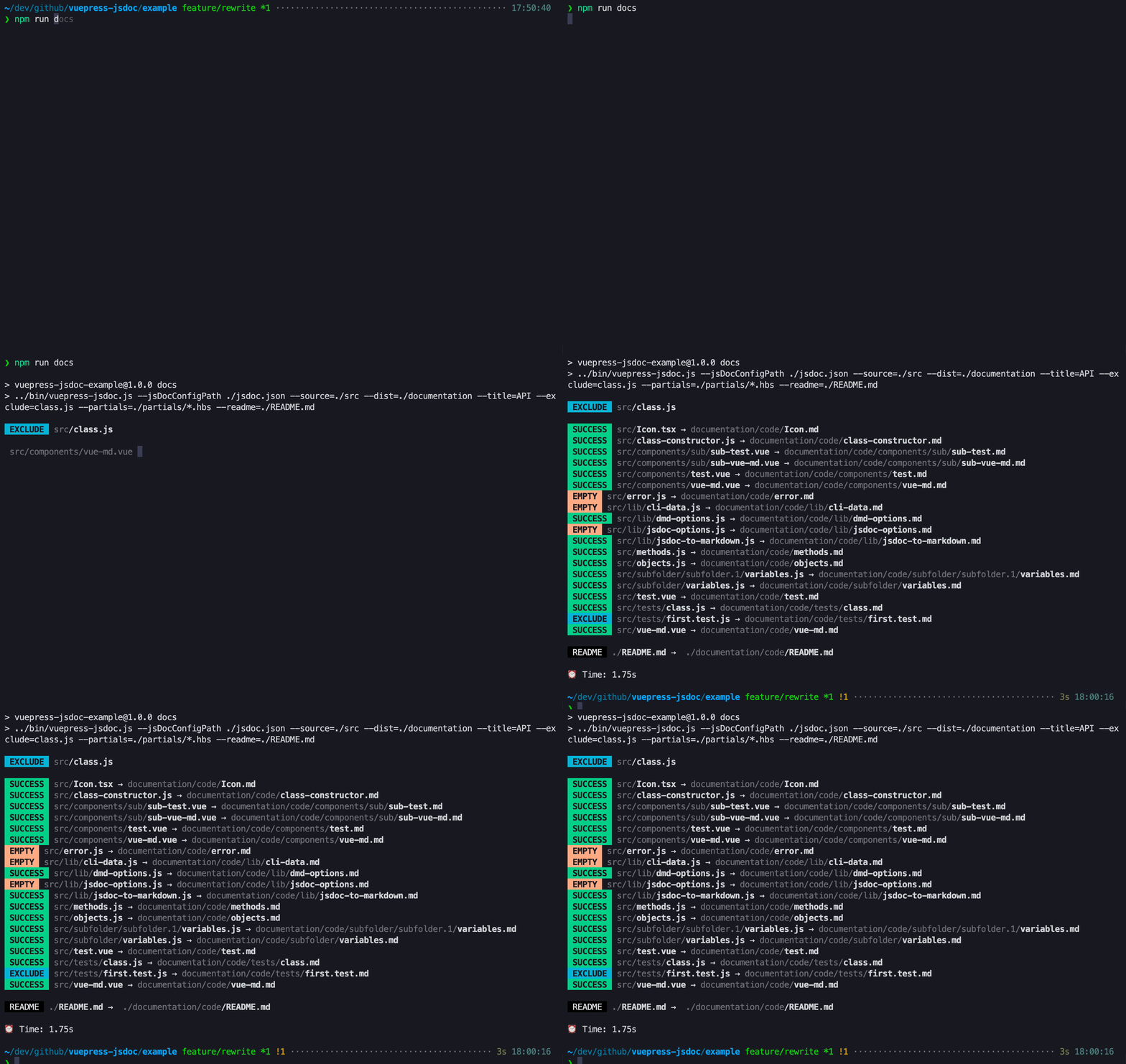
This npm package serves as a command line script designed to analyze your JavaScript, Vue, or TypeScript source code. Leveraging [jsdoc-to-markdown](https://github.com/jsdoc2md/jsdoc-to-markdown) and [vue-docgen-cli](https://github.com/vue-styleguidist/vue-styleguidist/tree/dev/packages/vue-docgen-cli), it dynamically generates markdown files tailored for VuePress.
|
|
8
8
|
|
|
9
9
|
|
|
10
10
|
|
|
11
|
+
## Vuepress support
|
|
12
|
+
|
|
13
|
+
This npm package is compatible with VuePress 2; however, it requires a version lower than `5.0.0` for proper functionality with VuePress 1.
|
|
14
|
+
|
|
11
15
|
## How to
|
|
12
16
|
|
|
13
17
|
```bash
|
|
@@ -24,29 +28,6 @@ vuepress-jsdoc --source ./src --dist ./documentation --folder code --title API -
|
|
|
24
28
|
|
|
25
29
|
You can also use `npx vuepress-jsdoc`, if you want.
|
|
26
30
|
|
|
27
|
-
#### Plugin (Dev-Mode) `alpha`
|
|
28
|
-
|
|
29
|
-
You can use `vuepress-jsdoc` also as plugin.
|
|
30
|
-
This plugin watches you generated files.
|
|
31
|
-
|
|
32
|
-
```javascript
|
|
33
|
-
// ./documentation/.vuepress/config.js
|
|
34
|
-
plugins: [
|
|
35
|
-
[
|
|
36
|
-
require('vuepress-jsdoc').default,
|
|
37
|
-
{
|
|
38
|
-
folder: 'code',
|
|
39
|
-
source: './dist',
|
|
40
|
-
dist: './documentation',
|
|
41
|
-
title: 'API',
|
|
42
|
-
partials: ['./example/partials/*.hbs'],
|
|
43
|
-
readme: './README.md',
|
|
44
|
-
exclude: '**/*.d.ts,**/interfaces.*,**/constants.*,**/cmds.*'
|
|
45
|
-
}
|
|
46
|
-
]
|
|
47
|
-
];
|
|
48
|
-
```
|
|
49
|
-
|
|
50
31
|
#### Watch-Mode `alpha`
|
|
51
32
|
|
|
52
33
|
If you do not want to run`vuepress-jsdoc` again and again and again.
|
|
@@ -137,12 +118,13 @@ module.exports = {
|
|
|
137
118
|
|
|
138
119
|
## Custom readme
|
|
139
120
|
|
|
140
|
-
|
|
141
|
-
|
|
121
|
+
To include a custom path for your readme, simply utilize the `--readme ./path/to/file.md` parameter. If you relocate a `README.md` file into your source folder, the system will automatically resolve it.
|
|
122
|
+
|
|
123
|
+
For setting the title, provide it as an argument to the `sidebarTree('Mainpage title')` function within your `./.vuepress/config.js` file.
|
|
142
124
|
|
|
143
125
|
## @vuepress comment block
|
|
144
126
|
|
|
145
|
-
|
|
127
|
+
Enhance your page customization by incorporating custom metadata through the `@vuepress` block:
|
|
146
128
|
|
|
147
129
|
```javascript
|
|
148
130
|
/*
|
|
@@ -160,15 +142,13 @@ Use `headline` to add a custom `h1` title.
|
|
|
160
142
|
|
|
161
143
|
## Typescript
|
|
162
144
|
|
|
163
|
-
To
|
|
145
|
+
To integrate TypeScript support, install the following dev-dependencies with the following command:
|
|
164
146
|
|
|
165
147
|
```bash
|
|
166
148
|
npm install -D typescript jsdoc-babel @babel/cli @babel/core @babel/preset-env @babel/preset-typescript jsdoc-to-markdown
|
|
167
149
|
```
|
|
168
150
|
|
|
169
|
-
|
|
170
|
-
You can find a full working example with all settings inside the `./example` folder.
|
|
171
|
-
The example shows also how to use babel-`plugins`.
|
|
151
|
+
After installation, include a `jsdoc.json` file in your project with specific settings, and reference it using the `-c` parameter. For a comprehensive example with all the necessary configurations, refer to the `./example` folder. The example also demonstrates the usage of Babel plugins.
|
|
172
152
|
|
|
173
153
|
## Example
|
|
174
154
|
|
package/dist/cmds.d.ts
CHANGED
|
@@ -1,8 +1,8 @@
|
|
|
1
|
-
declare const _default: (version: string) => void;
|
|
2
1
|
/**
|
|
3
2
|
* This method builds the cli interface and is necessary because
|
|
4
3
|
* we need the version from the package.json here. We do not import
|
|
5
4
|
* this here, because otherwise the folder structure in the dist folder would get mixed up.
|
|
6
5
|
* @param {string} version a version string
|
|
7
6
|
*/
|
|
7
|
+
declare const _default: (version: string) => void;
|
|
8
8
|
export default _default;
|
package/dist/cmds.js
CHANGED
|
@@ -6,15 +6,15 @@ Object.defineProperty(exports, "__esModule", { value: true });
|
|
|
6
6
|
* headline: cmds.ts
|
|
7
7
|
* ---
|
|
8
8
|
*/
|
|
9
|
-
|
|
10
|
-
|
|
9
|
+
const commander_1 = require("commander");
|
|
10
|
+
const _1 = require(".");
|
|
11
11
|
/**
|
|
12
12
|
* This method builds the cli interface and is necessary because
|
|
13
13
|
* we need the version from the package.json here. We do not import
|
|
14
14
|
* this here, because otherwise the folder structure in the dist folder would get mixed up.
|
|
15
15
|
* @param {string} version a version string
|
|
16
16
|
*/
|
|
17
|
-
exports.default = (
|
|
17
|
+
exports.default = (version) => {
|
|
18
18
|
commander_1.program.version(version).description('a CLI Tool to generate markdown files for vuepress');
|
|
19
19
|
commander_1.program
|
|
20
20
|
.description('Generate the md files')
|
|
@@ -31,4 +31,4 @@ exports.default = (function (version) {
|
|
|
31
31
|
.option('-c, --jsDocConfigPath <string>', 'Path to jsdoc config')
|
|
32
32
|
.action(_1.generate);
|
|
33
33
|
commander_1.program.parse(process.argv);
|
|
34
|
-
}
|
|
34
|
+
};
|
package/dist/constants.d.ts
CHANGED
package/dist/constants.js
CHANGED
|
@@ -5,6 +5,6 @@ var StatisticType;
|
|
|
5
5
|
(function (StatisticType) {
|
|
6
6
|
StatisticType["EMPTY"] = "EMPTY";
|
|
7
7
|
StatisticType["ERROR"] = "ERROR";
|
|
8
|
-
StatisticType["
|
|
8
|
+
StatisticType["INCLUDE"] = "INCLUDE";
|
|
9
9
|
StatisticType["EXCLUDE"] = "EXCLUDE";
|
|
10
|
-
})(StatisticType
|
|
10
|
+
})(StatisticType || (exports.StatisticType = StatisticType = {}));
|
package/dist/index.d.ts
CHANGED
|
@@ -5,13 +5,7 @@ import { CLIArguments } from './interfaces';
|
|
|
5
5
|
*/
|
|
6
6
|
export declare const generate: (argv: CLIArguments) => Promise<void>;
|
|
7
7
|
/**
|
|
8
|
-
*
|
|
8
|
+
* Watch files in source folder
|
|
9
9
|
* @param {CLIArguments} argv
|
|
10
|
-
* @param {object} ctx
|
|
11
|
-
* @returns {object}
|
|
12
10
|
*/
|
|
13
|
-
declare const
|
|
14
|
-
name: string;
|
|
15
|
-
ready: () => Promise<void>;
|
|
16
|
-
};
|
|
17
|
-
export default plugin;
|
|
11
|
+
export declare const watchFiles: (argv: CLIArguments) => void;
|