tuimon 0.3.10 → 0.3.11
This diff represents the content of publicly available package versions that have been released to one of the supported registries. The information contained in this diff is provided for informational purposes only and reflects changes between package versions as they appear in their respective public registries.
- package/README.md +11 -1
- package/package.json +1 -1
package/README.md
CHANGED
|
@@ -1,5 +1,9 @@
|
|
|
1
1
|
# TuiMon
|
|
2
2
|
|
|
3
|
+
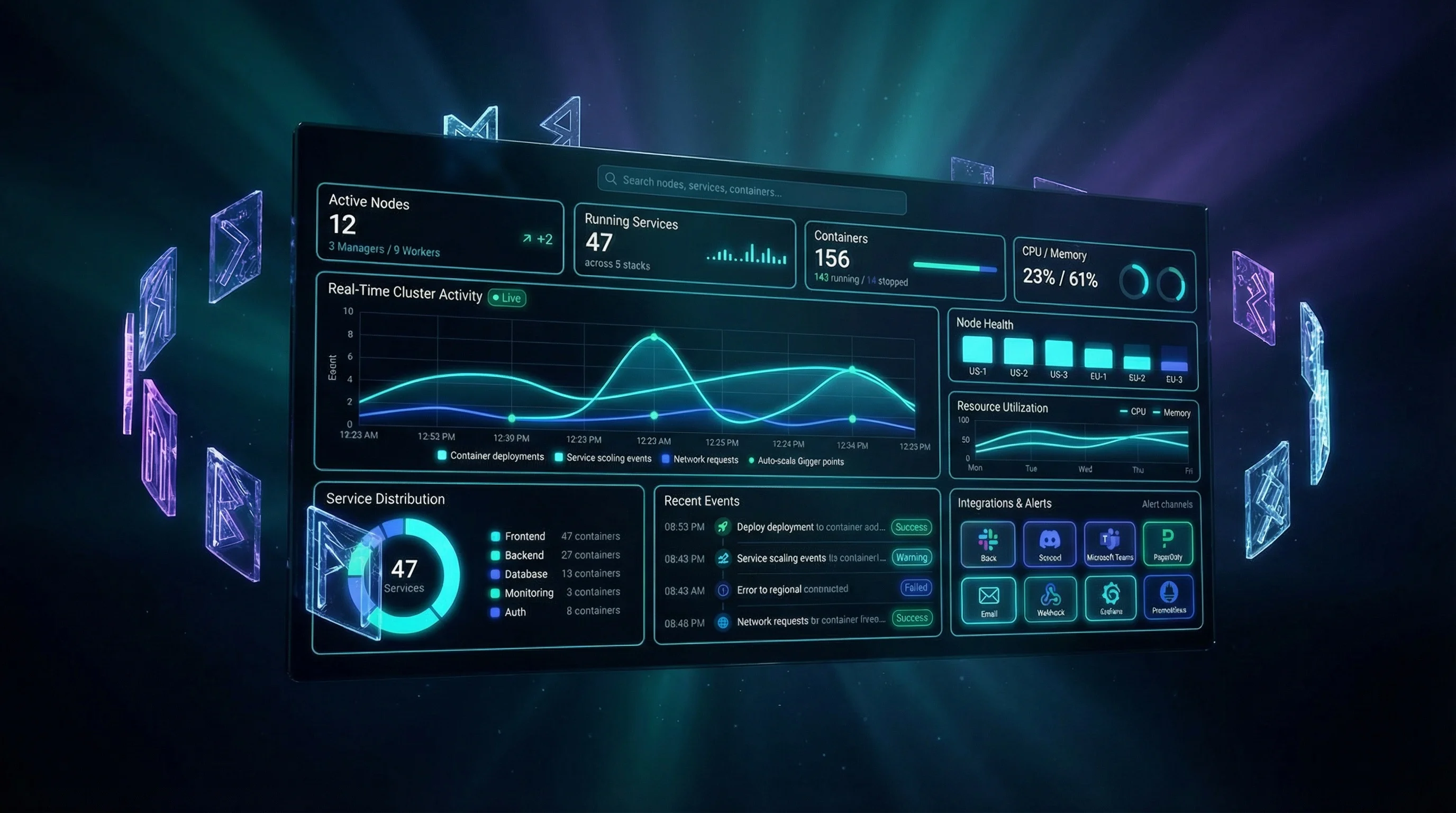
|
|
4
|
+
|
|
5
|
+
**[View the full documentation site](https://thedecipherist.github.io/tuimon/)**
|
|
6
|
+
|
|
3
7
|
> Your HTML, CSS, and JavaScript, rendered directly in the terminal.
|
|
4
8
|
|
|
5
9
|
## What Is TuiMon?
|
|
@@ -175,6 +179,12 @@ tuimon modsec_audit.log # ModSecurity log, shows security dashboard
|
|
|
175
179
|
tuimon data.json -c "name,age" # Only show specific columns
|
|
176
180
|
```
|
|
177
181
|
|
|
182
|
+
You can also render any HTML file directly in the terminal:
|
|
183
|
+
|
|
184
|
+
```bash
|
|
185
|
+
tuimon dashboard.html # render any HTML page in the terminal
|
|
186
|
+
```
|
|
187
|
+
|
|
178
188
|
TuiMon auto-detects the file format, picks the right widgets, and builds a dashboard. It also watches the file for changes so the dashboard updates if the file is modified.
|
|
179
189
|
|
|
180
190
|
Press D to switch to a full-screen data table. Use arrow keys to page through the data. ESC goes back.
|
|
@@ -304,7 +314,7 @@ Config is stored in `~/.tuimon/config.json`.
|
|
|
304
314
|
|
|
305
315
|
| Command | What it does |
|
|
306
316
|
|---------|--------------|
|
|
307
|
-
| `tuimon <file>` | Visualize a JSON, CSV, or
|
|
317
|
+
| `tuimon <file>` | Visualize a JSON, CSV, log, or HTML file |
|
|
308
318
|
| `tuimon docker` | Live Docker container dashboard (press L for logs) |
|
|
309
319
|
| `tuimon git` | Git repository analysis dashboard |
|
|
310
320
|
| `tuimon ps` | Live process monitor (press P for full table) |
|