tickup 1.0.33 → 1.0.35
This diff represents the content of publicly available package versions that have been released to one of the supported registries. The information contained in this diff is provided for informational purposes only and reflects changes between package versions as they appear in their respective public registries.
- package/README.md +32 -31
- package/dist/components/Canvas/TickUpStage.d.ts +2 -0
- package/dist/hooks/useChartData.d.ts +8 -0
- package/dist/tickup-full.cjs.js +10 -5
- package/dist/tickup-full.cjs.js.map +1 -1
- package/dist/tickup-full.es.js +94 -89
- package/dist/tickup-full.es.js.map +1 -1
- package/dist/tickup.cjs.js +13 -8
- package/dist/tickup.cjs.js.map +1 -1
- package/dist/tickup.es.js +89 -84
- package/dist/tickup.es.js.map +1 -1
- package/documentation/01-glossary.md +30 -34
- package/documentation/01-introduction.md +18 -7
- package/documentation/02-installation.md +14 -14
- package/documentation/03-quick-start.md +12 -22
- package/documentation/04-products-and-layout.md +10 -16
- package/documentation/05-props-and-chart-options.md +31 -47
- package/documentation/06-imperative-api.md +36 -66
- package/documentation/07-data-and-live-updates.md +30 -30
- package/documentation/08-drawings-and-shapes.md +30 -76
- package/documentation/09-settings-modal.md +17 -26
- package/documentation/10-toolbar-and-interactions.md +29 -48
- package/documentation/11-exports-and-advanced.md +46 -106
- package/documentation/12-overlays-and-indicators.md +23 -28
- package/documentation/13-internationalization-and-axes.md +23 -33
- package/documentation/14-legal-and-policies.md +13 -15
- package/documentation/README.md +31 -32
- package/package.json +1 -1
package/README.md
CHANGED
|
@@ -6,43 +6,44 @@
|
|
|
6
6
|
[](https://github.com/BARDAMRI/tickup-charts/blob/main/LICENSE)
|
|
7
7
|
[](https://bundlephobia.com/package/tickup)
|
|
8
8
|
|
|
9
|
-
|
|
9
|
+
## Standard Edition vs TickUp Prime (Pro)
|
|
10
10
|
|
|
11
|
-
|
|
11
|
+
| | **TickUp Core (Standard Edition)** | **TickUp Prime (Pro)** |
|
|
12
|
+
| :--- | :--- | :--- |
|
|
13
|
+
| **Rendering** | HTML5 Canvas 2D | WebGL 2.0 |
|
|
14
|
+
| **Live updates** | 1 Hz (1 second) throttling | ~60 FPS pipeline |
|
|
15
|
+
| **History depth** | Up to **2,000** candles | Unlimited (product-dependent) |
|
|
16
|
+
| **Indicators** | Up to **3** overlays | Unlimited |
|
|
17
|
+
| **Advanced UX** | — | Magnetic snapping, VWAP Pro, premium visuals |
|
|
18
|
+
| **License** | MIT (this repo) | Commercial |
|
|
12
19
|
|
|
13
|
-
|
|
20
|
+
TickUp **Core** is the MIT **Standard Edition**: a production-quality charting stack for **dashboards**, **internal tools**, and **simple market UIs**. It is intentionally capped so performance stays predictable on typical hardware.
|
|
14
21
|
|
|
15
|
-
-
|
|
16
|
-
- Built-in indicators and overlays for practical market analysis workflows.
|
|
17
|
-
- RTL-ready chart interfaces for multilingual financial products.
|
|
18
|
-
- TypeScript-first API with imperative controls for advanced integrations.
|
|
22
|
+
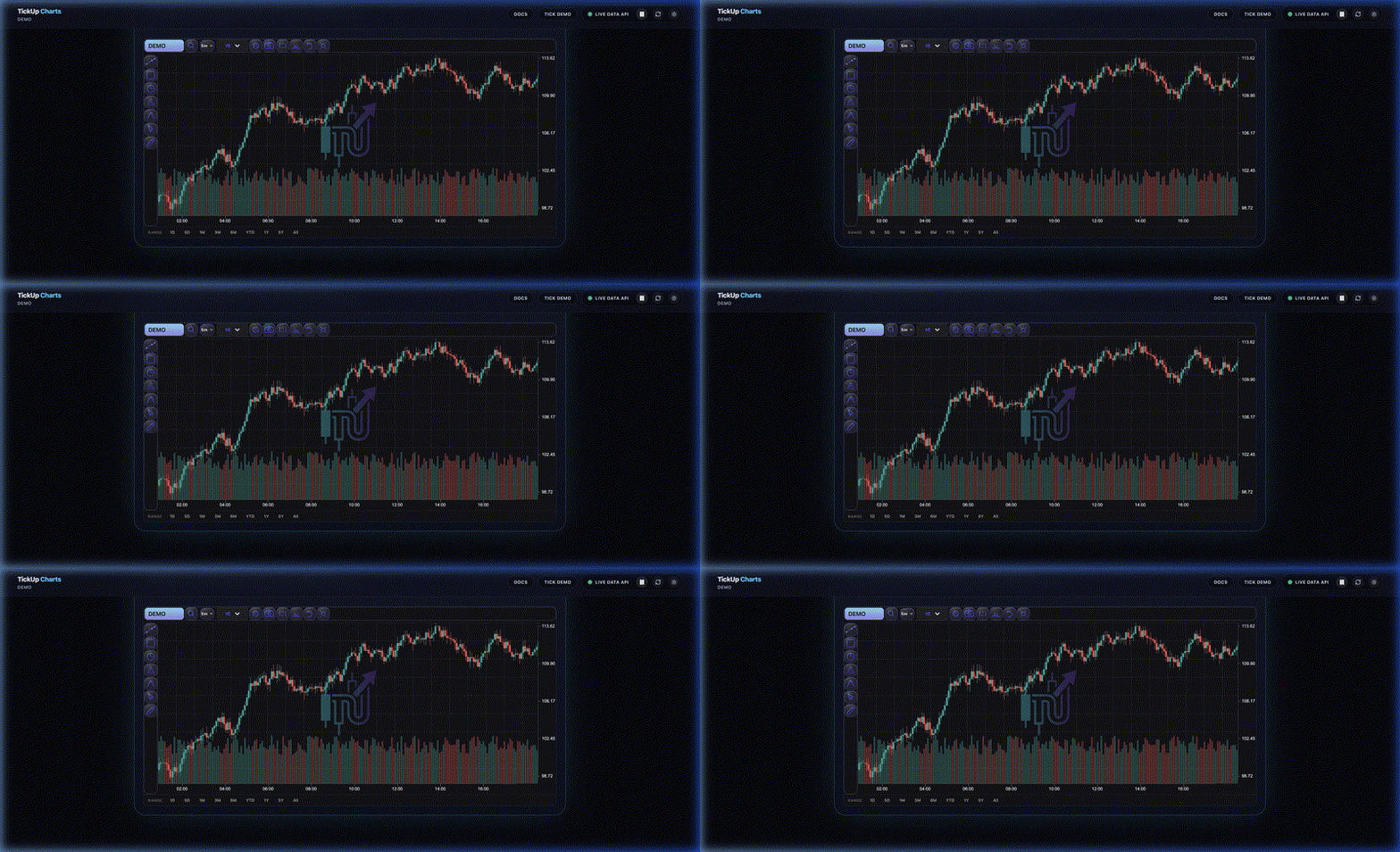
**Power users** and **trading-grade products** should evaluate **[TickUp Prime](https://github.com/BARDAMRI/tickup-prime)** for WebGL throughput, deep history, and professional interaction tooling. Try it live in the **[Prime Showcase](https://bardamri.github.io/tickup-charts/)**.
|
|
19
23
|
|
|
20
|
-
|
|
24
|
+
|
|
21
25
|
|
|
22
|
-
|
|
23
|
-
| :--- | :--- | :--- |
|
|
24
|
-
| Engine | ✅ High-Speed Canvas 2D | 🚀 Ultra-Low Latency Rendering |
|
|
25
|
-
| Visuals | ✅ Standard Financial Styles | 💎 Neon Rendering Engine |
|
|
26
|
-
| Indicators | ✅ Core Indicator Set | 💎 Advanced Indicators (Fibonacci, Elliott) |
|
|
27
|
-
| Localization | ✅ LTR Support | 🚀 Full RTL + Professional i18n Workflows |
|
|
28
|
-
| License | ✅ MIT Open Source | 💎 Commercial License |
|
|
26
|
+
## What you get in Standard Edition
|
|
29
27
|
|
|
30
|
-
|
|
28
|
+
- Canvas 2D OHLCV charts (candlestick, line, area, bar) with pan, zoom, crosshair, and drawings.
|
|
29
|
+
- TypeScript-first APIs and an imperative ref for live data and snapshots.
|
|
30
|
+
- **Standard Tier guardrails** built into the library: **2,000-bar** series cap, **1 Hz** live-update throttling (unless you use the licensed Prime shell path), and **three** simultaneous overlay indicators—with clear in-app messaging when a limit applies.
|
|
31
|
+
- “**Powered by TickUp**” attribution enforced in Standard layouts (visibility guarded in the host).
|
|
31
32
|
|
|
32
|
-
|
|
33
|
+
## Why upgrade to Prime?
|
|
33
34
|
|
|
34
|
-
-
|
|
35
|
-
-
|
|
35
|
+
- You need **more than 2,000** bars, **faster** than 1 Hz updates, or **more than three** studies without caps.
|
|
36
|
+
- You want **WebGL**-class density and Prime-only interaction and analysis features.
|
|
36
37
|
|
|
37
|
-
|
|
38
|
+
## How to upgrade
|
|
38
39
|
|
|
39
|
-
|
|
40
|
+
1. Read the **[TickUp Prime documentation](https://github.com/BARDAMRI/tickup-prime)**.
|
|
41
|
+
2. Explore the **[Prime Showcase](https://bardamri.github.io/tickup-charts/)**.
|
|
42
|
+
3. Use the **[Prime repository](https://github.com/BARDAMRI/tickup-prime)** for licensing and integration.
|
|
40
43
|
|
|
41
|
-
|
|
44
|
+
## Prime evaluation (separate product)
|
|
42
45
|
|
|
43
|
-
|
|
44
|
-
2. Try the live experience: [Prime Showcase](https://bardamri.github.io/tickup-charts/)
|
|
45
|
-
3. Request a commercial license key for production use.
|
|
46
|
+
The **`TickUpPrimeTier`** shell in this package is for **evaluating** the Prime product shape: evaluation chrome when no license key is set. **Standard Tier guardrails** in this open-source core still apply to data throughput and indicator counts unless you run against a fully licensed Prime deployment.
|
|
46
47
|
|
|
47
48
|
## Pricing & Licensing
|
|
48
49
|
|
|
@@ -68,11 +69,11 @@ export function App() {
|
|
|
68
69
|
|
|
69
70
|
## Documentation
|
|
70
71
|
|
|
71
|
-
- [Documentation
|
|
72
|
-
- [Quick
|
|
73
|
-
- [Imperative API
|
|
74
|
-
- [
|
|
72
|
+
- [Documentation hub](https://github.com/BARDAMRI/tickup-charts/blob/main/documentation/README.md)
|
|
73
|
+
- [Quick start](https://github.com/BARDAMRI/tickup-charts/blob/main/documentation/03-quick-start.md)
|
|
74
|
+
- [Imperative API](https://github.com/BARDAMRI/tickup-charts/blob/main/documentation/06-imperative-api.md)
|
|
75
|
+
- [Data & live updates](https://github.com/BARDAMRI/tickup-charts/blob/main/documentation/07-data-and-live-updates.md)
|
|
75
76
|
|
|
76
|
-
## Prime
|
|
77
|
+
## TickUp Prime
|
|
77
78
|
|
|
78
|
-
Interested in TickUp Prime
|
|
79
|
+
Interested in **TickUp Prime**? Start with the **[Prime documentation](https://github.com/BARDAMRI/tickup-prime)** and try the **[Showcase](https://bardamri.github.io/tickup-charts/)**.
|
|
@@ -44,6 +44,8 @@ export interface TickUpStageProps {
|
|
|
44
44
|
/** Sync with app chart theme for fullscreen modals */
|
|
45
45
|
themeVariant?: ChartTheme;
|
|
46
46
|
showBrandWatermark?: boolean;
|
|
47
|
+
/** When true (licensed Prime shell), live interval updates are not 1 Hz–throttled; bar count is still capped in Core. */
|
|
48
|
+
isPrimeLicensed?: boolean;
|
|
47
49
|
/** Search/validation flow for interval changes (e.g. swap data feed). */
|
|
48
50
|
onIntervalSearch?: (tf: string) => void | boolean | Promise<void | boolean>;
|
|
49
51
|
}
|
|
@@ -5,11 +5,19 @@ type VisibleRangeInput = TimeRange & Partial<{
|
|
|
5
5
|
startIndex: number;
|
|
6
6
|
endIndex: number;
|
|
7
7
|
}>;
|
|
8
|
+
export declare const MAX_CORE_CANDLES = 2000;
|
|
9
|
+
export declare const CORE_TICK_THROTTLE_MS = 1000;
|
|
10
|
+
/**
|
|
11
|
+
* Standard Tier guardrail: never keep more than MAX_CORE_CANDLES for render or downstream math.
|
|
12
|
+
* Call sites should use this for every ingest path (props, live merge, history refresh).
|
|
13
|
+
*/
|
|
14
|
+
export declare function clampIntervalsToStandardTier(intervals: Interval[]): Interval[];
|
|
8
15
|
export declare function useChartData(intervalsArray: Interval[], visibleRange: VisibleRangeInput, currentPoint: {
|
|
9
16
|
x: number;
|
|
10
17
|
y: number;
|
|
11
18
|
} | null, canvasWidth: number, canvasHeight: number): {
|
|
12
19
|
renderContext: ChartRenderContext | null;
|
|
13
20
|
intervalSeconds: number;
|
|
21
|
+
effectiveIntervals: Interval[];
|
|
14
22
|
};
|
|
15
23
|
export {};
|