scichart 3.0.0-beta.263 → 3.0.266
This diff represents the content of publicly available package versions that have been released to one of the supported registries. The information contained in this diff is provided for informational purposes only and reflects changes between package versions as they appear in their respective public registries.
- package/Core/BuildStamp.d.ts +1 -1
- package/Core/BuildStamp.js +2 -2
- package/README.md +60 -58
- package/_wasm/scichart.browser.js +1 -1
- package/_wasm/scichart2d.js +7 -7
- package/_wasm/scichart2d.wasm +0 -0
- package/_wasm/scichart3d.js +1 -1
- package/_wasm/scichart3d.wasm +0 -0
- package/package.json +1 -1
package/Core/BuildStamp.d.ts
CHANGED
|
@@ -1,4 +1,4 @@
|
|
|
1
1
|
import { TSciChart } from "../types/TSciChart";
|
|
2
2
|
import { TSciChart3D } from "../types/TSciChart3D";
|
|
3
|
-
export declare const libraryVersion = "3.0.
|
|
3
|
+
export declare const libraryVersion = "3.0.266";
|
|
4
4
|
export declare const checkBuildStamp: (wasmContext: TSciChart | TSciChart3D) => boolean;
|
package/Core/BuildStamp.js
CHANGED
|
@@ -1,10 +1,10 @@
|
|
|
1
1
|
"use strict";
|
|
2
2
|
Object.defineProperty(exports, "__esModule", { value: true });
|
|
3
3
|
exports.checkBuildStamp = exports.libraryVersion = void 0;
|
|
4
|
-
var buildStamp = "2023-01-
|
|
4
|
+
var buildStamp = "2023-01-16T00:00:00";
|
|
5
5
|
var result;
|
|
6
6
|
// tslint:disable-next-line:no-var-requires
|
|
7
|
-
exports.libraryVersion = "3.0.
|
|
7
|
+
exports.libraryVersion = "3.0.266";
|
|
8
8
|
var checkBuildStamp = function (wasmContext) {
|
|
9
9
|
if (result !== undefined)
|
|
10
10
|
return result;
|
package/README.md
CHANGED
|
@@ -7,7 +7,9 @@ which WebGL and WebAssembly to achieve incredible real-time and big-data perform
|
|
|
7
7
|
> **perfect for scientific, financial, medical, engineering and enterprise applications**,
|
|
8
8
|
> apps with demanding performance requirements or complex and mission critical charting.
|
|
9
9
|
|
|
10
|
-
[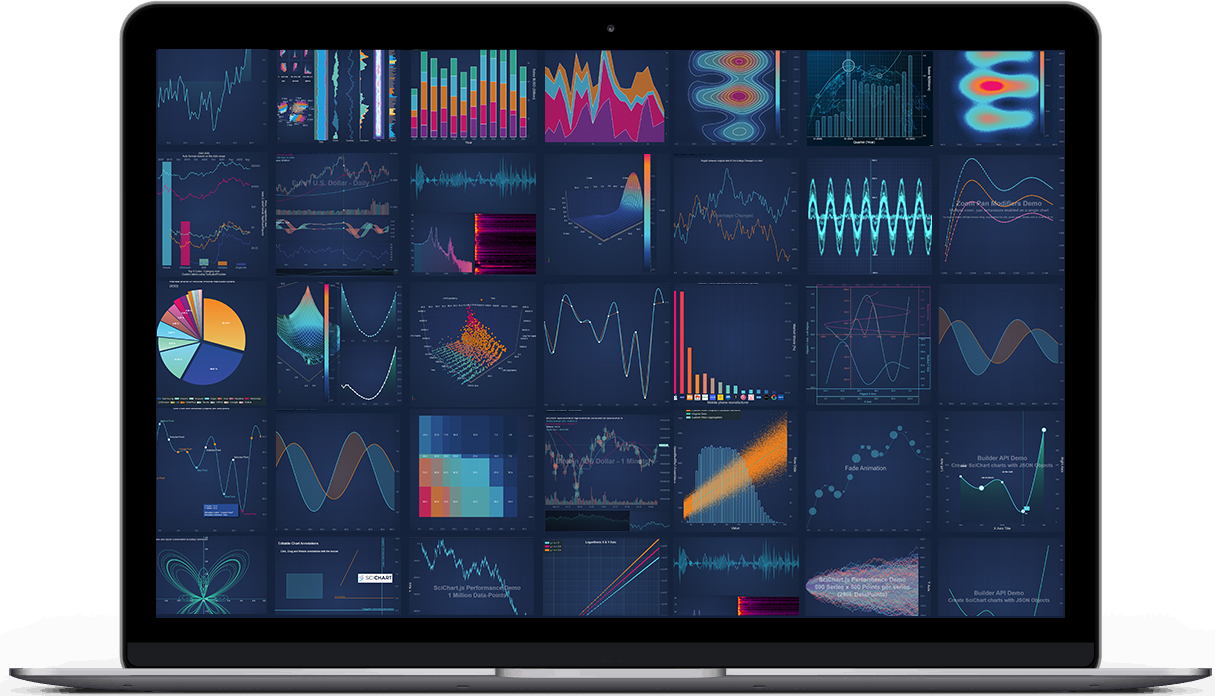](https://www.scichart.com/javascript-chart-features)
|
|
11
|
+
|
|
12
|
+
SciChart.JS v3 is released! Check out [what's new](https://www.scichart.com/scichart-js-v3-0-released). There should not be any breaking changes.
|
|
11
13
|
|
|
12
14
|
## License
|
|
13
15
|
|
|
@@ -66,66 +68,66 @@ SciChart.js can be loaded as an ES6 module with Babel or TypeScript transpiler.
|
|
|
66
68
|
|
|
67
69
|
1. **Install SciChart.js**
|
|
68
70
|
|
|
69
|
-
|
|
70
|
-
|
|
71
|
-
|
|
71
|
+
```shell
|
|
72
|
+
npm i scichart
|
|
73
|
+
```
|
|
72
74
|
|
|
73
|
-
2 **Create a simple chart** by putting this into `src/index.js` file
|
|
75
|
+
2. **Create a simple chart** by putting this into `src/index.js` file
|
|
74
76
|
|
|
75
|
-
|
|
76
|
-
|
|
77
|
-
|
|
78
|
-
|
|
79
|
-
|
|
77
|
+
```javascript
|
|
78
|
+
import { SciChartSurface } from "scichart/Charting/Visuals/SciChartSurface";
|
|
79
|
+
import { NumericAxis } from "scichart/Charting/Visuals/Axis/NumericAxis";
|
|
80
|
+
import { XyDataSeries } from "scichart/Charting/Model/XyDataSeries";
|
|
81
|
+
import { FastLineRenderableSeries } from "scichart/Charting/Visuals/RenderableSeries/FastLineRenderableSeries";
|
|
80
82
|
|
|
81
|
-
|
|
82
|
-
|
|
83
|
-
|
|
83
|
+
// Call useWasmFromCDN once before SciChart.js is initialised to load Wasm files from our CDN
|
|
84
|
+
// Alternative methods for serving wasm from webpack or offline are available on our website
|
|
85
|
+
SciChartSurface.useWasmFromCDN();
|
|
84
86
|
|
|
85
|
-
|
|
86
|
-
|
|
87
|
-
|
|
88
|
-
|
|
89
|
-
|
|
90
|
-
|
|
91
|
-
|
|
92
|
-
|
|
93
|
-
|
|
94
|
-
|
|
95
|
-
|
|
96
|
-
|
|
97
|
-
|
|
98
|
-
|
|
99
|
-
|
|
100
|
-
|
|
101
|
-
|
|
102
|
-
|
|
103
|
-
|
|
104
|
-
|
|
105
|
-
|
|
106
|
-
|
|
107
|
-
|
|
108
|
-
|
|
109
|
-
|
|
110
|
-
|
|
111
|
-
3 **Create src/index.html file**
|
|
112
|
-
|
|
113
|
-
|
|
114
|
-
|
|
115
|
-
|
|
116
|
-
|
|
117
|
-
|
|
118
|
-
|
|
119
|
-
|
|
120
|
-
|
|
121
|
-
|
|
122
|
-
|
|
123
|
-
|
|
124
|
-
|
|
125
|
-
|
|
126
|
-
|
|
127
|
-
|
|
128
|
-
4 **Run it `npm start`**. As a result you will see a simple line chart.
|
|
87
|
+
// Apply your licese key once before startup
|
|
88
|
+
SciChartSurface.setRuntimeLicenseKey("--YOUR_KEY_HERE--");
|
|
89
|
+
|
|
90
|
+
async function initSciChart() {
|
|
91
|
+
// Create the SciChartSurface in the div 'scichart-root'
|
|
92
|
+
const { sciChartSurface, wasmContext } = await SciChartSurface.create("scichart-root");
|
|
93
|
+
|
|
94
|
+
// Create an X,Y Axis and add to the chart
|
|
95
|
+
sciChartSurface.xAxes.add(new NumericAxis(wasmContext));
|
|
96
|
+
sciChartSurface.yAxes.add(new NumericAxis(wasmContext));
|
|
97
|
+
|
|
98
|
+
// Create a line series with some data
|
|
99
|
+
const dataSeries = new XyDataSeries(wasmContext, {
|
|
100
|
+
xValues: [1, 2, 5, 8, 10],
|
|
101
|
+
yValues: [3, 1, 7, 5, 8]
|
|
102
|
+
});
|
|
103
|
+
const renderableSeries = new FastLineRenderableSeries(wasmContext, {
|
|
104
|
+
dataSeries,
|
|
105
|
+
stroke: "steelblue"
|
|
106
|
+
});
|
|
107
|
+
sciChartSurface.renderableSeries.add(renderableSeries);
|
|
108
|
+
}
|
|
109
|
+
|
|
110
|
+
initSciChart();
|
|
111
|
+
```
|
|
112
|
+
|
|
113
|
+
3. **Create src/index.html file**
|
|
114
|
+
|
|
115
|
+
```html
|
|
116
|
+
<html lang="en-us">
|
|
117
|
+
<head>
|
|
118
|
+
<meta charset="utf-8" />
|
|
119
|
+
<meta content="text/html; charset=utf-8" http-equiv="Content-Type" />
|
|
120
|
+
<title>SciChart.js Tutorial 1</title>
|
|
121
|
+
<script async type="text/javascript" src="bundle.js"></script>
|
|
122
|
+
</head>
|
|
123
|
+
<body>
|
|
124
|
+
<!-- the Div where the SciChartSurface will reside -->
|
|
125
|
+
<div id="scichart-root" style="width: 800px; height: 600px;"></div>
|
|
126
|
+
</body>
|
|
127
|
+
</html>
|
|
128
|
+
```
|
|
129
|
+
|
|
130
|
+
4. **Run it `npm start`**. As a result you will see a simple line chart.
|
|
129
131
|
|
|
130
132
|
> Further reading:
|
|
131
133
|
>
|
|
@@ -171,6 +173,6 @@ Check out what's new in SciChart.js at the below pages:
|
|
|
171
173
|
- [What's New in SciChart.js v2.0](https://www.scichart.com/documentation/js/current/What's%20New%20in%20SciChart.js%20SDK%20v2.x.html)
|
|
172
174
|
- [What's New in SciChart.js v2.1](https://www.scichart.com/documentation/js/current/WhatsNewInSciChart2_1.html)
|
|
173
175
|
- [What's New in SciChart.js v2.2](https://www.scichart.com/documentation/js/current/What's%20New%20in%20SciChart.js%20SDK%20v2.2.html)
|
|
174
|
-
- SciChart.js v3.0
|
|
176
|
+
- [What's New in SciChart.js v3.0](https://www.scichart.com/scichart-js-v3-0-released)
|
|
175
177
|
|
|
176
178
|
We release often and if you want to report a bug, request a feature or give general feedback [contact us](https://scichart.com/contact-us)!
|