pts 0.12.9 → 1.0.1
This diff represents the content of publicly available package versions that have been released to one of the supported registries. The information contained in this diff is provided for informational purposes only and reflects changes between package versions as they appear in their respective public registries.
- package/README.md +92 -80
- package/dist/index.d.mts +6488 -1245
- package/dist/index.d.mts.map +1 -0
- package/dist/index.d.ts +6488 -1245
- package/dist/index.d.ts.map +1 -0
- package/dist/index.js +10733 -10668
- package/dist/index.js.map +1 -0
- package/dist/index.mjs +10684 -10600
- package/dist/index.mjs.map +1 -0
- package/dist/pts.js +10868 -10768
- package/dist/pts.js.map +1 -0
- package/dist/pts.min.js +3 -5
- package/dist/pts.min.js.map +1 -0
- package/package.json +92 -31
- package/src/Canvas.ts +1737 -0
- package/src/Color.ts +1109 -0
- package/src/Create.ts +1834 -0
- package/src/Dom.ts +940 -0
- package/src/Form.ts +312 -0
- package/src/Image.ts +722 -0
- package/src/LinearAlgebra.ts +530 -0
- package/src/Num.ts +1093 -0
- package/src/Op.ts +2442 -0
- package/src/Physics.ts +1233 -0
- package/src/Play.ts +861 -0
- package/src/Pt.ts +1310 -0
- package/src/Space.ts +898 -0
- package/src/Svg.ts +1652 -0
- package/src/Types.ts +318 -0
- package/src/Typography.ts +228 -0
- package/src/UI.ts +757 -0
- package/src/Util.ts +454 -0
- package/src/_module.ts +18 -0
- package/src/_path.ts +1402 -0
- package/src/_script.ts +94 -0
- package/src/_triangulate.ts +925 -0
- package/src/uheprng.ts +153 -0
package/README.md
CHANGED
|
@@ -1,80 +1,92 @@
|
|
|
1
|
-
# Pts
|
|
2
|
-
|
|
3
|
-

|
|
8
|
-
|
|
9
|
-
|
|
10
|
-
|
|
11
|
-
|
|
12
|
-
|
|
13
|
-
|
|
14
|
-
|
|
15
|
-
|
|
16
|
-
|
|
17
|
-
```
|
|
18
|
-
|
|
19
|
-
|
|
20
|
-
|
|
21
|
-
|
|
22
|
-
|
|
23
|
-
|
|
24
|
-
|
|
25
|
-
```
|
|
26
|
-
|
|
27
|
-
```
|
|
28
|
-
|
|
29
|
-
|
|
30
|
-
|
|
31
|
-
|
|
32
|
-
|
|
33
|
-
|
|
34
|
-
|
|
35
|
-
|
|
36
|
-
|
|
37
|
-
|
|
38
|
-
|
|
39
|
-
|
|
40
|
-
|
|
41
|
-
|
|
42
|
-
|
|
43
|
-
|
|
44
|
-
|
|
45
|
-
|
|
46
|
-
|
|
47
|
-
|
|
48
|
-
|
|
49
|
-
|
|
50
|
-
|
|
51
|
-
|
|
52
|
-
|
|
53
|
-
|
|
54
|
-
|
|
55
|
-
|
|
56
|
-
|
|
57
|
-
|
|
58
|
-
|
|
59
|
-
|
|
60
|
-
|
|
61
|
-
|
|
62
|
-
|
|
63
|
-
|
|
64
|
-
|
|
65
|
-
|
|
66
|
-
|
|
67
|
-
|
|
68
|
-
|
|
69
|
-
|
|
70
|
-
|
|
71
|
-
|
|
72
|
-
|
|
73
|
-
|
|
74
|
-
|
|
75
|
-
|
|
76
|
-
|
|
77
|
-
|
|
78
|
-
|
|
79
|
-
|
|
80
|
-
|
|
1
|
+
# Pts
|
|
2
|
+
|
|
3
|
+
|
|
4
|
+
|
|
5
|
+
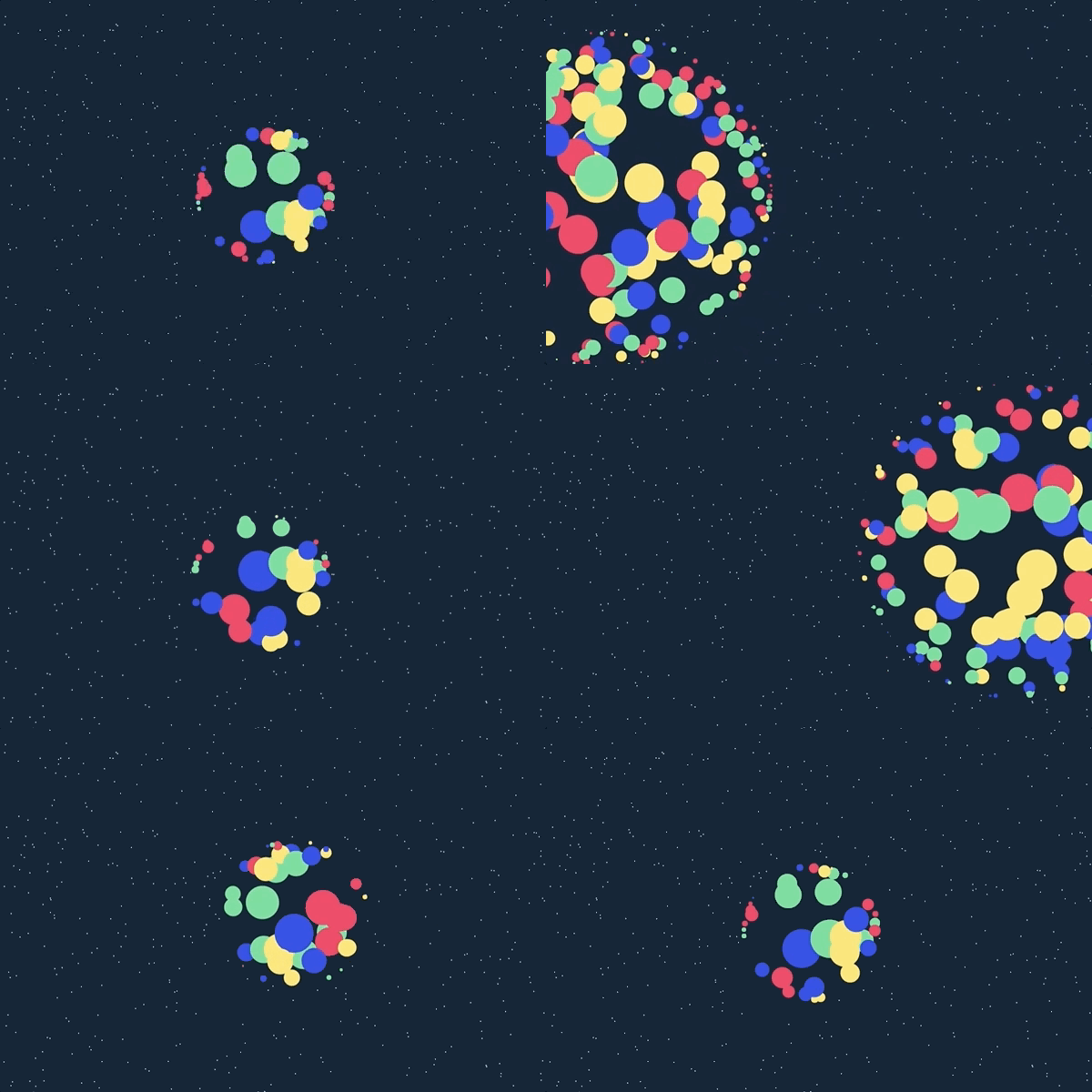
Pts is a TypeScript and JavaScript library for visualization and creative coding.
|
|
6
|
+
|
|
7
|
+
**Get started at [ptsjs.org](https://ptsjs.org).** Please try it, [file issues](https://github.com/williamngan/pts/issues), and send feedback to [@williamngan](https://twitter.com/williamngan).
|
|
8
|
+
|
|
9
|
+
## Usage
|
|
10
|
+
|
|
11
|
+
### Browser script
|
|
12
|
+
|
|
13
|
+
Download `pts.js` or `pts.min.js` from the [dist directory](https://github.com/williamngan/pts/tree/master/dist), or use a CDN such as [cdnjs](https://cdnjs.com/libraries/pts), [jsDelivr](https://cdn.jsdelivr.net/npm/pts/dist/pts.min.js), or [unpkg](https://unpkg.com/pts/dist/pts.min.js).
|
|
14
|
+
|
|
15
|
+
```html
|
|
16
|
+
<script src="path/to/pts.min.js"></script>
|
|
17
|
+
```
|
|
18
|
+
|
|
19
|
+
The classic script exposes the library as `globalThis.Pts`.
|
|
20
|
+
|
|
21
|
+
### Package
|
|
22
|
+
|
|
23
|
+
Install the package:
|
|
24
|
+
|
|
25
|
+
```bash
|
|
26
|
+
npm install pts
|
|
27
|
+
```
|
|
28
|
+
|
|
29
|
+
Pts is ESM-first and also provides a CommonJS compatibility entry.
|
|
30
|
+
|
|
31
|
+
```js
|
|
32
|
+
import { CanvasSpace, Group, Line, Pt } from "pts";
|
|
33
|
+
```
|
|
34
|
+
|
|
35
|
+
```js
|
|
36
|
+
const { CanvasSpace, Group, Line, Pt } = require("pts");
|
|
37
|
+
```
|
|
38
|
+
|
|
39
|
+
Starter projects and integrations:
|
|
40
|
+
|
|
41
|
+
- [pts-starter-kit](https://github.com/williamngan/pts-starter-kit)
|
|
42
|
+
- [pts-react-example](https://github.com/williamngan/pts-react-example)
|
|
43
|
+
- [react-pts-canvas](https://www.npmjs.com/package/react-pts-canvas)
|
|
44
|
+
|
|
45
|
+
Read the [guides](https://ptsjs.org/guide/Get-started-0100.html) and explore the [demos](https://ptsjs.org/demo/?name=circle.intersectCircle2D).
|
|
46
|
+
|
|
47
|
+
## Development
|
|
48
|
+
|
|
49
|
+
The maintained build environment is Node 24.18 or newer in the Node 24 line. The published library is also exercised on current Node 20 and 22 releases.
|
|
50
|
+
|
|
51
|
+
```bash
|
|
52
|
+
pnpm install --frozen-lockfile
|
|
53
|
+
pnpm exec playwright install chromium
|
|
54
|
+
pnpm check
|
|
55
|
+
```
|
|
56
|
+
|
|
57
|
+
Useful individual commands include:
|
|
58
|
+
|
|
59
|
+
```bash
|
|
60
|
+
pnpm build
|
|
61
|
+
pnpm typecheck
|
|
62
|
+
pnpm test
|
|
63
|
+
pnpm test:browser
|
|
64
|
+
pnpm test:integrations
|
|
65
|
+
pnpm check:package
|
|
66
|
+
pnpm format
|
|
67
|
+
pnpm format:watch
|
|
68
|
+
```
|
|
69
|
+
|
|
70
|
+
`pnpm check` validates formatting, linting, types, unit tests, deterministic documentation, documentation and bundle behavior in a real browser, reproducible artifacts, the packed package, ESM and CommonJS resolution, declarations, and tree-shaking. Its packed-package integration suite also builds and runs the maintained React, Vue, `skia-canvas`, and single-file vanilla fixtures in [`test/integrations`](./test/integrations).
|
|
71
|
+
|
|
72
|
+
Prettier defines the repository's formatting rules. Run `pnpm format` once or keep `pnpm format:watch` running to reformat maintained source files as they change. The recommended VS Code extension and workspace settings also enable Prettier on save, while `pnpm check` rejects unformatted changes in CI.
|
|
73
|
+
|
|
74
|
+
### Generate documentation
|
|
75
|
+
|
|
76
|
+
The documentation generator uses TypeDoc's Node API to rebuild the custom static documentation JSON from explicit source entry points. It also generates [`docs.md`](./docs.md), [`guide.md`](./guide.md), and [`llms.txt`](./llms.txt) for agents and other clients that cannot navigate the documentation SPA:
|
|
77
|
+
|
|
78
|
+
```bash
|
|
79
|
+
pnpm run docs
|
|
80
|
+
```
|
|
81
|
+
|
|
82
|
+
Generated documentation is checked in. `pnpm check:docs` regenerates it in memory, reports stale or extra files, and exercises navigation, search, anchors, and responsive layouts in Chromium.
|
|
83
|
+
|
|
84
|
+
## Contributing
|
|
85
|
+
|
|
86
|
+
Issues and small pull requests are welcome. For larger changes, please start a discussion with [@williamngan](https://twitter.com/williamngan).
|
|
87
|
+
|
|
88
|
+
## License
|
|
89
|
+
|
|
90
|
+
Apache License 2.0. See [LICENSE](./LICENSE).
|
|
91
|
+
|
|
92
|
+
Copyright © 2017-present William Ngan and contributors.
|