plum-e2e 1.0.3 → 1.0.4
This diff represents the content of publicly available package versions that have been released to one of the supported registries. The information contained in this diff is provided for informational purposes only and reflects changes between package versions as they appear in their respective public registries.
- package/README.md +61 -0
- package/package.json +1 -1
package/README.md
CHANGED
|
@@ -1,5 +1,66 @@
|
|
|
1
1
|
|
|
2
2
|
|
|
3
|
+
<p align="center">
|
|
4
|
+
📖 <a href="https://github.com/silverlunah/plum/wiki">Wiki</a> |
|
|
5
|
+
📦 <a href="https://www.npmjs.com/package/plum-e2e">npm</a>
|
|
6
|
+
</p>
|
|
7
|
+
|
|
8
|
+
## Welcome to Plum!
|
|
9
|
+
|
|
10
|
+
Plum makes setting up your testing framework easy. In just a few seconds, you can run the scaffold tests and write your own tests!
|
|
11
|
+
|
|
12
|
+
By combining [Playwright](https://playwright.dev) and [Cucumber](https://cucumber.io), tests are easy to write and read. The code follows a POM (Page Object Model) structure, making it scalable and easy for developers to understand, while Cucumber test cases are written in [Gherkin](https://cucumber.io/docs/gherkin/) format, making them accessible to non-developers as well.
|
|
13
|
+
|
|
14
|
+
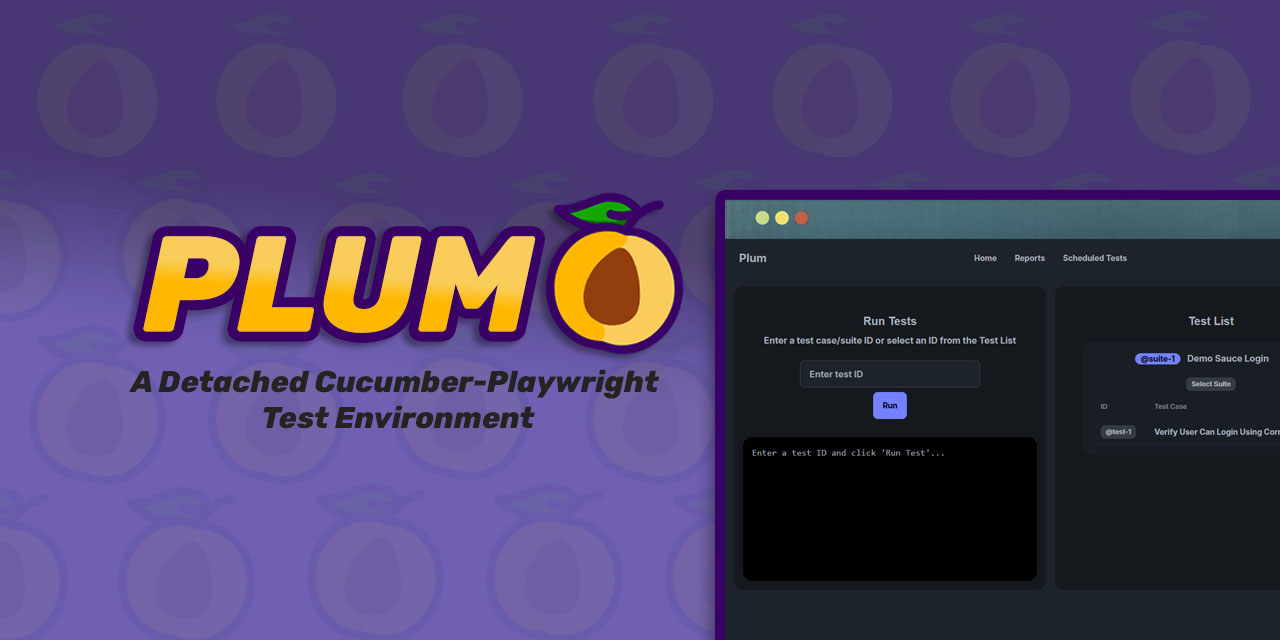
You can view, run, schedule tests in a simple UI and even view the history of your runs in the Report page!
|
|
15
|
+
|
|
3
16
|
**_Pre-requisite:_**
|
|
4
17
|
|
|
18
|
+
1. Install Docker and ensure the Docker daemon is running.
|
|
19
|
+
|
|
20
|
+
## For Users
|
|
21
|
+
|
|
22
|
+
For normal users. People that want to use Plum as a test environment for their website.
|
|
23
|
+
|
|
5
24
|
**_I. How to Run:_**
|
|
25
|
+
|
|
26
|
+
1. `npm install -g plum-e2e`
|
|
27
|
+
2. Create your project directory. Example: `mkdir my-test-folder`
|
|
28
|
+
3. Go inside the folder you created `cd my-test-folder`
|
|
29
|
+
4. Run `plum init`
|
|
30
|
+
1. This will initialize Plum and will create your base files:
|
|
31
|
+
1. `\tests` folder: This include sample test cases for [SauceLabs](https://www.saucedemo.com/v1/)
|
|
32
|
+
2. `.env` file: Your starting .env file. You can set the BASE_URL to your own site after you're done with the scaffold tests.
|
|
33
|
+
5. There are two ways to start testing:
|
|
34
|
+
1. By running the server. Run:<br/> `plum start to start the server`
|
|
35
|
+
2. Without running the server. Recommended while you're writing your tests. Run:<br/> `plum dev <@test-id>`. If no test ID is included, it will run all tests
|
|
36
|
+
|
|
37
|
+
## Basic Structure
|
|
38
|
+
|
|
39
|
+
After you run `plum init`, these files will be created inside your project directory.
|
|
40
|
+
|
|
41
|
+
<pre>
|
|
42
|
+
╠═ tests
|
|
43
|
+
║ ╠═ features : Cucumber feature files, contains your test cases
|
|
44
|
+
║ ╠═ step_definitions : Reference to steps in the feature files
|
|
45
|
+
║ ╠═ pages : Contains functions used in step_definitions
|
|
46
|
+
║ ╚═ utils : Utility files (Constants, utility codes, etc.)
|
|
47
|
+
╚═ env. : Your .env file
|
|
48
|
+
</pre>
|
|
49
|
+
|
|
50
|
+
## Tutorial
|
|
51
|
+
|
|
52
|
+
1. For a complete guide on how to write tests, visit our [Wiki](https://github.com/silverlunah/plum/wiki)
|
|
53
|
+
2. An easy way to learn is to check the scaffold files starting from the Feature files -> Step Definitions -> Page files and utils/hooks.js for the CustomWorld and Before hook page class initialization. Those are the main files you need to write a test case.
|
|
54
|
+
|
|
55
|
+
## For Developers/Contributors
|
|
56
|
+
|
|
57
|
+
For people that want to contribute to the project
|
|
58
|
+
|
|
59
|
+
1. Clone the project `git clone https://github.com/silverlunah/plum.git`
|
|
60
|
+
2. `cd plum`
|
|
61
|
+
3. Initialize the project by:<br/>`npm run init`
|
|
62
|
+
4. Check if its running:<br/> `docker compose up --build -d`
|
|
63
|
+
|
|
64
|
+
## Other
|
|
65
|
+
|
|
66
|
+
Plum is completely free to use! But if you want to share some love, here's my [PayPal](https://www.paypal.me/silverlunah) or [Wise](<[https://www.paypal.me/silverlunah](https://wise.com/pay/me/janneserjosee)>)
|