leaflet-polydraw 0.8.7 → 0.8.9
This diff represents the content of publicly available package versions that have been released to one of the supported registries. The information contained in this diff is provided for informational purposes only and reflects changes between package versions as they appear in their respective public registries.
- package/README.md +7 -3
- package/dist/polydraw.es.js +630 -366
- package/dist/polydraw.es.js.map +1 -1
- package/dist/polydraw.umd.min.js +1 -1
- package/dist/polydraw.umd.min.js.map +1 -1
- package/dist/types/buttons.d.ts.map +1 -1
- package/dist/types/managers/polygon-draw-manager.d.ts.map +1 -1
- package/dist/types/managers/polygon-interaction-manager.d.ts +2 -0
- package/dist/types/managers/polygon-interaction-manager.d.ts.map +1 -1
- package/dist/types/polydraw.d.ts +3 -0
- package/dist/types/polydraw.d.ts.map +1 -1
- package/dist/types/utils.d.ts +1 -0
- package/dist/types/utils.d.ts.map +1 -1
- package/package.json +1 -1
package/README.md
CHANGED
|
@@ -6,7 +6,7 @@
|
|
|
6
6
|
|
|
7
7
|
Leaflet Polydraw is a powerful, feature-rich plugin that transforms your Leaflet maps into interactive polygon drawing and editing environments. With intelligent merging, drag-and-drop functionality, and comprehensive editing tools, it's perfect for GIS applications, mapping tools, and spatial data collection.
|
|
8
8
|
|
|
9
|
-
[](https://www.npmjs.com/package/leaflet-polydraw)
|
|
10
10
|
[](https://opensource.org/licenses/MIT)
|
|
11
11
|
[](https://www.typescriptlang.org/)
|
|
12
12
|
[](https://github.com/AndreasOlausson/leaflet-polydraw/actions/workflows/ci.yml)
|
|
@@ -15,7 +15,7 @@ Leaflet Polydraw is a powerful, feature-rich plugin that transforms your Leaflet
|
|
|
15
15
|
|
|
16
16
|
[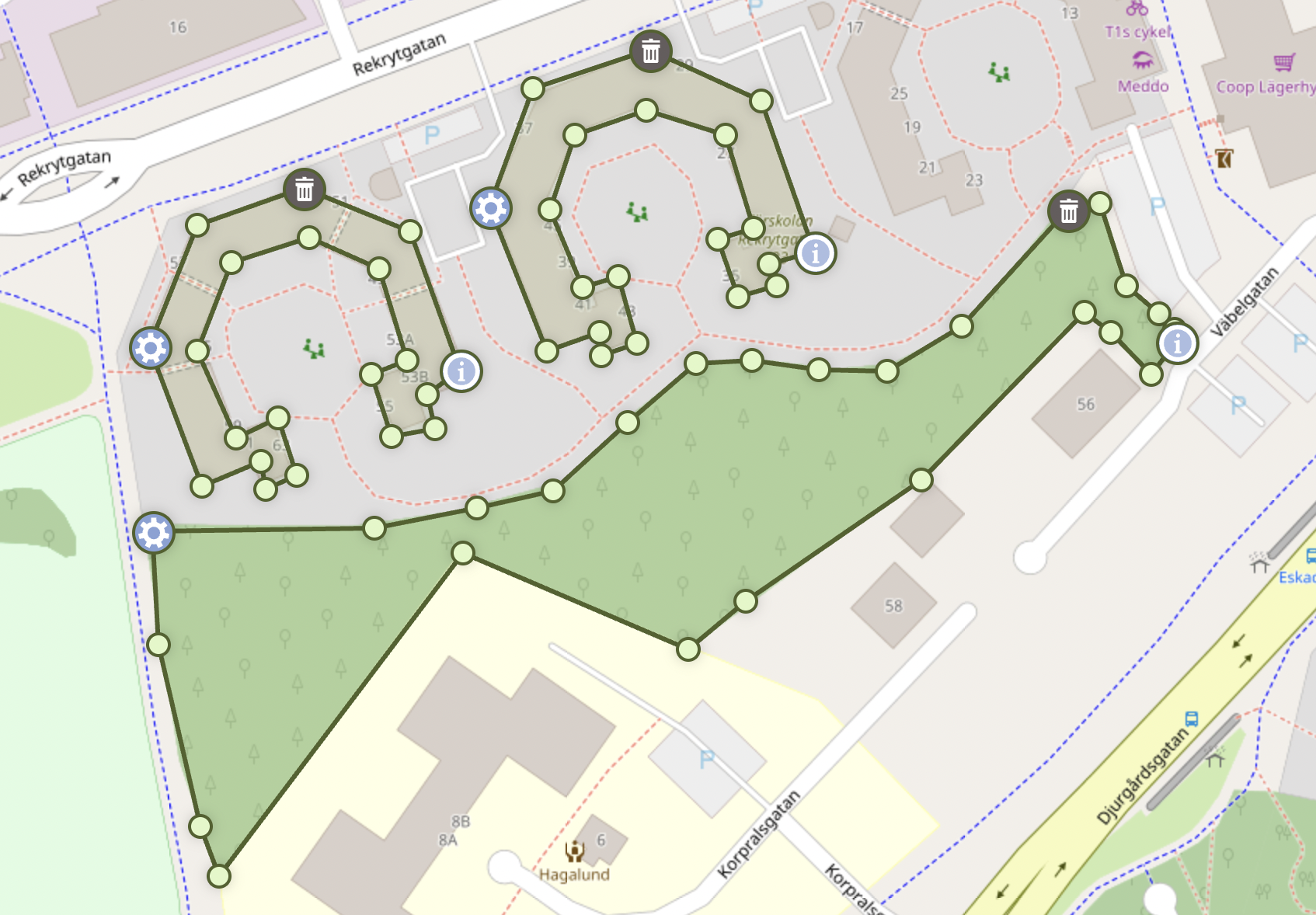](https://raw.githubusercontent.com/AndreasOlausson/leaflet-polydraw/main/Leaflet.Polydraw/docs/images/feature-overview.png)
|
|
17
17
|
|
|
18
|
-
- **Point-to-Point Drawing**: Precise polygon creation with click-by-click vertex placement
|
|
18
|
+
- **Point-to-Point Drawing**: Precise polygon creation with click-by-click vertex placement (Desktop only)
|
|
19
19
|
- **Smart Polygon Merging**: Automatic detection and merging of overlapping polygons (including C-to-O shape completion)
|
|
20
20
|
- **Drag & Drop**: Intuitive polygon repositioning with intelligent spatial interactions
|
|
21
21
|
- **Advanced Editing**: Drag vertices, add/remove points, and reshape polygons
|
|
@@ -566,7 +566,7 @@ Simply click the draw button and drag your mouse/finger to create polygon shapes
|
|
|
566
566
|
|
|
567
567
|
**Note**: The number of vertices in the final polygon is controlled by the `polygonCreation.simplification` settings in the configuration.
|
|
568
568
|
|
|
569
|
-
###
|
|
569
|
+
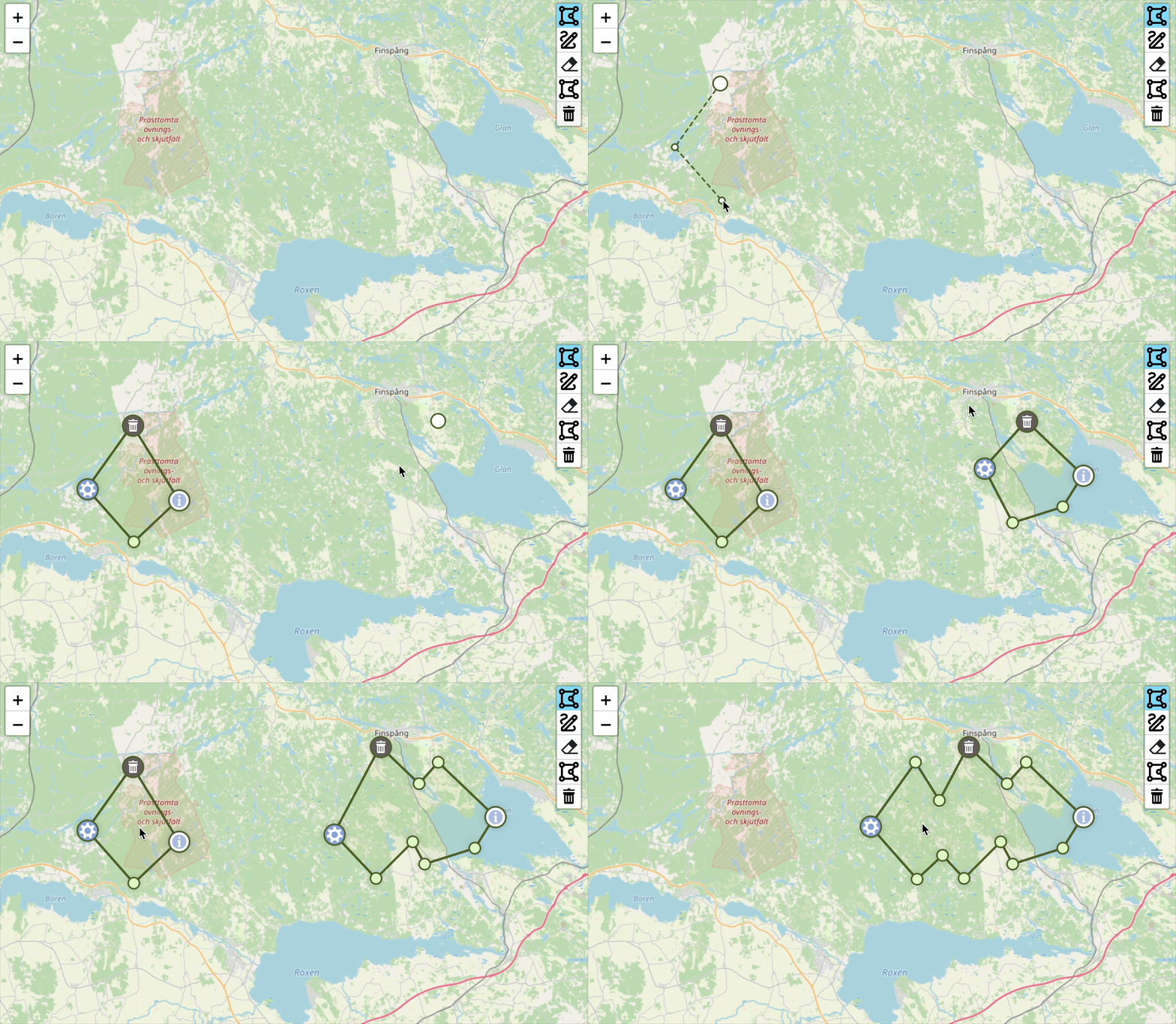
### Point-to-Point Drawing (Desktop Only)
|
|
570
570
|
|
|
571
571
|
[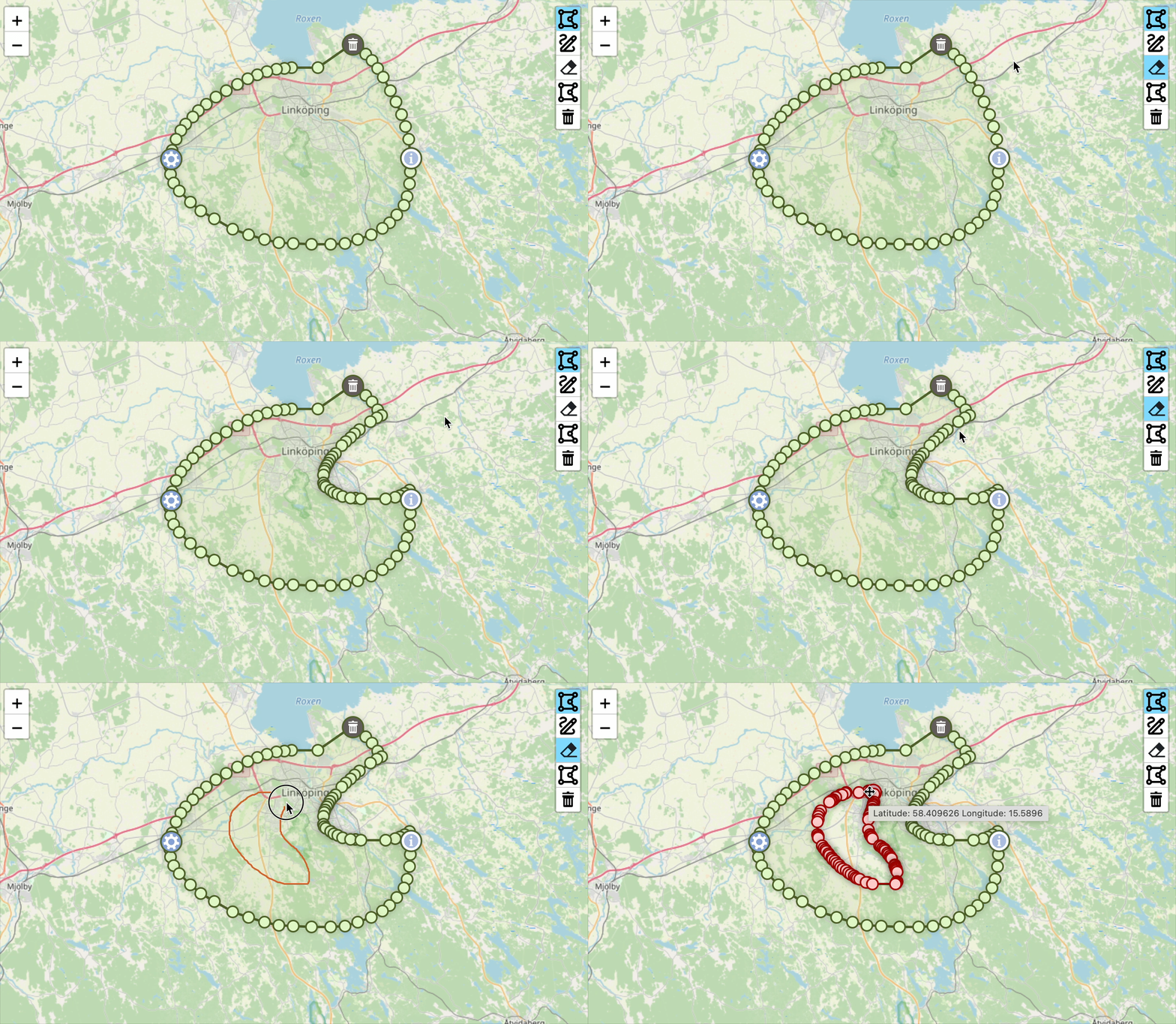](https://raw.githubusercontent.com/AndreasOlausson/leaflet-polydraw/main/Leaflet.Polydraw/docs/images/subtract-mode.gif)
|
|
572
572
|
|
|
@@ -600,6 +600,8 @@ Create precise polygons by clicking to place each vertex. Perfect for:
|
|
|
600
600
|
|
|
601
601
|
You can also drag markers to adjust the shape and delete them by holding the modifier key (Cmd/Ctrl) and clicking on a marker, just like with regular polygon editing.
|
|
602
602
|
|
|
603
|
+
**Note**: This feature is currently available on desktop only due to issues with touch devices.
|
|
604
|
+
|
|
603
605
|
### Smart Polygon Merging
|
|
604
606
|
|
|
605
607
|
[](https://raw.githubusercontent.com/AndreasOlausson/leaflet-polydraw/main/Leaflet.Polydraw/docs/images/merge.gif)
|
|
@@ -929,6 +931,8 @@ map.on('polygon:created', (e) => {
|
|
|
929
931
|
|
|
930
932
|
## Browser Support
|
|
931
933
|
|
|
934
|
+
> ⚠️ Mobile support is considered **beta** in this version. While basic touch interaction is implemented, advanced workflows may behave inconsistently across mobile browsers. Full mobile compatibility is planned for a future release.
|
|
935
|
+
|
|
932
936
|
- **Modern Browsers**: Chrome 60+, Firefox 55+, Safari 12+, Edge 79+
|
|
933
937
|
- **Mobile**: iOS Safari 12+, Chrome Mobile 60+
|
|
934
938
|
- **Requirements**: ES6+ support, Leaflet 1.9+, Touch events, CSS transitions
|