koishi-plugin-sy-bot 0.0.13 → 0.0.15
This diff represents the content of publicly available package versions that have been released to one of the supported registries. The information contained in this diff is provided for informational purposes only and reflects changes between package versions as they appear in their respective public registries.
- package/lib/index.js +2 -2
- package/package.json +1 -1
- package/readme.md +31 -2
package/lib/index.js
CHANGED
|
@@ -495,7 +495,7 @@ function registerBible(ctx, config) {
|
|
|
495
495
|
ctx.command("bible [index:number]", "圣经").action(async ({ session }, index) => {
|
|
496
496
|
const bibles = await ctx.database.get("bibles");
|
|
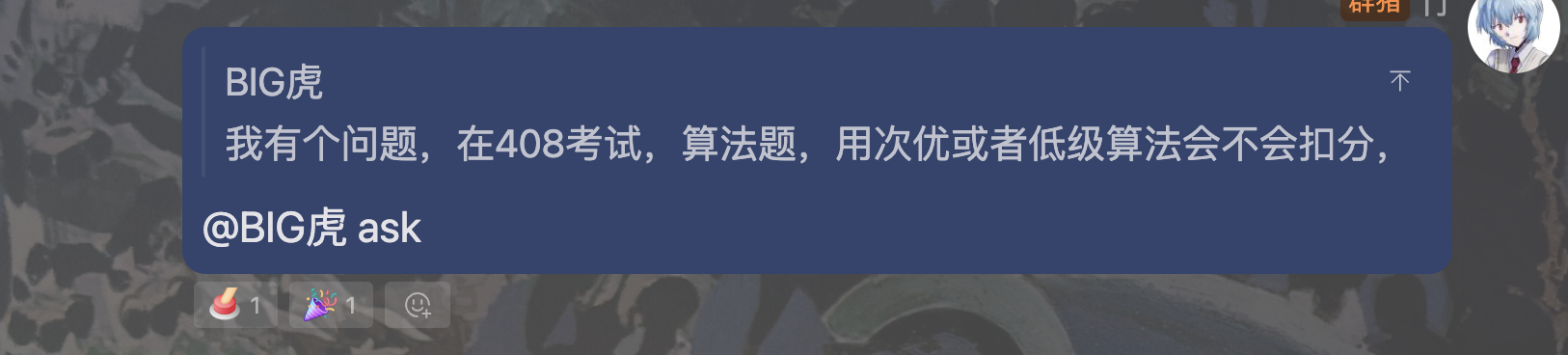
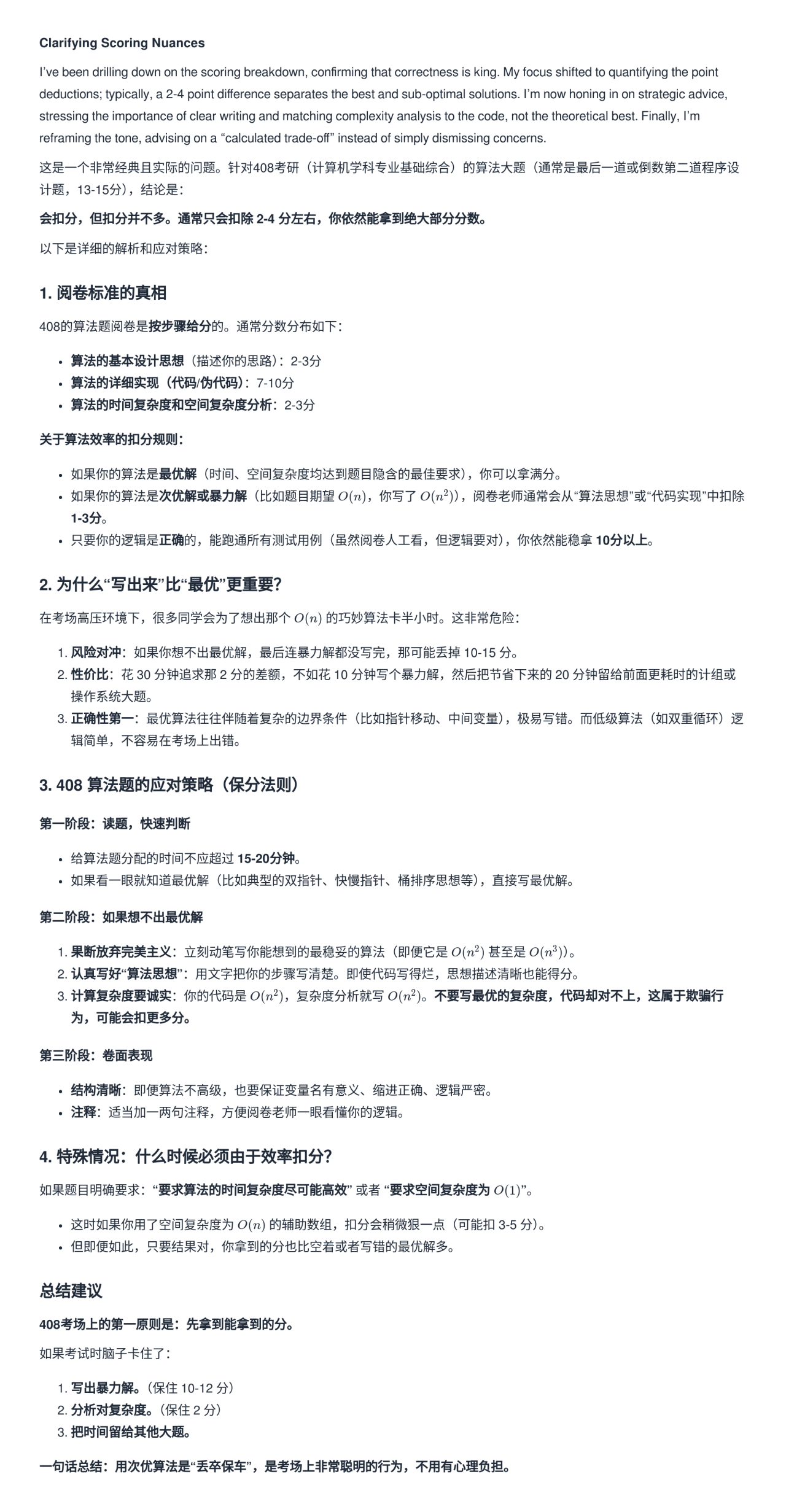
497
497
|
if (!index) {
|
|
498
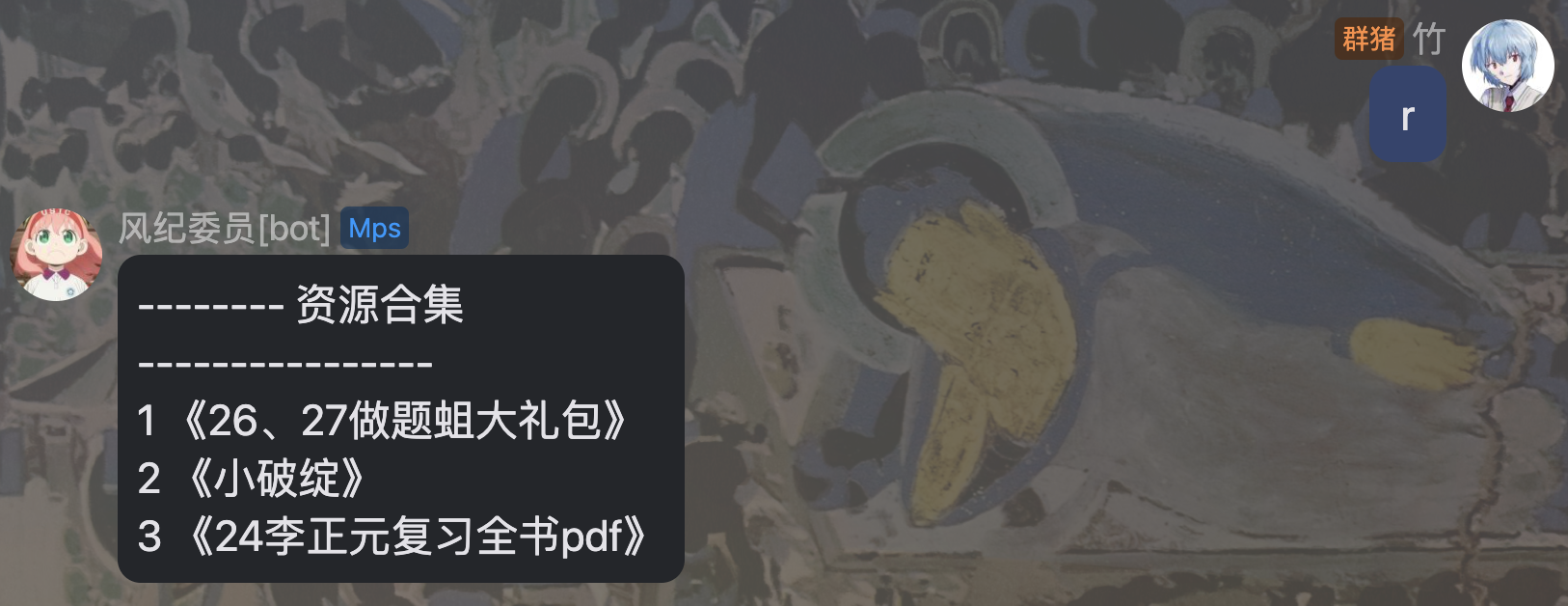
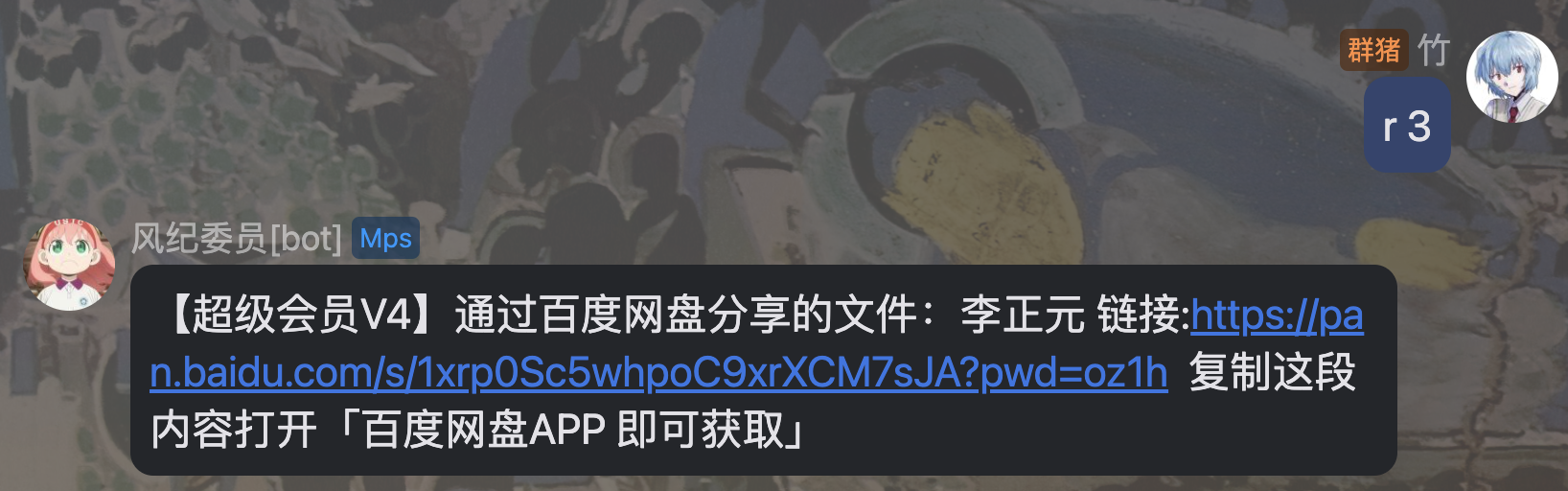
|
-
return "======== 圣经列表 ========\n" + bibles.map((bible) => `${
|
|
498
|
+
return "======== 圣经列表 ========\n" + bibles.map((bible, idx) => `${idx} - 《${bible.title}》`).join("\n");
|
|
499
499
|
} else {
|
|
500
500
|
return bibles[index - 1] ? bibles[index - 1].content : "没有这个哦,喵~";
|
|
501
501
|
}
|
|
@@ -560,7 +560,7 @@ function registerTip(ctx, config) {
|
|
|
560
560
|
const tips = await ctx.database.get("tips");
|
|
561
561
|
if (!index) {
|
|
562
562
|
const top = "-------- 经验贴合集 \n----------------\n";
|
|
563
|
-
return top + tips.map((tip) => `${
|
|
563
|
+
return top + tips.map((tip, idx) => `${idx} 《${tip.title}》`).join(" \n");
|
|
564
564
|
} else {
|
|
565
565
|
return tips[index - 1] ? tips[index - 1].url : "没有这个哦,喵";
|
|
566
566
|
}
|
package/package.json
CHANGED
package/readme.md
CHANGED
|
@@ -2,8 +2,37 @@
|
|
|
2
2
|
|
|
3
3
|
[](https://www.npmjs.com/package/koishi-plugin-sy-bot)
|
|
4
4
|
|
|
5
|
-
##
|
|
6
|
-
|
|
5
|
+
## 考研群多功能答疑机器人
|
|
7
6
|
|
|
8
7
|
Gemini API取自:[https://api.qingyuntop.top/](https://api.qingyuntop.top/)
|
|
9
8
|
|
|
9
|
+
## 使用方法
|
|
10
|
+
|
|
11
|
+
- 在配置中配置管理的考研群号、管理员群号
|
|
12
|
+
- 前往青云☁️API购买GeminiAPI
|
|
13
|
+
- 注意GeminiAPI必须为Gemini【分组】的API秘钥
|
|
14
|
+
- 使用提供的命令进行聊天
|
|
15
|
+
|
|
16
|
+
在群聊中调用`ask`命令来询问群机器人,bot会调用gemini进行回答,将回答结果的markdown文本渲染作为图片返回。
|
|
17
|
+
|
|
18
|
+
|
|
19
|
+

|
|
20
|
+
|
|
21
|
+
|
|
22
|
+
|
|
23
|
+
使用提示:
|
|
24
|
+
- 可以引用消息块后`ask`
|
|
25
|
+
- 引用块和输入块中的信息最终会被处理为一个整体作为机器人的输入
|
|
26
|
+
- 可以输入多张图片,bot会自动调用Gemini的图片理解API进行回答
|
|
27
|
+
- 如果只输入文本,bot会自动调用Gemini的文本对话API进行回答
|
|
28
|
+
|
|
29
|
+
额外功能:
|
|
30
|
+
- 可以在数据库中添加考研资料内容
|
|
31
|
+
- 通过命令`resource [数字]`来访问对应的资源
|
|
32
|
+
- 通过命令`bible [数字]`来访问对应的`考研圣经`
|
|
33
|
+
- 通过`tip [数字]`来访问对应的考研经验贴
|
|
34
|
+
- 数字为可选参数,如果留空则会输出资源列表
|
|
35
|
+
- 通过命令`countdown`可以显示当前距离27考研的精确倒计时
|
|
36
|
+
|
|
37
|
+
|
|
38
|
+
|