forgecad 0.1.0
This diff represents the content of publicly available package versions that have been released to one of the supported registries. The information contained in this diff is provided for informational purposes only and reflects changes between package versions as they appear in their respective public registries.
- package/LICENSE +97 -0
- package/README.md +354 -0
- package/dist/assets/evalWorker-BYHXxh15.js +461 -0
- package/dist/assets/index--CYbOPKS.js +5797 -0
- package/dist/assets/manifold-65fIQlgQ.js +20 -0
- package/dist/assets/manifold-B85M7kop.js +20 -0
- package/dist/assets/manifold-B8h_vZ5O.js +16 -0
- package/dist/assets/manifold-D9yvTBHx.wasm +0 -0
- package/dist/assets/manifold-d1UpyLJ8.js +20 -0
- package/dist/assets/reportWorker-B1Zdrz9l.js +494 -0
- package/dist/index.html +16 -0
- package/dist-cli/forgecad.js +44464 -0
- package/dist-skill/SKILL.md +4635 -0
- package/examples/3d-printer.forge.js +328 -0
- package/examples/5-figen-robot-hand.forge.js +283 -0
- package/examples/ac-unit-glm47.forge.js +108 -0
- package/examples/ac-unit-glm5.forge.js +174 -0
- package/examples/ac-unit-kimi25.forge.js +236 -0
- package/examples/ac-unit-minimax.forge.js +123 -0
- package/examples/ac-unit.forge.js +126 -0
- package/examples/adjustable-table.forge.js +191 -0
- package/examples/api/assembly-gear-coupling.forge.js +32 -0
- package/examples/api/assembly-mechanism.forge.js +111 -0
- package/examples/api/attachTo-basics.forge.js +45 -0
- package/examples/api/benchy-style-hull.forge.js +89 -0
- package/examples/api/bill-of-materials.forge.js +46 -0
- package/examples/api/boolean-operations.forge.js +48 -0
- package/examples/api/bounding-box-visualizer.forge.js +58 -0
- package/examples/api/brep-exportable.forge.js +19 -0
- package/examples/api/center-true-vs-false.forge.js +40 -0
- package/examples/api/clone-duplicate.forge.js +41 -0
- package/examples/api/colors-union-vs-array.forge.js +27 -0
- package/examples/api/coordinate-system.forge.js +54 -0
- package/examples/api/curves-surfacing-basics.forge.js +91 -0
- package/examples/api/dimensioned-bracket.forge.js +19 -0
- package/examples/api/elbow-test.forge.js +23 -0
- package/examples/api/exploded-view.forge.js +60 -0
- package/examples/api/extrude-options.forge.js +44 -0
- package/examples/api/face-gears.forge.js +44 -0
- package/examples/api/face-transformation-history.forge.js +45 -0
- package/examples/api/feature-created-faces.forge.js +47 -0
- package/examples/api/folded-service-panel-cover.forge.js +3 -0
- package/examples/api/folded-service-panel-cover.js +117 -0
- package/examples/api/gears-bevel-face-joints.forge.js +157 -0
- package/examples/api/gears-tier1.forge.js +57 -0
- package/examples/api/geometry-info.forge.js +49 -0
- package/examples/api/group-test.forge.js +34 -0
- package/examples/api/group-vs-union.forge.js +25 -0
- package/examples/api/import-args-unit.forge.js +5 -0
- package/examples/api/import-args.forge.js +16 -0
- package/examples/api/import-dimensions-follow.forge.js +18 -0
- package/examples/api/import-placement-references.forge.js +18 -0
- package/examples/api/import-placement-widget-source.forge.js +30 -0
- package/examples/api/import-relative-paths.forge.js +18 -0
- package/examples/api/import-svg-sketch-shape.svg +15 -0
- package/examples/api/import-svg-sketch.forge.js +28 -0
- package/examples/api/js-module-imports.forge.js +9 -0
- package/examples/api/js-module-pillars.js +25 -0
- package/examples/api/js-module-scene.js +9 -0
- package/examples/api/notebook-assembly-debug.forge-notebook.json +90 -0
- package/examples/api/notebook-iteration.forge-notebook.json +75 -0
- package/examples/api/patterns.forge.js +32 -0
- package/examples/api/pointAlong-orientation.forge.js +52 -0
- package/examples/api/profile-2020-b-slot6.forge.js +36 -0
- package/examples/api/rotate-around-to.forge.js +31 -0
- package/examples/api/runtime-joints-view.forge.js +116 -0
- package/examples/api/sdf-rover-demo.forge.js +159 -0
- package/examples/api/section-plane-visualization.forge.js +38 -0
- package/examples/api/sketch-basics.forge.js +48 -0
- package/examples/api/sketch-on-face.forge.js +56 -0
- package/examples/api/sketch-rounding-strategies.forge.js +56 -0
- package/examples/api/spatial-recipes.forge.js +129 -0
- package/examples/bathroom.forge.js +197 -0
- package/examples/bolt-and-nut.forge.js +39 -0
- package/examples/bolt-pattern.forge.js +18 -0
- package/examples/bottle.forge.js +101 -0
- package/examples/chair.forge.js +62 -0
- package/examples/chess-set.forge.js +232 -0
- package/examples/classical-piano.forge.js +203 -0
- package/examples/clock.forge.js +169 -0
- package/examples/compiler-corpus/README.md +88 -0
- package/examples/compiler-corpus/edge-finished-mount.forge.js +18 -0
- package/examples/compiler-corpus/enclosure-shell-cuts.forge.js +24 -0
- package/examples/compiler-corpus/fastener-plate-variants.forge.js +42 -0
- package/examples/compiler-corpus/folded-service-panel-cover.forge.js +5 -0
- package/examples/compiler-corpus/motor-mount-plate.forge.js +32 -0
- package/examples/compiler-corpus/projection-relay-cover.forge.js +16 -0
- package/examples/compiler-corpus/sensor-bracket.forge.js +35 -0
- package/examples/compiler-corpus/service-panel-cover.forge.js +53 -0
- package/examples/compiler-corpus/trimmed-access-cover.forge.js +26 -0
- package/examples/cup.forge.js +25 -0
- package/examples/cut-plane-demo.forge.js +28 -0
- package/examples/door-with-hinges.forge.js +54 -0
- package/examples/frame.sketch.js +4 -0
- package/examples/headphone-hanger-profile.sketch.js +18 -0
- package/examples/headphone-hanger-v2.forge.js +88 -0
- package/examples/headphone-hanger.forge.js +5 -0
- package/examples/iphone-stand.forge.js +72 -0
- package/examples/iphone.forge.js +114 -0
- package/examples/ironman-helmet.js +79 -0
- package/examples/kitchen.forge.js +231 -0
- package/examples/lamp-shade.sketch.js +17 -0
- package/examples/laptop.forge.js +144 -0
- package/examples/liquid-soap-dispenser.forge.js +159 -0
- package/examples/modern-tv.forge.js +86 -0
- package/examples/picture-frame.forge.js +34 -0
- package/examples/robot_hand.forge.js +393 -0
- package/examples/robot_hand_2.forge.js +622 -0
- package/examples/sandbox.forge.js +3 -0
- package/examples/shelf/container.forge.js +30 -0
- package/examples/shelf/shelf-unit.forge.js +62 -0
- package/examples/shoe-rack-doors.forge.js +107 -0
- package/examples/shoe-rack.forge.js +65 -0
- package/examples/spiderman-cake.forge.js +92 -0
- package/examples/table-lamp.forge.js +33 -0
- package/examples/table.forge.js +44 -0
- package/examples/test-colors.forge.js +19 -0
- package/examples/tv-stand.forge.js +21 -0
- package/package.json +69 -0
package/LICENSE
ADDED
|
@@ -0,0 +1,97 @@
|
|
|
1
|
+
Business Source License 1.1
|
|
2
|
+
|
|
3
|
+
Parameters
|
|
4
|
+
|
|
5
|
+
Licensor: Ruben Kostandyan
|
|
6
|
+
Licensed Work: ForgeCAD
|
|
7
|
+
The Licensed Work is (c) 2026 Ruben Kostandyan
|
|
8
|
+
Additional Use Grant: You may make production use of the Licensed Work,
|
|
9
|
+
provided such use does not include offering the Licensed
|
|
10
|
+
Work to third parties on a hosted or embedded basis in
|
|
11
|
+
order to compete with the Licensor's paid version of the
|
|
12
|
+
Licensed Work.
|
|
13
|
+
Change Date: 2030-02-18
|
|
14
|
+
Change License: MIT
|
|
15
|
+
|
|
16
|
+
For information about alternative licensing arrangements for the Licensed Work,
|
|
17
|
+
please contact: kostard@amazon.com
|
|
18
|
+
|
|
19
|
+
Notice
|
|
20
|
+
|
|
21
|
+
The Business Source License (this document, or the "License") is not an Open
|
|
22
|
+
Source license. However, the Licensed Work will eventually be made available
|
|
23
|
+
under an Open Source License, as stated in this License.
|
|
24
|
+
|
|
25
|
+
License text copyright (c) 2017 MariaDB Corporation Ab, All Rights Reserved.
|
|
26
|
+
"Business Source License" is a trademark of MariaDB Corporation Ab.
|
|
27
|
+
|
|
28
|
+
-----------------------------------------------------------------------------
|
|
29
|
+
|
|
30
|
+
Business Source License 1.1
|
|
31
|
+
|
|
32
|
+
Terms
|
|
33
|
+
|
|
34
|
+
The Licensor hereby grants you the right to copy, modify, create derivative
|
|
35
|
+
works, redistribute, and make non-production use of the Licensed Work. The
|
|
36
|
+
Licensor may make an Additional Use Grant, above, permitting limited production
|
|
37
|
+
use.
|
|
38
|
+
|
|
39
|
+
Effective on the Change Date, or the fourth anniversary of the first publicly
|
|
40
|
+
available distribution of a specific version of the Licensed Work under this
|
|
41
|
+
License, whichever comes first, the Licensor hereby grants you rights under
|
|
42
|
+
the terms of the Change License, and the rights granted in the paragraph
|
|
43
|
+
above terminate.
|
|
44
|
+
|
|
45
|
+
If your use of the Licensed Work does not comply with the requirements
|
|
46
|
+
currently in effect as described in this License, you must purchase a
|
|
47
|
+
commercial license from the Licensor, its affiliated entities, or authorized
|
|
48
|
+
resellers, or you must refrain from using the Licensed Work.
|
|
49
|
+
|
|
50
|
+
All copies of the original and modified Licensed Work, and derivative works
|
|
51
|
+
of the Licensed Work, are subject to this License. This License applies
|
|
52
|
+
separately for each version of the Licensed Work and the Change Date may vary
|
|
53
|
+
for each version of the Licensed Work released by Licensor.
|
|
54
|
+
|
|
55
|
+
You must conspicuously display this License on each original or modified copy
|
|
56
|
+
of the Licensed Work. If you receive the Licensed Work in original or modified
|
|
57
|
+
form from a third party, the terms and conditions set forth in this License
|
|
58
|
+
apply to your use of that work.
|
|
59
|
+
|
|
60
|
+
Any use of the Licensed Work in violation of this License will automatically
|
|
61
|
+
terminate your rights under this License for the current and all other versions
|
|
62
|
+
of the Licensed Work.
|
|
63
|
+
|
|
64
|
+
This License does not grant you any right in any trademark or logo of Licensor
|
|
65
|
+
or its affiliates (provided that you may use a trademark or logo of Licensor
|
|
66
|
+
as expressly required by this License).
|
|
67
|
+
|
|
68
|
+
TO THE EXTENT PERMITTED BY APPLICABLE LAW, THE LICENSED WORK IS PROVIDED ON
|
|
69
|
+
AN "AS IS" BASIS. LICENSOR HEREBY DISCLAIMS ALL WARRANTIES AND CONDITIONS,
|
|
70
|
+
EXPRESS OR IMPLIED, INCLUDING (WITHOUT LIMITATION) WARRANTIES OF
|
|
71
|
+
MERCHANTABILITY, FITNESS FOR A PARTICULAR PURPOSE, NON-INFRINGEMENT, AND
|
|
72
|
+
TITLE.
|
|
73
|
+
|
|
74
|
+
MariaDB hereby grants you permission to use this License's text to license
|
|
75
|
+
your works, and to refer to it using the trademark "Business Source License",
|
|
76
|
+
as long as you comply with the Covenants of Licensor below.
|
|
77
|
+
|
|
78
|
+
Covenants of Licensor
|
|
79
|
+
|
|
80
|
+
In consideration of the right to use this License's text and the "Business
|
|
81
|
+
Source License" name and trademark, Licensor covenants to MariaDB, and to all
|
|
82
|
+
recipients of the Licensed Work to be provided by Licensor:
|
|
83
|
+
|
|
84
|
+
1. To specify as the Change License the GPL Version 2.0 or any later version,
|
|
85
|
+
or a license that is compatible with GPL Version 2.0 or a later version,
|
|
86
|
+
where "compatible" means that software provided under the Change License can
|
|
87
|
+
be included in a program with software provided under GPL Version 2.0 or a
|
|
88
|
+
later version. Licensor may specify additional Change Licenses without
|
|
89
|
+
limitation.
|
|
90
|
+
|
|
91
|
+
2. To either: (a) specify an additional grant of rights to use that does not
|
|
92
|
+
impose any additional restriction on the right granted in this License, as
|
|
93
|
+
the Additional Use Grant; or (b) insert the text "None".
|
|
94
|
+
|
|
95
|
+
3. To specify a Change Date.
|
|
96
|
+
|
|
97
|
+
4. Not to modify this License in any other way.
|
package/README.md
ADDED
|
@@ -0,0 +1,354 @@
|
|
|
1
|
+
# ForgeCAD
|
|
2
|
+
|
|
3
|
+

|
|
4
|
+
|
|
5
|
+
Code-first parametric CAD for JavaScript/TypeScript, in the browser and CLI.
|
|
6
|
+
|
|
7
|
+
ForgeCAD is a multi-backend CAD system with a JavaScript/TypeScript modeling API, live parameters, constraints, assemblies, reports, and exact STEP/BREP export. Interactive browser modeling currently uses [Manifold](https://github.com/elalish/manifold) for fast geometry work, while exact export runs through CadQuery/OpenCascade and the public modeling layer stays backend-aware rather than tied to one kernel.
|
|
8
|
+
|
|
9
|
+
TypeScript is the file format. The browser is the CAD system.
|
|
10
|
+
|
|
11
|
+
[API Reference](docs/permanent/API/README.md) • [CLI Docs](docs/permanent/CLI.md) • [Vision](docs/permanent/VISION.md) • [Examples](examples)
|
|
12
|
+
|
|
13
|
+
## Install
|
|
14
|
+
|
|
15
|
+
```bash
|
|
16
|
+
npm install -g forgecad
|
|
17
|
+
forgecad studio /path/to/your/project
|
|
18
|
+
```
|
|
19
|
+
|
|
20
|
+
Or without a project folder to start from a blank scratch file:
|
|
21
|
+
|
|
22
|
+
```bash
|
|
23
|
+
forgecad studio --blank
|
|
24
|
+
```
|
|
25
|
+
|
|
26
|
+
## Start Here (contributors)
|
|
27
|
+
|
|
28
|
+
```bash
|
|
29
|
+
npm install
|
|
30
|
+
npm link
|
|
31
|
+
forgecad studio
|
|
32
|
+
```
|
|
33
|
+
|
|
34
|
+
Then open `http://localhost:5173`.
|
|
35
|
+
|
|
36
|
+
`forgecad studio` opens the packaged `./examples` project by default, so you can edit and save files immediately.
|
|
37
|
+
|
|
38
|
+
## Why ForgeCAD
|
|
39
|
+
|
|
40
|
+
Most geometry kernels are powerful but low-level. ForgeCAD adds the missing CAD layer:
|
|
41
|
+
|
|
42
|
+
- Constraint-driven sketch workflows
|
|
43
|
+
- Named entities and topology-aware operations
|
|
44
|
+
- Parametric design via `param(...)` sliders
|
|
45
|
+
- Multi-file composition with `importPart(...)`, `importSketch(...)`, and plain `.js` utility modules
|
|
46
|
+
- Assembly + mechanism modeling with joints, sweeps, and collision checks
|
|
47
|
+
- Script-authored BOM + dimension annotations for report export
|
|
48
|
+
- Exact STEP/BREP export for the maintained replayable subset
|
|
49
|
+
|
|
50
|
+
The result is a CAD workflow that is version-control friendly, AI-editable, and still practical for real mechanical modeling.
|
|
51
|
+
|
|
52
|
+
### JS utility modules
|
|
53
|
+
|
|
54
|
+
ForgeCAD model files (`.forge.js`, `.sketch.js`) can now use standard JS imports for shared helpers:
|
|
55
|
+
|
|
56
|
+
```javascript
|
|
57
|
+
import { buildAssembly } from "./assembly-utils.js";
|
|
58
|
+
export default buildAssembly();
|
|
59
|
+
```
|
|
60
|
+
|
|
61
|
+
Utility modules can use `export` / `export default`, `require(...)`, and explicit ForgeCAD runtime imports:
|
|
62
|
+
|
|
63
|
+
```javascript
|
|
64
|
+
import { box, union } from "forgecad";
|
|
65
|
+
```
|
|
66
|
+
|
|
67
|
+
Modules can also use top-level `return` (including arrays) as the module value, as long as they do not also define exports in the same file.
|
|
68
|
+
|
|
69
|
+
Use `importPart()` / `importSketch()` when you want the specialized model/sketch import behavior (parameter scoping, SVG parsing, dimension propagation). Use plain JS modules for reusable functions, classes, and constants. See [examples/api/js-module-imports.forge.js](examples/api/js-module-imports.forge.js).
|
|
70
|
+
|
|
71
|
+
## Seamless AI integration
|
|
72
|
+
|
|
73
|
+
ForgeCAD is built to work cleanly with coding agents. Your CAD models are plain code, and the repository already includes the context agents need to be useful immediately:
|
|
74
|
+
|
|
75
|
+
- `docs/permanent/` explains the modeling API and workflows
|
|
76
|
+
- `examples/api/` provides concrete model patterns to copy and adapt
|
|
77
|
+
- browser + CLI run the same engine, so AI-generated scripts behave consistently
|
|
78
|
+
- the generated Codex skill is maintained via [docs/processes/MAINTAINING_FORGECAD_SKILL.md](docs/processes/MAINTAINING_FORGECAD_SKILL.md)
|
|
79
|
+
|
|
80
|
+
### Instructions for AI model generation
|
|
81
|
+
|
|
82
|
+
When an AI model is asked to generate ForgeCAD models, require this workflow:
|
|
83
|
+
|
|
84
|
+
1. Read `docs/permanent/API/model-building/README.md` first.
|
|
85
|
+
2. Read every file listed there.
|
|
86
|
+
3. Read the relevant files in `examples/api/` next.
|
|
87
|
+
4. If the task is exploratory, unfamiliar, or likely to need debugging, start in a `.forge-notebook.json` and iterate there first.
|
|
88
|
+
5. Only then stabilize the result as `.forge.js` / `.sketch.js`, or keep using the notebook when iteration is still active.
|
|
89
|
+
6. Read `docs/permanent/API/runtime/` or `docs/permanent/API/output/` only if the task explicitly needs viewport behavior, reporting, or export.
|
|
90
|
+
|
|
91
|
+
Use this instruction in prompts to avoid missing API capabilities or producing invalid model code:
|
|
92
|
+
|
|
93
|
+
```text
|
|
94
|
+
Before generating any ForgeCAD model code, read docs/permanent/API/model-building/README.md, then every file it lists, then the relevant files in examples/api/. If the task is exploratory, unfamiliar, or likely to need debugging, start in a .forge-notebook.json and iterate there first. Only read docs/permanent/API/runtime/ or docs/permanent/API/output/ if the task explicitly needs those areas. Then generate a runnable model using only documented ForgeCAD APIs and patterns from those files.
|
|
95
|
+
```
|
|
96
|
+
|
|
97
|
+
Example AI workflows:
|
|
98
|
+
|
|
99
|
+
```bash
|
|
100
|
+
aider --read docs/permanent/ --read examples/api/ --model openrouter/google/gemini-3-flash-preview --reasoning-effort xhigh
|
|
101
|
+
kiro-cli chat
|
|
102
|
+
codex
|
|
103
|
+
```
|
|
104
|
+
|
|
105
|
+
This lets you iterate with AI on real `.forge.js` model files without custom glue code or one-off prompt scaffolding.
|
|
106
|
+
|
|
107
|
+
<!-- BENCHMARKS:START -->
|
|
108
|
+
## LLM Benchmarks
|
|
109
|
+
|
|
110
|
+
Latest benchmark iterations from `ForgeCADBenchmark/results/*` (`version_{n}.forge.js` with highest `n` per run folder).
|
|
111
|
+
|
|
112
|
+
| model name | prompt | GIF |
|
|
113
|
+
| --- | --- | --- |
|
|
114
|
+
| `3dprinter-gpt52codex`<br><sub>2026-02-13 14-36-06 • v2</sub> | Make a detailed home 3D printer, showing the internal details of how it should work. Add some params for controlling positions, etc. | 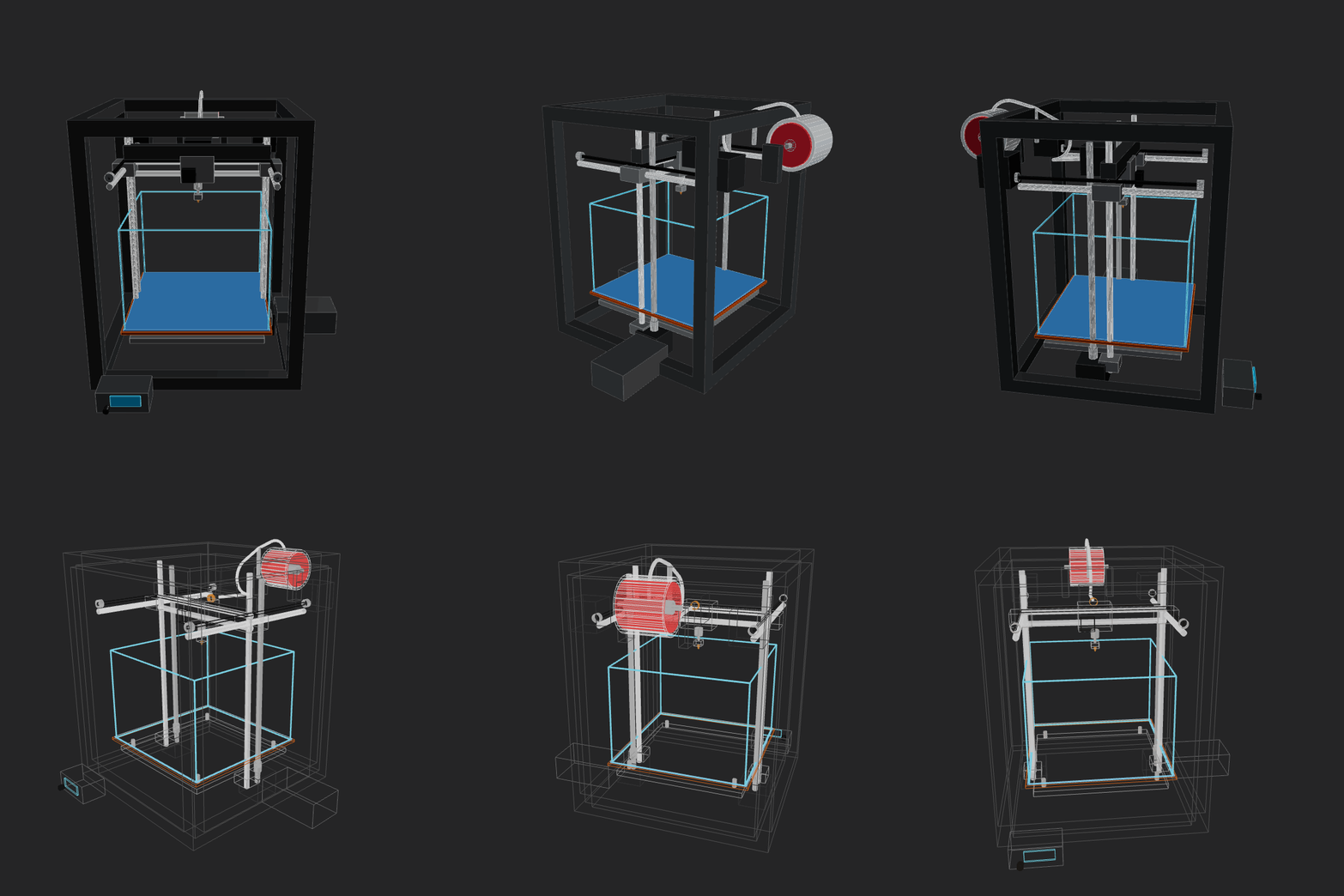 |
|
|
115
|
+
| `amazon-nova-2-lite-v1`<br><sub>2026-02-13 00-15-44 • v1</sub> | Make a home AC unit, showing both pieces on different sides of the wall (inside and outside). The external piece should have a fan positioned on its external face vertically. Implement whatever features/methods you are missing in the script itself for your convenience. Use the simpler primitives when unsure. | 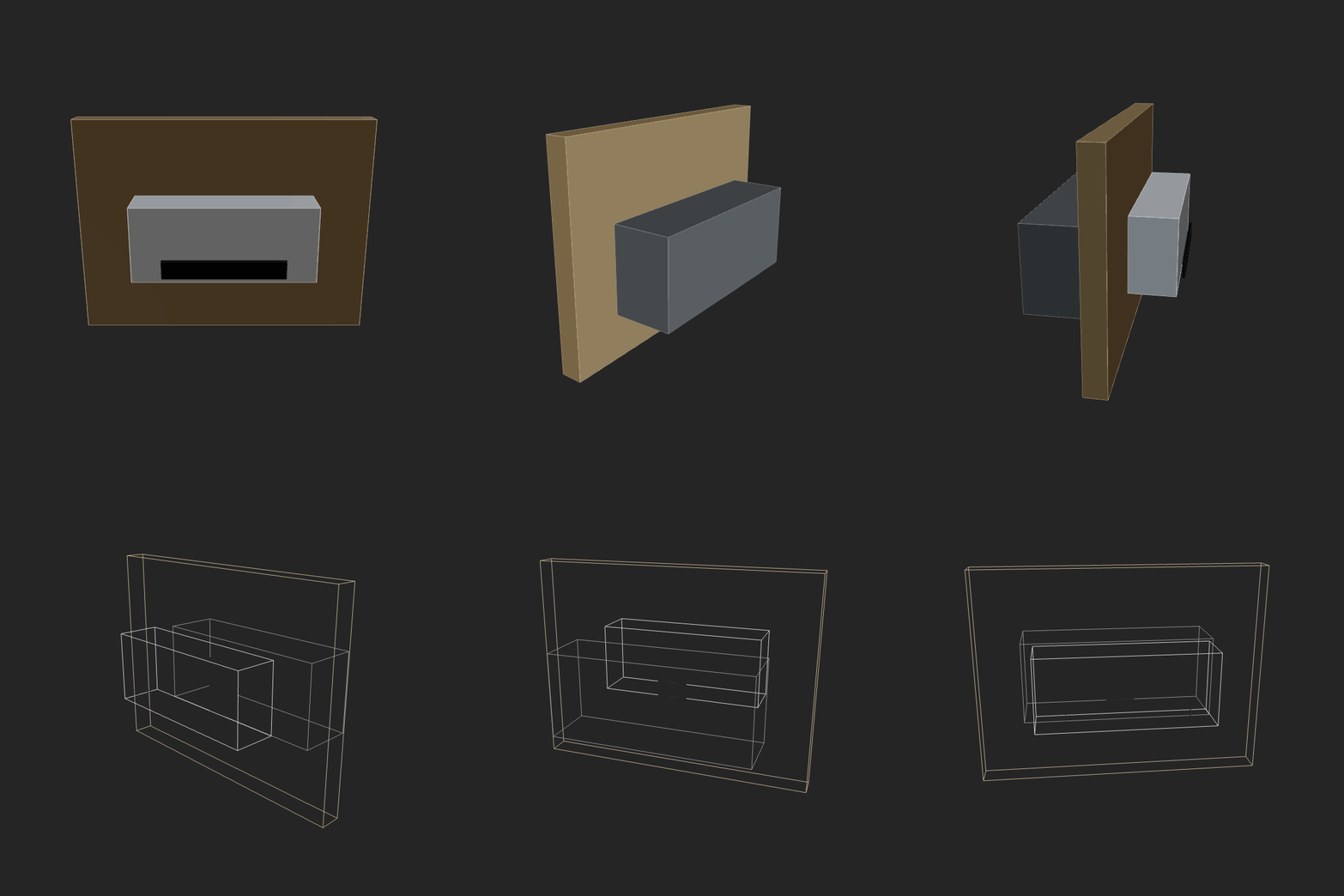 |
|
|
116
|
+
| `amazon-nova-premier-v1`<br><sub>2026-02-13 00-36-50 • v1</sub> | Make a home AC unit, showing both pieces on different sides of the wall (inside and outside). The external piece should have a fan positioned on its external face vertically. Implement whatever features/methods you are missing in the script itself for your convenience. Use the simpler primitives when unsure. | _GIF generation failed (script runtime error)._ |
|
|
117
|
+
| `aurora_alpha`<br><sub>2026-02-12 15-19-30 • v2</sub> | Make a home AC unit, showing both pieces on different sides of the wall (inside and outside). Implement whatever features/methods you are missing in the script itself for your convenience. Use the simpler primitives when unsure. | _GIF generation failed (script runtime error)._ |
|
|
118
|
+
| `bytedance-seed-seed-1.6`<br><sub>2026-02-13 00-14-02 • v3</sub> | Make a home AC unit, showing both pieces on different sides of the wall (inside and outside). The external piece should have a fan positioned on its external face vertically. Implement whatever features/methods you are missing in the script itself for your convenience. Use the simpler primitives when unsure. | 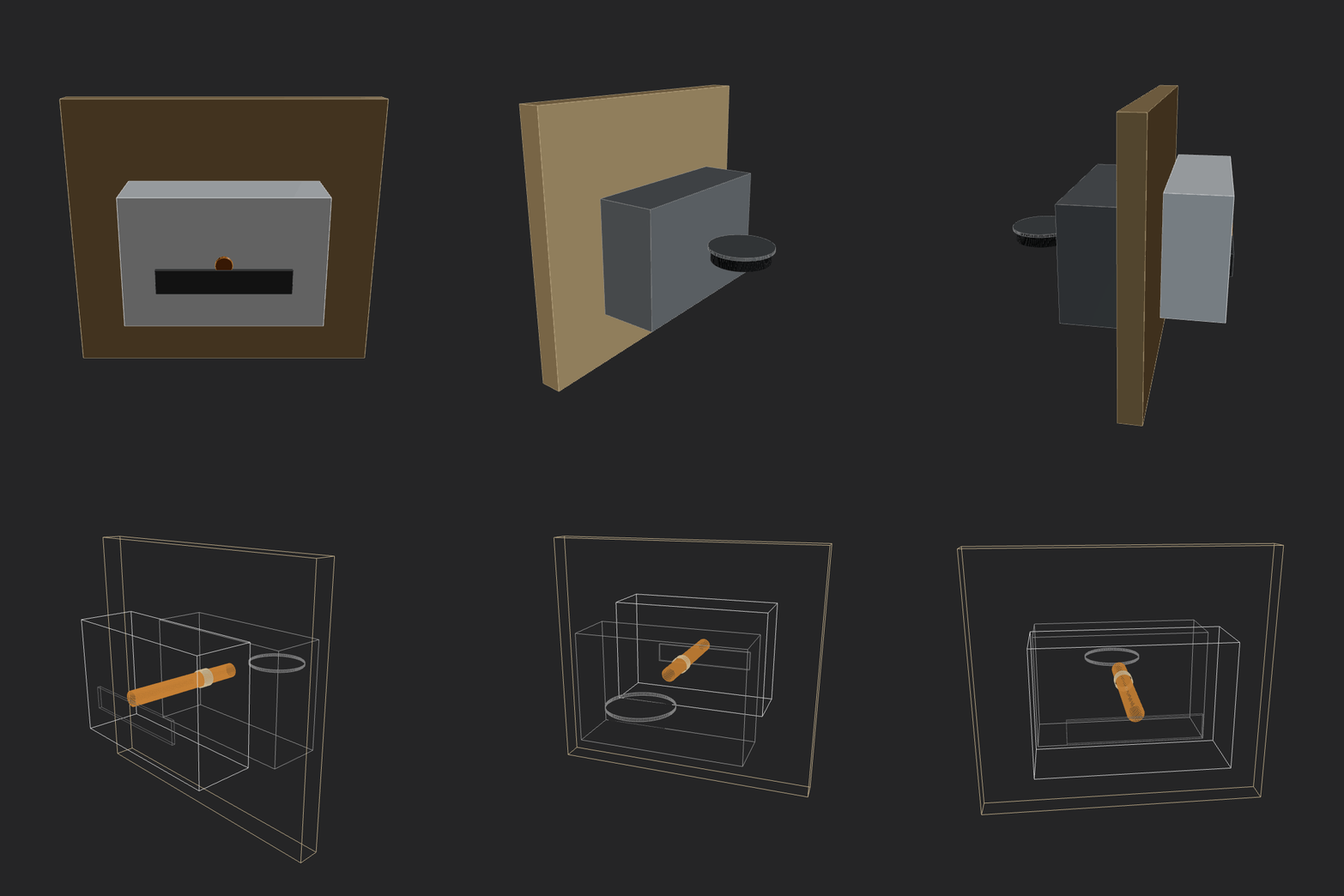 |
|
|
119
|
+
| `deepseek-deepseek-v3.2`<br><sub>2026-02-13 00-30-04 • v3</sub> | Make a home AC unit, showing both pieces on different sides of the wall (inside and outside). The external piece should have a fan positioned on its external face vertically. Implement whatever features/methods you are missing in the script itself for your convenience. Use the simpler primitives when unsure. | 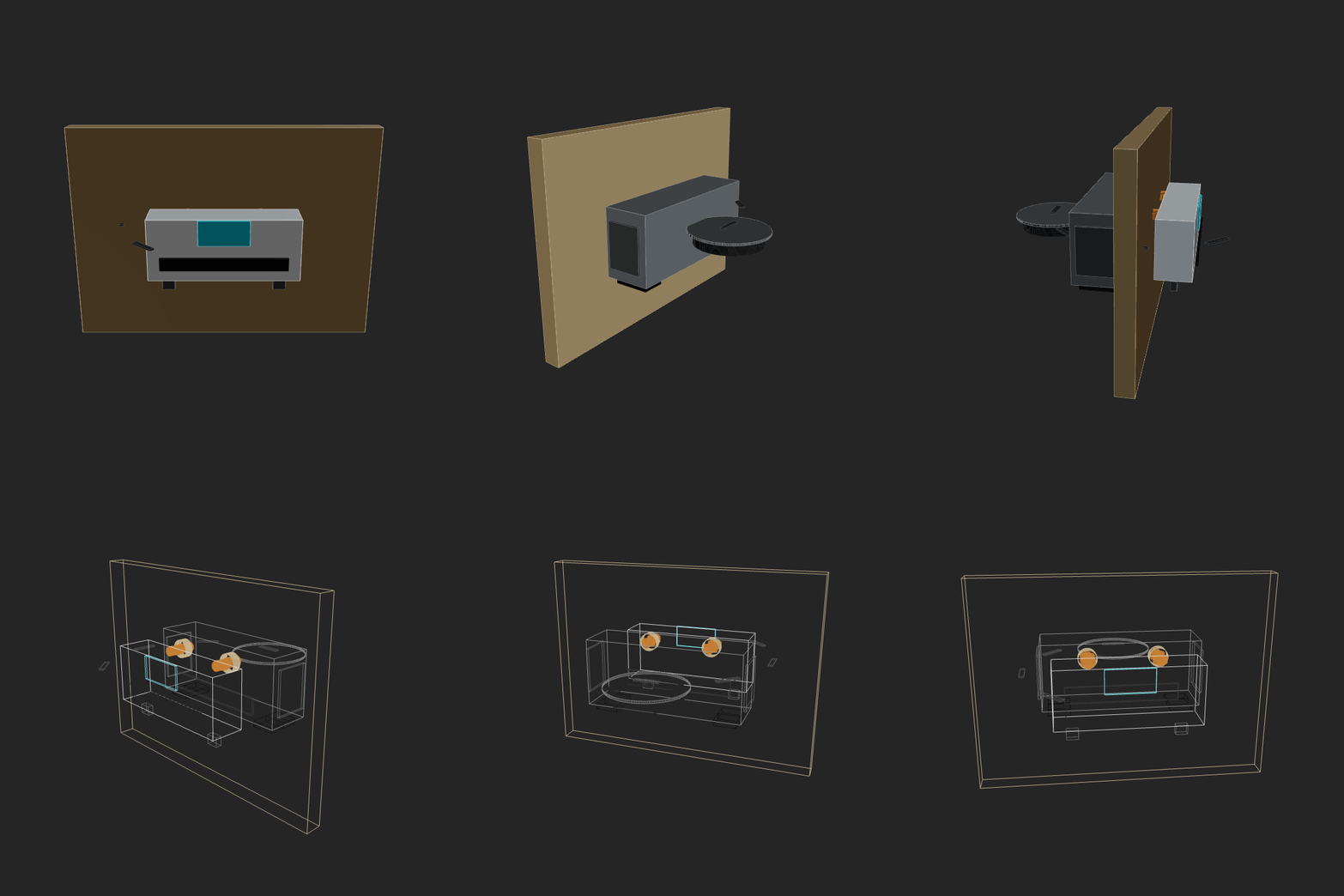 |
|
|
120
|
+
| `gemini3flash`<br><sub>2026-02-12 23-53-27 • v5</sub> | Make a home AC unit, showing both pieces on different sides of the wall (inside and outside). The external piece should have a fan positioned on its external face vertically. Implement whatever features/methods you are missing in the script itself for your convenience. Use the simpler primitives when unsure. | 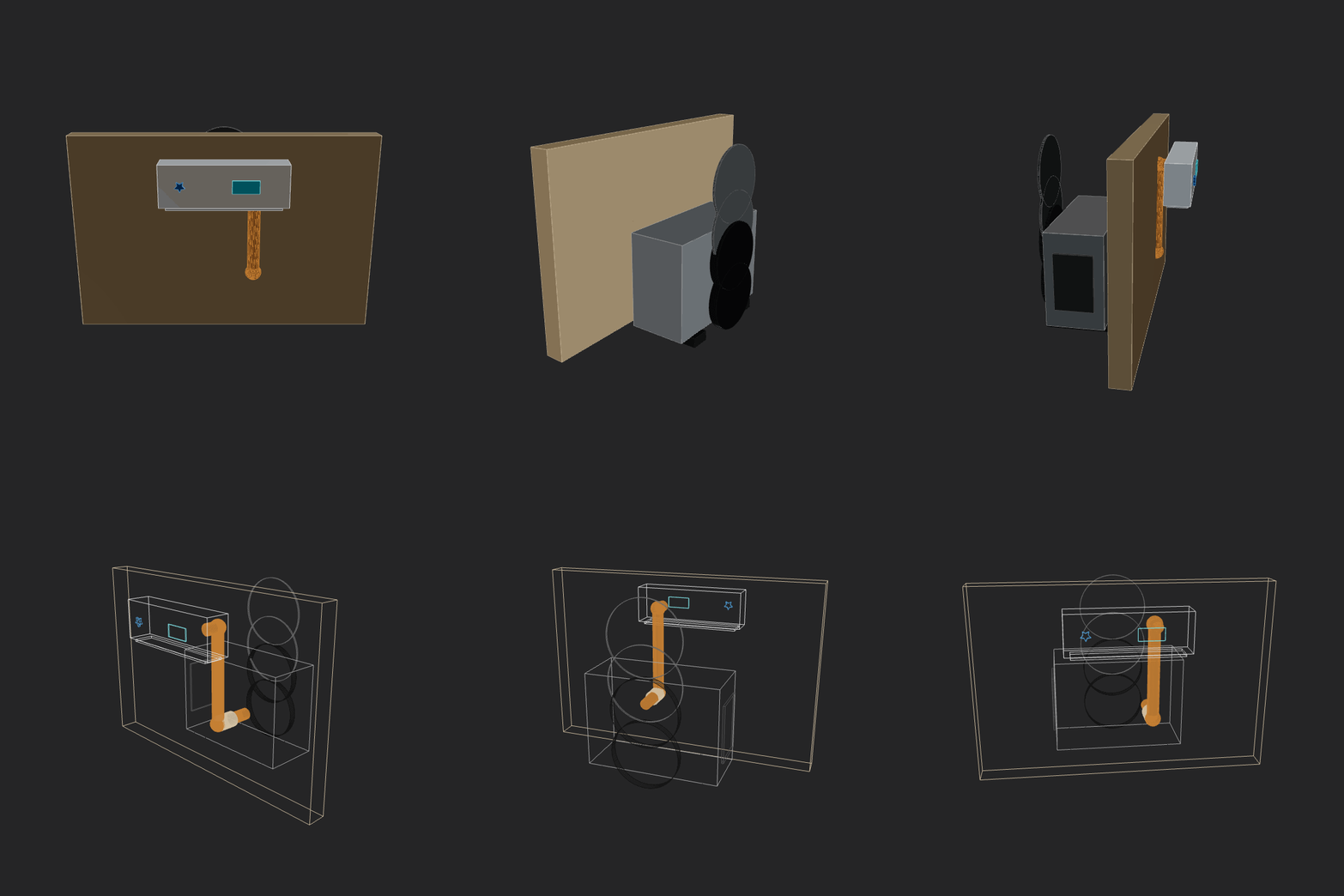 |
|
|
121
|
+
| `glm5`<br><sub>2026-02-12 14-58-52 • v3</sub> | Make a home AC unit, showing both pieces on different sides of the wall (inside and outside). Implement whatever features/methods you are missing in the script itself for your convenience. Use the simpler primitives when unsure. | 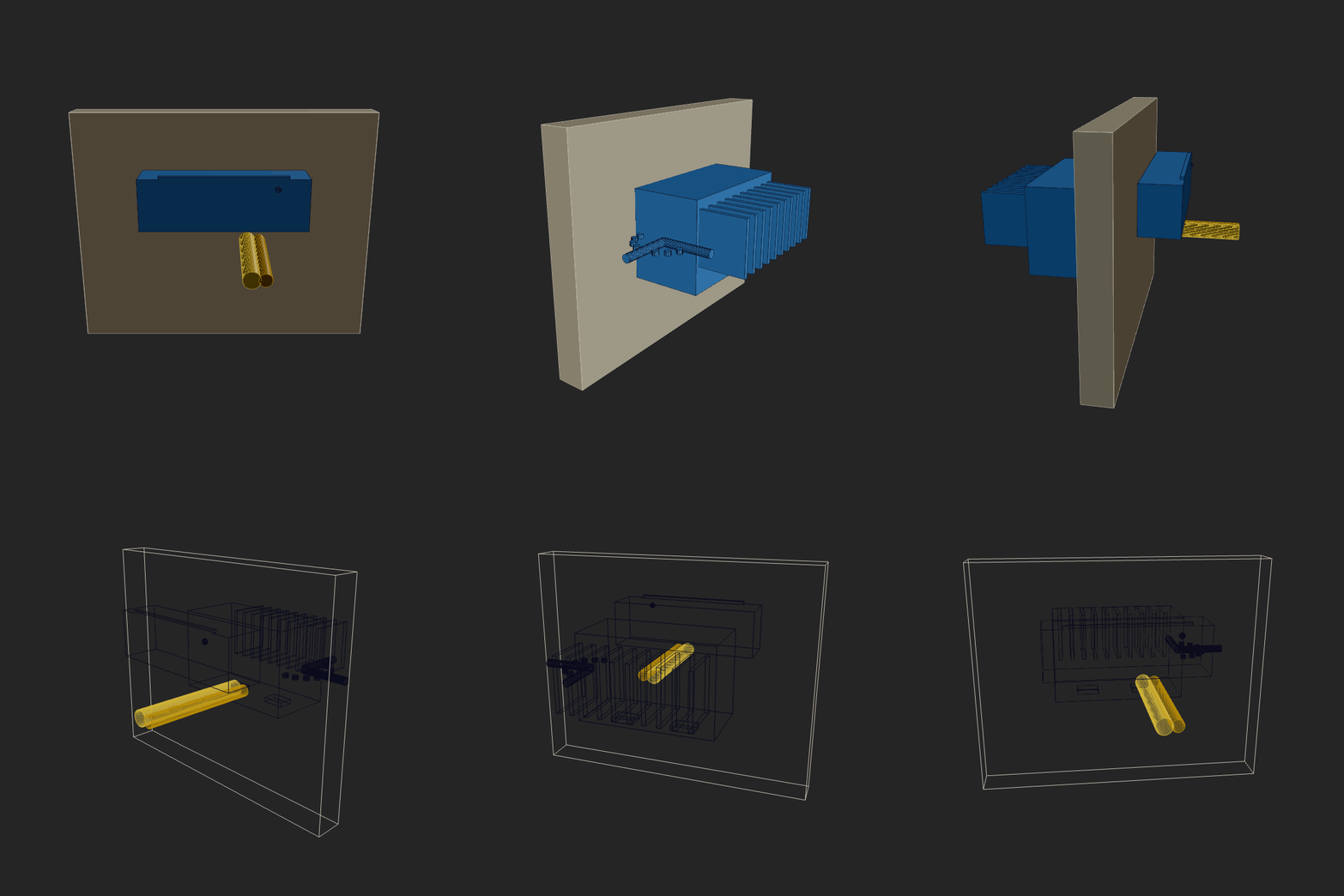 |
|
|
122
|
+
| `glm5`<br><sub>2026-02-12 23-04-12 • v4</sub> | Make a home AC unit, showing both pieces on different sides of the wall (inside and outside). The external piece should have a fan positioned on its external face vertically. Implement whatever features/methods you are missing in the script itself for your convenience. Use the simpler primitives when unsure. | 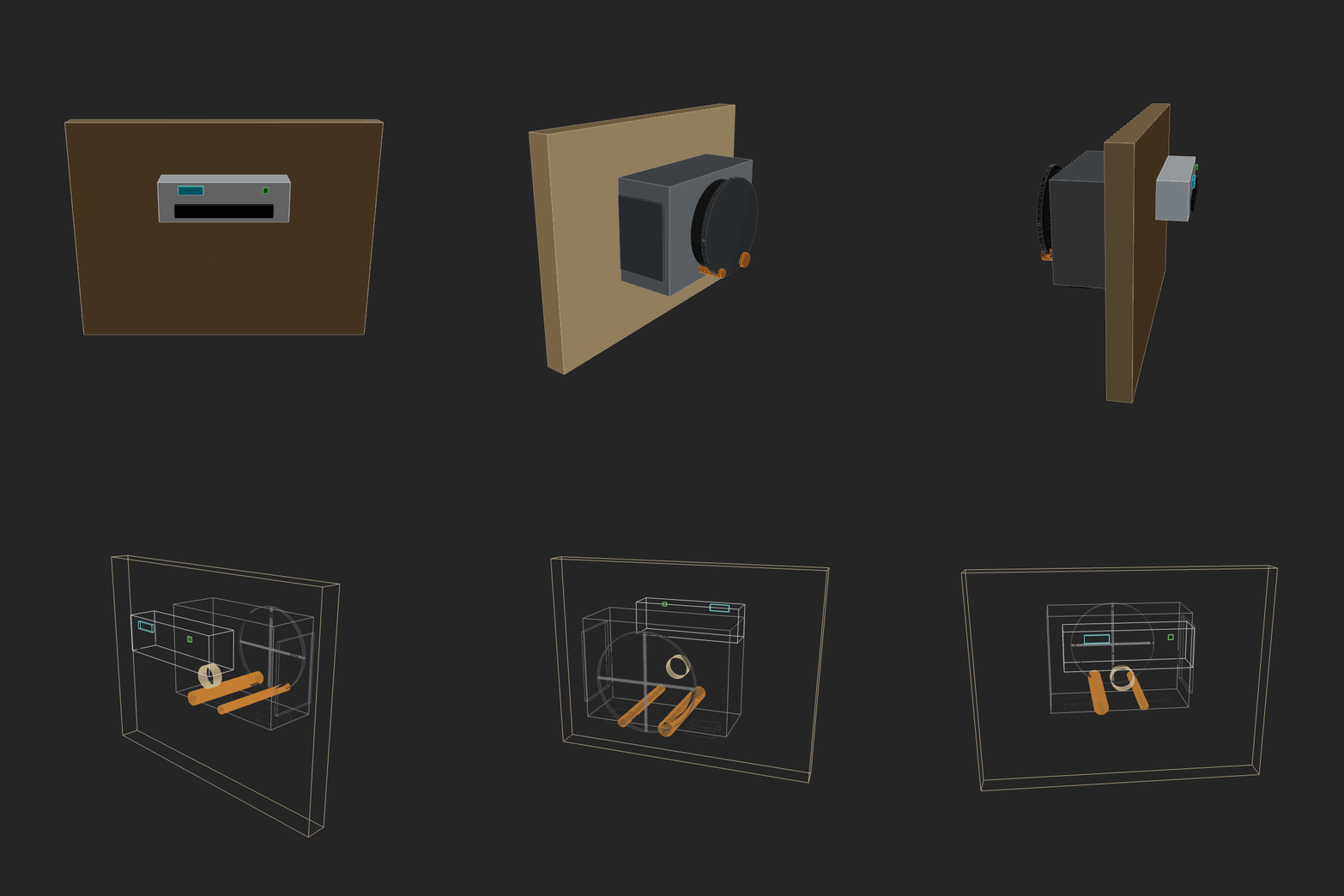 |
|
|
123
|
+
| `google-gemini-3-pro-preview`<br><sub>2026-02-13 00-36-12 • v2</sub> | Make a home AC unit, showing both pieces on different sides of the wall (inside and outside). The external piece should have a fan positioned on its external face vertically. Implement whatever features/methods you are missing in the script itself for your convenience. Use the simpler primitives when unsure. |  |
|
|
124
|
+
| `gpt52codex`<br><sub>2026-02-13 00-04-30 • v2</sub> | Make a home AC unit, showing both pieces on different sides of the wall (inside and outside). The external piece should have a fan positioned on its external face vertically. Implement whatever features/methods you are missing in the script itself for your convenience. Use the simpler primitives when unsure. | 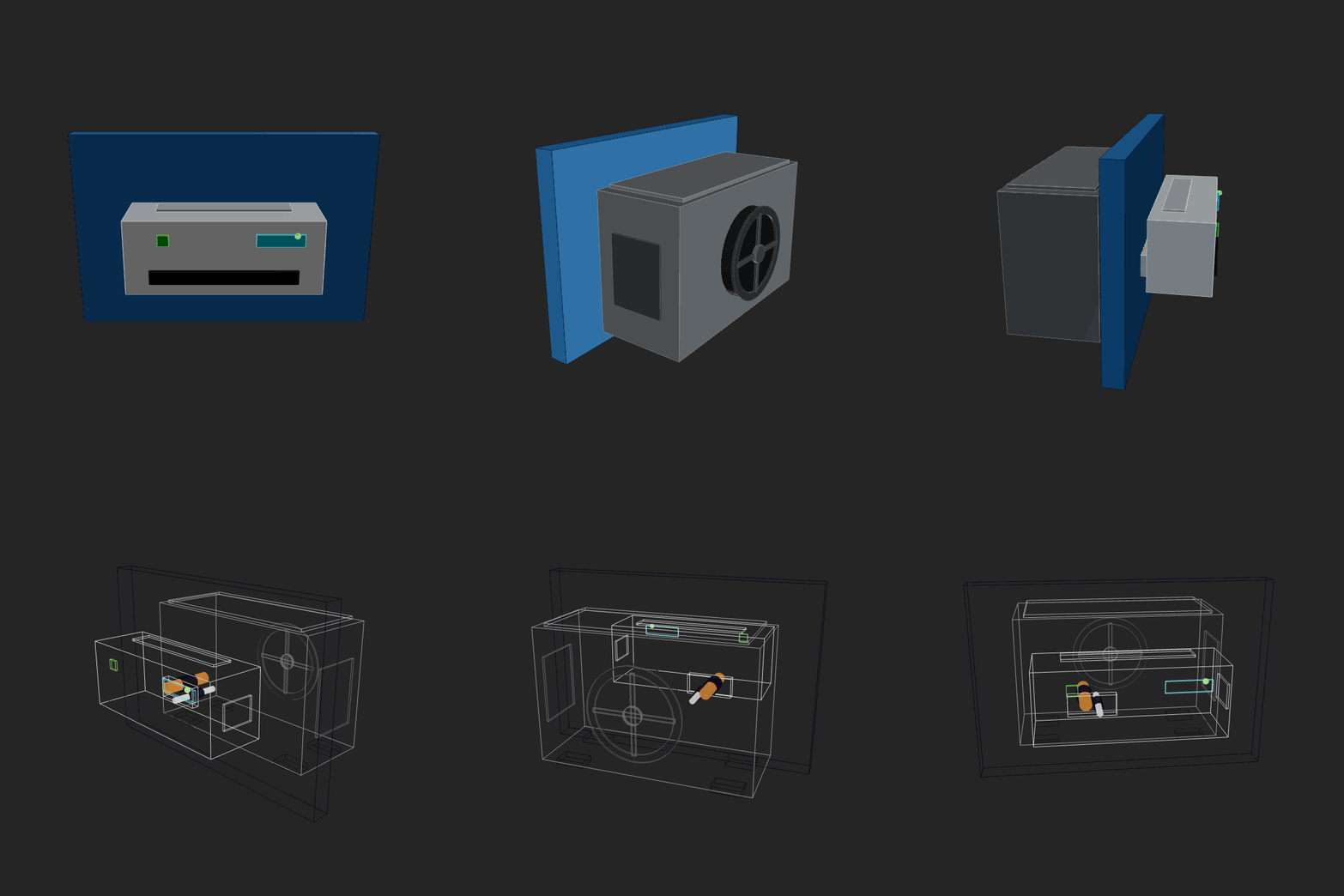 |
|
|
125
|
+
| `gpt52codex`<br><sub>2026-02-13 12-40-31 • v2</sub> | Make a home AC unit, showing both pieces on different sides of the wall (inside and outside). The external piece should have a fan positioned on its external face vertically. Include as many details as you safely can. Implement whatever features/methods you are missing in the script itself for your convenience. Use the simpler primitives when unsure. | 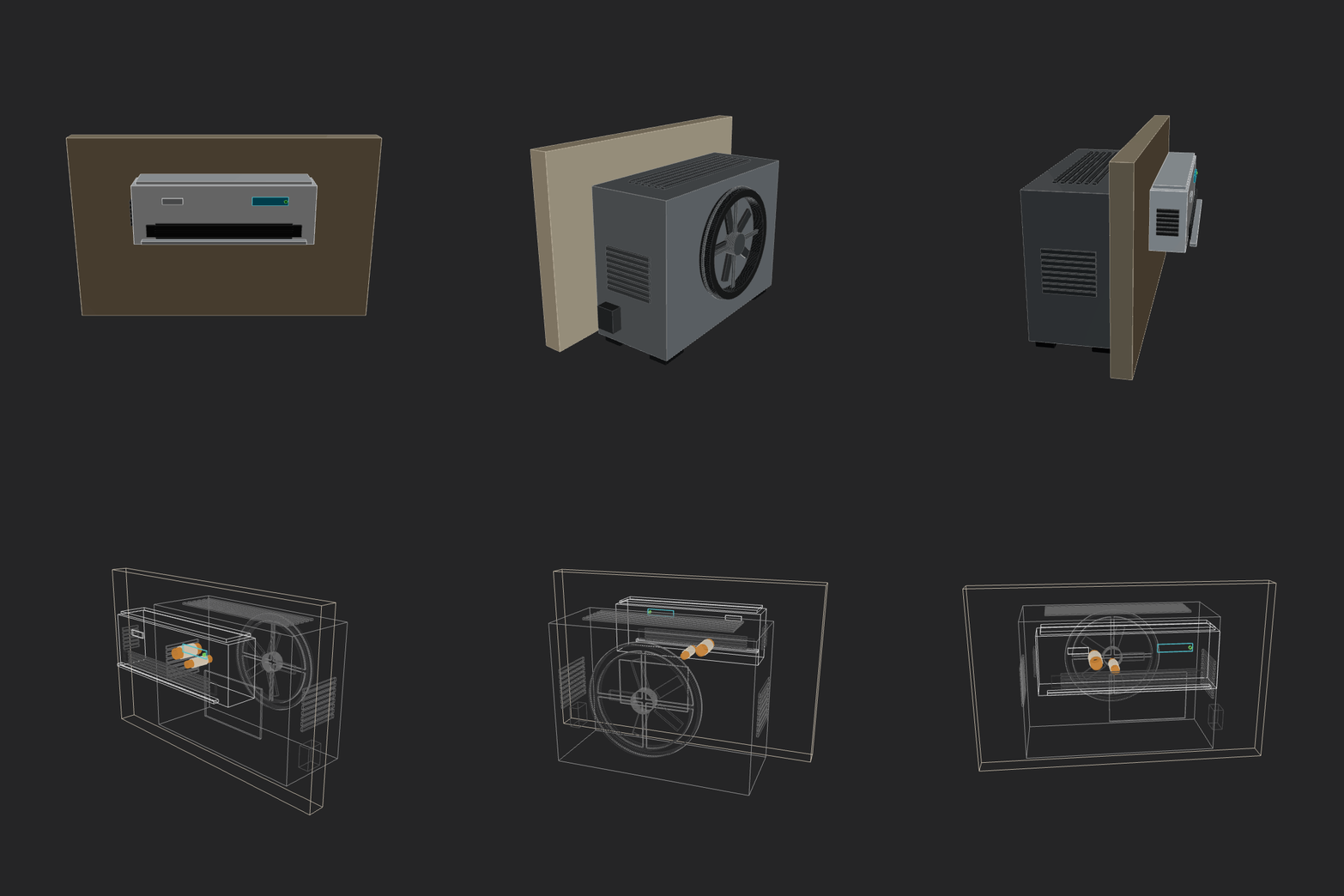 |
|
|
126
|
+
| `haiku_4_5`<br><sub>2026-02-12 21-49-51 • v1</sub> | Make a home AC unit, showing both pieces on different sides of the wall (inside and outside). Implement whatever features/methods you are missing in the script itself for your convenience. Use the simpler primitives when unsure. |  |
|
|
127
|
+
| `haiku_4_5`<br><sub>2026-02-12 21-54-22 • v3</sub> | Make a home AC unit, showing both pieces on different sides of the wall (inside and outside). Implement whatever features/methods you are missing in the script itself for your convenience. Use the simpler primitives when unsure. | 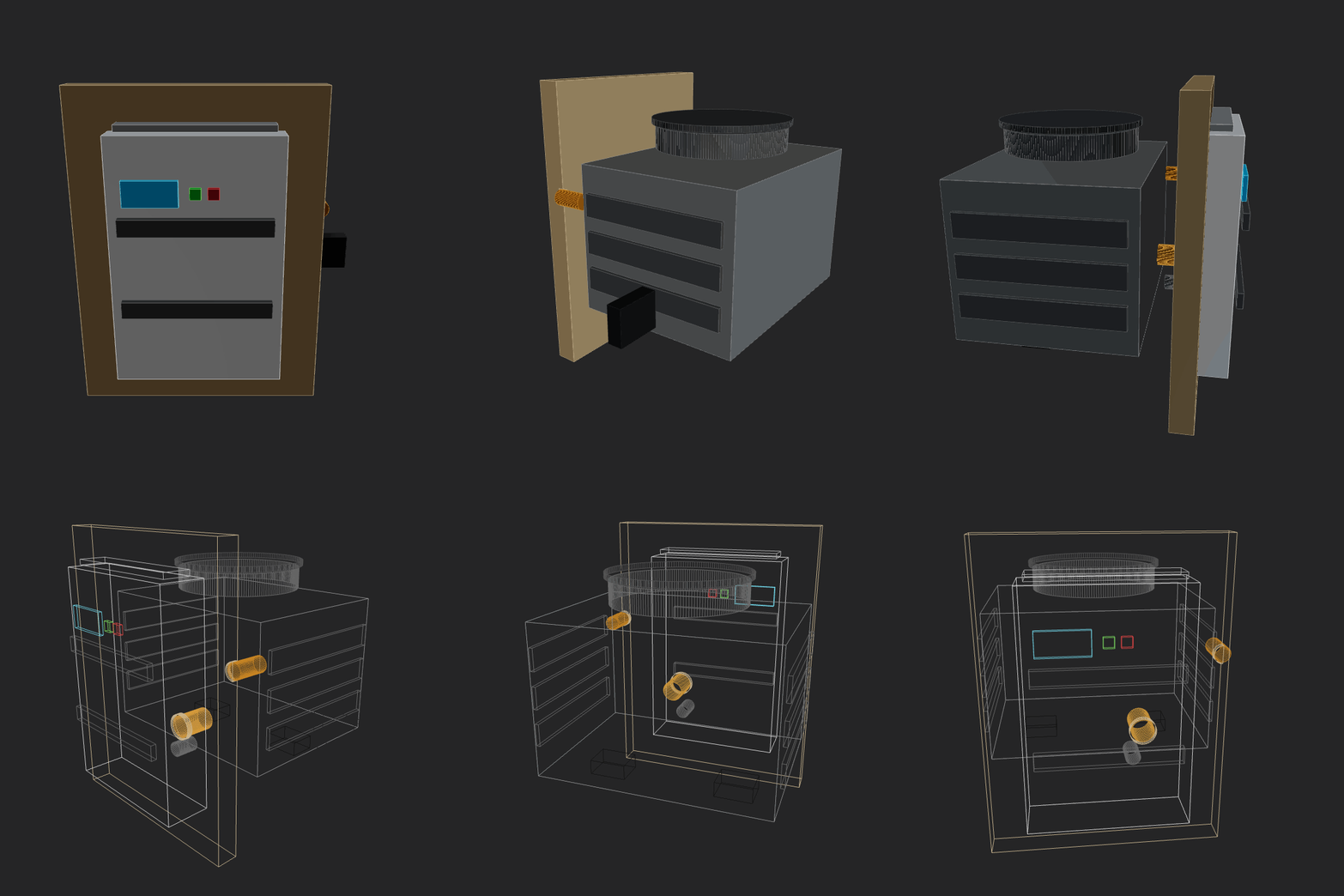 |
|
|
128
|
+
| `kimi25`<br><sub>2026-02-12 13-50-22 • v4</sub> | Make a home AC unit, showing both pieces on different sides of the wall (inside and outside). Implement whatever features/methods you are missing in the script itself for your convenience. Use the simpler primitives when unsure. | 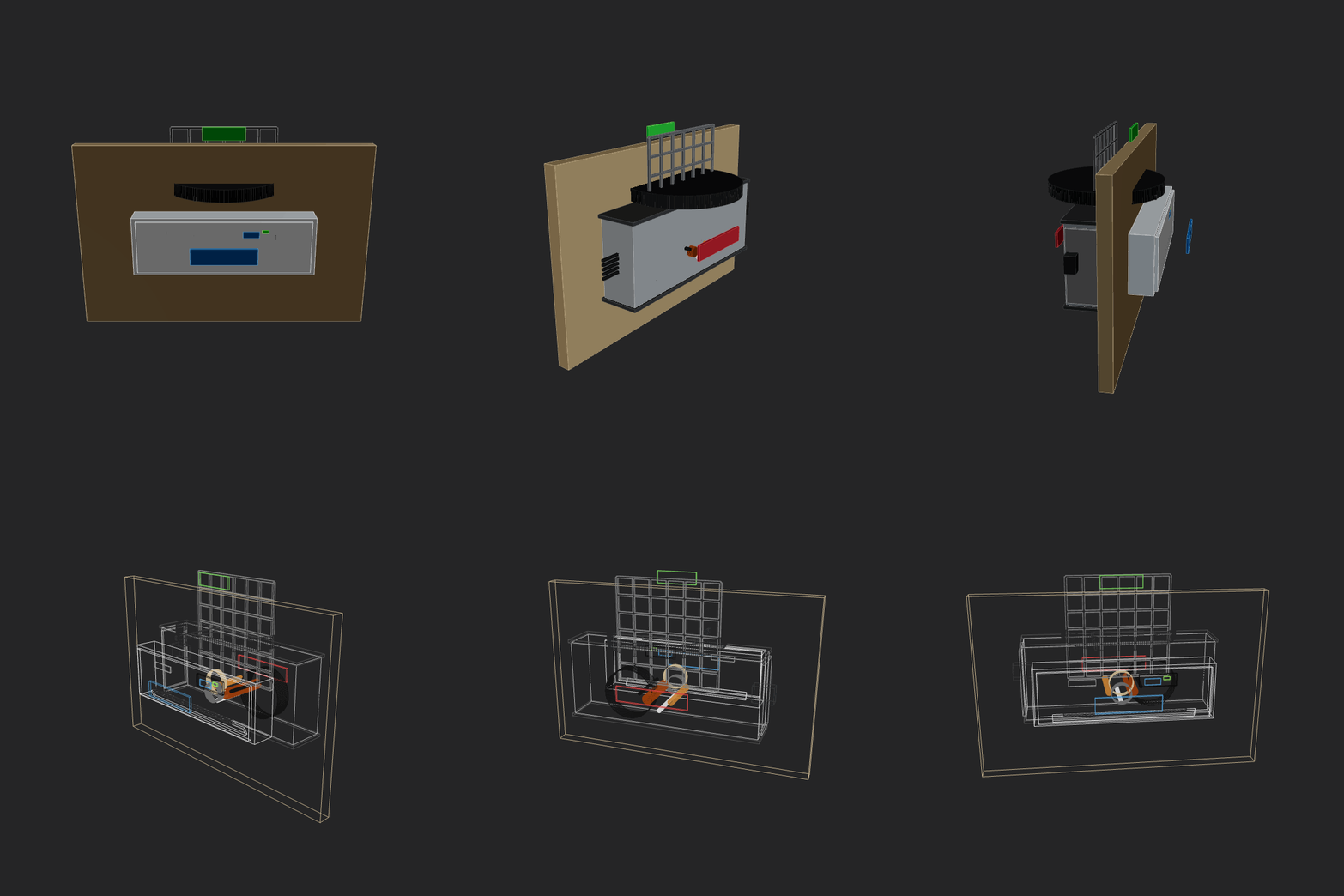 |
|
|
129
|
+
| `kimi25`<br><sub>2026-02-12 14-58-53 • v3</sub> | Make a home AC unit, showing both pieces on different sides of the wall (inside and outside). Implement whatever features/methods you are missing in the script itself for your convenience. Use the simpler primitives when unsure. | 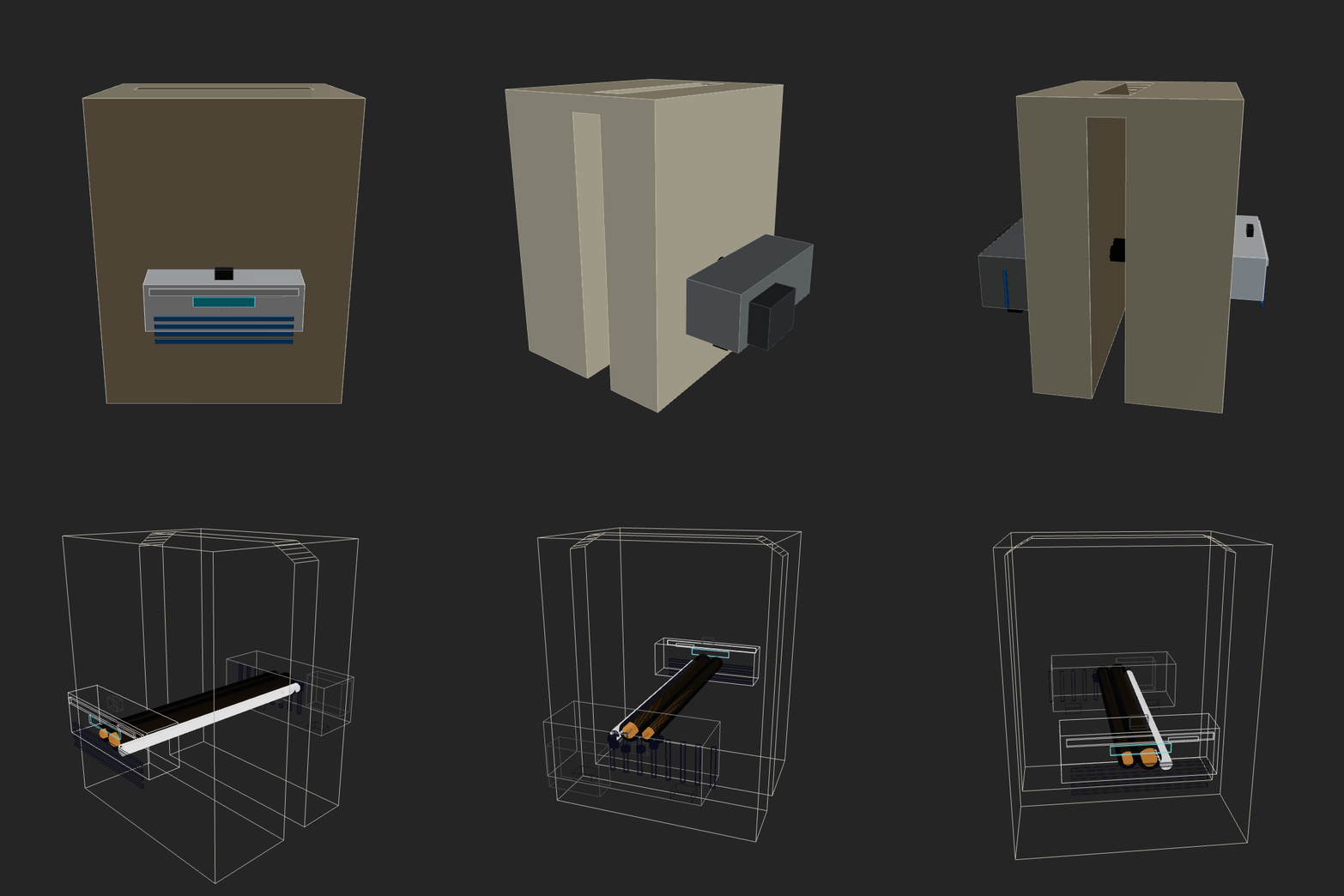 |
|
|
130
|
+
| `manual-gemini-flash`<br><sub>2026-02-12 23-44-23 • v3</sub> | Make a home AC unit, showing both pieces on different sides of the wall (inside and outside). The external piece should have a fan positioned on its external face vertically. Implement whatever features/methods you are missing in the script itself for your convenience. Use the simpler primitives when unsure. |  |
|
|
131
|
+
| `minimax25`<br><sub>2026-02-12 14-32-24 • v5</sub> | Make a home AC unit, showing both pieces on different sides of the wall (inside and outside). Implement whatever features/methods you are missing in the script itself for your convenience. Use the simpler primitives when unsure. | 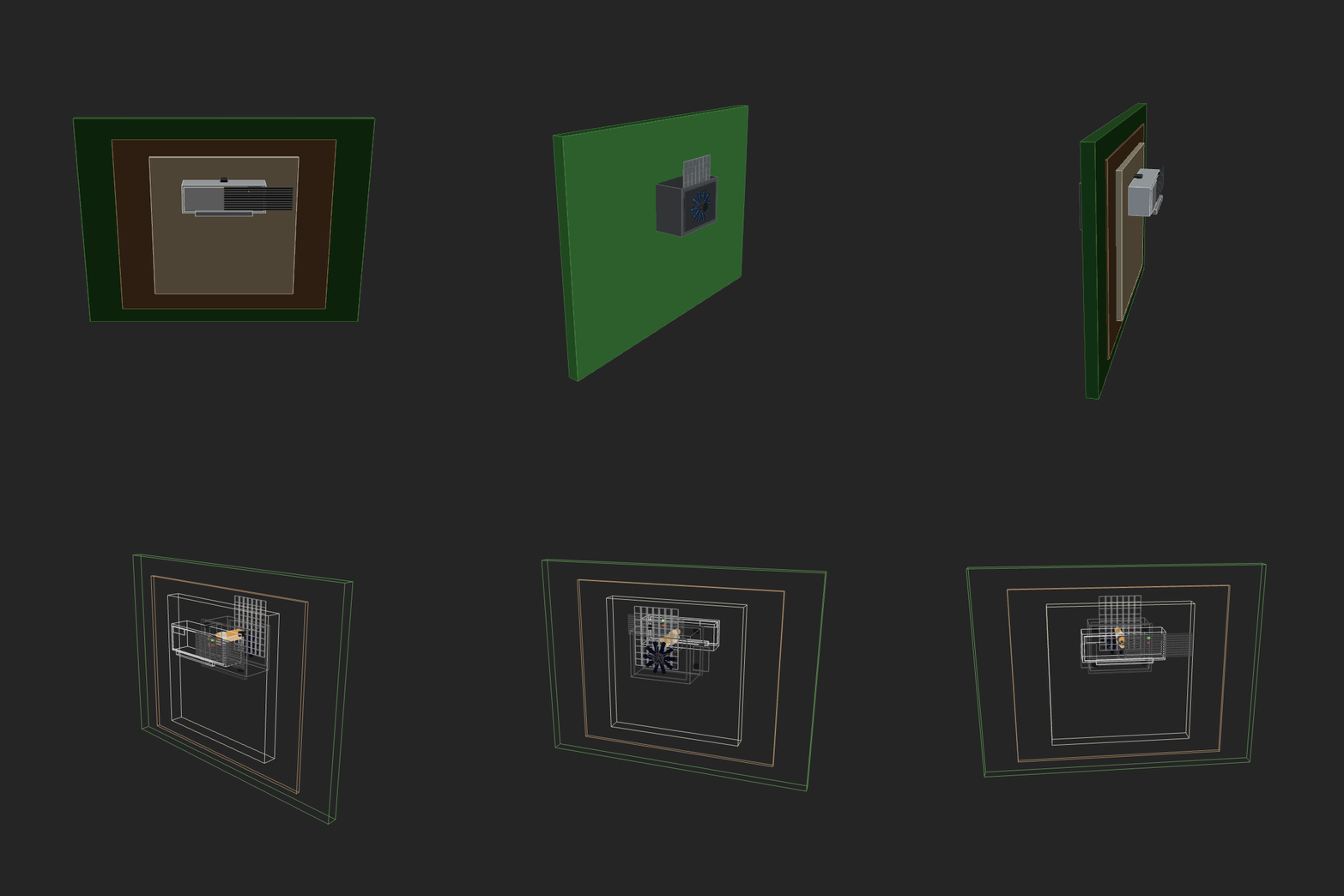 |
|
|
132
|
+
| `minimax25`<br><sub>2026-02-12 23-05-17 • v3</sub> | Make a home AC unit, showing both pieces on different sides of the wall (inside and outside). The external piece should have a fan positioned on its external face vertically. Implement whatever features/methods you are missing in the script itself for your convenience. Use the simpler primitives when unsure. | 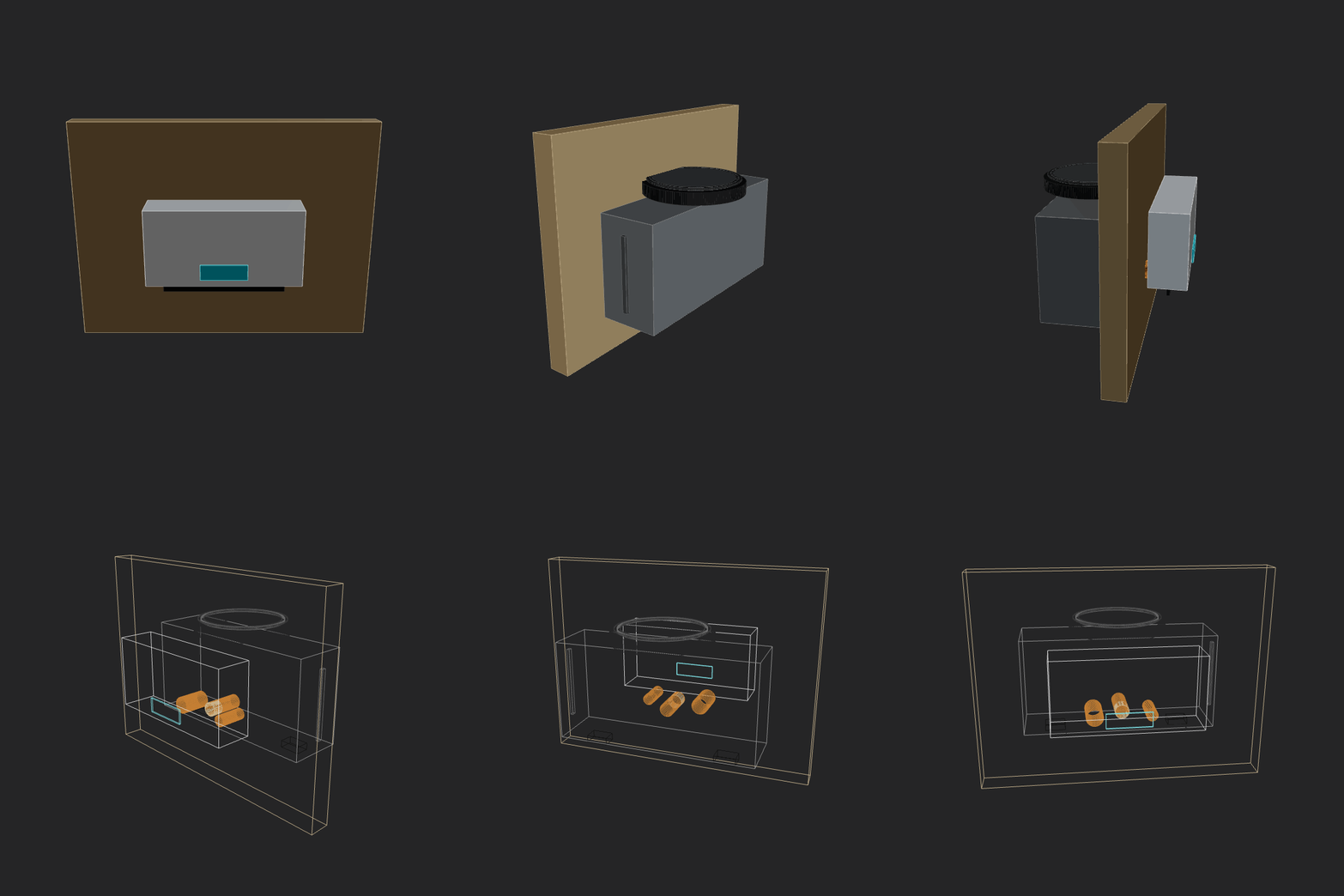 |
|
|
133
|
+
| `minimax25`<br><sub>2026-02-13 12-37-52 • v4</sub> | Make a home AC unit, showing both pieces on different sides of the wall (inside and outside). The external piece should have a fan positioned on its external face vertically. Implement whatever features/methods you are missing in the script itself for your convenience. Use the simpler primitives when unsure. | 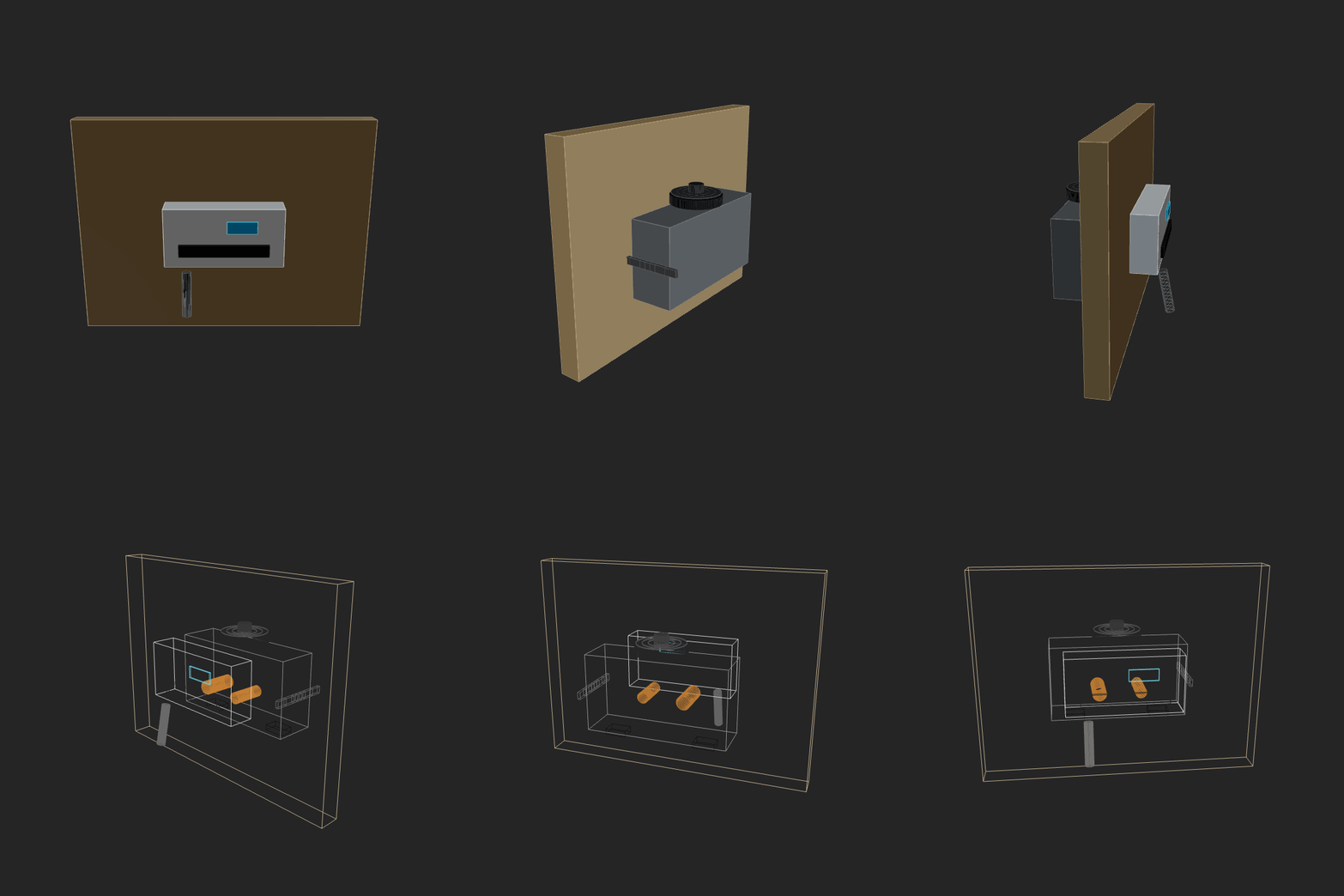 |
|
|
134
|
+
| `openai-gpt-oss-120b`<br><sub>2026-02-13 00-38-15 • v1</sub> | Make a home AC unit, showing both pieces on different sides of the wall (inside and outside). The external piece should have a fan positioned on its external face vertically. Implement whatever features/methods you are missing in the script itself for your convenience. Use the simpler primitives when unsure. |  |
|
|
135
|
+
| `opus_4_6`<br><sub>2026-02-13 11-47-54 • v5</sub> | Make a home AC unit, showing both pieces on different sides of the wall (inside and outside). The external piece should have a fan positioned on its external face vertically. Implement whatever features/methods you are missing in the script itself for your convenience. Use the simpler primitives when unsure. | 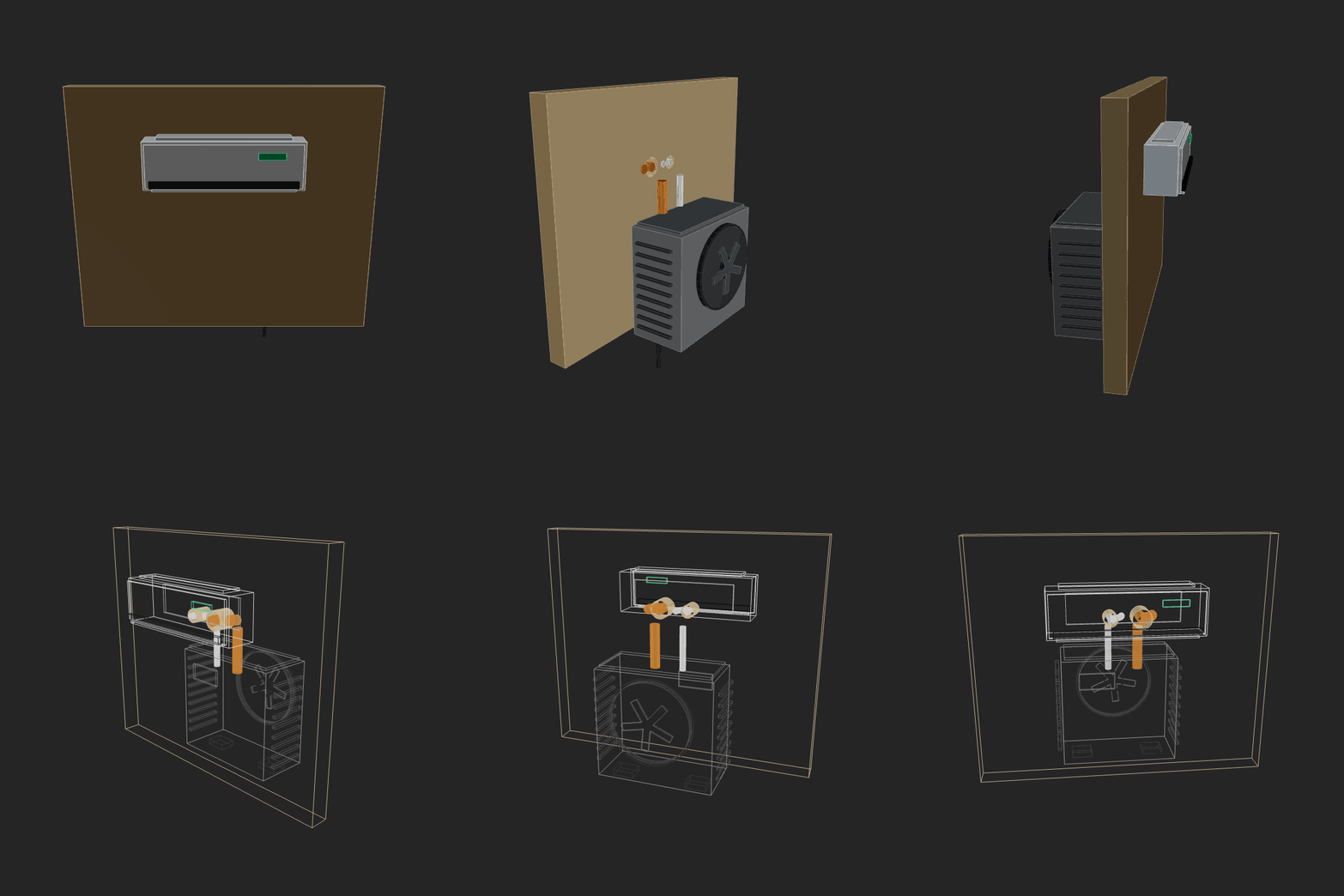 |
|
|
136
|
+
| `prime-intellect-intellect-3`<br><sub>2026-02-13 00-31-28 • v1</sub> | Make a home AC unit, showing both pieces on different sides of the wall (inside and outside). The external piece should have a fan positioned on its external face vertically. Implement whatever features/methods you are missing in the script itself for your convenience. Use the simpler primitives when unsure. | 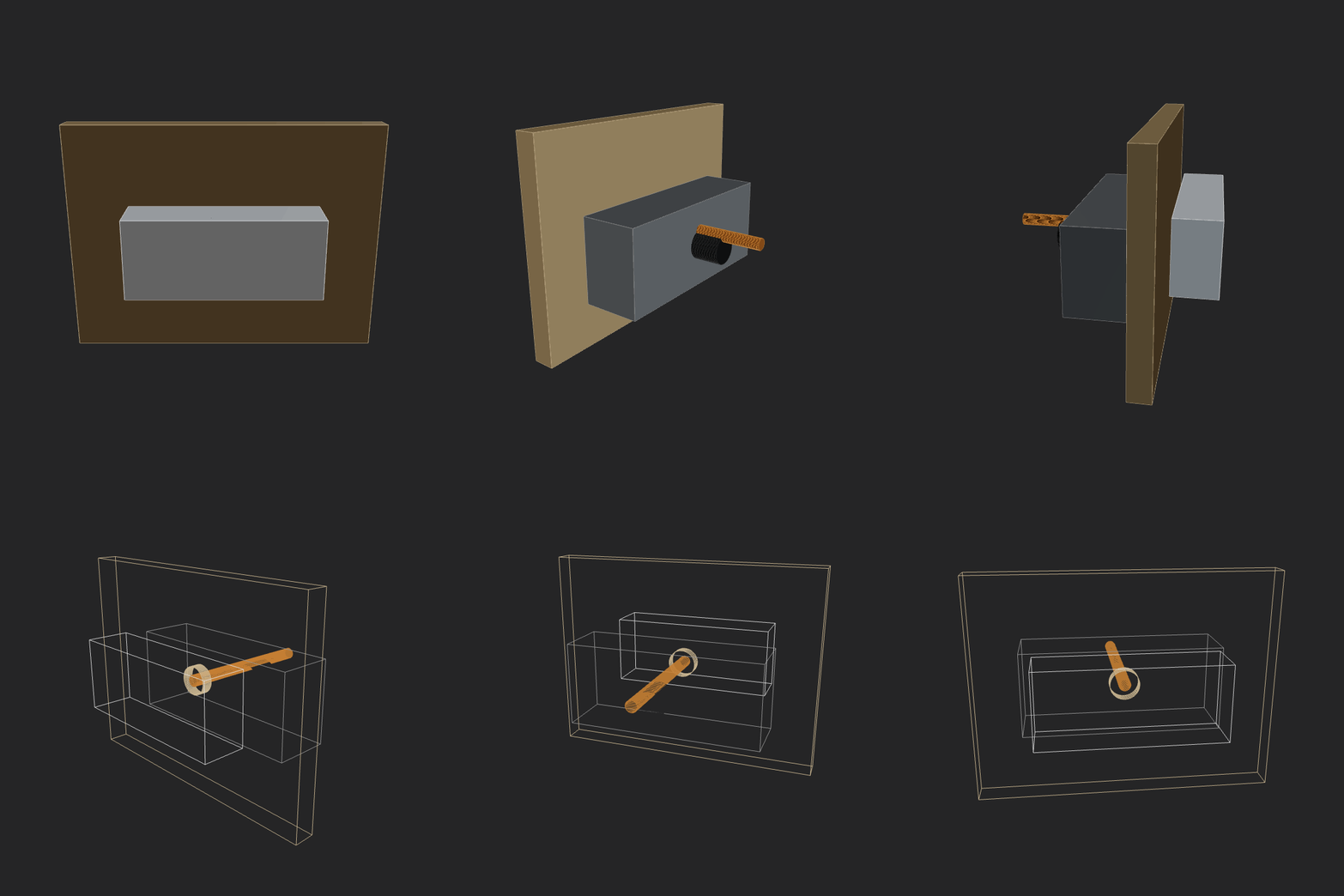 |
|
|
137
|
+
| `qwen3.5-397b-a17b`<br><sub>2026-02-16 14-29-22 • v3</sub> | Make a home AC unit, showing both pieces on different sides of the wall (inside and outside). The external piece should have a fan positioned on its external face vertically. Implement whatever features/methods you are missing in the script itself for your convenience. Use the simpler primitives when unsure. | 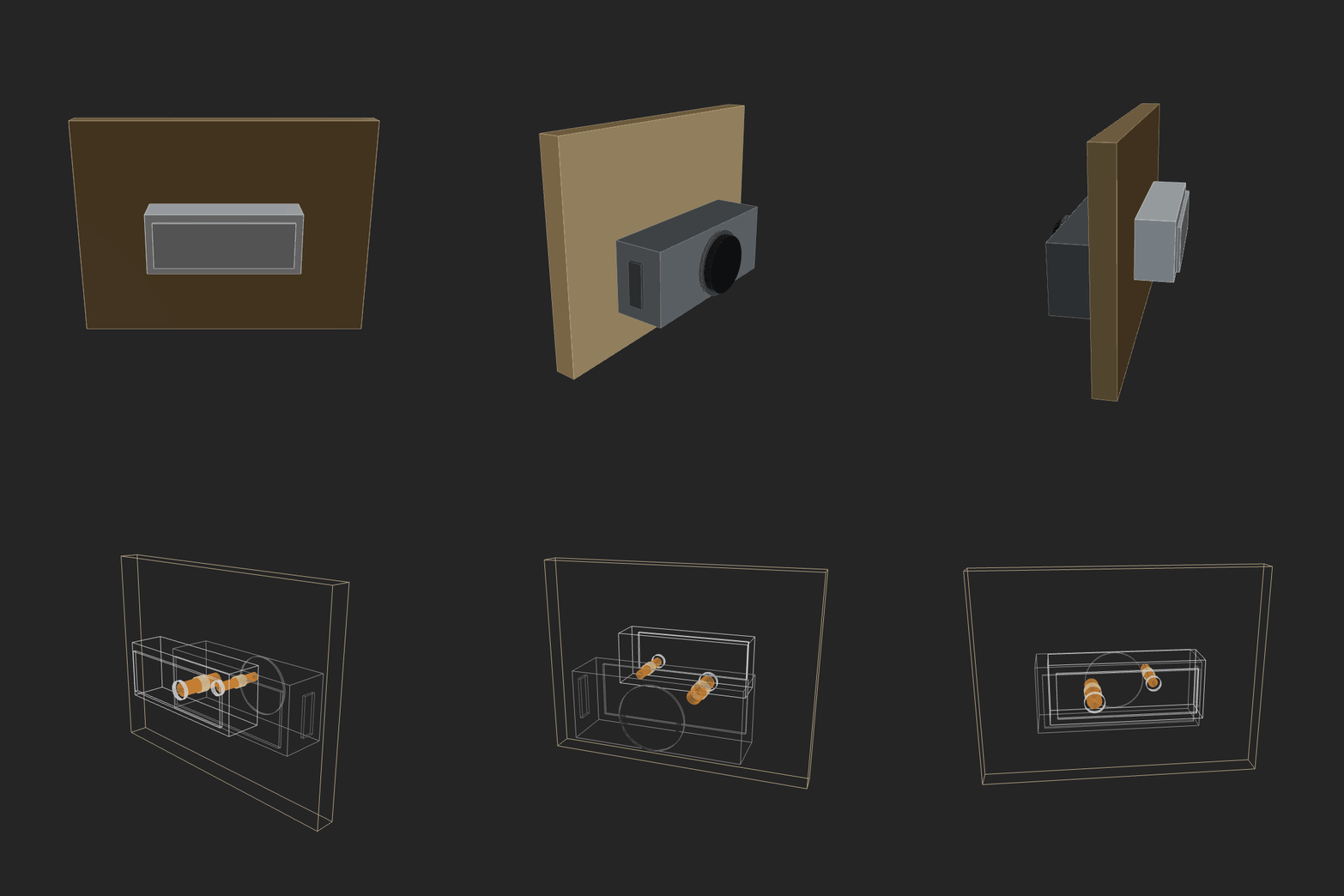 |
|
|
138
|
+
| `qwen3maxthinking`<br><sub>2026-02-12 23-16-41 • v2</sub> | Make a home AC unit, showing both pieces on different sides of the wall (inside and outside). The external piece should have a fan positioned on its external face vertically. Implement whatever features/methods you are missing in the script itself for your convenience. Use the simpler primitives when unsure. | 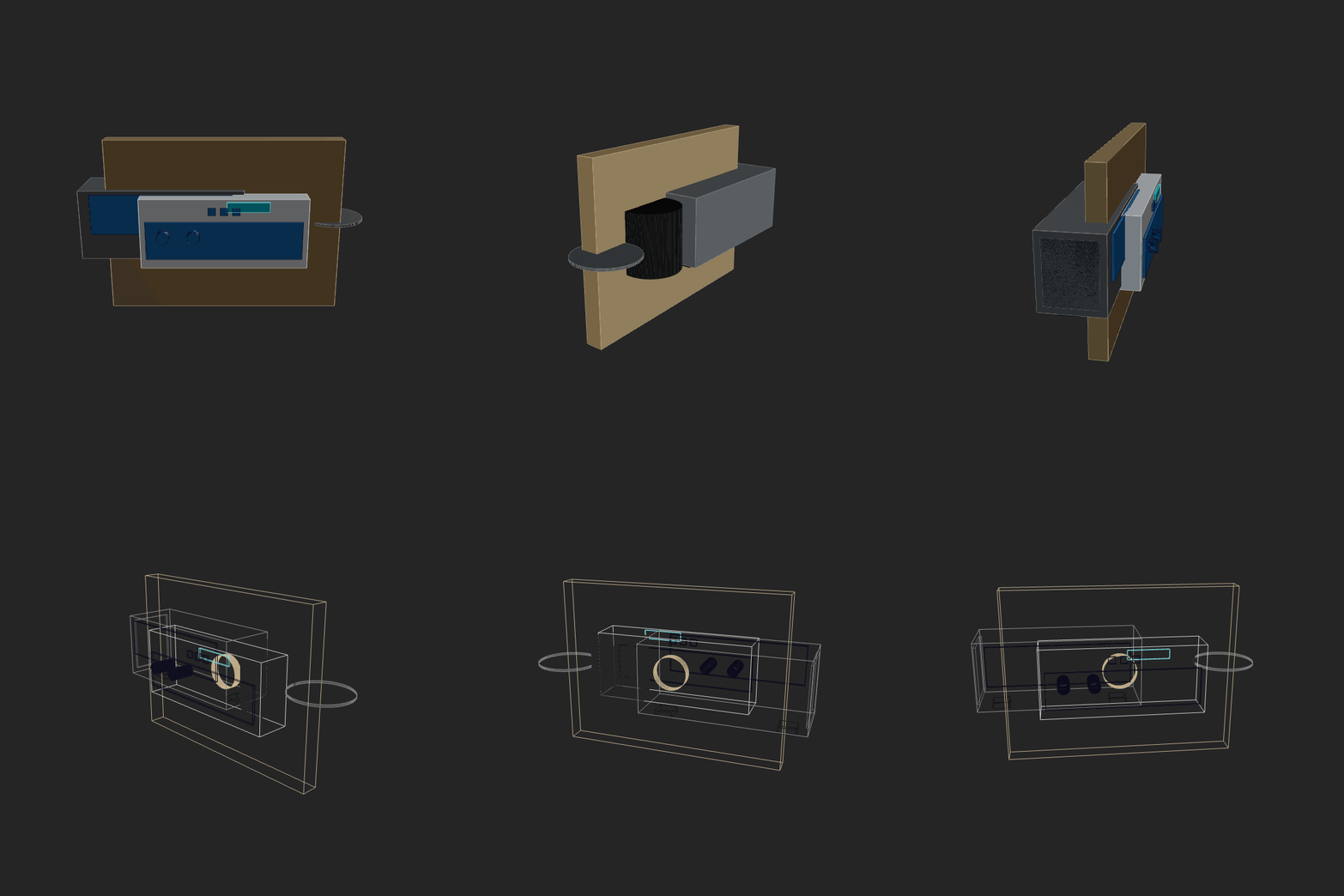 |
|
|
139
|
+
| `robot-hand-gpt52codex`<br><sub>2026-02-14 00-51-41 • v1</sub> | Make a fully functional robot hand. Should be easy to build, maybe even at home with some good tools. Show all the mechanics. Should be able to hold arbitrary shape objects. Don't be a perfectionist, but be an artist and an engineer. As this is a complex task, break it down to simpler ones, solve them, combine, iterate. | 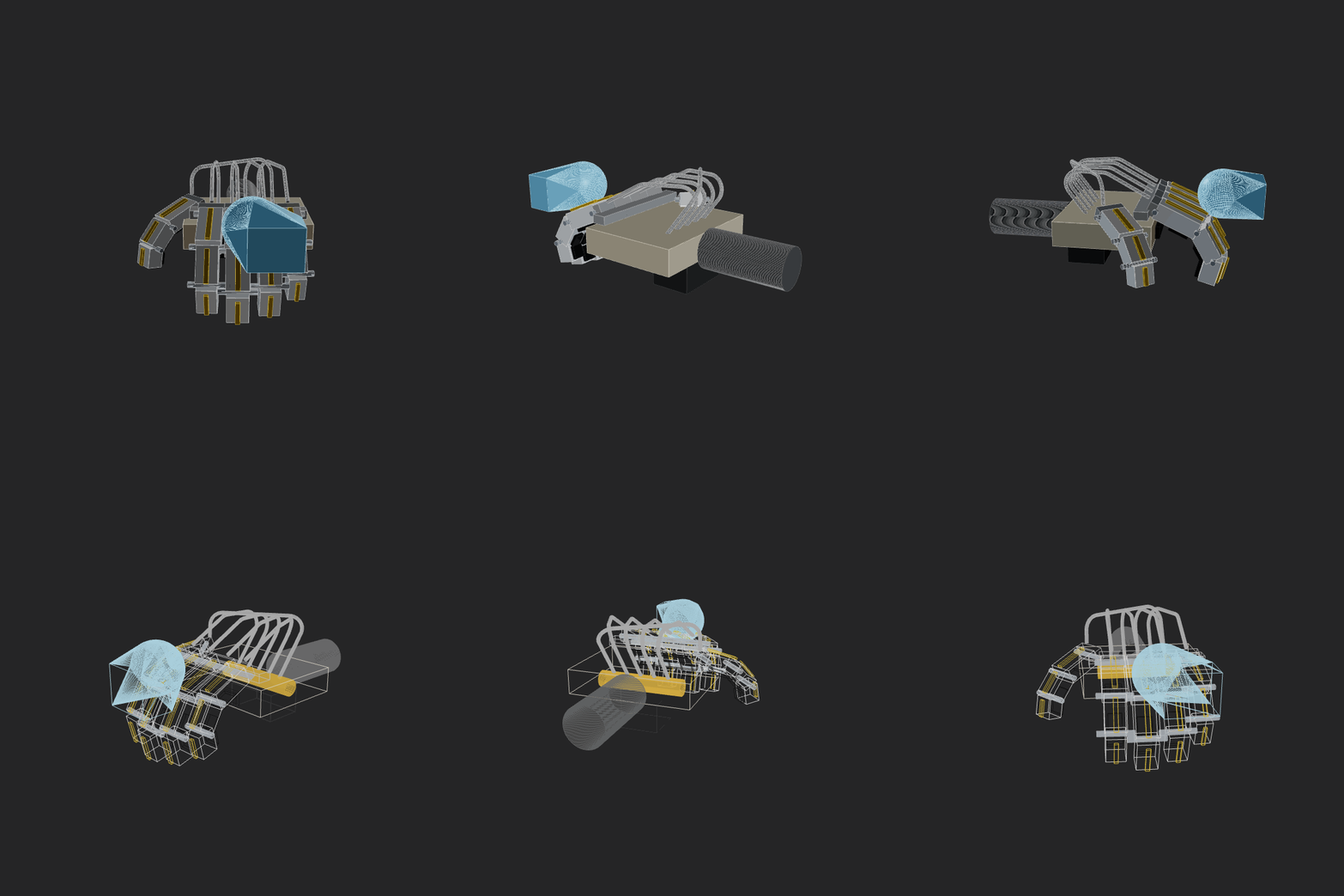 |
|
|
140
|
+
| `sonnet_4_5`<br><sub>2026-02-12 21-58-26 • v3</sub> | Make a home AC unit, showing both pieces on different sides of the wall (inside and outside). Implement whatever features/methods you are missing in the script itself for your convenience. Use the simpler primitives when unsure. |  |
|
|
141
|
+
| `x-ai-grok-4.1-fast`<br><sub>2026-02-13 00-26-36 • v2</sub> | Make a home AC unit, showing both pieces on different sides of the wall (inside and outside). The external piece should have a fan positioned on its external face vertically. Implement whatever features/methods you are missing in the script itself for your convenience. Use the simpler primitives when unsure. | 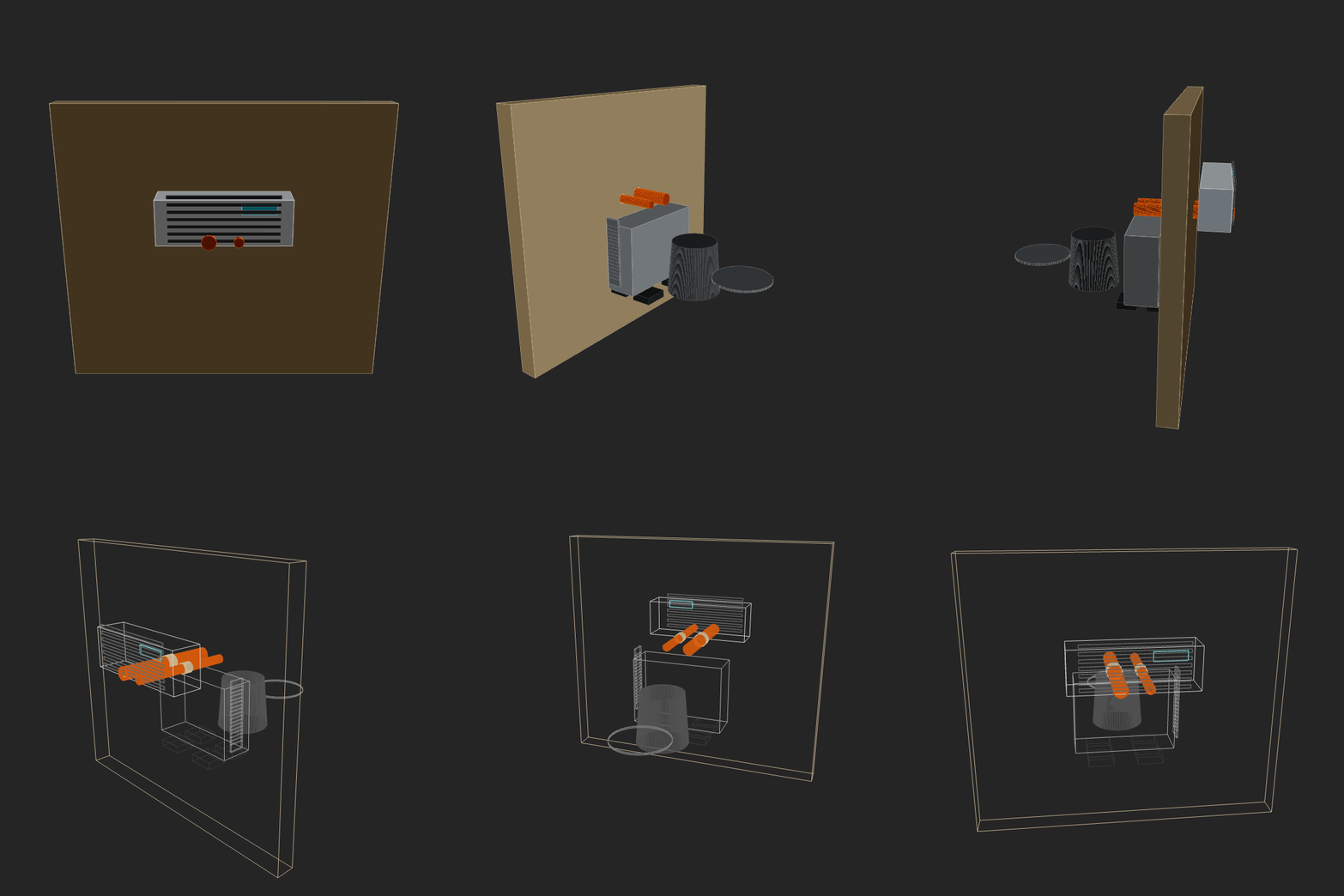 |
|
|
142
|
+
<!-- BENCHMARKS:END -->
|
|
143
|
+
|
|
144
|
+
## Highlights
|
|
145
|
+
|
|
146
|
+
- Browser CAD IDE with Monaco editor + real-time 3D viewport
|
|
147
|
+
- 2D sketch API: primitives, path builder, booleans, transforms, offsets, constraints
|
|
148
|
+
- 3D API: booleans, transforms, hull, level set/SDF workflows, cut planes
|
|
149
|
+
- Named shapes, face/edge references, fillet/chamfer helpers
|
|
150
|
+
- Reusable part library (`lib`) with fasteners, tubes, brackets, threads, patterns, exploded-view helpers
|
|
151
|
+
- Assembly graph API with revolute/prismatic/fixed joints and joint couplings
|
|
152
|
+
- Drawing/report pipeline: dimensions, BOM, multi-view PDF generation with duplicate-part page collapsing
|
|
153
|
+
- CLI tools that run the same engine as the browser runtime
|
|
154
|
+
|
|
155
|
+
## Quick Start
|
|
156
|
+
|
|
157
|
+
### Prerequisites
|
|
158
|
+
|
|
159
|
+
- Node.js 20+ (recommended)
|
|
160
|
+
- npm
|
|
161
|
+
- Chrome/Chromium installed (only required for PNG rendering CLI)
|
|
162
|
+
|
|
163
|
+
### Install and run
|
|
164
|
+
|
|
165
|
+
```bash
|
|
166
|
+
npm install
|
|
167
|
+
npm link # puts forgecad in PATH
|
|
168
|
+
npm run build:cli # build the CLI (~2s, needed after CLI changes)
|
|
169
|
+
forgecad studio # opens ./examples by default
|
|
170
|
+
```
|
|
171
|
+
|
|
172
|
+
Open `http://localhost:5173`.
|
|
173
|
+
|
|
174
|
+
`npm run build:cli` is the fast daily-driver build. Run `npm run build` (20s+) only when you need the production SPA in `dist/` — e.g. before publishing or testing the production server path.
|
|
175
|
+
|
|
176
|
+
### Open your own project folder
|
|
177
|
+
|
|
178
|
+
```bash
|
|
179
|
+
forgecad studio /path/to/your/project
|
|
180
|
+
```
|
|
181
|
+
|
|
182
|
+
ForgeCAD loads `.forge.js` and `.sketch.js` files from that folder, with disk-backed save.
|
|
183
|
+
|
|
184
|
+
### Blank scratch mode (optional)
|
|
185
|
+
|
|
186
|
+
```bash
|
|
187
|
+
forgecad studio --blank
|
|
188
|
+
```
|
|
189
|
+
|
|
190
|
+
Starts ForgeCAD without a project folder (single in-memory scratch file).
|
|
191
|
+
|
|
192
|
+
## Your first script
|
|
193
|
+
|
|
194
|
+
Drop this into a `.forge.js` file:
|
|
195
|
+
|
|
196
|
+
```javascript
|
|
197
|
+
const width = param("Width", 120, { min: 60, max: 220, unit: "mm" });
|
|
198
|
+
const depth = param("Depth", 80, { min: 40, max: 160, unit: "mm" });
|
|
199
|
+
const height = param("Height", 12, { min: 6, max: 40, unit: "mm" });
|
|
200
|
+
|
|
201
|
+
const base = roundedRect(width, depth, 10).extrude(height).color("#5f87c6");
|
|
202
|
+
const pocket = roundedRect(width - 24, depth - 24, 8)
|
|
203
|
+
.extrude(height - 3)
|
|
204
|
+
.translate(12, 12, 3);
|
|
205
|
+
|
|
206
|
+
const part = base.subtract(pocket);
|
|
207
|
+
|
|
208
|
+
dim([0, 0, 0], [width, 0, 0], { label: "Width" });
|
|
209
|
+
dim([0, 0, 0], [0, depth, 0], { label: "Depth", offset: 14 });
|
|
210
|
+
cutPlane("Center Section", [1, 0, 0], width / 2);
|
|
211
|
+
|
|
212
|
+
return part;
|
|
213
|
+
```
|
|
214
|
+
|
|
215
|
+
Notes:
|
|
216
|
+
|
|
217
|
+
- The Forge API is globally available inside scripts (no imports required).
|
|
218
|
+
- `param(...)` values become live sliders in the UI.
|
|
219
|
+
- `cutPlane(...)` supports exclusions: `cutPlane("Section", [0,0,1], z, { exclude: ["Probe"] })`.
|
|
220
|
+
- Return a `Shape`, `Sketch`, `ShapeGroup`, array of objects, or assembly scene.
|
|
221
|
+
|
|
222
|
+
## CLI Workflows
|
|
223
|
+
|
|
224
|
+
All CLI tools use the same runtime as the browser (`src/forge/headless.ts`), so behavior is consistent across environments.
|
|
225
|
+
|
|
226
|
+
| Task | Command |
|
|
227
|
+
| --- | --- |
|
|
228
|
+
| Validate a script | `forgecad run examples/cup.forge.js` |
|
|
229
|
+
| Validate a notebook preview | `forgecad run examples/api/notebook-iteration.forge-notebook.json` |
|
|
230
|
+
| Inspect notebook cells in the terminal | `forgecad notebook view examples/api/notebook-iteration.forge-notebook.json preview` |
|
|
231
|
+
| Render PNG views | `forgecad render examples/cup.forge.js` |
|
|
232
|
+
| Render a notebook preview | `forgecad render examples/api/notebook-iteration.forge-notebook.json` |
|
|
233
|
+
| Render orbit GIF (solid + wireframe) | `forgecad capture gif examples/cup.forge.js` |
|
|
234
|
+
| List notebook capture options | `forgecad capture gif examples/api/notebook-assembly-debug.forge-notebook.json --list` |
|
|
235
|
+
| Export sketch SVG | `forgecad export svg examples/frame.sketch.js` |
|
|
236
|
+
| Export exact STEP (supported subset only) | `forgecad export step examples/api/brep-exportable.forge.js` |
|
|
237
|
+
| Export exact BREP (supported subset only) | `forgecad export brep examples/api/brep-exportable.forge.js` |
|
|
238
|
+
| Generate report PDF | `forgecad export report examples/cup.forge.js` |
|
|
239
|
+
| Parameter robustness scan | `forgecad check params examples/shoe-rack-doors.forge.js --samples 10` |
|
|
240
|
+
| Prune merged local-only branches | `uv run cli/forge-prune-local-branches.py` |
|
|
241
|
+
| Transform invariants | `forgecad check transforms` |
|
|
242
|
+
| Dimension propagation invariants | `forgecad check dimensions` |
|
|
243
|
+
|
|
244
|
+
### CLI details
|
|
245
|
+
|
|
246
|
+
- `render` outputs multi-angle PNGs (`front`, `side`, `top`, `iso`) by default.
|
|
247
|
+
- For `forgecad run`, `forgecad render`, `forgecad capture gif`, and `forgecad capture mp4`, passing a `.forge-notebook.json` uses that notebook's preview cell.
|
|
248
|
+
- `capture gif` outputs a single orbit animation with a full solid pass, then full wireframe pass.
|
|
249
|
+
- `export svg` runs fully in Node (no browser/Puppeteer).
|
|
250
|
+
- `export report` generates searchable-text PDF pages (overview, unique components, BOM, dimensions).
|
|
251
|
+
- `check params` samples parameter ranges and reports runtime errors, degenerates, and new collisions.
|
|
252
|
+
- `uv run cli/forge-prune-local-branches.py` is a `uv` + Rich utility that reviews local-only branches already merged into `mainline`, removes linked worktrees first, and asks before each deletion.
|
|
253
|
+
|
|
254
|
+
## Start with these examples
|
|
255
|
+
|
|
256
|
+
- `examples/api/sketch-basics.forge.js`: sketch primitives, offset, path, extrude
|
|
257
|
+
- `examples/api/boolean-operations.forge.js`: union/difference/intersection behavior
|
|
258
|
+
- `examples/api/assembly-mechanism.forge.js`: joints, sweeps, collisions, BOM
|
|
259
|
+
- `examples/api/gears-tier1.forge.js`: spur/ring/rack gears + pair diagnostics
|
|
260
|
+
- `examples/api/gears-bevel-face-joints.forge.js`: bevel/face gears + runtime joint couplings
|
|
261
|
+
- `examples/api/face-gears.forge.js`: face gear + perpendicular vertical gear pair
|
|
262
|
+
- `examples/api/dimensioned-bracket.forge.js`: dimension annotations
|
|
263
|
+
- `examples/api/bill-of-materials.forge.js`: script-authored BOM aggregation
|
|
264
|
+
- `examples/api/exploded-view.forge.js`: exploded layouts + cut-plane visualization
|
|
265
|
+
- `examples/api/brep-exportable.forge.js`: exact-exportable STEP/BREP subset demo
|
|
266
|
+
- `examples/api/geometry-info.forge.js`: inspect backend/provenance info for solids
|
|
267
|
+
- `examples/api/notebook-iteration.forge-notebook.json`: stateful part exploration with pinned intermediate geometry
|
|
268
|
+
- `examples/api/notebook-assembly-debug.forge-notebook.json`: assembly collision and sweep investigation in notebook cells
|
|
269
|
+
|
|
270
|
+
BREP export support is intentionally tracked as a living parity table in [docs/permanent/API/output/brep-export.md](docs/permanent/API/output/brep-export.md).
|
|
271
|
+
|
|
272
|
+
## Core architecture
|
|
273
|
+
|
|
274
|
+
```text
|
|
275
|
+
User script (.forge.js / .sketch.js)
|
|
276
|
+
|
|
|
277
|
+
v
|
|
278
|
+
ForgeCAD modeling layer
|
|
279
|
+
- params, constraints, sketch entities
|
|
280
|
+
- topology-aware operations
|
|
281
|
+
- assembly + reporting helpers
|
|
282
|
+
|
|
|
283
|
+
v
|
|
284
|
+
Geometry backends
|
|
285
|
+
- Manifold WASM for fast browser modeling and mesh-domain operations
|
|
286
|
+
- CadQuery/OpenCascade replay for exact STEP/BREP export
|
|
287
|
+
- backend/provenance contract for future hybrid kernels
|
|
288
|
+
|
|
|
289
|
+
+--> Browser app (Monaco + Three.js)
|
|
290
|
+
+--> CLI tools (headless runtime and exact export)
|
|
291
|
+
```
|
|
292
|
+
|
|
293
|
+
## Project status
|
|
294
|
+
|
|
295
|
+
ForgeCAD is under active development. The API is usable today, but some advanced CAD features are still being built for deeper parity with mature desktop CAD tooling.
|
|
296
|
+
|
|
297
|
+
Planned/ongoing areas include:
|
|
298
|
+
|
|
299
|
+
- richer sketch editing primitives (fillets, arc-first workflows, trim/extend)
|
|
300
|
+
- shell and advanced feature operations
|
|
301
|
+
- sketch-on-face and higher-level surfacing/transition tools
|
|
302
|
+
- broader mechanical modeling ergonomics
|
|
303
|
+
|
|
304
|
+
See [Vision](docs/permanent/VISION.md) for the longer-term direction.
|
|
305
|
+
|
|
306
|
+
## Publishing to npm
|
|
307
|
+
|
|
308
|
+
```bash
|
|
309
|
+
npm login # first time only
|
|
310
|
+
npm version patch # or minor / major
|
|
311
|
+
npm publish # runs npm run build automatically before publishing
|
|
312
|
+
```
|
|
313
|
+
|
|
314
|
+
Verify what gets included before publishing:
|
|
315
|
+
|
|
316
|
+
```bash
|
|
317
|
+
npm pack --dry-run
|
|
318
|
+
```
|
|
319
|
+
|
|
320
|
+
The build produces `dist/` (browser SPA) and `dist-cli/` (CLI bundle). Both are included in the published package. End users get a fast production server; contributors without a built `dist/` automatically fall back to the Vite dev server.
|
|
321
|
+
|
|
322
|
+
## Contributing
|
|
323
|
+
|
|
324
|
+
Contributions are welcome. Good first contributions:
|
|
325
|
+
|
|
326
|
+
- API docs improvements in `docs/permanent/API/`
|
|
327
|
+
- focused examples in `examples/api/`
|
|
328
|
+
- runtime and CLI correctness checks
|
|
329
|
+
|
|
330
|
+
Suggested local validation before opening a PR:
|
|
331
|
+
|
|
332
|
+
```bash
|
|
333
|
+
forgecad run examples/cup.forge.js
|
|
334
|
+
forgecad check transforms
|
|
335
|
+
forgecad check dimensions
|
|
336
|
+
```
|
|
337
|
+
|
|
338
|
+
If your change is parametric-heavy, also run:
|
|
339
|
+
|
|
340
|
+
```bash
|
|
341
|
+
forgecad check params path/to/your-example.forge.js --samples 10
|
|
342
|
+
```
|
|
343
|
+
|
|
344
|
+
## Additional docs
|
|
345
|
+
|
|
346
|
+
- API: [`docs/permanent/API/README.md`](docs/permanent/API/README.md)
|
|
347
|
+
- CLI: [`docs/permanent/CLI.md`](docs/permanent/CLI.md)
|
|
348
|
+
- Vision: [`docs/permanent/VISION.md`](docs/permanent/VISION.md)
|
|
349
|
+
- Coding notes: [`docs/permanent/CODING.md`](docs/permanent/CODING.md)
|
|
350
|
+
- Benchmark maintenance SOP: [`docs/processes/README_BENCHMARK_SOP.md`](docs/processes/README_BENCHMARK_SOP.md)
|
|
351
|
+
|
|
352
|
+
## License
|
|
353
|
+
|
|
354
|
+
[Business Source License 1.1](LICENSE) — free for non-production use. Converts to MIT on 2030-02-18.
|