@vertigis/viewer-spec 60.9.1 → 61.0.0
This diff represents the content of publicly available package versions that have been released to one of the supported registries. The information contained in this diff is provided for informational purposes only and reflects changes between package versions as they appear in their respective public registries.
- package/app-config/schema/common-app-config.schema.json +1 -1
- package/app-config/schema/mobile-app-config.schema.json +1 -1
- package/app-config/schema/web-app-config.schema.json +1 -1
- package/messaging/Event.d.ts +2 -1
- package/messaging/registry/geometry.d.ts +2 -3
- package/messaging/registry/map.d.ts +1 -1
- package/messaging/schema/common-action.schema.json +1834 -575
- package/messaging/schema/common-event.schema.json +1639 -305
- package/messaging/schema/mobile-action.schema.json +1912 -639
- package/messaging/schema/mobile-event.schema.json +1680 -381
- package/messaging/schema/web-action.schema.json +2258 -1092
- package/messaging/schema/web-charts-command-definitions.md +210 -3
- package/messaging/schema/web-drawing-command-definitions.md +18 -57
- package/messaging/schema/web-drawing-operation-definitions.md +114 -63
- package/messaging/schema/web-edit-command-definitions.md +212 -5
- package/messaging/schema/web-event.schema.json +1810 -412
- package/messaging/schema/web-geocode-operation-definitions.md +1 -1
- package/messaging/schema/web-geolocation-operation-definitions.md +1 -1
- package/messaging/schema/web-geometry-operation-definitions.md +77 -16
- package/messaging/schema/web-kpi-command-definitions.md +210 -3
- package/messaging/schema/web-layer-comparison-command-definitions.md +8 -8
- package/messaging/schema/web-layers-command-definitions.md +104 -104
- package/messaging/schema/web-layers-operation-definitions.md +37 -37
- package/messaging/schema/web-location-marker-command-definitions.md +68 -6
- package/messaging/schema/web-map-command-definitions.md +234 -27
- package/messaging/schema/web-map-operation-definitions.md +1 -1
- package/messaging/schema/web-measurement-command-definitions.md +18 -57
- package/messaging/schema/web-measurement-operation-definitions.md +17 -38
- package/messaging/schema/web-portal-operation-definitions.md +1 -1
- package/messaging/schema/web-results-command-definitions.md +280 -4
- package/messaging/schema/web-results-operation-definitions.md +289 -13
- package/messaging/schema/web-sketching-command-definitions.md +2 -2
- package/messaging/schema/web-sketching-operation-definitions.md +24 -24
- package/package.json +2 -2
- package/version.d.ts +1 -1
- package/version.js +1 -1
|
@@ -1 +1 @@
|
|
|
1
|
-
{"$schema":"http://json-schema.org/draft-04/schema#","definitions":{"Action":{"description":"Defines an action to perform."},"AnalyticsModelProperties":{"$schema":"http://json-schema.org/draft-04/schema#","description":"Configuration for the Analytics Service.","properties":{"anonymizeUserInfo":{"description":"Indicates whether the application should anonymize user information in\nanalytics. Default is `true`, meaning user information is anonymized.","type":"boolean"},"id":{"description":"The unique ID to assign to the entity. If not specified, one will be\ngenerated.","type":"string"},"url":{"description":"The URL used by VertiGIS Studio Analytics for tracking this application.","type":"string"}},"type":"object"},"AnalyticsModelPropertiesItem":{"allOf":[{"$ref":"#/definitions/AnalyticsModelProperties"},{"properties":{"$type":{"description":"The item's type. See {@link ItemType}.","pattern":"^analytics$","type":"string"},"id":{"description":"The item's ID. No two items of the same type within an App can have the\nsame ID (however, items of different types can have the same ID).","type":"string"}},"type":"object"}]},"AnnotationLayerJson":{"description":"Annotation layers can be created by referencing a layer from a feature\nservice. Annotation layers honor any feature templates configured in the\nsource document."},"ApplicationPropertiesJson":{"description":"The applicationProperties object is one of the objects at the top level of\nthe JSON web map JSON schema. This is responsible for containing the viewing\nand editing properties of the web map. There are specific objects within this\nobject that are applicable only to Collector and are explained within the\nproperty descriptions.\n\nSee\n{@link https://developers.arcgis.com/web-map-specification/objects/applicationProperties/}.","properties":{"editing":{"$ref":"#/definitions/__type","description":"If locationTracking is set and enabled, the Collector application will\nupdate the feature service at the defined interval with the current\nlocation of the user logged into the Collector app. See\n{@link https://developers.arcgis.com/web-map-specification/objects/editing/}."},"offline":{"$ref":"#/definitions/__type","description":"Use if working with offline maps. See\n{@link https://developers.arcgis.com/web-map-specification/objects/offline/}."},"viewing":{"$ref":"#/definitions/__type","description":"An object containing all the viewing properties of the web map. If this\nis null or not defined, the client should assume a logical default. See\n{@link https://developers.arcgis.com/web-map-specification/objects/viewing/}."}},"type":"object"},"ArcGISRequestHelper":{"description":"The request helper to be used when making requests through ArcGIS objects."},"ArcGISServiceTableExtensionProperties":{"$schema":"http://json-schema.org/draft-04/schema#","definitions":{},"description":"Properties that can be passed into the constructor for\n{@link ArcGISServiceTableExtension}.","properties":{"attachmentTypes":{"description":"A list of the valid file MIME types that can be uploaded as attachments.\nFor list of supported attachment types, see:\nhttps://developers.arcgis.com/rest/services-reference/enterprise/query-attachments-feature-service-layer-.htm.","items":{"type":"string"},"type":"array"},"failureMode":{"$ref":"#/definitions/FailureMode","description":"See {@link support /InitializableBase!InitializableBase.failureMode}."},"featureActions":{"anyOf":[{"$ref":"#/definitions/MenuProperties"},{"$ref":"#/definitions/Menu"}],"description":"A menu for actions specifically related to features from this source."},"featureSettings":{"$ref":"#/definitions/FeatureSettingsProperties","description":"See {@link data /FeatureSource!FeatureSource.featureSettings}."},"featureSourceActions":{"anyOf":[{"$ref":"#/definitions/MenuProperties"},{"$ref":"#/definitions/Menu"}],"description":"A menu for actions specifically related to this source."},"hyperlinks":{"description":"See {@link data /FeatureSource!FeatureSource.hyperlinks}.","items":{"anyOf":[{"$ref":"#/definitions/HyperlinkProperties"},{"$ref":"#/definitions/Hyperlink"}]},"type":"array"},"iconUrl":{"description":"See {@link data /FeatureSource!FeatureSource.iconUrl}.","type":"string"},"id":{"description":"The unique ID to assign to the entity. If not specified, one will be\ngenerated.","type":"string"},"onAddFeature":{"$ref":"#/definitions/Action","description":"See {@link data /FeatureSource!FeatureSource.onAddFeature}."},"onEditFeature":{"$ref":"#/definitions/Action","description":"See {@link data /FeatureSource!FeatureSource.onEditFeature}."},"relationships":{"description":"See {@link data /_TableExtension!TableExtension.relationships}.","items":{"anyOf":[{"$ref":"#/definitions/Relationship"},{"$ref":"#/definitions/RelationshipProperties"}]},"type":"array"},"requestHelper":{"$ref":"#/definitions/ArcGISRequestHelper","description":"Request helper used to download table information."},"schema":{"$ref":"#/definitions/SchemaProperties","description":"See {@link data /FeatureSource!FeatureSource.schema}."},"table":{"anyOf":[{"$ref":"#/definitions/esri.FeatureLayer"},{"$ref":"#/definitions/TableProperties"}],"description":"The Geocortex ArcGISServiceTable object being extended."},"taskSettings":{"$ref":"#/definitions/TaskSettingsProperties","description":"See {@link data /FeatureSource!FeatureSource.taskSettings}."}},"type":"object"},"ArcGISServiceTableExtensionPropertiesItem":{"allOf":[{"$ref":"#/definitions/ArcGISServiceTableExtensionProperties"},{"properties":{"$type":{"description":"The item's type. See {@link ItemType}.","pattern":"^table-extension$","type":"string"},"id":{"description":"The item's ID. No two items of the same type within an App can have the\nsame ID (however, items of different types can have the same ID).","type":"string"}},"type":"object"}]},"AuthoringInfoFilterBlockJson":{"description":"The filter authoring info object contains metadata about the authoring\nprocess for creating a filter block object. This allows the authoring client\nto save specific, overridable settings. The next time it is accessed via an\nauthoring client, their selections are remembered. Non-authoring clients can\nignore it.","properties":{"filterTypes":{"description":"Array of defined filter types. Each filter type has an array of filter\nvalues.","items":{"$ref":"#/definitions/AuthoringInfoFilterTypeJson"},"type":"array"}},"type":"object"},"AuthoringInfoFilterTypeJson":{"description":"The file authoring information for a filter, including the filter type and\nits value settings.","properties":{"filterType":{"description":"Represents the filter type name. Name is a unique identifier.","type":"string"},"filterValues":{"description":"Array of filter values. Filter values are the attributes that can be\nstored for individual fields in a layer.","items":{"type":"string"},"type":"array"}},"type":"object"},"AuthoringInfoJson":{"description":"The authoringInfo is an object containing metadata about the authoring\nprocess for creating a renderer object. This allows the authoring clients to\nsave specific overridable settings so that next time it is accessed via the\nUI, their selections are remembered. Non-authoring clients should ignore it.\nIn order to support the slider with color/size/transparency information, the\nselection of the various themes, classification, and additional properties\nare saved within this object.\n\nNote: The authoringInfo object is not required with a renderer. It is only\nused if rendering was generated using Map Viewer rendering tools.\n\nSee\n{@link https://developers.arcgis.com/web-map-specification/objects/authoringInfo/}\n{@link https://developers.arcgis.com/web-scene-specification/objects/authoringInfo/}.","properties":{"classificationMethod":{"$ref":"#/definitions/ClassificationMethodJsonType","description":"Used for classed color or size. The default value is esriClassifyManual."},"colorRamp":{"$ref":"#/definitions/ColorRampJson","description":"A colorRamp object is used to specify a range of colors that are applied\nto a group of symbols."},"field":{"$ref":"#/definitions/FieldJson","description":"Contains information about an attribute field."},"fields":{"description":"An array of string values representing field names used for creating\npredominance renderers.","type":"string"},"standardDeviationInterval":{"description":"Use if the classificationMethod is esriClassifyStandardDeviation.\nPossible values: 0.25, 0.33, 0.5, 1.","type":"number"},"type":{"$ref":"#/definitions/AuthoringInfoJsonType","description":"In case of classed renderers this is set to either classedSize or\nclassedColor."},"visualVariables":{"$ref":"#/definitions/VisualVariableJson","description":"An array of visualVariable objects used for continuous color or size,\nsimple, and unique values with feature opacity."}},"type":"object"},"AuthoringInfoJsonType":{"description":"The type of the AuthoringInfo.","enum":["classedColor","classedSize","predominance"],"type":"string"},"BasemapExtension":{"description":"Extends the capabilities of an Esri Basemap object."},"BasemapExtensionProperties":{"description":"Properties that can be passed into the constructor for\n{@link mapping /BasemapExtension!BasemapExtension}.","properties":{"baseLayerExtensions":{"description":"See {@link mapping /BasemapExtension!BasemapExtension.baseLayerExtensions}.","items":{"anyOf":[{"$ref":"#/definitions/LayerExtensionProperties"},{"$ref":"#/definitions/LayerExtension"}]},"type":"array"},"basemap":{"anyOf":[{"$ref":"#/definitions/esri.Basemap"},{"$ref":"#/definitions/BasemapProperties"},{"type":"string"}],"description":"The Esri Basemap object being extended. This property can also be a\nstring representing the ID of a well-known basemap, e.g. \"streets\". See\nhttps://developers.arcgis.com/javascript/latest/api-reference/esri-Map.html#basemap\nfor a complete list."},"description":{"description":"See {@link mapping /BasemapExtension!BasemapExtension.description}.","type":"string"},"failureMode":{"$ref":"#/definitions/FailureMode","description":"See {@link support /InitializableBase!InitializableBase.failureMode}."},"iconUrl":{"description":"See {@link mapping /BasemapExtension!BasemapExtension.iconUrl}.","type":"string"},"id":{"description":"The unique ID to assign to the entity. If not specified, one will be\ngenerated.","type":"string"},"included":{"description":"See {@link mapping /BasemapExtension!BasemapExtension.included}.","type":"boolean"},"isSeries":{"description":"See {@link mapping /BasemapExtension!BasemapExtension.isSeries}.","type":"boolean"},"onClick":{"$ref":"#/definitions/Action","description":"See {@link mapping /BasemapExtension!BasemapExtension.onClick}."},"referenceLayerExtensions":{"description":"See\n{@link mapping /BasemapExtension!BasemapExtension.referenceLayerExtensions}.","items":{"anyOf":[{"$ref":"#/definitions/LayerExtensionProperties"},{"$ref":"#/definitions/LayerExtension"}]},"type":"array"},"taskSettings":{"$ref":"#/definitions/TaskSettingsProperties","description":"See {@link data /FeatureSource!FeatureSource.taskSettings}."}},"type":"object"},"BasemapExtensionPropertiesItem":{"allOf":[{"$ref":"#/definitions/BasemapExtensionProperties"},{"properties":{"$type":{"description":"The item's type. See {@link ItemType}.","pattern":"^basemap-extension$","type":"string"},"id":{"description":"The item's ID. No two items of the same type within an App can have the\nsame ID (however, items of different types can have the same ID).","type":"string"}},"type":"object"}]},"BasemapJson":{"description":"A basemap layer is a layer that provides geographic context to the map. A web\nmap always contains a basemap. A web scene is not required to always contain\na basemap. The basemap has a title and is the combination of each\nBasemapLayer.\n\nSee\n{@link https://developers.arcgis.com/web-map-specification/objects/basemap/}.","properties":{"baseMapLayers":{"description":"An array of BasemapLayer objects defining the basemaps used in the web\nmap/web scene.","items":{"$ref":"#/definitions/BasemapLayerJson"},"type":"array"},"elevationLayers":{"description":"Deprecated, use ground.layers instead. An array of elevationLayer objects\ndefining the basemaps used in the web scene.","items":{"$ref":"#/definitions/ElevationLayerJson"},"type":"array"},"id":{"description":"An identifier used to refer to the basemap when referencing it elsewhere.\n\nNOTE: Only available in web scenes!","type":"string"},"title":{"description":"String title for the basemap that can be used in a table of contents. If\nnot defined, then it takes the title of the first baseMapLayer in the\narray.","type":"string"}},"type":"object"},"BasemapLayerJson":{"description":"A base map layer in a web map/scene."},"BasemapPickerModelProperties":{"$schema":"http://json-schema.org/draft-04/schema#","description":"Configuration for a basemap picker component.","properties":{"icon":{"description":"An icon ID for this model.","type":"string"},"id":{"description":"The unique ID to assign to the entity. If not specified, one will be\ngenerated.","type":"string"},"title":{"description":"A human-readable title for this model.","type":"string"}},"type":"object"},"BasemapPickerModelPropertiesItem":{"allOf":[{"$ref":"#/definitions/BasemapPickerModelProperties"},{"properties":{"$type":{"description":"The item's type. See {@link ItemType}.","pattern":"^basemap-picker$","type":"string"},"id":{"description":"The item's ID. No two items of the same type within an App can have the\nsame ID (however, items of different types can have the same ID).","type":"string"}},"type":"object"}]},"BasemapProperties":{"description":"Properties that can be specified for the\n{@link mapping /BasemapExtension!BasemapExtensionProperties.basemap} property.","properties":{"baseMapLayers":{"description":"An array of BasemapLayer objects defining the basemaps used in the web\nmap/web scene.","items":{"$ref":"#/definitions/BasemapLayerJson"},"type":"array"},"elevationLayers":{"description":"Deprecated, use ground.layers instead. An array of elevationLayer objects\ndefining the basemaps used in the web scene.","items":{"$ref":"#/definitions/ElevationLayerJson"},"type":"array"},"id":{"description":"An identifier used to refer to the basemap when referencing it elsewhere.\n\nNOTE: Only available in web scenes!","type":"string"},"title":{"description":"String title for the basemap that can be used in a table of contents. If\nnot defined, then it takes the title of the first baseMapLayer in the\narray.","type":"string"}},"type":"object"},"BingLayerJson":{"description":"Indicates if working with Microsoft Bing layers. There are three layer types\nassociated with Bing Layers: BingMapsAerial, BingMapsRoad, and\nBingMapsHybrid.\n\nSee\n{@link https://developers.arcgis.com/web-map-specification/objects/bingLayer/}."},"BloomEffectFunctionJson":{"description":"An Effect Function for the bloom effect.","properties":{"radius":{"description":"Determines the radius of the blur. Negative values are not allowed.\nLeaves the pixels inside the radius untouched.","type":"number"},"strength":{"description":"The intensity of the bloom effect. The higher the value, the brighter the\nglow. Negative values are not allowed.","type":"number"},"threshold":{"description":"The minimum color luminosity for a pixel to bloom, where at 0 all pixels\nbloom and 1 only the pixels with 100% luminosity colors bloom.","type":"number"},"type":{"const":"bloom","description":"Effect type.","type":"string"}},"required":["type"],"type":"object"},"BlurEffectFunctionJson":{"description":"An Effect Function for the blur effect.","properties":{"radius":{"description":"The radius of the blur in points. It defines the value of the standard\ndeviation to the Gaussian function. Negative values are not allowed.","type":"number"},"type":{"const":"blur","description":"Effect type.","type":"string"}},"required":["type"],"type":"object"},"Bookmark":{"description":"A bookmark for a map extension. Consists of a title and a viewpoint.\nBookmarks can be created stand-alone or initialized from webmap bookmarks or\nfrom slides on web scene presentations."},"BookmarkJson":{"description":"Predefined bookmarks for use by the application. A bookmark is a saved map\nextent that allows end users to quickly navigate to a particular area of\ninterest.\n\nSee\n{@link https://developers.arcgis.com/web-map-specification/objects/bookmark/}.","properties":{"extent":{"$ref":"#/definitions/ExtentJson"},"name":{"description":"A string name for the bookmark.","type":"string"},"thumbnail":{"$ref":"#/definitions/__type","description":"Object containing a thumbnail image."},"viewpoint":{"$ref":"#/definitions/ViewpointJson","description":"Represents the location displayed on the map. If viewpoint is defined,\nignore the extent. If viewpoint is not defined, use the extent property.\nFor backwards compatibility, please save both extent and viewpoint\nproperties."}},"required":["name"],"type":"object"},"BookmarkProperties":{"description":"Properties that can be passed into the constructor for\n{@link mapping /Bookmark!Bookmark}.","properties":{"id":{"description":"The unique ID to assign to the entity. If not specified, one will be\ngenerated.","type":"string"},"source":{"$ref":"#/definitions/BookmarkSource","description":"See {@link mapping /Bookmark!Bookmark.source}."},"title":{"description":"See {@link mapping /Bookmark!Bookmark.title}.","type":"string"},"viewpoint":{"anyOf":[{"$ref":"#/definitions/esri.Viewpoint"},{"$ref":"#/definitions/ViewpointJson"}],"description":"See {@link mapping /Bookmark!Bookmark.viewpoint}."}},"type":"object"},"BookmarkSource":{"description":"The source of the bookmark."},"BookmarksModelProperties":{"$schema":"http://json-schema.org/draft-04/schema#","description":"Configuration for a bookmarks component.","properties":{"icon":{"description":"An icon ID for this model.","type":"string"},"id":{"description":"The unique ID to assign to the entity. If not specified, one will be\ngenerated.","type":"string"},"onClick":{"$ref":"#/definitions/Action","description":"The command to execute when the user clicks a bookmark."},"title":{"description":"A human-readable title for this model.","type":"string"},"userBookmarks":{"description":"User preferences bookmarks.","items":{"anyOf":[{"$ref":"#/definitions/BookmarkProperties"},{"type":"string"}]},"type":"array"}},"type":"object"},"BookmarksModelPropertiesItem":{"allOf":[{"$ref":"#/definitions/BookmarksModelProperties"},{"properties":{"$type":{"description":"The item's type. See {@link ItemType}.","pattern":"^bookmarks$","type":"string"},"id":{"description":"The item's ID. No two items of the same type within an App can have the\nsame ID (however, items of different types can have the same ID).","type":"string"}},"type":"object"}]},"BorderJson":{"description":"Optional border on the line that is used to improve the contrast of the line\ncolor against various background colors.","properties":{"color":{"description":"The color of the border.","items":{"type":"number"},"type":"array"},"transparency":{"description":"A value between 100 (full transparency) and 0 (full opacity).","type":"number"}},"type":"object"},"BrandingColors":{"description":"Configuration for a branding theme's colors."},"BrandingModelProperties":{"$schema":"http://json-schema.org/draft-04/schema#","description":"Configuration.","properties":{"activeTheme":{"description":"The currently active theme.","type":"string"},"density":{"$ref":"#/definitions/UIDensity","description":"Specifies the density of UI elements in the application."},"id":{"description":"The unique ID to assign to the entity. If not specified, one will be\ngenerated.","type":"string"},"themes":{"description":"A list of configured themes.","items":{"$ref":"#/definitions/BrandingThemeProperties"},"type":"array"}},"type":"object"},"BrandingModelPropertiesItem":{"allOf":[{"$ref":"#/definitions/BrandingModelProperties"},{"properties":{"$type":{"description":"The item's type. See {@link ItemType}.","pattern":"^branding$","type":"string"},"id":{"description":"The item's ID. No two items of the same type within an App can have the\nsame ID (however, items of different types can have the same ID).","type":"string"}},"type":"object"}]},"BrandingThemeProperties":{"description":"A branding theme specifies the look and feel of the viewer.","properties":{"accentColor":{"anyOf":[{"$ref":"#/definitions/esri.Color"},{"description":"Color is represented as a four-element array. The four elements represent\nvalues for red, green, blue, and alpha in that order. Values range from 0\nthrough 255. If color is undefined for a symbol, the color value is null. See\n{@link https://developers.arcgis.com/web-map-specification/objects/color/}\n{@link https://developers.arcgis.com/web-scene-specification/objects/color/}.","items":{"type":"number"},"type":"array"}],"description":"The accent color used to generate this theme, if it was automatically\ngenerated."},"colors":{"$ref":"#/definitions/BrandingColors","description":"The color keys and values."},"id":{"description":"A unique ID for this theme.","type":"string"},"template":{"$ref":"#/definitions/BrandingThemeTemplate","description":"The template used to generate this theme, if it was automatically\ngenerated."},"title":{"description":"The display title for this theme.","type":"string"}},"required":["colors","id","title"],"type":"object"},"BrandingThemeTemplate":{"description":"The App Designer template that was used to generate a branding theme, if it\nwas generated."},"BrightnessEffectFunctionJson":{"description":"An Effect Function for the brightness effect.","properties":{"amount":{"description":"Amount of effect. A value of 0 leaves the input unchanged. Grayscale,\ninvert, sepia, and opacity effects accept a maximum amount of 1 which\napplies the effect at 100%. Brightness, contrast, and saturate can accept\namount above 1. Negative values are not allowed.","type":"number"},"type":{"const":"brightness","description":"Effect type.","type":"string"}},"required":["type"],"type":"object"},"BuildingSceneLayerJson":{"description":"The BuildingSceneLayer is a layer type designed for on-demand streaming and\ndisplaying building data."},"CIMSymbolJson":{"description":"Represents a symbol reference that contains a CIM symbol. In addition to type\nlisted below, a symbol reference will contain additional properties. More\ndetails on CIM symbol reference and CIM symbols are available on github:\nhttps://github.com/Esri/cim-spec/blob/master/docs/v2/Overview-Symbols.md.\n\nSee\n{@link https://developers.arcgis.com/web-scene-specification/objects/polygonSymbol3D/}.","properties":{"type":{"const":"CIMSymbolReference","description":"Specifies the type of symbol used.","type":"string"}},"required":["type"],"type":"object"},"CIMSymbolReferenceJson":{"description":"Represents a symbol reference that contains a CIM symbol. More properties and\ndetails on CIM symbol reference and CIM symbols are available on github:\nhttps://github.com/Esri/cim-spec/blob/main/docs/v3/Overview-Symbols.md,\nhttps://github.com/Esri/cim-spec/blob/main/docs/v3/CIMRenderers.md#CIMSymbolReference.\n\nSee\n{@link https://developers.arcgis.com/web-map-specification/objects/cimSymbolReference/}.","properties":{"symbol":{"anyOf":[{"$ref":"#/definitions/esri.CIMLineSymbol"},{"$ref":"#/definitions/esri.CIMPointSymbol"},{"$ref":"#/definitions/esri.CIMPolygonSymbol"}],"description":"The symbol. Supported values are CIMPointSymbol, CIMLineSymbol, and\nCIMPolygonSymbol."},"type":{"const":"CIMSymbolReference","description":"Specifies the type of symbol used.","type":"string"}},"required":["type"],"type":"object"},"CSVLayerJson":{"description":"The CSV layer type references a CSV or TXT file from a publicly-accessible\nweb server. It then dynamically loads into the map at run time. The CSV layer\nwill maintain a reference to the CSV resource.\n\nSee\n{@link https://developers.arcgis.com/web-map-specification/objects/csvLayer/}\n{@link https://developers.arcgis.com/web-scene-specification/objects/csvLayer/}."},"CalloutJson":{"description":"Callout configuration for a symbol.","properties":{"border":{"$ref":"#/definitions/BorderJson","description":"Optional border on the line that is used to improve the contrast of the\nline color against various background colors."},"color":{"description":"The color of the line.","items":{"type":"number"},"type":"array"},"size":{"description":"The width of the line in points.","type":"number"},"transparency":{"description":"A value between 100 (full transparency) and 0 (full opacity).","type":"number"},"type":{"const":"line","description":"The type of the callout. A callout of type line connects an offset symbol\nor label with its location.","type":"string"}},"required":["type"],"type":"object"},"ClassBreakInfoJson":{"description":"The classBreaksInfo object provides information about the class breaks\nassociated with the renderer.\n\nSee\n{@link https://developers.arcgis.com/web-map-specification/objects/classBreakInfo/}\n{@link https://developers.arcgis.com/web-scene-specification/objects/classBreakInfo/}.","properties":{"classMaxValue":{"description":"A numeric value used to specify the maximum value for a break.","type":"number"},"classMinValue":{"description":"A numeric value used to specify discontinuous class breaks. If this value\nis null or is missing, the map server will calculate the minimum value\nbased on the preceding class' maximum value.","type":"number"},"description":{"description":"String value used to describe the drawn symbol.","type":"string"},"label":{"description":"String value used to label the drawn symbol.","type":"string"},"symbol":{"$ref":"#/definitions/SymbolJson","description":"An object used to display the value."}},"required":["classMaxValue","symbol"],"type":"object"},"ClassBreaksRendererJson":{"description":"A class breaks renderer symbolizes based on the value of some numeric\nattribute. The classBreakInfo define the values at which the symbology\nchanges.\n\nIf the Normalization Type property is defined than the class breaks contain a\nnormalized min/max value instead of the actual value. The data value,\nobtained from the field property, is normalized using one of the following\nfunctions before it is compared with the class breaks.\n\n1. Field - Divide the data value using the attribute value of the field\n specified by the normalizationField property.\n2. Log - Compute the base 10 logarithm of the data value. This can be a useful\n approach for some data distributions because it reduced the influence of\n very large data values.\n3. Percent-of-total - Divide the data value by the sum of all data values then\n multiply by 100. Use the normalizationTotal property to determine the\n total value.\n\nSee\n{@link https://developers.arcgis.com/web-map-specification/objects/classBreaks_renderer/}\n{@link https://developers.arcgis.com/web-scene-specification/objects/classBreaksRenderer/}.","properties":{"authoringInfo":{"$ref":"#/definitions/AuthoringInfoJson","description":"An object containing metadata about the authoring process for creating a\nrenderer object. This allows the authoring clients to save specific\noverridable settings so that next time it is accessed via the UI, their\nselections are remembered. Non-authoring clients should ignore it."},"backgroundFillSymbol":{"anyOf":[{"$ref":"#/definitions/SimpleFillSymbolJson"},{"$ref":"#/definitions/PolygonSymbol3DJson"}],"description":"Supported only for polygon features. It is a SimpleFillSymbol."},"classBreakInfos":{"description":"Array of objects with value, label, and description.","items":{"$ref":"#/definitions/ClassBreakInfoJson"},"type":"array"},"classificationMethod":{"$ref":"#/definitions/ClassificationMethodJsonType","description":"Determines the classification method that was used to generate class\nbreaks."},"defaultLabel":{"description":"Default string for the default symbol used to draw unspecified values.","type":"string"},"defaultSymbol":{"$ref":"#/definitions/SymbolJson","description":"Symbol used when a value cannot be classified."},"field":{"description":"String value specifying the numeric field used in generating the class\nbreaks.","type":"string"},"minValue":{"description":"The minimum numeric data value needed to begin class breaks.","type":"number"},"normalizationField":{"description":"Used when normalizationType is NormalizationType.BY_FIELD.","type":"string"},"normalizationTotal":{"description":"Used when normalizationType is NormalizationType.BY_FIELD.","type":"number"},"normalizationType":{"description":"One of the NormalizationType constants.","enum":["esriNormalizeByField","esriNormalizeByLog","esriNormalizeByPercentOfTotal"],"type":"string"},"rotationExpression":{"description":"A constant value or an expression that derives the angle of rotation\nbased on a feature attribute value. When an attribute name is specified,\nit's enclosed in square brackets.","type":"string"},"rotationType":{"$ref":"#/definitions/RotationJsonType","description":"String value (either geographic or arithmetic) which controls the origin\nand direction of rotation on point features. If the rotationType is\ndefined as 'arithmetic', the symbol is rotated from East in a\ncounter-clockwise direction where East is the 0� axis. If the\nrotationType is defined as 'geographic', the symbol is rotated from North\nin a clockwise direction where North is the 0� axis."},"type":{"const":"classBreaks","description":"The type of renderer. See {@link RendererJsonType}.","type":"string"},"visualVariables":{"description":"An array of visualVariable objects used for continuous color or size,\nsimple, and unique values with feature opacity.","items":{"$ref":"#/definitions/VisualVariableJson"},"type":"array"}},"required":["classBreakInfos","classificationMethod","field","type"],"type":"object"},"ClassificationMethodJsonType":{"description":"The classification method for ClassBreaksRenderer.","enum":["esriClassifyEqualInterval","esriClassifyGeometricalInterval","esriClassifyManual","esriClassifyNaturalBreaks","esriClassifyQuantile","esriClassifyStandardDeviation"],"type":"string"},"CloudyWeatherJson":{"description":"Object containing information for changing the weather conditions in the\nscene to cloudy.\n\nSee\n{@link https://developers.arcgis.com/web-scene-specification/objects/cloudyWeather/}.","properties":{"cloudCover":{"description":"Specifies the amount of cloud cover in the sky.","type":"number"},"type":{"const":"cloudy","description":"The type of weather.","type":"string"}},"required":["type"],"type":"object"},"CodedValueJson":{"description":"A set of valid coded values with unique names. See\n{@link https://developers.arcgis.com/web-map-specification/objects/codedValue/}\n{@link https://developers.arcgis.com/web-scene-specification/objects/codedValue_domain/}.","properties":{"code":{"description":"Value indicating which unique code is used to identify the feature\nattribute.","type":["string","number"]},"name":{"description":"The human-readable name for the coded value.","type":"string"}},"required":["code","name"],"type":"object"},"ColorBackgroundJson":{"description":"Specifies a single color to fill the background of the scene with. The scene\nbackground is displayed behind any scene objects, stars and atmosphere.\n\nSee\n{@link https://developers.arcgis.com/web-scene-specification/objects/environment_background_color/}.","properties":{"color":{"description":"Color is represented as a three or four-element array.","items":{"type":"number"},"type":"array"},"transparency":{"description":"The value has to lie between 100 (full transparency) and 0 (full\nopacity). Web scenes only.","type":"number"},"type":{"const":"color","description":"The type of background. Web scenes only.","type":"string"}},"required":["type"],"type":"object"},"ColorClassBreakInfoJson":{"description":"The classBreaksInfo object provides information about the class breaks\nassociated with the renderer.\n\nSee\n{@link https://developers.arcgis.com/web-scene-specification/objects/colorClassBreakInfo/}.","properties":{"classMaxValue":{"description":"A numeric value used to specify the maximum value for a break.","type":"number"},"classMinValue":{"description":"A numeric value used to specify discontinuous class breaks. If this value\nis null or is missing, the map server will calculate the minimum value\nbased on the preceding class' maximum value.","type":"number"},"color":{"description":"Color is represented as a three or four-element array.","items":{"type":"number"},"type":"array"},"description":{"description":"String value used to describe the class.","type":"string"},"label":{"description":"String value used to label the class.","type":"string"}},"type":"object"},"ColorInfoJson":{"description":"The colorInfo visual variable defines how a continuous color ramp is applied\nto features based on the values of a numeric field attribute. The minimum and\nmaximum values of the data should be indicated along with their respective\ncolor values. You must specify either colors or stops to construct the color\nramp.\n\nSee\n{@link https://developers.arcgis.com/web-map-specification/objects/colorInfo_visualVariable/}\n{@link https://developers.arcgis.com/web-scene-specification/objects/colorInfo_visualVariable/}.","properties":{"colors":{"description":"An array of colors that define the color ramp. Either colors or stops\nmust be specified to construct the color ramp.","items":{"description":"Color is represented as a four-element array. The four elements represent\nvalues for red, green, blue, and alpha in that order. Values range from 0\nthrough 255. If color is undefined for a symbol, the color value is null. See\n{@link https://developers.arcgis.com/web-map-specification/objects/color/}\n{@link https://developers.arcgis.com/web-scene-specification/objects/color/}.","items":{"type":"number"},"type":"array"},"type":"array"},"field":{"description":"A string value indicating the name of the feature attribute field that\ncontains the data value to render.","type":"string"},"legendOptions":{"description":"Options available for the legend. See\n{@link https://developers.arcgis.com/web-map-specification/objects/legendOptions/}\n{@link https://developers.arcgis.com/web-scene-specification/objects/legendOptions/}.","properties":{"showLegend":{"description":"Indicates whether to show color/size ramp in the legend.","type":"boolean"},"title":{"description":"The title of the legend.","type":"string"}},"type":"object"},"maxDataValue":{"description":"The maximum data value.","type":"number"},"minDataValue":{"description":"The minimum data value.","type":"number"},"normalizationField":{"description":"String value indicating the name of the attribute field used to normalize\nthe data.","type":"string"},"stops":{"description":"An array of stop objects.","items":{"$ref":"#/definitions/ColorStopJson"},"type":"array"},"type":{"const":"colorInfo","description":"The type of the VisualVariable.","type":"string"}},"required":["field","type"],"type":"object"},"ColorRampJson":{"description":"A colorRamp object is used to specify a range of colors that are applied to a\ngroup of symbols. See\n{@link https://developers.arcgis.com/web-map-specification/objects/colorRamp/}.","properties":{"algorithm":{"description":"Algorithm used for calculating the ramp.","enum":["esriCIELabAlgorithm","esriHSVAlgorithm","esriLabLChAlgorithm"],"type":"string"},"colorRamps":{"description":"A multipart color ramp is defined by a list of constituent color ramps.","items":{"$ref":"#/definitions/ColorRampJson"},"type":"array"},"fromColor":{"description":"Array representing the initial color to start the ramp from.","items":[{"type":"number"},{"type":"number"},{"type":"number"},{"type":"number"}],"maxItems":4,"minItems":4,"type":"array"},"toColor":{"description":"Array representing the final color to end the ramp with.","items":[{"type":"number"},{"type":"number"},{"type":"number"},{"type":"number"}],"maxItems":4,"minItems":4,"type":"array"},"type":{"description":"Value indicating the type of colorRamp.","enum":["algorithmic","multipart"],"type":"string"}},"required":["type"],"type":"object"},"ColorStopJson":{"description":"A sizeStop object describes the size of the symbol at various values of the\nexpression.","properties":{"color":{"anyOf":[{"description":"Color is represented as a four-element array. The four elements represent\nvalues for red, green, blue, and alpha in that order. Values range from 0\nthrough 255. If color is undefined for a symbol, the color value is null. See\n{@link https://developers.arcgis.com/web-map-specification/objects/color/}\n{@link https://developers.arcgis.com/web-scene-specification/objects/color/}.","items":{"type":"number"},"type":"array"},{"type":"string"}],"description":"A CSS color string or an array of rbga values. The color to place at the\nstop indicated by either a ratio or value."},"label":{"description":"Value if a label is needed on the legend for a stop.","type":"string"},"value":{"description":"The pixel intensity value. Describes the pixel intensity value that the\ncolor should be associated with. Just like in colorInfo, using value will\nignore maxPixelIntensity and minPixelIntensity properties. It will\nactually set those properties to maximum and minimum values you set in\nthe colorStops array. The hard values are converted to ratios to create\nthe color gradient that is used in the heatmap calculations. Setting\nminPixelIntensity or maxPixelIntensity, after setting colorStops with\nvalues, removes the hard link between the color ramp and the pixel\nintensity values that were used to create it.","type":"number"}},"type":"object"},"ColorUniqueValueInfosJson":{"description":"The classBreaksInfo object provides information about the class breaks\nassociated with the renderer.\n\nSee\n{@link https://developers.arcgis.com/web-scene-specification/objects/colorUniqueValueInfo/}.","properties":{"color":{"description":"Color is represented as a three or four-element array.","items":{"type":"number"},"type":"array"},"description":{"description":"String value used to describe the class.","type":"string"},"label":{"description":"String value used to label the class.","type":"string"},"values":{"description":"List of string values used to classify points.","items":{"type":"string"},"type":"array"}},"type":"object"},"CompassModelProperties":{"$schema":"http://json-schema.org/draft-04/schema#","description":"Configuration for a compass component.","properties":{"icon":{"description":"An icon ID for this model.","type":"string"},"id":{"description":"The unique ID to assign to the entity. If not specified, one will be\ngenerated.","type":"string"},"title":{"description":"A human-readable title for this model.","type":"string"}},"type":"object"},"CompassModelPropertiesItem":{"allOf":[{"$ref":"#/definitions/CompassModelProperties"},{"properties":{"$type":{"description":"The item's type. See {@link ItemType}.","pattern":"^compass$","type":"string"},"id":{"description":"The item's ID. No two items of the same type within an App can have the\nsame ID (however, items of different types can have the same ID).","type":"string"}},"type":"object"}]},"ContentProperties":{"description":"Properties that extend the ArcGis portal representation of a PopupContent.","properties":{"$ref":{"$ref":"#/definitions/ContentRef","description":"A popupContent name referring to an existing popupContent in a\nfeatureSettings. The popupContent extension will attempt to find an\nexisting popupContent in its parent featureSettings."},"attributes":{"description":"A dictionary of key value pairs representing attributes to be used\ninstead of fields and their values. This property is only used when the\nelement is of type expression and should be returned as part of the\narcade expression itself. This property allows passing arcade derived\nattribute values into fields or media elements."},"description":{"description":"An optional string value describing the element in detail. This property\ndoes not apply when the type is text or expression.","type":"string"},"displayCount":{"description":"This property applies to elements of type relationship. An integer that\nindicates the maximum number of records to display.","type":"number"},"displayType":{"description":"This property applies to elements of type attachments and relationship. A\nstring value indicating how to display the attachment. Possible values\nare, 'preview', and 'list' for attachments types, and 'list' for\nrelationship types. If list is specified, attachments show as links.","type":"string"},"expressionInfo":{"$ref":"#/definitions/PopupExpressionInfoJson","description":"This property applies to elements of type expression. An Arcade\nexpression that defines the pop-up element content."},"fieldInfos":{"description":"This property applies to elements of type fields. It is an array of\npopupInfo.fieldInfo objects representing a field/value pair displayed as\na table within the popupElement. If the fieldInfos property is not\nprovided, the popupElement will display whatever is specified directly in\nthe popupInfo.fieldInfos property.","items":{"$ref":"#/definitions/FieldInfoJson"},"type":"array"},"mediaInfos":{"description":"This property applies to elements of type media. An array of\npopupInfo.mediaInfo objects representing an image or chart for display.\nIf no mediaInfos property is provided, the popupElement will display\nwhatever is specified in the popupInfo.mediaInfo property.","items":{"$ref":"#/definitions/MediaInfoJson"},"type":"array"},"orderByFields":{"description":"This property applies to elements of type relationship. Array of\norderByFields objects indicating the field display order for the related\nrecords and whether they should be sorted in ascending 'asc' or\ndescending 'desc' order.","items":{"$ref":"#/definitions/OrderByFieldsJson"},"type":"array"},"relationshipId":{"description":"This property applies to elements of type relationship. The id of the\nrelationship as defined in the feature layer definition.","type":"number"},"text":{"description":"This property applies to elements of type text. This is string value\nindicating the text to be displayed within the popupElement. If no text\nproperty is provided, the popupElement will display whatever is specified\nin the popupInfo.description property.","type":"string"},"title":{"description":"An optional string value indicating what the element represents. This\nproperty does not apply when the type is text or expression.","type":"string"},"type":{"description":"String value indicating which element to use.","enum":["attachments","expression","fields","media","relationship","text"],"type":"string"}},"type":"object"},"ContentRef":{"description":"A set of properties used to reference an ESRI Content instance."},"ContrastEffectFunctionJson":{"description":"An Effect Function for the contrast effect.","properties":{"amount":{"description":"Amount of effect. A value of 0 leaves the input unchanged. Grayscale,\ninvert, sepia, and opacity effects accept a maximum amount of 1 which\napplies the effect at 100%. Brightness, contrast, and saturate can accept\namount above 1. Negative values are not allowed.","type":"number"},"type":{"const":"contrast","description":"Effect type.","type":"string"}},"required":["type"],"type":"object"},"CoordinateModelProperties":{"$schema":"http://json-schema.org/draft-04/schema#","description":"Configuration for the coordinate service.","properties":{"id":{"description":"The unique ID to assign to the entity. If not specified, one will be\ngenerated.","type":"string"},"transformations":{"description":"Rules to apply when transforming coordinates between coordinate systems.","items":{"anyOf":[{"$ref":"#/definitions/Transformation"},{"$ref":"#/definitions/TransformationJson"}]},"type":"array"}},"type":"object"},"CoordinateModelPropertiesItem":{"allOf":[{"$ref":"#/definitions/CoordinateModelProperties"},{"properties":{"$type":{"description":"The item's type. See {@link ItemType}.","pattern":"^coordinate-settings$","type":"string"},"id":{"description":"The item's ID. No two items of the same type within an App can have the\nsame ID (however, items of different types can have the same ID).","type":"string"}},"type":"object"}]},"DataSourceJson":{"anyOf":[{"$ref":"#/definitions/JoinTableDataSourceJson"},{"$ref":"#/definitions/QueryTableDataSourceJson"},{"$ref":"#/definitions/RasterDataSourceJson"},{"$ref":"#/definitions/TableDataSourceJson"}],"description":"This object applies if the layerDefinition source is set to DynamicDataLayer.\nSee\n{@link https://developers.arcgis.com/web-map-specification/objects/dataSource/}\n{@link https://developers.arcgis.com/web-scene-specification/objects/dataSource/}."},"DateFormatJsonType":{"description":"Possible date formats for {@link FormatJson.dateFormat}.","enum":["dayShortMonthYear","dayShortMonthYearLongTime","dayShortMonthYearLongTime24","dayShortMonthYearShortTime","dayShortMonthYearShortTime24","longDate","longDateLongTime","longDateLongTime24","longDateShortTime","longDateShortTime24","longMonthDayYear","longMonthDayYearLongTime","longMonthDayYearLongTime24","longMonthDayYearShortTime","longMonthDayYearShortTime24","longMonthYear","shortDate","shortDateLE","shortDateLELongTime","shortDateLELongTime24","shortDateLEShortTime","shortDateLEShortTime24","shortDateLongTime","shortDateLongTime24","shortDateShortTime","shortDateShortTime24","shortMonthYear","year"],"type":"string"},"DefinitionEditorJson":{"description":"The definitionEditor stores interactive filters at the same level as\nlayerDefinition.\n\nSee\n{@link https://developers.arcgis.com/web-map-specification/objects/definitionEditor/}\n{@link https://developers.arcgis.com/web-scene-specification/objects/definitionEditor/}."},"DialogModelProperties":{"$schema":"http://json-schema.org/draft-04/schema#","description":"Configuration for a dialog component.","properties":{"icon":{"description":"An icon ID for this model.","type":"string"},"id":{"description":"The unique ID to assign to the entity. If not specified, one will be\ngenerated.","type":"string"},"title":{"description":"A human-readable title for this model.","type":"string"}},"type":"object"},"DialogModelPropertiesItem":{"allOf":[{"$ref":"#/definitions/DialogModelProperties"},{"properties":{"$type":{"description":"The item's type. See {@link ItemType}.","pattern":"^dialog$","type":"string"},"id":{"description":"The item's ID. No two items of the same type within an App can have the\nsame ID (however, items of different types can have the same ID).","type":"string"}},"type":"object"}]},"DisplayMode":{"description":"Specifies which map mode(s) to display highlights."},"DomainJson":{"description":"A domain specifies the set of valid values for a field.\n\nSee\n{@link https://developers.arcgis.com/web-map-specification/objects/domain/}\n{@link https://developers.arcgis.com/web-scene-specification/objects/domain/}."},"DrawingInfoJson":{"description":"The drawingInfo object contains drawing information for a feature collection\nor a single layer in a map service. This object is used in LayerDefinition.\n\nSee\n{@link https://developers.arcgis.com/web-map-specification/objects/drawingInfo/}\n{@link https://developers.arcgis.com/web-scene-specification/objects/drawingInfo/}.","properties":{"filters":{"description":"Filters for PointCloud layers.","items":{"$ref":"#/definitions/PointCloudFilterJson"},"type":"array"},"fixedSymbols":{"description":"Only used for feature collections with a renderer. The feature's symbol\nis defined by the layer's renderer. Not implemented in JSAPI 4.x.","type":"boolean"},"labelingInfo":{"description":"An object defining the properties used for labeling the layer.","items":{"$ref":"#/definitions/LabelingInfoJson"},"type":"array"},"renderer":{"$ref":"#/definitions/RendererJson","description":"A renderer object that provides the symbology for the layer."},"scaleSymbols":{"description":"Boolean property indicating whether symbols should stay the same size in\nscreen units as you zoom in. A value of false means the symbols stay the\nsame size in screen units regardless of the map scale. Not implemented in\nJSAPI 4.x.","type":"boolean"},"showLabels":{"description":"Defines whether labels should be shown or not. This is only valid for\nsublayers.","type":"boolean"},"transparency":{"description":"Number value ranging between 0 (no transparency) to 100 (completely\ntransparent).","type":"number"}},"type":"object"},"DropShadowEffectFunctionJson":{"description":"An Effect Function for the drop-shadow effect.","properties":{"blurRadius":{"description":"The radius of the blur in points. It defines the value of the standard\ndeviation to the Gaussian function.","type":"number"},"color":{"description":"Color is represented as a four-element array. The four elements represent\nvalues for red, green, blue, and alpha in that order. Values range from 0\nthrough 255.","items":{"type":"number"},"type":"array"},"type":{"const":"drop-shadow","description":"Effect type.","type":"string"},"xoffset":{"description":"The distance of the shadow on the x-axis in points.","type":"number"},"yoffset":{"description":"The distance of the shadow on the y-axis in points.","type":"number"}},"required":["type"],"type":"object"},"DynamicDataLayerJson":{"description":"A dynamic data layer derived from a registered workspace. More information on\nthis can be found in the ArcGIS REST API help. See\n{@link https://developers.arcgis.com/web-map-specification/objects/dynamicDataLayer_source/}\n{@link https://developers.arcgis.com/web-scene-specification/objects/dynamicDataLayer_source/}.","properties":{"dataSource":{"$ref":"#/definitions/DataSourceJson","description":"This object applies if the layerDefinition source is set to\nDynamicDataLayer. See\n{@link https://developers.arcgis.com/web-map-specification/objects/dataSource/}\n{@link https://developers.arcgis.com/web-scene-specification/objects/dataSource/}."},"fields":{"description":"An array of objects specifying information about an attribute field.","items":{"$ref":"#/definitions/FieldJson"},"type":"array"},"type":{"const":"dataLayer","description":"A string value indicating the type. This value is dataLayer.","type":"string"}},"required":["type"],"type":"object"},"DynamicMapLayerJson":{"description":"A dynamic map layer refers to a layer in the current map service. More\ninformation on this can be found in the ArcGIS REST API help. See\n{@link https://developers.arcgis.com/web-map-specification/objects/dynamicMapLayer_source/}\n{@link https://developers.arcgis.com/web-scene-specification/objects/dynamicMapLayer_source/}.","properties":{"gdbVersion":{"description":"If applicable, specify this to use an alternate geodatabase version.","type":"string"},"mapLayerId":{"description":"The current map layer's ID.","type":"number"},"type":{"const":"mapLayer","description":"A string value indicating the type. This value is mapLayer.","type":"string"}},"required":["type"],"type":"object"},"EdgesJson":{"anyOf":[{"$ref":"#/definitions/SketchEdgesJson"},{"$ref":"#/definitions/SolidEdgesJson"}],"description":"Edges describe additional styles applied to visually important edges of 3D\nobjects."},"EffectFunctionJson":{"anyOf":[{"$ref":"#/definitions/HueRotateEffectFunctionJson"},{"$ref":"#/definitions/BlurEffectFunctionJson"},{"$ref":"#/definitions/DropShadowEffectFunctionJson"},{"$ref":"#/definitions/BloomEffectFunctionJson"},{"$ref":"#/definitions/BrightnessEffectFunctionJson"},{"$ref":"#/definitions/ContrastEffectFunctionJson"},{"$ref":"#/definitions/GrayscaleEffectFunctionJson"},{"$ref":"#/definitions/InvertEffectFunctionJson"},{"$ref":"#/definitions/OpacityEffectFunctionJson"},{"$ref":"#/definitions/SaturateEffectFunctionJson"},{"$ref":"#/definitions/SepiaEffectFunctionJson"}],"description":"Effect functions that can be combined to build a layer effect."},"EffectJson":{"anyOf":[{"items":{"$ref":"#/definitions/ScaleDependentEffectJson"},"type":"array"},{"items":{"$ref":"#/definitions/EffectFunctionJson"},"type":"array"}],"description":"Effect provides various filter functions to achieve different visual effects\nsimilar to how image filters (photo apps) work."},"ElevationLayerJson":{"description":"Elevation layers that can be used in a web scene's ground."},"ElevationModeJsonType":{"description":"Defines how the graphic is placed with respect to the terrain surface.","enum":["absoluteHeight","onTheGround","relativeToGround","relativeToScene"],"type":"string"},"EnvironmentJson":{"description":"Represents settings that affect the environment in which the WebScene is\ndisplayed (such as lighting). It is part of the initial state of the WebScene\nas well as slides in the presentation.\n\nSee\n{@link https://developers.arcgis.com/web-scene-specification/objects/environment/}.","properties":{"atmosphereEnabled":{"description":"Whether the atmosphere should be visualized. This includes sky and haze\neffects.","type":"boolean"},"background":{"$ref":"#/definitions/ColorBackgroundJson","description":"Specifies how the background of the scene (which lies behind sky, stars\nand atmosphere) should be displayed."},"lighting":{"$ref":"#/definitions/LightingJson","description":"Object containing information on how the scene is lit."},"starsEnabled":{"description":"Whether stars should be displayed in the sky.","type":"boolean"},"weather":{"$ref":"#/definitions/WeatherJson","description":"Indicates the type of weather visualization in the scene."}},"type":"object"},"ExpandModelProperties":{"$schema":"http://json-schema.org/draft-04/schema#","description":"Configuration for a an expand component.","properties":{"icon":{"description":"An icon ID for this model.","type":"string"},"id":{"description":"The unique ID to assign to the entity. If not specified, one will be\ngenerated.","type":"string"},"title":{"description":"A human-readable title for this model.","type":"string"}},"type":"object"},"ExpandModelPropertiesItem":{"allOf":[{"$ref":"#/definitions/ExpandModelProperties"},{"properties":{"$type":{"description":"The item's type. See {@link ItemType}.","pattern":"^expand$","type":"string"},"id":{"description":"The item's ID. No two items of the same type within an App can have the\nsame ID (however, items of different types can have the same ID).","type":"string"}},"type":"object"}]},"ExtentJson":{"description":"This object defines the bounding geometry given the lower-left and\nupper-right corners of the bounding box. A spatial reference is also\nrequired. See\n{@link https://developers.arcgis.com/web-map-specification/objects/envelope_geometry/}\n{@link https://developers.arcgis.com/web-map-specification/objects/extent/}\n{@link https://developers.arcgis.com/web-scene-specification/objects/extent/}."},"ExtrudeSymbol3DLayerJson":{"description":"ExtrudeSymbol3DLayer is used to render Polygon geometries by extruding them\nupward from the ground, creating a 3D volumetric object.\n\nSee\n{@link https://developers.arcgis.com/web-scene-specification/objects/extrudeSymbol3DLayer/}.","properties":{"enable":{"description":"Type: Boolean.","type":"boolean"},"material":{"$ref":"#/definitions/MaterialJson","description":"The material used to shade the geometry."},"size":{"description":"Extrusion height in meters, positive only.","type":"number"},"type":{"const":"Extrude","description":"The type of the Symbol3DLayer. See {@link Symbol3DLayerJsonType}.","type":"string"}},"required":["type"],"type":"object"},"FacilityLayerInfoJson":{"description":"Defines the layer and field properties for the Facility layer used for floor\nfiltering. See\n{@link https://developers.arcgis.com/web-map-specification/objects/facilityLayerInfo/}.","properties":{"facilityIdField":{"description":"The name of the attribute field that contains a facility feature's unique\nidentifier.","type":"string"},"layerId":{"description":"A layer ID that refers to an operational layer in the map. The layer\nprovides access to Facility features to use for floor filtering.","type":"string"},"nameField":{"description":"The name of the attribute field that contains a facility feature's name.","type":"string"},"siteIdField":{"description":"The name of the attribute field that contains a facility feature's site\nidentifier (a foreign key to the Site layer).","type":"string"}},"type":"object"},"FailureMode":{"description":"Possible modes of failure when there is an error resolving or initializing an\nitem."},"Feature":{"description":"Represents a record in a {@link data /FeatureSource!FeatureSource}. Both\nspatial and non-spatial features have attributes, while only spatial features\nhave geometry."},"FeatureDetailsModelProperties":{"$schema":"http://json-schema.org/draft-04/schema#","description":"Base properties for a feature-details component.","properties":{"featureActions":{"description":"A menu of actions used to create clickable action buttons within the\ncomponent. (MenuModel). For Mobile, the first four actions are designated\nas primary actions, with the remainder designated as secondary actions.\nIf feature actions are configured globally as well as for the feature's\nsource, then all actions will be displayed, with the feature source level\nactions shown first.","type":"string"},"icon":{"description":"An icon ID for this model.","type":"string"},"id":{"description":"The unique ID to assign to the entity. If not specified, one will be\ngenerated.","type":"string"},"onFeatureHide":{"$ref":"#/definitions/Action","description":"A command or set of commands to execute when a feature becomes invisible\nwithin the component."},"onFeatureShow":{"$ref":"#/definitions/Action","description":"A command or set of commands to execute when a feature becomes visible\nwithin the component."},"title":{"description":"A human-readable title for this model.","type":"string"}},"type":"object"},"FeatureDetailsModelPropertiesItem":{"allOf":[{"$ref":"#/definitions/FeatureDetailsModelProperties"},{"properties":{"$type":{"description":"The item's type. See {@link ItemType}.","pattern":"^feature-details$","type":"string"},"id":{"description":"The item's ID. No two items of the same type within an App can have the\nsame ID (however, items of different types can have the same ID).","type":"string"}},"type":"object"}]},"FeatureExpressionInfoJson":{"description":"An object that defines an expression for per-feature elevation. If not set,\ngeometry.z values are used for elevation. Unit is applied to the resulting\nexpression value.","properties":{"expression":{"description":"An Arcade expression evaluating to a number. Value of \"0\" does not use\ngeometry.z values.","type":"string"},"title":{"description":"Title of the expression.","type":"string"}},"type":"object"},"FeatureJson":{"description":"Contains information about an attribute field and feature geometry.\n\nSee\n{@link https://developers.arcgis.com/web-map-specification/objects/feature/}\n{@link https://developers.arcgis.com/web-scene-specification/objects/feature/}.","properties":{"attributes":{"description":"The feature attributes. It is a JSON object that contains a dictionary of\nname-value pairs. The names are the feature field names. The values are\nthe field values and they can be any of the standard JSON types - string,\nnumber and boolean. Note that date values are encoded as numbers. The\nnumber represents the number of milliseconds since epoch (January 1,\n1970) in UTC."},"geometry":{"$ref":"#/definitions/GeometryJson","description":"The feature geometry."},"popupInfo":{"$ref":"#/definitions/PopupInfoJson","description":"A popupInfo object defining the content of popup window when you click a\nfeature on the map. Applicable to features in a map notes feature layer\nonly."},"symbol":{"$ref":"#/definitions/SymbolJson","description":"Symbol used for drawing the feature."}},"type":"object"},"FeatureLayerJson":{"description":"Feature layers can be created by referencing a layer from either a map\nservice or a feature service or by specifying a feature collection object.\nUse a map service if you just want to retrieve geometries and attributes from\nthe server and symbolize them yourself. Use a feature service if you want to\ntake advantage of symbols from the service's source map document. Also, use a\nfeature service if you plan on doing editing with the feature layer. Feature\nlayers honor any feature templates configured in the source map document.\nFeature collection objects are used to create a feature layer based on the\nsupplied definition.\n\nSee\n{@link https://developers.arcgis.com/web-map-specification/objects/featureLayer/}\n{@link https://developers.arcgis.com/web-scene-specification/objects/featureLayer/}."},"FeatureListProperties":{"$schema":"http://json-schema.org/draft-04/schema#","definitions":{},"description":"Properties that can be passed into the constructor for\n{@link data /FeatureList!FeatureList}.","properties":{"featureSet":{"anyOf":[{"$ref":"#/definitions/FeatureSet"},{"$ref":"#/definitions/FeatureSetProperties"},{"items":{"anyOf":[{"$ref":"#/definitions/Feature"},{"$ref":"#/definitions/FeatureProperties"}]},"type":"array"}],"description":"The features contained in the list."},"id":{"description":"The unique ID to assign to the entity. If not specified, one will be\ngenerated.","type":"string"},"title":{"description":"See {@link data /FeatureList!FeatureList.title}.","type":"string"}},"type":"object"},"FeatureListPropertiesItem":{"allOf":[{"$ref":"#/definitions/FeatureListProperties"},{"properties":{"$type":{"description":"The item's type. See {@link ItemType}.","pattern":"^feature-list$","type":"string"},"id":{"description":"The item's ID. No two items of the same type within an App can have the\nsame ID (however, items of different types can have the same ID).","type":"string"}},"type":"object"}]},"FeatureProperties":{"$schema":"http://json-schema.org/draft-04/schema#","definitions":{},"description":"Properties that can be passed into the constructor for\n{@link data /Feature!Feature}.","properties":{"attributes":{"anyOf":[{},{"$ref":"#/definitions/Map"}],"description":"The feature's attributes, keyed by field name."},"failureMode":{"$ref":"#/definitions/FailureMode","description":"See {@link support /InitializableBase!InitializableBase.failureMode}."},"geometry":{"anyOf":[{"$ref":"#/definitions/esri.Extent"},{"$ref":"#/definitions/esri.Multipoint"},{"$ref":"#/definitions/esri.Point"},{"$ref":"#/definitions/esri.Polygon"},{"$ref":"#/definitions/esri.Polyline"},{"$ref":"#/definitions/esri.Mesh"},{"$ref":"#/definitions/PointJson"},{"$ref":"#/definitions/MultipointJson"},{"$ref":"#/definitions/PolylineJson"},{"$ref":"#/definitions/PolygonJson"},{"$ref":"#/definitions/ExtentJson"}],"description":"The feature's geometry."},"id":{"description":"The unique ID to assign to the entity. If not specified, one will be\ngenerated.","type":"string"},"schema":{"$ref":"#/definitions/SchemaProperties","description":"Metadata about the feature, such as fields, domains, geometry type, etc."},"settings":{"$ref":"#/definitions/FeatureSettingsProperties","description":"Settings for this feature."},"source":{"$ref":"#/definitions/FeatureSource","description":"The source of the feature."}},"type":"object"},"FeaturePropertiesItem":{"allOf":[{"$ref":"#/definitions/FeatureProperties"},{"properties":{"$type":{"description":"The item's type. See {@link ItemType}.","pattern":"^feature$","type":"string"},"id":{"description":"The item's ID. No two items of the same type within an App can have the\nsame ID (however, items of different types can have the same ID).","type":"string"}},"type":"object"}]},"FeatureReductionClusterJson":{"description":"Feature reduction of type cluster declutters the screen by hiding features\nthat would otherwise intersect with other features on screen. The default\nclusterRadius for the JavaScript API is 60.","properties":{"clusterMaxSize":{"description":"Size of the largest cluster, in screen units (points).","type":"number"},"clusterMinSize":{"description":"Size of the smallest cluster, in screen units (points).","type":"number"},"clusterRadius":{"description":"Strength of clustering, in screen units (points).","type":"number"},"disablePopup":{"description":"Indicates whether to ignore popups defined by the service item.","type":"boolean"},"drawingInfo":{"$ref":"#/definitions/DrawingInfoJson","description":"Contains labeling information for the cluster."},"popupInfo":{"$ref":"#/definitions/PopupInfoJson","description":"Defines the look and feel of popup windows when a user clicks or queries\na feature."},"showLabels":{"description":"Defines whether labels should be shown in the clusters.","type":"boolean"},"type":{"const":"cluster","description":"The type of feature reduction.","type":"string"}},"required":["type"],"type":"object"},"FeatureReductionSelectionJson":{"description":"Feature reduction of type selection declutters the screen by hiding features\nthat would otherwise intersect with other features on screen. The default\nbehavior of this feature reduction type is to select features by depth order,\ni.e. hide all features that would otherwise be overlapped by at least one\nother feature which is closer to the viewer.","properties":{"type":{"const":"selection","description":"The type of feature reduction.","type":"string"}},"required":["type"],"type":"object"},"FeatureSet":{"description":"A set of features that share a common schema."},"FeatureSetJson":{"description":"Contains the geometry and attributes of features in a layer. This object is\nused with feature collections only. For more information, see Layer.\n\nSee\n{@link https://developers.arcgis.com/web-map-specification/objects/featureSet/}\n{@link https://developers.arcgis.com/web-scene-specification/objects/featureSet/}."},"FeatureSetProperties":{"$schema":"http://json-schema.org/draft-04/schema#","definitions":{},"description":"Properties that can be passed into the constructor for\n{@link data /FeatureSet!FeatureSet}.","properties":{"features":{"description":"The features contained in the set.","items":{"anyOf":[{"$ref":"#/definitions/Feature"},{"$ref":"#/definitions/FeatureProperties"}]},"type":"array"},"id":{"description":"The unique ID to assign to the entity. If not specified, one will be\ngenerated.","type":"string"},"schema":{"$ref":"#/definitions/SchemaProperties","description":"Metadata about features such as fields, domains, and geometry type."},"settings":{"$ref":"#/definitions/FeatureSettingsProperties","description":"Default settings that apply to features in this set."},"source":{"$ref":"#/definitions/FeatureSource","description":"The source for the features."},"title":{"description":"A human-readable name for the feature set.","type":"string"}},"type":"object"},"FeatureSetPropertiesItem":{"allOf":[{"$ref":"#/definitions/FeatureSetProperties"},{"properties":{"$type":{"description":"The item's type. See {@link ItemType}.","pattern":"^feature-set$","type":"string"},"id":{"description":"The item's ID. No two items of the same type within an App can have the\nsame ID (however, items of different types can have the same ID).","type":"string"}},"type":"object"}]},"FeatureSettings":{"description":"Settings that pertain to features."},"FeatureSettingsProperties":{"description":"Properties that can be passed into the constructor for\n{@link data /FeatureSettings!FeatureSettings}.","properties":{"formatSettings":{"$ref":"#/definitions/FormatSettingsProperties","description":"Settings affecting how feature attributes are formatted."},"hyperlinkTemplates":{"description":"Templates that define hyperlinks associated with the feature. Each\ntemplate's properties can contain field tokens enclosed in `{}`, which\nwill be replaced by actual field values. If not explicitly set, these\nwill be inherited from the associated layer extension if there is one.","items":{"anyOf":[{"$ref":"#/definitions/HyperlinkProperties"},{"$ref":"#/definitions/Hyperlink"}]},"type":"array"},"maxAllowableOffset":{"description":"See {@link data /FeatureSettings!FeatureSettings.maxAllowableOffset}.","type":"number"},"outFields":{"description":"See {@link data /FeatureSettings!FeatureSettings.outFields}.","items":{"type":"string"},"type":"array"},"outSpatialReference":{"$ref":"#/definitions/esri.SpatialReference","description":"See {@link data /FeatureSettings!FeatureSettings.outSpatialReference}."},"popupContentExtensions":{"description":"See {@link data /FeatureSettings!FeatureSettings.popupContentExtensions}.","items":{"anyOf":[{"$ref":"#/definitions/PopupContentExtensionProperties"},{"$ref":"#/definitions/PopupContentExtension"}]},"type":"array"},"popupTemplate":{"anyOf":[{"$ref":"#/definitions/esri.PopupTemplate"},{"$ref":"#/definitions/PopupInfoJson"}],"description":"The template for displaying content in a pop-up when the feature is\nselected. If not explicitly set, it will be inherited from the associated\nlayer extension if there is one."},"returnGeometry":{"description":"See {@link data /FeatureSettings!FeatureSettings.returnGeometry}.","type":"boolean"},"showRelatedRecordsWhenUnconfigured":{"description":"See\n{@link data /FeatureSettings!FeatureSettings.showRelatedRecordsWhenUnconfigured}.","type":"boolean"},"zoomFactor":{"description":"See {@link data /FeatureSettings!FeatureSettings.zoomFactor}.","type":"number"},"zoomScale":{"description":"See {@link data /FeatureSettings!FeatureSettings.zoomScale}.","type":"number"}},"type":"object"},"FeatureSource":{"description":"A source of features."},"FieldExtension":{"description":"Extends the capabilities of an Esri Field object."},"FieldExtensionProperties":{"description":"Properties that can be passed into the constructor for\n{@link data /FieldExtension!FieldExtension}.","properties":{"failureMode":{"$ref":"#/definitions/FailureMode","description":"See {@link support /InitializableBase!InitializableBase.failureMode}."},"field":{"anyOf":[{"$ref":"#/definitions/esri.Field"},{"$ref":"#/definitions/FieldProperties"},{"type":"string"}],"description":"The Esri Field object being extended."},"format":{"description":"The field format specifier. This is a standard .NET-style format string\ncontaining a `{0}` placeholder that will be replaced by the actual field\nvalue.","type":"string"},"formatSettings":{"$ref":"#/definitions/FormatSettingsProperties","description":"Settings that affect how values are formatted. Depending on the type of\nfield, some or all of these settings may not be applicable."},"id":{"description":"The unique ID to assign to the entity. If not specified, one will be\ngenerated.","type":"string"},"searchable":{"description":"Whether the field is searchable or not.","type":"boolean"}},"type":"object"},"FieldExtensionPropertiesItem":{"allOf":[{"$ref":"#/definitions/FieldExtensionProperties"},{"properties":{"$type":{"description":"The item's type. See {@link ItemType}.","pattern":"^field-extension$","type":"string"},"id":{"description":"The item's ID. No two items of the same type within an App can have the\nsame ID (however, items of different types can have the same ID).","type":"string"}},"type":"object"}]},"FieldInfoJson":{"description":"Defines how a field in the dataset participates (or does not participate) in\na pop-up window.\n\nSee\n{@link https://developers.arcgis.com/web-map-specification/objects/fieldInfo/}\n{@link https://developers.arcgis.com/web-scene-specification/objects/fieldInfo/}."},"FieldJson":{"description":"Contains information about an attribute field. This field could come from a\nfeature collection or a single layer in a map service. Used in\nlayerDefinition.\n\nSee {@link https://developers.arcgis.com/web-map-specification/objects/field/}\n{@link https://developers.arcgis.com/web-scene-specification/objects/field/}."},"FieldJsonType":{"description":"The type of the Field."},"FieldProperties":{"description":"Properties that extend the ArcGis portal representation of a Field.","properties":{"$ref":{"description":"A field name referring to an existing field in a schema. The field\nextension will attempt to find an existing field in its parent schema.","type":"string"},"alias":{"description":"The field alias (human-readable name).","type":"string"},"domain":{"$ref":"#/definitions/DomainJson","description":"A domain object that provides the attribute domain information for the\nfield, if a domain exists."},"editable":{"description":"Whether this field is editable.","type":"boolean"},"exactMatch":{"description":"A Boolean defining whether or not the field is an exact match.","type":"boolean"},"length":{"description":"A number defining how many characters are allowed in a string field.","type":"number"},"name":{"description":"A string defining the field name.","type":"string"},"nullable":{"description":"Whether this field can have a null value.","type":"boolean"},"type":{"$ref":"#/definitions/FieldJsonType","description":"Type of the Field. See {@link FieldJsonType}."},"visible":{"description":"<not in spec>.","type":"boolean"}},"type":"object"},"FillSymbol3DLayerJson":{"description":"FillSymbol3DLayer is used to render the surfaces of flat 2D Polygon\ngeometries and 3D volumetric meshes in a SceneView.\n\nSee\n{@link https://developers.arcgis.com/web-scene-specification/objects/fillSymbol3DLayer/}.","properties":{"castShadows":{"description":"Boolean to control the shadow casting behavior of the rendered\ngeometries.","type":"boolean"},"edges":{"$ref":"#/definitions/EdgesJson","description":"Specifies an edge visualization style. Only affects MeshSymbol3D."},"enable":{"description":"Type: Boolean.","type":"boolean"},"material":{"$ref":"#/definitions/MaterialJson","description":"The material used to shade the geometry."},"outline":{"$ref":"#/definitions/OutlineJson","description":"The outline of the point, line or polygon."},"type":{"const":"Fill","description":"The type of the Symbol3DLayer. See {@link Symbol3DLayerJsonType}.","type":"string"}},"required":["type"],"type":"object"},"FilterAuthoringInfoCheckboxJson":{"description":"Client UI with checkbox representation for each filter type and filter value.","properties":{"filterBlocks":{"description":"Array of filter block authoring infos.","items":{"$ref":"#/definitions/AuthoringInfoFilterBlockJson"},"type":"array"},"type":{"const":"checkbox","description":"Type of filter authoring info. Value of this property must be checkbox.","type":"string"}},"required":["type"],"type":"object"},"FilterBlockJson":{"description":"A filter block defines what elements will be filtered with a specific filter\nmode. To ensure performance on client applications, it is not recommended to\ndeclare multiple filter blocks with the same filter mode. Filter blocks are\ncontained in a filter for a building scene layer. Each filter includes at\nleast one filter block.","properties":{"filterExpression":{"description":"SQL expression to select features that belong to this filter block.","type":"string"},"filterMode":{"$ref":"#/definitions/FilterModeJson","description":"Filter mode defines how features are drawn. For example, the filter mode\nof a filter can be solid or wire frame."},"title":{"description":"Title of the filter block.","type":"string"}},"type":"object"},"FilterModeJson":{"anyOf":[{"$ref":"#/definitions/FilterModeSolidJson"},{"$ref":"#/definitions/FilterModeWireFrameJson"}],"description":"Filter mode represents the way elements draw when participating in a filter\nblock."},"FilterModeSolidJson":{"description":"Draw elements of this filter block in solid mode. This mode does not change\nthe display of features.","properties":{"type":{"const":"solid","description":"Declares filter mode of type solid. Value of this property must be solid.","type":"string"}},"required":["type"],"type":"object"},"FilterModeWireFrameJson":{"description":"Draw elements of this filter block in wireframe mode. This mode draws only\nthe edges of the features with the specified edge style.","properties":{"edges":{"$ref":"#/definitions/EdgesJson","description":"A size in points by which to extend edges beyond their original end\npoints."},"type":{"const":"wireFrame","description":"Declares filter mode of type wire frame. Value of this property must be\nwireFrame.","type":"string"}},"required":["type"],"type":"object"},"FloorFilterJson":{"description":"Configurable properties used by the floor filter widget. See\n{@link https://developers.arcgis.com/web-map-specification/objects/floorFilter/}.","properties":{"enabled":{"description":"Indicates whether the floor filter is actively filtering the displayed\ncontent according to the floor filter selection.","type":"boolean"},"facility":{"description":"Contains a facility identifier for the initially selected facility in the\nfloor filter.","type":"string"},"level":{"description":"Contains a level identifier for the initially selected floor, which is\nused when filtering floor-aware layers.","type":"string"},"longNames":{"description":"Indicates whether the floor filter is showing long names instead of short\nnames for floor levels.","type":"boolean"},"minimized":{"description":"Indicates whether the floor filter has been minimized to show only the\nlevels list instead of showing the full set of breadcrumbs.","type":"boolean"},"pinnedLevels":{"description":"Indicates whether the floor filter has been pinned to show the floor\nlevels list, instead of including the levels as a breadcrumb dropdown.","type":"boolean"},"siteIdentifier":{"description":"Contains a site identifier for the initially selected site in the floor\nfilter.","type":"string"}},"type":"object"},"FoggyWeatherJson":{"description":"Object containing information for changing the weather conditions in the\nscene to foggy.\n\nSee\n{@link https://developers.arcgis.com/web-scene-specification/objects/foggyWeather/}.","properties":{"fogStrength":{"description":"Specifies the amount of fog used in the scene.","type":"number"},"type":{"const":"foggy","description":"The type of weather.","type":"string"}},"required":["type"],"type":"object"},"FontJson":{"description":"Font used for text symbols.\n\nSee {@link https://developers.arcgis.com/web-map-specification/objects/font/}\n{@link https://developers.arcgis.com/web-scene-specification/objects/font/}.","properties":{"decoration":{"description":"The text decoration.","enum":["line-through","none","underline"],"type":"string"},"family":{"description":"The font family.","type":"string"},"size":{"description":"The font size.","type":"number"},"style":{"description":"The text style.","enum":["italic","normal","oblique"],"type":"string"},"weight":{"description":"The text weight.","enum":["bold","bolder","lighter","normal"],"type":"string"}},"type":"object"},"FormAttachmentElementJson":{"description":"Defines how one or more attachments can participate in the form. When present\nin the form, the user has the ability to upload an attachment specific to the\nform element. See\n{@link https://developers.arcgis.com/web-map-specification/objects/formAttachmentElement/}.","properties":{"attachmentKeyword":{"description":"A string to identify the attachment(s). When a file is attached using the\nform, this property is used to set the value of the keywords field for\nthe attachment. When a form is displaying existing attachments, this\nproperty is used to query attachments using an exact match on the\nkeywords field.","type":"string"},"description":{"description":"A string that describes the element in detail.","type":"string"},"editable":{"description":"Indicates whether the attachments can be edited. If not present, the\ndefault is true.","type":"boolean"},"inputType":{"$ref":"#/definitions/__type","description":"The input user interface to use for the attachment."},"label":{"description":"A string value indicating what the element represents.","type":"string"},"type":{"const":"attachment","description":"String value indicating which type of element to use.","type":"string"},"visibilityExpression":{"description":"A reference to an Arcade expression that returns a boolean value. When\nthis expression evaluates to true, the element is displayed. When the\nexpression evaluates to false the element is not displayed. If no\nexpression is provided, the default behavior is that the element is\ndisplayed.","type":"string"}},"required":["type"],"type":"object"},"FormBarcodeScannerInputJson":{"description":"Defines the desired user interface is a barcode or QR code scanner. If the\nclient does not support barcode scanning, a single-line text box should be\nused. See\n{@link https://developers.arcgis.com/web-map-specification/objects/formBarcodeScannerInput/}.","properties":{"maxLength":{"description":"This represents the maximum number of characters allowed. This only\napplies for string fields. If not supplied, the value is derived from the\nlength property of the referenced field in the service.","type":"number"},"minLength":{"description":"This represents the minimum number of characters allowed. This only\napplies for string fields. If not supplied, the value is 0, meaning there\nis no minimum constraint.","type":"number"},"type":{"const":"barcode-scanner","description":"The input type identifier.","type":"string"}},"required":["type"],"type":"object"},"FormComboBoxInputJson":{"description":"Defines the desired user interface is a list of values in a drop-down that\nsupports typing to filter. Only one value can be selected at a time. See\n{@link https://developers.arcgis.com/web-map-specification/objects/formComboBoxInput/}.","properties":{"noValueOptionLabel":{"description":"The text used to represent a null value.","type":"string"},"showNoValueOption":{"description":"Determines whether null value option is displayed. This only applies to\nfields that support null values. If not provided, the default value is\nfalse.","type":"boolean"},"type":{"const":"combo-box","description":"The input type identifier.","type":"string"}},"required":["type"],"type":"object"},"FormDateTimePickerInputJson":{"description":"Defines the desired user interface is a calendar date picker. See\n{@link https://developers.arcgis.com/web-map-specification/objects/formDatetimePickerInput/}.","properties":{"includeTime":{"description":"Indicates if the datetime picker should provide an option to select the\ntime. If not provided, the default value is false.","type":"boolean"},"max":{"description":"The maximum date to allow. The number represents the number of\nmilliseconds since epoch (January 1, 1970) in UTC.","type":"number"},"min":{"description":"The minimum date to allow. The number represents the number of\nmilliseconds since epoch (January 1, 1970) in UTC.","type":"number"},"type":{"const":"datetime-picker","description":"The input type identifier.","type":"string"}},"required":["type"],"type":"object"},"FormFieldElementJson":{"description":"Defines how a field in the dataset participates in the form. See\n{@link https://developers.arcgis.com/web-map-specification/objects/formFieldElement/}.","properties":{"description":{"description":"A string that describes the element in detail.","type":"string"},"domain":{"$ref":"#/definitions/DomainJson","description":"The domain to apply to this field. If defined, it takes precedence over\ndomains defined in field, type, or subtype."},"editable":{"description":"A Boolean determining whether users can edit this form element. If not\nsupplied, the editable state is derived from the editable property of\nreferenced field in the service.","type":"boolean"},"fieldName":{"description":"A string containing the field name as defined by the feature layer.","type":"string"},"inputType":{"anyOf":[{"$ref":"#/definitions/FormBarcodeScannerInputJson"},{"$ref":"#/definitions/FormComboBoxInputJson"},{"$ref":"#/definitions/FormDateTimePickerInputJson"},{"$ref":"#/definitions/FormRadioButtonsInputJson"},{"$ref":"#/definitions/FormSwitchInputJson"},{"$ref":"#/definitions/FormTextAreaInputJson"},{"$ref":"#/definitions/FormTextBoxInputJson"}],"description":"The input user interface to use for the element. If an input type is not\nsupplied or the client application does not understand the supplied input\ntype, the client application is responsible for defining the default user\ninterface."},"label":{"description":"A string indicating what the element represents. If not supplied, the\nlabel is derived from the alias property in the referenced field in the\nservice.","type":"string"},"requiredExpression":{"description":"A reference to an Arcade expression that returns a boolean value. When\nthis expression evaluates to true and the element is visible, the element\nmust have a valid value in order for the feature to be created or edited.\nWhen the expression evaluates to false the element is not required. If no\nexpression is provided, the default behavior is that the element is not\nrequired. If the referenced field is non-nullable, the required\nexpression is ignored and the element is always required.","type":"string"},"type":{"const":"field","description":"A string indicating which type of element to use.","type":"string"},"visibilityExpression":{"description":"A reference to an Arcade expression that returns a boolean value. When\nthis expression evaluates to true, the element is displayed. When the\nexpression evaluates to false the element is not displayed. If no\nexpression is provided, the default behavior is that the element is\ndisplayed. Care must be taken when defining a visibility expression for a\nnon-nullable field i.e. to make sure that such fields either have default\nvalues or are made visible to users so that they can provide a value\nbefore submitting the form.","type":"string"}},"required":["type"],"type":"object"},"FormInfoJson":{"description":"Defines the form configuration when a user edits a feature. See\n{@link https://developers.arcgis.com/web-map-specification/objects/formInfo/}."},"FormRadioButtonsInputJson":{"description":"Defines the desired user interface is a radio button group. See\n{@link https://developers.arcgis.com/web-map-specification/objects/formRadioButtonsInput/}.","properties":{"noValueOptionLabel":{"description":"The text used to represent a null value.","type":"string"},"showNoValueOption":{"description":"Determines whether null value option is displayed. This only applies to\nfields that support null values. If not provided, the default value is\nfalse.","type":"boolean"},"type":{"const":"radio-buttons","description":"The input type identifier.","type":"string"}},"required":["type"],"type":"object"},"FormRelationshipElementJson":{"description":"Defines how a relationship between feature layers and tables can participate\nin the form. When present in the form, the user may have the option to add or\nedit related records. See\n{@link https://developers.arcgis.com/web-map-specification/objects/formRelationshipElement/}.","properties":{"description":{"description":"A string that describes the element in detail.","type":"string"},"displayCount":{"description":"An integer that indicates the maximum number of records to display.","type":"number"},"displayType":{"const":"list","description":"A string that defines how the related records should be displayed.","type":"string"},"editable":{"description":"A Boolean determining whether users can edit this form element. If not\nsupplied the default value is true.","type":"boolean"},"label":{"description":"A string value indicating what the element represents.","type":"string"},"type":{"const":"relationship","description":"String value indicating which type of element to use.","type":"string"},"visibilityExpression":{"description":"A reference to an Arcade expression that returns a boolean value. When\nthis expression evaluates to true, the element is displayed. When the\nexpression evaluates to false the element is not displayed. If no\nexpression is provided, the default behavior is that the element is\ndisplayed.","type":"string"}},"required":["type"],"type":"object"},"FormSwitchInputJson":{"description":"Defines a desired user interface to present a binary switch, or toggle. This\nshould be used when selecting between two options. See\n{@link https://developers.arcgis.com/web-map-specification/objects/formSwitchInput/}.","properties":{"offValue":{"description":"The coded value when switch state is off.","type":["string","number"]},"onValue":{"description":"The coded value when switch state is on.","type":["string","number"]},"type":{"const":"switch","description":"The input type identifier.","type":"string"}},"required":["type"],"type":"object"},"FormTextAreaInputJson":{"description":"Defines the desired user interface is a multi-line text area. See\n{@link https://developers.arcgis.com/web-map-specification/objects/formTextAreaInput/}.","properties":{"maxLength":{"description":"This represents the maximum number of characters allowed. If not\nsupplied, the value is derived from the length property of the referenced\nfield in the service.","type":"number"},"minLength":{"description":"This represents the minimum number of characters allowed. If not\nsupplied, the value is 0, meaning there is no minimum constraint.","type":"number"},"type":{"const":"text-area","description":"The input type identifier.","type":"string"}},"required":["type"],"type":"object"},"FormTextBoxInputJson":{"description":"Defines the desired user interface is a single-line text box. See\n{@link https://developers.arcgis.com/web-map-specification/objects/formTextBoxInput/}.","properties":{"maxLength":{"description":"This represents the maximum number of characters allowed. This only\napplies for string fields. If not supplied, the value is derived from the\nlength property of the referenced field in the service.","type":"number"},"minLength":{"description":"This represents the minimum number of characters allowed. This only\napplies for string fields. If not supplied, the value is 0, meaning there\nis no minimum constraint.","type":"number"},"type":{"const":"text-box","description":"The input type identifier.","type":"string"}},"required":["type"],"type":"object"},"FormatSettings":{"description":"Settings that affect how values are formatted."},"FormatSettingsProperties":{"description":"Properties that can be passed into the constructor for {@link FormatSettings}.","properties":{"currency":{"description":"The 3-letter ISO 4217 currency code (e.g \"USD\", \"CAD\"). Required when\nformatting a number using NumberFormat.CURRENCY or\nNumberFormat.ACCOUNTING.","type":"string"},"dateFormat":{"description":"The default format for date values. Either a\n{@link utilities /format/formats!DateFormat} constant, or a custom date\nformat string.","type":"string"},"fractionalDigits":{"description":"The number of digits to show after the decimal point. If unspecified, an\nappropriate value is determined based on the locale and currency.","type":"number"},"locale":{"description":"The locale to use when formatting values.","type":"string"},"numberFormat":{"description":"The default format for number values. Either a\n{@link utilities /format/formats!NumberFormat} constant, or a custom number\nformat string.","type":"string"},"timeFormat":{"description":"The default format for time values. Either a\n{@link utilities /format/formats!DateFormat} constant, or a custom time\nformat string.","type":"string"},"timeZone":{"description":"The time zone to display date/time data in. The default will be the\nuser's local time zone.","type":"string"},"useFieldInfo":{"description":"Whether to use formatting from the field info if it is specified.","type":"boolean"}},"type":"object"},"GeoJSONLayerJson":{"description":"The GeoJSON layer type references a GeoJSON or TXT file from a\npublicly-accessible web server. It then dynamically loads into the map at run\ntime. The GeoJSON layer will maintain a reference to the GeoJSON resource.\n\nWeb map spec:\n{@link https://developers.arcgis.com/web-map-specification/objects/geoJsonLayer/}.\nWeb scene spec:\n{@link https://developers.arcgis.com/web-scene-specification/objects/geoJsonLayer/}."},"GeoRSSLayerJson":{"description":"GeoRSS feeds may contain any combination of points, lines, and polygons. Web\nclients use a GeoRSS to JSON request service. This service returns one to\nmany feature collections with different geometry types. The returned JSON\nspecifies the point, lines, and polygons symbols used to display the features\nin that layer.\n\nSee\n{@link https://developers.arcgis.com/web-map-specification/objects/geoRSSLayer/}."},"GeocoderProperties":{"$schema":"http://json-schema.org/draft-04/schema#","definitions":{},"description":"Properties that can be passed into the constructor for\n{@link tasks /geocoding/Geocoder!Geocoder}.","properties":{"addressSchema":{"$ref":"#/definitions/SchemaProperties","description":"See {@link tasks /geocoding/Geocoder!Geocoder.addressSchema}."},"attachmentTypes":{"description":"See {@link data /FeatureSource!FeatureSource.attachmentTypes}.","items":{"type":"string"},"type":"array"},"defaultAddressValues":{"description":"See {@link tasks /geocoding/Geocoder!Geocoder.defaultAddressValues}."},"failureMode":{"$ref":"#/definitions/FailureMode","description":"See {@link support /InitializableBase!InitializableBase.failureMode}."},"featureActions":{"anyOf":[{"$ref":"#/definitions/MenuProperties"},{"$ref":"#/definitions/Menu"}],"description":"A menu for actions specifically related to features from this source."},"featureSettings":{"$ref":"#/definitions/FeatureSettingsProperties","description":"See {@link data /FeatureSource!FeatureSource.featureSettings}."},"featureSourceActions":{"anyOf":[{"$ref":"#/definitions/MenuProperties"},{"$ref":"#/definitions/Menu"}],"description":"A menu for actions specifically related to this source."},"hyperlinks":{"description":"See {@link data /FeatureSource!FeatureSource.hyperlinks}.","items":{"anyOf":[{"$ref":"#/definitions/HyperlinkProperties"},{"$ref":"#/definitions/Hyperlink"}]},"type":"array"},"iconUrl":{"description":"See {@link data /FeatureSource!FeatureSource.iconUrl}.","type":"string"},"id":{"description":"The unique ID to assign to the entity. If not specified, one will be\ngenerated.","type":"string"},"onAddFeature":{"$ref":"#/definitions/Action","description":"See {@link data /FeatureSource!FeatureSource.onAddFeature}."},"onEditFeature":{"$ref":"#/definitions/Action","description":"See {@link data /FeatureSource!FeatureSource.onEditFeature}."},"relationships":{"description":"See {@link data /FeatureSource!FeatureSource.relationships}.","items":{"anyOf":[{"$ref":"#/definitions/Relationship"},{"$ref":"#/definitions/RelationshipProperties"}]},"type":"array"},"schema":{"$ref":"#/definitions/SchemaProperties","description":"See {@link data /FeatureSource!FeatureSource.schema}."},"taskSettings":{"$ref":"#/definitions/TaskSettingsProperties","description":"See {@link data /FeatureSource!FeatureSource.taskSettings}."},"title":{"description":"See {@link tasks /geocoding/Geocoder!Geocoder.title}.","type":"string"}},"type":"object"},"GeocoderPropertiesItem":{"allOf":[{"$ref":"#/definitions/GeocoderProperties"},{"properties":{"$type":{"description":"The item's type. See {@link ItemType}.","pattern":"^geocoder$","type":"string"},"id":{"description":"The item's ID. No two items of the same type within an App can have the\nsame ID (however, items of different types can have the same ID).","type":"string"}},"type":"object"}]},"GeographicTransformationJson":{"description":"The steps in transforming spatial references. See\n{@link https://developers.arcgis.com/javascript/latest/api-reference/esri-geometry-support-GeographicTransformation.html}.","properties":{"steps":{"description":"The steps in the process of transforming coordinates from one geographic\ncoordinate system to another.","items":{"$ref":"#/definitions/GeographicTransformationStepJson"},"type":"array"}},"required":["steps"],"type":"object"},"GeographicTransformationStepJson":{"description":"Represents a step in the process of transforming coordinates from one\ngeographic coordinate system to another.","properties":{"isInverse":{"description":"Indicates if the geographic transformation is inverted. AN inverted\ntransformation would be transforming from the out SR to the in SR.","type":"boolean"},"wkid":{"description":"The well-known id (wkid) that represents a known geographic\ntransformation.","type":"number"},"wkt":{"description":"The well-known text (wkt) that represents a known geographic\ntransformation.","type":"string"}},"required":["wkid","wkt"],"type":"object"},"GeolocationModelProperties":{"$schema":"http://json-schema.org/draft-04/schema#","description":"Configuration for a geolocation component.","properties":{"icon":{"description":"An icon ID for this model.","type":"string"},"id":{"description":"The unique ID to assign to the entity. If not specified, one will be\ngenerated.","type":"string"},"title":{"description":"A human-readable title for this model.","type":"string"}},"type":"object"},"GeolocationModelPropertiesItem":{"allOf":[{"$ref":"#/definitions/GeolocationModelProperties"},{"properties":{"$type":{"description":"The item's type. See {@link ItemType}.","pattern":"^geolocate$","type":"string"},"id":{"description":"The item's ID. No two items of the same type within an App can have the\nsame ID (however, items of different types can have the same ID).","type":"string"}},"type":"object"}]},"GeometryJson":{"description":"A geometry as defined in the ArcGIS REST and web map specifications.\n\nSee {@link http://resources.arcgis.com/en/help/rest/apiref/geometry.html}. See\n{@link https://developers.arcgis.com/web-map-specification/objects/geometry/}\n{@link https://developers.arcgis.com/web-map-specification/objects/geometryType/}."},"GeometryJsonType":{"description":"Types of geometry. Geometry JSON objects don't reference these types, but\nthey appear within services to describe the type of geometries in layers."},"GrayscaleEffectFunctionJson":{"description":"An Effect Function for the grayscale effect.","properties":{"amount":{"description":"Amount of effect. A value of 0 leaves the input unchanged. Grayscale,\ninvert, sepia, and opacity effects accept a maximum amount of 1 which\napplies the effect at 100%. Brightness, contrast, and saturate can accept\namount above 1. Negative values are not allowed.","type":"number"},"type":{"const":"grayscale","description":"Effect type.","type":"string"}},"required":["type"],"type":"object"},"GroundExtension":{"description":"Extends the capabilities of an Esri Ground object."},"GroundExtensionProperties":{"description":"Properties that can be passed into the constructor for\n{@link mapping /GroundExtension!GroundExtension}.","properties":{"failureMode":{"$ref":"#/definitions/FailureMode","description":"See {@link support /InitializableBase!InitializableBase.failureMode}."},"ground":{"$ref":"#/definitions/GroundLike","description":"The Esri Ground object being extended. This property can also be\n\"world-elevation\", in which case a default instance of Ground with the\nworld elevation service will be used."},"id":{"description":"The unique ID to assign to the entity. If not specified, one will be\ngenerated.","type":"string"},"layerExtensions":{"description":"See {@link mapping /GroundExtension!GroundExtension.layerExtensions}.","items":{"anyOf":[{"$ref":"#/definitions/LayerExtensionProperties"},{"$ref":"#/definitions/LayerExtension"}]},"type":"array"},"taskSettings":{"$ref":"#/definitions/TaskSettingsProperties","description":"See {@link data /FeatureSource!FeatureSource.taskSettings}."}},"type":"object"},"GroundExtensionPropertiesItem":{"allOf":[{"$ref":"#/definitions/GroundExtensionProperties"},{"properties":{"$type":{"description":"The item's type. See {@link ItemType}.","pattern":"^ground-extension$","type":"string"},"id":{"description":"The item's ID. No two items of the same type within an App can have the\nsame ID (however, items of different types can have the same ID).","type":"string"}},"type":"object"}]},"GroundJson":{"description":"Ground defines the main surface of the web scene, based on elevation layers..\n\nSee https://developers.arcgis.com/web-scene-specification/objects/ground/.","properties":{"layers":{"description":"An array of elevationLayer objects defining the elevation of the ground\nin the web scene.","items":{"$ref":"#/definitions/ElevationLayerJson"},"type":"array"},"navigationConstraint":{"$ref":"#/definitions/__type","description":"Determines whether the camera is constrained to navigate only above, or\nalso under the ground surface."},"surfaceColor":{"description":"Defines the color of the ground surface, displayed underneath the\nbasemap. If no color, the default grid is shown.","items":{"type":"number"},"type":"array"},"transparency":{"description":"The transparency of the ground surface. It is used for seeing through the\nground, therefore this property also changes the transparency of the\nbasemap. Draped operational layers are not affected by this property. The\nvalue has to lie between 100 (full transparency) and 0 (full opacity).","type":"number"}},"type":"object"},"GroundLike":{"description":"Types that can represent a Ground."},"GroupLayerJson":{"description":"GroupLayer provides the ability to organize several sublayers into one common\nlayer. Suppose there are several FeatureLayers that all represent water\nfeatures in different dimensions. For example, wells (points), streams\n(lines), and lakes (polygons). The GroupLayer provides the functionality to\ntreat them as one layer called Water Features even though they are stored as\nseparate feature layers.\n\nSee\n{@link https://developers.arcgis.com/web-scene-specification/objects/groupLayer/}."},"HeatmapRendererJson":{"description":"The HeatmapRenderer renders point data into a raster visualization that\nemphasizes areas of higher density or weighted values.\n\nSee\n{@link https://developers.arcgis.com/web-map-specification/objects/heatmapRenderer/}.","properties":{"authoringInfo":{"$ref":"#/definitions/AuthoringInfoJson","description":"An object containing metadata about the authoring process for creating a\nrenderer object. This allows the authoring clients to save specific\noverridable settings so that next time it is accessed via the UI, their\nselections are remembered. Non-authoring clients should ignore it."},"blurRadius":{"description":"The radius (in pixels) of the circle over which the majority of each\npoints value is spread over.","type":"number"},"colorStops":{"description":"An array of colorStop objects describing the renderer's color ramp with\nmore specificity than just colors.","items":{"$ref":"#/definitions/ColorStopJson"},"type":"array"},"field":{"description":"Value specifying the field used in generating the heat map.","type":"string"},"maxPixelIntensity":{"description":"The pixel intensity value which is assigned the final color in the color\nramp.","type":"number"},"minPixelIntensity":{"description":"The pixel intensity value which is assigned the initial color in the\ncolor ramp.","type":"number"},"rotationExpression":{"description":"A constant value or an expression that derives the angle of rotation\nbased on a feature attribute value. When an attribute name is specified,\nit's enclosed in square brackets.","type":"string"},"rotationType":{"$ref":"#/definitions/RotationJsonType","description":"String value (either geographic or arithmetic) which controls the origin\nand direction of rotation on point features. If the rotationType is\ndefined as 'arithmetic', the symbol is rotated from East in a\ncounter-clockwise direction where East is the 0� axis. If the\nrotationType is defined as 'geographic', the symbol is rotated from North\nin a clockwise direction where North is the 0� axis."},"type":{"const":"heatmap","description":"The type of renderer. See {@link RendererJsonType}.","type":"string"},"visualVariables":{"description":"An array of visualVariable objects used for continuous color or size,\nsimple, and unique values with feature opacity.","items":{"$ref":"#/definitions/VisualVariableJson"},"type":"array"}},"required":["type"],"type":"object"},"HeightModelInfoJson":{"description":"An object that defines the characteristics of the vertical coordinate system\nused by the web scene.","properties":{"heightModel":{"description":"The surface type or height model of the vertical coordinate system.","enum":["ellipsoidal","gravity_related_height"],"type":"string"},"heightUnit":{"description":"The unit of the vertical coordinate system.","enum":["150-kilometers","50-kilometers","benoit-1895-b-chain","clarke-foot","clarke-link","clarke-yard","foot","gold-coast-foot","indian-1937-yard","indian-yard","meter","sears-1922-truncated-chain","sears-chain","sears-foot","sears-yard","us-foot"],"type":"string"},"vertCRS":{"description":"The datum realization of the vertical coordinate system.","type":"string"}},"required":["heightModel","heightUnit"],"type":"object"},"HighlightModelProperties":{"$schema":"http://json-schema.org/draft-04/schema#","description":"Configuration for the highlight service.","properties":{"focusColor":{"anyOf":[{"$ref":"#/definitions/esri.Color"},{"description":"Color is represented as a four-element array. The four elements represent\nvalues for red, green, blue, and alpha in that order. Values range from 0\nthrough 255. If color is undefined for a symbol, the color value is null. See\n{@link https://developers.arcgis.com/web-map-specification/objects/color/}\n{@link https://developers.arcgis.com/web-scene-specification/objects/color/}.","items":{"type":"number"},"type":"array"}],"description":"The color used for rendering focus graphics on a map. A different border\ncolor for focus graphics will be derived from this color value. If this\nproperty is undefined, no focus graphics will get rendered."},"focusLabelTextSymbol":{"$ref":"#/definitions/TextSymbolJson","description":"The symbol properties used for rendering focus text on the map."},"focusMarkerDisplay":{"$ref":"#/definitions/DisplayMode","description":"The map view modes in which to display the focus markers."},"focusMarkerSymbol":{"anyOf":[{"$ref":"#/definitions/esri.PictureFillSymbol"},{"$ref":"#/definitions/esri.PictureMarkerSymbol"},{"$ref":"#/definitions/esri.SimpleFillSymbol"},{"$ref":"#/definitions/esri.SimpleLineSymbol"},{"$ref":"#/definitions/esri.SimpleMarkerSymbol"},{"$ref":"#/definitions/esri.TextSymbol"},{"$ref":"#/definitions/esri.CIMSymbol"},{"$ref":"#/definitions/esri.LabelSymbol3D"},{"$ref":"#/definitions/esri.LineSymbol3D"},{"$ref":"#/definitions/esri.MeshSymbol3D"},{"$ref":"#/definitions/esri.PointSymbol3D"},{"$ref":"#/definitions/esri.PolygonSymbol3D"},{"$ref":"#/definitions/esri.WebStyleSymbol"},{"$ref":"#/definitions/CIMSymbolJson"},{"$ref":"#/definitions/CIMSymbolReferenceJson"},{"$ref":"#/definitions/PictureFillSymbolJson"},{"$ref":"#/definitions/PictureMarkerSymbolJson"},{"$ref":"#/definitions/SimpleFillSymbolJson"},{"$ref":"#/definitions/SimpleLineSymbolJson"},{"$ref":"#/definitions/SimpleMarkerSymbolJson"},{"$ref":"#/definitions/TextSymbolJson"},{"$ref":"#/definitions/LabelSymbol3DJson"},{"$ref":"#/definitions/LineSymbol3DJson"},{"$ref":"#/definitions/MeshSymbol3DJson"},{"$ref":"#/definitions/PointSymbol3DJson"},{"$ref":"#/definitions/PolygonSymbol3DJson"},{"$ref":"#/definitions/StyleSymbolReferenceJson"}],"description":"The symbol properties used for rendering a focus marker on the map. If\nthis property is undefined, no markers will be rendered for in-scale\nfocusing."},"highlightColor":{"anyOf":[{"$ref":"#/definitions/esri.Color"},{"description":"Color is represented as a four-element array. The four elements represent\nvalues for red, green, blue, and alpha in that order. Values range from 0\nthrough 255. If color is undefined for a symbol, the color value is null. See\n{@link https://developers.arcgis.com/web-map-specification/objects/color/}\n{@link https://developers.arcgis.com/web-scene-specification/objects/color/}.","items":{"type":"number"},"type":"array"}],"description":"The color used for rendering highlight graphics on a map. A different\nborder color for highlight graphics will be derived from this color\nvalue. If this property is undefined, no highlight graphics will get\nrendered."},"highlightLabelTextSymbol":{"$ref":"#/definitions/TextSymbolJson","description":"The symbol properties used for rendering highlight text on the map."},"highlightMarkerDisplay":{"$ref":"#/definitions/DisplayMode","description":"The map view modes in which to display the highlight markers."},"highlightMarkerSymbol":{"anyOf":[{"$ref":"#/definitions/esri.PictureFillSymbol"},{"$ref":"#/definitions/esri.PictureMarkerSymbol"},{"$ref":"#/definitions/esri.SimpleFillSymbol"},{"$ref":"#/definitions/esri.SimpleLineSymbol"},{"$ref":"#/definitions/esri.SimpleMarkerSymbol"},{"$ref":"#/definitions/esri.TextSymbol"},{"$ref":"#/definitions/esri.CIMSymbol"},{"$ref":"#/definitions/esri.LabelSymbol3D"},{"$ref":"#/definitions/esri.LineSymbol3D"},{"$ref":"#/definitions/esri.MeshSymbol3D"},{"$ref":"#/definitions/esri.PointSymbol3D"},{"$ref":"#/definitions/esri.PolygonSymbol3D"},{"$ref":"#/definitions/esri.WebStyleSymbol"},{"$ref":"#/definitions/CIMSymbolJson"},{"$ref":"#/definitions/CIMSymbolReferenceJson"},{"$ref":"#/definitions/PictureFillSymbolJson"},{"$ref":"#/definitions/PictureMarkerSymbolJson"},{"$ref":"#/definitions/SimpleFillSymbolJson"},{"$ref":"#/definitions/SimpleLineSymbolJson"},{"$ref":"#/definitions/SimpleMarkerSymbolJson"},{"$ref":"#/definitions/TextSymbolJson"},{"$ref":"#/definitions/LabelSymbol3DJson"},{"$ref":"#/definitions/LineSymbol3DJson"},{"$ref":"#/definitions/MeshSymbol3DJson"},{"$ref":"#/definitions/PointSymbol3DJson"},{"$ref":"#/definitions/PolygonSymbol3DJson"},{"$ref":"#/definitions/StyleSymbolReferenceJson"}],"description":"The symbol properties used for rendering a highlight marker on the map.\nIf this property is undefined, no markers will be rendered for in-scale\nhighlighting."},"id":{"description":"The unique ID to assign to the entity. If not specified, one will be\ngenerated.","type":"string"},"maxDeviationInMeters":{"description":"The maximum allowed deviation from the generalized geometry to the\noriginal geometry.","type":"number"},"maxVertices":{"description":"The maximum number of vertices a polyline or polygon geometry can have\nbefore it gets generalized.","type":"number"}},"type":"object"},"HighlightModelPropertiesItem":{"allOf":[{"$ref":"#/definitions/HighlightModelProperties"},{"properties":{"$type":{"description":"The item's type. See {@link ItemType}.","pattern":"^highlight-settings$","type":"string"},"id":{"description":"The item's ID. No two items of the same type within an App can have the\nsame ID (however, items of different types can have the same ID).","type":"string"}},"type":"object"}]},"HueRotateEffectFunctionJson":{"description":"An Effect Function for the hue-rotate effect.","properties":{"angle":{"description":"The relative change in hue as an angle in degree. A value of 0 leaves the\ninput unchanged. A positive hue rotation increases the hue value, while a\nnegative one decreases the hue value.","type":"number"},"type":{"const":"hue-rotate","description":"Effect type.","type":"string"}},"required":["type"],"type":"object"},"Hyperlink":{"description":"A hyperlink associated with a feature or layer."},"HyperlinkProperties":{"description":"A hyperlink associated with a feature or layer.","properties":{"iconUrl":{"description":"See {@link Hyperlink.iconUrl}.","type":"string"},"target":{"description":"See {@link Hyperlink.target}.","type":"string"},"text":{"description":"See {@link Hyperlink.text}.","type":"string"},"tooltip":{"description":"See {@link Hyperlink.tooltip}.","type":"string"},"url":{"description":"See {@link Hyperlink.url}.","type":"string"}},"required":["text","url"],"type":"object"},"IconSymbol3DLayerJson":{"description":"IconSymbol3DLayer is used to render Point geometries using a flat 2D icon\n(e.g. a circle) with a PointSymbol3D in a SceneView.\n\nSee\n{@link https://developers.arcgis.com/web-scene-specification/objects/iconSymbol3DLayer/}.","properties":{"anchor":{"description":"Must be one of the following values: center, left, right, top, bottom,\ntopLeft, topRight, bottomLeft, bottomRight.","enum":["bottom","bottomLeft","bottomRight","center","left","right","top","topLeft","topRight"],"type":"string"},"enable":{"description":"Type: Boolean.","type":"boolean"},"material":{"$ref":"#/definitions/MaterialJson","description":"The material used to shade the geometry."},"outline":{"$ref":"#/definitions/OutlineJson","description":"The outline of the point, line or polygon."},"resource":{"$ref":"#/definitions/ResourceIconSymbolJson","description":"The shape (primitive) or image URL (href) used to visualize the features."},"size":{"description":"Icon size in points, positive only.","type":"number"},"type":{"const":"Icon","description":"The type of the Symbol3DLayer. See {@link Symbol3DLayerJsonType}.","type":"string"}},"required":["type"],"type":"object"},"ImageModelProperties":{"$schema":"http://json-schema.org/draft-04/schema#","description":"Configuration for an image component.","properties":{"alt":{"description":"The alternative text for the image.","type":"string"},"icon":{"description":"An icon ID for this model.","type":"string"},"id":{"description":"The unique ID to assign to the entity. If not specified, one will be\ngenerated.","type":"string"},"src":{"description":"The image source.","type":"string"},"title":{"description":"A human-readable title for this model.","type":"string"}},"required":["alt"],"type":"object"},"ImageModelPropertiesItem":{"allOf":[{"$ref":"#/definitions/ImageModelProperties"},{"properties":{"$type":{"description":"The item's type. See {@link ItemType}.","pattern":"^image$","type":"string"},"id":{"description":"The item's ID. No two items of the same type within an App can have the\nsame ID (however, items of different types can have the same ID).","type":"string"}},"type":"object"}]},"ImageServiceLayerJson":{"description":"An image service provides access to raster data through a web service.\nMultiple rasters can be served as one image service through mosaic dataset\ntechnology, dynamically processed and mosaiced on the fly. An image service\nsupports accessing both the mosaicked image and its catalog, as well as\nindividual rasters in the catalog. Also, image services can be cached (tiled)\nor uncached (dynamic). This object specifically details properties within\nuncached image services.\n\nSee\n{@link https://developers.arcgis.com/web-map-specification/objects/imageServiceLayer/}\n{@link https://developers.arcgis.com/web-scene-specification/objects/imageServiceLayer/}."},"ImageServiceVectorLayerJson":{"description":"The imageServiceVectorLayer displays pixel values as vectors. To do this, the\nimage service layer must be a two-band raster in which one band holds\nmagnitude values and one band holds direction values. The\nimageServiceVectorLayer also supports time-enabled data.\n\nSee\n{@link https://developers.arcgis.com/web-map-specification/objects/imageServiceVectorLayer/}."},"InitialStateJson":{"description":"Defines the initial state when opening web scene.\n\nSee\n{@link https://developers.arcgis.com/web-scene-specification/objects/initialState/}.","properties":{"environment":{"$ref":"#/definitions/EnvironmentJson","description":"The initial environment settings of the WebScene."},"viewpoint":{"$ref":"#/definitions/ViewpointJson","description":"Describes a point of view for a 2D or 3D view. In a 3D view, it is\ndetermined using a camera position."}},"required":["viewpoint"],"type":"object"},"IntegratedMeshLayerJson":{"description":"An integrated mesh can represent built and natural 3D features, such as\nbuilding walls, trees, valleys, and cliffs, with realistic textures and\nincludes elevation information.\n\nSee\n{@link https://developers.arcgis.com/web-scene-specification/objects/integratedMeshLayer/}."},"InvertEffectFunctionJson":{"description":"An Effect Function for the invert effect.","properties":{"amount":{"description":"Amount of effect. A value of 0 leaves the input unchanged. Grayscale,\ninvert, sepia, and opacity effects accept a maximum amount of 1 which\napplies the effect at 100%. Brightness, contrast, and saturate can accept\namount above 1. Negative values are not allowed.","type":"number"},"type":{"const":"invert","description":"Effect type.","type":"string"}},"required":["type"],"type":"object"},"ItemConfig":{"additionalProperties":{},"description":"An item in an {@link AppConfig}.","properties":{"$type":{"description":"The item's type. See {@link ItemType}.","type":"string"},"id":{"description":"The item's ID. No two items of the same type within an App can have the\nsame ID (however, items of different types can have the same ID).","type":"string"}},"type":"object"},"ItemJson":{"description":"An item (a unit of content) in the portal. Each item has a unique identifier\nand a well known URL that is independent of the user owning the item. An item\ncan have associated binary or textual data that's available via the item data\nresource. For example, an item of type Map Package returns the actual bits\ncorresponding to the map package via the item data resource. The numViews is\nincremented when an item is opened.\n\nSee\n{@link http://resources.arcgis.com/en/help/arcgis-rest-api/index.html#/Item/02r30000007w000000/}.","properties":{"access":{"description":"Indicates the level of access to this item: private, shared, org, or\npublic.","type":"string"},"accessInformation":{"description":"Information on the source of the item and its copyright status.","type":"string"},"advancedSettings":{"description":"<not in spec>."},"appCategories":{"description":"An array that primarily applies to a list of categories that the\napplication item is applicable to.","items":{"type":"string"},"type":"array"},"avgRating":{"description":"Average rating. Uses a weighted average called \"Bayesian average.\".","type":"number"},"banner":{"description":"Primarily applies to the banner associated with an application. The URL\nto the banner used for the application.","type":"string"},"categories":{"description":"An array of organization categories that are set on the item.","items":{"type":"string"},"type":"array"},"commentsEnabled":{"description":"Indicates if comments are allowed on the item.","type":"boolean"},"contentOrigin":{"description":"<not in spec>.","type":"string"},"created":{"description":"The date the item was created. Shown in UNIX time in milliseconds.","type":"number"},"culture":{"description":"The item locale information (language and country).","type":"string"},"description":{"description":"Item description.","type":"string"},"documentation":{"description":"<not in spec>."},"extent":{"description":"The bounding rectangle of the item. Should always be in WGS84.","items":{"items":{"type":"number"},"type":"array"},"type":"array"},"groupDesignations":{"description":"<not in spec>."},"guid":{"description":"<not in spec>.","type":"string"},"id":{"description":"The unique ID for this item.","type":"string"},"industries":{"description":"Primarily applies to industries associated with the application.","items":{"type":"string"},"type":"array"},"isOrgItem":{"description":"<not in spec>.","type":"boolean"},"itemControl":{"description":"Indicates user's control to the item.\n\nValues: admin (for item owner and org admin) | update (for members of\ngroups with item update capability that the item is shared with).","enum":["admin","update"],"type":"string"},"languages":{"description":"Primarily applies to languages associated with the application.","items":{"type":"string"},"type":"array"},"largeThumbnail":{"description":"Primarily applies to thumbnails associated with an application. The URL\nto the thumbnail used for the application.","type":"string"},"lastViewed":{"description":"The date/time the item was last accessed in UNIX format (in\nmilliseconds).","type":"number"},"licenseInfo":{"description":"Any license information or restrictions.","type":"string"},"listed":{"description":"Primarily applies to the banner associated with an application. The URL\nto the banner used for the application.","type":"boolean"},"modified":{"description":"The date the item was last modified. Shown in UNIX time in milliseconds.","type":"number"},"name":{"description":"The file name of the item for file types. Read-only.","type":"string"},"numComments":{"description":"Number of comments on the item.","type":"number"},"numRatings":{"description":"Number of ratings on the item.","type":"number"},"numViews":{"description":"Number of views of the item.","type":"number"},"orgId":{"description":"<not in spec>.","type":"string"},"owner":{"description":"The username of the user who owns this item.","type":"string"},"ownerFolder":{"description":"The ID of the folder in which the owner has stored the item. The property\nis only returned to the item owner or the org admin.","type":"string"},"properties":{"description":"A JSON object that primarily applies to system requirements, Terms and\nConditions, version, supported platforms, YouTube video ID, etc\nassociated with the application.","type":"string"},"protected":{"description":"Protects the item from deletion. False is the default.","type":"boolean"},"proxyFilter":{"description":"A JSON object used to restrict service item response results based on\nspecified filter, i.e. limit results returned from a geocode service\nbased on defined filters.See serviceProxyFilter for object details."},"scoreCompleteness":{"description":"Item information completeness score based upon item snippet, thumbnail,\ndescription, title, tags etc.","type":"number"},"screenshots":{"description":"Primarily applies to screenshots associated with an application. The URL\nto the screenshots used for the application.","items":{"type":"string"},"type":"array"},"size":{"description":"The size of the item.","type":"number"},"snippet":{"description":"A short summary description of the item.","type":"string"},"spatialReference":{"$ref":"#/definitions/SpatialReferenceJson","description":"The coordinate system of the item."},"subInfo":{"description":"<not in spec>.","type":"number"},"tags":{"description":"User defined tags that describe the item.","items":{"type":"string"},"type":"array"},"thumbnail":{"description":"The URL to the thumbnail used for the item.","type":"string"},"title":{"description":"The title of the item. This is the name that's displayed to users and by\nwhich they refer to the item. Every item must have a title.","type":"string"},"type":{"description":"The GIS content type of this item. Example types include Web Map, Map\nService, Shapefile, and Web Mapping Application. See\n{@link http://resources.arcgis.com/en/help/arcgis-rest-api/index.html#//02r3000000ms000000}.","type":"string"},"typeKeywords":{"description":"A set of keywords that further describes the type of this item. Each item\nis tagged with a set of type keywords that are derived based on its\nprimary type.","items":{"type":"string"},"type":"array"},"url":{"description":"The URL for the resource represented by the item. Applies only to items\nthat represent web-accessible resources such as map services.","type":"string"}},"required":["id"],"type":"object"},"JoinJsonType":{"description":"The type of the JoinTableDataSource.","enum":["esriLeftInnerJoin","esriLeftOuterJoin"],"type":"string"},"JoinTableDataSourceJson":{"description":"Join Table data source is the result of a join operation. Nested joins are\nsupported. To use nested joins, set either leftTableSource or\nrightTableSource to be a joinTable. See\n{@link https://developers.arcgis.com/web-map-specification/objects/joinTableDataSource/}\n{@link https://developers.arcgis.com/web-scene-specification/objects/joinTableDataSource/}.","properties":{"joinType":{"$ref":"#/definitions/JoinJsonType","description":"The type of join (left outer or left inner)."},"leftTableKey":{"description":"Field name from the left table.","type":"string"},"leftTableSource":{"anyOf":[{"$ref":"#/definitions/DynamicDataLayerJson"},{"$ref":"#/definitions/DynamicMapLayerJson"}],"description":"The left source. If the leftTableSource is a table, the resulting\njoinTable is a table. If the leftTableSource is a layer, the resulting\njoinTable is a layer."},"rightTableKey":{"description":"Field name from the right table.","type":"string"},"rightTableSource":{"anyOf":[{"$ref":"#/definitions/DynamicDataLayerJson"},{"$ref":"#/definitions/DynamicMapLayerJson"}],"description":"The right table source."},"type":{"const":"joinTable","description":"Type of the DataSource.","type":"string"},"workspaceId":{"description":"The unique string value used to identify the data-source's workspace.","type":"string"}},"required":["type"],"type":"object"},"KMLLayerJson":{"description":"Keyhole Markup Language (KML) is an XML-based format for storing geographic\ndata and associated content and is an official Open Geospatial Consortium\n(OGC) standard. KML is a common format for sharing geographic data with\nnon-GIS users as it can be easily delivered on the Internet.\n\nSee\n{@link https://developers.arcgis.com/web-map-specification/objects/kmlLayer/}."},"LabelSymbol3DJson":{"description":"LabelSymbol3D is used to render labels for features from a FeatureLayer in a\n3D SceneView.\n\nSee\n{@link https://developers.arcgis.com/web-scene-specification/objects/labelSymbol3D/}.","properties":{"callout":{"$ref":"#/definitions/CalloutJson","description":"Callout configuration for a symbol."},"symbolLayers":{"description":"A Collection of Symbol3DLayer objects used to visualize the graphic or\nfeature.","items":{"$ref":"#/definitions/TextSymbol3DLayerJson"},"type":"array"},"type":{"const":"LabelSymbol3D","description":"The type of symbol. See {@link SymbolJsonType}.","type":"string"},"verticalOffset":{"$ref":"#/definitions/VerticalOffsetJson","description":"Shifts the symbol along the vertical world axis by a given length."}},"required":["symbolLayers","type"],"type":"object"},"LabelingInfoJson":{"description":"The labelingInfo object specifies the label definition for a layer.\n\nSee\n{@link https://developers.arcgis.com/web-map-specification/objects/labelingInfo/}\n{@link https://developers.arcgis.com/web-scene-specification/objects/labelingInfo/}.","properties":{"labelExpression":{"description":"This read-only web map property allows formatting of labels. Use\nlabelExpressionInfo instead.","type":"string"},"labelExpressionInfo":{"description":"This object allows label text to be read similar to that of the\npopupInfo's description property. See\n{@link https://developers.arcgis.com/web-map-specification/objects/labelExpressionInfo/}\n{@link https://developers.arcgis.com/web-scene-specification/objects/labelExpressionInfo/}.","properties":{"expression":{"description":"An Arcade expression evaluating to either a string or a number.","type":"string"},"title":{"description":"The title of the expression.","type":"string"},"value":{"description":"Represents a simple template string. This property is deprecated as\nof version 2.7 of the web map in favor of 'expression'.","type":"string"}},"type":"object"},"labelPlacement":{"description":"This string property specifies the label placement with respect to that\nof its feature. A list of label placement values categorized by feature\ngeometry types.","enum":["esriServerLinePlacementAboveAfter","esriServerLinePlacementAboveAlong","esriServerLinePlacementAboveBefore","esriServerLinePlacementAboveEnd","esriServerLinePlacementAboveStart","esriServerLinePlacementBelowAfter","esriServerLinePlacementBelowAlong","esriServerLinePlacementBelowBefore","esriServerLinePlacementBelowEnd","esriServerLinePlacementBelowStart","esriServerLinePlacementCenterAfter","esriServerLinePlacementCenterAlong","esriServerLinePlacementCenterBefore","esriServerLinePlacementCenterEnd","esriServerLinePlacementCenterStart","esriServerPointLabelPlacementAboveCenter","esriServerPointLabelPlacementAboveLeft","esriServerPointLabelPlacementAboveRight","esriServerPointLabelPlacementBelowCenter","esriServerPointLabelPlacementBelowLeft","esriServerPointLabelPlacementBelowRight","esriServerPointLabelPlacementCenterCenter","esriServerPointLabelPlacementCenterLeft","esriServerPointLabelPlacementCenterRight","esriServerPolygonPlacementAlwaysHorizontal"],"type":"string"},"maxScale":{"description":"Represents the maximum scale at which the layer definition will be\napplied.","type":"number"},"minScale":{"description":"Represents the minimum scale at which the layer definition will be\napplied.","type":"number"},"name":{"description":"The name of the label class.","type":"string"},"repeatLabel":{"description":"A boolean value indicating whether or not to repeat the label along or\nacross the feature. If true, the label will be repeated according to the\nrepeatLabelDistance. If missing, the default depends on the geometry of\nthe feature: false for point and polygon feature geometries, and true for\nline feature geometries.","type":"boolean"},"repeatLabelDistance":{"description":"The repeat label distance used when repeatLabel is true. It represents a\nscreen distance in points.","type":"number"},"symbol":{"anyOf":[{"$ref":"#/definitions/TextSymbolJson"},{"$ref":"#/definitions/LabelSymbol3DJson"}],"description":"The text symbol used to label."},"useCodedValues":{"description":"Boolean value indicating whether to display the coded values for the\nspecified field name(s).","type":"boolean"},"where":{"description":"String template used to determine which features to label.","type":"string"}},"type":"object"},"LanguageResourcesProperties":{"$schema":"http://json-schema.org/draft-04/schema#","definitions":{},"description":"Properties that can be passed into the constructor for\n{@link LanguageResources}.","properties":{"id":{"description":"The unique ID to assign to the entity. If not specified, one will be\ngenerated.","type":"string"},"locale":{"description":"The locale of the strings.","type":"string"},"values":{"description":"The set of localized strings, indexed by unique key."}},"type":"object"},"LanguageResourcesPropertiesItem":{"allOf":[{"$ref":"#/definitions/LanguageResourcesProperties"},{"properties":{"$type":{"description":"The item's type. See {@link ItemType}.","pattern":"^language-resources$","type":"string"},"id":{"description":"The item's ID. No two items of the same type within an App can have the\nsame ID (however, items of different types can have the same ID).","type":"string"}},"type":"object"}]},"LayerDefinitionJson":{"description":"The LayerDefinition object defines the attribute schema and drawing\ninformation for a layer drawn using client-side graphics. This could include\na feature collection, a CSV file referenced through the web, or a single\nlayer in an ArcGIS map service. Also used for dynamic layers.\n\nSee\n{@link https://developers.arcgis.com/web-map-specification/objects/layerDefinition/}\n{@link https://developers.arcgis.com/web-scene-specification/objects/layerDefinition/}."},"LayerExtension":{"description":"Extends the capabilities of an Esri Layer object."},"LayerExtensionProperties":{"description":"Properties that can be passed into the constructor for\n{@link mapping /_LayerExtension!LayerExtension}.","properties":{"attachmentTypes":{"description":"See {@link data /FeatureSource!FeatureSource.attachmentTypes}.","items":{"type":"string"},"type":"array"},"dynamicallyAddedLayer":{"description":"Whether the layer has been added dynamically to the application state.\nThis property is only serialized to saved projects.","type":"boolean"},"failureMode":{"$ref":"#/definitions/FailureMode","description":"See {@link support /InitializableBase!InitializableBase.failureMode}."},"featureActions":{"anyOf":[{"$ref":"#/definitions/MenuProperties"},{"$ref":"#/definitions/Menu"}],"description":"A menu for actions specifically related to features from this source."},"featureSettings":{"$ref":"#/definitions/FeatureSettingsProperties","description":"See {@link data /FeatureSource!FeatureSource.featureSettings}."},"featureSourceActions":{"anyOf":[{"$ref":"#/definitions/MenuProperties"},{"$ref":"#/definitions/Menu"}],"description":"A menu for actions specifically related to this source."},"hyperlinks":{"description":"See {@link data /FeatureSource!FeatureSource.hyperlinks}.","items":{"anyOf":[{"$ref":"#/definitions/HyperlinkProperties"},{"$ref":"#/definitions/Hyperlink"}]},"type":"array"},"iconUrl":{"description":"See {@link mapping /_LayerExtension!LayerExtension.iconUrl}.","type":"string"},"id":{"description":"The unique ID to assign to the entity. If not specified, one will be\ngenerated.","type":"string"},"layer":{"anyOf":[{"$ref":"#/definitions/esri.Layer"},{"allOf":[{"$ref":"#/definitions/BingLayerJson"},{"$ref":"#/definitions/__type"}]},{"allOf":[{"$ref":"#/definitions/AnnotationLayerJson"},{"$ref":"#/definitions/__type"}]},{"allOf":[{"$ref":"#/definitions/BuildingSceneLayerJson"},{"$ref":"#/definitions/__type"}]},{"allOf":[{"$ref":"#/definitions/CSVLayerJson"},{"$ref":"#/definitions/__type"}]},{"allOf":[{"$ref":"#/definitions/RasterDataElevationLayerJson"},{"$ref":"#/definitions/__type"}]},{"allOf":[{"$ref":"#/definitions/TiledElevationServiceLayerJson"},{"$ref":"#/definitions/__type"}]},{"allOf":[{"$ref":"#/definitions/FeatureLayerJson"},{"$ref":"#/definitions/__type"}]},{"allOf":[{"$ref":"#/definitions/GeoJSONLayerJson"},{"$ref":"#/definitions/__type"}]},{"allOf":[{"$ref":"#/definitions/GeoRSSLayerJson"},{"$ref":"#/definitions/__type"}]},{"allOf":[{"$ref":"#/definitions/GroupLayerJson"},{"$ref":"#/definitions/__type"}]},{"allOf":[{"$ref":"#/definitions/ImageServiceLayerJson"},{"$ref":"#/definitions/__type"}]},{"allOf":[{"$ref":"#/definitions/ImageServiceVectorLayerJson"},{"$ref":"#/definitions/__type"}]},{"allOf":[{"$ref":"#/definitions/IntegratedMeshLayerJson"},{"$ref":"#/definitions/__type"}]},{"allOf":[{"$ref":"#/definitions/KMLLayerJson"},{"$ref":"#/definitions/__type"}]},{"allOf":[{"$ref":"#/definitions/MediaLayerJson"},{"$ref":"#/definitions/__type"}]},{"allOf":[{"$ref":"#/definitions/MapServiceLayerJson"},{"$ref":"#/definitions/__type"}]},{"allOf":[{"$ref":"#/definitions/PointCloudLayerJson"},{"$ref":"#/definitions/__type"}]},{"allOf":[{"$ref":"#/definitions/SceneLayerJson"},{"$ref":"#/definitions/__type"}]},{"allOf":[{"$ref":"#/definitions/StreamLayerJson"},{"$ref":"#/definitions/__type"}]},{"allOf":[{"$ref":"#/definitions/SubtypeGroupLayerJson"},{"$ref":"#/definitions/__type"}]},{"allOf":[{"$ref":"#/definitions/TiledImageServiceLayerJson"},{"$ref":"#/definitions/__type"}]},{"allOf":[{"$ref":"#/definitions/TiledMapServiceLayerJson"},{"$ref":"#/definitions/__type"}]},{"allOf":[{"$ref":"#/definitions/VectorTileLayerJson"},{"$ref":"#/definitions/__type"}]},{"allOf":[{"$ref":"#/definitions/WebTileLayerJson"},{"$ref":"#/definitions/__type"}]},{"allOf":[{"$ref":"#/definitions/WFSLayerJson"},{"$ref":"#/definitions/__type"}]},{"allOf":[{"$ref":"#/definitions/WMSLayerJson"},{"$ref":"#/definitions/__type"}]},{"allOf":[{"$ref":"#/definitions/OpenStreetMapLayerJson"},{"$ref":"#/definitions/__type"}]}],"description":"See {@link mapping /_LayerExtension!LayerExtension.layer}."},"layerListSettings":{"$ref":"#/definitions/LayerListSettingsProperties","description":"See {@link mapping /_LayerExtension!LayerExtension.layerListSettings}."},"onAddFeature":{"$ref":"#/definitions/Action","description":"See {@link data /FeatureSource!FeatureSource.onAddFeature}."},"onEditFeature":{"$ref":"#/definitions/Action","description":"See {@link data /FeatureSource!FeatureSource.onEditFeature}."},"relationships":{"description":"See {@link mapping /_LayerExtension!LayerExtension.relationships}.","items":{"anyOf":[{"$ref":"#/definitions/Relationship"},{"$ref":"#/definitions/RelationshipProperties"}]},"type":"array"},"requestHelper":{"$ref":"#/definitions/ArcGISRequestHelper","description":"See {@link mapping /_LayerExtension!LayerExtension.requestHelper}."},"schema":{"$ref":"#/definitions/SchemaProperties","description":"See {@link data /FeatureSource!FeatureSource.schema}."},"sublayerExtensions":{"description":"See {@link mapping /_LayerExtension!LayerExtension.sublayerExtensions}.","items":{"anyOf":[{"$ref":"#/definitions/SublayerExtensionProperties"},{"$ref":"#/definitions/SublayerExtension"}]},"type":"array"},"taskSettings":{"$ref":"#/definitions/TaskSettingsProperties","description":"See {@link data /FeatureSource!FeatureSource.taskSettings}."},"tpkSource":{"description":"See {@link mapping /_LayerExtension!LayerExtension.tpkSource}.","type":"string"},"visibilityMode":{"$ref":"#/definitions/VisibilityMode","description":"See {@link mapping /_LayerExtension!LayerExtension.visibilityMode}."}},"type":"object"},"LayerExtensionPropertiesItem":{"allOf":[{"$ref":"#/definitions/LayerExtensionProperties"},{"properties":{"$type":{"description":"The item's type. See {@link ItemType}.","pattern":"^layer-extension$","type":"string"},"id":{"description":"The item's ID. No two items of the same type within an App can have the\nsame ID (however, items of different types can have the same ID).","type":"string"}},"type":"object"}]},"LayerListModelProperties":{"$schema":"http://json-schema.org/draft-04/schema#","description":"Configuration for a layer list component.","properties":{"icon":{"description":"An icon ID for this model.","type":"string"},"id":{"description":"The unique ID to assign to the entity. If not specified, one will be\ngenerated.","type":"string"},"title":{"description":"A human-readable title for this model.","type":"string"}},"type":"object"},"LayerListModelPropertiesItem":{"allOf":[{"$ref":"#/definitions/LayerListModelProperties"},{"properties":{"$type":{"description":"The item's type. See {@link ItemType}.","pattern":"^layer-list$","type":"string"},"id":{"description":"The item's ID. No two items of the same type within an App can have the\nsame ID (however, items of different types can have the same ID).","type":"string"}},"type":"object"}]},"LayerListSettings":{"description":"Settings that affect the behavior and presentation of a layer in the layer\nlist."},"LayerListSettingsProperties":{"description":"Properties that can be used to initialize an instance of\n{@link mapping /support/LayerListSettings!LayerListSettings}.","properties":{"childrenIncluded":{"description":"Whether child layers should be included in the layer list. This value may\nnot be set to true, if the associated LayerExtension or SublayerExtension\ndoes not support sublayers.","type":"boolean"},"expanded":{"description":"Whether this node is initially expanded to show children. No effect if\n{@link included} is false. This value may not be set to true, if the\nassociated LayerExtension or SublayerExtension does not support\nsublayers.","type":"boolean"},"included":{"description":"Whether this layer should be included in the layer list.","type":"boolean"}},"type":"object"},"LayerPresetJson":{"description":"Layer preset properties with a layer reference."},"LayerPresetsModelProperties":{"$schema":"http://json-schema.org/draft-04/schema#","description":"Configuration for a layer presets component.","properties":{"icon":{"description":"An icon ID for this model.","type":"string"},"id":{"description":"The unique ID to assign to the entity. If not specified, one will be\ngenerated.","type":"string"},"layerPresets":{"description":"A collection of layer presets. Each element can be a reference to an\nexisting 'layer-preset' item, or inline JSON defining a layer-preset\nitem.","items":{"anyOf":[{"$ref":"#/definitions/layer-preset.LayerPreset.LayerPresetProperties"},{"type":"string"}]},"type":"array"},"title":{"description":"A human-readable title for this model.","type":"string"}},"type":"object"},"LayerPresetsModelPropertiesItem":{"allOf":[{"$ref":"#/definitions/LayerPresetsModelProperties"},{"properties":{"$type":{"description":"The item's type. See {@link ItemType}.","pattern":"^layer-presets$","type":"string"},"id":{"description":"The item's ID. No two items of the same type within an App can have the\nsame ID (however, items of different types can have the same ID).","type":"string"}},"type":"object"}]},"LayoutProperties":{"$schema":"http://json-schema.org/draft-04/schema#","description":"Properties that can be used to initialize a {@link Layout}.","properties":{"definition":{"description":"The stringified layout XML (Either a URL or definition must be provided).","type":"string"},"id":{"description":"The unique ID to assign to the entity. If not specified, one will be\ngenerated.","type":"string"},"onLayoutLoaded":{"$ref":"#/definitions/Action","description":"An action that will be performed when the layout is about to load."},"onLayoutLoading":{"$ref":"#/definitions/Action","description":"An action that will be performed when the layout has loaded."},"tags":{"description":"Application-defined tags associated with the layout, e.g. \"handheld\" or\n\"high-contrast\". An application might use these tags to choose a layout\nwhen there are multiple to choose from.","items":{"type":"string"},"type":"array"},"title":{"description":"The user-friendly title of the layout.","type":"string"},"url":{"description":"The URL of the layout XML (Either a URL or definition must be provided).","type":"string"}},"type":"object"},"LayoutPropertiesItem":{"allOf":[{"$ref":"#/definitions/LayoutProperties"},{"properties":{"$type":{"description":"The item's type. See {@link ItemType}.","pattern":"^layout$","type":"string"},"id":{"description":"The item's ID. No two items of the same type within an App can have the\nsame ID (however, items of different types can have the same ID).","type":"string"}},"type":"object"}]},"LegendModelProperties":{"$schema":"http://json-schema.org/draft-04/schema#","description":"Properties used to create or update a LegendModel.","properties":{"icon":{"description":"An icon ID for this model.","type":"string"},"id":{"description":"The unique ID to assign to the entity. If not specified, one will be\ngenerated.","type":"string"},"title":{"description":"A human-readable title for this model.","type":"string"}},"type":"object"},"LegendModelPropertiesItem":{"allOf":[{"$ref":"#/definitions/LegendModelProperties"},{"properties":{"$type":{"description":"The item's type. See {@link ItemType}.","pattern":"^legend$","type":"string"},"id":{"description":"The item's ID. No two items of the same type within an App can have the\nsame ID (however, items of different types can have the same ID).","type":"string"}},"type":"object"}]},"LevelLayerInfoJson":{"description":"Defines the layer and field properties for the Level layer used for floor\nfiltering. See\n{@link https://developers.arcgis.com/web-map-specification/objects/levelLayerInfo/}.","properties":{"facilityIdField":{"description":"The name of the attribute field that contains a level feature's facility\nidentifier (a foreign key to the Facility layer).","type":"string"},"layerId":{"description":"A layer ID that refers to an operational layer in the map. The layer\nprovides access to Level features to use for floor filtering.","type":"string"},"levelIdField":{"description":"The name of the attribute field that contains a level feature's unique\nidentifier.","type":"string"},"levelNumberField":{"description":"The name of the attribute field that contains a level feature's level\nnumber specific to its facility.","type":"string"},"longNameField":{"description":"The name of the attribute field that contains a level feature's long\nname.","type":"string"},"shortNameField":{"description":"The name of the attribute field that contains a level feature's short\nname.","type":"string"},"verticalOrderField":{"description":"The name of the attribute field that contains a level feature's vertical\norder. The vertical order defines the order of display in the floor\nfilter widget, and it also references the floor levels of an Indoor\nPositioning System.","type":"string"}},"type":"object"},"LicensingModelProperties":{"$schema":"http://json-schema.org/draft-04/schema#","description":"Configuration for the licensing service.","properties":{"accountId":{"description":"The organization's VertiGIS Studio account ID.","type":"string"},"id":{"description":"The unique ID to assign to the entity. If not specified, one will be\ngenerated.","type":"string"}},"type":"object"},"LicensingModelPropertiesItem":{"allOf":[{"$ref":"#/definitions/LicensingModelProperties"},{"properties":{"$type":{"description":"The item's type. See {@link ItemType}.","pattern":"^licensing$","type":"string"},"id":{"description":"The item's ID. No two items of the same type within an App can have the\nsame ID (however, items of different types can have the same ID).","type":"string"}},"type":"object"}]},"LightingJson":{"anyOf":[{"$ref":"#/definitions/SunLightingJson"},{"$ref":"#/definitions/VirtualLightingJson"}],"description":"Settings for defining the lighting of the scene."},"LineSymbol3DJson":{"description":"LineSymbol3D is used to render features with Polyline geometry in a 3D\nSceneView.\n\nSee\n{@link https://developers.arcgis.com/web-scene-specification/objects/lineSymbol3D/}.","properties":{"symbolLayers":{"description":"A Collection of Symbol3DLayer objects used to visualize the graphic or\nfeature.","items":{"anyOf":[{"$ref":"#/definitions/PathSymbol3DLayerJson"},{"$ref":"#/definitions/LineSymbol3DLayerJson"}]},"type":"array"},"type":{"const":"LineSymbol3D","description":"The type of symbol. See {@link SymbolJsonType}.","type":"string"}},"required":["symbolLayers","type"],"type":"object"},"LineSymbol3DLayerJson":{"description":"LineSymbol3DLayer renders Polyline geometries using a flat 2D line with a\nLineSymbol3D in a 3D SceneView.\n\nSee\n{@link https://developers.arcgis.com/web-scene-specification/objects/lineSymbol3DLayer/}.","properties":{"enable":{"description":"Type: Boolean.","type":"boolean"},"material":{"$ref":"#/definitions/MaterialJson","description":"The material used to shade the geometry."},"size":{"description":"Line width in points, positive only.","type":"number"},"type":{"const":"Line","description":"The type of the Symbol3DLayer. See {@link Symbol3DLayerJsonType}.","type":"string"}},"required":["type"],"type":"object"},"MagnitudeUnitJsonType":{"description":"Units of magnitude.","enum":["esriFeetPerSecond","esriKilometersPerHour","esriKnots","esriMetersPerSecond","esriMilesPerHour"],"type":"string"},"Map":{},"MapConstraints":{"description":"Settings that pertain to map constraints."},"MapConstraintsProperties":{"description":"Properties that can be passed into the constructor for {@link MapConstraints}.","properties":{"maxScale":{"description":"See {@link MapConstraints.maxScale}.","type":"number"},"minScale":{"description":"See {@link MapConstraints.minScale}.","type":"number"},"rotationEnabled":{"description":"See {@link MapConstraints.rotationEnabled}.","type":"boolean"},"snapToZoom":{"description":"See {@link MapConstraints.snapToZoom}.","type":"boolean"},"viewSync":{"$ref":"#/definitions/ViewSyncConstraints","description":"See {@link ViewSyncConstraints}."}},"type":"object"},"MapCoordinatesModelProperties":{"$schema":"http://json-schema.org/draft-04/schema#","description":"Configuration for a map coordinates component.","properties":{"icon":{"description":"An icon ID for this model.","type":"string"},"id":{"description":"The unique ID to assign to the entity. If not specified, one will be\ngenerated.","type":"string"},"title":{"description":"A human-readable title for this model.","type":"string"}},"type":"object"},"MapCoordinatesModelPropertiesItem":{"allOf":[{"$ref":"#/definitions/MapCoordinatesModelProperties"},{"properties":{"$type":{"description":"The item's type. See {@link ItemType}.","pattern":"^map-coordinates$","type":"string"},"id":{"description":"The item's ID. No two items of the same type within an App can have the\nsame ID (however, items of different types can have the same ID).","type":"string"}},"type":"object"}]},"MapExtension":{"description":"Extends the capabilities of an Esri Map object."},"MapExtensionProperties":{"description":"Properties that can be passed into the constructor for\n{@link mapping /MapExtension!MapExtension}.","properties":{"basemapExtension":{"anyOf":[{"$ref":"#/definitions/BasemapExtensionProperties"},{"$ref":"#/definitions/BasemapExtension"}],"description":"See {@link mapping /MapExtension!MapExtension.basemapExtension}."},"basemapOptions":{"description":"See {@link mapping /MapExtension!MapExtension.basemapOptions}.","items":{"anyOf":[{"$ref":"#/definitions/BasemapExtensionProperties"},{"$ref":"#/definitions/BasemapExtension"}]},"type":"array"},"bookmarks":{"description":"See {@link mapping /MapExtension!MapExtension.bookmarks}.","items":{"anyOf":[{"$ref":"#/definitions/Bookmark"},{"$ref":"#/definitions/BookmarkProperties"}]},"type":"array"},"constraints":{"$ref":"#/definitions/MapConstraintsProperties","description":"See {@link mapping /MapExtension!MapExtension.constraints}."},"contextMenu":{"anyOf":[{"$ref":"#/definitions/MenuProperties"},{"$ref":"#/definitions/Menu"}],"description":"See {@link mapping /MapExtension!MapExtension.contextMenu}."},"failureMode":{"$ref":"#/definitions/FailureMode","description":"See {@link support /InitializableBase!InitializableBase.failureMode}."},"formatSettings":{"$ref":"#/definitions/FormatSettingsProperties","description":"See {@link mapping /MapExtension!MapExtension.formatSettings}."},"groundExtension":{"anyOf":[{"$ref":"#/definitions/GroundExtension"},{"$ref":"#/definitions/GroundExtensionProperties"}],"description":"See {@link mapping /MapExtension!MapExtension.groundExtension}."},"id":{"description":"The unique ID to assign to the entity. If not specified, one will be\ngenerated.","type":"string"},"initialLayerPreset":{"anyOf":[{"$ref":"#/definitions/layer-preset.LayerPreset.LayerPreset"},{"$ref":"#/definitions/layer-preset.LayerPreset.LayerPresetProperties"}],"description":"See {@link mapping /MapExtension!MapExtension.initialLayerPreset}."},"initialViewMode":{"$ref":"#/definitions/ViewMode","description":"Sets the initial view mode. To change it after creation, use\n{@link mapping /MapExtension!MapExtension.switchViewMode}."},"layerExtensions":{"description":"See {@link mapping /MapExtension!MapExtension.layerExtensions}.","items":{"anyOf":[{"$ref":"#/definitions/LayerExtensionProperties"},{"$ref":"#/definitions/LayerExtension"}]},"type":"array"},"map":{"anyOf":[{"$ref":"#/definitions/esri.Map"},{"$ref":"#/definitions/__type"},{"$ref":"#/definitions/__type"}],"description":"See {@link mapping /MapExtension!MapExtension.map}."},"onClick":{"$ref":"#/definitions/Action","description":"See {@link mapping /MapExtension!MapExtension.onClick}."},"onHover":{"$ref":"#/definitions/Action","description":"See {@link mapping /MapExtension!MapExtension.onHover}."},"onHoverEnd":{"$ref":"#/definitions/Action","description":"See {@link mapping /MapExtension!MapExtension.onHoverEnd}."},"onInitialized":{"$ref":"#/definitions/Action","description":"See {@link mapping /MapExtension!MapExtension.onInitialized}."},"onViewpointChanged":{"$ref":"#/definitions/Action","description":"See {@link mapping /MapExtension!MapExtension.onViewpointChanged}."},"requestHelper":{"$ref":"#/definitions/ArcGISRequestHelper","description":"See {@link mapping /MapExtension!MapExtension.requestHelper}."},"tableExtensions":{"description":"See {@link mapping /MapExtension!MapExtension.tableExtensions}.","items":{"anyOf":[{"$ref":"#/definitions/TableExtensionProperties"},{"$ref":"#/definitions/TableExtension"}]},"type":"array"},"title":{"description":"See {@link mapping /MapExtension!MapExtension.title}.","type":"string"},"webMap":{"$ref":"#/definitions/WebMapLike","description":"See {@link mapping /MapExtension!MapExtension.webMap}."},"webScene":{"$ref":"#/definitions/WebSceneLike","description":"See {@link mapping /MapExtension!MapExtension.webScene}."}},"type":"object"},"MapExtensionPropertiesItem":{"allOf":[{"$ref":"#/definitions/MapExtensionProperties"},{"properties":{"$type":{"description":"The item's type. See {@link ItemType}.","pattern":"^map-extension$","type":"string"},"id":{"description":"The item's ID. No two items of the same type within an App can have the\nsame ID (however, items of different types can have the same ID).","type":"string"}},"type":"object"}]},"MapFloorInfoJson":{"description":"Contains floor-awareness information for the map. Defines the layers and\nrequired fields for each layer that are used for floor filtering. See\n{@link https://developers.arcgis.com/web-map-specification/objects/mapFloorInfo/}.","properties":{"facilityLayer":{"$ref":"#/definitions/FacilityLayerInfoJson","description":"Defines the layer and field properties for the Facility layer used for\nfloor filtering."},"levelLayer":{"$ref":"#/definitions/LevelLayerInfoJson","description":"Defines the layer and field properties for the Level layer used for floor\nfiltering."},"siteLayer":{"$ref":"#/definitions/SiteLayerInfoJson","description":"Defines the layer and field properties for the Site layer used for floor\nfiltering. This property is optional."}},"type":"object"},"MapModelProperties":{"$schema":"http://json-schema.org/draft-04/schema#","description":"Configuration for a map component.","properties":{"basemapExtension":{"anyOf":[{"$ref":"#/definitions/BasemapExtensionProperties"},{"$ref":"#/definitions/BasemapExtension"}],"description":"See {@link mapping /MapExtension!MapExtension.basemapExtension}."},"basemapOptions":{"description":"See {@link mapping /MapExtension!MapExtension.basemapOptions}.","items":{"anyOf":[{"$ref":"#/definitions/BasemapExtensionProperties"},{"$ref":"#/definitions/BasemapExtension"}]},"type":"array"},"bookmarks":{"description":"See {@link mapping /MapExtension!MapExtension.bookmarks}.","items":{"anyOf":[{"$ref":"#/definitions/BookmarkProperties"},{"$ref":"#/definitions/Bookmark"}]},"type":"array"},"constraints":{"$ref":"#/definitions/MapConstraintsProperties","description":"See {@link mapping /MapExtension!MapExtension.constraints}."},"contextMenu":{"anyOf":[{"$ref":"#/definitions/MenuProperties"},{"$ref":"#/definitions/Menu"}],"description":"See {@link mapping /MapExtension!MapExtension.contextMenu}."},"failureMode":{"$ref":"#/definitions/FailureMode","description":"See {@link support /InitializableBase!InitializableBase.failureMode}."},"formatSettings":{"$ref":"#/definitions/FormatSettingsProperties","description":"See {@link mapping /MapExtension!MapExtension.formatSettings}."},"groundExtension":{"anyOf":[{"$ref":"#/definitions/GroundExtensionProperties"},{"$ref":"#/definitions/GroundExtension"}],"description":"See {@link mapping /MapExtension!MapExtension.groundExtension}."},"icon":{"description":"An icon ID for this model.","type":"string"},"id":{"description":"The unique ID to assign to the entity. If not specified, one will be\ngenerated.","type":"string"},"initialLayerPreset":{"anyOf":[{"$ref":"#/definitions/layer-preset.LayerPreset.LayerPresetProperties"},{"$ref":"#/definitions/layer-preset.LayerPreset.LayerPreset"}],"description":"See {@link mapping /MapExtension!MapExtension.initialLayerPreset}."},"initialViewMode":{"$ref":"#/definitions/ViewMode","description":"Sets the initial view mode. To change it after creation, use\n{@link mapping /MapExtension!MapExtension.switchViewMode}."},"layerExtensions":{"description":"See {@link mapping /MapExtension!MapExtension.layerExtensions}.","items":{"anyOf":[{"$ref":"#/definitions/LayerExtensionProperties"},{"$ref":"#/definitions/LayerExtension"}]},"type":"array"},"map":{"anyOf":[{"$ref":"#/definitions/esri.Map"},{"$ref":"#/definitions/__type"},{"$ref":"#/definitions/__type"}],"description":"See {@link mapping /MapExtension!MapExtension.map}."},"onClick":{"$ref":"#/definitions/Action","description":"See {@link mapping /MapExtension!MapExtension.onClick}."},"onHover":{"$ref":"#/definitions/Action","description":"See {@link mapping /MapExtension!MapExtension.onHover}."},"onHoverEnd":{"$ref":"#/definitions/Action","description":"See {@link mapping /MapExtension!MapExtension.onHoverEnd}."},"onInitialized":{"$ref":"#/definitions/Action","description":"See {@link mapping /MapExtension!MapExtension.onInitialized}."},"onViewpointChanged":{"$ref":"#/definitions/Action","description":"See {@link mapping /MapExtension!MapExtension.onViewpointChanged}."},"requestHelper":{"$ref":"#/definitions/ArcGISRequestHelper","description":"See {@link mapping /MapExtension!MapExtension.requestHelper}."},"tableExtensions":{"description":"See {@link mapping /MapExtension!MapExtension.tableExtensions}.","items":{"anyOf":[{"$ref":"#/definitions/TableExtensionProperties"},{"$ref":"#/definitions/TableExtension"}]},"type":"array"},"title":{"description":"See {@link mapping /MapExtension!MapExtension.title}.","type":"string"},"webMap":{"$ref":"#/definitions/WebMapLike","description":"See {@link mapping /MapExtension!MapExtension.webMap}."},"webScene":{"$ref":"#/definitions/WebSceneLike","description":"See {@link mapping /MapExtension!MapExtension.webScene}."}},"type":"object"},"MapModelPropertiesItem":{"allOf":[{"$ref":"#/definitions/MapModelProperties"},{"properties":{"$type":{"description":"The item's type. See {@link ItemType}.","pattern":"^map-extension$","type":"string"},"id":{"description":"The item's ID. No two items of the same type within an App can have the\nsame ID (however, items of different types can have the same ID).","type":"string"}},"type":"object"}]},"MapProperties":{"$schema":"http://json-schema.org/draft-04/schema#","anyOf":[{"$ref":"#/definitions/__type"},{"$ref":"#/definitions/__type"}],"definitions":{},"description":"Properties that can be specified for the\n{@link mapping /MapExtension!MapExtensionProperties.map} property."},"MapPropertiesItem":{"allOf":[{"$ref":"#/definitions/MapProperties"},{"properties":{"$type":{"description":"The item's type. See {@link ItemType}.","pattern":"^web-scene$","type":"string"},"id":{"description":"The item's ID. No two items of the same type within an App can have the\nsame ID (however, items of different types can have the same ID).","type":"string"}},"type":"object"}]},"MapRangeInfoJson":{"description":"Map Range Information.\n\nSee\n{@link https://developers.arcgis.com/web-scene-specification/objects/mapRangeInfo/}.","properties":{"activeRangeName":{"description":"Active range ID that slider/picker acts upon.","type":"string"},"currentRangeExtent":{"description":"Current range for the active range.","items":[{"type":"number"},{"type":"number"}],"maxItems":2,"minItems":2,"type":"array"},"fullRangeExtent":{"description":"Full range extent for the active range to be presented in the UI.","items":[{"type":"number"},{"type":"number"}],"maxItems":2,"minItems":2,"type":"array"}},"type":"object"},"MapServiceLayerJson":{"description":"ArcGIS web maps are designed to work with web services hosted on ArcGIS\nServer and ArcGIS Online, in addition to other types of servers. Map services\ncan be cached (tiled) or uncached (dynamic). This object specifically details\nproperties within uncached map services.\n\nSee\n{@link https://developers.arcgis.com/web-map-specification/objects/mapServiceLayer/}\n{@link https://developers.arcgis.com/web-scene-specification/objects/mapServiceLayer/}."},"MaterialJson":{"description":"The material used to shade the geometry.\n\nSee\n{@link https://developers.arcgis.com/web-scene-specification/objects/material/}.","properties":{"color":{"description":"Color is represented as a three or four-element array.","items":{"type":"number"},"type":"array"},"colorMixMode":{"description":"Controls how symbolLayer or visualVariable color is applied onto the\nunderlying geometry color/texture. This property only applies to\nFillSymbol3DLayer within MeshSymbol3D.\n\n- Tint: the feature's appearance (in terms of color) should be altered to\n match the symbol / visual variable color.\n- Replace: the feature's color is replaced with the symbol / visual\n variable color.\n- Multiply: the feature's color is multiplied with the symbol color.","enum":["multiply","replace","tint"],"type":"string"},"transparency":{"description":"Number value ranging between 0 (no transparency) to 100 (completely\ntransparent).","type":"number"}},"type":"object"},"MeasurementSystem":{"description":"A system used to determine what units should be used for measurement values."},"MediaInfoJson":{"description":"Defines an image or a chart to be displayed in a pop-up window. See\nhttps://developers.arcgis.com/web-map-specification/objects/mediaInfo/ and\nhttps://developers.arcgis.com/web-scene-specification/objects/mediaInfo/."},"MediaLayerJson":{"description":"The MediaLayer is used to add image and video elements to the map at a\nspecified geographic location. This layer can be used to display old scanned\nmaps, weather data, satellite imagery, aerial and drone images, fantasy\nimages and video feedback, etc. The geographic location of the image or video\ncan be set using the extent and rotation, corner points or control points.\n\nSee\n{@link https://developers.arcgis.com/web-map-specification/objects/mediaLayer/}\n{@link https://developers.arcgis.com/web-scene-specification/objects/mediaLayer/}."},"Menu":{"description":"A set of actions that can be performed by a user."},"MenuItem":{"description":"An item within a {@link menus /Menu!Menu}.","properties":{"__isObservable":{"const":true,"type":"boolean"},"_action":{"$ref":"#/definitions/Action"},"_alternate":{"$ref":"#/definitions/MenuItemState"},"_assignPropertiesPromises":{"default":[],"items":{"$ref":"#/definitions/Promise"},"type":"array"},"_description":{"type":"string"},"_destroyPromise":{"$ref":"#/definitions/Promise"},"_failureMode":{"$ref":"#/definitions/FailureMode","default":"warn"},"_hideOnDisable":{"default":false,"type":"boolean"},"_iconId":{"type":"string"},"_id":{"description":"The unique ID for this entity. Once set, this should never change.","type":"string"},"_initializePromise":{"$ref":"#/definitions/Promise"},"_isDestroyed":{"default":false,"type":"boolean"},"_isEnabled":{"default":true,"type":"boolean"},"_isInitialized":{"default":false,"type":"boolean"},"_isToggled":{"default":false,"type":"boolean"},"_itemType":{"description":"The item type for this entity when it participates in an App.","type":"string"},"_menu":{"$ref":"#/definitions/Menu"},"_onWatchPaths":{"$ref":"#/definitions/Map"},"_submenu":{"$ref":"#/definitions/Menu"},"_subscribedPaths":{"$ref":"#/definitions/Map"},"_title":{"type":"string"},"action":{"$ref":"#/definitions/Action","description":"Indicates which action to perform when this item is selected."},"alternate":{"$ref":"#/definitions/MenuItemState","description":"The alternate state to set when the menu item is toggled."},"canBeToggled":{"description":"Determines whether this item supports toggling.","type":"boolean"},"description":{"description":"A longer description explaining what the item does, typically displayed\nin a tooltip.","type":"string"},"failureMode":{"$ref":"#/definitions/FailureMode","description":"Determines how a parent object should handle initialization failure in\nthis object. The default is \"warn\".\n\n- `\"error\"`: {@link support /InitializeError!InitializeError} is thrown.\n- `\"warn\"`: Message is logged and\n {@link support /InitializableBase!InitializeWarningEvent} is raised.\n- `\"ignore\"`: {@link support /InitializableBase!InitializeWarningEvent} is\n raised."},"hideOnDisable":{"description":"Determines whether the item should be hidden when\n{@link menus /MenuItem!MenuItem.isEnabled} is set to false. The default is\nfalse.","type":"boolean"},"iconId":{"description":"The ID of the icon to show for this item, e.g. \"gcx-icon-zoom-in\".","type":"string"},"id":{"description":"The unique ID for this entity.","type":"string"},"isDestroyed":{"description":"See {@link support /InitializableBase!Initializable.isDestroyed}.","type":"boolean"},"isEnabled":{"description":"Determines whether the user is able to select this item.","type":"boolean"},"isInitialized":{"description":"See {@link support /InitializableBase!Initializable.isInitialized}.","type":"boolean"},"isToggled":{"description":"Determines whether this item is currently toggled from its initial state.\nThis property is only meaningful if\n{@link menus /MenuItem!MenuItem.canBeToggled} is true. When this property\nis changed, other properties of the menu item will be swapped with those\nin \"alternate\". An item can only be toggled if it has an alternate\nstate.","type":"boolean"},"itemType":{"description":"The item type for this entity when it participates in an App.","type":"string"},"menu":{"$ref":"#/definitions/Menu","description":"The parent menu that this item belongs to."},"root":{"$ref":"#/definitions/Menu","description":"The root menu in the menu hierarchy."},"submenu":{"$ref":"#/definitions/Menu","description":"A submenu associated with this item."},"title":{"description":"The human-readable caption for the item.","type":"string"}},"required":["__isObservable","_action","_alternate","_assignPropertiesPromises","_description","_destroyPromise","_failureMode","_hideOnDisable","_iconId","_id","_initializePromise","_isDestroyed","_isEnabled","_isInitialized","_isToggled","_itemType","_menu","_onWatchPaths","_submenu","_subscribedPaths","_title","action","alternate","canBeToggled","description","failureMode","hideOnDisable","iconId","id","isDestroyed","isEnabled","isInitialized","isToggled","itemType","menu","root","submenu","title"],"type":"object"},"MenuItemProperties":{"description":"Properties that can be passed into the constructor for\n{@link menus /MenuItem!MenuItem}.","properties":{"action":{"$ref":"#/definitions/Action","description":"See {@link menus /MenuItem!MenuItem.action}."},"alternate":{"$ref":"#/definitions/MenuItemState","description":"See {@link menus /MenuItem!MenuItem.alternate}."},"description":{"description":"See {@link menus /MenuItem!MenuItem.description}.","type":"string"},"failureMode":{"$ref":"#/definitions/FailureMode","description":"See {@link support /InitializableBase!InitializableBase.failureMode}."},"hideOnDisable":{"description":"See {@link menus /MenuItem!MenuItem.hideOnDisable}.","type":"boolean"},"iconId":{"description":"See {@link menus /MenuItem!MenuItem.iconId}.","type":"string"},"id":{"description":"The unique ID to assign to the entity. If not specified, one will be\ngenerated.","type":"string"},"isEnabled":{"description":"See {@link menus /MenuItem!MenuItem.isEnabled}.","type":"boolean"},"isToggled":{"description":"See {@link menus /MenuItem!MenuItem.isToggled}.","type":"boolean"},"submenu":{"anyOf":[{"$ref":"#/definitions/MenuProperties"},{"$ref":"#/definitions/Menu"}],"description":"See {@link menus /MenuItem!MenuItem.submenu}."},"title":{"description":"See {@link menus /MenuItem!MenuItem.title}.","type":"string"}},"type":"object"},"MenuItemPropertiesItem":{"allOf":[{"$ref":"#/definitions/MenuItemProperties"},{"properties":{"$type":{"description":"The item's type. See {@link ItemType}.","pattern":"^menu-item$","type":"string"},"id":{"description":"The item's ID. No two items of the same type within an App can have the\nsame ID (however, items of different types can have the same ID).","type":"string"}},"type":"object"}]},"MenuItemState":{"description":"Represents the values of a {@link menus /MenuItem!MenuItem} when it is in a\nparticular state.","properties":{"action":{"$ref":"#/definitions/Action","description":"See {@link menus /MenuItem!MenuItem.action}."},"description":{"description":"See {@link menus /MenuItem!MenuItem.description}.","type":"string"},"iconId":{"description":"See {@link menus /MenuItem!MenuItem.iconId}.","type":"string"},"title":{"description":"See {@link menus /MenuItem!MenuItem.title}.","type":"string"}},"type":"object"},"MenuModelProperties":{"$schema":"http://json-schema.org/draft-04/schema#","description":"Configuration for a menu.","properties":{"failureMode":{"$ref":"#/definitions/FailureMode","description":"See {@link support /InitializableBase!InitializableBase.failureMode}."},"icon":{"description":"An icon ID for this model.","type":"string"},"id":{"description":"The unique ID to assign to the entity. If not specified, one will be\ngenerated.","type":"string"},"items":{"description":"Individual menu items for this menu.","items":{"anyOf":[{"$ref":"#/definitions/MenuItemProperties"},{"type":"string"}]},"type":"array"},"title":{"description":"See {@link menus /Menu!Menu.title}.","type":"string"}},"required":["items"],"type":"object"},"MenuModelPropertiesItem":{"allOf":[{"$ref":"#/definitions/MenuModelProperties"},{"properties":{"$type":{"description":"The item's type. See {@link ItemType}.","pattern":"^menu$","type":"string"},"id":{"description":"The item's ID. No two items of the same type within an App can have the\nsame ID (however, items of different types can have the same ID).","type":"string"}},"type":"object"}]},"MenuProperties":{"description":"Properties that can be passed into the constructor for\n{@link menus /Menu!Menu}.","properties":{"failureMode":{"$ref":"#/definitions/FailureMode","description":"See {@link support /InitializableBase!InitializableBase.failureMode}."},"id":{"description":"The unique ID to assign to the entity. If not specified, one will be\ngenerated.","type":"string"},"items":{"description":"See {@link menus /Menu!Menu.items}.","items":{"anyOf":[{"$ref":"#/definitions/MenuItemProperties"},{"$ref":"#/definitions/MenuItem"}]},"type":"array"},"title":{"description":"See {@link menus /Menu!Menu.title}.","type":"string"}},"type":"object"},"MenuPropertiesItem":{"allOf":[{"$ref":"#/definitions/MenuProperties"},{"properties":{"$type":{"description":"The item's type. See {@link ItemType}.","pattern":"^menu$","type":"string"},"id":{"description":"The item's ID. No two items of the same type within an App can have the\nsame ID (however, items of different types can have the same ID).","type":"string"}},"type":"object"}]},"MeshSymbol3DJson":{"description":"MeshSymbol3D is used to render 3D mesh features in a SceneLayer in a 3D\nSceneView.\n\nSee\n{@link https://developers.arcgis.com/web-scene-specification/objects/meshSymbol3D/}.","properties":{"symbolLayers":{"description":"A Collection of Symbol3DLayer objects used to visualize the graphic or\nfeature.","items":{"$ref":"#/definitions/FillSymbol3DLayerJson"},"type":"array"},"type":{"const":"MeshSymbol3D","description":"The type of symbol. See {@link SymbolJsonType}.","type":"string"}},"required":["symbolLayers","type"],"type":"object"},"MultipointJson":{"description":"Contains an array of points, along with a spatial reference field. See\n{@link https://developers.arcgis.com/web-map-specification/objects/multipoint_geometry/}\n{@link https://developers.arcgis.com/web-scene-specification/objects/multipoint_geometry/}."},"ObjectSymbol3DLayerJson":{"description":"ObjectSymbol3DLayer is used to render Point geometries using a volumetric 3D\nshape (e.g., a sphere or cylinder) with a PointSymbol3D in a SceneView.\n\nSee\n{@link https://developers.arcgis.com/web-scene-specification/objects/objectSymbol3DLayer/}.","properties":{"anchor":{"description":"The positioning of the object relative to the geometry. Must be one of\nthe following values: center, bottom, origin.","enum":["bottom","center","origin","relative","top"],"type":"string"},"anchorPosition":{"description":"When anchor equals \"relative\", this property specifies the positioning of\nthe object relative to the geometry as a fraction of the symbol layer's\nbounding box. Otherwise it is ignored.","items":{"type":"number"},"type":"array"},"castShadows":{"description":"Boolean to control the shadow casting behavior of the rendered\ngeometries.","type":"boolean"},"depth":{"description":"Object depth in meters, positive only.","type":"number"},"enable":{"description":"Type: Boolean.","type":"boolean"},"heading":{"description":"Angle in degrees, relative to y-axis of SR (typically but not necessarily\nnorth).","type":"number"},"height":{"description":"Object height in meters, positive only.","type":"number"},"material":{"$ref":"#/definitions/MaterialJson","description":"The material used to shade the geometry."},"outline":{"$ref":"#/definitions/OutlineJson","description":"The outline of the point, line or polygon."},"resource":{"$ref":"#/definitions/ResourceObjectSymbolJson","description":"The shape (primitive) or image URL (href) used to visualize the features."},"type":{"const":"Object","description":"The type of the Symbol3DLayer. See {@link Symbol3DLayerJsonType}.","type":"string"},"width":{"description":"Object width in meters, positive only.","type":"number"}},"required":["type"],"type":"object"},"OpacityEffectFunctionJson":{"description":"An Effect Function for the opacity effect.","properties":{"amount":{"description":"Amount of effect. A value of 0 leaves the input unchanged. Grayscale,\ninvert, sepia, and opacity effects accept a maximum amount of 1 which\napplies the effect at 100%. Brightness, contrast, and saturate can accept\namount above 1. Negative values are not allowed.","type":"number"},"type":{"const":"opacity","description":"Effect type.","type":"string"}},"required":["type"],"type":"object"},"OpenStreetMapLayerJson":{"description":"Allows use of OpenStreetMap data for use in basemaps only.\n\nSee\n{@link https://developers.arcgis.com/web-map-specification/objects/openStreetMapLayer/}\n{@link https://developers.arcgis.com/web-scene-specification/objects/openStreetMapLayer/}\nNote: In the JavaScript API, open street map derived from Web tile layer."},"OperationalLayerJson":{"anyOf":[{"$ref":"#/definitions/AnnotationLayerJson"},{"$ref":"#/definitions/BuildingSceneLayerJson"},{"$ref":"#/definitions/CSVLayerJson"},{"$ref":"#/definitions/FeatureLayerJson"},{"$ref":"#/definitions/GeoJSONLayerJson"},{"$ref":"#/definitions/GeoRSSLayerJson"},{"$ref":"#/definitions/GroupLayerJson"},{"$ref":"#/definitions/ImageServiceLayerJson"},{"$ref":"#/definitions/ImageServiceVectorLayerJson"},{"$ref":"#/definitions/IntegratedMeshLayerJson"},{"$ref":"#/definitions/KMLLayerJson"},{"$ref":"#/definitions/MediaLayerJson"},{"$ref":"#/definitions/MapServiceLayerJson"},{"$ref":"#/definitions/PointCloudLayerJson"},{"$ref":"#/definitions/SceneLayerJson"},{"$ref":"#/definitions/StreamLayerJson"},{"$ref":"#/definitions/SubtypeGroupLayerJson"},{"$ref":"#/definitions/TiledImageServiceLayerJson"},{"$ref":"#/definitions/TiledMapServiceLayerJson"},{"$ref":"#/definitions/VectorTileLayerJson"},{"$ref":"#/definitions/WebTileLayerJson"},{"$ref":"#/definitions/WFSLayerJson"},{"$ref":"#/definitions/WMSLayerJson"}],"description":"An operational layer in a web map/scene."},"OrderByFieldsJson":{"description":"Object indicating the field display order for the related records and whether\nthey should be sorted in ascending or descending order.\n\nSee\n{@link https://developers.arcgis.com/web-map-specification/objects/orderByFields/}\n{@link https://developers.arcgis.com/web-scene-specification/objects/orderByFields/}."},"OutlineJson":{"description":"The outline of the point, line or polygon.\n\nSee\n{@link https://developers.arcgis.com/web-scene-specification/objects/outline/}.","properties":{"color":{"description":"Color is represented as a three or four-element array.","items":{"type":"number"},"type":"array"},"size":{"description":"Outline size in points, positive only.","type":"number"},"transparency":{"description":"Number value ranging between 0 (no transparency) to 100 (completely\ntransparent).","type":"number"}},"type":"object"},"PanelModelProperties":{"$schema":"http://json-schema.org/draft-04/schema#","description":"Configuration for a panel component.","properties":{"icon":{"description":"An icon ID for this model.","type":"string"},"id":{"description":"The unique ID to assign to the entity. If not specified, one will be\ngenerated.","type":"string"},"title":{"description":"A human-readable title for this model.","type":"string"}},"type":"object"},"PanelModelPropertiesItem":{"allOf":[{"$ref":"#/definitions/PanelModelProperties"},{"properties":{"$type":{"description":"The item's type. See {@link ItemType}.","pattern":"^panel$","type":"string"},"id":{"description":"The item's ID. No two items of the same type within an App can have the\nsame ID (however, items of different types can have the same ID).","type":"string"}},"type":"object"}]},"ParameterJson":{"description":"Objects defined by a definitionEditor input. See\n{@link https://developers.arcgis.com/web-map-specification/objects/parameter/}\n{@link https://developers.arcgis.com/web-scene-specification/objects/parameter/}.","properties":{"defaultValue":{"description":"The default value that is automatically given if nothing is provided.","type":["string","number"]},"fieldName":{"description":"A string value representing the name of the field to query.","type":"string"},"parameterId":{"description":"Number given to uniquely identify the specified parameter.","type":"number"},"type":{"description":"The field type for the specified field parameter. See Field.FieldType.","type":"string"}},"type":"object"},"PathSymbol3DLayerJson":{"description":"PathSymbol3DLayer renders Polyline geometries using a volumetric 3D tube with\na LineSymbol3D in a SceneView.\n\nSee\n{@link https://developers.arcgis.com/web-scene-specification/objects/pathSymbol3DLayer/}.","properties":{"material":{"$ref":"#/definitions/MaterialJson","description":"The material used to shade the geometry."},"size":{"description":"Path size (diameter) in meters, positive only.","type":"number"},"type":{"const":"Path","description":"The type of the Symbol3DLayer. See {@link Symbol3DLayerJsonType}.","type":"string"},"width":{"description":"Path width in meters.","type":"number"}},"required":["type"],"type":"object"},"PictureFillSymbolJson":{"description":"Picture fill symbols can be used to symbolize polygon geometries.\n\nSee\n{@link https://developers.arcgis.com/web-map-specification/objects/esriPFS_symbol/}.","properties":{"angle":{"description":"Numeric value that defines the number of degrees ranging from 0-360, that\na marker symbol is rotated. The rotation is from East in a\ncounter-clockwise direction where East is the 0° axis.","type":"number"},"contentType":{"description":"String value indicating the content type for the image.","type":"string"},"height":{"description":"Numeric value used if needing to resize the symbol. Specify a value in\npoints. If images are to be displayed in their original size, leave this\nblank.","type":"number"},"imageData":{"description":"String value indicating the base64 encoded data.","type":"string"},"outline":{"$ref":"#/definitions/SimpleLineSymbolJson","description":"Sets the outline of the symbol."},"type":{"const":"esriPFS","description":"The type of symbol. See {@link SymbolJsonType}.","type":"string"},"url":{"description":"Relative URL for static layers and full URL for dynamic layers. Access\nrelative URL using\nhttp://<mapservice-url>/<layerId1>/images/<imageUrl11>.","type":"string"},"width":{"description":"Numeric value used if needing to resize the symbol. If images are to be\ndisplayed in their original size, leave this blank.","type":"number"},"xoffset":{"description":"Numeric value indicating the offset on the x-axis in pixels.","type":"number"},"xscale":{"description":"Numeric value indicating the scale factor in x direction.","type":"number"},"yoffset":{"description":"Numeric value indicating the offset on the y-axis in pixels.","type":"number"},"yscale":{"description":"Numeric value indicating the scale factor in y direction.","type":"number"}},"required":["type"],"type":"object"},"PictureMarkerSymbolJson":{"description":"Picture marker symbols can be used to symbolize point geometries.\n\nSee\n{@link https://developers.arcgis.com/web-map-specification/objects/esriPMS_symbol/}.","properties":{"angle":{"description":"Numeric value that defines the number of degrees ranging from 0-360, that\na marker symbol is rotated. The rotation is from East in a\ncounter-clockwise direction where East is the 0° axis.","type":"number"},"contentType":{"description":"String value indicating the content type for the image.","type":"string"},"height":{"description":"Numeric value used if needing to resize the symbol. If images are to be\ndisplayed in their original size, leave this blank.","type":"number"},"imageData":{"description":"String value indicating the base64 encoded data.","type":"string"},"type":{"const":"esriPMS","description":"The type of symbol. See {@link SymbolJsonType}.","type":"string"},"url":{"description":"String value indicating the URL of the image. The URL should be relative\nif working with static layers. A full URL should be used for map service\ndynamic layers. A relative URL can be dereferenced by accessing the map\nlayer image resource or the feature layer image resource.","type":"string"},"width":{"description":"Numeric value used if needing to resize the symbol. If images are to be\ndisplayed in their original size, leave this blank.","type":"number"},"xoffset":{"description":"Numeric value indicating the offset on the x-axis in pixels.","type":"number"},"yoffset":{"description":"Numeric value indicating the offset on the y-axis in pixels.","type":"number"}},"required":["type"],"type":"object"},"PointCloudBitfieldFilterJson":{"description":"Filters points based on the value of the specified bitfield attribute.\n\nSee\n{@link https://developers.arcgis.com/web-scene-specification/objects/pointCloudBitfieldFilter/}.","properties":{"field":{"description":"The name of the field that is used for the filter.","type":"string"},"requiredClearBits":{"description":"List ALL bit numbers that must cleared (=0) for the point to be kept. Bit\n0 is LSB.","items":{"type":"number"},"type":"array"},"requiredSetBits":{"description":"List ALL bit numbers that must set (=1) for the point to be kept. Bit 0\nis LSB.","items":{"type":"number"},"type":"array"},"type":{"const":"pointCloudBitfieldFilter","description":"Filters points based on the value of an specified attribute.","type":"string"}},"required":["type"],"type":"object"},"PointCloudClassBreaksRendererJson":{"description":"PointCloudClassBreaksRenderer defines the color of each point in a\nPointCloudLayer based on the value of a numeric attribute. Colors are\nassigned based on classes or ranges of data. Each point is assigned a symbol\nbased on the class break in which the value of the attribute falls.\n\nSee\n{@link https://developers.arcgis.com/web-scene-specification/objects/pointCloudClassBreaksRenderer/}.","properties":{"authoringInfo":{"$ref":"#/definitions/AuthoringInfoJson","description":"An object containing metadata about the authoring process for creating a\nrenderer object. This allows the authoring clients to save specific\noverridable settings so that next time it is accessed via the UI, their\nselections are remembered. Non-authoring clients should ignore it."},"colorClassBreakInfos":{"description":"Each element in the array is an object that provides information about a\nclass break associated with the renderer.","items":{"$ref":"#/definitions/ColorClassBreakInfoJson"},"type":"array"},"colorModulation":{"description":"Indicates whether modulation should be used to render the point.\n\nSee\n{@link https://developers.arcgis.com/web-scene-specification/objects/colorModulationInfo/}.","properties":{"field":{"description":"The attribute to use as a source for the modulation amplitude.","type":"string"},"maxValue":{"description":"Maximum value to compute modulation linear mapping.","type":"number"},"minValue":{"description":"Minimum value to compute modulation linear mapping.","type":"number"}},"type":"object"},"field":{"description":"The name of the field that is used for the renderer.","type":"string"},"fieldTransformType":{"description":"A transform that is applied to the field value before evaluating the\nrenderer.","enum":["absoluteValue","highFourBit","lowFourBit","moduloTen","none"],"type":"string"},"pointSizeAlgorithm":{"anyOf":[{"$ref":"#/definitions/PointCloudSplatAlgorithmJson"},{"$ref":"#/definitions/PointCloudFixedSizeAlgorithmJson"}],"description":"Size algorithms for point cloud performance."},"pointsPerInch":{"description":"Number of point to draw per display inch.","type":"number"},"rotationExpression":{"description":"A constant value or an expression that derives the angle of rotation\nbased on a feature attribute value. When an attribute name is specified,\nit's enclosed in square brackets.","type":"string"},"rotationType":{"$ref":"#/definitions/RotationJsonType","description":"String value (either geographic or arithmetic) which controls the origin\nand direction of rotation on point features. If the rotationType is\ndefined as 'arithmetic', the symbol is rotated from East in a\ncounter-clockwise direction where East is the 0� axis. If the\nrotationType is defined as 'geographic', the symbol is rotated from North\nin a clockwise direction where North is the 0� axis."},"type":{"const":"pointCloudClassBreaksRenderer","description":"The type of renderer. See {@link RendererJsonType}.","type":"string"},"visualVariables":{"description":"An array of visualVariable objects used for continuous color or size,\nsimple, and unique values with feature opacity.","items":{"$ref":"#/definitions/VisualVariableJson"},"type":"array"}},"required":["type"],"type":"object"},"PointCloudFilterJson":{"anyOf":[{"$ref":"#/definitions/PointCloudBitfieldFilterJson"},{"$ref":"#/definitions/PointCloudReturnFilterJson"},{"$ref":"#/definitions/PointCloudValueFilterJson"}],"description":"Filters applied to the pointCloud which will hide a point.\n\nSee\n{@link https://developers.arcgis.com/web-scene-specification/objects/pointCloudFilter/}."},"PointCloudFixedSizeAlgorithmJson":{"description":"Render points with fixed real world or screen space size.\n\nSee\n{@link https://developers.arcgis.com/web-scene-specification/objects/pointCloudFixedSizeAlgorithm/}.","properties":{"size":{"description":"Symbol size in real world units or display unit.","type":"number"},"type":{"const":"pointCloudFixedSizeAlgorithm","description":"Type:String Value of this property must be pointCloudFixedSizeAlgorithm.","type":"string"},"useRealWorldSymbolSizes":{"description":"If true symbol size is in meters, display unit (pt) otherwise.","type":"boolean"}},"required":["type"],"type":"object"},"PointCloudLayerJson":{"description":"Point cloud data is post-processed spatially organized lidar data that\nconsists of large collections of 3D points. Elevations for the ground,\nbuildings, forest canopy, highway overpasses, and anything else encountered\nduring the lidar survey make up the point cloud data. Point cloud layers\nallow for fast visualization of point cloud data in the browser.\n\nSee\n{@link https://developers.arcgis.com/web-scene-specification/objects/pointCloudLayer/}."},"PointCloudRGBRendererJson":{"description":"PointCloudRGBRenderer defines the color of each point in a PointCloudLayer\nbased on the value of a color attribute.\n\nSee\n{@link https://developers.arcgis.com/web-scene-specification/objects/pointCloudRGBRenderer/}.","properties":{"authoringInfo":{"$ref":"#/definitions/AuthoringInfoJson","description":"An object containing metadata about the authoring process for creating a\nrenderer object. This allows the authoring clients to save specific\noverridable settings so that next time it is accessed via the UI, their\nselections are remembered. Non-authoring clients should ignore it."},"colorModulation":{"description":"Indicates whether modulation should be used to render the point.\n\nSee\n{@link https://developers.arcgis.com/web-scene-specification/objects/colorModulationInfo/}.","properties":{"field":{"description":"The attribute to use as a source for the modulation amplitude.","type":"string"},"maxValue":{"description":"Maximum value to compute modulation linear mapping.","type":"number"},"minValue":{"description":"Minimum value to compute modulation linear mapping.","type":"number"}},"type":"object"},"field":{"description":"The name of the field that is used for the renderer.","type":"string"},"fieldTransformType":{"description":"A transform that is applied to the field value before evaluating the\nrenderer.","enum":["absoluteValue","highFourBit","lowFourBit","moduloTen","none"],"type":"string"},"pointSizeAlgorithm":{"anyOf":[{"$ref":"#/definitions/PointCloudSplatAlgorithmJson"},{"$ref":"#/definitions/PointCloudFixedSizeAlgorithmJson"}],"description":"Size algorithms for point cloud performance."},"pointsPerInch":{"description":"Number of point to draw per display inch.","type":"number"},"rotationExpression":{"description":"A constant value or an expression that derives the angle of rotation\nbased on a feature attribute value. When an attribute name is specified,\nit's enclosed in square brackets.","type":"string"},"rotationType":{"$ref":"#/definitions/RotationJsonType","description":"String value (either geographic or arithmetic) which controls the origin\nand direction of rotation on point features. If the rotationType is\ndefined as 'arithmetic', the symbol is rotated from East in a\ncounter-clockwise direction where East is the 0� axis. If the\nrotationType is defined as 'geographic', the symbol is rotated from North\nin a clockwise direction where North is the 0� axis."},"type":{"const":"pointCloudRGBRenderer","description":"The type of renderer. See {@link RendererJsonType}.","type":"string"},"visualVariables":{"description":"An array of visualVariable objects used for continuous color or size,\nsimple, and unique values with feature opacity.","items":{"$ref":"#/definitions/VisualVariableJson"},"type":"array"}},"required":["type"],"type":"object"},"PointCloudReturnFilterJson":{"description":"Filters points based on the value of the return number/return count.\n\nSee\n{@link https://developers.arcgis.com/web-scene-specification/objects/pointCloudReturnFilter/}.","properties":{"field":{"description":"The name of the field that is used for the filter.","type":"string"},"includedReturns":{"description":"All points with at least one specified return status will be kept. Status\nvalues: last, firstOfMany, lastOfMany, single.","items":{"type":"string"},"type":"array"},"type":{"const":"pointCloudReturnFilter","description":"Filters points based on the value of an specified attribute.","type":"string"}},"required":["type"],"type":"object"},"PointCloudSplatAlgorithmJson":{"description":"Render points using sizes depending on point density.\n\nSee\n{@link https://developers.arcgis.com/web-scene-specification/objects/pointCloudSplatAlgorithm/}.","properties":{"minSize":{"description":"Minimum display space point size in points.","type":"number"},"scaleFactor":{"description":"Scale factor to applied to the computed point size (in real world).","type":"number"},"type":{"const":"pointCloudSplatAlgorithm","description":"Type:String Value of this property must be pointCloudSplatAlgorithm.","type":"string"}},"required":["type"],"type":"object"},"PointCloudStretchRendererJson":{"description":"PointCloudStretchRenderer defines the color of each point in a\nPointCloudLayer based on the value of a numeric attribute. They allow you to\neasily map continuous color ramps to minimum and maximum data values of one\nof the layer's numeric attribute fields.\n\nSee\n{@link https://developers.arcgis.com/web-scene-specification/objects/pointCloudStretchRenderer/}.","properties":{"authoringInfo":{"$ref":"#/definitions/AuthoringInfoJson","description":"An object containing metadata about the authoring process for creating a\nrenderer object. This allows the authoring clients to save specific\noverridable settings so that next time it is accessed via the UI, their\nselections are remembered. Non-authoring clients should ignore it."},"colorModulation":{"description":"Indicates whether modulation should be used to render the point.\n\nSee\n{@link https://developers.arcgis.com/web-scene-specification/objects/colorModulationInfo/}.","properties":{"field":{"description":"The attribute to use as a source for the modulation amplitude.","type":"string"},"maxValue":{"description":"Maximum value to compute modulation linear mapping.","type":"number"},"minValue":{"description":"Minimum value to compute modulation linear mapping.","type":"number"}},"type":"object"},"field":{"description":"The name of the field that is used for the renderer.","type":"string"},"fieldTransformType":{"description":"A transform that is applied to the field value before evaluating the\nrenderer.","enum":["absoluteValue","highFourBit","lowFourBit","moduloTen","none"],"type":"string"},"pointSizeAlgorithm":{"anyOf":[{"$ref":"#/definitions/PointCloudSplatAlgorithmJson"},{"$ref":"#/definitions/PointCloudFixedSizeAlgorithmJson"}],"description":"Size algorithms for point cloud performance."},"pointsPerInch":{"description":"Number of point to draw per display inch.","type":"number"},"rotationExpression":{"description":"A constant value or an expression that derives the angle of rotation\nbased on a feature attribute value. When an attribute name is specified,\nit's enclosed in square brackets.","type":"string"},"rotationType":{"$ref":"#/definitions/RotationJsonType","description":"String value (either geographic or arithmetic) which controls the origin\nand direction of rotation on point features. If the rotationType is\ndefined as 'arithmetic', the symbol is rotated from East in a\ncounter-clockwise direction where East is the 0� axis. If the\nrotationType is defined as 'geographic', the symbol is rotated from North\nin a clockwise direction where North is the 0� axis."},"type":{"const":"pointCloudStretchRenderer","description":"The type of renderer. See {@link RendererJsonType}.","type":"string"},"visualVariables":{"description":"An array of visualVariable objects used for continuous color or size,\nsimple, and unique values with feature opacity.","items":{"$ref":"#/definitions/VisualVariableJson"},"type":"array"}},"required":["type"],"type":"object"},"PointCloudUniqueValueRendererJson":{"description":"PointCloudUniqueValueRenderer allows you to colorize points in a\nPointCloudLayer based on an attribute. This is done by using unique colors to\nrepresent points with equal attribute values.\n\nSee\n{@link https://developers.arcgis.com/web-scene-specification/objects/pointCloudUniqueValueRenderer/}.","properties":{"authoringInfo":{"$ref":"#/definitions/AuthoringInfoJson","description":"An object containing metadata about the authoring process for creating a\nrenderer object. This allows the authoring clients to save specific\noverridable settings so that next time it is accessed via the UI, their\nselections are remembered. Non-authoring clients should ignore it."},"colorModulation":{"description":"Indicates whether modulation should be used to render the point.\n\nSee\n{@link https://developers.arcgis.com/web-scene-specification/objects/colorModulationInfo/}.","properties":{"field":{"description":"The attribute to use as a source for the modulation amplitude.","type":"string"},"maxValue":{"description":"Maximum value to compute modulation linear mapping.","type":"number"},"minValue":{"description":"Minimum value to compute modulation linear mapping.","type":"number"}},"type":"object"},"colorUniqueValueInfos":{"description":"Unique value infos.","items":{"$ref":"#/definitions/ColorUniqueValueInfosJson"},"type":"array"},"field":{"description":"The name of the field that is used for the renderer.","type":"string"},"fieldTransformType":{"description":"A transform that is applied to the field value before evaluating the\nrenderer.","enum":["absoluteValue","highFourBit","lowFourBit","moduloTen","none"],"type":"string"},"pointSizeAlgorithm":{"anyOf":[{"$ref":"#/definitions/PointCloudSplatAlgorithmJson"},{"$ref":"#/definitions/PointCloudFixedSizeAlgorithmJson"}],"description":"Size algorithms for point cloud performance."},"pointsPerInch":{"description":"Number of point to draw per display inch.","type":"number"},"rotationExpression":{"description":"A constant value or an expression that derives the angle of rotation\nbased on a feature attribute value. When an attribute name is specified,\nit's enclosed in square brackets.","type":"string"},"rotationType":{"$ref":"#/definitions/RotationJsonType","description":"String value (either geographic or arithmetic) which controls the origin\nand direction of rotation on point features. If the rotationType is\ndefined as 'arithmetic', the symbol is rotated from East in a\ncounter-clockwise direction where East is the 0� axis. If the\nrotationType is defined as 'geographic', the symbol is rotated from North\nin a clockwise direction where North is the 0� axis."},"type":{"const":"pointCloudUniqueValueRenderer","description":"The type of renderer. See {@link RendererJsonType}.","type":"string"},"visualVariables":{"description":"An array of visualVariable objects used for continuous color or size,\nsimple, and unique values with feature opacity.","items":{"$ref":"#/definitions/VisualVariableJson"},"type":"array"}},"required":["type"],"type":"object"},"PointCloudValueFilterJson":{"description":"Filters points based on the value of an specified attribute.\n\nSee\n{@link https://developers.arcgis.com/web-scene-specification/objects/pointCloudValueFilter/}.","properties":{"field":{"description":"The name of the field that is used for the filter.","type":"string"},"mode":{"description":"Defines if values should be included or excluded. Must be one of the\nfollowing values: exclude, include.","type":"string"},"type":{"const":"pointCloudValueFilter","description":"Filters points based on the value of an specified attribute.","type":"string"},"values":{"description":"List of values.","items":{"type":"number"},"type":"array"}},"required":["type"],"type":"object"},"PointJson":{"description":"Defines the JSON formats of the point and spatial reference objects. See\n{@link https://developers.arcgis.com/web-map-specification/objects/point_geometry/}.\nSee\n{@link https://developers.arcgis.com/web-map-specification/objects/point_geometry/}."},"PointSymbol3DJson":{"description":"PointSymbol3D is used to render features with Point geometry in a 3D\nSceneView.\n\nSee\n{@link https://developers.arcgis.com/web-scene-specification/objects/pointSymbol3D/}.","properties":{"callout":{"$ref":"#/definitions/CalloutJson","description":"Callout configuration for a symbol."},"styleOrigin":{"$ref":"#/definitions/__type","description":"The origin of the style from which the symbol was originally referenced.\nA reference to the style origin can be either by styleName or by styleUrl\n(but not both). It may be used to understand where a symbol was\noriginally sourced from, but does not affect actual appearance or\nrendering of the symbol. See\n{@link https://developers.arcgis.com/web-scene-specification/objects/styleOrigin/}."},"symbolLayers":{"description":"A Collection of Symbol3DLayer objects used to visualize the graphic or\nfeature.","items":{"anyOf":[{"$ref":"#/definitions/IconSymbol3DLayerJson"},{"$ref":"#/definitions/ObjectSymbol3DLayerJson"}]},"type":"array"},"type":{"const":"PointSymbol3D","description":"The type of symbol. See {@link SymbolJsonType}.","type":"string"},"verticalOffset":{"$ref":"#/definitions/VerticalOffsetJson","description":"Shifts the symbol along the vertical world axis by a given length."}},"required":["symbolLayers","type"],"type":"object"},"PolygonJson":{"description":"A polygon contains an array of rings and a spatial reference. See\n{@link https://developers.arcgis.com/web-map-specification/objects/polygon_geometry/}\n{@link https://developers.arcgis.com/web-scene-specification/objects/polygon_geometry/}."},"PolygonSymbol3DJson":{"description":"PolygonSymbol3D is used to render features with Polygon geometry in a 3D\nSceneView. Polygon features may also be rendered as points with icons or\nobjects at the centroid of each polygon.\n\nSee\n{@link https://developers.arcgis.com/web-scene-specification/objects/polygonSymbol3D/}.","properties":{"symbolLayers":{"description":"A Collection of Symbol3DLayer objects used to visualize the graphic or\nfeature.","items":{"anyOf":[{"$ref":"#/definitions/ExtrudeSymbol3DLayerJson"},{"$ref":"#/definitions/FillSymbol3DLayerJson"},{"$ref":"#/definitions/LineSymbol3DLayerJson"}]},"type":"array"},"type":{"const":"PolygonSymbol3D","description":"The type of symbol. See {@link SymbolJsonType}.","type":"string"}},"required":["symbolLayers","type"],"type":"object"},"PolylineJson":{"description":"Contains an array of paths and a spatialReference. See\n{@link https://developers.arcgis.com/web-map-specification/objects/polyline_geometry/}\n{@link https://developers.arcgis.com/web-scene-specification/objects/polyline_geometry/}."},"PopupContentExtension":{"description":"Extends the capabilities of an Esri popup Content object."},"PopupContentExtensionProperties":{"description":"Properties that can be passed into the constructor for\n{@link PopupContentExtension}.","properties":{"content":{"anyOf":[{"$ref":"#/definitions/esri.Content"},{"$ref":"#/definitions/ContentProperties"}],"description":"The ESRI Content instance to be extended."},"failureMode":{"$ref":"#/definitions/FailureMode","description":"See {@link support /InitializableBase!InitializableBase.failureMode}."},"id":{"description":"The unique ID to assign to the entity. If not specified, one will be\ngenerated.","type":"string"},"summaryHiddenFields":{"description":"Names of fields that will be hidden when displayed in the a summary view.\nThis property is only applied to \"fields\" Content types.","items":{"type":"string"},"type":"array"},"visibleInSummary":{"description":"Whether the Content is visible when being displayed in a summary view.","type":"boolean"}},"type":"object"},"PopupExpressionInfoJson":{"description":"Arcade expression added to the pop-up.\n\nSee\n{@link https://developers.arcgis.com/web-map-specification/objects/popupExpressionInfo/}."},"PopupInfoJson":{"description":"Defines the look and feel of pop-up windows when users click or query a\nfeature.\n\nSee https://developers.arcgis.com/web-map-specification/objects/popupInfo/\nand\nhttps://developers.arcgis.com/web-scene-specification/objects/popupInfo/."},"PortalItemLike":{"anyOf":[{"$ref":"#/definitions/esri.PortalItem"},{"$ref":"#/definitions/ItemJson"},{"$ref":"#/definitions/PortalUri"},{"$ref":"#/definitions/Uri"},{"type":"string"}],"description":"A reference to a portal item."},"PortalUri":{"description":"A Portal URI, which is a special URI in the form \"portal://item-id\" or\n\"portal://portal-id/item-id\"."},"PredominanceRendererJson":{"description":"This renderer is a type of UniqueValue renderer which is based off the\nvalueExpression property rather than field. Optionally, size and/or\ntransparency visual variables may be included with valueExpression. Note that\nthis renderer is supported for ArcGIS Online hosted feature services and\nfeature collections.\n\nSee\n{@link https://developers.arcgis.com/web-map-specification/objects/predominance_renderer/}.","properties":{"authoringInfo":{"$ref":"#/definitions/AuthoringInfoJson","description":"An object containing metadata about the authoring process for creating a\nrenderer object. This allows the authoring clients to save specific\noverridable settings so that next time it is accessed via the UI, their\nselections are remembered. Non-authoring clients should ignore it."},"backgroundFillSymbol":{"$ref":"#/definitions/SimpleFillSymbolJson","description":"A simple fill symbol that is only for polygon features."},"defaultLabel":{"description":"Default string for the default symbol used to draw unspecified values.","type":"string"},"defaultSymbol":{"$ref":"#/definitions/Symbol2DJson","description":"Symbol used when a value cannot be classified."},"rotationExpression":{"description":"A constant value or an expression that derives the angle of rotation\nbased on a feature attribute value. When an attribute name is specified,\nit's enclosed in square brackets.","type":"string"},"rotationType":{"$ref":"#/definitions/RotationJsonType","description":"String value (either geographic or arithmetic) which controls the origin\nand direction of rotation on point features. If the rotationType is\ndefined as 'arithmetic', the symbol is rotated from East in a\ncounter-clockwise direction where East is the 0� axis. If the\nrotationType is defined as 'geographic', the symbol is rotated from North\nin a clockwise direction where North is the 0� axis."},"type":{"const":"predominance","description":"The type of renderer. See {@link RendererJsonType}.","type":"string"},"uniqueValueInfos":{"description":"Array of objects with value, label, description and symbol.","items":{"$ref":"#/definitions/UniqueValueInfoJson"},"type":"array"},"visualVariables":{"description":"An array of visualVariable objects used for continuous color or size,\nsimple, and unique values with feature opacity.","items":{"$ref":"#/definitions/VisualVariableJson"},"type":"array"}},"required":["backgroundFillSymbol","type","uniqueValueInfos"],"type":"object"},"PresentationJson":{"description":"A presentation consists of multiple slides, where each slide is a specific\nview into the web scene.\n\nSee\n{@link https://developers.arcgis.com/web-map-specification/objects/presentation/}\n{@link https://developers.arcgis.com/web-scene-specification/objects/presentation/}.","properties":{"displayTimeSlider":{"description":"Indicates whether to display the time slider (if accessible). [WebMap\nonly].","type":"boolean"},"showLegend":{"description":"Indicates whether to display a legend on all slides. [WebMap only].","type":"boolean"},"slideAdvancementInterval":{"description":"Number of seconds to show slide before proceeding to the next slide.\n[WebMap only].","type":"number"},"slides":{"description":"An array of slides that bookmark viewpoints, visible layers, and other\nsettings previously defined in a WebScene.","items":{"$ref":"#/definitions/SlideJson"},"type":"array"},"useTimeExtentOfSlide":{"description":"Indicates whether to use the time extent (if applicable) of a slide.\n[WebMap only].","type":"boolean"}},"type":"object"},"Promise":{},"QueryTableDataSourceJson":{"description":"Query table data source is a layer/table that is defined by a SQL query. See\n{@link https://developers.arcgis.com/web-map-specification/objects/queryTableDataSource/}\n{@link https://developers.arcgis.com/web-scene-specification/objects/queryTableDataSource/}.","properties":{"geometryType":{"description":"The geometry type. When querying a table that does not have a geometry\ncolumn, do not include geometryType.","enum":["esriGeometryMultipoint","esriGeometryPoint","esriGeometryPolygon","esriGeometryPolyline"],"type":"string"},"oidFields":{"description":"Comma separated list of identifier fields. There are only certain field\ntypes that can be used as a unique identifier. These field types include\ninteger, string, GUID, and date. If a single integer field is specified,\nmap server uses the values in that field directly to uniquely identify\nall features and rows returned from a queryTable. However, if a single\nstring field or a group of fields is used as the unique identifier, map\nserver maps those unique values to an integer.","type":"string"},"query":{"description":"The SQL query.","type":"string"},"spatialReference":{"$ref":"#/definitions/SpatialReferenceJson","description":"The spatial reference of the geometry column. When querying a table that\ndoes not have a geometry column, do not include spatialReference."},"type":{"const":"queryTable","description":"Type of the DataSource.","type":"string"},"workspaceId":{"description":"The unique string value used to identify the data-source's workspace.","type":"string"}},"required":["type"],"type":"object"},"RainyWeatherJson":{"description":"Object containing information for changing the weather conditions in the\nscene to rainy.\n\nSee\n{@link https://developers.arcgis.com/web-scene-specification/objects/rainyWeather/}.","properties":{"cloudCover":{"description":"Specifies the amount of cloud cover in the sky.","type":"number"},"precipitation":{"description":"Specifies the amount of snowfall in the scene.","type":"number"},"type":{"const":"rainy","description":"The type of weather.","type":"string"}},"required":["type"],"type":"object"},"RangeJson":{"description":"Range object.\n\nSee {@link https://developers.arcgis.com/web-map-specification/objects/range/}\n{@link https://developers.arcgis.com/web-scene-specification/objects/range/}.","properties":{"interactionMode":{"description":"Indicates the mode in which the active range should be presented to the\nuser. Must be one of the following values: slider, picker.","type":"string"},"numberOfStops":{"description":"This is used to generate the activeRangeValues if activeRangeValues are\nnot specified.","type":"number"},"stopInterval":{"description":"Interval in which stops should be generated.","type":"number"}},"type":"object"},"RasterDataElevationLayerJson":{"description":"RasterDataElevationLayer is a single-band raster layer used for rendering\nelevation.\n\nSee\n{@link https://developers.arcgis.com/web-scene-specification/objects/rasterDataElevationLayer/}."},"RasterDataSourceJson":{"description":"Raster data source is a file-based raster that resides in a registered raster\nworkspace. See\n{@link https://developers.arcgis.com/web-map-specification/objects/rasterDataSource/}\n{@link https://developers.arcgis.com/web-scene-specification/objects/rasterDataSource/}.","properties":{"dataSourceName":{"description":"The fully-qualified string value used to specify where the dataSource is\nderived.","type":"string"},"type":{"const":"raster","description":"Type of the DataSource.","type":"string"},"workspaceId":{"description":"The unique string value used to identify the data-source's workspace.","type":"string"}},"required":["type"],"type":"object"},"RegionModelProperties":{"$schema":"http://json-schema.org/draft-04/schema#","description":"Properties that can be passed into the constructor for {@link RegionSettings}.","properties":{"fallbackLocale":{"description":"The fallback locale to use if the detected locale is not found in the\napp. This locale should be attempted to be used before 'invariant'.","type":"string"},"formatSettings":{"$ref":"#/definitions/FormatSettingsProperties","description":"The root format settings for the app."},"id":{"description":"The unique ID to assign to the entity. If not specified, one will be\ngenerated.","type":"string"},"measurementSystem":{"$ref":"#/definitions/MeasurementSystem","description":"The measurement system used to determine what units should be used for\nmeasurement values."}},"type":"object"},"RegionModelPropertiesItem":{"allOf":[{"$ref":"#/definitions/RegionModelProperties"},{"properties":{"$type":{"description":"The item's type. See {@link ItemType}.","pattern":"^region$","type":"string"},"id":{"description":"The item's ID. No two items of the same type within an App can have the\nsame ID (however, items of different types can have the same ID).","type":"string"}},"type":"object"}]},"Relationship":{"description":"Describes a relationship between a {@link data /FeatureSource!FeatureSource}\nand another source."},"RelationshipProperties":{"description":"Properties that can be used to initialize a\n{@link data /_Relationship!Relationship}.","properties":{"$relationshipType":{"description":"The Relationship's type.","type":"string"},"failureMode":{"$ref":"#/definitions/FailureMode","description":"See {@link support /InitializableBase!InitializableBase.failureMode}."},"id":{"description":"The unique ID to assign to the entity. If not specified, one will be\ngenerated.","type":"string"},"title":{"description":"See {@link data /_Relationship!Relationship.title}.","type":"string"}},"type":"object"},"RelationshipPropertiesItem":{"allOf":[{"$ref":"#/definitions/RelationshipProperties"},{"properties":{"$type":{"description":"The item's type. See {@link ItemType}.","pattern":"^relationship$","type":"string"},"id":{"description":"The item's ID. No two items of the same type within an App can have the\nsame ID (however, items of different types can have the same ID).","type":"string"}},"type":"object"}]},"RendererJson":{"anyOf":[{"$ref":"#/definitions/ClassBreaksRendererJson"},{"$ref":"#/definitions/HeatmapRendererJson"},{"$ref":"#/definitions/PointCloudClassBreaksRendererJson"},{"$ref":"#/definitions/PointCloudRGBRendererJson"},{"$ref":"#/definitions/PointCloudStretchRendererJson"},{"$ref":"#/definitions/PointCloudUniqueValueRendererJson"},{"$ref":"#/definitions/PredominanceRendererJson"},{"$ref":"#/definitions/SimpleRendererJson"},{"$ref":"#/definitions/TemporalRendererJson"},{"$ref":"#/definitions/UniqueValueFromStyleRendererJson"},{"$ref":"#/definitions/UniqueValueRendererJson"},{"$ref":"#/definitions/VectorFieldRendererJson"}],"description":"A renderer.\n\nPart of the ArcGIS REST API (see\nhttp://resources.arcgis.com/en/help/rest/apiref/renderer.html)."},"ResourceIconSymbolJson":{"description":"The shape (primitive) or image URL (href) used to visualize the features.\n\nSee\n{@link https://developers.arcgis.com/web-scene-specification/objects/iconSymbol3DLayer_resource/}.","properties":{"dataURI":{"description":"An image encoded as base64 string, starting with data:image.","type":"string"},"href":{"description":"URL to the returned image. Must be an absolute URL or a relative path\nstarting with \"./\".","type":"string"},"primitive":{"description":"Specifies the type of symbol used. Must be one of the following values:\ncircle, square, cross, x, kite.","type":"string"}},"type":"object"},"ResourceObjectSymbolJson":{"description":"The primitive shape (primitive) or external 3D model (href) used to visualize\nthe points.\n\nSee\n{@link https://developers.arcgis.com/web-scene-specification/objects/objectSymbol3DLayer_resource/}.","properties":{"href":{"description":"Must be an absolute URL or a relative path starting with \"./\".","type":"string"},"primitive":{"description":"Must be one of the following values: sphere, cylinder, cube, cone,\ninvertedCone, diamond, tetrahedron.","type":"string"}},"type":"object"},"ResultsModelProperties":{"$schema":"http://json-schema.org/draft-04/schema#","description":"Configuration for a results component (e.g. results list or results table in\nWeb).","properties":{"icon":{"description":"An icon ID for this model.","type":"string"},"id":{"description":"The unique ID to assign to the entity. If not specified, one will be\ngenerated.","type":"string"},"onFeatureClick":{"$ref":"#/definitions/Action","description":"A command or set of commands to execute when a single feature is clicked."},"onFeatureHide":{"$ref":"#/definitions/Action","description":"A command or set of commands to execute when a feature becomes invisible."},"onFeatureRemove":{"$ref":"#/definitions/Action","description":"A command or set of commands to execute when a feature gets removed."},"onFeatureShow":{"$ref":"#/definitions/Action","description":"A command or set of commands to execute when a feature becomes visible."},"title":{"description":"A human-readable title for this model.","type":"string"}},"type":"object"},"ResultsModelPropertiesItem":{"allOf":[{"$ref":"#/definitions/ResultsModelProperties"},{"properties":{"$type":{"description":"The item's type. See {@link ItemType}.","pattern":"^results$","type":"string"},"id":{"description":"The item's ID. No two items of the same type within an App can have the\nsame ID (however, items of different types can have the same ID).","type":"string"}},"type":"object"}]},"RotationInfoJson":{"description":"The rotation visual variable defines how features rendered with marker\nsymbols are rotated. The rotation value is determined by mapping the values\nto data in a field, or by other arithmetic means with a function.\n\nSee\n{@link https://developers.arcgis.com/web-scene-specification/objects/rotationInfo_visualVariable/}\n{@link https://developers.arcgis.com/web-map-specification/objects/rotationInfo_visualVariable/}.","properties":{"field":{"description":"A string value indicating the name of the feature attribute field that\ncontains the data value to render.","type":"string"},"legendOptions":{"description":"Options available for the legend. See\n{@link https://developers.arcgis.com/web-map-specification/objects/legendOptions/}\n{@link https://developers.arcgis.com/web-scene-specification/objects/legendOptions/}.","properties":{"showLegend":{"description":"Indicates whether to show color/size ramp in the legend.","type":"boolean"},"title":{"description":"The title of the legend.","type":"string"}},"type":"object"},"normalizationField":{"description":"String value indicating the name of the attribute field used to normalize\nthe data.","type":"string"},"rotationType":{"$ref":"#/definitions/RotationJsonType","description":"Defines the origin and direction of rotation depending on how the angle\nof rotation was measured. Possible values are geographic which rotates\nthe symbol from the north in a clockwise direction and arithmetic which\nrotates the symbol from the east in a counter-clockwise direction.\n\nMust be one of the following values: geographic, arithmetic."},"type":{"const":"rotationInfo","description":"The type of the VisualVariable.","type":"string"},"valueExpression":{"description":"An Arcade expression that computes a value in lieu of a value provided by\nan attribute field.","type":"string"}},"required":["field","type"],"type":"object"},"RotationJsonType":{"description":"The type of rotation for RendererBase.","enum":["arithmetic","geographic"],"type":"string"},"SaturateEffectFunctionJson":{"description":"An Effect Function for the saturate effect.","properties":{"amount":{"description":"Amount of effect. A value of 0 leaves the input unchanged. Grayscale,\ninvert, sepia, and opacity effects accept a maximum amount of 1 which\napplies the effect at 100%. Brightness, contrast, and saturate can accept\namount above 1. Negative values are not allowed.","type":"number"},"type":{"const":"saturate","description":"Effect type.","type":"string"}},"required":["type"],"type":"object"},"ScaleDependentEffectJson":{"description":"An object describing the effect to apply at a scale stop.","properties":{"scale":{"description":"The scale of the view for the effect to take place.","type":"number"},"value":{"description":"The effect to be applied at the corresponding scale.","items":{"$ref":"#/definitions/EffectFunctionJson"},"type":"array"}},"required":["scale","value"],"type":"object"},"ScalebarModelProperties":{"$schema":"http://json-schema.org/draft-04/schema#","description":"Configuration for a scalebar component.","properties":{"icon":{"description":"An icon ID for this model.","type":"string"},"id":{"description":"The unique ID to assign to the entity. If not specified, one will be\ngenerated.","type":"string"},"title":{"description":"A human-readable title for this model.","type":"string"}},"type":"object"},"ScalebarModelPropertiesItem":{"allOf":[{"$ref":"#/definitions/ScalebarModelProperties"},{"properties":{"$type":{"description":"The item's type. See {@link ItemType}.","pattern":"^scalebar$","type":"string"},"id":{"description":"The item's ID. No two items of the same type within an App can have the\nsame ID (however, items of different types can have the same ID).","type":"string"}},"type":"object"}]},"SceneLayerJson":{"description":"The SceneLayer is a layer type designed for on-demand streaming and\ndisplaying large amounts of data in a SceneView. SceneLayers support two\ngeometry types: Point and 3D Objects (e.g. Buildings).\n\nSee\n{@link https://developers.arcgis.com/web-scene-specification/objects/sceneLayer/}."},"Schema":{"description":"Metadata about features, such as fields, domains, geometry type, etc."},"SchemaProperties":{"description":"Properties that can be passed into the constructor for\n{@link data /Schema!Schema}.","properties":{"displayField":{"description":"See {@link data /Schema!Schema.displayField}.","type":"string"},"fieldExtensions":{"description":"See {@link data /Schema!Schema.fieldExtensions}.","items":{"anyOf":[{"$ref":"#/definitions/FieldExtensionProperties"},{"$ref":"#/definitions/FieldExtension"}]},"type":"array"},"fields":{"description":"See {@link data /Schema!Schema.fields}.","items":{"anyOf":[{"$ref":"#/definitions/esri.Field"},{"$ref":"#/definitions/FieldJson"}]},"type":"array"},"geometryType":{"$ref":"#/definitions/GeometryJsonType","description":"See {@link data /Schema!Schema.geometryType}."},"primaryKeyField":{"description":"See {@link data /Schema!Schema.primaryKeyField}.","type":"string"},"spatialReference":{"$ref":"#/definitions/esri.SpatialReference","description":"See {@link data /Schema!Schema.spatialReference}."},"timeZone":{"description":"See {@link data /Schema!Schema.timeZone}.","type":"string"},"typeIdField":{"description":"See {@link data /Schema!Schema.typeIdField}.","type":"string"},"types":{"description":"See {@link data /Schema!Schema.types}.","items":{"anyOf":[{"$ref":"#/definitions/esri.FeatureType"},{"$ref":"#/definitions/TypeJson"}]},"type":"array"}},"type":"object"},"SearchModelProperties":{"$schema":"http://json-schema.org/draft-04/schema#","description":"Properties for a search component.","properties":{"icon":{"description":"An icon ID for this model.","type":"string"},"id":{"description":"The unique ID to assign to the entity. If not specified, one will be\ngenerated.","type":"string"},"maxQueryResults":{"description":"The maximum number of results to query per feature source, will be sorted\nby score and limited by maxResults NOTE: Not supported for layers on\nArcGIS Server version 10.2 or older.","type":"number"},"maxResults":{"description":"The maximum number of results to return per feature source (layer,\nsublayer, table, geocoder, etc.).","type":"number"},"onClear":{"$ref":"#/definitions/Action","description":"The command to execute when the user clears the search input."},"onSearch":{"$ref":"#/definitions/Action","description":"The command to execute when the user initiates a search."},"title":{"description":"A human-readable title for this model.","type":"string"}},"type":"object"},"SearchModelPropertiesItem":{"allOf":[{"$ref":"#/definitions/SearchModelProperties"},{"properties":{"$type":{"description":"The item's type. See {@link ItemType}.","pattern":"^search$","type":"string"},"id":{"description":"The item's ID. No two items of the same type within an App can have the\nsame ID (however, items of different types can have the same ID).","type":"string"}},"type":"object"}]},"SepiaEffectFunctionJson":{"description":"An Effect Function for the sepia effect.","properties":{"amount":{"description":"Amount of effect. A value of 0 leaves the input unchanged. Grayscale,\ninvert, sepia, and opacity effects accept a maximum amount of 1 which\napplies the effect at 100%. Brightness, contrast, and saturate can accept\namount above 1. Negative values are not allowed.","type":"number"},"type":{"const":"sepia","description":"Effect type.","type":"string"}},"required":["type"],"type":"object"},"SimpleFillSymbolJson":{"description":"Simple fill symbols can be used to symbolize polygon geometries.\n\nSee\n{@link https://developers.arcgis.com/web-map-specification/objects/esriSFS_symbol/}.","properties":{"color":{"description":"Color is represented as a four-element array. The four elements represent\nvalues for red, green, blue, and alpha in that order. Values range from 0\nthrough 255. If color is undefined for a symbol, the color value is\nnull.","items":{"type":"number"},"type":"array"},"outline":{"$ref":"#/definitions/SimpleLineSymbolJson","description":"Sets the outline of the fill symbol."},"style":{"description":"The fill style.","enum":["esriSFSBackwardDiagonal","esriSFSCross","esriSFSDiagonalCross","esriSFSForwardDiagonal","esriSFSHorizontal","esriSFSNull","esriSFSSolid","esriSFSVertical"],"type":"string"},"type":{"const":"esriSFS","description":"The type of symbol. See {@link SymbolJsonType}.","type":"string"}},"required":["type"],"type":"object"},"SimpleLineSymbolJson":{"description":"Simple line symbols can be used to symbolize polyline geometries or outlines\nfor polygon fills.\n\nSee\n{@link https://developers.arcgis.com/web-map-specification/objects/esriSLS_symbol/}.","properties":{"color":{"description":"Color is represented as a four-element array. The four elements represent\nvalues for red, green, blue, and alpha in that order. Values range from 0\nthrough 255. If color is undefined for a symbol, the color value is\nnull.","items":{"type":"number"},"type":"array"},"style":{"description":"The line style.","enum":["esriSLSDash","esriSLSDashDot","esriSLSDashDotDot","esriSLSDot","esriSLSNull","esriSLSSolid"],"type":"string"},"type":{"const":"esriSLS","description":"The type of symbol. See {@link SymbolJsonType}.","type":"string"},"width":{"description":"Numeric value indicating the width of the line in pixels.","type":"number"}},"required":["type"],"type":"object"},"SimpleMarkerSymbolJson":{"description":"Simple marker symbols can be used to symbolize point geometries.\n\nSee\n{@link https://developers.arcgis.com/web-map-specification/objects/esriSMS_symbol/}.","properties":{"angle":{"description":"Numeric value used to rotate the symbol. The symbol is rotated\ncounter-clockwise. For example, The following, angle=-30, in will create\na symbol rotated -30 degrees counter-clockwise; that is, 30 degrees\nclockwise.","type":"number"},"color":{"description":"Color is represented as a four-element array. The four elements represent\nvalues for red, green, blue, and alpha in that order. Values range from 0\nthrough 255. If color is undefined for a symbol, the color value is\nnull.","items":{"type":"number"},"type":"array"},"outline":{"$ref":"#/definitions/SimpleLineSymbolJson","description":"Sets the outline of the marker symbol."},"size":{"description":"Numeric size of the symbol given in pixels.","type":"number"},"style":{"description":"The marker style.","enum":["esriSMSCircle","esriSMSCross","esriSMSDiamond","esriSMSPath","esriSMSSquare","esriSMSTriangle","esriSMSX"],"type":"string"},"type":{"const":"esriSMS","description":"The type of symbol. See {@link SymbolJsonType}.","type":"string"},"xoffset":{"description":"Numeric value indicating the offset on the x-axis in pixels.","type":"number"},"yoffset":{"description":"Numeric value indicating the offset on the y-axis in pixels.","type":"number"}},"required":["type"],"type":"object"},"SimpleRendererJson":{"description":"A simple renderer is a renderer that uses one symbol only.\n\nSee\n{@link https://developers.arcgis.com/web-map-specification/objects/simple_renderer/}\n{@link https://developers.arcgis.com/web-scene-specification/objects/simpleRenderer/}.","properties":{"authoringInfo":{"$ref":"#/definitions/AuthoringInfoJson","description":"An object containing metadata about the authoring process for creating a\nrenderer object. This allows the authoring clients to save specific\noverridable settings so that next time it is accessed via the UI, their\nselections are remembered. Non-authoring clients should ignore it."},"description":{"description":"The text string that does not appear in the table of contents but may\nappear in the legend.","type":"string"},"label":{"description":"The text string that is displayed in the table of contents.","type":"string"},"rotationExpression":{"description":"A constant value or an expression that derives the angle of rotation\nbased on a feature attribute value. When an attribute name is specified,\nit's enclosed in square brackets.","type":"string"},"rotationType":{"$ref":"#/definitions/RotationJsonType","description":"String value (either geographic or arithmetic) which controls the origin\nand direction of rotation on point features. If the rotationType is\ndefined as 'arithmetic', the symbol is rotated from East in a\ncounter-clockwise direction where East is the 0� axis. If the\nrotationType is defined as 'geographic', the symbol is rotated from North\nin a clockwise direction where North is the 0� axis."},"symbol":{"$ref":"#/definitions/SymbolJson","description":"An object that represents how all features will be drawn."},"type":{"const":"simple","description":"The type of renderer. See {@link RendererJsonType}.","type":"string"},"visualVariables":{"description":"An array of visualVariable objects used for continuous color or size,\nsimple, and unique values with feature opacity.","items":{"$ref":"#/definitions/VisualVariableJson"},"type":"array"}},"required":["symbol","type"],"type":"object"},"SiteLayerInfoJson":{"description":"Defines the layer and field properties for the Site layer used for floor\nfiltering. This property is optional. See\n{@link https://developers.arcgis.com/web-map-specification/objects/siteLayerInfo/}.","properties":{"layerId":{"description":"A layer ID that refers to an operational layer in the map. The layer\nprovides access to Site features to use for floor filtering.","type":"string"},"nameField":{"description":"The name of the attribute field that contains a site feature's name.","type":"string"},"siteIdField":{"description":"The name of the attribute field that contains a site feature's unique\nidentifier.","type":"string"}},"type":"object"},"SizeInfoJson":{"description":"The sizeInfo visual variable defines how a continuous color ramp is applied\nto features based on the values of a numeric field attribute. The minimum and\nmaximum values of the data should be indicated along with their respective\ncolor values. You must specify either colors or stops to construct the color\nramp.\n\nSee\n{@link https://developers.arcgis.com/web-map-specification/objects/sizeInfo_visualVariable/}\n{@link https://developers.arcgis.com/web-scene-specification/objects/sizeInfo_visualVariable/}.","properties":{"axis":{"description":"Defines the axis the size visual variable should be applied to when\nrendering features with an ObjectSymbol3DLayer.","enum":["all","depth","height","width","widthAndDepth"],"type":"string"},"field":{"description":"A string value indicating the name of the feature attribute field that\ncontains the data value to render.","type":"string"},"legendOptions":{"description":"Options available for the legend. See\n{@link https://developers.arcgis.com/web-map-specification/objects/legendOptions/}\n{@link https://developers.arcgis.com/web-scene-specification/objects/legendOptions/}.","properties":{"showLegend":{"description":"Indicates whether to show color/size ramp in the legend.","type":"boolean"},"title":{"description":"The title of the legend.","type":"string"}},"type":"object"},"maxDataValue":{"description":"The maximum data value.","type":"number"},"maxSize":{"anyOf":[{"$ref":"#/definitions/SizeJson"},{"type":"number"}],"description":"Specifies the largest marker size to use at any given map scale. This is\nrequired if valueUnit is set to unknown. In addition to this property\ntaking an object, it also accepts a number value."},"minDataValue":{"description":"The minimum data value.","type":"number"},"minSize":{"anyOf":[{"$ref":"#/definitions/SizeJson"},{"type":"number"}],"description":"Specifies the smallest marker size to use at any given map scale. This is\nrequired if valueUnit is set to 'unknown'. In addition to this property\ntaking an object, it also accepts a number value."},"normalizationField":{"description":"String value indicating the name of the attribute field used to normalize\nthe data.","type":"string"},"stops":{"description":"An array of objects that define the maximum size of the symbol at various\nvalues of the expression.","items":{"$ref":"#/definitions/SizeStopJson"},"type":"array"},"target":{"const":"outline","description":"String value indicating that the sizeInfo should be applied to the\noutline of polygons.","type":"string"},"type":{"const":"sizeInfo","description":"The type of the VisualVariable.","type":"string"},"useSymbolValue":{"description":"When setting a size visual variable on a renderer using an\nObjectSymbol3DLayer, this property indicates whether to apply the value\ndefined by the height, width, or depth properties to the corresponding\naxis of this visual variable instead of proportionally scaling this axis'\nvalue after other axes.","type":"boolean"},"valueRepresentation":{"description":"Specifies how to apply the data value when mapping real-world sizes. See\ntable below for supported values.","enum":["area","diameter","distance","radius","width"],"type":"string"},"valueUnit":{"description":"A string value indicating the required unit of measurement if the data\nrepresents a real world distance quantity. If the data value represents a\nnon-distance quantity, e.g. traffic count, census data, etc., valueUnits\nshould be set to 'unknown'.","enum":["centimeters","decimal-degrees","decimeters","feet","inches","kilometer","meters","miles","millimeters","nautical-miles","unknown","yards"],"type":"string"}},"required":["field","type"],"type":"object"},"SizeJson":{"description":"Specifies the largest marker size to use at any given map scale. This is\nrequired if valueUnit is set to unknown.\n\nSee\n{@link https://developers.arcgis.com/web-map-specification/objects/maxSize/}\n{@link https://developers.arcgis.com/web-map-specification/objects/minSize/}\n{@link https://developers.arcgis.com/web-scene-specification/objects/maxSize/}\n{@link https://developers.arcgis.com/web-scene-specification/objects/minSize/}.","properties":{"expression":{"description":"The value which allows a size to be defined based on the map scale.\nCurrently, the only supported expression is, view.scale.","type":"string"},"stops":{"description":"An array of objects that define the maximum size of the symbol at various\nvalues of the expression. Each object in the array has a numeric size\nproperty and a numeric value property. If the value calculated from the\nexpression matches the value of a stop, than the size corresponding to\nthat stop is selected. For example, if expression is set to view.scale,\nthe value corresponds to the map's scale. The size represents the maximum\nsymbol size (in pixels) that corresponds to this scale. If the map scale\nmatches the scale value of a stop, the size corresponding to that stop\nvalue is used as the maximum symbol size for the features. If the map\nscale value falls between two stops, the maximum symbol size is\ninterpolated between the sizes of the two stops. The minSize and maxSize\nstop values are usually the same, although it is possible to have\ndifferent values depending on how minSize is calculated versus the\nmaxSize.","items":{"$ref":"#/definitions/SizeStopJson"},"type":"array"},"target":{"description":"Value indicating that sizeInfo should be applied to the outline of\npolygons. This value can be outline or null.","type":"string"},"type":{"description":"Value indicating the type of rendering, e.g. 'sizeInfo'.","type":"string"}},"type":"object"},"SizeStopJson":{"description":"A sizeStop object describes the size of the symbol at various values of the\nexpression.","properties":{"label":{"description":"Value if a label is needed on the legend for a stop.","type":"string"},"size":{"description":"Specifies the marker size to use for the specified value.","type":"number"},"value":{"description":"The value to be mapped to a size.","type":"number"}},"type":"object"},"SketchEdgesJson":{"description":"The sketch edge rendering configuration of a symbol layer. Edges of type\nsketch are rendered with a hand-drawn look in mind.","properties":{"color":{"description":"Color is represented as a three or four-element array.","items":{"type":"number"},"type":"array"},"extensionLength":{"description":"A size in points by which to extend edges beyond their original end\npoints.","type":"number"},"size":{"description":"Edge size in points, positive only.","type":"number"},"transparency":{"description":"The value has to lie between 100 (full transparency) and 0 (full\nopacity).","type":"number"},"type":{"const":"sketch","description":"The type of edge visualization. Value of this property must be sketch.","type":"string"}},"required":["type"],"type":"object"},"SlideJson":{"description":"A slide stores a snapshot of several pre-set properties of the WebScene, such\nas the basemap, viewpoint and visible layers.\n\nSee {@link https://developers.arcgis.com/web-map-specification/objects/slide/}\n{@link https://developers.arcgis.com/web-scene-specification/objects/slide/}.","properties":{"baseMap":{"anyOf":[{"$ref":"#/definitions/BasemapJson"},{"type":"string"}],"description":"The basemap of the scene. Only the base and reference layers of the\nbasemap are stored in a slide. This value can be an instance of Basemap\nor one of the strings listed in the table below. Same as baseMap, but\nwith no elevationLayers property."},"description":{"$ref":"#/definitions/__type","description":"Text description of the individual presentation slide."},"environment":{"$ref":"#/definitions/EnvironmentJson","description":"Represents settings that affect the environment in which the WebScene is\ndisplayed (such as lighting)."},"extent":{"$ref":"#/definitions/ExtentJson","description":"The standard Esri extent object with spatialReference, xmax, xmin, ymax\nand ymin. [WebMap Only]."},"hidden":{"description":"Indicates whether the slide should be hidden within the presentation.\n[WebMap Only].","type":"boolean"},"id":{"description":"The unique id of a slide within the slides property of a Presentation.","type":"string"},"mapLocation":{"$ref":"#/definitions/__type","description":"An object with a centerPoint object and sometimes a resolution. [WebMap\nOnly]\n{@link https://developers.arcgis.com/web-map-specification/objects/mapLocation/}."},"thumbnail":{"$ref":"#/definitions/__type","description":"A data URI encoded thumbnail. See\n{@link https://developers.arcgis.com/web-scene-specification/objects/thumbnail/}."},"timeExtent":{"description":"An array of two numbers. The first one indicates start time and the\nsecond one indicates end time. [WebMap Only].","items":{"type":"number"},"type":"array"},"title":{"$ref":"#/definitions/__type","description":"Text and formatting for the title of the individual presentation slide\nhttps://developers.arcgis.com/web-map-specification/objects/title/\n{@link https://developers.arcgis.com/web-scene-specification/objects/title/}."},"viewpoint":{"$ref":"#/definitions/ViewpointJson","description":"The viewpoint of the slide. This acts like a bookmark, saving a\npredefined location or point of view from which to view the scene."},"visibleLayers":{"description":"An array of numbers indicating layer visibility. Stores references (by\nID) to the layers that are set as visible when a slide is applied to a\nMapView or SceneView. See\n{@link https://developers.arcgis.com/web-map-specification/objects/visibleLayer/}\n{@link https://developers.arcgis.com/web-scene-specification/objects/visibleLayer/}.","items":{"$ref":"#/definitions/__type"},"type":"array"},"visiblePopup":{"$ref":"#/definitions/__type","description":"A presentation slide's visiblePopup which contains anchorPoint,\nfeatureId, layerId, and subLayerId. See\n{@link https://developers.arcgis.com/web-map-specification/objects/visiblePopup/}."}},"type":"object"},"SnowyWeatherJson":{"description":"Object containing information for changing the weather conditions in the\nscene to snowy.\n\nSee\n{@link https://developers.arcgis.com/web-scene-specification/objects/sunnyWeather/}.","properties":{"cloudCover":{"description":"Specifies the amount of cloud cover in the sky.","type":"number"},"precipitation":{"description":"Specifies the amount of snowfall in the scene.","type":"number"},"snowCover":{"description":"Display surfaces covered with snow.","enum":["disabled","enabled"],"type":"string"},"type":{"const":"snowy","description":"The type of weather.","type":"string"}},"required":["type"],"type":"object"},"SolidEdgesJson":{"description":"The solid edge rendering configuration of a symbol layer. Edges of type solid\nare rendered in a single color, unaffected by scene lighting.","properties":{"color":{"description":"Color is represented as a three or four-element array.","items":{"type":"number"},"type":"array"},"extensionLength":{"description":"A size in points by which to extend edges beyond their original end\npoints.","type":"number"},"size":{"description":"Edge size in points, positive only.","type":"number"},"transparency":{"description":"The value has to lie between 100 (full transparency) and 0 (full\nopacity).","type":"number"},"type":{"const":"solid","description":"The type of edge visualization. Value of this property must be solid.","type":"string"}},"required":["type"],"type":"object"},"SpatialReferenceJson":{"description":"The spatialReference object is located at the top level of the web map JSON\nhierarchy. In addition to this, it is also available within the\noperationalLayer and basemap objects.\n\nMany predefined spatial references have already been defined and are\navailable for use. A spatial reference can be defined using a well-known ID\n(WKID) or well-known text (WKT). The default tolerance and resolution values\nfor the associated coordinate system are used.\n\nAll operational layers in the map are drawn or requested in the spatial\nreference of the basemap layers.\n\nThe basemap defines the map spatial reference and tiling scheme.\n\nEach basemapLayer must be in the same spatial reference and tiling scheme.\n\nFor additional information on working with spatial references, and their\nassociated WKIDs, please refer to the ArcGIS REST API documentation which\ndiscusses this.\n\nSee\n{@link https://developers.arcgis.com/web-map-specification/objects/spatialReference/}\n{@link https://developers.arcgis.com/web-scene-specification/objects/spatialReference/}."},"SplitModelProperties":{"$schema":"http://json-schema.org/draft-04/schema#","description":"Configuration for a split component.","properties":{"icon":{"description":"An icon ID for this model.","type":"string"},"id":{"description":"The unique ID to assign to the entity. If not specified, one will be\ngenerated.","type":"string"},"title":{"description":"A human-readable title for this model.","type":"string"}},"type":"object"},"SplitModelPropertiesItem":{"allOf":[{"$ref":"#/definitions/SplitModelProperties"},{"properties":{"$type":{"description":"The item's type. See {@link ItemType}.","pattern":"^split$","type":"string"},"id":{"description":"The item's ID. No two items of the same type within an App can have the\nsame ID (however, items of different types can have the same ID).","type":"string"}},"type":"object"}]},"StackModelProperties":{"$schema":"http://json-schema.org/draft-04/schema#","description":"Configuration for a stack component.","properties":{"icon":{"description":"An icon ID for this model.","type":"string"},"id":{"description":"The unique ID to assign to the entity. If not specified, one will be\ngenerated.","type":"string"},"title":{"description":"A human-readable title for this model.","type":"string"}},"type":"object"},"StackModelPropertiesItem":{"allOf":[{"$ref":"#/definitions/StackModelProperties"},{"properties":{"$type":{"description":"The item's type. See {@link ItemType}.","pattern":"^stack$","type":"string"},"id":{"description":"The item's ID. No two items of the same type within an App can have the\nsame ID (however, items of different types can have the same ID).","type":"string"}},"type":"object"}]},"StreamLayerJson":{"description":"A stream layer in a web map. See\n{@link https://developers.arcgis.com/web-map-specification/objects/streamLayer/}."},"StyleSymbolReferenceJson":{"description":"The StyleSymbolReference is used to reference a symbol from a portal\nstyleItem.\n\nSee\n{@link https://developers.arcgis.com/web-scene-specification/objects/styleSymbolReference/}.","properties":{"name":{"description":"Identifies a symbol in the style by name.","type":"string"},"styleName":{"description":"A registered web style name.","type":"string"},"styleUrl":{"description":"URL that points to the web style definition.","type":"string"},"type":{"const":"styleSymbolReference","type":"string"}},"required":["type"],"type":"object"},"SublayerExtension":{"description":"Extends the capabilities of an Esri Sublayer object."},"SublayerExtensionProperties":{"description":"Properties that can be passed into the constructor for\n{@link mapping /_SublayerExtension!SublayerExtension}.","properties":{"attachmentTypes":{"description":"See {@link data /FeatureSource!FeatureSource.attachmentTypes}.","items":{"type":"string"},"type":"array"},"failureMode":{"$ref":"#/definitions/FailureMode","description":"See {@link support /InitializableBase!InitializableBase.failureMode}."},"featureActions":{"anyOf":[{"$ref":"#/definitions/MenuProperties"},{"$ref":"#/definitions/Menu"}],"description":"A menu for actions specifically related to features from this source."},"featureSettings":{"$ref":"#/definitions/FeatureSettingsProperties","description":"See {@link data /FeatureSource!FeatureSource.featureSettings}."},"featureSourceActions":{"anyOf":[{"$ref":"#/definitions/MenuProperties"},{"$ref":"#/definitions/Menu"}],"description":"A menu for actions specifically related to this source."},"hyperlinks":{"description":"See {@link data /FeatureSource!FeatureSource.hyperlinks}.","items":{"anyOf":[{"$ref":"#/definitions/HyperlinkProperties"},{"$ref":"#/definitions/Hyperlink"}]},"type":"array"},"iconUrl":{"description":"See {@link mapping /_SublayerExtension!SublayerExtension.iconUrl}.","type":"string"},"id":{"description":"The unique ID to assign to the entity. If not specified, one will be\ngenerated.","type":"string"},"layerListSettings":{"$ref":"#/definitions/LayerListSettingsProperties","description":"See\n{@link mapping /_SublayerExtension!SublayerExtension.layerListSettings}."},"onAddFeature":{"$ref":"#/definitions/Action","description":"See {@link data /FeatureSource!FeatureSource.onAddFeature}."},"onEditFeature":{"$ref":"#/definitions/Action","description":"See {@link data /FeatureSource!FeatureSource.onEditFeature}."},"relationships":{"description":"See {@link mapping /_SublayerExtension!SublayerExtension.relationships}.","items":{"anyOf":[{"$ref":"#/definitions/Relationship"},{"$ref":"#/definitions/RelationshipProperties"}]},"type":"array"},"schema":{"$ref":"#/definitions/SchemaProperties","description":"See {@link data /FeatureSource!FeatureSource.schema}."},"sublayer":{"anyOf":[{"$ref":"#/definitions/SublayerLike"},{"$ref":"#/definitions/SublayerProperties"}],"description":"See {@link mapping /_SublayerExtension!SublayerExtension.sublayer}."},"sublayerExtensions":{"description":"See\n{@link mapping /_SublayerExtension!SublayerExtension.sublayerExtensions}.","items":{"anyOf":[{"$ref":"#/definitions/SublayerExtensionProperties"},{"$ref":"#/definitions/SublayerExtension"}]},"type":"array"},"taskSettings":{"$ref":"#/definitions/TaskSettingsProperties","description":"See {@link data /FeatureSource!FeatureSource.taskSettings}."},"visibilityMode":{"$ref":"#/definitions/VisibilityMode","description":"See {@link mapping /_SublayerExtension!SublayerExtension.visibilityMode}."}},"type":"object"},"SublayerExtensionPropertiesItem":{"allOf":[{"$ref":"#/definitions/SublayerExtensionProperties"},{"properties":{"$type":{"description":"The item's type. See {@link ItemType}.","pattern":"^sublayer-extension$","type":"string"},"id":{"description":"The item's ID. No two items of the same type within an App can have the\nsame ID (however, items of different types can have the same ID).","type":"string"}},"type":"object"}]},"SublayerJson":{"description":"This object allows overrides on pop-up content and drawing behavior for\nindividual layers of a web service. When used with a feature collection, this\nobject also contains geographic features and their attributes.\n\nSee {@link https://developers.arcgis.com/web-map-specification/objects/layer/}\n{@link https://developers.arcgis.com/web-scene-specification/objects/layer/}.","properties":{"defaultVisibility":{"description":"Default visibility of the layers in the map service.","type":"boolean"},"definitionEditor":{"$ref":"#/definitions/DefinitionEditorJson","description":"An object that provides interactive filters."},"disablePopup":{"description":"Indicates whether to allow a client to ignore the popups defined on the\nlayer. The popupInfo object could be saved in the map or item.","type":"boolean"},"featureSet":{"$ref":"#/definitions/FeatureSetJson","description":"A featureSet object containing the geometry and attributes of the\nfeatures in the layer. Used with feature collections only."},"field":{"$ref":"#/definitions/FieldJson","description":"Information about each field in a layer.\n\nNOTE: This is how it's typed and documented in the web map spec, but is\nalmost certainly total nonsense."},"id":{"description":"A number indicating the index position of the layer in the WMS or map\nservice.","type":["string","number"]},"layerDefinition":{"$ref":"#/definitions/LayerDefinitionJson","description":"An array of LayerDefinition objects defining the attribute schema and\ndrawing information for the layer."},"layerUrl":{"description":"A URL to a service that should be used for all queries against the layer.\nUsed with hosted tiled map services on ArcGIS Online when there is an\nassociated feature service that allows for queries.","type":"string"},"maxScale":{"description":"Represents the maximum scale at which the layer definition will be\napplied.","type":"number"},"minScale":{"description":"Represents the minimum scale at which the layer definition will be\napplied.","type":"number"},"name":{"description":"(Deprecated, use title instead.) A name for the layer.","type":"string"},"nextObjectId":{"description":"Iterates within a feature set. Number objectId value is incremented +1\nbased on last Object ID defined for the feature in a feature set.","type":"number"},"parentLayerId":{"description":"If working with nested layers, this is the numeric value indicating the\nlayer id of the next layer (parent) directly above the current referenced\nlayer.","type":"number"},"popupInfo":{"$ref":"#/definitions/PopupInfoJson","description":"A popupInfo object defining the pop-up window content for the layer."},"showLegend":{"description":"Indicates whether to allow map authors the ability to control what layers\nshould be shown in a client's legend.","type":"boolean"},"subLayerIds":{"description":"If the layer is a parent layer, it will have one or more sub layers\nincluded in an array.","items":{"type":"number"},"type":"array"},"title":{"description":"A user-friendly title for the layer that can be used in a table of\ncontents.","type":"string"},"visible":{"description":"Visibility of the sublayer.","type":"boolean"}},"type":"object"},"SublayerLike":{"description":"Base interface for Esri sublayer classes."},"SublayerPresetJson":{"description":"Sublayer preset properties with a sublayer reference."},"SublayerProperties":{"description":"Properties that can be specified for the\n{@link mapping /_SublayerExtension!SublayerExtensionProperties.sublayer}\nproperty.","properties":{"$ref":{"anyOf":[{"$ref":"#/definitions/SublayerReference"},{"type":["string","number"]}],"description":"A reference to an existing sublayer, which is the ID or title of the\nsublayer (or both). In this case, the sublayer extension will attempt to\nfind an existing sublayer instead of creating one."},"$sublayerType":{"description":"The type of sublayer. This property is required when calling\n{@link mapping /_SublayerExtension!SublayerExtension.create}.","type":"string"},"defaultVisibility":{"description":"Default visibility of the layers in the map service.","type":"boolean"},"definitionEditor":{"$ref":"#/definitions/DefinitionEditorJson","description":"An object that provides interactive filters."},"disablePopup":{"description":"Indicates whether to allow a client to ignore the popups defined on the\nlayer. The popupInfo object could be saved in the map or item.","type":"boolean"},"featureSet":{"$ref":"#/definitions/FeatureSetJson","description":"A featureSet object containing the geometry and attributes of the\nfeatures in the layer. Used with feature collections only."},"field":{"$ref":"#/definitions/FieldJson","description":"Information about each field in a layer.\n\nNOTE: This is how it's typed and documented in the web map spec, but is\nalmost certainly total nonsense."},"id":{"description":"A number indicating the index position of the layer in the WMS or map\nservice.","type":["string","number"]},"layerDefinition":{"$ref":"#/definitions/LayerDefinitionJson","description":"An array of LayerDefinition objects defining the attribute schema and\ndrawing information for the layer."},"layerUrl":{"description":"A URL to a service that should be used for all queries against the layer.\nUsed with hosted tiled map services on ArcGIS Online when there is an\nassociated feature service that allows for queries.","type":"string"},"maxScale":{"description":"Represents the maximum scale at which the layer definition will be\napplied.","type":"number"},"minScale":{"description":"Represents the minimum scale at which the layer definition will be\napplied.","type":"number"},"name":{"description":"(Deprecated, use title instead.) A name for the layer.","type":"string"},"nextObjectId":{"description":"Iterates within a feature set. Number objectId value is incremented +1\nbased on last Object ID defined for the feature in a feature set.","type":"number"},"parentLayerId":{"description":"If working with nested layers, this is the numeric value indicating the\nlayer id of the next layer (parent) directly above the current referenced\nlayer.","type":"number"},"popupInfo":{"$ref":"#/definitions/PopupInfoJson","description":"A popupInfo object defining the pop-up window content for the layer."},"showLegend":{"description":"Indicates whether to allow map authors the ability to control what layers\nshould be shown in a client's legend.","type":"boolean"},"subLayerIds":{"description":"If the layer is a parent layer, it will have one or more sub layers\nincluded in an array.","items":{"type":"number"},"type":"array"},"title":{"description":"A user-friendly title for the layer that can be used in a table of\ncontents.","type":"string"},"visible":{"description":"Visibility of the sublayer.","type":"boolean"}},"type":"object"},"SublayerReference":{"description":"Matches an existing sublayer in a layer."},"SubtypeGroupLayerJson":{"description":"SubtypeGroupLayer provides the ability to organize several sublayers into one\ncommon layer. Suppose there are several FeatureLayers that all represent\nwater features in different dimensions. For example, wells (points), streams\n(lines), and lakes (polygons). The SubtypeGroupLayer provides the\nfunctionality to treat them as one layer called Water Features even though\nthey are stored as separate feature layers.\n\nSee\n{@link https://developers.arcgis.com/web-map-specification/objects/subtypeGroupLayer/}."},"SunLightingJson":{"description":"Object containing information for the sun lighting type. The position of the\nlight is set to the sun's location.\n\nSee\n{@link https://developers.arcgis.com/web-scene-specification/objects/sunLighting/}.","properties":{"datetime":{"description":"The current date and time of the simulated sun. It is a number\nrepresenting the number of milliseconds since 1 January, 1970 UTC.","type":"number"},"directShadows":{"description":"Indicates whether to show shadows cast by the sun.","type":"boolean"},"displayUTCOffset":{"description":"UTC offset in decimal hours. Not to be applied to datetime for sun\nposition, only to adjust display of datetime in UI. If displayUTCOffset\nis null, offset is calculated for the current location (approximate\nonly).","type":"number"},"type":{"const":"sun","description":"The type of lighting.","type":"string"}},"required":["type"],"type":"object"},"SunnyWeatherJson":{"description":"Object containing information for changing the weather conditions in the\nscene to sunny.\n\nSee\n{@link https://developers.arcgis.com/web-scene-specification/objects/sunnyWeather/}.","properties":{"cloudCover":{"description":"Specifies the amount of cloud cover in the sky.","type":"number"},"type":{"const":"sunny","description":"The type of weather.","type":"string"}},"required":["type"],"type":"object"},"Symbol2DJson":{"anyOf":[{"$ref":"#/definitions/CIMSymbolJson"},{"$ref":"#/definitions/CIMSymbolReferenceJson"},{"$ref":"#/definitions/PictureFillSymbolJson"},{"$ref":"#/definitions/PictureMarkerSymbolJson"},{"$ref":"#/definitions/SimpleFillSymbolJson"},{"$ref":"#/definitions/SimpleLineSymbolJson"},{"$ref":"#/definitions/SimpleMarkerSymbolJson"},{"$ref":"#/definitions/TextSymbolJson"}],"description":"Symbol types used in web maps."},"Symbol3DJson":{"anyOf":[{"$ref":"#/definitions/CIMSymbolJson"},{"$ref":"#/definitions/CIMSymbolReferenceJson"},{"$ref":"#/definitions/LabelSymbol3DJson"},{"$ref":"#/definitions/LineSymbol3DJson"},{"$ref":"#/definitions/MeshSymbol3DJson"},{"$ref":"#/definitions/PointSymbol3DJson"},{"$ref":"#/definitions/PolygonSymbol3DJson"},{"$ref":"#/definitions/StyleSymbolReferenceJson"}],"description":"Symbol types used in web scenes."},"SymbolJson":{"anyOf":[{"$ref":"#/definitions/CIMSymbolJson"},{"$ref":"#/definitions/CIMSymbolReferenceJson"},{"$ref":"#/definitions/PictureFillSymbolJson"},{"$ref":"#/definitions/PictureMarkerSymbolJson"},{"$ref":"#/definitions/SimpleFillSymbolJson"},{"$ref":"#/definitions/SimpleLineSymbolJson"},{"$ref":"#/definitions/SimpleMarkerSymbolJson"},{"$ref":"#/definitions/TextSymbolJson"},{"$ref":"#/definitions/LabelSymbol3DJson"},{"$ref":"#/definitions/LineSymbol3DJson"},{"$ref":"#/definitions/MeshSymbol3DJson"},{"$ref":"#/definitions/PointSymbol3DJson"},{"$ref":"#/definitions/PolygonSymbol3DJson"},{"$ref":"#/definitions/StyleSymbolReferenceJson"}],"description":"A symbol representing a feature on the map.\n\nPart of the Esri ArcGIS REST API (see\nhttp://resources.arcgis.com/en/help/rest/apiref/symbol.html). See\n{@link https://developers.arcgis.com/web-map-specification/objects/symbol/}."},"TableDataSourceJson":{"description":"Table data source is a table, feature class, or raster that resides in a\nregistered workspace (either a folder or geodatabase). In the case of a\ngeodatabase, if versioned, use version to switch to an alternate geodatabase\nversion. If version is empty or missing, the registered geodatabase version\nwill be used. See\n{@link https://developers.arcgis.com/web-map-specification/objects/tableDataSource/}\n{@link https://developers.arcgis.com/web-scene-specification/objects/tableDataSource/}.","properties":{"dataSourceName":{"description":"The fully-qualified string value used to specify where the dataSource is\nderived.","type":"string"},"gdbVersion":{"description":"If applicable, the value indicating the version of the geodatabase.","type":"string"},"type":{"const":"table","description":"Type of the DataSource.","type":"string"},"workspaceId":{"description":"The unique string value used to identify the data-source's workspace.","type":"string"}},"required":["type"],"type":"object"},"TableExtension":{"description":"Extends the capabilities of an table object (represented by an ArcGIS\n`FeatureLayer` object)."},"TableExtensionProperties":{"description":"Properties that can be passed into the constructor for\n{@link data /_TableExtension!TableExtension}.","properties":{"attachmentTypes":{"description":"See {@link data /FeatureSource!FeatureSource.attachmentTypes}.","items":{"type":"string"},"type":"array"},"failureMode":{"$ref":"#/definitions/FailureMode","description":"See {@link support /InitializableBase!InitializableBase.failureMode}."},"featureActions":{"anyOf":[{"$ref":"#/definitions/MenuProperties"},{"$ref":"#/definitions/Menu"}],"description":"A menu for actions specifically related to features from this source."},"featureSettings":{"$ref":"#/definitions/FeatureSettingsProperties","description":"See {@link data /FeatureSource!FeatureSource.featureSettings}."},"featureSourceActions":{"anyOf":[{"$ref":"#/definitions/MenuProperties"},{"$ref":"#/definitions/Menu"}],"description":"A menu for actions specifically related to this source."},"hyperlinks":{"description":"See {@link data /FeatureSource!FeatureSource.hyperlinks}.","items":{"anyOf":[{"$ref":"#/definitions/HyperlinkProperties"},{"$ref":"#/definitions/Hyperlink"}]},"type":"array"},"iconUrl":{"description":"See {@link data /FeatureSource!FeatureSource.iconUrl}.","type":"string"},"id":{"description":"The unique ID to assign to the entity. If not specified, one will be\ngenerated.","type":"string"},"onAddFeature":{"$ref":"#/definitions/Action","description":"See {@link data /FeatureSource!FeatureSource.onAddFeature}."},"onEditFeature":{"$ref":"#/definitions/Action","description":"See {@link data /FeatureSource!FeatureSource.onEditFeature}."},"relationships":{"description":"See {@link data /_TableExtension!TableExtension.relationships}.","items":{"anyOf":[{"$ref":"#/definitions/Relationship"},{"$ref":"#/definitions/RelationshipProperties"}]},"type":"array"},"schema":{"$ref":"#/definitions/SchemaProperties","description":"See {@link data /FeatureSource!FeatureSource.schema}."},"table":{"anyOf":[{"$ref":"#/definitions/esri.FeatureLayer"},{"$ref":"#/definitions/TableProperties"}],"description":"See {@link data /_TableExtension!TableExtension.table}."},"taskSettings":{"$ref":"#/definitions/TaskSettingsProperties","description":"See {@link data /FeatureSource!FeatureSource.taskSettings}."}},"type":"object"},"TableJson":{"description":"Root element in the web map specifying an array of table objects.\n\nSee {@link https://developers.arcgis.com/web-map-specification/objects/table/}\n{@link https://developers.arcgis.com/web-scene-specification/objects/table/}.","properties":{"capabilities":{"description":"A comma-separated string listing which editing operations are allowed on\nan editable feature service. Available operations include: 'Create',\n'Delete', 'Query', 'Update', and 'Editing'.","enum":["Create","Delete","Editing","Query","Update"],"type":"string"},"definitionEditor":{"$ref":"#/definitions/DefinitionEditorJson","description":"Object indicating the definitionEditor used as a layer's interactive\nfilter."},"formInfo":{"$ref":"#/definitions/FormInfoJson","description":"A formInfo object defining the content of the form when you are editing a\nrecord."},"id":{"description":"Unique string identifier for the table.","type":"string"},"itemId":{"description":"Unique string value indicating an item registered in ArcGIS Online or\nyour organization's portal.","type":"string"},"layerDefinition":{"$ref":"#/definitions/LayerDefinitionJson","description":"A layerDefinition object defining the attribute schema and drawing\ninformation for the layer. Used with CSV layers."},"popupInfo":{"$ref":"#/definitions/PopupInfoJson","description":"An object defining the content of popup windows when you query a record\nand the sort option for child related records."},"refreshInterval":{"description":"Refresh interval of the table in minutes. Non-zero value indicates\nautomatic table refresh at the specified interval. Value of 0 indicates\nauto refresh is not enabled.","type":"number"},"title":{"description":"String value for the title of the table.","type":"string"},"url":{"description":"String value indicating the URL reference of the hosted table.","type":"string"}},"type":"object"},"TableProperties":{"description":"Properties that can be specified for the\n{@link data /_TableExtension!TableExtensionProperties.table} property.","properties":{"$ref":{"anyOf":[{"$ref":"#/definitions/TableReference"},{"type":"string"}],"description":"A reference to an existing table, which is the ID or title of the table\n(or both). In this case, the table extension will attempt to find an\nexisting table instead of creating one."},"capabilities":{"description":"A comma-separated string listing which editing operations are allowed on\nan editable feature service. Available operations include: 'Create',\n'Delete', 'Query', 'Update', and 'Editing'.","enum":["Create","Delete","Editing","Query","Update"],"type":"string"},"definitionEditor":{"$ref":"#/definitions/DefinitionEditorJson","description":"Object indicating the definitionEditor used as a layer's interactive\nfilter."},"formInfo":{"$ref":"#/definitions/FormInfoJson","description":"A formInfo object defining the content of the form when you are editing a\nrecord."},"id":{"description":"Unique string identifier for the table.","type":"string"},"itemId":{"description":"Unique string value indicating an item registered in ArcGIS Online or\nyour organization's portal.","type":"string"},"layerDefinition":{"$ref":"#/definitions/LayerDefinitionJson","description":"A layerDefinition object defining the attribute schema and drawing\ninformation for the layer. Used with CSV layers."},"popupInfo":{"$ref":"#/definitions/PopupInfoJson","description":"An object defining the content of popup windows when you query a record\nand the sort option for child related records."},"refreshInterval":{"description":"Refresh interval of the table in minutes. Non-zero value indicates\nautomatic table refresh at the specified interval. Value of 0 indicates\nauto refresh is not enabled.","type":"number"},"title":{"description":"String value for the title of the table.","type":"string"},"url":{"description":"String value indicating the URL reference of the hosted table.","type":"string"}},"type":"object"},"TableReference":{"description":"Matches an existing table in a map."},"TaskSettings":{"description":"Settings that affect whether a feature source participates in common tasks\nthat are performed on a map."},"TaskSettingsProperties":{"description":"Properties that can be passed into the constructor for\n{@link data /TaskSettings!TaskSettings}.","properties":{"enableAdd":{"description":"See {@link data /TaskSettings!TaskSettings.enableAdd}.","type":"boolean"},"enableDelete":{"description":"See {@link data /TaskSettings!TaskSettings.enableDelete}.","type":"boolean"},"enableEditing":{"description":"See {@link data /TaskSettings!TaskSettings.enableEditing}.","type":"boolean"},"enableExport":{"description":"See {@link data /TaskSettings!TaskSettings.enableExport}.","type":"boolean"},"enableIdentify":{"description":"See {@link data /TaskSettings!TaskSettings.enableIdentify}.","type":"boolean"},"enableQuery":{"description":"See {@link data /TaskSettings!TaskSettings.enableQuery}.","type":"boolean"},"enableSearch":{"description":"See {@link data /TaskSettings!TaskSettings.enableSearch}.","type":"boolean"},"enableUpdate":{"description":"See {@link data /TaskSettings!TaskSettings.enableUpdate}.","type":"boolean"},"studioSearchSubindexId":{"description":"See {@link data /TaskSettings!TaskSettings.studioSearchSubindexId}.","type":"string"}},"type":"object"},"TemporalRendererJson":{"description":"A temporal renderer is used to perform time-based rendering of features in a\nfeature layer.\n\nSee\n{@link https://developers.arcgis.com/web-map-specification/objects/temporalRenderer/}.","properties":{"authoringInfo":{"$ref":"#/definitions/AuthoringInfoJson","description":"An object containing metadata about the authoring process for creating a\nrenderer object. This allows the authoring clients to save specific\noverridable settings so that next time it is accessed via the UI, their\nselections are remembered. Non-authoring clients should ignore it."},"latestObservationRenderer":{"$ref":"#/definitions/SimpleRendererJson","description":"Simple renderer used to symbolize point geometries for the most current\nobservations."},"observationalRenderer":{"$ref":"#/definitions/SimpleRendererJson","description":"Simple renderer used to symbolize regular/historic observations."},"rotationExpression":{"description":"A constant value or an expression that derives the angle of rotation\nbased on a feature attribute value. When an attribute name is specified,\nit's enclosed in square brackets.","type":"string"},"rotationType":{"$ref":"#/definitions/RotationJsonType","description":"String value (either geographic or arithmetic) which controls the origin\nand direction of rotation on point features. If the rotationType is\ndefined as 'arithmetic', the symbol is rotated from East in a\ncounter-clockwise direction where East is the 0� axis. If the\nrotationType is defined as 'geographic', the symbol is rotated from North\nin a clockwise direction where North is the 0� axis."},"trackRenderer":{"$ref":"#/definitions/SimpleRendererJson","description":"Simple renderer used to symbolize the tracks."},"type":{"const":"temporal","description":"The type of renderer. See {@link RendererJsonType}.","type":"string"},"visualVariables":{"description":"An array of visualVariable objects used for continuous color or size,\nsimple, and unique values with feature opacity.","items":{"$ref":"#/definitions/VisualVariableJson"},"type":"array"}},"required":["type"],"type":"object"},"TemporalUnitJsonType":{"description":"Temporal units in which a time value can be measured.","enum":["esriTimeUnitsCenturies","esriTimeUnitsDays","esriTimeUnitsDecades","esriTimeUnitsHours","esriTimeUnitsMilliseconds","esriTimeUnitsMinutes","esriTimeUnitsMonths","esriTimeUnitsSeconds","esriTimeUnitsUnknown","esriTimeUnitsWeeks","esriTimeUnitsYears"],"type":"string"},"TextModelProperties":{"$schema":"http://json-schema.org/draft-04/schema#","description":"Configuration for a text component.","properties":{"icon":{"description":"An icon ID for this model.","type":"string"},"id":{"description":"The unique ID to assign to the entity. If not specified, one will be\ngenerated.","type":"string"},"text":{"description":"The text content.","type":"string"},"title":{"description":"A human-readable title for this model.","type":"string"}},"type":"object"},"TextModelPropertiesItem":{"allOf":[{"$ref":"#/definitions/TextModelProperties"},{"properties":{"$type":{"description":"The item's type. See {@link ItemType}.","pattern":"^text$","type":"string"},"id":{"description":"The item's ID. No two items of the same type within an App can have the\nsame ID (however, items of different types can have the same ID).","type":"string"}},"type":"object"}]},"TextSymbol3DLayerJson":{"description":"TextSymbol3DLayer is used to draw text labels for features of any geometry\ntype.\n\nSee\n{@link https://developers.arcgis.com/web-scene-specification/objects/textSymbol3DLayer/}.","properties":{"font":{"$ref":"#/definitions/FontJson","description":"Font used for text symbols."},"material":{"$ref":"#/definitions/MaterialJson","description":"The material used to shade the geometry."},"size":{"description":"Font size in points, positive only.","type":"number"},"text":{"description":"Type:String.","type":"string"},"type":{"const":"Text","description":"The type of the Symbol3DLayer. See {@link Symbol3DLayerJsonType}.","type":"string"}},"required":["type"],"type":"object"},"TextSymbolJson":{"description":"Text symbols are used to add text to a feature (labeling).\n\nSee\n{@link https://developers.arcgis.com/web-map-specification/objects/esriTS_symbol/}.","properties":{"angle":{"description":"A numeric value that defines the number of degrees (0 to 360) that a text\nsymbol is rotated. The rotation is from East in a counter-clockwise\ndirection where East is the 0° axis.","type":"number"},"backgroundColor":{"description":"Background color of the text.","items":{"type":"number"},"type":"array"},"borderLineColor":{"description":"Value indicating the the color of the border line.","items":{"type":"number"},"type":"array"},"borderLineSize":{"description":"Numeric value indicating the the size of the border line in points.","type":"number"},"color":{"description":"Color is represented as a four-element array. The four elements represent\nvalues for red, green, blue, and alpha in that order. Values range from 0\nthrough 255. If color is undefined for a symbol, the color value is\nnull.","items":{"type":"number"},"type":"array"},"font":{"$ref":"#/definitions/FontJson","description":"Font used for text symbols."},"haloColor":{"description":"Color of the halo around the text.","items":{"type":"number"},"type":"array"},"haloSize":{"description":"Numeric value indicating the point size of a halo around the text symbol.","type":"number"},"horizontalAlignment":{"description":"The horizontal alignment of the text.","enum":["center","justify","left","right"],"type":"string"},"kerning":{"description":"Boolean value indicating whether to adjust the spacing between characters\nin the text string.","type":"boolean"},"rightToLeft":{"description":"Boolean value, set to true if using Hebrew or Arabic fonts.","type":"boolean"},"rotated":{"description":"Boolean value indicating whether every character in the text string is\nrotated.","type":"boolean"},"text":{"description":"Only applicable when specified as a client-side graphic.","type":"string"},"type":{"const":"esriTS","description":"The type of symbol. See {@link SymbolJsonType}.","type":"string"},"verticalAlignment":{"description":"The vertical alignment of the text.","enum":["baseline","bottom","middle","top"],"type":"string"},"xoffset":{"description":"Numeric value indicating the offset on the x-axis in pixels.","type":"number"},"yoffset":{"description":"Numeric value indicating the offset on the y-axis in pixels.","type":"number"}},"required":["type"],"type":"object"},"TiledElevationServiceLayerJson":{"description":"ElevationLayer is a tile layer used for rendering elevation in web scenes. A\ndefault world elevation layer can be added to the map by setting the map's\nground property to world-elevation.\n\nSee\n{@link https://developers.arcgis.com/web-scene-specification/objects/elevationLayer/}."},"TiledImageServiceLayerJson":{"description":"An ArcGIS Tiled Image Service layer displays map content from an ArcGIS\nServer Image service that has been cached (tiled).\n\nSee\n{@link https://developers.arcgis.com/web-map-specification/objects/tiledImageServiceLayer/}\n{@link https://developers.arcgis.com/web-scene-specification/objects/tiledImageServiceLayer/}."},"TiledMapServiceLayerJson":{"description":"An ArcGIS Tiled Map Service layer displays map content from an ArcGIS Server\nMap service that has been cached (tiled).\n\nSee\n{@link https://developers.arcgis.com/web-map-specification/objects/tiledMapServiceLayer/}\n{@link https://developers.arcgis.com/web-scene-specification/objects/tiledMapServiceLayer/}."},"TimeInfoExportOptionsJson":{"description":"The default time-related export options for a layer. See\nhttps://developers.arcgis.com/web-map-specification/objects/timeInfoExportOptions/.","properties":{"timeDataCumulative":{"description":"If true, draw all the features from the beginning of time for that data.","type":"boolean"},"timeOffset":{"description":"Time offset value for this layer so that it can be overlaid on the top of\na previous or future time period.","type":"number"},"timeOffsetUnits":{"$ref":"#/definitions/TemporalUnitJsonType","description":"Temporal unit in which the time offset is measured."},"useTime":{"description":"If true, use the time extent specified by the time parameter.","type":"boolean"}},"type":"object"},"TimeSliderJson":{"description":"Time animation is controlled by a configurable time slider. Those\nconfigurations are saved to the web map as a timeSlider widget.\n\nSee\n{@link https://developers.arcgis.com/web-map-specification/objects/timeSlider/}.","properties":{"properties":{"$ref":"#/definitions/__type","description":"Properties for the time slider."}},"required":["properties"],"type":"object"},"TraceConfigurationJson":{"description":"An array of pre-configured trace configurations for quickly running common\ntraces. See\n{@link https://developers.arcgis.com/web-map-specification/objects/traceConfiguration/}.","properties":{"id":{"description":"A unique identifying string for the trace configuration.","type":"string"},"title":{"description":"A user-friendly string title for the trace configuration that can be used\nin a table of contents.","type":"string"}},"type":"object"},"Transformation":{},"TransformationJson":{"description":"Specifies a transformation to use between two spatial references.","properties":{"id":{"description":"The unique ID for the transformation item.","type":"string"},"inSpatialReference":{"$ref":"#/definitions/SpatialReferenceJson","description":"The spatial reference that the data is collected in."},"outSpatialReference":{"$ref":"#/definitions/SpatialReferenceJson","description":"The spatial reference that the data is displayed in (typically the SR of\nthe configured map's feature layers, or the SR of the map itself)."},"transformation":{"$ref":"#/definitions/GeographicTransformationJson","description":"The transformation to get from in SR to out SR."}},"type":"object"},"TransparencyInfoJson":{"description":"TransparencyInfo is supported by opacityInfo in the JavaScript API. Except\ntype and axis, all properties follow the syntax of the JavaScript API's\nopacityInfo property. It applies transparency to each feature based on the\nattribute values in a field. The exception is that the webmap JSON uses\ntransparency (range 0 - 100, with 100 as completely transparent) instead of\nopacity (range 0 - 1, with 0 as completely transparent).\n\nSee\n{@link https://developers.arcgis.com/web-map-specification/objects/transparencyInfo_visualVariable/}\n{@link https://developers.arcgis.com/web-scene-specification/objects/transparencyInfo_visualVariable/}.","properties":{"field":{"description":"A string value indicating the name of the feature attribute field that\ncontains the data value to render.","type":"string"},"legendOptions":{"description":"Options available for the legend.","properties":{"showLegend":{"description":"Indicates whether to show color/size ramp in the legend.","type":"boolean"},"title":{"description":"The title of the legend.","type":"string"}},"type":"object"},"normalizationField":{"description":"String value indicating the name of the attribute field used to normalize\nthe data.","type":"string"},"stops":{"description":"An array of transparencyStop objects.","items":{"$ref":"#/definitions/TransparencyStopJson"},"type":"array"},"type":{"const":"transparencyInfo","description":"The type of the VisualVariable.","type":"string"}},"required":["field","type"],"type":"object"},"TransparencyStopJson":{"description":"The transparencyStop object defines the thematic opacity ramp in a sequence\nof stops. At least two stops are required. The stops must be listed in\nascending order based on the value of the value property in each stop.","properties":{"label":{"description":"A string value used to label the stop in the legend.","type":"string"},"transparency":{"description":"A numeric transparency value for a stop ranging from 0-100, where 0 is\nopaque and 100 is 100% transparent.","type":"number"},"value":{"description":"The pixel intensity value. Describes the pixel intensity value that the\ncolor should be associated with.","type":"number"}},"required":["label","transparency","value"],"type":"object"},"TypeJson":{"description":"Types contain information about the combinations of attributes allowed for\nfeatures in the dataset. Each feature in the dataset can have a type,\nindicated in its typeIdField, which is used in LayerDefinition.\n\nSee {@link https://developers.arcgis.com/web-map-specification/objects/type/}\n{@link https://developers.arcgis.com/web-scene-specification/objects/type/}."},"UIDensity":{"description":"Specifies the visual density of components in the application."},"UniqueValueClassJson":{"description":"The uniqueValueClass object contains the symbology for grouped unique values\nin the renderer.\n\nSee\n{@link https://developers.arcgis.com/web-map-specification/objects/uniqueValueClass/}\n{@link https://developers.arcgis.com/web-scene-specification/objects/uniqueValueClass/}.","properties":{"description":{"description":"String value used to describe the drawn symbol.","type":"string"},"label":{"description":"String value used to label the drawn symbol.","type":"string"},"symbol":{"$ref":"#/definitions/SymbolJson","description":"An object used to display the value."},"values":{"description":"A list of unique values that should be rendered with the same symbol.\nEach item in the list represents a set of value combinations represented\nby the given symbol. The inner array must contain only one value if only\nfield1 is specified, two values if field1 and field2 are specified, or\nthree values if field1, field2, and field3 are specified. The inner\narrays must not contain more than three values.","items":{"items":{"type":"string"},"type":"array"},"type":"array"}},"required":["symbol","values"],"type":"object"},"UniqueValueFromStyleRendererJson":{"description":"This is a special version of UniqueValue Renderer, which loads uniqueValue\ninfos from a portal style.\n\nSee\n{@link https://developers.arcgis.com/web-scene-specification/objects/uniqueValueFromStyleRenderer/}.","properties":{"authoringInfo":{"$ref":"#/definitions/AuthoringInfoJson","description":"An object containing metadata about the authoring process for creating a\nrenderer object. This allows the authoring clients to save specific\noverridable settings so that next time it is accessed via the UI, their\nselections are remembered. Non-authoring clients should ignore it."},"defaultLabel":{"description":"Default string for the default symbol used to draw unspecified values.","type":"string"},"defaultSymbol":{"$ref":"#/definitions/Symbol3DJson","description":"The defaultSymbol on the renderer that get assigned to features with no\nvalue or features that do not fall within the configured data."},"field1":{"description":"String value specifying the first field used to render matching values.","type":"string"},"rotationExpression":{"description":"A constant value or an expression that derives the angle of rotation\nbased on a feature attribute value. When an attribute name is specified,\nit's enclosed in square brackets.","type":"string"},"rotationType":{"$ref":"#/definitions/RotationJsonType","description":"String value (either geographic or arithmetic) which controls the origin\nand direction of rotation on point features. If the rotationType is\ndefined as 'arithmetic', the symbol is rotated from East in a\ncounter-clockwise direction where East is the 0� axis. If the\nrotationType is defined as 'geographic', the symbol is rotated from North\nin a clockwise direction where North is the 0� axis."},"styleName":{"description":"A registered web style name. Can not be used in conjunction with\nstyleName.","type":"string"},"styleUrl":{"description":"URL that points to the web style definition. Can not be used in\nconjunction with styleUrl.","type":"string"},"type":{"const":"uniqueValue","description":"The type of renderer. See {@link RendererJsonType}.","type":"string"},"visualVariables":{"description":"An array of visualVariable objects used for continuous color or size,\nsimple, and unique values with feature opacity.","items":{"$ref":"#/definitions/VisualVariableJson"},"type":"array"}},"required":["field1","type"],"type":"object"},"UniqueValueGroupJson":{"description":"Represents a group of unique value classes (i.e. symbols). This is used to\ngroup symbols under a common heading and/or when representing multiple unique\nvalues with a single symbol.\n\nSee\n{@link https://developers.arcgis.com/web-map-specification/objects/uniqueValueGroup/}\n{@link https://developers.arcgis.com/web-scene-specification/objects/uniqueValueGroup/}.","properties":{"classes":{"description":"Specifies the classes (i.e. symbols) to group under a common heading.\nClasses may be included here without a heading when representing multiple\nvalues with a single symbol.","items":{"$ref":"#/definitions/UniqueValueClassJson"},"type":"array"},"heading":{"description":"The heading to be displayed for the collection of classes defined in this\ngroup.","type":"string"}},"type":"object"},"UniqueValueInfoJson":{"description":"The following is a list of properties found on the uniqueValueInfo object,\nwhich is one of the properties on the renderer object. The uniqueValueInfo\nobject contains the symbology for each uniquely drawn value in the renderer.\n\nSee\n{@link https://developers.arcgis.com/web-map-specification/objects/uniqueValueInfo/}\n{@link https://developers.arcgis.com/web-scene-specification/objects/uniqueValueInfo/}.","properties":{"description":{"description":"String value used to describe the drawn symbol.","type":"string"},"label":{"description":"String value used to label the drawn symbol.","type":"string"},"symbol":{"$ref":"#/definitions/SymbolJson","description":"An object used to display the value."},"value":{"description":"String value indicating the unique value.","type":"string"}},"required":["symbol","value"],"type":"object"},"UniqueValueRendererJson":{"description":"A unique value renderer symbolizes groups of features that have matching\nfield values.\n\nSee\n{@link https://developers.arcgis.com/web-map-specification/objects/uniqueValue_renderer/}\n{@link https://developers.arcgis.com/web-scene-specification/objects/uniqueValueRenderer/}.","properties":{"authoringInfo":{"$ref":"#/definitions/AuthoringInfoJson","description":"An object containing metadata about the authoring process for creating a\nrenderer object. This allows the authoring clients to save specific\noverridable settings so that next time it is accessed via the UI, their\nselections are remembered. Non-authoring clients should ignore it."},"backgroundFillSymbol":{"$ref":"#/definitions/PolygonSymbol3DJson","description":"A SimpleFillSymbol used for polygon features. It can only be used for\nbivariate types and size rendering."},"defaultLabel":{"description":"Default string for the default symbol used to draw unspecified values.","type":"string"},"defaultSymbol":{"$ref":"#/definitions/SymbolJson","description":"Symbol used when a value cannot be matched."},"field1":{"description":"String value specifying the first field used to render matching values.","type":"string"},"field2":{"description":"String value specifying the second field used to render matching values.","type":"string"},"field3":{"description":"String value specifying the third field used to render matching values.","type":"string"},"fieldDelimiter":{"description":"String value inserted between values if multiple attribute fields are\nspecified.","type":"string"},"rotationExpression":{"description":"A constant value or an expression that derives the angle of rotation\nbased on a feature attribute value. When an attribute name is specified,\nit's enclosed in square brackets.","type":"string"},"rotationType":{"$ref":"#/definitions/RotationJsonType","description":"String value (either geographic or arithmetic) which controls the origin\nand direction of rotation on point features. If the rotationType is\ndefined as 'arithmetic', the symbol is rotated from East in a\ncounter-clockwise direction where East is the 0� axis. If the\nrotationType is defined as 'geographic', the symbol is rotated from North\nin a clockwise direction where North is the 0� axis."},"type":{"const":"uniqueValue","description":"The type of renderer. See {@link RendererJsonType}.","type":"string"},"uniqueValueGroups":{"description":"An array of uniqueValueGroup objects. If present, then uniqueValueGroups\nshould be used in favor of uniqueValueInfos.","items":{"$ref":"#/definitions/UniqueValueGroupJson"},"type":"array"},"uniqueValueInfos":{"description":"An array of uniqueValueInfo objects. If uniqueValueGroups is present,\nthen this property should be ignored during webmap reading. In the\nfuture, this property will be deprecated and eventually removed.","items":{"$ref":"#/definitions/UniqueValueInfoJson"},"type":"array"},"visualVariables":{"description":"An array of visualVariable objects used for continuous color or size,\nsimple, and unique values with feature opacity.","items":{"$ref":"#/definitions/VisualVariableJson"},"type":"array"}},"required":["field1","type"],"type":"object"},"Uri":{"description":"Represents a URI."},"UserModelProperties":{"$schema":"http://json-schema.org/draft-04/schema#","description":"Configuration for a user component.","properties":{"icon":{"description":"An icon ID for this model.","type":"string"},"id":{"description":"The unique ID to assign to the entity. If not specified, one will be\ngenerated.","type":"string"},"title":{"description":"A human-readable title for this model.","type":"string"}},"type":"object"},"UserModelPropertiesItem":{"allOf":[{"$ref":"#/definitions/UserModelProperties"},{"properties":{"$type":{"description":"The item's type. See {@link ItemType}.","pattern":"^user$","type":"string"},"id":{"description":"The item's ID. No two items of the same type within an App can have the\nsame ID (however, items of different types can have the same ID).","type":"string"}},"type":"object"}]},"UtilityNetworkJson":{"description":"Identifies the central object for utility network schema information to\naccess utility-related functionality, such as tracing and querying\nassociations. See\n{@link https://developers.arcgis.com/web-map-specification/objects/utilityNetwork/}.","properties":{"id":{"description":"A unique identifying string for the utility network.","type":"string"},"title":{"description":"A user-friendly string title for the utility network that can be used in\na table of contents.","type":"string"},"traceConfigurations":{"description":"An array of pre-configured trace configurations for quickly running\ncommon traces.","items":{"$ref":"#/definitions/TraceConfigurationJson"},"type":"array"},"url":{"description":"A string value indicating the URL to the utility network layer.","type":"string"}},"type":"object"},"VectorFieldRendererJson":{"description":"A vector field renderer is a renderer that uses symbolizes a U-V or\nMagnitude-Direction data.","properties":{"attributeField":{"const":"Magnitude","description":"Name of the feature attribute field that contains the data value.","type":"string"},"authoringInfo":{"$ref":"#/definitions/AuthoringInfoJson","description":"An object containing metadata about the authoring process for creating a\nrenderer object. This allows the authoring clients to save specific\noverridable settings so that next time it is accessed via the UI, their\nselections are remembered. Non-authoring clients should ignore it."},"flowRepresentation":{"description":"Sets the flow direction of the data.","enum":["flow_from","flow_to"],"type":"string"},"inputUnit":{"$ref":"#/definitions/MagnitudeUnitJsonType","description":"Input unit for Magnitude."},"outputUnit":{"$ref":"#/definitions/MagnitudeUnitJsonType","description":"Output unit for Magnitude."},"rotationExpression":{"description":"A constant value or an expression that derives the angle of rotation\nbased on a feature attribute value. When an attribute name is specified,\nit's enclosed in square brackets.","type":"string"},"rotationType":{"$ref":"#/definitions/RotationJsonType","description":"String value (either geographic or arithmetic) which controls the origin\nand direction of rotation on point features. If the rotationType is\ndefined as 'arithmetic', the symbol is rotated from East in a\ncounter-clockwise direction where East is the 0� axis. If the\nrotationType is defined as 'geographic', the symbol is rotated from North\nin a clockwise direction where North is the 0� axis."},"style":{"description":"A predefined style.","enum":["beaufort_ft","beaufort_km","beaufort_kn","beaufort_m","beaufort_mi","classified_arrow","ocean_current_kn","ocean_current_m","simple_scalar","single_arrow","wind_speed"],"type":"string"},"symbolTileSize":{"description":"Determines the density of the symbols. Larger tile size, fewer symbols\nappear in the display. The VectorFieldRenderer draws one symbol within a\ndefined tile size (in pixels). The default is 50 pixels.","type":"number"},"type":{"const":"vectorField","description":"The type of renderer. See {@link RendererJsonType}.","type":"string"},"visualVariables":{"description":"An array of visualVariable objects used for continuous color or size,\nsimple, and unique values with feature opacity.","items":{"$ref":"#/definitions/VisualVariableJson"},"type":"array"}},"required":["attributeField","flowRepresentation","style","type"],"type":"object"},"VectorTileLayerJson":{"description":"A vector tile layer references a set of web-accessible vector tiles and the\ncorresponding style for how those tiles should be drawn.\n\nSee\n{@link https://developers.arcgis.com/web-map-specification/objects/vectorTileLayer/}\n{@link https://developers.arcgis.com/web-scene-specification/objects/vectorTileLayer/}."},"VerticalOffsetJson":{"description":"Shifts the symbol along the vertical world axis by a given length. The length\nis set in screen space units. See\n{@link https://developers.arcgis.com/web-scene-specification/objects/verticalOffset/}.","properties":{"maxWorldLength":{"description":"The maximum vertical symbol lift in world units. It acts as an upper\nbound to avoid lift becoming too big.","type":"number"},"minWorldLength":{"description":"The minimum vertical symbol lift in world units. It acts as a lower bound\nto avoid lift becoming too small.","type":"number"},"screenLength":{"description":"Maximal screen length of lift in points.","type":"number"}},"required":["screenLength"],"type":"object"},"ViewMode":{"description":"Viewing mode for a map (2D map or 3D scene)."},"ViewSyncConstraints":{"description":"Properties that specify constant values for the map/scene's viewpoint, while\nit is being synchronized with another map."},"ViewpointJson":{"description":"Describes a point of view for a 2D or 3D view. In a 2D view, the viewpoint is\ndetermined using a center point and scale value. In a 3D view, it is\ndetermined using a camera position. The Viewpoint can be bookmarked for later\nuse, or used for navigation purposes.\n\nSee\n{@link https://developers.arcgis.com/web-map-specification/objects/viewpoint/}\n{@link https://developers.arcgis.com/web-scene-specification/objects/viewpoint/}."},"VirtualLightingJson":{"description":"Object containing information for the virtual lighting type. The position of\nthe light follows the camera and is set behind the camera with a small offset\nto the left side.\n\nSee\n{@link https://developers.arcgis.com/web-scene-specification/objects/sunLighting/}.","properties":{"directShadows":{"description":"Indicates whether to show shadows cast by the main light source.","type":"boolean"},"type":{"const":"virtual","description":"The type of lighting.","type":"string"}},"required":["type"],"type":"object"},"VisibilityMode":{},"VisualVariableJson":{"anyOf":[{"$ref":"#/definitions/ColorInfoJson"},{"$ref":"#/definitions/SizeInfoJson"},{"$ref":"#/definitions/TransparencyInfoJson"},{"$ref":"#/definitions/RotationInfoJson"}],"description":"A visualVariable is an object containing the type of drawing property, the\naxis the variable is applied to, and additional properties for the variable.\nThere are three types of visual variables, 'colorInfo', 'sizeInfo', and\n'transparencyInfo'.\n\nSee\n{@link https://developers.arcgis.com/web-map-specification/objects/visualVariable/}\n{@link https://developers.arcgis.com/web-scene-specification/objects/visualVariable/}."},"WFSLayerJson":{"description":"OGC Web Feature Service (WFS) is a dynamic feature service that follows the\nspecifications of OGC.\n\nSee\n{@link https://developers.arcgis.com/web-map-specification/objects/wfsLayer/}\nand\n{@link https://developers.arcgis.com/web-scene-specification/objects/wfsLayer/}."},"WMSLayerJson":{"description":"A layer consuming a Web Map Service (WMS). The WMS specification is an\ninternational specification for serving and consuming dynamic maps on the\nweb. For additional information on publishing WMS services, please see the\nArcGIS Server help.\n\nSee\n{@link https://developers.arcgis.com/web-map-specification/objects/wmsLayer/}."},"WeatherJson":{"anyOf":[{"$ref":"#/definitions/CloudyWeatherJson"},{"$ref":"#/definitions/FoggyWeatherJson"},{"$ref":"#/definitions/RainyWeatherJson"},{"$ref":"#/definitions/SunnyWeatherJson"},{"$ref":"#/definitions/SnowyWeatherJson"}],"description":"Indicates the type of weather visualization in the scene."},"WebMapLike":{"description":"A web map definition or reference."},"WebSceneLike":{"description":"A web scene definition or reference."},"WebTileLayerJson":{"description":"A tile layer is a derived from a set of web-accessible tiles which reside on\na server. The tiles are accessed by a direct URL request from the web\nbrowser. Because the tiles in a tile layer are not available as a service,\nthey must be in a specific format for a web app such as the ArcGIS.com map\nviewer to display the layer on a map.\n\nSee\n{@link https://developers.arcgis.com/web-map-specification/objects/tiledLayer/}\n{@link https://developers.arcgis.com/web-scene-specification/objects/tiledLayer/}."},"WidgetsJson":{"description":"The widgets object contains widgets that should be exposed to the user.\n\nSee\n{@link https://developers.arcgis.com/web-map-specification/objects/widgets/}\n{@link https://developers.arcgis.com/web-scene-specification/objects/widgets/}.","properties":{"floorFilter":{"$ref":"#/definitions/FloorFilterJson","description":"Configurable properties used by the floor filter widget."},"range":{"$ref":"#/definitions/RangeJson","description":"Active range."},"timeSlider":{"$ref":"#/definitions/TimeSliderJson","description":"Time animation is controlled by a configurable time slider. The time\nslider widget will act upon all the time aware layers in the map."}},"type":"object"},"WorkflowEventsProperties":{"$schema":"http://json-schema.org/draft-04/schema#","description":"Configuration for the workflow events service. For internal use only.","properties":{"id":{"description":"The unique ID to assign to the entity. If not specified, one will be\ngenerated.","type":"string"},"workflows":{"description":"An array of workflows to run when the app is launched. (Workflow[]).","items":{"type":"string"},"type":"array"}},"type":"object"},"WorkflowEventsPropertiesItem":{"allOf":[{"$ref":"#/definitions/WorkflowEventsProperties"},{"properties":{"$type":{"description":"The item's type. See {@link ItemType}.","pattern":"^workflow-events$","type":"string"},"id":{"description":"The item's ID. No two items of the same type within an App can have the\nsame ID (however, items of different types can have the same ID).","type":"string"}},"type":"object"}]},"WorkflowModelProperties":{"$schema":"http://json-schema.org/draft-04/schema#","description":"Properties that can be passed into the constructor for a Workflow model.","properties":{"acceptsUrlParams":{"description":"Whether the workflow accepts URL parameters when run from the URL.","type":"boolean"},"commandArgumentInput":{"description":"The name of the workflow input parameter that the command's context will\nmap to.","type":"string"},"icon":{"description":"An icon to display for the workflow.","type":"string"},"id":{"description":"The unique ID to assign to the entity. If not specified, one will be\ngenerated.","type":"string"},"inputs":{"description":"The inputs to be passed into the workflow."},"portalItem":{"$ref":"#/definitions/PortalItemLike","description":"The portal item where the workflow JSON is located."},"target":{"description":"The layout ID of the workflow component to use for any workflow forms, or\nthe ID of a container component like taskbar, panel, stack, etc. In the\nlatter case, a new workflow component will be created dynamically as a\nchild of the targeted container, and removed when the workflow finishes\nrunning.","type":"string"},"title":{"description":"The title of the workflow.","type":"string"},"url":{"description":"The URL where the workflow JSON is located.","type":"string"}},"type":"object"},"WorkflowModelPropertiesItem":{"allOf":[{"$ref":"#/definitions/WorkflowModelProperties"},{"properties":{"$type":{"description":"The item's type. See {@link ItemType}.","pattern":"^workflow-container$","type":"string"},"id":{"description":"The item's ID. No two items of the same type within an App can have the\nsame ID (however, items of different types can have the same ID).","type":"string"}},"type":"object"}]},"ZoomModelProperties":{"$schema":"http://json-schema.org/draft-04/schema#","description":"Configuration for a zoom component.","properties":{"icon":{"description":"An icon ID for this model.","type":"string"},"id":{"description":"The unique ID to assign to the entity. If not specified, one will be\ngenerated.","type":"string"},"title":{"description":"A human-readable title for this model.","type":"string"}},"type":"object"},"ZoomModelPropertiesItem":{"allOf":[{"$ref":"#/definitions/ZoomModelProperties"},{"properties":{"$type":{"description":"The item's type. See {@link ItemType}.","pattern":"^zoom$","type":"string"},"id":{"description":"The item's ID. No two items of the same type within an App can have the\nsame ID (however, items of different types can have the same ID).","type":"string"}},"type":"object"}]},"__type":{},"esri.Basemap":{},"esri.CIMLineSymbol":{"description":"Represents a line symbol used to draw polyline features and graphics.\n\n{@link https://developers.arcgis.com/javascript/latest/api-reference/esri-symbols-CIMSymbol.html#CIMLineSymbol Read more...}"},"esri.CIMPointSymbol":{"description":"Represents a point symbol used to draw point features and graphics.\n\n{@link https://developers.arcgis.com/javascript/latest/api-reference/esri-symbols-CIMSymbol.html#CIMPointSymbol Read more...}"},"esri.CIMPolygonSymbol":{"description":"Represents a polygon symbol used to draw polygon features and graphics.\n\n{@link https://developers.arcgis.com/javascript/latest/api-reference/esri-symbols-CIMSymbol.html#CIMPolygonSymbol Read more...}"},"esri.CIMSymbol":{},"esri.Collection":{},"esri.Color":{},"esri.Content":{},"esri.Environment":{},"esri.Error":{},"esri.Extent":{},"esri.Feature":{},"esri.FeatureLayer":{},"esri.FeatureType":{},"esri.Field":{},"esri.LabelSymbol3D":{},"esri.Layer":{},"esri.LineSymbol3D":{},"esri.Map":{},"esri.Mesh":{},"esri.MeshSymbol3D":{},"esri.Multipoint":{},"esri.PictureFillSymbol":{},"esri.PictureMarkerSymbol":{},"esri.Point":{},"esri.PointSymbol3D":{},"esri.Polygon":{},"esri.PolygonSymbol3D":{},"esri.Polyline":{},"esri.Popup":{},"esri.PopupTemplate":{},"esri.Portal":{},"esri.PortalItem":{"properties":{"access":{"description":"Indicates the level of access to this item: `private`, `shared`, `org`, or `public`.\n\n{@link https://developers.arcgis.com/javascript/latest/api-reference/esri-portal-PortalItem.html#access Read more...}","enum":["org","private","public","shared"],"type":"string"},"accessInformation":{"description":"Information on the source of the item and its copyright status.\n\n{@link https://developers.arcgis.com/javascript/latest/api-reference/esri-portal-PortalItem.html#accessInformation Read more...}","type":"string"},"apiKey":{"description":"An authorization string used to access the portal item.\n\n{@link https://developers.arcgis.com/javascript/latest/api-reference/esri-portal-PortalItem.html#apiKey Read more...}","type":"string"},"applicationProxies":{"description":"Contains an array of objects containing proxy information for premium platform services.\n\n{@link https://developers.arcgis.com/javascript/latest/api-reference/esri-portal-PortalItem.html#applicationProxies Read more...}","items":{"$ref":"#/definitions/esri.PortalItemApplicationProxies"},"type":"array"},"avgRating":{"description":"Average rating.\n\n{@link https://developers.arcgis.com/javascript/latest/api-reference/esri-portal-PortalItem.html#avgRating Read more...}","type":"number"},"categories":{"description":"An array of organization categories that are set on the item.\n\n{@link https://developers.arcgis.com/javascript/latest/api-reference/esri-portal-PortalItem.html#categories Read more...}","items":{"type":"string"},"type":"array"},"classification":{"$ref":"#/definitions/__type","description":"The classification information for the item.\n\n{@link https://developers.arcgis.com/javascript/latest/api-reference/esri-portal-PortalItem.html#classification Read more...}"},"created":{"description":"The date the item was created.\n\n{@link https://developers.arcgis.com/javascript/latest/api-reference/esri-portal-PortalItem.html#created Read more...}","format":"date-time","type":"string"},"culture":{"description":"The item's locale information (language and country).\n\n{@link https://developers.arcgis.com/javascript/latest/api-reference/esri-portal-PortalItem.html#culture Read more...}","type":"string"},"declaredClass":{"type":"string"},"description":{"description":"The detailed description of the item.\n\n{@link https://developers.arcgis.com/javascript/latest/api-reference/esri-portal-PortalItem.html#description Read more...}","type":"string"},"destroyed":{"type":"boolean"},"extent":{"$ref":"#/definitions/esri.Extent","description":"The geographic extent, or bounding rectangle, of the item.\n\n{@link https://developers.arcgis.com/javascript/latest/api-reference/esri-portal-PortalItem.html#extent Read more...}"},"groupCategories":{"description":"An array of group categories set on the item.\n\n{@link https://developers.arcgis.com/javascript/latest/api-reference/esri-portal-PortalItem.html#groupCategories Read more...}","items":{"type":"string"},"type":"array"},"id":{"description":"The unique id for the item.\n\n{@link https://developers.arcgis.com/javascript/latest/api-reference/esri-portal-PortalItem.html#id Read more...}","type":"string"},"initialized":{"type":"boolean"},"isLayer":{"description":"Indicates whether a layer can be created from this item using [Layer.fromPortalItem()](esri-layers-Layer.html#fromPortalItem).\n\n{@link https://developers.arcgis.com/javascript/latest/api-reference/esri-portal-PortalItem.html#isLayer Read more...}","type":"boolean"},"isOrgItem":{"description":"Indicates whether this item and the user whose credential was used to fetch this item belong\nto the same ArcGIS Enterprise Portal or ArcGIS Online Organization.\n\n{@link https://developers.arcgis.com/javascript/latest/api-reference/esri-portal-PortalItem.html#isOrgItem Read more...}","type":"boolean"},"itemControl":{"description":"Indicates whether an item can be updated and deleted.\n\n{@link https://developers.arcgis.com/javascript/latest/api-reference/esri-portal-PortalItem.html#itemControl Read more...}","enum":["admin","null","update"],"type":"string"},"itemPageUrl":{"description":"The URL to the [Item page](https://doc.arcgis.com/en/arcgis-online/manage-data/item-details.htm) on the portal.\n\n{@link https://developers.arcgis.com/javascript/latest/api-reference/esri-portal-PortalItem.html#itemPageUrl Read more...}","type":"string"},"itemUrl":{"description":"The URL to the item.\n\n{@link https://developers.arcgis.com/javascript/latest/api-reference/esri-portal-PortalItem.html#itemUrl Read more...}","type":"string"},"licenseInfo":{"description":"Information on license or restrictions related to the item.\n\n{@link https://developers.arcgis.com/javascript/latest/api-reference/esri-portal-PortalItem.html#licenseInfo Read more...}","type":"string"},"loadError":{"$ref":"#/definitions/esri.Error","default":"null\n\n{@link https://developers.arcgis.com/javascript/latest/api-reference/esri-portal-PortalItem.html#loadError Read more...}","description":"The Error object returned if an error occurred while loading."},"loadStatus":{"default":"\"not-loaded\"\n\n{@link https://developers.arcgis.com/javascript/latest/api-reference/esri-portal-PortalItem.html#loadStatus Read more...}","description":"Represents the status of a {@link https://developers.arcgis.com/javascript/latest/api-reference/esri-portal-PortalItem.html#load load} operation.","enum":["failed","loaded","loading","not-loaded"],"type":"string"},"loadWarnings":{"description":"A list of warnings which occurred while loading.\n\n{@link https://developers.arcgis.com/javascript/latest/api-reference/esri-portal-PortalItem.html#loadWarnings Read more...}","items":{},"type":"array"},"loaded":{"default":"false\n\n{@link https://developers.arcgis.com/javascript/latest/api-reference/esri-portal-PortalItem.html#loaded Read more...}","description":"Indicates whether the item's resources have loaded from the portal.","type":"boolean"},"modified":{"description":"The date the item was last modified.\n\n{@link https://developers.arcgis.com/javascript/latest/api-reference/esri-portal-PortalItem.html#modified Read more...}","format":"date-time","type":"string"},"name":{"description":"The name of the item.\n\n{@link https://developers.arcgis.com/javascript/latest/api-reference/esri-portal-PortalItem.html#name Read more...}","type":"string"},"numComments":{"description":"Number of comments on the item.\n\n{@link https://developers.arcgis.com/javascript/latest/api-reference/esri-portal-PortalItem.html#numComments Read more...}","type":"number"},"numRatings":{"description":"Number of ratings on the item.\n\n{@link https://developers.arcgis.com/javascript/latest/api-reference/esri-portal-PortalItem.html#numRatings Read more...}","type":"number"},"numViews":{"description":"Number of views on the item.\n\n{@link https://developers.arcgis.com/javascript/latest/api-reference/esri-portal-PortalItem.html#numViews Read more...}","type":"number"},"owner":{"description":"The username of the user who owns this item.\n\n{@link https://developers.arcgis.com/javascript/latest/api-reference/esri-portal-PortalItem.html#owner Read more...}","type":"string"},"ownerFolder":{"description":"The ID of the folder in which the owner has stored the item.\n\n{@link https://developers.arcgis.com/javascript/latest/api-reference/esri-portal-PortalItem.html#ownerFolder Read more...}","type":"string"},"portal":{"$ref":"#/definitions/esri.Portal","description":"The portal that contains the item.\n\n{@link https://developers.arcgis.com/javascript/latest/api-reference/esri-portal-PortalItem.html#portal Read more...}"},"screenshots":{"default":"null\n\n{@link https://developers.arcgis.com/javascript/latest/api-reference/esri-portal-PortalItem.html#screenshots Read more...}","description":"An array of string URLs.","items":{"type":"string"},"type":"array"},"size":{"description":"The size of the item (in bytes).\n\n{@link https://developers.arcgis.com/javascript/latest/api-reference/esri-portal-PortalItem.html#size Read more...}","type":"number"},"snippet":{"description":"A summary description of the item.\n\n{@link https://developers.arcgis.com/javascript/latest/api-reference/esri-portal-PortalItem.html#snippet Read more...}","type":"string"},"sourceJSON":{"description":"The JSON used to create the property values when the `PortalItem` is loaded.\n\n{@link https://developers.arcgis.com/javascript/latest/api-reference/esri-portal-PortalItem.html#sourceJSON Read more...}"},"tags":{"description":"User defined tags that describe the item.\n\n{@link https://developers.arcgis.com/javascript/latest/api-reference/esri-portal-PortalItem.html#tags Read more...}","items":{"type":"string"},"type":"array"},"thumbnailUrl":{"description":"The URL to the thumbnail used for the item.\n\n{@link https://developers.arcgis.com/javascript/latest/api-reference/esri-portal-PortalItem.html#thumbnailUrl Read more...}","type":"string"},"title":{"description":"The title for the item.\n\n{@link https://developers.arcgis.com/javascript/latest/api-reference/esri-portal-PortalItem.html#title Read more...}","type":"string"},"type":{"description":"The GIS content type of this item.\n\n{@link https://developers.arcgis.com/javascript/latest/api-reference/esri-portal-PortalItem.html#type Read more...}","type":"string"},"typeKeywords":{"description":"Type keywords that describe the type of content of this item.\n\n{@link https://developers.arcgis.com/javascript/latest/api-reference/esri-portal-PortalItem.html#typeKeywords Read more...}","items":{"type":"string"},"type":"array"},"url":{"description":"The service URL of this item.\n\n{@link https://developers.arcgis.com/javascript/latest/api-reference/esri-portal-PortalItem.html#url Read more...}","type":"string"}},"required":["access","accessInformation","apiKey","applicationProxies","avgRating","categories","classification","created","culture","declaredClass","description","destroyed","extent","groupCategories","id","initialized","isLayer","isOrgItem","itemControl","itemPageUrl","itemUrl","licenseInfo","loadError","loadStatus","loadWarnings","loaded","modified","name","numComments","numRatings","numViews","owner","ownerFolder","portal","screenshots","size","snippet","sourceJSON","tags","thumbnailUrl","title","type","typeKeywords","url"],"type":"object"},"esri.PortalItemApplicationProxies":{"properties":{"proxyId":{"type":"string"},"proxyUrl":{"type":"string"},"sourceUrl":{"type":"string"}},"required":["proxyId","proxyUrl","sourceUrl"],"type":"object"},"esri.SimpleFillSymbol":{},"esri.SimpleLineSymbol":{},"esri.SimpleMarkerSymbol":{},"esri.SpatialReference":{},"esri.TextSymbol":{},"esri.TimeExtent":{},"esri.Viewing":{},"esri.Viewpoint":{},"esri.WebStyleSymbol":{},"layer-preset.LayerPreset.LayerPreset":{"description":"A LayerPreset that can be applied to a map or a map extension."},"layer-preset.LayerPreset.LayerPresetProperties":{"description":"Properties that can be passed into the constructor for\n{@link layer-preset /LayerPreset!LayerPreset}.","properties":{"basemap":{"anyOf":[{"$ref":"#/definitions/BasemapProperties"},{"enum":["dark-gray","dark-gray-vector","gray","gray-vector","hybrid","hybrid-vector","oceans","oceans-vector","osm","osm-vector","satellite","streets","streets-navigation-vector","streets-night-vector","streets-relief-vector","streets-vector","terrain","terrain-vector","topo","topo-vector"],"type":"string"}],"description":"See {@link layer-preset /LayerPreset!LayerPreset.basemap}."},"basemapOptions":{"description":"See {@link layer-preset /LayerPreset!LayerPreset.basemapOptions}.","items":{"anyOf":[{"$ref":"#/definitions/BasemapProperties"},{"enum":["dark-gray","dark-gray-vector","gray","gray-vector","hybrid","hybrid-vector","oceans","oceans-vector","osm","osm-vector","satellite","streets","streets-navigation-vector","streets-night-vector","streets-relief-vector","streets-vector","terrain","terrain-vector","topo","topo-vector"],"type":"string"}]},"type":"array"},"description":{"description":"See {@link layer-preset /LayerPreset!LayerPreset.description}.","type":"string"},"failureMode":{"$ref":"#/definitions/FailureMode","description":"See {@link support /InitializableBase!InitializableBase.failureMode}."},"icon":{"description":"See {@link layer-preset /LayerPreset!LayerPreset.icon}.","type":"string"},"iconUrl":{"description":"See {@link layer-preset /LayerPreset!LayerPreset.iconUrl}.","type":"string"},"id":{"description":"The unique ID to assign to the entity. If not specified, one will be\ngenerated.","type":"string"},"layers":{"description":"See {@link layer-preset /LayerPreset!LayerPreset.layers}.","items":{"$ref":"#/definitions/LayerPresetJson"},"type":"array"},"title":{"description":"See {@link layer-preset /LayerPreset!LayerPreset.title}.","type":"string"}},"type":"object"}},"description":"Configuration for a VertiGIS Studio App. An App is a portable format for\ndescribing the items and settings used by VertiGIS Studio applications. Items\nthat are defined within an App (e.g. menus, layer extensions, web maps, etc.)\ncan be retrieved by loading the App configuration into an {@link AppContainer}\nand using its {@link AppContainer.get} method.","properties":{"failureModes":{"additionalProperties":{"$ref":"#/definitions/FailureMode"},"description":"User-defined failure modes for particular items. Items are referenced by\nitem uri.","type":"object"},"import":{"description":"Specifies zero or more App configurations that are imported into this\none.\n\nImports are processed in the order specified, followed by items and\nsettings that are locally defined in this AppConfig. If the same item is\ndefined multiple times, then the items' properties will get merged in\nsuch a way that the later definitions will override earlier ones.\nSimilarly if a setting is defined several times, then the most recent\ndefinition wins.","items":{"type":"string"},"type":"array"},"items":{"description":"The set of items defined in the App (order is irrelevant).","items":{"anyOf":[{"$ref":"#/definitions/ItemConfig"},{"$ref":"#/definitions/BasemapExtensionPropertiesItem"},{"$ref":"#/definitions/FeaturePropertiesItem"},{"$ref":"#/definitions/FieldExtensionPropertiesItem"},{"$ref":"#/definitions/FeatureSetPropertiesItem"},{"$ref":"#/definitions/FeatureListPropertiesItem"},{"$ref":"#/definitions/GeocoderPropertiesItem"},{"$ref":"#/definitions/GroundExtensionPropertiesItem"},{"$ref":"#/definitions/LanguageResourcesPropertiesItem"},{"$ref":"#/definitions/LayerExtensionPropertiesItem"},{"$ref":"#/definitions/MapExtensionPropertiesItem"},{"$ref":"#/definitions/MenuPropertiesItem"},{"$ref":"#/definitions/MenuItemPropertiesItem"},{"$ref":"#/definitions/RelationshipPropertiesItem"},{"$ref":"#/definitions/SublayerExtensionPropertiesItem"},{"$ref":"#/definitions/ArcGISServiceTableExtensionPropertiesItem"},{"$ref":"#/definitions/MapPropertiesItem"},{"$ref":"#/definitions/AnalyticsModelPropertiesItem"},{"$ref":"#/definitions/BasemapPickerModelPropertiesItem"},{"$ref":"#/definitions/BookmarksModelPropertiesItem"},{"$ref":"#/definitions/BrandingModelPropertiesItem"},{"$ref":"#/definitions/CompassModelPropertiesItem"},{"$ref":"#/definitions/CoordinateModelPropertiesItem"},{"$ref":"#/definitions/DialogModelPropertiesItem"},{"$ref":"#/definitions/ExpandModelPropertiesItem"},{"$ref":"#/definitions/FeatureDetailsModelPropertiesItem"},{"$ref":"#/definitions/GeolocationModelPropertiesItem"},{"$ref":"#/definitions/HighlightModelPropertiesItem"},{"$ref":"#/definitions/ImageModelPropertiesItem"},{"$ref":"#/definitions/LayerListModelPropertiesItem"},{"$ref":"#/definitions/LayerPresetsModelPropertiesItem"},{"$ref":"#/definitions/LayoutPropertiesItem"},{"$ref":"#/definitions/LegendModelPropertiesItem"},{"$ref":"#/definitions/LicensingModelPropertiesItem"},{"$ref":"#/definitions/MapCoordinatesModelPropertiesItem"},{"$ref":"#/definitions/MapModelPropertiesItem"},{"$ref":"#/definitions/MenuModelPropertiesItem"},{"$ref":"#/definitions/PanelModelPropertiesItem"},{"$ref":"#/definitions/RegionModelPropertiesItem"},{"$ref":"#/definitions/ResultsModelPropertiesItem"},{"$ref":"#/definitions/ScalebarModelPropertiesItem"},{"$ref":"#/definitions/SearchModelPropertiesItem"},{"$ref":"#/definitions/SplitModelPropertiesItem"},{"$ref":"#/definitions/StackModelPropertiesItem"},{"$ref":"#/definitions/TextModelPropertiesItem"},{"$ref":"#/definitions/UserModelPropertiesItem"},{"$ref":"#/definitions/WorkflowModelPropertiesItem"},{"$ref":"#/definitions/WorkflowEventsPropertiesItem"},{"$ref":"#/definitions/ZoomModelPropertiesItem"}]},"type":"array"},"schemaVersion":{"description":"The version of the App configuration schema that is being used. Current\nversion is available via the {@link CURRENT_SCHEMA_VERSION} constant.","type":"string"},"settings":{"additionalProperties":{"type":["string","number","boolean"]},"description":"User-defined settings. These can be referenced via URIs in the form\nsetting://setting-name.","type":"object"},"title":{"description":"A human-readable name for the App.","type":"string"}},"required":["schemaVersion"],"type":"object"}
|
|
1
|
+
{"$schema":"http://json-schema.org/draft-04/schema#","definitions":{"@arcgis.core.Basemap.Basemap":{"description":"* [Overview](https://developers.arcgis.com/javascript/latest/references/core/Basemap/#overview)\n* [Creating a Basemap](https://developers.arcgis.com/javascript/latest/references/core/Basemap/#creating-a-basemap)\n* [Setting the LOD](https://developers.arcgis.com/javascript/latest/references/core/Basemap/#setting-the-lod)\n* [Waiting for Load](https://developers.arcgis.com/javascript/latest/references/core/Basemap/#waiting-for-load)\n\n<span id=\"overview\"></span>\n## Overview\n\nA basemap is a collection of layers that provide geographic context to a map or scene with data such as topographic features, road networks, buildings, and labels.\nThese features can be represented with different styles as applicable to your application, such as streets, topographic, or imagery.\n\nA basemap can contain both [base layers](https://developers.arcgis.com/javascript/latest/references/core/Basemap/#baseLayers), which comprise one or more layers, and [reference layers](https://developers.arcgis.com/javascript/latest/references/core/Basemap/#referenceLayers).\nReference layers are displayed on top of the base layers and all other layers in the map. They can be used to display labels on top of terrain or streets.\n\n<span id=\"creating-a-basemap\"></span>\n## Creating a Basemap\n\nCreates a new basemap object. Basemaps can be created in a variety of ways:\n1. From a [PortalItem](https://developers.arcgis.com/javascript/latest/references/core/portal/PortalItem/)\n ```js\n // in this case the portalItem has to be a webmap\n const basemap = new Basemap({\n portalItem: {\n id: \"8dda0e7b5e2d4fafa80132d59122268c\" // WGS84 Streets Vector webmap\n }\n });\n ```\n2. From a [basemap id](https://developers.arcgis.com/javascript/latest/references/core/Basemap/#fromId)\n ```js\n // create the basemap from a basemap id\n Basemap.fromId(\"topo-vector\");\n ```\n3. From a [basemap style](https://developers.arcgis.com/javascript/latest/references/core/Basemap/#style)\n ```js\n // create a basemap from the basemap styles service\n const basemap = new Basemap({\n style: {\n id: \"arcgis/outdoor\",\n language: \"es\" // displays basemap place labels in spanish\n }\n });\n ```\n4. From a custom basemap layer. These basemaps may be created from services you publish to your own server, or from services published by third parties.\n ```js\n // create from a third party source\n const basemap = new Basemap({\n baseLayers: [\n new WebTileLayer(...)\n ],\n referenceLayers: [\n new WebTileLayer(...)\n ]\n });\n ```\n\n<span id=\"setting-the-lod\"></span>\n## Setting the LOD\n\nThe [MapView.constraints.lods](https://developers.arcgis.com/javascript/latest/references/core/views/MapView/#constraints) property should be specified when using a dynamic service for a basemap.\nDo this by either explicitly setting the `lods` within this property, or create the `lods` via the [TileInfo.create()](https://developers.arcgis.com/javascript/latest/references/core/layers/support/TileInfo/#create)\nmethod on the [TileInfo](https://developers.arcgis.com/javascript/latest/references/core/layers/support/TileInfo/) class. This method is used to create a new [TileInfo](https://developers.arcgis.com/javascript/latest/references/core/layers/support/TileInfo/) instance\nwith preset properties for [TileInfo.lods](https://developers.arcgis.com/javascript/latest/references/core/layers/support/TileInfo/#lods). See [Zoom and LODs](https://developers.arcgis.com/javascript/latest/references/core/views/MapView/#mapview-lods) section in\n[MapView](https://developers.arcgis.com/javascript/latest/references/core/views/MapView/) SDK document for more information.\n\n```js\n// create a basemap from a dynamic MapServer\nconst basemap = new Basemap({\n baseLayers: [\n new MapImageLayer({\n url: \"url to your dynamic MapServer\",\n title: \"Basemap\"\n })\n ],\n title: \"basemap\",\n id: \"basemap\"\n});\n\nconst map = new Map({\n basemap: basemap\n});\n\n// create a TileInfo instance using the default settings and\n// pass its resulting LOD's to a MapView's constraints\n// in this case, lods will match the ArcGIS Online web mercator LODs\nconst view = new MapView({\n container: \"viewDiv\",\n map: map,\n constraints: {\n lods: TileInfo.create().lods\n }\n});\n```\n\n<span id=\"waiting-for-load\"></span>\n## Waiting for Load\n\nThe [when()](https://developers.arcgis.com/javascript/latest/references/core/Basemap/#when) method on the Basemap instance can be called to execute processes that may only run after the Basemap is [loaded](https://developers.arcgis.com/javascript/latest/references/core/Basemap/#loaded).\n\n> [!WARNING]\n>\n> **Note:** Basemaps containing 3D layers can only be used in a [SceneView](https://developers.arcgis.com/javascript/latest/references/core/views/SceneView/)."},"@arcgis.core.Color.Color":{"description":"Creates a new color object by passing either a hex, rgb(a), hsl(a) or [named color value](https://www.w3.org/wiki/CSS/Properties/color/keywords). Hex, hsl(a) and\nnamed color values can be passed as a string:\n\n```js\n// Examples for green\nlet color = new Color(\"lime\"); // named value\nlet color = new Color(\"#0f0\"); // shortened three digit hexadecimal value\nlet color = new Color(\"#00ff00\"); // six digit hexadecimal value\nlet color = new Color(\"hsl(120, 100%, 50%)\"); // hsl\nlet color = new Color(\"hsla(120, 100%, 50%, 0.5)\"); // hsla\n```\nRGB values can be passed in as either an array, a string or an object:\n\n```js\n// Examples for green\nlet color = new Color([0, 255, 0]);\nlet color = new Color([0, 255, 0, 0.5]);\nlet color = new Color(\"rgb(0, 255, 0)\");\nlet color = new Color(\"rgba(0, 255, 0, 0.5)\");\nlet color = new Color({r: 0, g: 255, b: 0});\nlet color = new Color({r: 0, g: 255, b: 0, a: 0.5});\n```\n\nThe alpha-channel (opacity) in rgba and hsla can have a value between 0.0 (fully transparent) and 1.0 (fully opaque)."},"@arcgis.core.Graphic.Graphic":{"description":"A Graphic is a vector representation of real world geographic phenomena.\nIt can contain [geometry](https://developers.arcgis.com/javascript/latest/references/core/Graphic/#geometry), a [symbol](https://developers.arcgis.com/javascript/latest/references/core/Graphic/#symbol), and [attributes](https://developers.arcgis.com/javascript/latest/references/core/Graphic/#attributes).\nA Graphic is displayed in the [GraphicsLayer](https://developers.arcgis.com/javascript/latest/references/core/layers/GraphicsLayer/).\n\nTo learn how to work with graphics, see the\n[Intro to graphics](https://developers.arcgis.com/javascript/latest/sample-code/intro-graphics/) tutorial.\n\n```js\nlet polyline = {\n type: \"polyline\", // autocasts as new Polyline()\n paths: [\n [-111.30, 52.68],\n [-98, 49.5],\n [-93.94, 29.89]\n ]\n};\n\nlet polylineSymbol = {\n type: \"simple-line\", // autocasts as SimpleLineSymbol()\n color: [226, 119, 40],\n width: 4\n};\n\nlet polylineAtt = {\n Name: \"Keystone Pipeline\",\n Owner: \"TransCanada\"\n};\n\nlet polylineGraphic = new Graphic({\n geometry: polyline,\n symbol: polylineSymbol,\n attributes: polylineAtt\n});\n\nview.graphics.add(polylineGraphic);\n```"},"@arcgis.core.Ground.Ground":{"description":"The Ground class contains properties that specify how the ground surface is\ndisplayed in a [SceneView](https://developers.arcgis.com/javascript/latest/references/core/views/SceneView/). It contains a [layers](https://developers.arcgis.com/javascript/latest/references/core/Ground/#layers)\nproperty, which is a collection of [ElevationLayer](https://developers.arcgis.com/javascript/latest/references/core/layers/ElevationLayer/) that\ndefines the elevation or terrain of the map's surface.\n\nOn a [Map](https://developers.arcgis.com/javascript/latest/references/core/Map/) instance, a default ground surface using the\n[World Elevation Service](https://www.arcgis.com/home/item.html?id=7029fb60158543ad845c7e1527af11e4)\ncan conveniently be initialized through the [Map.ground](https://developers.arcgis.com/javascript/latest/references/core/Map/#ground) property:\n```js\nlet map = new Map({\n basemap: \"topo-vector\",\n ground: \"world-elevation\"\n});\n```\n\nWhen terrain and bathymetry values are needed, the\n[TopoBathy 3D Service](https://www.arcgis.com/home/item.html?id=0c69ba5a5d254118841d43f03aa3e97d) can be used:\n\n```js\nlet map = new Map({\n basemap: \"topo-vector\",\n ground: \"world-topobathymetry\"\n});\n```\n\nWhen no basemap is available, the Ground displays a grid by default:\n\n\n\nThat can be changed by setting a color on the [surfaceColor](https://developers.arcgis.com/javascript/latest/references/core/Ground/#surfaceColor) property:\n\n```js\nmap.ground.surfaceColor = '#004c73';\n```\n\n\n\nIf the scene contains underground data, reduce the [opacity](https://developers.arcgis.com/javascript/latest/references/core/Ground/#opacity) of the ground to be able to see through the ground:\n\n```js\nmap.ground.opacity = 0.4;\n```\n\n[](https://developers.arcgis.com/javascript/latest/sample-code/sceneview-underground/)"},"@arcgis.core.Map.Map":{"description":"The Map class contains properties and methods for storing, managing, and overlaying [layers](https://developers.arcgis.com/javascript/latest/references/core/Map/#layers)\ncommon to both 2D and 3D viewing.\nLayers can be added and removed from the map, but are rendered via a\n[MapView](https://developers.arcgis.com/javascript/latest/references/core/views/MapView/) (for viewing data in 2D) or a\n[SceneView](https://developers.arcgis.com/javascript/latest/references/core/views/SceneView/) (for viewing data in 3D). Thus a map instance is a simple container\nthat holds the layers, while the [View](https://developers.arcgis.com/javascript/latest/references/core/views/View/) is the means of displaying and\ninteracting with a map's layers and basemap.\n\nA single map may be referenced by multiple views. [This sample](https://developers.arcgis.com/javascript/latest/sample-code/views-synchronize/)\nfor example, contains a single Map that is visible in two separate views - one in [2D](https://developers.arcgis.com/javascript/latest/references/core/views/MapView/)\nand the other in [3D](https://developers.arcgis.com/javascript/latest/references/core/views/SceneView/). Because one map may be accessed by multiple views\nin the same application, all user interaction with a map's layers is handled on the\n[View](https://developers.arcgis.com/javascript/latest/references/core/views/View/), not the Map.\n\nAn instance of Map is an essential component of the [MapView](https://developers.arcgis.com/javascript/latest/references/core/views/MapView/)\nand [SceneView](https://developers.arcgis.com/javascript/latest/references/core/views/SceneView/). A Map object should be created prior to a\nview so it can be passed into the `map` property of that view\n(e.g. [MapView.map](https://developers.arcgis.com/javascript/latest/references/core/views/MapView/#map), [SceneView.map](https://developers.arcgis.com/javascript/latest/references/core/views/SceneView/#map)).\n\n```js\n// Load the Map and MapView modules\nconst [Map, MapView] = await $arcgis.import([\"@arcgis/core/Map.js\", \"@arcgis/core/views/MapView.js\"]);\n// Create a Map instance\nconst myMap = new Map({\n basemap: \"streets-vector\"\n});\n// Create a MapView instance (for 2D viewing) and reference the map instance\nconst view = new MapView({\n map: myMap\n});\n```"},"@arcgis.core.PopupTemplate.PopupTemplate":{"description":"A PopupTemplate formats and defines the content of a [Popup](https://developers.arcgis.com/javascript/latest/references/core/widgets/Popup/) for\na specific [Layer](https://developers.arcgis.com/javascript/latest/references/core/layers/Layer/) or [Graphic](https://developers.arcgis.com/javascript/latest/references/core/Graphic/). The user can also use\nthe PopupTemplate to access values from feature attributes and values returned\nfrom [Arcade](https://developers.arcgis.com/javascript/latest/arcade/) expressions when a feature in the\nview is selected.\n\nThe PopupTemplate contains [title](https://developers.arcgis.com/javascript/latest/references/core/PopupTemplate/#title) and [content](https://developers.arcgis.com/javascript/latest/references/core/PopupTemplate/#content) properties\nthat act as a template used to transform a feature's\n[Graphic.attributes](https://developers.arcgis.com/javascript/latest/references/core/Graphic/#attributes) into an HTML representation.\nThe syntax `{fieldName}` or `{expression/expressionName}` performs parameter\nsubstitution. The default behavior on a [Graphic](https://developers.arcgis.com/javascript/latest/references/core/Graphic/) is to show the\nview's Popup after a\nclick on the [Graphic](https://developers.arcgis.com/javascript/latest/references/core/Graphic/). A PopupTemplate is required for this\ndefault behavior.\n\nPopupTemplate also allows you to format the `Number` and `Date` field values and\noverride field aliases with\nthe [fieldInfos](https://developers.arcgis.com/javascript/latest/references/core/PopupTemplate/#fieldInfos) property. [actions](https://developers.arcgis.com/javascript/latest/references/core/PopupTemplate/#actions) may also be added\nto the template to give users\nthe ability to perform actions related to the feature, such as zooming to it or performing a Query based on\nthe feature's location or attributes.\n\n[](https://developers.arcgis.com/javascript/latest/sample-code/sandbox/?sample=intro-popuptemplate)\n\nIn the image above, the initial text **Marriage in Nassau County Census Tract 5177.01** is set in the [title](https://developers.arcgis.com/javascript/latest/references/core/PopupTemplate/#title)\nproperty of the PopupTemplate where `CENSUS_TRACT` is the name of the field containing census tract numbers.\n\n```\npopupTemplate.title = \"Marriage in {COUNTY} County {CENSUS_TRACT}\",\n```\n\nThe rest of the content is defined in the [content](https://developers.arcgis.com/javascript/latest/references/core/PopupTemplate/#content) property where\n`MARRIEDRATE`, `NEVMARR_CY`, `MARRIED_CY`, and `DIVORCD_CY` are all field names that contain\nvalues to be used in the popup.\n\n```\npopupTemplate.content = \"<p>From 2017 to 2021, <b>{MARRIEDRATE}%</b> of the\" +\n\" population in {CENSUS_TRACT} were married.</p>\" +\n\"<ul><li>{MARRIED_CY} people were married.</li>\" +\n\"<li>{NEVMARR_CY} people had never married.</li>\" +\n\"<li>{DIVORCD_CY} people were divorced.</li><ul>\";\n```\nThe above example demonstrates how to format the content directly with a custom\ntext string. This is one way to format the template, it is also possible to\nadd additional elements in the content such as `fields`, `media`, and `attachments`.\nThese elements can be added individually or combined. More information on working\nwith these various elements can be found in [content](https://developers.arcgis.com/javascript/latest/references/core/PopupTemplate/#content).\n\nPopupTemplates may also contain custom [actions](https://developers.arcgis.com/javascript/latest/references/core/PopupTemplate/#actions). When clicked, these actions execute custom code\ndefined by the developer. See the [actions](https://developers.arcgis.com/javascript/latest/references/core/PopupTemplate/#actions) property for more details."},"@arcgis.core.PopupTemplate.PopupTemplateProperties":{"properties":{"actions":{"$ref":"#/definitions/ReadonlyArrayOrCollection<(ActionButtonProperties&{type:\"button\";})|(ActionToggleProperties&{type:\"toggle\";})>","description":"A [Collection](https://developers.arcgis.com/javascript/latest/references/core/core/Collection/) of [action](https://developers.arcgis.com/javascript/latest/references/core/support/actions/ActionButton/) or [action toggle](https://developers.arcgis.com/javascript/latest/references/core/support/actions/ActionToggle/) objects.\nEach object represents an action or function that may be executed by clicking the icon\nor image symbolizing them in the [Popup](https://developers.arcgis.com/javascript/latest/references/core/widgets/Popup/). By default, every\n[Popup](https://developers.arcgis.com/javascript/latest/references/core/widgets/Popup/) has a `zoom-to` action styled with a magnifying glass icon\n.\nWhen this icon is clicked, the view zooms in four LODs and centers on the selected feature.\n\nPopupTemplates do not have default actions. To override actions on the\n[Popup](https://developers.arcgis.com/javascript/latest/references/core/widgets/Popup/) using PopupTemplate see [overwriteActions](https://developers.arcgis.com/javascript/latest/references/core/PopupTemplate/#overwriteActions).\nActions defined in a PopupTemplate will only appear in the [Popup](https://developers.arcgis.com/javascript/latest/references/core/widgets/Popup/) for\nfeatures or layers that apply that particular PopupTemplate.\n\nThe order of each action in the popup is the same order in which they appear in\nthe actions [Collection](https://developers.arcgis.com/javascript/latest/references/core/core/Collection/).\n\nThe [Popup.@trigger-action](https://developers.arcgis.com/javascript/latest/references/core/widgets/Popup/#event-trigger-action) event in\n[Popup](https://developers.arcgis.com/javascript/latest/references/core/widgets/Popup/) fires each time an action in the popup is clicked.\nThis event should be used to execute custom code for each action clicked. For example, if you would\nlike to add a `zoom-out` action to the PopupTemplate that zooms the view out several LODs, you would\ndefine the zoom-out code in a separate function. Then you would call the custom `zoom-out` function\nin the [Popup.@trigger-action](https://developers.arcgis.com/javascript/latest/references/core/widgets/Popup/#event-trigger-action) event handler. See the sample code\nsnippet below for more details on how this works.\n\nActions are defined with the properties listed in the [ActionButton](https://developers.arcgis.com/javascript/latest/references/core/support/actions/ActionButton/) or [ActionToggle](https://developers.arcgis.com/javascript/latest/references/core/support/actions/ActionToggle/) class."},"content":{"anyOf":[{"$ref":"#/definitions/HTMLElement"},{"$ref":"#/definitions/@arcgis.core.widgets.Widget.Widget"},{"items":{"$ref":"#/definitions/@arcgis.core.popup.content.Content.ContentProperties"},"type":"array"},{"$ref":"#/definitions/Promise"},{"$ref":"#/definitions/__type"},{"type":"string"}],"description":"The template for defining and formatting a popup's content.\n\n* **String** - A popup's content can be a simple text or string value referencing field\n values or [Arcade](https://developers.arcgis.com/javascript/latest/arcade/) expressions. Expressions must be defined in\n the [expressionInfos](https://developers.arcgis.com/javascript/latest/references/core/PopupTemplate/#expressionInfos) property.\n* **Popup elements** - You can also display content as popup elements. There are various types of\n elements which can be used individually or combined. The order in which they are set determines\n how they display within the popup. See the items below describing each element.\n - **text** - A [text content element](https://developers.arcgis.com/javascript/latest/references/core/popup/content/TextContent/)\n that provides descriptive text as content.\n - **media** - A [media content element](https://developers.arcgis.com/javascript/latest/references/core/popup/content/MediaContent/)\n that is used to display media such as charts/images.\n - **fields** - A [fields content element](https://developers.arcgis.com/javascript/latest/references/core/popup/content/FieldsContent/).\n that contains the fields to display within the content. If this is not set\n directly within the `content` property, the popup will display whatever is set in the\n [fieldInfos](https://developers.arcgis.com/javascript/latest/references/core/PopupTemplate/#fieldInfos) property.\n - **attachments** - An [attachments content element](https://developers.arcgis.com/javascript/latest/references/core/popup/content/AttachmentsContent/)\n that contains attachments associated with the feature.\n - **expression** - An [expression content element](https://developers.arcgis.com/javascript/latest/references/core/popup/content/ExpressionContent/) that contains an [Arcade](https://developers.arcgis.com/javascript/latest/arcade/)\n expression evaluating to a dictionary representing a [TextContent](https://developers.arcgis.com/javascript/latest/references/core/popup/content/TextContent/),\n [FieldsContent](https://developers.arcgis.com/javascript/latest/references/core/popup/content/FieldsContent/), or a [MediaContent](https://developers.arcgis.com/javascript/latest/references/core/popup/content/MediaContent/) popup element as\n defined in the [Popup Element web map specification](https://developers.arcgis.com/web-map-specification/objects/popupElement/).\n - **relationship** - A [relationship content element](https://developers.arcgis.com/javascript/latest/references/core/popup/content/RelationshipContent/) associated with a feature.\n - **custom** - A [custom content element](https://developers.arcgis.com/javascript/latest/references/core/popup/content/CustomContent/)\n that contains custom content.\n* **promise** - The PopupTemplate's content may also be defined with a promise that resolves to any of the\n above-mentioned elements. This is useful for cases when you call a method or execute a query and want\n to display the results in the popup. Simply pass the promise to the popupTemplate's content and ensure\n that it resolves to a string or other popup element.\n* **function** - Content may be defined with a JavaScript function that returns any of the above-mentioned\n elements. This is useful when your popup requires additional processing or functionality than what is\n provided with the content types listed above. For example, assume that you would like to\n display charts using third-party JavaScript libraries or categorize information into separate tabs.\n In these cases, you can use a function that returns either a string, a reference to an\n HTML element, a popup element, or a promise.\n When the feature is clicked, the feature is passed as an argument to the function and provides\n access to the feature's graphic and attributes. Set the [outFields](https://developers.arcgis.com/javascript/latest/references/core/PopupTemplate/#outFields) property to\n specify any fields needed for rendering the popup and set the [returnGeometry](https://developers.arcgis.com/javascript/latest/references/core/PopupTemplate/#returnGeometry) property\n to `true` if needing access to the associated feature's geometry.\n The function then executes and returns a value to display in the popup template.\n\n> [!CAUTION]\n>\n> **Note:** Autocasting does not apply when creating content via a function or promise."},"expressionInfos":{"description":"An array of objects or [ExpressionInfo[]](https://developers.arcgis.com/javascript/latest/references/core/popup/ExpressionInfo/) that reference\n[Arcade](https://developers.arcgis.com/javascript/latest/arcade/) expressions following\nthe specification defined by the [Arcade Popup Profile](https://developers.arcgis.com/javascript/latest/arcade/#popup).","items":{"$ref":"#/definitions/@arcgis.core.popup.ExpressionInfo.ExpressionInfoProperties"},"type":"array"},"fieldInfos":{"description":"An array of [FieldInfo](https://developers.arcgis.com/javascript/latest/references/core/popup/FieldInfo/) that defines how fields in the dataset\nor values from [Arcade](https://developers.arcgis.com/javascript/latest/arcade/) expressions participate\nin a popup. If no [FieldInfo](https://developers.arcgis.com/javascript/latest/references/core/popup/FieldInfo/) are specified, nothing will display since\nthe popup will only display the fields that are defined by this array.\nEach [FieldInfo](https://developers.arcgis.com/javascript/latest/references/core/popup/FieldInfo/) contains properties for a single field\nor expression. This property can be set directly within the PopupTemplate or\nwithin the [fields content element](https://developers.arcgis.com/javascript/latest/references/core/popup/content/FieldsContent/).\nIf this is not set within the [fields content element](https://developers.arcgis.com/javascript/latest/references/core/popup/content/FieldsContent/),\nit will default to whatever is specified directly within the `PopupTemplate.fieldInfos`.\n\n> [!WARNING]\n>\n> Use this `fieldInfos` property to display fields from related tables in chart or text elements.\n> `FieldInfos` set within the template's [fields content element](https://developers.arcgis.com/javascript/latest/references/core/popup/content/FieldsContent/) take precedence over the `PopupTemplate.fieldInfos`.\n\nThe image on the left is a result of using the first example snippet below, whereas the image on the right is a result of the second snippet.\n\n| **Content set using 'fields' type** | **Content referenced from fields set within fieldInfo** |\n| -------------------------- | --------------------------- |\n|  | 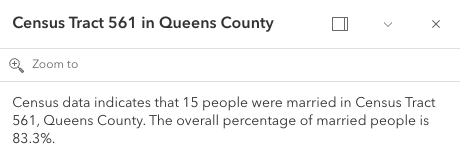 |","items":{"$ref":"#/definitions/@arcgis.core.popup.FieldInfo.FieldInfoProperties"},"type":"array"},"lastEditInfoEnabled":{"default":true,"description":"Indicates whether or not editor tracking should display.\n\n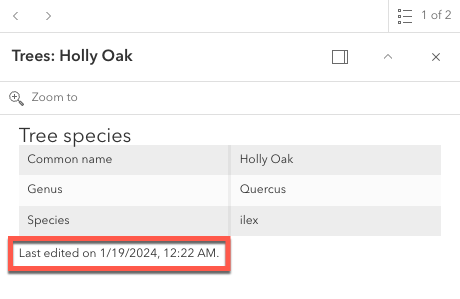","type":"boolean"},"layerOptions":{"$ref":"#/definitions/@arcgis.core.popup.LayerOptions.LayerOptionsProperties","description":"Additional options that can be defined for the popup layer."},"outFields":{"description":"An array of field names used in the PopupTemplate.\nUse this property to indicate what fields are required\nto fully render the PopupTemplate. This is important if setting\n[content](https://developers.arcgis.com/javascript/latest/references/core/PopupTemplate/#content) via a function since any fields needed for successful\nrendering should be specified here.\n\nGenerally speaking, it is good practice to always set this property\nwhen instantiating a new popup template.\n\nTo fetch the values from all fields, use `[\"*\"]`.\n\n> [!WARNING]\n>\n> This will not fetch fields from related tables. If related features\n> are needed, set this using [FieldInfo](https://developers.arcgis.com/javascript/latest/references/core/popup/FieldInfo/).","items":{"type":"string"},"type":"array"},"overwriteActions":{"default":false,"description":"Indicates whether actions should replace existing [popup actions](https://developers.arcgis.com/javascript/latest/references/core/widgets/Popup/#actions).","type":"boolean"},"returnGeometry":{"default":false,"description":"Indicates whether to include the feature's geometry for use by the template. This\nproperty should be set to `true` if needing to access the popup's selected feature's geometry.\nAccess the geometry via the returned graphic from the popup's\n[Popup.selectedFeatureWidget](https://developers.arcgis.com/javascript/latest/references/core/widgets/Popup/#selectedFeatureWidget).\nThis is needed since the geometry is not automatically queried and returned in the popup's selected feature.\n\nIf the feature layer does not specify its\n[FeatureLayer.outFields](https://developers.arcgis.com/javascript/latest/references/core/layers/FeatureLayer/#outFields) and the\ntemplate's [outFields](https://developers.arcgis.com/javascript/latest/references/core/PopupTemplate/#outFields) isn't set, the returned popup's geometry is only returned if\n`returnGeometry` is set to `true`.\nThis also applies when working with [WebMaps](https://developers.arcgis.com/javascript/latest/references/core/WebMap/).","type":"boolean"},"title":{"$ref":"#/definitions/PopupTemplateTitle","default":"","description":"The template for defining how to format the title used in a popup.\nYou can format the title by specifying either a string value or a JavaScript function\nthat returns a simple string or a promise (since 4.15) that resolves to a string.\n\nIf using a function, the defined content returns a string value. When the feature is clicked,\nthe feature is passed as an argument to the function and provides\naccess to the feature's graphic and attributes. The function then executes and returns\na value to display in the popup template's title."}},"type":"object"},"@arcgis.core.Viewpoint.Viewpoint":{"description":"Describes a point of view for a 2D or 3D view. In a 2D view, the viewpoint is\ndetermined using a center point and scale value. In a 3D view, it is determined\nusing a [Camera](https://developers.arcgis.com/javascript/latest/references/core/Camera/) position. The Viewpoint can be\nbookmarked for later use, or used for navigation purposes."},"@arcgis.core.core.Collection.Collection":{"description":"Collection stores an array of items of the same type.\nIt provides useful utility methods for working with items in the Collection, including\n[filter()](https://developers.arcgis.com/javascript/latest/references/core/core/Collection/#filter), [find()](https://developers.arcgis.com/javascript/latest/references/core/core/Collection/#find), and [reduce()](https://developers.arcgis.com/javascript/latest/references/core/core/Collection/#reduce).\n\nA Collection can be of any type. For example, [GraphicsLayer.graphics](https://developers.arcgis.com/javascript/latest/references/core/layers/GraphicsLayer/#graphics)\nis a collection of graphics that are stored in the GraphicsLayer. You can use the methods found in the Collection class\nto add, remove, re-order, or manipulate graphics in a GraphicsLayer.\n\nAnother example of a Collection is [Map.layers](https://developers.arcgis.com/javascript/latest/references/core/Map/#layers), which is a Collection of operational layers included in\nthe [Map](https://developers.arcgis.com/javascript/latest/references/core/Map/).\n\n```js\n// Removes a layer from the map using Collection.remove();\nmap.layers.remove(layer);\n```\n\nThe [change event](https://developers.arcgis.com/javascript/latest/references/core/core/Collection/#event-change) fires each time an item is [added](https://developers.arcgis.com/javascript/latest/references/core/core/Collection/#add), [moved](https://developers.arcgis.com/javascript/latest/references/core/core/Collection/#reorder), or [removed](https://developers.arcgis.com/javascript/latest/references/core/core/Collection/#remove)\nfrom the Collection.\n\nAs of version 4.18, you can iterate through the items of a Collection using [for...of](https://developer.mozilla.org/en-US/docs/Web/JavaScript/Reference/Statements/for...of).\n\n```js\n// a collection of graphics displayed in the view\nconst graphics = view.graphics;\n\nfor (const graphic of graphics){\n // do something with each view graphic\n}\n```\nAs of version 4.23, [reactiveUtils](https://developers.arcgis.com/javascript/latest/references/core/core/reactiveUtils/) can be utilized to watch for property changes on items in a Collection.\n\n```js\n// reactiveUtils watch method can be used to watch the visible\n// property of each layer within the map.allLayer's collection\nconst handle = reactiveUtils.watch(\n () => view.map.allLayers.every((layer) => layer.visible),\n (allVisible) => {\n console.log(`All layers are visible = ${allVisible}`);\n }\n);\n```"},"@arcgis.core.core.Collection.ReadonlyCollection":{},"@arcgis.core.core.Error.Error":{"description":"Error is a class that enhances the debugging and error handling process. Rather than returning a generic\n[JavaScript error](https://developer.mozilla.org/en-US/docs/Web/JavaScript/Reference/Global_Objects/Error),\nthis Error returns a standardized error object with several properties. The error class can be useful\nin many scenarios, such as working with promises, the [esriRequest](https://developers.arcgis.com/javascript/latest/references/core/request/) module, and many different layers and widgets."},"@arcgis.core.editing.sharedTemplates.SharedTemplateMetadata.SharedTemplateMetadata":{"description":"The `SharedTemplateMetadata` class represents a minimal set of\ninformation about a shared template. This is the information from\nthe the [`sharedTemplates/query` endpoint](https://developers.arcgis.com/rest/services-reference/enterprise/query-shared-templates/) of a feature service. By contrast, the [SharedTemplate](https://developers.arcgis.com/javascript/latest/references/core/editing/sharedTemplates/SharedTemplate/) class represents full information about a shared template, which is a larger payload obtained from the\n[`sharedTemplates/templates`\nendpoint](https://developers.arcgis.com/rest/services-reference/enterprise/fs-template/).\nUse the `SharedTemplateMetadata` class when you\nneed only minimal information about many shared templates, such as when\npopulating a gallery or picker interface. Use the [SharedTemplate](https://developers.arcgis.com/javascript/latest/references/core/editing/sharedTemplates/SharedTemplate/) class when\nyou need full information about a specific template, such as when a\nparticular template has been selected for use in a feature creation workflow."},"@arcgis.core.geometry.Extent.Extent":{"description":"The minimum and maximum X and Y coordinates of a bounding box. Extent is used\nto describe the visible portion of a [MapView](https://developers.arcgis.com/javascript/latest/references/core/views/MapView/).\nWhen working in a [SceneView](https://developers.arcgis.com/javascript/latest/references/core/views/SceneView/), [Camera](https://developers.arcgis.com/javascript/latest/references/core/Camera/)\nis used to define the visible part of the map within the view."},"@arcgis.core.geometry.Extent.ExtentProperties":{"properties":{"hasM":{"default":false,"description":"Indicates if the geometry has M values.","type":"boolean"},"hasZ":{"default":false,"description":"Indicates if the geometry has z-values (elevation).\n\n> [!WARNING]\n>\n> **Z-values** defined in a geographic or metric coordinate system are\n> expressed in meters. However, in local scenes that use a\n> projected coordinate system, vertical units are assumed to be the same as the\n> horizontal units specified by the service.","type":"boolean"},"mmax":{"description":"The maximum possible `m` value in an extent envelope.","type":"number"},"mmin":{"description":"The minimum possible `m` value of an extent envelope.","type":"number"},"spatialReference":{"$ref":"#/definitions/@arcgis.core.geometry.SpatialReference.SpatialReferenceProperties","description":"The spatial reference of the geometry."},"xmax":{"default":0,"description":"The maximum X-coordinate of an extent envelope.","type":"number"},"xmin":{"default":0,"description":"The minimum X-coordinate of an extent envelope.","type":"number"},"ymax":{"default":0,"description":"The maximum Y-coordinate of an extent envelope.","type":"number"},"ymin":{"default":0,"description":"The minimum Y-coordinate of an extent envelope.","type":"number"},"zmax":{"description":"The maximum possible `z`, or elevation, value in an extent envelope.\n\n> [!WARNING]\n>\n> **Z-values** defined in a geographic or metric coordinate system are\n> expressed in meters. However, in local scenes that use a\n> projected coordinate system, vertical units are assumed to be the same as the\n> horizontal units specified by the service.","type":"number"},"zmin":{"description":"The minimum possible `z`, or elevation, value of an extent envelope.\n\n> [!WARNING]\n>\n> **Z-values** defined in a geographic or metric coordinate system are\n> expressed in meters. However, in local scenes that use a\n> projected coordinate system, vertical units are assumed to be the same as the\n> horizontal units specified by the service.","type":"number"}},"type":"object"},"@arcgis.core.geometry.Mesh.Mesh":{"description":"A mesh is a general, client-side 3D [Geometry](https://developers.arcgis.com/javascript/latest/references/core/geometry/Geometry/) type\ncomposed of [vertices with attributes](https://developers.arcgis.com/javascript/latest/references/core/geometry/Mesh/#vertexAttributes). The vertices include\ngeographic position, normals that affect lighting/shading and UV coordinates that\ncan be used to map images to the mesh. Vertices are combined into 3D primitives\nto render the mesh in the scene (only triangle primitives are currently supported).\n\nMesh geometries can have an intrinsic material that determines how it is being\ndisplayed. Similar to 3D objects in scene layers, mesh geometries are symbolized with a\n[MeshSymbol3D](https://developers.arcgis.com/javascript/latest/references/core/symbols/MeshSymbol3D/) symbol containing a\n[FillSymbol3DLayer](https://developers.arcgis.com/javascript/latest/references/core/symbols/FillSymbol3DLayer/).\n\nTo support multiple materials (as is often the case for complex 3D models), meshes\nmay define [components](https://developers.arcgis.com/javascript/latest/references/core/geometry/Mesh/#components) that define a material for a specific region\nin the mesh. In addition to supporting multiple materials, components can also\nreuse vertices that would otherwise be duplicated to form triangles.\n\nMeshes are loadable since 4.27. In particular when meshes come from remote services like\nthrough [SceneLayer.queryFeatures()](https://developers.arcgis.com/javascript/latest/references/core/layers/SceneLayer/#queryFeatures), then\nthe contents of the mesh needs to be loaded asynchronously through the\n[load()](https://developers.arcgis.com/javascript/latest/references/core/geometry/Mesh/#load) method before\n[vertexAttributes](https://developers.arcgis.com/javascript/latest/references/core/geometry/Mesh/#vertexAttributes),\n[extent](https://developers.arcgis.com/javascript/latest/references/core/geometry/Mesh/#extent),\n[components](https://developers.arcgis.com/javascript/latest/references/core/geometry/Mesh/#components), etc. are available.\n\nMeshes represent fully georeferenced 3D geometry and care needs to be taken when importing mesh data.\n<details>\n<summary>Read More</summary>\n\nIt is typical for modern 3D GIS workflows that 3D geometry data be represented by 3D models, which can be stored in different file formats like glTF, OBJ, FBX, IFC, etc. These models can come from different sources, such as 3D modeling software like SketchUp or Blender, CAD software like Revit, or even custom mesh generation code.\n\nWhile some of the software may work in a georeferenced space and some of the file formats, such as IFC, may be georeferenced, much of the software and most of the model file formats are not georeferenced. This presents the challenge of expressing different georeferencing scenarios while maintaining a fast and efficient experience when displaying and editing 3D model content. In the Maps SDK we strive to strike a good balance between allowing our users to work with different scenarios while preventing situations in which good display and editing experience cannot be provided.\n\n<span id=\"mesh-api\"></span>\n## Mesh API\n\nThe entry point for representing 3D models in the Maps SDK is the [Mesh](https://developers.arcgis.com/javascript/latest/references/core/geometry/Mesh/). We refer to the API reference for details on mesh [components](https://developers.arcgis.com/javascript/latest/references/core/geometry/Mesh/#components), [MeshComponent.material](https://developers.arcgis.com/javascript/latest/references/core/geometry/support/MeshComponent/#material) and how to create meshes. This guide is concerned with georeferencing meshes.\n\nA mesh represents a georeferenced 3D model in the Maps SDK. In order to fully georeference meshes three things are needed:\n1. Spatial reference\n2. Location of the mesh in that spatial reference. We call this the origin.\n3. The coordinate system in which mesh vertices are provided. We call it the vertex space.\n\nGiven these three things, meshes can be fully georeferenced. However, for certain configurations of spatial reference, mesh vertex space and viewing mode, costly projection may be required. Because that would greatly affect display and editing performance, we decided to not display or allow editing in those cases. Please see the [limitations](https://developers.arcgis.com/javascript/latest/references/core/geometry/Mesh/#limitations) section for an overview of these restrictions.\n\nThe [spatial reference](https://developers.arcgis.com/javascript/latest/references/core/geometry/SpatialReference/) of the mesh is provided with its construction. When using one of the create functions, such as\n[createFromGLTF()](https://developers.arcgis.com/javascript/latest/references/core/geometry/Mesh/#createFromGLTF), the spatial reference will be taken from the provided location.\n\n### Mesh vertex spaces\n\nThe origin and spatial reference of a mesh provide georeferencing, but only for the origin. A mesh is composed of vertices, and they may exist in different coordinate systems depending on the data source. Hence, to fully georeference the mesh, it's crucial to define the coordinate system associated with the mesh vertices. The [mesh vertex space property](https://developers.arcgis.com/javascript/latest/references/core/geometry/Mesh/#vertexSpace) was introduced to address this need. This property specifies the meaning of the mesh vertex coordinates, ensuring that the entire mesh can be correctly georeferenced.\n\n#### Mesh local vertex space\n\nMost popular 3D model formats, such as glTF, are not georeferenced and represent the mesh vertex coordinates in a plain **local cartesian** space with some length unit (e.g. `meters` for glTF). The coordinate (0,0,0) is the origin. We call this coordinate system \"local\" and represent it using the [MeshLocalVertexSpace](https://developers.arcgis.com/javascript/latest/references/core/geometry/support/MeshLocalVertexSpace/). The units in this vertex space are always \"meters\".\n\n<img src=\"https://developers.arcgis.com/javascript/latest/assets/references/core/geometry/mesh-local-vertex-space.png\" style=\"width:300px;\"/>\n\n*local vertex space*\n\nGeoreferencing local coordinates is done by \"putting them on the map\" using a georeferenced cartesian reference frame. This frame is found by using the [local tangent plane](https://en.wikipedia.org/wiki/Local_tangent_plane_coordinates) at the georeferenced origin of the mesh. When the spatial reference uses a geographic coordinate system (GCS) or Web Mercator, the tangent plane is aligned such that the local Y tangent vector is always pointing to the north pole resulting in the east, north, up (ENU) frame.\n\nCurrently we use the tangent plane of the sphere even for ellipsoidal geographic coordinate systems. This is a simplification we use as we render on a perfect sphere in global viewing mode.\n\n<img src=\"https://developers.arcgis.com/javascript/latest/assets/references/core/geometry/mesh-local-vertex-space-on-GCS-or-WM.png\" style=\"width:300px;\"/>\n\n*local vertex space on GCS or Web Mercator (ENU)*\n\nA [local vertex space](https://developers.arcgis.com/javascript/latest/references/core/geometry/support/MeshLocalVertexSpace/) with a spatial reference which is a GCS or Web Mercator is efficient to work with as the tangent plane is easy to find and we can simply move the vertices to its georeferenced location using efficient linear transformations. This comes at the cost of an approximation error between the tangent plane and the actual surface. Consequently for larger models, this error increases while it decreases as the models get smaller.\n\nThere is an important element to consider when a mesh is created with a [local vertex space](https://developers.arcgis.com/javascript/latest/references/core/geometry/support/MeshLocalVertexSpace/) (e.g. by creating it from a glTF) and displayed in local viewing mode where a projected coordinate system (PCS) is used:\n\nThe projection introduces a warping and distortion of the space in order to allow mapping of surface coordinates to a plane. This produces a mismatch between the linear coordinates of the local vertex space and the warped, non-linear coordinates of the underlying spatial reference. While steps along a line in the local vertex space are of same length, steps along a line in the underlying spatial reference are not. This means that measuring the same line in local space and the underlying spatial reference will produce different measurements. This difference further depends on the origin location of the mesh. It is important to realize that this scenario cannot be used when correct georeferencing is required.\n\n#### Mesh georeferenced vertex spaces\n\nThe [georeferenced vertex space](https://developers.arcgis.com/javascript/latest/references/core/geometry/support/MeshGeoreferencedVertexSpace/) indicates that mesh vertices are already projected and that their coordinates are in the spatial reference of the mesh. If an [MeshGeoreferencedVertexSpace.origin](https://developers.arcgis.com/javascript/latest/references/core/geometry/support/MeshGeoreferencedVertexSpace/#origin) is provided, those vertex coordinates are interpreted as offsets relative to the origin. Otherwise, the coordinates are interpreted as absolute.\n\n<img src=\"https://developers.arcgis.com/javascript/latest/assets/references/core/geometry/mesh-georeferenced-vertex-space-on-PCS.png\" style=\"width:300px;\"/>\n\n*georeferenced vertex space on PCS*\n\nDisplay and editing are efficient for meshes with a georeferenced vertex space and when the spatial reference is a projected coordinate system and matches the spatial reference of the view. This is because in those cases, manipulations like moving a mesh can be expressed as linear transformations.\n\n## The effect of viewing modes\n\nWe will not display or allow edits for configurations where efficient display or editing is not possible due to costly reprojections being required. It is important to realize that the [SceneView.viewingMode](https://developers.arcgis.com/javascript/latest/references/core/views/SceneView/#viewingMode) defines the spatial reference in which the data is displayed and hence has a direct effect on which vertex space and spatial reference combination of meshes can be done efficiently. This means that, depending on the viewing mode, display and editing of meshes with certain combinations of vertex space and spatial reference are not supported. See [limitations](https://developers.arcgis.com/javascript/latest/references/core/geometry/Mesh/#limitations) for an overview.\n\nWe established that for mesh spatial references which use a geographic coordinate system (or Web Mercator) and a local vertex space, display and editing can be done efficiently. That is true for `\"global\"` viewing mode, where the view uses a geographic coordinate system (or Web Mercator) for display.\n\nMeshes with a georeferenced vertex space and a spatial reference using a projected coordinate system (PCS) can be displayed and edited efficiently in a view using the `\"local\"` viewing mode and when the view has the same spatial reference as the mesh.\n\n## Web Mercator\n\nWeb Mercator is a spatial reference with a projected coordinate system and the de facto standard for web mapping applications. This is due to its suitability for efficient map tiling. Even though it uses a projected coordinate system, we still support using Web Mercator in global viewing mode. This is because of its importance for web mapping and also because projecting Web Mercator on the globe cancels out the strong distortions near the poles. It is the only PCS based spatial reference we support in global viewing mode.\n\nWeb Mercator support for global viewing mode naturally extends to supporting efficient display and editing for meshes with a Web Mercator spatial reference and a local vertex space, even though it is based on a projected coordinate system. Since Web Mercator is a spatial reference based on a PCS, we also support efficient display and editing for Web Mercator with meshes using a georeferenced vertex space. Web Mercator is the only exception to the rule of only meshes with a spatial reference with a geographic coordinate system can be supported in global viewing mode.\n\n<span id=\"limitations\"></span>\n## Limitations\n\n- See [Scene Layers](https://developers.arcgis.com/javascript/latest/references/core/layers/SceneLayer/) in regards to limitations on display and editing for mesh features.\n\n## Troubleshooting mesh georeferencing\n\nIf meshes are not being displayed, then chances are that this is due to a configuration which the API does not support for display and editing.\n\n- First check the [SceneView.viewingMode](https://developers.arcgis.com/javascript/latest/references/core/views/SceneView/#viewingMode), [spatial reference](https://developers.arcgis.com/javascript/latest/references/core/geometry/Mesh/#spatialReference) and [vertex space](https://developers.arcgis.com/javascript/latest/references/core/geometry/Mesh/#vertexSpace) of the problematic mesh and consult the console of the JavaScript debugger. If the API rejects display of meshes, a warning message is printed.\n- If it is determined that an unsupported configuration is used, consider switching the [SceneView.viewingMode](https://developers.arcgis.com/javascript/latest/references/core/views/SceneView/#viewingMode) in your application.\n- If there is no other option, consider changing the data by switching to a supported spatial reference for the required [SceneView.viewingMode](https://developers.arcgis.com/javascript/latest/references/core/views/SceneView/#viewingMode) or by converting the mesh vertex data between local and georeferenced vertex space.\n- If meshes are displayed wrongly, then this could also be due to the vertex space not being correct. If applications export geometry with georeferenced coordinates as OBJ file for example, then one would need to use the `\"georeferenced\"` vertex space.\n\n</details>\n\n## Create simple mesh geometry primitives\n\nThe mesh geometry class has a number of convenience functions to create simple\nprimitive shapes. These shapes can help you get started with understanding\nmesh geometries.\n\n```js\n// Create a box mesh geometry\nlet mesh = Mesh.createBox(location, {\n size: {\n width: 100,\n height: 50,\n depth: 50\n },\n material: {\n color: \"red\"\n }\n});\n\n// Create a graphic and add it to the view\nlet graphic = new Graphic({\n geometry: mesh,\n symbol: {\n type: \"mesh-3d\",\n symbolLayers: [ { type: \"fill\" } ]\n }\n});\n\nview.graphics.add(graphic);\n```\n\n## Create mesh geometries manually\n\nMesh geometries can be manually created by specifying [vertexAttributes](https://developers.arcgis.com/javascript/latest/references/core/geometry/Mesh/#vertexAttributes) and\n[components](https://developers.arcgis.com/javascript/latest/references/core/geometry/Mesh/#components) like in the following example:\n\n```js\n// Create a mesh geometry representing a pyramid\nlet pyramidMesh = new Mesh({\n vertexAttributes: {\n // vertex positions for the Louvre pyramid, Paris\n position: [\n // vertex 0 - base of the pyramid, south\n 2.336006, 48.860818, 0,\n\n // vertex 1 - base of the pyramid, east\n 2.336172, 48.861114, 0,\n\n // vertex 2 - base of the pyramid, north\n 2.335724, 48.861229, 0,\n\n // vertex 3 - base of the pyramid, west\n 2.335563, 48.860922, 0,\n\n // vertex 4 - top of the pyramid\n 2.335896, 48.861024, 21\n ]\n },\n // Add a single component with faces that index the vertices\n // so we only need to define them once\n components: [\n {\n faces: [\n 0, 4, 3,\n 0, 1, 4,\n 1, 2, 4,\n 2, 3, 4\n ]\n }\n ],\n // specify a spatial reference if the position of the vertices is not in WGS84\n});\n\n// add the mesh geometry to a graphic\nlet graphic = new Graphic({\n geometry: pyramidMesh,\n symbol: {\n type: \"mesh-3d\",\n symbolLayers: [ { type: \"fill\" } ]\n }\n});\n\nview.graphics.add(graphic);\n```\n\n**Note:** Starting with version 4.11 autocasting is no longer supported for Mesh geometry."},"@arcgis.core.geometry.Multipoint.Multipoint":{"description":"An ordered collection of points.\n\n> [!WARNING]\n>\n> **Known Limitations**\n>\n> There is currently no support for rendering multipoint geometries in scenes (3D)."},"@arcgis.core.geometry.Point.Point":{"description":"A location defined by X, Y, and Z coordinates.\n\n> [!WARNING]\n>\n> **Z-values** defined in a geographic or metric coordinate system are\n> expressed in meters. However, in local scenes that use a\n> projected coordinate system, vertical units are assumed to be the same as the\n> horizontal units specified by the service."},"@arcgis.core.geometry.Polygon.Polygon":{"description":"A polygon contains an array of [rings](https://developers.arcgis.com/javascript/latest/references/core/geometry/Polygon/#rings) and a [spatialReference](https://developers.arcgis.com/javascript/latest/references/core/geometry/Polygon/#spatialReference).\nEach ring is represented as an array of points. The first and last points of a ring must be the same.\nA polygon also has boolean-valued [hasM](https://developers.arcgis.com/javascript/latest/references/core/geometry/Polygon/#hasM) and [hasZ](https://developers.arcgis.com/javascript/latest/references/core/geometry/Polygon/#hasZ) fields.\n\n> [!WARNING]\n>\n> **Known Limitations**\n>\n> The polygon geometries must be simple when added to the following layers:\n> * [View.graphics](https://developers.arcgis.com/javascript/latest/references/core/views/View/#graphics)\n> * [GraphicsLayer](https://developers.arcgis.com/javascript/latest/references/core/layers/GraphicsLayer/)\n> * Feature collections added through [FeatureLayer.source](https://developers.arcgis.com/javascript/latest/references/core/layers/FeatureLayer/#source)\n>\n> Polygon geometries can be inspected and simplified before they are added to those layers.\n> Use the [simplifyOperator](https://developers.arcgis.com/javascript/latest/references/core/geometry/operators/simplifyOperator/)\n> to make sure that polygons display correctly on the client-side."},"@arcgis.core.geometry.Polyline.Polyline":{"description":"A polyline contains an array of [paths](https://developers.arcgis.com/javascript/latest/references/core/geometry/Polyline/#paths) and [spatialReference](https://developers.arcgis.com/javascript/latest/references/core/geometry/Polyline/#spatialReference).\nEach path is represented as an array of points. A polyline also has boolean-valued\n[hasM](https://developers.arcgis.com/javascript/latest/references/core/geometry/Polyline/#hasM) and [hasZ](https://developers.arcgis.com/javascript/latest/references/core/geometry/Polyline/#hasZ) properties."},"@arcgis.core.geometry.SpatialReference.SpatialReference":{"description":"Defines the spatial reference of a view, layer, or method parameters.\nThis indicates the projected or geographic coordinate system used to locate geographic features in the map.\nEach projected and geographic coordinate system is defined by either a\nwell-known ID [(WKID)](https://developers.arcgis.com/javascript/latest/references/core/geometry/SpatialReference/#wkid) or a definition string [(WKT)](https://developers.arcgis.com/javascript/latest/references/core/geometry/SpatialReference/#wkt). Note that for versions prior to ArcGIS 10, only [wkid](https://developers.arcgis.com/javascript/latest/references/core/geometry/SpatialReference/#wkid) was supported.\nFor a full list of supported spatial reference IDs and their corresponding definition strings, see\n[Using spatial references](https://developers.arcgis.com/rest/services-reference/enterprise/using-spatial-references.htm)."},"@arcgis.core.geometry.SpatialReference.SpatialReferenceProperties":{"properties":{"falseM":{"description":"The false origin of coordinate M values. The default is determined by the spatial reference.","type":"number"},"falseX":{"description":"The false origin of coordinate X values. The default is determined by the spatial reference.","type":"number"},"falseY":{"description":"The false origin of coordinate Y values. The default is determined by the spatial reference.","type":"number"},"falseZ":{"description":"The false origin of coordinate Z values. The default is determined by the spatial reference.","type":"number"},"imageCoordinateSystem":{"description":"An [image coordinate system](https://developers.arcgis.com/rest/services-reference/raster-ics.htm) defines the\nspatial reference used to display the image in its original coordinates\nwithout distortion, map transformations or ortho-rectification. Typically, [ImageryLayer](https://developers.arcgis.com/javascript/latest/references/core/layers/ImageryLayer/)\nis displayed in the [MapView.spatialReference](https://developers.arcgis.com/javascript/latest/references/core/views/MapView/#spatialReference) of the view.\nIn some cases, converting images into map coordinates can cause your images to look skewed or distorted because\nof the various transformations and terrain corrections that are used.\nSince there is no distortion with images in the image coordinate system, it is ideal for using with oblique imagery\nand mensuration.\n\nThe image can be displayed in its original coordinates only in 2D [MapView](https://developers.arcgis.com/javascript/latest/references/core/views/MapView/) with a\n`top-up`rotation which is always oriented in the look of direction of the dataset. This works similarly to an in-car navigation\nsystem where the choices are often either north is at the top of the screen (therefore, not using a top up option) or\nthe screen rotates so the travel direction is always displayed at the top."},"latestVcsWkid":{"description":"The latest vertical coordinate system well-known ID of the spatial reference.","type":"number"},"latestWkid":{"description":"The latest well-known ID of the spatial reference.","type":"number"},"mTolerance":{"description":"The tolerance value reflects the accuracy of coordinates.\nIf one coordinate is within the tolerance value of another, they are interpreted as being at the same location.\nThis value is used in relational and topological operations when determining whether two points are close enough to be given the same coordinate value or they are far enough apart to each have their own coordinate value.\nThe default tolerance is set to 0.001 meters or its equivalent in map units.","type":"number"},"mUnits":{"description":"The number of distinct values that can be represented per one unit of floating point coordinates.\nThe resolution for M is 1/mUnits. The default resolution is set to 0.0001 meters or its equivalent in map units.","type":"number"},"vcsWkid":{"description":"The vertical coordinate system well-known ID of the spatial reference.","type":"number"},"wkid":{"description":"The well-known ID of a spatial reference.\nSee [Using spatial references](https://developers.arcgis.com/rest/services-reference/enterprise/using-spatial-references.htm)\nfor a list of supported spatial references.","type":"number"},"wkt":{"description":"The well-known text that defines a spatial reference.","type":"string"},"wkt2":{"description":"The well-known text of the coordinate system as defined by OGC standard for well-known text strings.","type":"string"},"xyTolerance":{"description":"The tolerance value reflects the accuracy of coordinates.\nIf one coordinate is within the tolerance value of another, they are interpreted as being at the same location.\nThis value is used in relational and topological operations when determining whether two points are close enough to be given the same coordinate value or they are far enough apart to each have their own coordinate value.\nThe default tolerance is set to 0.001 meters or its equivalent in map units.","type":"number"},"xyUnits":{"description":"The number of distinct values that can be represented per one unit of floating point coordinates.\nThe resolution for X and Y is 1/xyUnits. The default resolution is set to 0.0001 meters or its equivalent in map units.","type":"number"},"zTolerance":{"description":"The tolerance value reflects the accuracy of coordinates.\nIf one coordinate is within the tolerance value of another, they are interpreted as being at the same location.\nThis value is used in relational and topological operations when determining whether two points are close enough to be given the same coordinate value or they are far enough apart to each have their own coordinate value.\nThe default tolerance is set to 0.001 meters or its equivalent in map units.","type":"number"},"zUnits":{"description":"The number of distinct values that can be represented per one unit of floating point coordinates.\nThe resolution for Z is 1/zUnits. The default resolution is set to 0.0001 meters or its equivalent in map units.","type":"number"}},"type":"object"},"@arcgis.core.layers.FeatureLayer.FeatureLayer":{"description":"* [Overview](https://developers.arcgis.com/javascript/latest/references/core/layers/FeatureLayer/#overview)\n* [Creating a FeatureLayer](https://developers.arcgis.com/javascript/latest/references/core/layers/FeatureLayer/#creating-a-featurelayer)\n* [Querying](https://developers.arcgis.com/javascript/latest/references/core/layers/FeatureLayer/#querying)\n* [Data Visualization](https://developers.arcgis.com/javascript/latest/references/core/layers/FeatureLayer/#data-visualization)\n* [Known limitations](https://developers.arcgis.com/javascript/latest/references/core/layers/FeatureLayer/#limits)\n\n<span id=\"overview\"></span>\n## Overview\n\nA FeatureLayer is a single layer that can be created from a\n[Map Service](https://enterprise.arcgis.com/en/server/latest/publish-services/windows/what-is-a-map-service.htm)\nor [Feature Service](https://enterprise.arcgis.com/en/server/latest/publish-services/windows/what-is-a-feature-service-.htm);\nArcGIS Online or ArcGIS Enterprise portal items; or from an array of client-side features. The layer can be either a\nspatial (has geographic features) or non-spatial (table).\n\nSpatial layer is composed of discrete features, each of which has a [Geometry](https://developers.arcgis.com/javascript/latest/references/core/geometry/Geometry/)\nthat allows it to be rendered in either a 2D [MapView](https://developers.arcgis.com/javascript/latest/references/core/views/MapView/) or\n3D [SceneView](https://developers.arcgis.com/javascript/latest/references/core/views/SceneView/) as a\n[Graphic](https://developers.arcgis.com/javascript/latest/references/core/Graphic/) with spatial context. Features also contain data\n[Graphic.attributes](https://developers.arcgis.com/javascript/latest/references/core/Graphic/#attributes) that provide additional information about\nthe real-world feature it represents; attributes may be viewed in [popup](https://developers.arcgis.com/javascript/latest/references/core/layers/FeatureLayer/#popupTemplate) windows\nand used for [rendering](https://developers.arcgis.com/javascript/latest/references/core/renderers/Renderer/) the layer.\nFeatureLayers may be [queried](https://developers.arcgis.com/javascript/latest/references/core/layers/FeatureLayer/#queryFeatures), [analyzed](https://developers.arcgis.com/javascript/latest/spatial-analysis/intro-geometry-operators/),\nand [rendered](https://developers.arcgis.com/javascript/latest/references/core/layers/FeatureLayer/#renderer) to visualize data in a spatial context.\n\nNon-spatial layer is a table which does not have a spatial column representing geographic features.\n\n\n<span id=\"creating-a-featurelayer\"></span>\n## Creating a FeatureLayer\n\nFeatureLayers may be created in one of three ways: from a [service URL](https://developers.arcgis.com/javascript/latest/references/core/layers/FeatureLayer/#url), an ArcGIS portal [item ID](https://developers.arcgis.com/javascript/latest/references/core/layers/FeatureLayer/#portalItem),\nor from an [array of client-side features](https://developers.arcgis.com/javascript/latest/references/core/layers/FeatureLayer/#source).\n\n<details>\n<summary>Read More</summary>\n\n### Reference a service URL\n\nTo create a FeatureLayer instance from a service, you must set the [url](https://developers.arcgis.com/javascript/latest/references/core/layers/FeatureLayer/#url) property\nto the REST endpoint of a layer in either a Feature Service\nor a Map Service. For a layer to be visible in a view, it must be added to the [Map](https://developers.arcgis.com/javascript/latest/references/core/Map/)\nreferenced by the view. See [Map.add()](https://developers.arcgis.com/javascript/latest/references/core/Map/#add) for information about adding layers to a map.\n\n```js\nconst FeatureLayer = await $arcgis.import(\"@arcgis/core/layers/FeatureLayer.js\");\n// points to the states layer in a service storing U.S. census data\nconst fl = new FeatureLayer({\n url: \"https://sampleserver6.arcgisonline.com/arcgis/rest/services/Census/MapServer/3\"\n});\nmap.add(fl); // adds the layer to the map\n```\n\nNon-spatial table instance can be created from the table [url](https://developers.arcgis.com/javascript/latest/references/core/layers/FeatureLayer/#url) in a service and the table must be loaded by calling [load()](https://developers.arcgis.com/javascript/latest/references/core/layers/FeatureLayer/#load)\nmethod.\n\n```js\n// Add a non-spatial table.\nconst FeatureLayer = await $arcgis.import(\"@arcgis/core/layers/FeatureLayer.js\");\n// points to the non-spatial table in a service storing San Francisco crime incidents.\nconst table = new FeatureLayer({\n url: \"https://sampleserver6.arcgisonline.com/arcgis/rest/services/SF311/FeatureServer/1\"\n});\ntable.load().then(function() {\n // table is loaded. ready to be queried on the server.\n});\n```\n\nIf the service is requested from a different domain, a [CORS enabled server](https://developers.arcgis.com/javascript/latest/cors/) or a [proxy](https://developers.arcgis.com/javascript/latest/proxies/) is required.\n\n### Reference an ArcGIS portal Item ID\n\nYou can also create a FeatureLayer from its ID if it exists as an item in ArcGIS Online or ArcGIS Enterprise.\nFor example, the following snippet shows how to add a new FeatureLayer instance to a map using the\n[portalItem](https://developers.arcgis.com/javascript/latest/references/core/layers/FeatureLayer/#portalItem) property.\n\n```js\n// points to a hosted Feature Layer in ArcGIS Online\nconst fl = new FeatureLayer({\n portalItem: { // autocasts as esri/portal/PortalItem\n id: \"8444e275037549c1acab02d2626daaee\"\n }\n});\nmap.add(fl); // adds the layer to the map\n```\n\nThe following snippet shows how to create a FeatureLayer referencing a table using the\n[portalItem](https://developers.arcgis.com/javascript/latest/references/core/layers/FeatureLayer/#portalItem) property.\n\n```js\n// points to a hosted table in ArcGIS Online\nconst table = new FeatureLayer({\n portalItem: { // autocasts as esri/portal/PortalItem\n id: \"123f4410054b43d7a0bacc1533ceb8dc\"\n }\n});\n\n// Before adding the table to the map, it must first be loaded and confirm it is the right type.\ntable.load().then(function() {\n if (table.isTable) {\n map.tables.add(table);\n }\n});\n```\n\n<span id=\"client-side\"></span>\n### Add an array of client-side features\n\nA FeatureLayer can be created from client-side features such as an array of [graphics](https://developers.arcgis.com/javascript/latest/references/core/Graphic/).\nThese graphics may have [geometries](https://developers.arcgis.com/javascript/latest/references/core/Graphic/#geometry) for spatial layers or may be non-spatial.\nIf the graphics do not include geometries and the [geometryType](https://developers.arcgis.com/javascript/latest/references/core/layers/FeatureLayer/#geometryType) is `null`, the resulting layer will be a non-spatial FeatureLayer.\nSince a FeatureLayer requires a defined schema, several properties must be specified when initializing a layer with client-side data.\n\n**Automatic property inference:** If required properties are not explicitly set, the API attempts to infer values from the provided parameters or features\nin the [source](https://developers.arcgis.com/javascript/latest/references/core/layers/FeatureLayer/#source). For example, the [spatialReference](https://developers.arcgis.com/javascript/latest/references/core/layers/FeatureLayer/#spatialReference), [geometryType](https://developers.arcgis.com/javascript/latest/references/core/layers/FeatureLayer/#geometryType), [hasZ](https://developers.arcgis.com/javascript/latest/references/core/layers/FeatureLayer/#hasZ)\nand [hasM](https://developers.arcgis.com/javascript/latest/references/core/layers/FeatureLayer/#hasM) properties can be derived from the features provided in the [source](https://developers.arcgis.com/javascript/latest/references/core/layers/FeatureLayer/#source). However, if the source is an empty array at the time of\ninitialization, the [geometryType](https://developers.arcgis.com/javascript/latest/references/core/layers/FeatureLayer/#geometryType) cannot be inferred, and the layer will fail to initialize when the layer is added to the map.\n\n**Geometry type and spatial reference:** For spatial data, the [geometryType](https://developers.arcgis.com/javascript/latest/references/core/layers/FeatureLayer/#geometryType) must be defined explicitly, if the [source](https://developers.arcgis.com/javascript/latest/references/core/layers/FeatureLayer/#source)\nis empty at the time layer's initialization. A valid [spatialReference](https://developers.arcgis.com/javascript/latest/references/core/layers/FeatureLayer/#spatialReference) is also required.\n\n**Field schema:** Both spatial and non-spatial feature collections must include an [objectIdField](https://developers.arcgis.com/javascript/latest/references/core/layers/FeatureLayer/#objectIdField), which provides a unique identifier\nfor each feature. This must be indicated along with an array of [field](https://developers.arcgis.com/javascript/latest/references/core/layers/FeatureLayer/#fields) objects, providing the schema of each field.\nCertain characters are not supported in field names. See [field naming guidelines](https://support.esri.com/en-us/knowledge-base/what-characters-should-not-be-used-in-arcgis-for-field--000005588)\nfor details. If the data includes date fields with values recorded in a time zone other than `UTC`, the [dateFieldsTimeZone](https://developers.arcgis.com/javascript/latest/references/core/layers/FeatureLayer/#dateFieldsTimeZone) property should be set to\nensure correct results in [date-based queries](https://developers.arcgis.com/javascript/latest/references/core/rest/support/Query/#date-query).\n\nOnce all required properties are configured, the array of features must be assigned to the [source](https://developers.arcgis.com/javascript/latest/references/core/layers/FeatureLayer/#source) property. See\n[create a FeatureLayer with client-side graphics sample](https://developers.arcgis.com/javascript/latest/sample-code/layers-featurelayer-collection/).\n\n**Runtime updates:** FeatureLayer's [source](https://developers.arcgis.com/javascript/latest/references/core/layers/FeatureLayer/#source) is not updated after the FeatureLayer is initialized. If features are added, removed or updated at runtime,\nthen use [applyEdits()](https://developers.arcgis.com/javascript/latest/references/core/layers/FeatureLayer/#applyEdits) to update the features then use [queryFeatures()](https://developers.arcgis.com/javascript/latest/references/core/layers/FeatureLayer/#queryFeatures) to return updated features. Check out\n[Working with large feature collections](https://developers.arcgis.com/javascript/latest/sample-code/layers-featurelayer-large-collection/)\nto see this in action.\n\nAttribute values used in attribute queries executed against client-side feature layer, and layer views are case sensitive.\n\n```js\nconst layer = new FeatureLayer({\n // create an instance of esri/layers/support/Field for each field object\n fields: [\n {\n name: \"ObjectID\",\n alias: \"ObjectID\",\n type: \"oid\"\n }, {\n name: \"type\",\n alias: \"Type\",\n type: \"string\"\n }, {\n name: \"place\",\n alias: \"Place\",\n type: \"string\"\n },{\n name: \"recordedDate\",\n alias: \"recordedDate\",\n type: \"date\"\n }],\n dateFieldsTimeZone: \"America/New_York\", // date field values in are eastern time zone\n objectIdField: \"ObjectID\", // inferred from fields array if not specified\n geometryType: \"point\", // geometryType and spatialReference are inferred from the first feature\n // in the source array if they are not specified.\n spatialReference: { wkid: 4326 },\n source: graphics, // an array of graphics with geometry and attributes\n // popupTemplate and symbol are not required in each feature\n // since those are handled with the popupTemplate and\n // renderer properties of the layer\n popupTemplate: popupTemplate,\n // a default simple renderer will be applied if not set.\n renderer: uvRenderer // UniqueValueRenderer based on `type` attribute\n});\nmap.add(layer);\n```\n\nA client-side non-spatial table can be created by setting the layer's [geometryType](https://developers.arcgis.com/javascript/latest/references/core/layers/FeatureLayer/#geometryType) property to `null`,\nthen the table must be loaded by calling the [load()](https://developers.arcgis.com/javascript/latest/references/core/layers/FeatureLayer/#load) method.\n\n```js\n// Create an empty non-spatial feature layer\n// Set geometryType property to null when creating non-spatial feature layer\nconst layer = new FeatureLayer({\n source: [],\n objectIdField: \"OBJECTID\",\n fields: [{\n name: \"OBJECTID\",\n type: \"oid\"\n },\n {\n name: \"type\",\n type: \"string\",\n }],\n geometryType: null\n});\nlayer.load().then(() => console.log(layer.isTable))\n```\n\n</details>\n\n<span id=\"querying\"></span>\n## Querying\n\nFeatures within a FeatureLayer are rendered as [features](https://developers.arcgis.com/javascript/latest/references/core/Graphic/) inside a\n[FeatureLayerView](https://developers.arcgis.com/javascript/latest/references/core/views/layers/FeatureLayerView/). A FeatureLayerView may or may not have all features from the associated FeatureLayer.\nTo determine this, check the [FeatureLayerView.hasAllFeatures](https://developers.arcgis.com/javascript/latest/references/core/views/layers/FeatureLayerView/#hasAllFeatures) property on the FeatureLayerView.\nIf `hasAllFeatures` is `true`, the FeatureLayerView has all features from the layer, not just those visible in the view extent.\n\nWhen `hasAllFeatures` is `true`, calling [FeatureLayerView.queryFeatures()](https://developers.arcgis.com/javascript/latest/references/core/views/layers/FeatureLayerView/#queryFeatures) on the FeatureLayerView\nruns against all features in the layer. Otherwise, the `FeatureLayerView.queryFeatures()` runs only against features available for drawing in the FeatureLayerView.\nTo limit the query to features currently visible in the view when `hasAllFeatures` is `true`, set the query’s [Query.geometry](https://developers.arcgis.com/javascript/latest/references/core/rest/support/Query/#geometry)\nproperty to the View's [View2D.extent](https://developers.arcgis.com/javascript/latest/references/core/views/View2D/#extent).\n\n<details>\n<summary>Read More</summary>\n\n```js\n// returns all the graphics from the layer view\nview.whenLayerView(layer).then((layerView) => {\n reactiveUtils.when(\n () => !layerView.updating,\n (val) => {\n const query = layerView.createQuery();\n // check if layerView has all features in the layer\n // if true, set query.geoemtry to view.extent to run\n // the query against features visible in the view\n if (layerView.hasAllFeatures) {\n query.geometry = view.extent;\n }\n\n layerView.queryFeatures(query).then((results) =>{\n console.log(results);\n });\n }\n );\n});\n```\n\nWhen accessing features from a query on the [FeatureLayerView](https://developers.arcgis.com/javascript/latest/references/core/views/layers/FeatureLayerView/), note that\nfeatures are returned as they are displayed in the view, including any generalization that may have been\napplied to the features to enhance performance. To obtain feature geometries at full resolution, first check the FeatureLayerView’s\n[FeatureLayerView.hasFullGeometries](https://developers.arcgis.com/javascript/latest/references/core/views/layers/FeatureLayerView/#hasFullGeometries) property; if it is `true`, use the\n[FeatureLayerView.queryFeatures()](https://developers.arcgis.com/javascript/latest/references/core/views/layers/FeatureLayerView/#queryFeatures) method on the FeatureLayerView;\notherwise, use the [queryFeatures()](https://developers.arcgis.com/javascript/latest/references/core/layers/FeatureLayer/#queryFeatures) method on the FeatureLayer.\n\nThe [query methods](https://developers.arcgis.com/javascript/latest/references/core/layers/FeatureLayer/#queryFeatures) in the FeatureLayer class query features directly from the service.\nFor example, the following snippet returns all features from the service, not just the features drawn in the\n[FeatureLayerView](https://developers.arcgis.com/javascript/latest/references/core/views/layers/FeatureLayerView/).\n\n```js\n// Queries for all the features in the service (not the graphics in the view)\nlayer.queryFeatures().then((results) => {\n // prints an array of all the features in the service to the console\n console.log(results.features);\n});\n```\n\nFor information regarding how to create a LayerView\nfor a particular layer, see [View.whenLayerView()](https://developers.arcgis.com/javascript/latest/references/core/views/View/#whenLayerView).\n\n</details>\n\n<span id=\"data-visualization\"></span>\n## Data Visualization\n\nFeatures in a FeatureLayer are visualized by setting a [Renderer](https://developers.arcgis.com/javascript/latest/references/core/renderers/Renderer/) to the\n[renderer](https://developers.arcgis.com/javascript/latest/references/core/layers/FeatureLayer/#renderer) property of the layer. See the [Styles and data visualization](https://developers.arcgis.com/javascript/latest/visualization/) guide for\na comprehensive set of examples of how to visualize data in a FeatureLayer.\n\nFeatureLayer supports [FeatureLayerView.highlight()](https://developers.arcgis.com/javascript/latest/references/core/views/layers/FeatureLayerView/#highlight), which is enabled by default when users click or tap features to view the popup. You can also call the\n[FeatureLayerView.highlight()](https://developers.arcgis.com/javascript/latest/references/core/views/layers/FeatureLayerView/#highlight) method on the\n[FeatureLayerView](https://developers.arcgis.com/javascript/latest/references/core/views/layers/FeatureLayerView/) to highlight features in other workflows.\n\n> [!WARNING]\n>\n> <span id=\"limits\"></span>\n> **Known Limitations**\n>\n> Locations with a very high density of features may not display all available features at small scales.\n> Very large datasets may require potentially long initial load times, particularly at small scales.\n> FeatureLayers are not optimized for high-frequency, dynamic data, or real-time streaming use cases. As a result, they may not perform efficiently with rapidly updating data streams.\n> For real-time or dynamic data updates, use [StreamLayers](https://developers.arcgis.com/javascript/latest/references/core/layers/StreamLayer/), which are designed for efficient handling of high-frequency streaming data and dynamic features.\n> Server-side and client-side feature tile caching allow features to load much faster after the initial data download.\n> We are continuously improving our feature fetching strategy and load time efficiency in each release.\n> The [big-integer](https://developers.arcgis.com/javascript/latest/references/core/layers/support/Field/#type) field type is still in beta and may not be fully supported in the JavaScript SDK. Console\n> warnings will be thrown when a layer has a `big-integer` field. To disable the warnings use the following flag:\n> ```js\n> <script>\n> var esriConfig = {\n> has: {\n> \"big-integer-warning-enabled\": false\n> }\n> }\n> </script>\n> ```"},"@arcgis.core.layers.Layer.Layer":{"description":"The layer is the most fundamental component of a [Map](https://developers.arcgis.com/javascript/latest/references/core/Map/). It is a collection of spatial data\nin the form of vector graphics, raster images, or 3D objects that represent real-world phenomena. Layers may contain\ndiscrete features that store vector data or continuous cells/pixels that store raster data.\n\nIn the case of vector-based layers, such as [FeatureLayer](https://developers.arcgis.com/javascript/latest/references/core/layers/FeatureLayer/) and\n[GraphicsLayer](https://developers.arcgis.com/javascript/latest/references/core/layers/GraphicsLayer/), each feature\ncontained in the layer has a [Geometry](https://developers.arcgis.com/javascript/latest/references/core/geometry/Geometry/)\nthat allows it to be rendered as a [Graphic](https://developers.arcgis.com/javascript/latest/references/core/Graphic/) with spatial context on\nthe [View](https://developers.arcgis.com/javascript/latest/references/core/views/View/).\nFeatures within the layer also contain data [Graphic.attributes](https://developers.arcgis.com/javascript/latest/references/core/Graphic/#attributes) that\nprovide additional information, which may be viewed in [Popup](https://developers.arcgis.com/javascript/latest/references/core/widgets/Popup/) windows\nand used for [rendering](https://developers.arcgis.com/javascript/latest/references/core/renderers/Renderer/) the layer.\n\nTo create a layer you must use one of the subclasses of Layer or call the\n[fromPortalItem()](https://developers.arcgis.com/javascript/latest/references/core/layers/Layer/#fromPortalItem) method. A few examples\nof layers include the following:\n\n* Roads and highways may be represented using linear features in a [FeatureLayer](https://developers.arcgis.com/javascript/latest/references/core/layers/FeatureLayer/)\n* Land parcels can be displayed as polygons in a [MapImageLayer](https://developers.arcgis.com/javascript/latest/references/core/layers/MapImageLayer/)\n* Satellite imagery may be displayed as tiled images in a [TileLayer](https://developers.arcgis.com/javascript/latest/references/core/layers/TileLayer/)\n\nMultiple layers may be added to the same map and overlaid on top of one another for visualization\nand analytical purposes. See [Map](https://developers.arcgis.com/javascript/latest/references/core/Map/) for additional information regarding how to\n[add layers](https://developers.arcgis.com/javascript/latest/references/core/Map/#add) to a map. Layers are rendered in the [View](https://developers.arcgis.com/javascript/latest/references/core/views/View/) with a [LayerView](https://developers.arcgis.com/javascript/latest/references/core/views/layers/LayerView/).\n\nIn a broad sense, layers can be used for the following purposes:\n* Displaying location for geographic context\n* Querying data\n* Displaying categorical and/or numeric data\n* Analytics\n\nAll layer types inherit from Layer. To learn more about each\nlayer type, comparing and contrasting their data sources and capabilities, see the\ntable below.\n\n<span id=\"layer-types\"></span>\n\n### Layers for querying, visualizing, analyzing data\n\nLayer type | Data source | Data types | Features | Limitations\n-----------|-------------|------------|----------|------------\n[FeatureLayer](https://developers.arcgis.com/javascript/latest/references/core/layers/FeatureLayer/) | ArcGIS FeatureServer/MapServer, ArcGIS portal item, or client-side graphics | Points, polylines, polygons downloaded as vector graphics | Client-side processing, popup templates, renderers with 2D and 3D symbols, querying, editing (in a future release) | Limited number of features for display; may require large download depending on number of features\n[GraphicsLayer](https://developers.arcgis.com/javascript/latest/references/core/layers/GraphicsLayer/) | Client-side graphics | Points, polylines, polygons displayed as vector graphics | No geometry schema. Points, polylines and polygons may be stored in a single layer. | No renderer nor popup templates; visualization and popup templates are handled on a graphic-by-graphic basis.\n[MapImageLayer](https://developers.arcgis.com/javascript/latest/references/core/layers/MapImageLayer/) | ArcGIS MapServer, ArcGIS portal item | Points, polylines, polygons, rasters exported in a single image | May contain nested sublayers. Server-side processing of renderers, popup templates, opacity, and labels for fast display of many features. May be used to display, query, and join data in registered workspaces | No editing support\n[SceneLayer](https://developers.arcgis.com/javascript/latest/references/core/layers/SceneLayer/) | ArcGIS SceneServer, ArcGIS portal item | Point and multipatch geometries | Can display a large number of features on the client. Ideal for rendering 3D features | No 2D support; editing via associated feature layer\n[CSVLayer](https://developers.arcgis.com/javascript/latest/references/core/layers/CSVLayer/) | CSV file | Points downloaded as vector graphics | Client-side processing, popup templates, renderers with 2D and 3D symbols | May require large download depending on the number of features\n[KMLLayer](https://developers.arcgis.com/javascript/latest/references/core/layers/KMLLayer/) | KML file (.kml, .kmz), ArcGIS portal item | Points, polylines, polygons displayed as vector graphics | Display KML file in a map or webmap | No 3D support; requires access to utility service from ArcGIS.com or ArcGIS Enterprise\n[StreamLayer](https://developers.arcgis.com/javascript/latest/references/core/layers/StreamLayer/) | ArcGIS StreamServer | Points downloaded as vector graphics | Downloads and updates feature locations in real time | N/A\n[ImageryLayer](https://developers.arcgis.com/javascript/latest/references/core/layers/ImageryLayer/) | ArcGIS ImageServer, ArcGIS portal item | Raster data exported as a single image | Client-side and server-side pixel filtering and rendering; popup templates; querying | N/A\n[ImageryTileLayer](https://developers.arcgis.com/javascript/latest/references/core/layers/ImageryTileLayer/) | ArcGIS ImageServer, ArcGIS portal item | Raster data exported as a single image | Client-side rendering; popup templates | N/A\n[GeoJSONLayer](https://developers.arcgis.com/javascript/latest/references/core/layers/GeoJSONLayer/) | [GeoJSON](https://geojson.org/) | Points, polylines, polygons | Renderers, labels, editing, popups | Data must comply with the RFC 7946 specification which states that the coordinates are in SpatialReference WGS84\n[OGCFeatureLayer](https://developers.arcgis.com/javascript/latest/references/core/layers/OGCFeatureLayer/) | [OGC API - Features](https://ogcapi.ogc.org/features/) | Points, polylines, polygons | Renderers, labels, popups | Data must comply with the RFC 7946 specification which states that the coordinates are in SpatialReference WGS84\n[GeoRSSLayer](https://developers.arcgis.com/javascript/latest/references/core/layers/GeoRSSLayer/) | [GeoRSS feed](https://www.ogc.org/standards/georss/) | Points, polylines, polygons | No geometry schema; popup templates | No 3D support; no support for renderers\n[DimensionLayer](https://developers.arcgis.com/javascript/latest/references/core/layers/DimensionLayer/) | ArcGIS WebScene | [DimensionAnalysis](https://developers.arcgis.com/javascript/latest/references/core/analysis/DimensionAnalysis/) | Client-side length dimensions | No 2D support\n[LineOfSightLayer](https://developers.arcgis.com/javascript/latest/references/core/layers/LineOfSightLayer/) | ArcGIS WebScene | [LineOfSightAnalysis](https://developers.arcgis.com/javascript/latest/references/core/analysis/LineOfSightAnalysis/) | Client-side line of sight analysis | No 2D support\n[ViewshedLayer](https://developers.arcgis.com/javascript/latest/references/core/layers/ViewshedLayer/) | ArcGIS WebScene | [ViewshedAnalysis](https://developers.arcgis.com/javascript/latest/references/core/analysis/ViewshedAnalysis/) | Client-side viewsheds | No 2D support\n[MapNotesLayer](https://developers.arcgis.com/javascript/latest/references/core/layers/MapNotesLayer/) | ArcGIS WebMap, ArcGIS portal item | Points, polylines, polygons, text | Map Notes in a webmap | No 3D support; Read-only\n[WCSLayer](https://developers.arcgis.com/javascript/latest/references/core/layers/WCSLayer/) | WCS service | Raster data exported as a single image | OGC specification | N/A\n[WFSLayer](https://developers.arcgis.com/javascript/latest/references/core/layers/WFSLayer/) | WFS service, ArcGIS portal item | Points, multipoints, lines, polygons | OGC specification | Data must be GeoJSON format, only support version 2.0.0\n[WMSLayer](https://developers.arcgis.com/javascript/latest/references/core/layers/WMSLayer/) | WMS service, ArcGIS portal item | Data exported as a single image | OGC specification | N/A\n[BaseDynamicLayer](https://developers.arcgis.com/javascript/latest/references/core/layers/BaseDynamicLayer/) | ArcGIS MapServer, WMS service | Data exported as a single image | This class may be extended to create dynamic map layers | No 3D support; exported images cannot be cached in the browser\n[BuildingSceneLayer](https://developers.arcgis.com/javascript/latest/references/core/layers/BuildingSceneLayer/) | ArcGIS SceneServer, ArcGIS portal item | Data is organized in BuildingGroupSublayers which contain BuildingComponentSublayers | Visualize complex digital models of buildings and interact with its components | No 2D support\n[SubtypeGroupLayer](https://developers.arcgis.com/javascript/latest/references/core/layers/SubtypeGroupLayer/) | ArcGIS FeatureServer/MapServer, ArcGIS portal item | Points, polylines, polygons downloaded as vector graphics | Contains a sublayer for each subtype in the feature service; each sublayer can be configured individually with its own renderer, popup, and labels | No 3D support; no editing support at the sublayer level\n[KnowledgeGraphLayer](https://developers.arcgis.com/javascript/latest/references/core/layers/KnowledgeGraphLayer/) | ArcGIS KnowledgeGraphService| Data is organized in spatial and non-spatial sublayers. Spatial sublayers contain points, multipoints, lines and polygons | Contains a sublayer for each named type in the layer; each sublayer can be queried; spatial sublayers can be configured individually with their own renderer, popup, and labels| Can only be added to Map instance. Not a portal item, cannot be added to WebMap or MapViewer. Requires ArcGIS Enterprise 11.1\n\n### Layers for providing geographic context\n\nLayer type | Data source | Data types | Features | Limitations\n-----------|-------------|------------|----------|------------\n[TileLayer](https://developers.arcgis.com/javascript/latest/references/core/layers/TileLayer/) | ArcGIS MapServer, ArcGIS portal item | Image tiles | Better performance for large datasets; querying features | No editing, client-side rendering, or popup templates; some schema limitations in 3D views.\n[BaseTileLayer](https://developers.arcgis.com/javascript/latest/references/core/layers/BaseTileLayer/) | ArcGIS MapServer, ArcGIS portal item | Image tiles | This class may be extended to create custom tile layers | No editing, client-side rendering, or popup templates; some schema limitations in 3D views.\n[VectorTileLayer](https://developers.arcgis.com/javascript/latest/references/core/layers/VectorTileLayer/) | ArcGIS portal item | Points, polylines, and polygons rendered as vector tiles | Features may be styled client-side and used as a tiled basemap | No editing, client-side rendering, or popup templates.\n[IntegratedMeshLayer](https://developers.arcgis.com/javascript/latest/references/core/layers/IntegratedMeshLayer/) or [IntegratedMesh3DTilesLayer](https://developers.arcgis.com/javascript/latest/references/core/layers/IntegratedMesh3DTilesLayer/) | ArcGIS SceneServer, ArcGIS portal item | triangulated mesh with texture | Displays 3D objects with a high level of detail | No 2D support\n[VoxelLayer](https://developers.arcgis.com/javascript/latest/references/core/layers/VoxelLayer/) | ArcGIS SceneServer, ArcGIS portal item | multidimensional voxel cubes | Displays multidimensional volumetric phenomena (e.g. underground models) | No 2D support\n[ElevationLayer](https://developers.arcgis.com/javascript/latest/references/core/layers/ElevationLayer/) | ArcGIS ImageServer, ArcGIS portal item | Tiled elevation mesh/surface | Renders elevation surfaces in 3D views | No 2D support\n[BaseElevationLayer](https://developers.arcgis.com/javascript/latest/references/core/layers/BaseElevationLayer/) | ArcGIS ImageServer, ArcGIS portal item | Tiled elevation mesh/surface | This class may be extended to create custom elevation layers | No 2D support\n[PointCloudLayer](https://developers.arcgis.com/javascript/latest/references/core/layers/PointCloudLayer/) | ArcGIS SceneServer, ArcGIS portal item | Point clouds (e.g. collected from LiDAR) | Renderers; fast display of point clouds | No 2D support\n[OpenStreetMapLayer](https://developers.arcgis.com/javascript/latest/references/core/layers/OpenStreetMapLayer/) | OpenStreetMap tile services | Image tiles | Displays OpenStreetMap tiled content | N/A\n[WMTSLayer](https://developers.arcgis.com/javascript/latest/references/core/layers/WMTSLayer/) | WMTS tile services, ArcGIS portal item | Image tiles | OGC specification | N/A\n[WebTileLayer](https://developers.arcgis.com/javascript/latest/references/core/layers/WebTileLayer/) | non-ArcGIS, non-OGC, and non-OSM tile services | Image tiles | N/A | No editing, client-side rendering, or popup templates.\n[BingMapsLayer](https://developers.arcgis.com/javascript/latest/references/core/layers/BingMapsLayer/) | Bing Spatial Data Service data | Image tiles | Displays Microsoft's Bing tiled content | Bing Maps key is required; three map styles are supported: `road`, `aerial`, and `hybrid`\n[MediaLayer](https://developers.arcgis.com/javascript/latest/references/core/layers/MediaLayer/) | HTMLVideoElement, HTMLImageElement, or HTMLCanvasElement | Image/video element | Displays image and video elements in the map at specified geographic locations | GIF/APNG not currently\n[VideoLayer](https://developers.arcgis.com/javascript/latest/references/core/layers/VideoLayer/) | ArcGIS VideoServer, ArcGIS portal item | Video | Displays a georeferenced video in the map | No 3D support\n\n### Other layers\n\nLayer type | Data source | Data types | Features | Limitations\n-----------|-------------|------------|----------|------------\n[GroupLayer](https://developers.arcgis.com/javascript/latest/references/core/layers/GroupLayer/) | Any combination of other layer types | N/A | Combines two or more layers into a single layer | N/A"},"@arcgis.core.layers.buildingSublayers.BuildingSublayer.BuildingSublayer":{"description":"BuildingSublayer is the base class for sublayers of a BuildingSceneLayer.\nIt can be either a [BuildingGroupSublayer](https://developers.arcgis.com/javascript/latest/references/core/layers/buildingSublayers/BuildingGroupSublayer/) which contains\nnested BuildingSublayers or a [BuildingComponentSublayer](https://developers.arcgis.com/javascript/latest/references/core/layers/buildingSublayers/BuildingComponentSublayer/), which is a layer similar to\na 3DObject [SceneLayer](https://developers.arcgis.com/javascript/latest/references/core/layers/SceneLayer/) for one component of the building."},"@arcgis.core.layers.knowledgeGraph.types.LayoutMode":{},"@arcgis.core.layers.support.DateTimeFieldFormat.DateTimeFieldFormat":{"description":"The `DateTimeFieldFormat` class defines the formatting options for date and time. It is used in the [FieldConfiguration](https://developers.arcgis.com/javascript/latest/references/core/layers/support/FieldConfiguration/) class to define the display format of fields in a [FeatureLayer](https://developers.arcgis.com/javascript/latest/references/core/layers/FeatureLayer/). It applies to both the map's popup and any components/widgets that display the field. It is applicable to field [types](https://developers.arcgis.com/javascript/latest/references/core/layers/support/Field/#type) of `date`, `date-only`, `time-only`, and `timestamp-offset`.\n\n> [!WARNING]\n>\n> **Breaking change**\n> Some date formats may now appear slightly different. For example, if working with the `en-US` locale, the legacy [FieldInfoFormat.dateFormat](https://developers.arcgis.com/javascript/latest/references/core/popup/support/FieldInfoFormat/#dateFormat) property would display `short-date` with a four-digit year, e.g. `3/4/2025`. Using `DateTimeFieldFormat` follows [CLDR](https://cldr.unicode.org/#what-is-cldr) standards based on the specified locale. For `en-US`, this means dates now display with a two-digit year, e.g. `3/4/25`.\n> Set the [timeStyle](https://developers.arcgis.com/javascript/latest/references/core/layers/support/DateTimeFieldFormat/#timeStyle) property to either `long` or `full` if the view’s [MapView.timeZone](https://developers.arcgis.com/javascript/latest/references/core/views/MapView/#timeZone) is set to `unknown` and the field includes time information.\n\n### Date/Time Format Mappings\n\nThe following tables show equivalencies between the legacy [FieldInfoFormat.dateFormat](https://developers.arcgis.com/javascript/latest/references/core/popup/support/FieldInfoFormat/#dateFormat) values and `DateTimeFieldFormat` properties. The examples shown are for the `en-US` locale. Note that the actual display will vary based on the locale of the user.\n\n> [!WARNING]\n>\n> **Breaking change**\n> When using `dateStyle = \"short\"`, the display of the year varies by locale. For example, in the `en-US locale`, the year `1969` may be shown as `69`. This formatting follows the\n> [CLDR](https://cldr.unicode.org/) standards.\n---\n\n#### Date & Time Formats\n\n| **Legacy FieldInfoFormat** | **Equivalent DateTimeFieldFormat** | **Example (en-US)** |\n|---|---|---|\n| `short-date` | `dateStyle = \"short\"` | 12/31/1969. |\n| `short-date-short-time` | `dateStyle = \"short\"`, `timeStyle = \"short\"`, `hour12 = \"always\"` | 12/31/1969, 7:00 PM |\n| `short-date-short-time-24` | `dateStyle = \"short\"`, `timeStyle = \"short\"`, `hour12 = never` | 12/31/1969, 19:00 |\n| `short-date-long-time` | `dateStyle = \"short\"`, `timeStyle = \"medium\"`, `hour12 = \"always\"` | 12/31/1969, 7:00:00 PM |\n| `short-date-long-time-24` | `dateStyle = \"short\"`, `timeStyle = \"medium\"`, `hour12 = never` | 12/31/1969, 19:00:00 |\n| `long-month-day-year` | `dateStyle = \"long\"` | December 31, 1969 |\n| `long-month-day-year-short-time` | `dateStyle = \"long\"`, `timeStyle = \"short\"`, `hour12 = \"always\"` | December 31, 1969, 7:00 PM |\n| `long-month-day-year-short-time-24` | `dateStyle = \"long\"`, `timeStyle = \"short\"`, `hour12 = never` | December 31, 1969, 19:00 |\n| `long-month-day-year-long-time` | `dateStyle = \"long\"`, `timeStyle = \"medium\"`, `hour12 = \"always\"` | December 31, 1969, 7:00:00 PM |\n| `long-month-day-year-long-time-24` | `dateStyle = \"long\", timeStyle = \"medium\"`, `hour12 = never` | December 31, 1969, 19:00:00 |\n| `day-short-month-year` | `dateStyle = \"medium\"` | Dec 31, 1969 |\n| `day-short-month-year-short-time` | `dateStyle = \"medium\"`, `timeStyle = \"short\"`, `hour12 = \"always\"` | Dec 31, 1969, 7:00 PM |\n| `day-short-month-year-short-time-24` | `dateStyle = \"medium\"`, `timeStyle = \"short\"`, `hour12 = never` | Dec 31, 1969, 19:00 |\n| `day-short-month-year-long-time` | `dateStyle = \"medium\"`, `timeStyle = \"medium\"`, `hour12 = \"always\"` | Dec 31, 1969, 7:00:00 PM |\n| `day-short-month-year-long-time-24` | `dateStyle = \"medium\"`, `timeStyle = \"medium\"`, `hour12 = never` | Dec 31, 1969, 19:00:00 |\n| `long-date` | `dateStyle = \"full\"` | Wednesday, December 31, 1969 |\n| `long-date-short-time` | `dateStyle = \"full\"`, `timeStyle = \"short\"`, `hour12 = \"always\"` | Wednesday, December 31, 1969, 7:00 PM |\n| `long-date-short-time-24` | `dateStyle = \"full\"`, `timeStyle = \"short\"`, `hour12 = never` | Wednesday, December 31, 1969, 19:00 |\n| `long-date-long-time` | `dateStyle = \"full\"`, `timeStyle = \"medium\"`, `hour12 = \"always\"` | Wednesday, December 31, 1969, 7:00:00 PM |\n| `long-date-long-time-24` | `dateStyle = \"full\"`, `timeStyle = \"medium\"`, `hour12 = never` | Wednesday, December 31, 1969, 19:00:00 |\n\n---\n\n#### Month/Year Only Formats\n\n| **Legacy (`Format.dateFormat`)** | **DateTimeFieldFormat equivalency** | **Example (en-US)** |\n|---|---|---|\n| `longMonthYear` | `month: \"long\"`, `year: \"numeric\"` | December 1969 |\n| `shortMonthYear` | `month: \"short\"`, `year: \"numeric\"` | Dec 1969 |\n| `year` | `year: \"numeric\"` | 1969 |\n\n---\n\n#### Legacy (`LE`) Formats\n| **Legacy (`Format.dateFormat`)** | **DateTimeFieldFormat equivalency** |\n|---|---|\n| `short-date-le`, `short-date-le-short-time`, `short-date-le-short-time-24`, `short-date-le-long-time`, `short-date-le-long-time-24` | Treated as equivalent to non-LE versions. `LE` is no longer needed since locale is implied from the browser. |"},"@arcgis.core.layers.support.DateTimeFieldFormat.DateTimeFieldFormatProperties":{"properties":{"dateStyle":{"description":"Defines the date format. For more options, refer to the [MDN documentation](https://developer.mozilla.org/en-US/docs/Web/JavaScript/Reference/Global_Objects/DateTimeFormat#parameters).","enum":["full","long","medium","short"],"type":"string"},"hour12":{"$ref":"#/definitions/@arcgis.core.layers.support.DateTimeFieldFormat.Hour12","default":"auto","description":"Determines whether to use 12-hour time (as opposed to 24-hour time). Possible values include:\n\nValue | Description\n------|------------\n always | Always use 12-hour time (e.g., 1 PM).\n auto | (_default_) Use either 12-hour or 24-hour time as based on the locale.\n never | Never use 12-hour time (e.g., 13:00)."},"month":{"description":"Specifies how the month is displayed. For more options, refer to the [MDN documentation](https://developer.mozilla.org/en-US/docs/Web/JavaScript/Reference/Global_Objects/DateTimeFormat).","enum":["long","short"],"type":"string"},"timeStyle":{"description":"Defines the time format. For more options, refer to the [MDN documentation](https://developer.mozilla.org/en-US/docs/Web/JavaScript/Reference/Global_Objects/DateTimeFormat#parameters).","enum":["full","long","medium","short"],"type":"string"},"year":{"const":"numeric","description":"Specifies how the year is displayed. Currently, only supports `numeric`. For more options, refer to the [MDN documentation](https://developer.mozilla.org/en-US/docs/Web/JavaScript/Reference/Global_Objects/DateTimeFormat).","type":"string"}},"type":"object"},"@arcgis.core.layers.support.DateTimeFieldFormat.Hour12":{},"@arcgis.core.layers.support.FeatureTemplate.FeatureTemplate":{"description":"Feature templates define all the information required to create a new feature in a [feature layer](https://developers.arcgis.com/javascript/latest/references/core/layers/FeatureLayer/).\nThese include information such as the default attribute values with which a feature will be created, and the default tool used to create that feature."},"@arcgis.core.layers.support.FeatureType.FeatureType":{"description":"FeatureType is a subset of features defined in a [FeatureLayer](https://developers.arcgis.com/javascript/latest/references/core/layers/FeatureLayer/) that share the same attributes.\nThey are used as a way to categorize your data. For example, the streets in a city streets feature layer could be categorized into three\nfeature types: local streets, collector streets, and arterial streets."},"@arcgis.core.layers.support.Field.Field":{"description":"Information about each field in a layer. Field objects must be constructed when\ncreating a [FeatureLayer](https://developers.arcgis.com/javascript/latest/references/core/layers/FeatureLayer/) from client-side graphics.\nThis class allows you to define the schema of each field in the FeatureLayer.\nNote that you do not need to add fields to the constructor of a FeatureLayer loaded from a\nservice since they are already defined by the service. See the\nsample below for more information about using this module."},"@arcgis.core.layers.support.NumberFieldFormat.Grouping":{},"@arcgis.core.layers.support.NumberFieldFormat.NumberFieldFormat":{"description":"The `NumberFieldFormat` class defines the formatting options for numeric field [types](https://developers.arcgis.com/javascript/latest/references/core/layers/support/Field/#type). It is used in the [FieldConfiguration](https://developers.arcgis.com/javascript/latest/references/core/layers/support/FieldConfiguration/) class to define the display format of fields in a [FeatureLayer](https://developers.arcgis.com/javascript/latest/references/core/layers/FeatureLayer/). It is also used in the [FieldInfo](https://developers.arcgis.com/javascript/latest/references/core/popup/FieldInfo/) class to define the display format of fields content in a [PopupTemplate.content](https://developers.arcgis.com/javascript/latest/references/core/PopupTemplate/#content).\n\nIt applies to both the map's popup and any components/widgets that display the field.\n\n> [!WARNING]\n>\n> **Breaking change**\n> Numeric fields with decimal values are now automatically formatted with a limit on decimal places. For example, a value such as `1.234566788` would display with all available decimal places in the FeatureTable. Now, if no field configurations are defined, components automatically limit the display to two decimal places (`1.23`). To customize this behavior, define field configurations on your layer.\n\n### Numeric Format Mappings\n\nThe following tables show equivalencies between the legacy [FieldInfoFormat.places](https://developers.arcgis.com/javascript/latest/references/core/popup/support/FieldInfoFormat/#places) and [FieldInfoFormat.digitSeparator](https://developers.arcgis.com/javascript/latest/references/core/popup/support/FieldInfoFormat/#digitSeparator) values and `NumberFieldFormat` properties. The examples shown are for the `en-US` locale. Note that the actual display will vary based on the locale of the user.\n\n---\n\n#### Integer Field Types\n\n| **Legacy** | **NumberFieldFormat equivalency** | **Example (en-US)** |\n|---|---|---|\n| `digitSeparator = true` | `useGrouping = \"always\"` | 1,234,567 |\n| `digitSeparator = false` | `useGrouping = \"never\"` | 1234567 |\n\n### Floating-point field types\n| **Legacy** | **NumberFieldFormat equivalency** | **Example: (en-US) Input** | **`NumberFieldFormat` output** |\n|---|---|---| --- |\n| `digitSeparator = true`, `places = 4` | `useGrouping = \"always\"`, `minimumFractionDigits = 4`, `maximumFractionDigits = 4` | 1,234.5678 | 1,234.5678 |\n| `digitSeparator = false`, `places = 4` | `useGrouping = \"never\"`, `minimumFractionDigits = 4`, `maximumFractionDigits = 4` | 1234.5678 | 1234.5678 |\n| `digitSeparator = false`, `places = 3` | `useGrouping = \"never\"`, `minimumFractionDigits = 2`, `maximumFractionDigits = 3` | 1234.323443 | 1234.323 |\n| `digitSeparator = true`, `places = 2` | `useGrouping = \"auto\"`, `minimumFractionDigits = 3`, `maximumFractionDigits = 3` | 1,234.323443 | 1,234.323 |\n\n---"},"@arcgis.core.layers.support.NumberFieldFormat.NumberFieldFormatProperties":{"properties":{"maximumFractionDigits":{"description":"The maximum number of decimal places to display. If the number has more decimal places, it will be rounded to the nearest value with the specified number of decimal places. For example, if `maximumFractionDigits` is set to `2`, the number `3.456` will be displayed as `3.46`.","type":"number"},"minimumFractionDigits":{"description":"The minimum number of decimal places to display.\nIf the number has fewer decimal places, it will be padded with trailing zeros.\nIf the number has more decimal places, it will be rounded to the nearest value\nwith the specified number of decimal places.\nFor example, if `minimumFractionDigits` is set to `2`, the number `3.1` will be displayed as `3.10` and the number `3.456` will be displayed as `3.46`.","type":"number"},"useGrouping":{"$ref":"#/definitions/@arcgis.core.layers.support.NumberFieldFormat.Grouping","default":"auto","description":"Indicates whether to use grouping separators, such as thousands separators. For example, if `useGrouping` is set to `always`, the number `1234567` will be displayed as `1,234,567`. If set to `never`, the number will be displayed as `1234567`. `auto` is the default value and uses grouping separators based on the locale and the number of digits."}},"type":"object"},"@arcgis.core.layers.support.SubtypeSublayer.SubtypeSublayer":{"description":"Represents a sublayer in a [SubtypeGroupLayer](https://developers.arcgis.com/javascript/latest/references/core/layers/SubtypeGroupLayer/). Each SubtypeSublayer\nis not a standalone service, but rather each sublayer corresponds to one subtype in the source feature service. This pattern allows\neach sublayer to be symbolized independently of one another, without requiring an individual service per sublayer. This relationship differs from\nthe relationship between the [MapImageLayer](https://developers.arcgis.com/javascript/latest/references/core/layers/MapImageLayer/) and its sublayers. In the case with the MapImageLayer, its sublayers\nrepresent individual map services.\n\nThe SubtypeSublayers are identified by their unique [subtypeCode](https://developers.arcgis.com/javascript/latest/references/core/layers/support/SubtypeSublayer/#subtypeCode). You can configure the properties of each sublayer while\ninitializing the SubtypeGroupLayer"},"@arcgis.core.linkChart.LayoutSettings.LayoutSettings":{"description":"Additional settings for chronological and organic link chart [layouts](https://developers.arcgis.com/javascript/latest/references/core/linkChart/LinkChartProperties/#layoutType).\nThese settings refine how entities and relationships are placed on the link chart. For chronological layouts these settings also\nconfigure the graphical components of the layout."},"@arcgis.core.networks.support.jsonTypes.BarrierJSON":{"description":"Contains the [Barrier](https://pro.arcgis.com/en/pro-app/latest/help/data/utility-network/barriers.htm) information in JSON format."},"@arcgis.core.networks.support.jsonTypes.FunctionBarrierJSON":{"description":"Contains the [function barrier](https://pro.arcgis.com/en/pro-app/latest/help/data/utility-network/barriers.htm#ESRI_SECTION1_F224BC2C2FC3488D840952275B4FDB35) information in JSON format."},"@arcgis.core.networks.support.jsonTypes.FunctionJSON":{"description":"Contains the [function](https://pro.arcgis.com/en/pro-app/latest/help/data/utility-network/configure-a-trace.htm#ESRI_SECTION1_383BDD7175084697A7E771090A410CBB) information in JSON format."},"@arcgis.core.networks.support.jsonTypes.OutputConditionJSON":{"description":"Contains the output condition information in JSON format. Output conditions define which traced features are returned."},"@arcgis.core.popup.ExpressionInfo.ExpressionInfo":{"description":"The `ExpressionInfo` class references [Arcade](https://developers.arcgis.com/javascript/latest/arcade/) expressions following\nthe specification defined by the [Arcade Popup Profile](https://developers.arcgis.com/javascript/latest/arcade/#popup).\nExpressions must return a string or a number and may access data values from the feature, its layer, or other layers\nin the map or datastore with the `$feature`, `$layer`, `$map`, and `$datastore` profile variables.\n\nExpression names are referenced in a layer's [PopupTemplate](https://developers.arcgis.com/javascript/latest/references/core/PopupTemplate/) and execute once a layer's popup is opened.\nThe values display within the view's popup as if they are field values. They can be displayed in a table using the\n[FieldInfo](https://developers.arcgis.com/javascript/latest/references/core/popup/FieldInfo/) of the popupTemplate's content or referenced within a simple string."},"@arcgis.core.popup.ExpressionInfo.ExpressionInfoProperties":{"properties":{"expression":{"description":"An [Arcade](https://developers.arcgis.com/javascript/latest/arcade/) expression following\nthe specification defined by the [Arcade Popup Profile](https://developers.arcgis.com/javascript/latest/arcade/#popup).\nExpressions must return a string or a number and may access data values from the feature, its layer, or other layers\nin the map or datastore with the `$feature`, `$layer`, `$map`, and `$datastore` profile variables.","type":"string"},"name":{"description":"The name of the expression. This is used to reference the value of the\ngiven `expression` in the popupTemplate's\n[PopupTemplate.content](https://developers.arcgis.com/javascript/latest/references/core/PopupTemplate/#content) property by wrapping\nit in curly braces and prefacing it with `expression/`\n(e.g. `{expression/expressionName}`).","type":"string"},"returnType":{"description":"Indicates the return type of the Arcade expression.","enum":["number","string"],"type":"string"},"title":{"description":"The title used to describe the value returned by the expression in the\npopup. This will display if the value is referenced in a [FieldInfo](https://developers.arcgis.com/javascript/latest/references/core/popup/FieldInfo/) table.","type":"string"}},"type":"object"},"@arcgis.core.popup.FieldInfo.FieldInfo":{"description":"The `FieldInfo` class defines how a [Field](https://developers.arcgis.com/javascript/latest/references/core/layers/support/Field/) participates,\nor in some cases, does not participate, in a [PopupTemplate](https://developers.arcgis.com/javascript/latest/references/core/PopupTemplate/)."},"@arcgis.core.popup.FieldInfo.FieldInfoProperties":{"properties":{"fieldFormat":{"anyOf":[{"allOf":[{"$ref":"#/definitions/@arcgis.core.layers.support.DateTimeFieldFormat.DateTimeFieldFormatProperties"},{"$ref":"#/definitions/__type"}]},{"allOf":[{"$ref":"#/definitions/@arcgis.core.layers.support.NumberFieldFormat.NumberFieldFormatProperties"},{"$ref":"#/definitions/__type"}]}],"description":"Provides formatting options for numerical or date fields, using the same format types as the [layer level field formatting](https://developers.arcgis.com/javascript/latest/references/core/layers/FeatureLayer/#fieldConfigurations).\nSetting this property automatically updates the [format](https://developers.arcgis.com/javascript/latest/references/core/popup/FieldInfo/#format) property. This property takes precedence over the [format](https://developers.arcgis.com/javascript/latest/references/core/popup/FieldInfo/#format) property when both are set and working with supported layer types. `FieldInfo.fieldFormat` should be used in the context of [fields content](https://developers.arcgis.com/javascript/latest/references/core/popup/content/FieldsContent/) used within [PopupTemplate.content](https://developers.arcgis.com/javascript/latest/references/core/PopupTemplate/), rather than directly on the [PopupTemplate.fieldInfos](https://developers.arcgis.com/javascript/latest/references/core/PopupTemplate/#fieldInfos) property.\n\n> [!WARNING]\n>\n> **Notes:**\n> - This property is only supported for [FeatureLayers](https://developers.arcgis.com/javascript/latest/references/core/layers/FeatureLayer/) that reference services (not supported for feature collections) and when set on a [FieldsContent](https://developers.arcgis.com/javascript/latest/references/core/popup/content/FieldsContent/) element within a [PopupTemplate](https://developers.arcgis.com/javascript/latest/references/core/PopupTemplate/).\n> - FieldInfos participating in [clustering](https://developers.arcgis.com/javascript/latest/references/core/layers/support/FeatureReductionCluster/#popupTemplate) or [binning](https://developers.arcgis.com/javascript/latest/references/core/layers/support/FeatureReductionBinning/#popupTemplate) are also supported when the parent layer is a service-based [FeatureLayer](https://developers.arcgis.com/javascript/latest/references/core/layers/FeatureLayer/).\n> - Use the [format](https://developers.arcgis.com/javascript/latest/references/core/popup/FieldInfo/#format) property instead if formatting:\n> - [Layers](https://developers.arcgis.com/javascript/latest/references/core/layers/Layer/) other than [FeatureLayer](https://developers.arcgis.com/javascript/latest/references/core/layers/FeatureLayer/) or feature collections.\n> - [PopupTemplate.fieldInfos](https://developers.arcgis.com/javascript/latest/references/core/PopupTemplate/#fieldInfos) for layer types that don't support [layer level field formatting](https://developers.arcgis.com/javascript/latest/references/core/layers/FeatureLayer/#fieldConfigurations).\n> - FieldInfo that contains [field names](https://developers.arcgis.com/javascript/latest/references/core/popup/FieldInfo/#fieldName) referencing related fields or Arcade expressions."},"fieldName":{"description":"The field name as defined by the service or the [ExpressionInfo.name](https://developers.arcgis.com/javascript/latest/references/core/popup/ExpressionInfo/#name) of\nan [Arcade](https://developers.arcgis.com/javascript/latest/arcade/)\nexpression. Arcade expression names are defined in the [PopupTemplate.expressionInfos](https://developers.arcgis.com/javascript/latest/references/core/PopupTemplate/#expressionInfos)\nproperty of the PopupTemplate. When referencing Arcade expressions, you must preface the name with `expression/`, such as\n`expression/percent-total`.","type":"string"},"format":{"$ref":"#/definitions/@arcgis.core.popup.support.FieldInfoFormat.FieldInfoFormatProperties","description":"Class which provides formatting options for numerical or date fields and how they should display.\nSetting this property will also automatically update the [fieldFormat](https://developers.arcgis.com/javascript/latest/references/core/popup/FieldInfo/#fieldFormat) property.\n\n> [!WARNING]\n>\n> **Notes:**\n> - Use this property to format date and numerical fields in the following scenarios:\n> - Formatting fields in [Layers](https://developers.arcgis.com/javascript/latest/references/core/layers/Layer/) other than [FeatureLayer](https://developers.arcgis.com/javascript/latest/references/core/layers/FeatureLayer/) or feature collections.\n> - Formatting fields in [PopupTemplate.fieldInfos](https://developers.arcgis.com/javascript/latest/references/core/PopupTemplate/#fieldInfos) for layer types that don't support [layer level field formatting](https://developers.arcgis.com/javascript/latest/references/core/layers/FeatureLayer/#fieldConfigurations).\n> - Formatting fields that contain [field names](https://developers.arcgis.com/javascript/latest/references/core/popup/FieldInfo/#fieldName) referencing related fields or Arcade expressions.\n> - If formatting [FieldsContent](https://developers.arcgis.com/javascript/latest/references/core/popup/content/FieldsContent/) for a [FeatureLayer](https://developers.arcgis.com/javascript/latest/references/core/layers/FeatureLayer/), use the [fieldFormat](https://developers.arcgis.com/javascript/latest/references/core/popup/FieldInfo/#fieldFormat) property to format dates and numbers instead. See the [fieldFormat](https://developers.arcgis.com/javascript/latest/references/core/popup/FieldInfo/#fieldFormat) property description for limitations.\n> - If displaying a `timestamp-offset` or `date` [Field.type](https://developers.arcgis.com/javascript/latest/references/core/layers/support/Field/#type) field in a [Popup](https://developers.arcgis.com/javascript/latest/references/core/widgets/Popup/), [Features](https://developers.arcgis.com/javascript/latest/references/core/widgets/Features/), or [Feature](https://developers.arcgis.com/javascript/latest/references/core/widgets/Feature/) widget and the [MapView](https://developers.arcgis.com/javascript/latest/references/core/views/MapView/) has a [MapView.timeZone](https://developers.arcgis.com/javascript/latest/references/core/views/MapView/#timeZone) set other than `unknown`,\n> the abbreviated time zone suffix will be omitted from the attribute value. For example, the attribute value will display as `9/28/2014, 7:58 PM`. To display an abbreviated time zone suffix, see the `Read more` section.\n> <details>\n> <summary>Read More</summary>\n>\n> * If the user wants `date` fields to show a time zone suffix (e.g. `9/28/2014, 7:58 PM PST`), then the [Arcade](https://developers.arcgis.com/javascript/latest/arcade/) [Text](https://developers.arcgis.com/arcade/function-reference/text_functions/#text) function can be used to format the field value. This can be done either with [ExpressionContent](https://developers.arcgis.com/javascript/latest/references/core/popup/content/ExpressionContent/) or [attribute expressions](https://developers.arcgis.com/javascript/latest/references/core/popup/ExpressionInfo/).\n> ```js\n> // Attribute expression using expressionInfos to append the time zone suffix to a date field.\n> // Date field types will show in the MapView's current time zone.\n> layer.popupTemplate = {\n> title: \"Display time zones\",\n> fieldInfos: [{\n> fieldName: \"expression/date-with-time-zone-suffix\",\n> }],\n> expressionInfos: [{\n> expression: `Text($feature.date_Field, \"M/D/Y, h:mm A ZZZZ\")`,\n> name: \"date-with-time-zone-suffix\",\n> }],\n> content: [{\n> type: \"fields\"\n> }]\n> };\n> ```\n> ```js\n> // ExpressionContent to append the time zone suffix to a date field.\n> // Date field types will show in the MapView's current time zone by default.\n> layer.popupTemplate = {\n> title: \"Display time zones\",\n> content: [{\n> type: \"expression\",\n> expressionInfo: {\n> expression: `return {\n> type : 'text',\n> text : Text($feature.date_Field, \"M/D/Y, h:mm A ZZZZ\")\n> }`\n> }\n> }]\n> };\n> ```\n> * If the user wants `timestamp-offset` fields to display in the time zone from the server with an abbreviated time zone suffix, then the [Arcade](https://developers.arcgis.com/javascript/latest/arcade/) [Text](https://developers.arcgis.com/arcade/function-reference/text_functions/#text) function can be used to format the field value. This can be done either with [ExpressionContent](https://developers.arcgis.com/javascript/latest/references/core/popup/content/ExpressionContent/) or [attribute expressions](https://developers.arcgis.com/javascript/latest/references/core/popup/ExpressionInfo/).\n> ```js\n> // Attribute expression using expressionInfos to append the time zone suffix to a timestamp-offset field.\n> layer.popupTemplate = {\n> title: \"Display time zones\",\n> fieldInfos: [{\n> fieldName: \"expression/TSO-from-server\",\n> }],\n> expressionInfos: [{\n> expression: `Text($feature.TimestampOffset_Field, \"M/D/Y, h:mm A ZZZZ\")`,\n> name: \"TSO-from-server\",\n> }],\n> content: [{\n> type: \"fields\"\n> }]\n> };\n> ```\n> ```js\n> // ExpressionContent to append the time zone suffix to a timestamp-offset field.\n> layer.popupTemplate = {\n> title: \"Display time zones\",\n> content: [{\n> type: \"expression\",\n> expressionInfo: {\n> expression: `return {\n> type : 'text',\n> text : Text($feature.TimestampOffset_Field, \"M/D/Y, h:mm A ZZZZ\")\n> }`\n> }\n> }]\n> };\n> ```\n> * If the user wants `timestamp-offset` fields to display in the MapView's time zone with an abbreviated time zone suffix, then the [`ChangeTimeZone`](https://developers.arcgis.com/javascript/latest/arcade/function-reference/date_functions/#changetimezone) [Arcade](https://developers.arcgis.com/javascript/latest/arcade/) function can be used to format the value.\n> ```js\n> // Attribute expression using expressionInfos to append the MapView's current time zone suffix to a timestamp-offset field\n> layer.popupTemplate = {\n> title: \"Display time zones\",\n> fieldInfos: [{\n> fieldName: \"expression/TSO-matching-view-tz\",\n> }],\n> expressionInfos: [{\n> expression: `Text(ChangeTimeZone($feature.TimestampOffset_Field, GetEnvironment().timeZone), \"M/D/Y, h:mm A ZZZZ\")`,\n> name: \"TSO-matching-view-tz\",\n> }],\n> content: [{\n> type: \"fields\"\n> }]\n> };\n> ```\n> ```js\n> // ExpressionContent to append the MapView's current time zone suffix to a timestamp-offset field\n> layer.popupTemplate = {\n> title: \"Display time zones\",\n> content: [{\n> type: \"expression\",\n> expressionInfo: {\n> expression: `return {\n> type: \"text\",\n> text: Text(ChangeTimeZone($feature.TimestampOffset_Field, GetEnvironment().timeZone), \"M/D/Y, h:mm A ZZZZ\")\n> }`\n> }\n> }]\n> };\n> ```\n>\n> </details>"},"isEditable":{"default":true,"description":"A Boolean determining whether users can edit this field.\nThis is not applicable to Arcade expressions.","type":"boolean"},"label":{"description":"A string containing the field alias. Not applicable to\nArcade expressions as the title is used instead.","type":"string"},"statisticType":{"description":"Used in a `one:many` or `many:many` relationship to compute the statistics\non the field to show in the popup. If the property is present,\nmust be one of the following values:","enum":["avg","count","max","min","stddev","sum","var"],"type":"string"},"stringFieldOption":{"$ref":"#/definitions/@arcgis.core.popup.FieldInfo.StringFieldOption","default":"text-box","description":"A string determining what type of input box editors see\nwhen editing the field. Applies only to string fields.\nThis is not applicable to Arcade expressions. If this property\nis present, it must be one of the following values:"},"tooltip":{"description":"A string providing an editing hint for editors of the field.\nThis is not applicable to Arcade expressions.","type":"string"},"visible":{"default":true,"description":"Indicates whether the field is visible in the popup window.\n\n> [!WARNING]\n>\n> As of version 4.16, the default [Popup.defaultPopupTemplateEnabled](https://developers.arcgis.com/javascript/latest/references/core/widgets/Popup/#defaultPopupTemplateEnabled)\n> has been improved to no longer display system fields that do not hold significant value,\n> e.g. `Shape__Area` and `Shape__Length` are two fields that\n> no longer display.","type":"boolean"}},"type":"object"},"@arcgis.core.popup.FieldInfo.StringFieldOption":{},"@arcgis.core.popup.LayerOptions.LayerOptions":{"description":"The `LayerOptions` class defines additional options that can be\ndefined for a layer's [PopupTemplate](https://developers.arcgis.com/javascript/latest/references/core/PopupTemplate/)."},"@arcgis.core.popup.LayerOptions.LayerOptionsProperties":{"properties":{"returnTopmostRaster":{"default":false,"description":"Applicable to [Imagery Layers](https://developers.arcgis.com/javascript/latest/references/core/layers/ImageryLayer/).\nIndicates whether or not only the topmost raster should be displayed.","type":"boolean"},"showNoDataRecords":{"default":true,"description":"Applicable to [Imagery Layers](https://developers.arcgis.com/javascript/latest/references/core/layers/ImageryLayer/).\nIndicates whether records without data should display within the popup.","type":"boolean"}},"type":"object"},"@arcgis.core.popup.content.Content.Content":{"description":"Content elements define what should display within the [PopupTemplate](https://developers.arcgis.com/javascript/latest/references/core/PopupTemplate/) content.\nThere are seven specific element types:\n\n* [TextContent](https://developers.arcgis.com/javascript/latest/references/core/popup/content/TextContent/)\n* [MediaContent](https://developers.arcgis.com/javascript/latest/references/core/popup/content/MediaContent/)\n* [FieldsContent](https://developers.arcgis.com/javascript/latest/references/core/popup/content/FieldsContent/)\n* [AttachmentsContent](https://developers.arcgis.com/javascript/latest/references/core/popup/content/AttachmentsContent/)\n* [CustomContent](https://developers.arcgis.com/javascript/latest/references/core/popup/content/CustomContent/)\n* [ExpressionContent](https://developers.arcgis.com/javascript/latest/references/core/popup/content/ExpressionContent/)\n* [RelationshipContent](https://developers.arcgis.com/javascript/latest/references/core/popup/content/RelationshipContent/)\n* [UtilityNetworkAssociationsContent](https://developers.arcgis.com/javascript/latest/references/core/popup/content/UtilityNetworkAssociationsContent/)\n\nThe `Content` class is a read-only base class which has no constructor."},"@arcgis.core.popup.content.Content.ContentProperties":{"type":"object"},"@arcgis.core.popup.support.FieldInfoFormat.FieldInfoFormat":{"description":"The `FieldInfoFormat` class is used with numerical or date fields to provide more detail\nabout how the value should be displayed in a popup. Use this class in place of the legacy\nformatting functions: `DateString`, `DateFormat`, and/or `NumberFormat`.\n\n> [!WARNING]\n>\n> When formatting `Number` fields, you must set both the `digitSeparator` and `places`\n> properties for the formatting to take effect."},"@arcgis.core.popup.support.FieldInfoFormat.FieldInfoFormatProperties":{"properties":{"dateFormat":{"$ref":"#/definitions/DateFormat","description":"Used only with `Date` fields. Specifies how the date should appear in a popup.\n\n**Possible Values**\n\n| **Format** | **Date Formatting** |\n|---|---|\n| **short-date** | 12/31/1969 |\n| **short-date-short-time** | 12/31/1969, 7:00 PM |\n| **short-date-short-time-24** | 12/31/1969, 19:00 |\n| **short-date-long-time** | 12/31/1969, 7:00:00 PM |\n| **short-date-long-time-24** | 12/31/1969, 19:00:00 |\n| **long-month-day-year** | December 31, 1969 |\n| **long-month-day-year-short-time** | December 31, 1969, 7:00 PM |\n| **long-month-day-year-short-time-24** | December 31, 1969, 19:00 |\n| **long-month-day-year-long-time** | December 31, 1969, 7:00:00 PM |\n| **long-month-day-year-long-time-24** | December 31, 1969, 19:00:00 |\n| **day-short-month-year** | Dec 31, 1969 |\n| **day-short-month-year-short-time** | Dec 31, 1969, 7:00 PM |\n| **day-short-month-year-short-time-24** | Dec 31, 1969, 19:00 |\n| **day-short-month-year-long-time** | Dec 31, 1969, 7:00:00 PM |\n| **day-short-month-year-long-time-24** | Dec 31, 1969, 19:00:00 |\n| **long-date** | Wednesday, December 31, 1969 |\n| **long-date-short-time** | Wednesday, December 31, 1969, 7:00 PM |\n| **long-date-short-time-24** | Wednesday, December 31, 1969, 19:00 |\n| **long-date-long-time** | Wednesday, December 31, 1969, 7:00:00 PM |\n| **long-date-long-time-24** | Wednesday, December 31, 1969, 19:00:00 |\n| **long-month-year** | December 1969 |\n| **short-month-year** | Dec 1969 |\n| **year** | 1969 |\n\n> [!WARNING]\n>\n> The `time-only` date fields will only honor the _time_ component (i.e. _ShortTime_, _ShortTime24_,\n> _LongTime_ or _LongTime24_) in a dateFormat. Date formats without a time component are not supported by time-only fields.\n> Starting with version 4.28, `date` fields are formatted using the `short-date-short-time` format rather than\n> `long-month-day-year` in [popup templates](https://developers.arcgis.com/javascript/latest/references/core/PopupTemplate/) created with the [createPopupTemplate()](https://developers.arcgis.com/javascript/latest/references/core/support/popupUtils/#createPopupTemplate) method.\n> This is also the case for default [popup templates](https://developers.arcgis.com/javascript/latest/references/core/PopupTemplate/) created by setting the `defaultPopupTemplateEnabled` property to `true` on the\n> [Popup.defaultPopupTemplateEnabled](https://developers.arcgis.com/javascript/latest/references/core/widgets/Popup/#defaultPopupTemplateEnabled), [Features](https://developers.arcgis.com/javascript/latest/references/core/widgets/Features/FeaturesViewModel/#defaultPopupTemplateEnabled), or [Feature.defaultPopupTemplateEnabled](https://developers.arcgis.com/javascript/latest/references/core/widgets/Feature/#defaultPopupTemplateEnabled) widgets.\n> For example, previously a date that may have appeared as `\"December 30, 1997\"` will now appear as `\"12/30/1997 6:00 PM\"`.\n> fields that need to have number formatting for chart/text elements.\n> If displaying a `timestamp-offset` or `date` [Field.type](https://developers.arcgis.com/javascript/latest/references/core/layers/support/Field/#type) field in a [Popup](https://developers.arcgis.com/javascript/latest/references/core/widgets/Popup/), [Features](https://developers.arcgis.com/javascript/latest/references/core/widgets/Features/), or [Feature](https://developers.arcgis.com/javascript/latest/references/core/widgets/Feature/) widget and the [MapView](https://developers.arcgis.com/javascript/latest/references/core/views/MapView/) has a [MapView.timeZone](https://developers.arcgis.com/javascript/latest/references/core/views/MapView/#timeZone) set other than `unknown`,\n> the abbreviated time zone suffix will be omitted from the attribute value. For example, the attribute value will display as `9/28/2014, 7:58 PM`. To display an abbreviated time zone suffix, see the `Read more` section.\n> <details>\n> <summary>Read More</summary>\n>\n> * If the user wants `date` fields to show a time zone suffix (e.g. `9/28/2014, 7:58 PM PST`), then the [Arcade](https://developers.arcgis.com/javascript/latest/arcade/) [Text](https://developers.arcgis.com/arcade/function-reference/text_functions/#text) function can be used to format the field value. This can be done either with [ExpressionContent](https://developers.arcgis.com/javascript/latest/references/core/popup/content/ExpressionContent/) or [attribute expressions](https://developers.arcgis.com/javascript/latest/references/core/popup/ExpressionInfo/).\n> ```js\n> // Attribute expression using expressionInfos to append the time zone suffix to a date field.\n> // Date field types will show in the MapView's current time zone.\n> layer.popupTemplate = {\n> title: \"Display time zones\",\n> fieldInfos: [{\n> fieldName: \"expression/date-with-time-zone-suffix\",\n> }],\n> expressionInfos: [{\n> expression: `Text($feature.date_Field, \"M/D/Y, h:mm A ZZZZ\")`,\n> name: \"date-with-time-zone-suffix\",\n> }],\n> content: [{\n> type: \"fields\"\n> }]\n> };\n> ```\n> ```js\n> // ExpressionContent to append the time zone suffix to a date field.\n> // Date field types will show in the MapView's current time zone by default.\n> layer.popupTemplate = {\n> title: \"Display time zones\",\n> content: [{\n> type: \"expression\",\n> expressionInfo: {\n> expression: `return {\n> type : 'text',\n> text : Text($feature.date_Field, \"M/D/Y, h:mm A ZZZZ\")\n> }`\n> }\n> }]\n> };\n> ```\n> * If the user wants `timestamp-offset` fields to display in the time zone from the server with an abbreviated time zone suffix, then the [Arcade](https://developers.arcgis.com/javascript/latest/arcade/) [Text](https://developers.arcgis.com/arcade/function-reference/text_functions/#text) function can be used to format the field value. This can be done either with [ExpressionContent](https://developers.arcgis.com/javascript/latest/references/core/popup/content/ExpressionContent/) or [attribute expressions](https://developers.arcgis.com/javascript/latest/references/core/popup/ExpressionInfo/).\n> ```js\n> // Attribute expression using expressionInfos to append the time zone suffix to a timestamp-offset field.\n> layer.popupTemplate = {\n> title: \"Display time zones\",\n> fieldInfos: [{\n> fieldName: \"expression/TSO-from-server\",\n> }],\n> expressionInfos: [{\n> expression: `Text($feature.TimestampOffset_Field, \"M/D/Y, h:mm A ZZZZ\")`,\n> name: \"TSO-from-server\",\n> }],\n> content: [{\n> type: \"fields\"\n> }]\n> };\n> ```\n> ```js\n> // ExpressionContent to append the time zone suffix to a timestamp-offset field.\n> layer.popupTemplate = {\n> title: \"Display time zones\",\n> content: [{\n> type: \"expression\",\n> expressionInfo: {\n> expression: `return {\n> type : 'text',\n> text : Text($feature.TimestampOffset_Field, \"M/D/Y, h:mm A ZZZZ\")\n> }`\n> }\n> }]\n> };\n> ```\n> * If the user wants `timestamp-offset` fields to display in the MapView's time zone with an abbreviated time zone suffix, then the [`ChangeTimeZone`](https://developers.arcgis.com/javascript/latest/arcade/function-reference/date_functions/#changetimezone) [Arcade](https://developers.arcgis.com/javascript/latest/arcade/) function can be used to format the value.\n> ```js\n> // Attribute expression using expressionInfos to append the MapView's current time zone suffix to a timestamp-offset field\n> layer.popupTemplate = {\n> title: \"Display time zones\",\n> fieldInfos: [{\n> fieldName: \"expression/TSO-matching-view-tz\",\n> }],\n> expressionInfos: [{\n> expression: `Text(ChangeTimeZone($feature.TimestampOffset_Field, GetEnvironment().timeZone), \"M/D/Y, h:mm A ZZZZ\")`,\n> name: \"TSO-matching-view-tz\",\n> }],\n> content: [{\n> type: \"fields\"\n> }]\n> };\n> ```\n> ```js\n> // ExpressionContent to append the MapView's current time zone suffix to a timestamp-offset field\n> layer.popupTemplate = {\n> title: \"Display time zones\",\n> content: [{\n> type: \"expression\",\n> expressionInfo: {\n> expression: `return {\n> type: \"text\",\n> text: Text(ChangeTimeZone($feature.TimestampOffset_Field, GetEnvironment().timeZone), \"M/D/Y, h:mm A ZZZZ\")\n> }`\n> }\n> }]\n> };\n> ```\n>\n> </details>"},"digitSeparator":{"default":false,"description":"Used only with `Number` fields. A value of `true` indicates the number\nshould have a digit (or thousands) separator when the value appears in popups.\nA value of `false` means that no separator will be used.","type":"boolean"},"places":{"description":"Used only with `Number` fields to specify the number of supported decimal places\nthat should appear in popups. Any places beyond this value are rounded.","type":"number"}},"type":"object"},"@arcgis.core.portal.Portal.FeaturedGroup":{},"@arcgis.core.portal.Portal.Portal":{"description":"The Portal class is part of the [ArcGIS Enterprise portal](https://enterprise.arcgis.com/en/portal/)\nthat provides a way to build applications that work with content from [ArcGIS Online](https://www.arcgis.com/home/) or\nan [ArcGIS Enterprise portal](https://enterprise.arcgis.com/en/portal/). [ArcGIS Enterprise](https://enterprise.arcgis.com/en/portal/)\nis software from Esri that customers can deploy either on-premises or in the cloud.\n[ArcGIS Online](https://www.arcgis.com/home/) is Esri's Software as a Service offering that\nrepresents GIS as a Service and is implemented using the same technology as ArcGIS Enterprise.\n\nThe Portal API allows application developers to work with users, groups and content hosted\nwithin ArcGIS Online or within an ArcGIS Enterprise portal. The API allows developers to build web,\nmobile, and desktop applications that support sharing and collaboration using web maps.\nOrganizational developers can also use the API to build custom applications for their users.\n\nThe Portal class provides a view of the portal as seen by the current user, anonymous or logged in.\nIt includes information such as the name, logo, featured items and supported protocols\n(http vs https) for this portal. If the user is not logged in, this call will return the default\nview of the portal. If the user is logged in, the view of the portal returned will be\nspecific to the organization that the user belongs to. The default view of the portal is\ndependent on the culture of the user that is obtained from the users profile.\n\nIf no [url](https://developers.arcgis.com/javascript/latest/references/core/portal/Portal/#url) is set before loading the Portal, the API defaults to that of [esriConfig.portalUrl](https://developers.arcgis.com/javascript/latest/references/core/config/#Config-portalUrl).\nThere may be scenarios when more than one portal instance are needed. In these circumstances, there are a couple\nof different options to take into account.\n\n1. Set a new Portal instance within the [PortalItem](https://developers.arcgis.com/javascript/latest/references/core/portal/PortalItem/)\nand set the portal's [url](https://developers.arcgis.com/javascript/latest/references/core/portal/Portal/#url).\n ```js\n Layer.fromPortalItem({\n portalItem: {\n id: \"e691172598f04ea8881cd2a4adaa45ba\",\n // autocastable to Portal\n portal: {\n url: \"https://thePortalUrl\"\n }\n }\n });\n ```\n2. Create separate portal instances before passing them into the [PortalItem's portal](https://developers.arcgis.com/javascript/latest/references/core/portal/PortalItem/#portal) property.\n ```js\n let portalA = new Portal({\n url: \"https://www.exampleA.com/arcgis\" // First instance\n });\n\n let portalB = new Portal({\n url: \"https://www.exampleB.com/arcgis\" // Second instance\n });\n\n let item = new PortalItem({\n id: \"e691172598f04ea8881cd2a4adaa45ba\",\n portal: portalA // This loads the first portal instance set above\n });\n\n item.load();\n ```\n\nThe [when()](https://developers.arcgis.com/javascript/latest/references/core/portal/Portal/#when) method on the Portal instance can be called to execute processes that may only run after the Portal is [loaded](https://developers.arcgis.com/javascript/latest/references/core/portal/Portal/#loaded).\n\n```js\n// load the Portal and PortalQueryParams modules\nconst [Portal, PortalQueryParams] = await $arcgis.import([\n \"@arcgis/core/portal/Portal.js\",\n \"@arcgis/core/portal/PortalQueryParams.js\"\n]);\nportal = new Portal();\n// Setting authMode to immediate signs the user in once loaded\nportal.authMode = \"immediate\";\n\n// Once portal is loaded, user signed in\nportal.load().then(function() {\n console.log(portal);\n\n // Create query parameters for the portal search\n // This object autocasts as new PortalQueryParams()\n let queryParams = {\n query: \"owner:\" + portal.user.username,\n sortField: \"numViews\",\n sortOrder: \"desc\",\n num: 20\n };\n // Query the items based on the queryParams created from portal above\n portal.queryItems(queryParams).then(createGallery);\n});\n```"},"@arcgis.core.portal.Portal.PortalProperties":{"properties":{"access":{"description":"The access level of the organization. When public, anonymous users can access the\norganization. When private, access is restricted to only members of the organization.","enum":["private","public"],"type":"string"},"allSSL":{"default":false,"description":"When `true`, access to the organization's Portal resources must occur over SSL.","type":"boolean"},"authMode":{"$ref":"#/definitions/@arcgis.core.portal.types.PortalAuthMode","default":"auto","description":"The authentication mode for handling authentication when the user attempts to\naccess a secure resource.\n\nPossible Value | Description\n---------------|------------\nanonymous | An error will be returned when a secure resource is requested.\nauto | The user will be signed in when a secure resource is requested.\nimmediate | The user will be signed in when the Portal is loaded.\nno-prompt | Checks for whether the user is already signed in. If so, no additional prompts display for sign-in."},"authorizedCrossOriginDomains":{"description":"Array of trusted servers to send credentials to when making Cross-Origin Resource Sharing (CORS) requests to access services\nsecured with web-tier authentication.","items":{"type":"string"},"type":"array"},"basemapGalleryGroupQuery":{"description":"The query that defines the basemaps that should be displayed in the\n[BasemapGallery](https://developers.arcgis.com/javascript/latest/references/core/widgets/BasemapGallery/) when [useVectorBasemaps](https://developers.arcgis.com/javascript/latest/references/core/portal/Portal/#useVectorBasemaps) is not true.\nThe [fetchBasemaps()](https://developers.arcgis.com/javascript/latest/references/core/portal/Portal/#fetchBasemaps) method does this automatically.","type":"string"},"basemapGalleryGroupQuery3D":{"description":"The query that defines the 3D basemaps that should be displayed in the\n[BasemapGallery](https://developers.arcgis.com/javascript/latest/references/core/widgets/BasemapGallery/).\nThe [fetchBasemaps()](https://developers.arcgis.com/javascript/latest/references/core/portal/Portal/#fetchBasemaps) method does this automatically.","type":"string"},"bingKey":{"description":"The Bing key to use for web maps using Bing Maps.","type":"string"},"canListApps":{"default":false,"description":"Indicates whether an organization can list applications in the marketplace.","type":"boolean"},"canListData":{"default":false,"description":"Indicates whether an organization can list data services in the marketplace.","type":"boolean"},"canListPreProvisionedItems":{"default":false,"description":"Indicates whether an organization can list pre-provisioned items in the marketplace.","type":"boolean"},"canProvisionDirectPurchase":{"default":false,"description":"Indicates whether an organization can provision direct purchases in the marketplace without customer request.","type":"boolean"},"canSearchPublic":{"default":true,"description":"When `true`, the organization's public items, groups and users are included in search queries.\nWhen `false`, no public items outside of the organization are included. However,\npublic items which are part of the organization are included.","type":"boolean"},"canShareBingPublic":{"default":false,"description":"The Bing key can be shared to the public and is returned as part of a portal's description call (`/sharing/rest/portals/<orgid>`).\nThis requires the access of the portal to be set to public. The canShareBingPublic property is not returned publicly but only\nshown to users within the organization.","type":"boolean"},"canSharePublic":{"default":false,"description":"When `true`, members of the organization can share resources outside the organization.","type":"boolean"},"canSignInArcGIS":{"default":false,"description":"Indicates whether to allow an organization with an enterprise IDP configured to be able to turn on or off the ArcGIS sign in.","type":"boolean"},"canSignInIDP":{"default":false,"description":"Indicates whether to allow an organization with an enterprise IDP configured to be able to turn on or off the enterprise sign in.","type":"boolean"},"colorSetsGroupQuery":{"description":"The query that identifies the group containing the color sets used for rendering in the map viewer.","type":"string"},"commentsEnabled":{"default":false,"description":"Indicates whether to allow the organization to disable commenting. When commentsEnabled is false, comments are hidden and not\nremoved. numComments are set to zero for all items in the organization. Calls to add a comment and view comments will fail. If the\norganization re-enables comments, the comments display and numComments are restored.","type":"boolean"},"created":{"anyOf":[{"format":"date-time","type":"string"},{"type":["string","number"]}],"description":"Date the organization was created."},"culture":{"description":"The default locale (language and country) information.","type":"string"},"customBaseUrl":{"description":"The custom base URL for the portal.","type":"string"},"default3DBasemapQuery":{"description":"The query that defines the default 3d basemap to use in scene views for the portal.\nThe [fetchDefault3DBasemap()](https://developers.arcgis.com/javascript/latest/references/core/portal/Portal/#fetchDefault3DBasemap) method uses this to return a basemap object.","type":"string"},"defaultBasemap":{"$ref":"#/definitions/@arcgis.core.Basemap.Basemap","description":"The default basemap to use for the portal. Used in the map viewer."},"defaultDevBasemap":{"$ref":"#/definitions/@arcgis.core.Basemap.Basemap","description":"The default developer basemap to use for the portal when an [Config](https://developers.arcgis.com/javascript/latest/references/core/config/#Config-apiKey) is defined."},"defaultExtent":{"$ref":"#/definitions/@arcgis.core.geometry.Extent.ExtentProperties","description":"The default extent to use for the portal. Used in the map viewer.\nThe extent will be in the default basemap's spatial reference."},"defaultVectorBasemap":{"$ref":"#/definitions/@arcgis.core.Basemap.Basemap","description":"The default vector basemap to use for the portal. Used in the map viewer."},"description":{"description":"A description of the organization/portal.","type":"string"},"devBasemapGalleryGroupQuery":{"description":"The query that defines the basemaps that should be displayed in the\n[BasemapGallery](https://developers.arcgis.com/javascript/latest/references/core/widgets/BasemapGallery/) when an [Config](https://developers.arcgis.com/javascript/latest/references/core/config/#Config-apiKey) is defined.\nThe [fetchBasemaps()](https://developers.arcgis.com/javascript/latest/references/core/portal/Portal/#fetchBasemaps) method does this automatically.","type":"string"},"eueiEnabled":{"description":"Boolean value indicating whether to opt-in to the\n[Esri User Experience Improvement (EUEI) program](https://doc.arcgis.com/en/arcgis-online/reference/faq.htm#ESRI_QUESTIONANSWER_AED97F28DCD84F7682623C2FA9E5CE49).","type":"boolean"},"featuredGroups":{"description":"The featured groups for the portal. Returns an array of objects that provide access to the owner and title for each featured group.\nEach item in this array has the following specification:","items":{"$ref":"#/definitions/@arcgis.core.portal.Portal.FeaturedGroup"},"type":"array"},"featuredItemsGroupQuery":{"description":"The query that defines the featured group. If null, then the most viewed items in the organization will be the featured items.","type":"string"},"g3DTilesGalleryGroupQuery":{"description":"The query defining Google 3D Tiles basemaps displayed in the\n[BasemapGallery](https://developers.arcgis.com/javascript/latest/references/core/widgets/BasemapGallery/).\nThe [fetchBasemaps()](https://developers.arcgis.com/javascript/latest/references/core/portal/Portal/#fetchBasemaps) method does this automatically.","type":"string"},"g3dTilesEnabled":{"description":"Indicates whether Google 3D Tiles basemaps are enabled on this portal","type":"boolean"},"galleryTemplatesGroupQuery":{"description":"The query that identifies the group containing features items for the gallery. Set a Group ID or, if null, then the most viewed\nitems in your organization are displayed in the gallery.","type":"string"},"hasCategorySchema":{"default":false,"description":"Indicates whether the organization has content categories.","type":"boolean"},"hasClassificationSchema":{"default":false,"description":"Indicates whether the organization has classification schema.","type":"boolean"},"helperServices":{"description":"This class contains properties to obtain information for various web services available on the portal.\nThis is useful for determining the URLs for relevant methods from the `portal.helperServices` object.\nThe `url` property of each helper service is the URL to the REST endpoint for that service.\n\nIt is recommended to use these URLs with their respective `rest` modules instead of the deprecated helper methods.\nFor additional information about helper services,\nsee the [about utility services](https://enterprise.arcgis.com/en/portal/latest/administer/windows/about-utility-services.htm)\ntopic from the ArcGIS Server documentation."},"homePageFeaturedContent":{"description":"The group that contains featured content to be displayed on the home page.","type":"string"},"homePageFeaturedContentCount":{"description":"The number of featured items that can be displayed on the home page. The max is 100. Accepts integers only.","type":"number"},"httpPort":{"description":"The port used by the portal for HTTP communication.","type":"number"},"httpsPort":{"description":"The port used by the portal for HTTPS communication.","type":"number"},"id":{"description":"The id of the organization that owns this portal. If `null` then this is the\ndefault portal for anonymous and non-organizational users.","type":"string"},"ipCntryCode":{"description":"The country code of the calling IP (ArcGIS Online only).","type":"string"},"isPortal":{"default":false,"description":"Indicates if the portal is on-premises.","type":"boolean"},"isReadOnly":{"default":false,"description":"Indicates if the portal is in read-only mode.\nWhen `true`, content cannot be created, modified,\nor deleted on the Portal.","type":"boolean"},"layerTemplatesGroupQuery":{"description":"The query that identifies the group containing editing templates.","type":"string"},"maxTokenExpirationMinutes":{"description":"The maximum validity in minutes of tokens issued for users of the organization.\n-1 is the default and is a special value that indicates infinite timeout or permanent\ntokens. For tokens granted using OAuth 2.0 authorization grant, it represents the maximum\nvalidity of refresh tokens. For access tokens, the maximum validity is the lower of\ntwo weeks or this value.","type":"number"},"modified":{"anyOf":[{"format":"date-time","type":"string"},{"type":["string","number"]}],"description":"Date the organization was last modified."},"name":{"description":"Name of the organization.","type":"string"},"portalHostname":{"description":"URL of the portal host.","type":"string"},"portalMode":{"description":"The portal mode.","enum":["multitenant","singletenant"],"type":"string"},"portalProperties":{"description":"Properties specific to the organization, for example the \"contact us\" link. If the\norganization is public, the properties are visible to the anonymous user."},"recycleBinEnabled":{"default":false,"description":"Indicates whether the recycle bin is enabled for the organization.","type":"boolean"},"region":{"description":"The region for the organization.","type":"string"},"rotatorPanels":{"description":"Custom HTML for the home page.","items":{},"type":"array"},"showHomePageDescription":{"default":false,"description":"Indicates whether the description of your organization displays on the home page.","type":"boolean"},"sourceJSON":{"description":"The JSON used to create the property values when the `Portal` is loaded.\nAlthough most commonly used properties are exposed on the `Portal` class directly,\nthis provides access to all information returned by the portal. This property is\nuseful if working in an application built using an older version of the API which\nrequires access to portal properties from a more recent version."},"supportsHostedServices":{"default":false,"description":"Indicates whether hosted services are supported.","type":"boolean"},"symbolSetsGroupQuery":{"description":"The query that defines the symbols sets.","type":"string"},"templatesGroupQuery":{"description":"The query that defines the collection of templates that will appear in the template\ngallery.","type":"string"},"units":{"description":"Sets the units of measure for the organization's users. The user default is derived\nfrom the organization's [region](https://developers.arcgis.com/javascript/latest/references/core/portal/Portal/#region).","enum":["english","metric"],"type":"string"},"url":{"description":"The URL to the portal instance. Setting the location of the portal instance via\n[esriConfig.portalUrl](https://developers.arcgis.com/javascript/latest/references/core/config/#Config-portalUrl)\nshould be used in favor of setting it directly on this property.\n\nIf using an on-premise portal, the syntax should look similar to:\n`https://www.example.com/arcgis`\n\nDefault Value: The default value for this property is the same as the\n[esriConfig.portalUrl](https://developers.arcgis.com/javascript/latest/references/core/config/#Config-portalUrl)\nproperty value.","type":"string"},"urlKey":{"description":"The prefix selected by the organization's administrator to be used with the customBaseURL.","type":"string"},"use3dBasemaps":{"default":true,"description":"When `false`, 3D basemaps are hidden from the [BasemapGallery](https://developers.arcgis.com/javascript/latest/references/core/widgets/BasemapGallery/), regardless\nof the type of the view.","type":"boolean"},"useDefault3dBasemap":{"default":false,"description":"When `false`, The default 3d basemap is not used in the SceneViewer.","type":"boolean"},"useStandardizedQuery":{"default":false,"description":"When `true`, only simple where clauses that are compliant with SQL92 can be used when querying layers and tables.\nThe recommended security setting is true.","type":"boolean"},"useVectorBasemaps":{"default":false,"description":"When `true`, the organization has opted in to use the vector tile basemaps,\nand (a) [vectorBasemapGalleryGroupQuery](https://developers.arcgis.com/javascript/latest/references/core/portal/Portal/#vectorBasemapGalleryGroupQuery) should\nbe used instead of [basemapGalleryGroupQuery](https://developers.arcgis.com/javascript/latest/references/core/portal/Portal/#basemapGalleryGroupQuery), while\n(b) [defaultVectorBasemap](https://developers.arcgis.com/javascript/latest/references/core/portal/Portal/#defaultVectorBasemap) should be used instead of [defaultBasemap](https://developers.arcgis.com/javascript/latest/references/core/portal/Portal/#defaultBasemap).\nThe [fetchBasemaps()](https://developers.arcgis.com/javascript/latest/references/core/portal/Portal/#fetchBasemaps) method automatically uses vectorBasemapGalleryGroupQuery.","type":"boolean"},"user":{"$ref":"#/definitions/@arcgis.core.portal.PortalUser.PortalUser","description":"Information representing a registered user of the portal."},"vectorBasemapGalleryGroupQuery":{"description":"The query that defines the vector tiles basemaps that should be displayed in the\n[BasemapGallery](https://developers.arcgis.com/javascript/latest/references/core/widgets/BasemapGallery/) when [useVectorBasemaps](https://developers.arcgis.com/javascript/latest/references/core/portal/Portal/#useVectorBasemaps) is true.\nThe [fetchBasemaps()](https://developers.arcgis.com/javascript/latest/references/core/portal/Portal/#fetchBasemaps) method does this automatically.","type":"string"}},"type":"object"},"@arcgis.core.portal.PortalItem.ApplicationProxy":{"properties":{"proxyId":{"description":"The proxy ID registered in ArcGIS Online or ArcGIS Enterprise Portal.","type":"string"},"proxyUrl":{"description":"The proxy URL for the source URL.","type":"string"},"sourceUrl":{"description":"The URL of the premium map service layer.","type":"string"}},"required":["proxyId","proxyUrl","sourceUrl"],"type":"object"},"@arcgis.core.portal.PortalItem.PortalItem":{"description":"An item (a unit of content) in the Portal. Each item has a unique identifier and a\nwell known URL that is independent of the user owning the item. An item may have\nassociated binary or textual data which is available via the item data resource.\nView the ArcGIS portal API REST documentation for the\n[item](https://developers.arcgis.com/rest/users-groups-and-items/working-with-users-groups-and-items.htm)\nfor more details.","properties":{"access":{"description":"Indicates the level of access to this item: `private`, `shared`, `org`, or `public`.","enum":["org","private","public","shared"],"type":"string"},"accessInformation":{"description":"Information on the source of the item and its copyright status.","type":"string"},"apiKey":{"description":"An authorization string used to access the portal item.\nSet this property when the portal item is secured and configured with API key authentication.\nThis property will append the API key to all requests made to the portal item resources.\n[API keys](https://developers.arcgis.com/documentation/security-and-authentication/api-key-authentication/) are generated and managed in the portal.\nAn API key is tied explicitly to an ArcGIS account; it is also used to monitor service usage.","type":"string"},"applicationProxies":{"description":"Contains an array of objects containing proxy information for premium platform services.\nThis is most widely seen in registered applications that work with premium and subscriber\nservices, e.g. routing and analysis services.","items":{"$ref":"#/definitions/@arcgis.core.portal.PortalItem.ApplicationProxy"},"type":"array"},"avgRating":{"description":"Average rating. Uses a weighted average called \"Bayesian average.\"","type":"number"},"categories":{"description":"An array of organization categories that are set on the item.","items":{"type":"string"},"type":"array"},"classification":{"description":"The classification information for the item."},"created":{"description":"The date the item was created.","format":"date-time","type":"string"},"culture":{"description":"The item's locale information (language and country).","type":"string"},"declaredClass":{"description":"The name of the class. The declared class name is formatted as `esri.folder.className`.","type":"string"},"description":{"description":"The detailed description of the item.","type":"string"},"destroyed":{"type":"boolean"},"extent":{"$ref":"#/definitions/@arcgis.core.geometry.Extent.Extent","description":"The geographic extent, or bounding rectangle, of the item."},"groupCategories":{"description":"An array of group categories set on the item. This varies slightly\nfrom `categories` as it only returns categories in the group content\nreturned from [PortalGroup.queryItems()](https://developers.arcgis.com/javascript/latest/references/core/portal/PortalGroup/#queryItems).","items":{"type":"string"},"type":"array"},"id":{"description":"The unique id for the item. You can typically find the id for an item in its url.","type":"string"},"initialized":{"description":"Set to `true` once the initialize function has executed.","type":"boolean"},"isLayer":{"description":"Indicates whether a layer can be created from this item using [Layer.fromPortalItem()](https://developers.arcgis.com/javascript/latest/references/core/layers/Layer/#fromPortalItem).","type":"boolean"},"isOrgItem":{"default":false,"description":"Indicates whether this item and the user whose credential was used to fetch this item belong\nto the same ArcGIS Enterprise Portal or ArcGIS Online Organization.","type":"boolean"},"itemControl":{"description":"Indicates whether an item can be updated and deleted.\n\nPossible Value | Description\n---------------|------------\nadmin | The item can be updated or deleted.\nupdate | The item can be updated, but not deleted.\nnull | The item cannot be updated nor deleted.","enum":["admin","null","update"],"type":"string"},"itemPageUrl":{"description":"The URL to the [Item page](https://doc.arcgis.com/en/arcgis-online/manage-data/item-details.htm) on the portal.","type":"string"},"itemUrl":{"description":"The URL to the item.","type":"string"},"licenseInfo":{"description":"Information on license or restrictions related to the item.","type":"string"},"loadError":{"$ref":"#/definitions/@arcgis.core.core.Error.Error","description":"The Error object returned if an error occurred while loading."},"loadStatus":{"default":"not-loaded","description":"Represents the status of a [load()](https://developers.arcgis.com/javascript/latest/references/core/core/Loadable/#load) operation.\n\nValue | Description\n------|------------\nnot-loaded | The object's resources have not loaded.\nloading | The object's resources are currently loading.\nloaded | The object's resources have loaded without errors.\nfailed | The object's resources failed to load. See [loadError](https://developers.arcgis.com/javascript/latest/references/core/core/Loadable/#loadError) for more details.","enum":["failed","loaded","loading","not-loaded"],"type":"string"},"loadWarnings":{"description":"A list of warnings which occurred while loading.","items":{},"type":"array"},"loaded":{"default":false,"description":"Indicates whether the item's resources have loaded from the portal. When `true`,\nall the properties of the object can be accessed.","type":"boolean"},"modified":{"description":"The date the item was last modified.","format":"date-time","type":"string"},"name":{"description":"The name of the item.","type":"string"},"numComments":{"description":"Number of comments on the item.","type":"number"},"numRatings":{"description":"Number of ratings on the item.","type":"number"},"numViews":{"description":"Number of views on the item.","type":"number"},"owner":{"description":"The username of the user who owns this item.","type":"string"},"ownerFolder":{"description":"The ID of the folder in which the owner has stored the item.\nThis is only returned to the item owner or the org administrator.","type":"string"},"portal":{"$ref":"#/definitions/@arcgis.core.portal.Portal.Portal","description":"The portal that contains the item. It uses [Portal.getDefault()](https://developers.arcgis.com/javascript/latest/references/core/portal/Portal/#getDefault).\nThis, in turn, obtains the URL from [Config](https://developers.arcgis.com/javascript/latest/references/core/config/#Config-portalUrl).\nIt's suggested to use [Config](https://developers.arcgis.com/javascript/latest/references/core/config/#Config-portalUrl) instead of this property.\nIf needing to work with multiple portal instances, either set the portal's [Portal.url](https://developers.arcgis.com/javascript/latest/references/core/portal/Portal/#url)\ndirectly within the PortalItem or create separate portal instances before passing them into the PortalItem.portal property.\nBoth examples are shown below.\n\n```js\nLayer.fromPortalItem({\n portalItem: {\n id: \"e691172598f04ea8881cd2a4adaa45ba\",\n // autocastable to Portal\n portal: {\n url: \"https://thePortalUrl\"\n }\n }\n});\n```\n\n```js\n\nlet portalA = new Portal({\n url: \"https://www.exampleA.com/arcgis\" // First instance\n});\n\nlet portalB = new Portal({\n url: \"https://www.exampleB.com/arcgis\" // Second instance\n});\n\nlet item = new PortalItem({\n id: \"e691172598f04ea8881cd2a4adaa45ba\",\n portal: portalA // This loads the first portal instance set above\n});\n\nitem.load();\n```"},"screenshots":{"description":"An array of string URLs. These URLs should point to\nscreenshots (i.e. screen captures) associated with an application.\n\nAn example value could be something similar to\n`\"screenshots/Basic.png\"`.","items":{"type":"string"},"type":"array"},"size":{"description":"The size of the item (in bytes).","type":"number"},"snippet":{"description":"A summary description of the item.","type":"string"},"sourceJSON":{"description":"The JSON used to create the property values when the `PortalItem` is loaded.\nAlthough most commonly used properties are exposed on the `PortalItem` class directly,\nthis provides access to all information returned by the portal item. This property is\nuseful if working in an application built using an older version of the API which\nrequires access to a portal's item properties from a more recent version."},"tags":{"description":"User defined tags that describe the item.","items":{"type":"string"},"type":"array"},"thumbnailUrl":{"description":"The URL to the thumbnail used for the item.","type":"string"},"title":{"description":"The title for the item. This is the name that is displayed to users and\nused to refer to the item. Every item must have a title.","type":"string"},"type":{"description":"The GIS content type of this item. Example types include Web Map, Map Service, Shapefile, and Web Mapping Application.\nSee the [ArcGIS REST API Items and Items Types Reference](https://developers.arcgis.com/rest/users-groups-and-items/items-and-item-types.htm) to get an understanding of the item type hierarchy.","type":"string"},"typeKeywords":{"description":"Type keywords that describe the type of content of this item.","items":{"type":"string"},"type":"array"},"url":{"description":"The service URL of this item. Only certain layer item types such as\n\"Feature Service\", \"Map Service\", \"Image Service\", \"Scene Service\",\n\"WMS\" and \"KML\" have service URLs.","type":"string"}},"required":["access","accessInformation","apiKey","applicationProxies","avgRating","categories","classification","created","culture","declaredClass","description","destroyed","extent","groupCategories","id","initialized","isLayer","isOrgItem","itemControl","itemPageUrl","itemUrl","licenseInfo","loadError","loadStatus","loadWarnings","loaded","modified","name","numComments","numRatings","numViews","owner","ownerFolder","portal","screenshots","size","snippet","sourceJSON","tags","thumbnailUrl","title","type","typeKeywords","url"],"type":"object"},"@arcgis.core.portal.PortalUser.PortalUser":{"description":"Represents a registered user of the [Portal](https://developers.arcgis.com/javascript/latest/references/core/portal/Portal/). Personal details\nof the user, such as email and groups, are returned only to the user or the administrator\nof the user's organization. View the ArcGIS\n[Portal API REST documentation for the user](https://developers.arcgis.com/rest/users-groups-and-items/working-with-users-groups-and-items.htm) for more details."},"@arcgis.core.portal.types.PortalAuthMode":{},"@arcgis.core.symbols.CIMSymbol.CIMSymbol":{"description":"CIMSymbols are high quality, scalable, multi-layer vector symbols for features and graphics. They allow the user to add more customizations to their symbols,\n using one or more [symbol layers](https://developers.arcgis.com/javascript/latest/references/core/symbols/cim/types/#CIMSymbolLayer) to create unique symbols.\nCIMSymbols can be created from [CIMSymbolReference JSON](https://developers.arcgis.com/javascript/latest/references/core/symbols/cim/types/#CIMSymbolReference)\nthat complies with the [CIM specification](https://github.com/Esri/cim-spec/blob/master/docs/v2/Types.md#symbol)\nby passing the JSON to the [data](https://developers.arcgis.com/javascript/latest/references/core/symbols/CIMSymbol/#data) property. Not everything in the\n[CIM specification](https://github.com/Esri/cim-spec/blob/master/docs/v2/Types.md#symbol) is currently supported in\nthe ArcGIS Maps SDK for JavaScript. The documentation on this page details the current support in the API.\n\n- [Symbol and symbol layer types](https://developers.arcgis.com/javascript/latest/references/core/symbols/CIMSymbol/#symbol-and-symbol-layer-types)\n- [Primitive overrides](https://developers.arcgis.com/javascript/latest/references/core/symbols/CIMSymbol/#primitive-overrides)\n- [Animations](https://developers.arcgis.com/javascript/latest/references/core/symbols/CIMSymbol/#animations)\n\n<span id=\"symbol-and-symbol-layer-types\"></span>\n### Symbol and symbol layer types\n\nThe `symbol` property in the `CIMSymbolReference` can be of type [CIMPointSymbol](https://developers.arcgis.com/javascript/latest/references/core/symbols/cim/types/#CIMPointSymbol), [CIMLineSymbol](https://developers.arcgis.com/javascript/latest/references/core/symbols/cim/types/#CIMLineSymbol), or [CIMPolygonSymbol](https://developers.arcgis.com/javascript/latest/references/core/symbols/cim/types/#CIMPolygonSymbol).\nEach symbol is made up of one or more [symbolLayers](https://developers.arcgis.com/javascript/latest/references/core/symbols/cim/types/#CIMSymbolLayer). Symbol layers are the building blocks of CIM symbols,\nthey combine to make rich graphical depictions. You can configure the shape, color, texture, size, position, etc of each symbol layer,\nand combine multiple symbol layers to create your desired symbol. The [Symbol Builder](https://developers.arcgis.com/javascript/latest/symbol-builder/) provides a simple user interface\nto experiment with symbol layers and their properties.\n\nAll CIMSymbols have at least one symbol layer, but can have more, as outlined in the following table:\n\n<table>\n<tbody>\n\t\t<tr>\n\t\t\t<th>Symbol type</th>\n \t\t<th>Typical symbol layers</th>\n\t\t\t<th>Role</th>\n\t\t</tr>\n\t\t<tr>\n\t\t\t<td><a href=\"#CIMPointSymbol\">CIMPointSymbol</a></td>\n\t\t\t<td>Marker layers: <a href=\"#CIMVectorMarker\">CIMVectorMarker</a>, <a href=\"#CIMPictureMarker\">CIMPictureMarker</a></td>\n\t\t\t<td>Draw relative to the point geometry</td>\n\t\t</tr>\n\t\t<tr>\n\t\t\t<td rowspan=\"2\"><a href=\"#CIMLineSymbol\">CIMLineSymbol</a></td>\n\t\t\t<td>Marker layers: <a href=\"#CIMVectorMarker\">CIMVectorMarker</a>, <a href=\"#CIMPictureMarker\">CIMPictureMarker</a></td>\n\t\t\t<td>Draw at specified locations relative to the line geometry.</td>\n\t\t</tr>\n\t\t<tr>\n\t\t\t<td>Stroke layers: <a href=\"#CIMSolidStroke\">CIMSolidStroke</a>, <a href=\"#CIMPictureStroke\">CIMPictureStroke</a>, <a href=\"#CIMGradientStroke\">CIMGradientStroke</a></td>\n\t\t\t<td>Draw relative to the line geometry. </td>\n\t\t</tr>\n\t\t<tr>\n\t\t\t<td rowspan=\"3\"><a href=\"#CIMPolygonSymbol\">CIMPolygonSymbol</a></td>\n\t\t\t<td>Marker layers: <a href=\"#CIMVectorMarker\">CIMVectorMarker</a>, <a href=\"#CIMPictureMarker\">CIMPictureMarker</a></td>\n\t\t\t<td>Draw relative to the polygon outline or within the polygon interior, depending on the marker placement setting.</td>\n\t\t</tr>\n\t\t<tr>\n\t\t\t<td>Stroke layers: <a href=\"#CIMSolidStroke\">CIMSolidStroke</a>, <a href=\"#CIMPictureStroke\">CIMPictureStroke</a>, <a href=\"#CIMGradientStroke\">CIMGradientStroke</a></td>\n\t\t\t<td>Draw relative to the polygon outline. </td>\n\t\t</tr>\n\t\t<tr>\n\t\t\t<td>Fill layers: <a href=\"#CIMSolidFill\">CIMSolidFill</a>, <a href=\"#CIMHatchFill\">CIMHatchFill</a>, <a href=\"#CIMPictureFill\">CIMPictureFill</a>, <a href=\"#CIMGradientFill\">CIMGradientFill</a></td>\n\t\t\t<td>Draw relative to the polygon interior.</td>\n\t\t</tr>\n\t</tbody>\n</table>\n\n<span id=\"primitive-overrides\"></span>\n### Primitive overrides\n\n[Primitive overrides](https://developers.arcgis.com/javascript/latest/references/core/symbols/cim/types/#CIMPrimitiveOverride) allow you to use [Arcade expressions](https://developers.arcgis.com/javascript/latest/arcade/#visualization) to dynamically change many symbol layer properties\nfrom attribute values in your data. Primitive overrides are defined on the `primitiveOverrides` property in the `CIMSymbolReference` - this property takes in an array of objects,\neach object representing a primitive override on a specific symbol layer.\n\n<details>\n<summary>Read More</summary>\n\nBelow is an example of a CIMSymbol with a primitive override that changes the color of a symbol layer based on the value of the `DailyTraffic` attribute on each feature.\n\n```js\nconst symbol = new CIMSymbol({\n data: {\n type: \"CIMSymbolReference\",\n primitiveOverrides: [{\n type: \"CIMPrimitiveOverride\",\n // primitiveName matches the primitiveName on the symbol layer\n primitiveName: \"symbol-layer-1\",\n propertyName: \"Color\", // property to be overridden\n valueExpressionInfo: {\n type: \"CIMExpressionInfo\",\n // colors the symbol layer red if the DailyTraffic is greater than 10,000, orange otherwise\n expression: `IIF($feature.DailyTraffic > 10000, \"rgba(255,0,0,1)\", \"rgba(255,165,0,1)\")`,\n returnType: \"Default\"\n }\n }],\n symbol: {\n type: \"CIMLineSymbol\",\n symbolLayers: [\n {\n type: \"CIMSolidStroke\",\n // primitiveName matches the primitiveName on the primitive override\n primitiveName: \"symbol-layer-1\",\n enable: true,\n // the property to be overridden\n color: [0, 0, 0, 255],\n width: 2\n },\n // other symbol layers\n ]\n }\n }\n});\n```\n\n</details>\n\nSee [Primitive overrides](https://developers.arcgis.com/javascript/latest/references/core/symbols/cim/types/#CIMPrimitiveOverride) for more information.\n\n<span id=\"animations\"></span>\n### Animations\n\n_Since 4.31_\n\nSymbol animations can be used to highlight freshness of data or draw attention to specific features. In CIMSymbol, animations can be defined on the symbol level (global animations) or on the symbol layer level. Global animations are applied to the entire symbol, while symbol layer animations are applied to a specific symbol layer in the symbol.\nSimilar to other symbol properties, animation properties can be overridden based on attribute values using [primitive overrides](https://developers.arcgis.com/javascript/latest/references/core/symbols/cim/types/#CIMPrimitiveOverride).\n\nThe following animation types are supported:\n- [Color](https://developers.arcgis.com/javascript/latest/references/core/symbols/cim/types/#CIMSymbolAnimationColor)\n- [Offset](https://developers.arcgis.com/javascript/latest/references/core/symbols/cim/types/#CIMSymbolAnimationOffset)\n- [Rotation](https://developers.arcgis.com/javascript/latest/references/core/symbols/cim/types/#CIMSymbolAnimationRotation)\n- [Scale](https://developers.arcgis.com/javascript/latest/references/core/symbols/cim/types/#CIMSymbolAnimationScale)\n- [Size](https://developers.arcgis.com/javascript/latest/references/core/symbols/cim/types/#CIMSymbolAnimationSize)\n- [Transparency](https://developers.arcgis.com/javascript/latest/references/core/symbols/cim/types/#CIMSymbolAnimationTransparency)\n\n#### Global animations\nGlobal animations are currently only supported on [CIMPointSymbol](https://developers.arcgis.com/javascript/latest/references/core/symbols/cim/types/#CIMPointSymbol)s. They are defined on the `animations` property of the `CIMPointSymbol` and are applied to the entire symbol.\n\n```js\nconst symbol = new CIMSymbol({\n data: {\n type: \"CIMSymbolReference\",\n symbol: {\n type: \"CIMPointSymbol\",\n animations: [{ ... }], // global animation applied to the entire symbol\n symbolLayers: [{ ... }],\n }\n }\n});\n```\n\n#### Symbol layer animations\nSymbol layer animations are defined on the `animations` property of the symbol layer and only apply to a specific symbol layer in the symbol. All symbol layer animations are supported on [CIMVectorMarker](https://developers.arcgis.com/javascript/latest/references/core/symbols/cim/types/#CIMVectorMarker) and [CIMPictureMarker](https://developers.arcgis.com/javascript/latest/references/core/symbols/cim/types/#CIMPictureMarker) symbol layers. Color and transparency animations are also supported on [CIMSolidFill](https://developers.arcgis.com/javascript/latest/references/core/symbols/cim/types/#CIMSolidFill) and [CIMSolidStroke](https://developers.arcgis.com/javascript/latest/references/core/symbols/cim/types/#CIMSolidStroke) symbol layers.\n\n```js\nconst symbol = new CIMSymbol({\n data: {\n type: \"CIMSymbolReference\",\n symbol: {\n type: \"CIMPointSymbol\",\n symbolLayers: [{\n type: \"CIMVectorMarker\",\n enable: true,\n animations: [{ ... }], // animation applied to this symbol layer\n // other props for the symbol layer\n }]\n }\n }\n});\n```\n\n> [!WARNING]\n>\n> **Known Limitations for CIMSymbol animations**\n> - Animations are not currently supported in 3D [SceneView](https://developers.arcgis.com/javascript/latest/references/core/views/SceneView/).\n> - Animated symbols are not currently supported in the [Legend](https://developers.arcgis.com/javascript/latest/references/map-components/components/arcgis-legend/).\n> - Global animations are currently only supported on [CIMPointSymbol](https://developers.arcgis.com/javascript/latest/references/core/symbols/cim/types/#CIMPointSymbol)s.\n> - Symbol layer animations are not fully supported within a [CIMLineSymbol](https://developers.arcgis.com/javascript/latest/references/core/symbols/cim/types/#CIMLineSymbol) or [CIMPolygonSymbol](https://developers.arcgis.com/javascript/latest/references/core/symbols/cim/types/#CIMPolygonSymbol). If you use an animated marker within a line or polygon symbol, the marker placement will not be properly honored at this time. We will improve this behavior at a future release.\n\n### Utility functions for working with CIMSymbol\n\nTo get or set the values for color, rotation, and size on the CIMSymbol, use the utility functions found in `[cimSymbolUtils](https://developers.arcgis.com/javascript/latest/references/core/symbols/support/cimSymbolUtils/)`.\n\nThe [symbolService](https://developers.arcgis.com/javascript/latest/references/core/rest/symbolService/) can be used to create a CIMSymbol from SVG.\n\n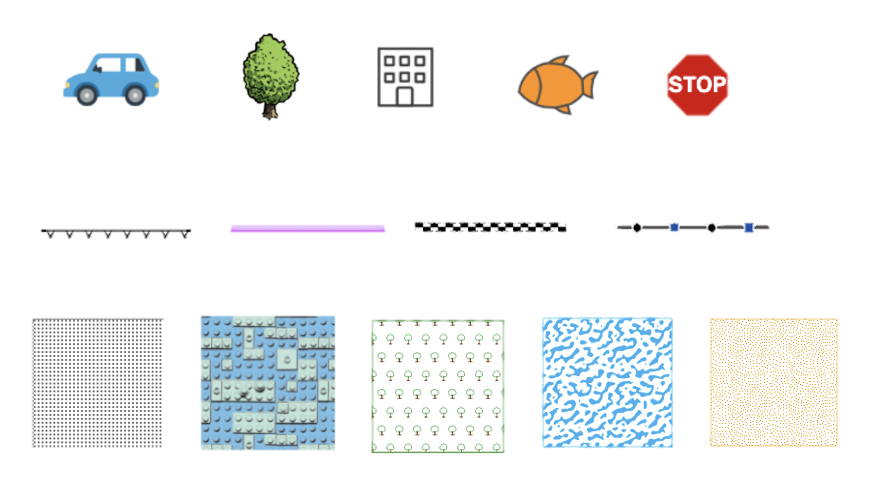\n\n<span id=\"known-limitations\"></span>\n> [!WARNING]\n>\n> **Known Limitations**\n>\n> - Not currently supported\n> - [CIMLineSymbol](https://developers.arcgis.com/javascript/latest/references/core/symbols/cim/types/#CIMLineSymbol) and [CIMPolygonSymbol](https://developers.arcgis.com/javascript/latest/references/core/symbols/cim/types/#CIMPolygonSymbol) in 3D [SceneView](https://developers.arcgis.com/javascript/latest/references/core/views/SceneView/)\n> - The `colorLocked` property in 3D [SceneView](https://developers.arcgis.com/javascript/latest/references/core/views/SceneView/)\n> - The following [markerPlacements](https://github.com/Esri/cim-spec/blob/master/docs/v2/Types.md#markerplacement) on CIMMarker: `CIMMarkerPlacementAlongLineRandomSize`, `CIMMarkerPlacementAlongLineVariableSize`, and `CIMMarkerPlacementAtMeasuredUnits`.\n> - [CIMMeshSymbol](https://github.com/Esri/cim-spec/blob/master/docs/v2/CIMSymbols.md#cimmeshsymbol)\n> - Limited support\n> - [CIMTextSymbol](https://developers.arcgis.com/javascript/latest/references/core/symbols/cim/types/#CIMTextSymbol) is only supported when it is embedded in a [CIMVectorMarker](https://developers.arcgis.com/javascript/latest/references/core/symbols/cim/types/#CIMVectorMarker) symbol layer. It is not currently supported as a standalone symbol.\n> - Currently, [CIMGeometricEffects](https://developers.arcgis.com/javascript/latest/references/core/symbols/cim/types/#CIMGeometricEffect) are not supported with [labels](https://developers.arcgis.com/javascript/latest/references/core/layers/FeatureLayer/#labelingInfo).\n> - The possible values for fontFamilyName property on [CIMTextSymbol](https://developers.arcgis.com/javascript/latest/references/core/symbols/cim/types/#CIMTextSymbol) are dependent upon if you working with a MapView or SceneView. See the [Labeling guide page](https://developers.arcgis.com/javascript/latest/labeling/) for detailed explanation.\n> Unsupported fonts will fall back to `Arial Unicode MS Regular` in MapView and `sans-serif` in SceneView.\n> - Currently, `color` property expects an array of numbers [r, g, b, a] which is different from the [CIM Specification](https://github.com/Esri/cim-spec/blob/master/docs/v2/Types.md#symbol).\n> - Symbols with [CIMPictureMarkers](https://developers.arcgis.com/javascript/latest/references/core/symbols/cim/types/#CIMPictureMarker), [CIMPictureStroke](https://developers.arcgis.com/javascript/latest/references/core/symbols/cim/types/#CIMPictureStroke),\n> or [CIMPictureFill](https://developers.arcgis.com/javascript/latest/references/core/symbols/cim/types/#CIMPictureFill) with [geometric effects](https://developers.arcgis.com/javascript/latest/references/core/symbols/cim/types/#CIMGeometricEffect) are not currently supported in the [Legend](https://developers.arcgis.com/javascript/latest/references/map-components/components/arcgis-legend/).\n> - Symbols with [primitive overrides](https://developers.arcgis.com/javascript/latest/references/core/symbols/cim/types/#CIMPrimitiveOverride) are not currently supported in the [Legend](https://developers.arcgis.com/javascript/latest/references/map-components/components/arcgis-legend/).\n> - [Primitive overrides](https://developers.arcgis.com/javascript/latest/references/core/symbols/cim/types/#CIMPrimitiveOverride) on [geometric effects](https://developers.arcgis.com/javascript/latest/references/core/symbols/cim/types/#CIMGeometricEffect) embedded in a CIMVectorMarker symbol layer's [marker graphics](https://developers.arcgis.com/javascript/latest/references/core/symbols/cim/types/#CIMMarkerGraphic) are not supported at this time."},"@arcgis.core.symbols.LabelSymbol3D.LabelSymbol3D":{"description":"LabelSymbol3D is used to render labels for features from a [FeatureLayer](https://developers.arcgis.com/javascript/latest/references/core/layers/FeatureLayer/)\nin a 3D [SceneView](https://developers.arcgis.com/javascript/latest/references/core/views/SceneView/). This symbol type is not supported in 2D\n[MapViews](https://developers.arcgis.com/javascript/latest/references/core/views/MapView/).\n\nA LabelSymbol3D must include at least one [symbol layer](https://developers.arcgis.com/javascript/latest/references/core/symbols/LabelSymbol3D/#symbolLayers) for it to\nrender in the view. One or more of the following\n[symbol layer](https://developers.arcgis.com/javascript/latest/references/core/symbols/Symbol3DLayer/) types my be used to define a 3D label symbol:\n\n[Symbol3DLayer](https://developers.arcgis.com/javascript/latest/references/core/symbols/Symbol3DLayer/) Type | Flat/Volumetric | Size Units | Example\n------------|-----------|------------|-----------\n[TextSymbol3DLayer](https://developers.arcgis.com/javascript/latest/references/core/symbols/TextSymbol3DLayer/)| flat | points | \n\nThe image below depicts a [FeatureLayer](https://developers.arcgis.com/javascript/latest/references/core/layers/FeatureLayer/) with labels defined\nby LabelSymbol3D.\n\n"},"@arcgis.core.symbols.LineSymbol3D.LineSymbol3D":{"description":"LineSymbol3D is used to render features with [Polyline](https://developers.arcgis.com/javascript/latest/references/core/geometry/Polyline/) geometry\nin a 3D [SceneView](https://developers.arcgis.com/javascript/latest/references/core/views/SceneView/). This symbol type is not supported in 2D\n[MapViews](https://developers.arcgis.com/javascript/latest/references/core/views/MapView/).\n\nA LineSymbol3D must include at least one [symbol layer](https://developers.arcgis.com/javascript/latest/references/core/symbols/LineSymbol3D/#symbolLayers) for it to\nrender in the view. One or more of the following\n[symbol layer](https://developers.arcgis.com/javascript/latest/references/core/symbols/Symbol3DLayer/) types must be used to define a 3D line symbol:\n\n[Symbol3DLayer](https://developers.arcgis.com/javascript/latest/references/core/symbols/Symbol3DLayer/) Type | Flat/Volumetric | Size Units | Example\n------------|-----------|------------|-----------\n[LineSymbol3DLayer](https://developers.arcgis.com/javascript/latest/references/core/symbols/LineSymbol3DLayer/)| flat | points | \n[PathSymbol3DLayer](https://developers.arcgis.com/javascript/latest/references/core/symbols/PathSymbol3DLayer/) | volumetric | meters | \n\nSee [Symbol3DLayer](https://developers.arcgis.com/javascript/latest/references/core/symbols/Symbol3DLayer/) and [Symbol3D](https://developers.arcgis.com/javascript/latest/references/core/symbols/Symbol3D/) to read\nmore general information about 3D symbols, symbol layers and how they relate to one another."},"@arcgis.core.symbols.MeshSymbol3D.MeshSymbol3D":{"description":"MeshSymbol3D is used to render 3D mesh features in a [SceneLayer](https://developers.arcgis.com/javascript/latest/references/core/layers/SceneLayer/)\nin a 3D [SceneView](https://developers.arcgis.com/javascript/latest/references/core/views/SceneView/). This symbol type is not supported in 2D\n[MapViews](https://developers.arcgis.com/javascript/latest/references/core/views/MapView/).\n\nA MeshSymbol3D must include at least one [symbol layer](https://developers.arcgis.com/javascript/latest/references/core/symbols/MeshSymbol3D/#symbolLayers) for it to\nrender in the view. One or more of the following\n[symbol layer](https://developers.arcgis.com/javascript/latest/references/core/symbols/Symbol3DLayer/) types may be used to define a 3D mesh symbol:\n\n[Symbol3DLayer](https://developers.arcgis.com/javascript/latest/references/core/symbols/Symbol3DLayer/) Type | Flat/Volumetric | Size Units | Example\n------------|-----------|------------|-----------\n[FillSymbol3DLayer](https://developers.arcgis.com/javascript/latest/references/core/symbols/FillSymbol3DLayer/)| flat | - | \n\nThe image below depicts a [SceneLayer](https://developers.arcgis.com/javascript/latest/references/core/layers/SceneLayer/) whose graphics\nare styled with a MeshSymbol3D containing a [FillSymbol3DLayer](https://developers.arcgis.com/javascript/latest/references/core/symbols/FillSymbol3DLayer/).\n\n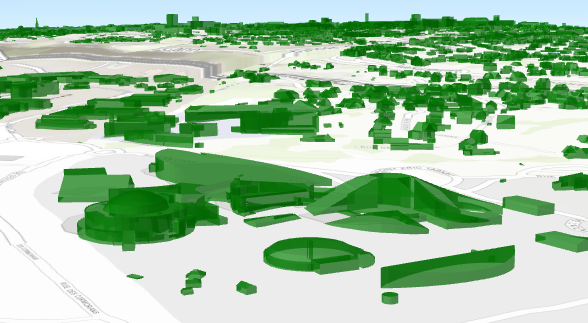\n\nSee [Symbol3DLayer](https://developers.arcgis.com/javascript/latest/references/core/symbols/Symbol3DLayer/) and [Symbol3D](https://developers.arcgis.com/javascript/latest/references/core/symbols/Symbol3D/) to read\nmore general information about 3D symbols, symbol layers and how they relate to one another."},"@arcgis.core.symbols.PictureFillSymbol.PictureFillSymbol":{"description":"PictureFillSymbol uses an image in a repeating pattern to symbolize polygon features in a\n2D [MapView](https://developers.arcgis.com/javascript/latest/references/core/views/MapView/). A [url](https://developers.arcgis.com/javascript/latest/references/core/symbols/PictureFillSymbol/#url) must point to a valid image.\nIn addition, the symbol can have an optional [outline](https://developers.arcgis.com/javascript/latest/references/core/symbols/PictureFillSymbol/#outline), which is defined by a\n[SimpleLineSymbol](https://developers.arcgis.com/javascript/latest/references/core/symbols/SimpleLineSymbol/). PictureFillSymbols may be applied to polygon\nfeatures in a [FeatureLayer](https://developers.arcgis.com/javascript/latest/references/core/layers/FeatureLayer/) or an individual [Graphic](https://developers.arcgis.com/javascript/latest/references/core/Graphic/).\n\nPictureFillSymbol is not supported in 3D [SceneView](https://developers.arcgis.com/javascript/latest/references/core/views/SceneView/). Only use it when\nworking in a [MapView](https://developers.arcgis.com/javascript/latest/references/core/views/MapView/).\n\nThe image below depicts a [Graphic](https://developers.arcgis.com/javascript/latest/references/core/Graphic/) that is styled with a PictureFillSymbol.\n\n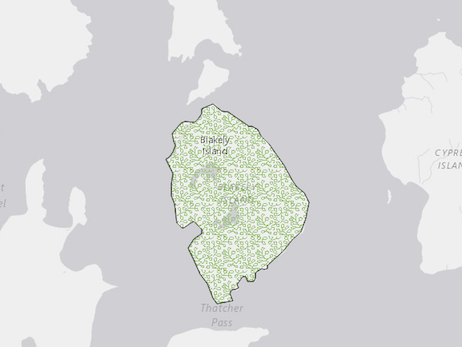"},"@arcgis.core.symbols.PictureMarkerSymbol.PictureMarkerSymbol":{"description":"PictureMarkerSymbol renders [Point](https://developers.arcgis.com/javascript/latest/references/core/geometry/Point/) graphics in either a\n2D [MapView](https://developers.arcgis.com/javascript/latest/references/core/views/MapView/) or 3D [SceneView](https://developers.arcgis.com/javascript/latest/references/core/views/SceneView/) using an image.\nA [url](https://developers.arcgis.com/javascript/latest/references/core/symbols/PictureMarkerSymbol/#url) must point to a valid image. PictureMarkerSymbols may be applied to point\nfeatures in a [FeatureLayer](https://developers.arcgis.com/javascript/latest/references/core/layers/FeatureLayer/)\nor individual [graphics](https://developers.arcgis.com/javascript/latest/references/core/Graphic/). The image below depicts a\n[FeatureLayer](https://developers.arcgis.com/javascript/latest/references/core/layers/FeatureLayer/) whose point features\nare styled with a [PictureMarkerSymbol](https://developers.arcgis.com/javascript/latest/references/core/symbols/PictureMarkerSymbol/).\n\n[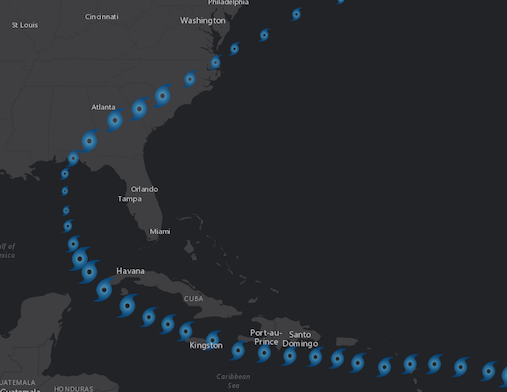](https://developers.arcgis.com/javascript/latest/sample-code/visualization-vv-rotation/)\n\n> [!WARNING]\n>\n> **Known Limitations:**\n>\n> - SVG documents must include a definition for width and height to load properly in Firefox.\n> - Animated GIF and PNG images are not supported in [3D SceneView](https://developers.arcgis.com/javascript/latest/references/core/views/SceneView/).\n> - The [height](https://developers.arcgis.com/javascript/latest/references/core/symbols/PictureMarkerSymbol/#height) and [width](https://developers.arcgis.com/javascript/latest/references/core/symbols/PictureMarkerSymbol/#width) of the symbol is restricted to no more than 200px.\n> - Animated SVG images are currently not supported.\n\n> [!WARNING]\n>\n> To avoid CORS issues with this symbol, do one of the following:\n>\n> Make certain that the [image](https://developers.arcgis.com/javascript/latest/references/core/symbols/PictureMarkerSymbol/#url) is hosted on a [CORS enabled server](https://developers.arcgis.com/javascript/latest/cors/).\n> Use an [image](https://developers.arcgis.com/javascript/latest/references/core/symbols/PictureMarkerSymbol/#url) hosted on the same domain as the application.\n> Install a [proxy](https://developers.arcgis.com/javascript/latest/proxies/)."},"@arcgis.core.symbols.PointSymbol3D.PointSymbol3D":{"description":"PointSymbol3D is used to render features with [Point](https://developers.arcgis.com/javascript/latest/references/core/geometry/Point/) geometry\nin a 3D [SceneView](https://developers.arcgis.com/javascript/latest/references/core/views/SceneView/). This symbol type is not supported in 2D\n[MapViews](https://developers.arcgis.com/javascript/latest/references/core/views/MapView/).\n\nA PointSymbol3D must include at least one [symbol layer](https://developers.arcgis.com/javascript/latest/references/core/symbols/PointSymbol3D/#symbolLayers) for it to\nrender in the view. One or more of the following\n[symbol layer](https://developers.arcgis.com/javascript/latest/references/core/symbols/Symbol3DLayer/) types must be used to define a 3D point symbol:\n\n[Symbol3DLayer](https://developers.arcgis.com/javascript/latest/references/core/symbols/Symbol3DLayer/) Type | Flat/Volumetric | Size Units | Example\n------------|-----------|------------|-----------\n[IconSymbol3DLayer](https://developers.arcgis.com/javascript/latest/references/core/symbols/IconSymbol3DLayer/) | flat | points | \n[ObjectSymbol3DLayer](https://developers.arcgis.com/javascript/latest/references/core/symbols/ObjectSymbol3DLayer/) | volumetric | meters | \n[TextSymbol3DLayer](https://developers.arcgis.com/javascript/latest/references/core/symbols/TextSymbol3DLayer/) | flat | points | \n\nSee [Symbol3DLayer](https://developers.arcgis.com/javascript/latest/references/core/symbols/Symbol3DLayer/) and [Symbol3D](https://developers.arcgis.com/javascript/latest/references/core/symbols/Symbol3D/) to read\nmore general information about 3D symbols, symbol layers and how they relate to one another."},"@arcgis.core.symbols.PolygonSymbol3D.PolygonSymbol3D":{"description":"PolygonSymbol3D is used to render features with [Polygon](https://developers.arcgis.com/javascript/latest/references/core/geometry/Polygon/) geometry\nin a 3D [SceneView](https://developers.arcgis.com/javascript/latest/references/core/views/SceneView/). This symbol type is not supported in 2D\n[MapViews](https://developers.arcgis.com/javascript/latest/references/core/views/MapView/). Polygon features may also be rendered as points\nwith icons or objects at the centroid of each polygon.\n\nA PolygonSymbol3D must include at least one [symbol layer](https://developers.arcgis.com/javascript/latest/references/core/symbols/PolygonSymbol3D/#symbolLayers) for it to\nrender in the view. One or more of the following\n[symbol layer](https://developers.arcgis.com/javascript/latest/references/core/symbols/Symbol3DLayer/) types must be used to define a 3D polygon symbol:\n\n[Symbol3DLayer](https://developers.arcgis.com/javascript/latest/references/core/symbols/Symbol3DLayer/) Type | Flat/Volumetric | Size Units | Example\n------------|-----------|------------|-----------\n[FillSymbol3DLayer](https://developers.arcgis.com/javascript/latest/references/core/symbols/FillSymbol3DLayer/)| flat | - | \n[ExtrudeSymbol3DLayer](https://developers.arcgis.com/javascript/latest/references/core/symbols/ExtrudeSymbol3DLayer/)| volumetric | meters | \n[WaterSymbol3DLayer](https://developers.arcgis.com/javascript/latest/references/core/symbols/WaterSymbol3DLayer/) | flat | - | \n[IconSymbol3DLayer](https://developers.arcgis.com/javascript/latest/references/core/symbols/IconSymbol3DLayer/) | flat | points | \n[ObjectSymbol3DLayer](https://developers.arcgis.com/javascript/latest/references/core/symbols/ObjectSymbol3DLayer/) | volumetric | meters | \n\nSee [Symbol3DLayer](https://developers.arcgis.com/javascript/latest/references/core/symbols/Symbol3DLayer/) and [Symbol3D](https://developers.arcgis.com/javascript/latest/references/core/symbols/Symbol3D/) to read\nmore general information about 3D symbols, symbol layers and how they relate to one another."},"@arcgis.core.symbols.SimpleFillSymbol.SimpleFillSymbol":{"description":"SimpleFillSymbol is used for rendering 2D polygons in either a [MapView](https://developers.arcgis.com/javascript/latest/references/core/views/MapView/)\nor a [SceneView](https://developers.arcgis.com/javascript/latest/references/core/views/SceneView/). It can be filled with a solid [color](https://developers.arcgis.com/javascript/latest/references/core/symbols/SimpleFillSymbol/#color),\nor a [pattern](https://developers.arcgis.com/javascript/latest/references/core/symbols/SimpleFillSymbol/#style). In addition, the symbol can have an optional [outline](https://developers.arcgis.com/javascript/latest/references/core/symbols/SimpleFillSymbol/#outline),\nwhich is defined by a [SimpleLineSymbol](https://developers.arcgis.com/javascript/latest/references/core/symbols/SimpleLineSymbol/).\n\nSimpleFillSymbols may be applied to polygon features in a [FeatureLayer](https://developers.arcgis.com/javascript/latest/references/core/layers/FeatureLayer/)\nor an individual [Graphic](https://developers.arcgis.com/javascript/latest/references/core/Graphic/).\n\nFill symbols may also be used to symbolize 2D polygon features\nin a 3D [SceneView](https://developers.arcgis.com/javascript/latest/references/core/views/SceneView/). However, it is\nrecommended you use [PolygonSymbol3D](https://developers.arcgis.com/javascript/latest/references/core/symbols/PolygonSymbol3D/) instead. The image below\ndepicts a [FeatureLayer](https://developers.arcgis.com/javascript/latest/references/core/layers/FeatureLayer/) whose graphics\nare styled with a SimpleFillSymbol.\n\n[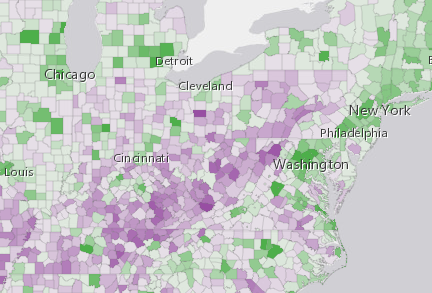](https://developers.arcgis.com/javascript/latest/sample-code/visualization-vv-color/)"},"@arcgis.core.symbols.SimpleLineSymbol.SimpleLineSymbol":{"description":"SimpleLineSymbol is used for rendering 2D [polyline geometries](https://developers.arcgis.com/javascript/latest/references/core/geometry/Polyline/)\nin a 2D [MapView](https://developers.arcgis.com/javascript/latest/references/core/views/MapView/).\nSimpleLineSymbol is also used for rendering outlines for\n[marker symbols](https://developers.arcgis.com/javascript/latest/references/core/symbols/MarkerSymbol/) and\n[fill symbols](https://developers.arcgis.com/javascript/latest/references/core/symbols/FillSymbol/).\n\n[SimpleLineSymbol](https://developers.arcgis.com/javascript/latest/references/core/symbols/SimpleLineSymbol/) may also be used to symbolize 2D polyline features\nin a [SceneView](https://developers.arcgis.com/javascript/latest/references/core/views/SceneView/). However, it is\nrecommended you use [LineSymbol3D](https://developers.arcgis.com/javascript/latest/references/core/symbols/LineSymbol3D/) instead.\n\nThe image below depicts a [FeatureLayer](https://developers.arcgis.com/javascript/latest/references/core/layers/FeatureLayer/) whose graphics\nare styled with SimpleLineSymbols.\n\n[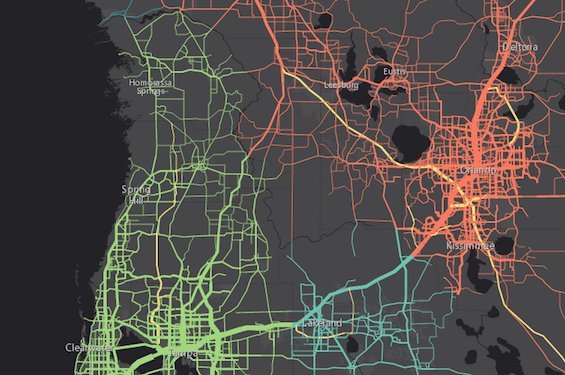](https://developers.arcgis.com/javascript/latest/sample-code/visualization-location-types/)"},"@arcgis.core.symbols.SimpleMarkerSymbol.SimpleMarkerSymbol":{"description":"SimpleMarkerSymbol is used for rendering 2D [Point](https://developers.arcgis.com/javascript/latest/references/core/geometry/Point/) geometries\nwith a simple shape and [color](https://developers.arcgis.com/javascript/latest/references/core/symbols/SimpleMarkerSymbol/#color) in either a [MapView](https://developers.arcgis.com/javascript/latest/references/core/views/MapView/)\nor a [SceneView](https://developers.arcgis.com/javascript/latest/references/core/views/SceneView/). It may be filled with a solid [color](https://developers.arcgis.com/javascript/latest/references/core/symbols/SimpleMarkerSymbol/#color) and\nhave an optional [outline](https://developers.arcgis.com/javascript/latest/references/core/symbols/SimpleMarkerSymbol/#outline), which is defined with a [SimpleLineSymbol](https://developers.arcgis.com/javascript/latest/references/core/symbols/SimpleLineSymbol/).\n\nSimpleMarkerSymbols may be applied to point or polygon features in a\n[FeatureLayer](https://developers.arcgis.com/javascript/latest/references/core/layers/FeatureLayer/) or individual [graphics](https://developers.arcgis.com/javascript/latest/references/core/Graphic/).\nMarker symbols can be used in a 3D [SceneView](https://developers.arcgis.com/javascript/latest/references/core/views/SceneView/). However, it is\nrecommended you use [PointSymbol3D](https://developers.arcgis.com/javascript/latest/references/core/symbols/PointSymbol3D/) instead. The image below depicts a [FeatureLayer](https://developers.arcgis.com/javascript/latest/references/core/layers/FeatureLayer/) whose point features\nare styled with [SimpleMarkerSymbols](https://developers.arcgis.com/javascript/latest/references/core/symbols/SimpleMarkerSymbol/).\n\n[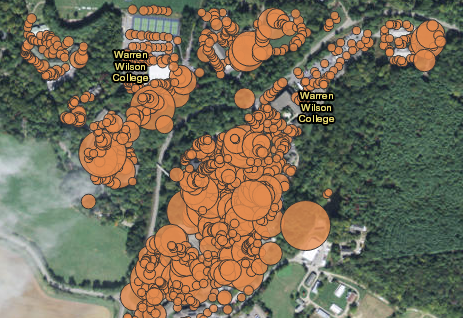](https://developers.arcgis.com/javascript/latest/sample-code/visualization-vv-size/)"},"@arcgis.core.symbols.TextSymbol.TextSymbol":{"description":"Text symbols are used to define the graphic for displaying labels on\na [FeatureLayer](https://developers.arcgis.com/javascript/latest/references/core/layers/FeatureLayer/), [CSVLayer](https://developers.arcgis.com/javascript/latest/references/core/layers/CSVLayer/), [Sublayer](https://developers.arcgis.com/javascript/latest/references/core/layers/support/Sublayer/),\nand [StreamLayer](https://developers.arcgis.com/javascript/latest/references/core/layers/StreamLayer/) in a 2D [MapView](https://developers.arcgis.com/javascript/latest/references/core/views/MapView/).\nText symbols can also be used to define the symbol property of [Graphic](https://developers.arcgis.com/javascript/latest/references/core/Graphic/) if the geometry type is\n[Point](https://developers.arcgis.com/javascript/latest/references/core/geometry/Point/) or [Multipoint](https://developers.arcgis.com/javascript/latest/references/core/geometry/Multipoint/).\nWith this class, you may alter the [color](https://developers.arcgis.com/javascript/latest/references/core/symbols/TextSymbol/#color), [font](https://developers.arcgis.com/javascript/latest/references/core/symbols/TextSymbol/#font), [halo](https://developers.arcgis.com/javascript/latest/references/core/symbols/TextSymbol/#haloSize),\nand other properties of the label graphic.\n\nTextSymbol may be used to label [Point](https://developers.arcgis.com/javascript/latest/references/core/geometry/Point/),\n[Polyline](https://developers.arcgis.com/javascript/latest/references/core/geometry/Polyline/), or [Polygon](https://developers.arcgis.com/javascript/latest/references/core/geometry/Polygon/)\nfeatures. The image below depicts a polygon [FeatureLayer](https://developers.arcgis.com/javascript/latest/references/core/layers/FeatureLayer/) that\nuses a TextSymbol to label its features.\n\n"},"@arcgis.core.symbols.WebStyleSymbol.WebStyleSymbol":{"description":"WebStyleSymbol is a class used to conveniently create vector 2D symbols and realistic and thematic\n3D symbols. It is a wrapper for creating [CIMSymbol](https://developers.arcgis.com/javascript/latest/references/core/symbols/CIMSymbol/) and [PointSymbol3D](https://developers.arcgis.com/javascript/latest/references/core/symbols/PointSymbol3D/)\nobjects that point to a web style resource available in the API.\n\n[](https://developers.arcgis.com/javascript/latest/sample-code/visualization-webstylesymbol/)\n\nWeb styles are collections of symbols stored in an [ArcGIS Enterprise portal](https://enterprise.arcgis.com/en/portal/) or\n[ArcGIS Online](https://www.arcgis.com/home/) item. As of the current release, only\n[Esri Web Style Symbols (2D)](https://developers.arcgis.com/javascript/latest/esri-web-style-symbols-2d/) and\n[Esri Web Style Symbols (3D)](https://developers.arcgis.com/javascript/latest/esri-web-style-symbols-3d/) can be used in conjunction with this class.\nNote that the 2D web style symbols are only supported in 2D and 3D web style symbols are only supported in 3D with an\nexception of [`EsriIconsStyle`](https://developers.arcgis.com/javascript/latest/esri-web-style-symbols-3d/#icons) which can be used in both 2D and 3D.\n\nA WebStyleSymbol does not contain any symbology definition itself; it only contains a\nreference to a web style\nsymbol. For visualization purposes, it is internally replaced with the [CIMSymbol](https://developers.arcgis.com/javascript/latest/references/core/symbols/CIMSymbol/) or the\n[PointSymbol3D](https://developers.arcgis.com/javascript/latest/references/core/symbols/PointSymbol3D/) instance it refers to. You can use\n[fetchSymbol()](https://developers.arcgis.com/javascript/latest/references/core/symbols/WebStyleSymbol/#fetchSymbol) to retrieve the actual symbol object from the web style to alter\nits color or size.\n\nA web style can be referenced either directly with a URL ([styleUrl](https://developers.arcgis.com/javascript/latest/references/core/symbols/WebStyleSymbol/#styleUrl)) or\nregistered style's unique name ([styleName](https://developers.arcgis.com/javascript/latest/references/core/symbols/WebStyleSymbol/#styleName)).\n\n> [!WARNING]\n>\n> **Known Limitation**\n>\n> - Currently, [fetchSymbol()](https://developers.arcgis.com/javascript/latest/references/core/symbols/WebStyleSymbol/#fetchSymbol) method will only work for 3d web style symbols"},"@arcgis.core.symbols.cim.types.CIMAnimatedSymbolEasingType":{"description":"Options for easing types of animated symbols."},"@arcgis.core.symbols.cim.types.CIMAnimatedSymbolRepeatType":{"description":"Options for repeat types of animated symbols."},"@arcgis.core.time.TimeExtent.TimeExtent":{"description":"A period of time with a definitive [start](https://developers.arcgis.com/javascript/latest/references/core/time/TimeExtent/#start) and [end](https://developers.arcgis.com/javascript/latest/references/core/time/TimeExtent/#end) date. Time extent is used to\n[FeatureLayerView.filter](https://developers.arcgis.com/javascript/latest/references/core/views/layers/FeatureLayerView/#filter) or\n[query](https://developers.arcgis.com/javascript/latest/references/core/views/layers/FeatureLayerView/#queryFeatures) features that fall within the specified time period.\nTo represent an instant of time, set the [start](https://developers.arcgis.com/javascript/latest/references/core/time/TimeExtent/#start) and [end](https://developers.arcgis.com/javascript/latest/references/core/time/TimeExtent/#end) times to the same date.\n\nWhen creating a [JavaScript Date](https://developer.mozilla.org/en-US/docs/Web/JavaScript/Reference/Global_Objects/Date),\nbe mindful that most constructors will create a date with respect to your local timezone rather than\n[UTC](https://en.wikipedia.org/wiki/Coordinated_Universal_Time) (i.e. universal time). To create a date with\nrespect to UTC, use the [UTC method](https://developer.mozilla.org/en-US/docs/Web/JavaScript/Reference/Global_Objects/Date/UTC)\non the Date object."},"@arcgis.core.webdoc.applicationProperties.Search.Search":{"description":"Represents the search parameters set within the web scene or the web map.","properties":{"addressSearchEnabled":{"default":true,"description":"Indicates whether the place finder is enabled in the web scene or the web map.","type":"boolean"},"declaredClass":{"description":"The name of the class. The declared class name is formatted as `esri.folder.className`.","type":"string"},"destroyed":{"type":"boolean"},"enabled":{"default":true,"description":"Whether search functionality is enabled in the web scene or the web map.","type":"boolean"},"hintText":{"description":"The hint provided with the search dialog.","type":"string"},"initialized":{"description":"Set to `true` once the initialize function has executed.","type":"boolean"},"layers":{"$ref":"#/definitions/@arcgis.core.core.Collection.Collection","description":"A collection of layers to be included in search."},"tables":{"$ref":"#/definitions/@arcgis.core.core.Collection.Collection","description":"A collection of tables to be included in search."}},"required":["addressSearchEnabled","declaredClass","destroyed","enabled","hintText","initialized","layers","tables"],"type":"object"},"@arcgis.core.webdoc.applicationProperties.Viewing.Viewing":{"description":"Represents view-specific properties of application and UI elements for the web map or web scene.","properties":{"declaredClass":{"description":"The name of the class. The declared class name is formatted as `esri.folder.className`.","type":"string"},"destroyed":{"type":"boolean"},"initialized":{"description":"Set to `true` once the initialize function has executed.","type":"boolean"},"search":{"$ref":"#/definitions/@arcgis.core.webdoc.applicationProperties.Search.Search","description":"An object specifying the search parameters set within the web scene or web map."}},"required":["declaredClass","destroyed","initialized","search"],"type":"object"},"@arcgis.core.webscene.Environment.Environment":{"description":"Represents settings that affect the environment in\nwhich the [WebScene](https://developers.arcgis.com/javascript/latest/references/core/WebScene/) is displayed (such as lighting). It is part of the\n[initial state](https://developers.arcgis.com/javascript/latest/references/core/WebScene/#initialViewProperties) of the WebScene\nas well as [Presentation.slides](https://developers.arcgis.com/javascript/latest/references/core/webscene/Presentation/#slides) in the presentation."},"@arcgis.core.widgets.Search.LayerSearchSource.LayerSearchSource":{"description":"The following properties define a\n[Layer](https://developers.arcgis.com/javascript/latest/references/core/layers/Layer/)-based [source](https://developers.arcgis.com/javascript/latest/references/core/widgets/Search/#sources) whose\nfeatures may be searched by a [Search widget](https://developers.arcgis.com/javascript/latest/references/core/widgets/Search/) or [Search component](https://developers.arcgis.com/javascript/latest/references/map-components/components/arcgis-search/).\n\nFor `string` field searches, there is no leading wildcard. This effectively makes [exactMatch](https://developers.arcgis.com/javascript/latest/references/core/widgets/Search/LayerSearchSource/#exactMatch)\n`true`, which will remove unnecessary search results and suggestions.\n\n> [!WARNING]\n>\n> Layers created from client-side graphics are not supported."},"@arcgis.core.widgets.Search.LayerSearchSource.LayerSearchSourceProperties":{"properties":{"autoNavigate":{"default":true,"description":"Indicates whether to automatically navigate to the\nselected result once selected.","type":"boolean"},"displayField":{"description":"The results are displayed using this field. Defaults\nto the layer's `displayField` or the first string field.","type":"string"},"exactMatch":{"default":false,"description":"Indicates to only return results that match the\nsearch value exactly.\nThis property only applies to `string` field searches. `exactMatch` is always\n`true` when searching fields of type `number`.","type":"boolean"},"filter":{"$ref":"#/definitions/@arcgis.core.widgets.Search.types.SearchFilter","description":"For filtering suggests or search results. Setting a value here takes precedence over [withinViewEnabled](https://developers.arcgis.com/javascript/latest/references/core/widgets/Search/SearchSource/#withinViewEnabled).\nPlease see the object specification table below for details."},"getResults":{"$ref":"#/definitions/__type","description":"Function used to get search results. See [GetResultsCallback](https://developers.arcgis.com/javascript/latest/references/core/widgets/Search/types/#GetResultsCallback) for the function definition.\nWhen resolved, returns an object containing an array of [search results](https://developers.arcgis.com/javascript/latest/references/core/widgets/Search/types/#SearchResult)."},"getSuggestions":{"$ref":"#/definitions/__type","description":"Function used to get search suggestions. See [GetSuggestionsCallback](https://developers.arcgis.com/javascript/latest/references/core/widgets/Search/types/#GetSuggestionsCallback) for the function definition.\nWhen resolved, returns an object containing an array of [suggest results](https://developers.arcgis.com/javascript/latest/references/core/widgets/Search/types/#SuggestResult)."},"layer":{"$ref":"#/definitions/@arcgis.core.layers.Layer.Layer","description":"The layer queried in the search. This is **required**.\nThe layer can be a [map](https://developers.arcgis.com/javascript/latest/references/core/layers/MapImageLayer/)/[feature](https://developers.arcgis.com/javascript/latest/references/core/layers/FeatureLayer/) service feature\nlayer(s), [SceneLayers](https://developers.arcgis.com/javascript/latest/references/core/layers/SceneLayer/) with an associated feature layer,\n[BuildingComponentSublayer](https://developers.arcgis.com/javascript/latest/references/core/layers/buildingSublayers/BuildingComponentSublayer/) with an associated feature layer,\n[GeoJSONLayer](https://developers.arcgis.com/javascript/latest/references/core/layers/GeoJSONLayer/), [CSVLayer](https://developers.arcgis.com/javascript/latest/references/core/layers/CSVLayer/) or [OGCFeatureLayer](https://developers.arcgis.com/javascript/latest/references/core/layers/OGCFeatureLayer/).\nSee the [SceneLayer Guide page](https://developers.arcgis.com/javascript/latest/working-with-scene-layers/)\non how to publish SceneLayers with associated feature layers.\n\nThe geometry type of the layer affects the behavior when a result is found. If the layer type is [Point](https://developers.arcgis.com/javascript/latest/references/core/geometry/Point/),\nthe view will pan, but not zoom, to the result. If the layer type is [Polygon](https://developers.arcgis.com/javascript/latest/references/core/geometry/Polygon/) or\n[Polyline](https://developers.arcgis.com/javascript/latest/references/core/geometry/Polyline/), the view will pan and zoom to the result.\n\n> [!WARNING]\n>\n> Feature layers created from client-side graphics are not supported."},"maxResults":{"default":6,"description":"Indicates the maximum number of search results to return.","type":"number"},"maxSuggestions":{"default":6,"description":"Indicates the maximum number of suggestions\nto return for the widget's input.","type":"number"},"minSuggestCharacters":{"description":"Indicates the minimum number of characters\nrequired before querying for a suggestion.","type":"number"},"name":{"description":"The name of the source for display.","type":"string"},"orderByFields":{"description":"One or more field names used to order the query results. Specify `ASC` (ascending) or `DESC`\n(descending) after the field name to control the order. The default order is `ASC`.","items":{"type":"string"},"type":"array"},"outFields":{"description":"Specifies the fields returned with the search results.","items":{"type":"string"},"type":"array"},"placeholder":{"default":"","description":"Used as a hint for the source input text.","type":"string"},"popupEnabled":{"description":"Indicates whether to display a\n[Popup](https://developers.arcgis.com/javascript/latest/references/core/widgets/Popup/) when a selected result is clicked.","type":"boolean"},"popupTemplate":{"$ref":"#/definitions/@arcgis.core.PopupTemplate.PopupTemplateProperties","description":"The popup template used to display search results.\nIf no popup is needed, set the source's popupTemplate to `null`.\n\n> [!WARNING]\n>\n> This property should be set in instances\n> where there is no existing [PopupTemplate](https://developers.arcgis.com/javascript/latest/references/core/PopupTemplate/)\n> configured. For example, [feature sources](https://developers.arcgis.com/javascript/latest/references/core/widgets/Search/LayerSearchSource/)\n> will default to any existing [FeatureLayer.popupTemplate](https://developers.arcgis.com/javascript/latest/references/core/layers/FeatureLayer/#popupTemplate)\n> configured on the layer."},"prefix":{"default":"","description":"Specify this to prefix the user's input of the search text.","type":"string"},"resultGraphicEnabled":{"description":"Indicates whether to show a graphic on the\nmap for the selected source using the [resultSymbol](https://developers.arcgis.com/javascript/latest/references/core/widgets/Search/SearchSource/#resultSymbol).\nIf using a [LayerSearchSource](https://developers.arcgis.com/javascript/latest/references/core/widgets/Search/LayerSearchSource/), then this property only applies when the `LayerSearchSource` is not part of the map.","type":"boolean"},"resultSymbol":{"$ref":"#/definitions/SymbolUnion","description":"The symbol used to display the result.\n\n> [!WARNING]\n>\n> **Known Limitations**\n>\n> This property only applies when the layer/locator/source is not part of the map."},"searchFields":{"description":"An array of string values representing the\nnames of fields in the feature layer to search.","items":{"type":"string"},"type":"array"},"searchTemplate":{"description":"A template string used to display multiple\nfields in a defined order when results are displayed.","type":"string"},"suffix":{"default":"","description":"Specify this to add a suffix to the user's input for the search value.","type":"string"},"suggestionTemplate":{"description":"A template string used to display multiple\nfields in a defined order\nwhen suggestions are displayed. This takes precedence over `displayField`.\nField names in the template must have the following\nformat: `{FieldName}`. An example suggestionTemplate could look something\nlike: `Name: {OWNER}, Parcel: {PARCEL_ID}`.","type":"string"},"suggestionsEnabled":{"default":true,"description":"Indicates whether to display suggestions\nas the user enters input text in the widget.","type":"boolean"},"withinViewEnabled":{"default":false,"description":"Indicates whether to constrain the search\nresults to the view's extent.","type":"boolean"},"zoomScale":{"description":"The set zoom scale for the resulting search result.\nThis scale is automatically honored.","type":"number"}},"type":"object"},"@arcgis.core.widgets.Search.LocatorSearchSource.LocatorSearchSource":{"description":"The following properties define a [source](https://developers.arcgis.com/javascript/latest/references/core/widgets/Search/#sources) pointing to a\n[url](https://developers.arcgis.com/javascript/latest/references/core/widgets/Search/LocatorSearchSource/#url) that represents a locator service, which may be used to geocode locations\nwith a [Search widget](https://developers.arcgis.com/javascript/latest/references/core/widgets/Search/) or [Search component](https://developers.arcgis.com/javascript/latest/references/map-components/components/arcgis-search/)."},"@arcgis.core.widgets.Search.LocatorSearchSource.LocatorSearchSourceProperties":{"properties":{"apiKey":{"description":"An authorization string used to access a resource or service.\n[API keys](https://developers.arcgis.com/documentation/security-and-authentication/api-key-authentication/) are generated and managed in the\nportal. An API key is tied explicitly to an ArcGIS account; it is also used to\nmonitor service usage.\nSetting a fine-grained API key on a specific class overrides the [global API key](https://developers.arcgis.com/javascript/latest/references/core/config/#Config-apiKey).","type":"string"},"autoNavigate":{"default":true,"description":"Indicates whether to automatically navigate to the\nselected result once selected.","type":"boolean"},"categories":{"description":"A string array which limits the results to one\nor more categories. For example, `Populated Place` or\n`airport`. Only applicable when using the\nWorld Geocode Service.","items":{"type":"string"},"type":"array"},"countryCode":{"description":"Constricts search results to a specified country code.\nFor example, `US` for United States or `SE` for Sweden.\nOnly applies to the World Geocode Service.","type":"string"},"defaultZoomScale":{"description":"Sets the scale of the [MapView.scale](https://developers.arcgis.com/javascript/latest/references/core/views/MapView/#scale) or [SceneView.scale](https://developers.arcgis.com/javascript/latest/references/core/views/SceneView/#scale)\nfor the resulting search result, if the locator service doesn't return an extent with a scale. An example of this is using\nthe `Use current location` option in the Search bar.\n\nIf you want to override the scale returned by the locator service, use [zoomScale](https://developers.arcgis.com/javascript/latest/references/core/widgets/Search/LocatorSearchSource/#zoomScale) instead.","type":"number"},"filter":{"$ref":"#/definitions/@arcgis.core.widgets.Search.types.SearchFilter","description":"This property replaces the now deprecated `searchQueryParams`, `suggestQueryParams`, and `searchExtent`\nproperties. Setting a value here takes precedence over [withinViewEnabled](https://developers.arcgis.com/javascript/latest/references/core/widgets/Search/LocatorSearchSource/#withinViewEnabled).\nPlease see the object specification table below for details."},"getResults":{"$ref":"#/definitions/__type","description":"Function used to get search results. See [GetResultsCallback](https://developers.arcgis.com/javascript/latest/references/core/widgets/Search/types/#GetResultsCallback) for the function definition.\nWhen resolved, returns an object containing an array of [search results](https://developers.arcgis.com/javascript/latest/references/core/widgets/Search/types/#SearchResult)."},"getSuggestions":{"$ref":"#/definitions/__type","description":"Function used to get search suggestions. See [GetSuggestionsCallback](https://developers.arcgis.com/javascript/latest/references/core/widgets/Search/types/#GetSuggestionsCallback) for the function definition.\nWhen resolved, returns an object containing an array of [suggest results](https://developers.arcgis.com/javascript/latest/references/core/widgets/Search/types/#SuggestResult)."},"language":{"description":"This property defines the preferred language for reverse geocoded results (if supported by the locator service at the geolocated location).\nIf `null`, the default language of the geocoded country will be used.\nSimilarly, the default language will be used if the parsed language is not supported in that geocoded country.","type":"string"},"localSearchDisabled":{"default":false,"description":"This property controls prioritization of Search result\ncandidates depending on the view scale.\n\nWhen this property is `false` (the default value), the `location` parameter is included in\nthe request when the scale of the [MapView.scale](https://developers.arcgis.com/javascript/latest/references/core/views/MapView/#scale)\nor [SceneView.scale](https://developers.arcgis.com/javascript/latest/references/core/views/SceneView/#scale) is less than or equal to 300,000.\nThis prioritizes result candidates based on their distance from a specified point (the\ncenter of the view).\n\nWhen this property is `true`, the `location` parameter is never included in the request,\nno matter the scale of the [MapView.scale](https://developers.arcgis.com/javascript/latest/references/core/views/MapView/#scale) or\n[SceneView.scale](https://developers.arcgis.com/javascript/latest/references/core/views/SceneView/#scale).","type":"boolean"},"locationType":{"$ref":"#/definitions/LocationType","description":"Defines the type of location, either `street` or `rooftop`, of the point returned from the\n[World Geocoding Service](https://developers.arcgis.com/rest/geocode/api-reference/geocoding-category-filtering.htm)."},"maxResults":{"default":6,"description":"Indicates the maximum number of search results to return.","type":"number"},"maxSuggestions":{"default":6,"description":"Indicates the maximum number of suggestions\nto return for the widget's input.","type":"number"},"minSuggestCharacters":{"description":"Indicates the minimum number of characters\nrequired before querying for a suggestion.","type":"number"},"name":{"default":"","description":"The name of the source for display.","type":"string"},"outFields":{"description":"Specifies the fields returned with the search results.","items":{"type":"string"},"type":"array"},"placeholder":{"default":"","description":"Used as a hint for the source input text.","type":"string"},"popupEnabled":{"description":"Indicates whether to display a\n[Popup](https://developers.arcgis.com/javascript/latest/references/core/widgets/Popup/) when a selected result is clicked.","type":"boolean"},"popupTemplate":{"$ref":"#/definitions/@arcgis.core.PopupTemplate.PopupTemplateProperties","description":"The popup template used to display search results.\nIf no popup is needed, set the source's popupTemplate to `null`.\n\n> [!WARNING]\n>\n> This property should be set in instances\n> where there is no existing [PopupTemplate](https://developers.arcgis.com/javascript/latest/references/core/PopupTemplate/)\n> configured. For example, [feature sources](https://developers.arcgis.com/javascript/latest/references/core/widgets/Search/LayerSearchSource/)\n> will default to any existing [FeatureLayer.popupTemplate](https://developers.arcgis.com/javascript/latest/references/core/layers/FeatureLayer/#popupTemplate)\n> configured on the layer."},"prefix":{"default":"","description":"Specify this to prefix the user's input of the search text.","type":"string"},"resultGraphicEnabled":{"description":"Indicates whether to show a graphic on the\nmap for the selected source using the [resultSymbol](https://developers.arcgis.com/javascript/latest/references/core/widgets/Search/SearchSource/#resultSymbol).\nIf using a [LayerSearchSource](https://developers.arcgis.com/javascript/latest/references/core/widgets/Search/LayerSearchSource/), then this property only applies when the `LayerSearchSource` is not part of the map.","type":"boolean"},"resultSymbol":{"$ref":"#/definitions/SymbolUnion","description":"The symbol used to display the result.\n\n> [!WARNING]\n>\n> **Known Limitations**\n>\n> This property only applies when the layer/locator/source is not part of the map."},"searchTemplate":{"default":"","description":"A template string used to display multiple\nfields in a defined order when results are displayed.","type":"string"},"singleLineFieldName":{"description":"The field name of the Single Line Address\nField in the REST services directory for the locator service.\nCommon values are `SingleLine` and `SingleLineFieldName`.","type":"string"},"suffix":{"default":"","description":"Specify this to add a suffix to the user's input for the search value.","type":"string"},"suggestionsEnabled":{"default":true,"description":"Indicates whether to display suggestions\nas the user enters input text.","type":"boolean"},"url":{"description":"URL to the ArcGIS Server REST resource that represents a locator service.\nThis is **required**.","type":"string"},"withinViewEnabled":{"default":false,"description":"Indicates whether to constrain the search\nresults to the view's extent.","type":"boolean"},"zoomScale":{"description":"The set zoom scale for the resulting search result.\nThis scale is automatically honored.","type":"number"}},"type":"object"},"@arcgis.core.widgets.Search.types.SearchDefaultSymbols":{},"@arcgis.core.widgets.Search.types.SearchFilter":{},"@arcgis.core.widgets.Widget.Widget":{"description":"The base class for the SDK's out-of-the-box widgets. Each widget's presentation is separate from its properties, methods, and data.\n\nThe properties and methods of each widget are handled in its `viewModel` property, which is an\n[Accessor](https://developers.arcgis.com/javascript/latest/references/core/core/Accessor/)-based class. Since each view model class extends Accessor,\nall properties on the widget can be accessed using the methods outlined in the\n[Widget viewModel pattern](https://developers.arcgis.com/javascript/latest/programming-patterns/#widget-viewmodel-pattern) guide topic."},"Action":{"description":"Defines an action to perform."},"AnalyticsModelProperties":{"$schema":"http://json-schema.org/draft-04/schema#","description":"Configuration for the Analytics Service.","properties":{"anonymizeUserInfo":{"description":"Indicates whether the application should anonymize user information in\nanalytics. Default is `true`, meaning user information is anonymized.","type":"boolean"},"id":{"description":"The unique ID to assign to the entity. If not specified, one will be\ngenerated.","type":"string"},"url":{"description":"The URL used by VertiGIS Studio Analytics for tracking this application.","type":"string"}},"type":"object"},"AnalyticsModelPropertiesItem":{"allOf":[{"$ref":"#/definitions/AnalyticsModelProperties"},{"properties":{"$type":{"description":"The item's type. See {@link ItemType}.","pattern":"^analytics$","type":"string"},"id":{"description":"The item's ID. No two items of the same type within an App can have the\nsame ID (however, items of different types can have the same ID).","type":"string"}},"type":"object"}]},"AnnotationLayerJson":{"description":"Annotation layers can be created by referencing a layer from a feature\nservice. Annotation layers honor any feature templates configured in the\nsource document."},"ApplicationPropertiesJson":{"description":"The applicationProperties object is one of the objects at the top level of\nthe JSON web map JSON schema. This is responsible for containing the viewing\nand editing properties of the web map. There are specific objects within this\nobject that are applicable only to Collector and are explained within the\nproperty descriptions.\n\nSee\n{@link https://developers.arcgis.com/web-map-specification/objects/applicationProperties/}.","properties":{"editing":{"$ref":"#/definitions/__type","description":"If locationTracking is set and enabled, the Collector application will\nupdate the feature service at the defined interval with the current\nlocation of the user logged into the Collector app. See\n{@link https://developers.arcgis.com/web-map-specification/objects/editing/}."},"offline":{"$ref":"#/definitions/__type","description":"Use if working with offline maps. See\n{@link https://developers.arcgis.com/web-map-specification/objects/offline/}."},"viewing":{"$ref":"#/definitions/__type","description":"An object containing all the viewing properties of the web map. If this\nis null or not defined, the client should assume a logical default. See\n{@link https://developers.arcgis.com/web-map-specification/objects/viewing/}."}},"type":"object"},"ArcGISRequestHelper":{"description":"The request helper to be used when making requests through ArcGIS objects."},"ArcGISServiceTableExtensionProperties":{"$schema":"http://json-schema.org/draft-04/schema#","definitions":{},"description":"Properties that can be passed into the constructor for\n{@link ArcGISServiceTableExtension}.","properties":{"attachmentTypes":{"description":"A list of the valid file MIME types that can be uploaded as attachments.\nFor list of supported attachment types, see:\nhttps://developers.arcgis.com/rest/services-reference/enterprise/query-attachments-feature-service-layer-.htm.","items":{"type":"string"},"type":"array"},"failureMode":{"$ref":"#/definitions/FailureMode","description":"See {@link support /InitializableBase!InitializableBase.failureMode}."},"featureActions":{"anyOf":[{"$ref":"#/definitions/MenuProperties"},{"$ref":"#/definitions/Menu"}],"description":"A menu for actions specifically related to features from this source."},"featureSettings":{"$ref":"#/definitions/FeatureSettingsProperties","description":"See {@link data /FeatureSource!FeatureSource.featureSettings}."},"featureSourceActions":{"anyOf":[{"$ref":"#/definitions/MenuProperties"},{"$ref":"#/definitions/Menu"}],"description":"A menu for actions specifically related to this source."},"hyperlinks":{"description":"See {@link data /FeatureSource!FeatureSource.hyperlinks}.","items":{"anyOf":[{"$ref":"#/definitions/HyperlinkProperties"},{"$ref":"#/definitions/Hyperlink"}]},"type":"array"},"iconUrl":{"description":"See {@link data /FeatureSource!FeatureSource.iconUrl}.","type":"string"},"id":{"description":"The unique ID to assign to the entity. If not specified, one will be\ngenerated.","type":"string"},"onAddFeature":{"$ref":"#/definitions/Action","description":"See {@link data /FeatureSource!FeatureSource.onAddFeature}."},"onEditFeature":{"$ref":"#/definitions/Action","description":"See {@link data /FeatureSource!FeatureSource.onEditFeature}."},"relationships":{"description":"See {@link data /_TableExtension!TableExtension.relationships}.","items":{"anyOf":[{"$ref":"#/definitions/Relationship"},{"$ref":"#/definitions/RelationshipProperties"}]},"type":"array"},"requestHelper":{"$ref":"#/definitions/ArcGISRequestHelper","description":"Request helper used to download table information."},"schema":{"$ref":"#/definitions/SchemaProperties","description":"See {@link data /FeatureSource!FeatureSource.schema}."},"table":{"anyOf":[{"$ref":"#/definitions/@arcgis.core.layers.FeatureLayer.FeatureLayer"},{"$ref":"#/definitions/TableProperties"}],"description":"The Geocortex ArcGISServiceTable object being extended."},"taskSettings":{"$ref":"#/definitions/TaskSettingsProperties","description":"See {@link data /FeatureSource!FeatureSource.taskSettings}."}},"type":"object"},"ArcGISServiceTableExtensionPropertiesItem":{"allOf":[{"$ref":"#/definitions/ArcGISServiceTableExtensionProperties"},{"properties":{"$type":{"description":"The item's type. See {@link ItemType}.","pattern":"^table-extension$","type":"string"},"id":{"description":"The item's ID. No two items of the same type within an App can have the\nsame ID (however, items of different types can have the same ID).","type":"string"}},"type":"object"}]},"AuthoringInfoFilterBlockJson":{"description":"The filter authoring info object contains metadata about the authoring\nprocess for creating a filter block object. This allows the authoring client\nto save specific, overridable settings. The next time it is accessed via an\nauthoring client, their selections are remembered. Non-authoring clients can\nignore it.","properties":{"filterTypes":{"description":"Array of defined filter types. Each filter type has an array of filter\nvalues.","items":{"$ref":"#/definitions/AuthoringInfoFilterTypeJson"},"type":"array"}},"type":"object"},"AuthoringInfoFilterTypeJson":{"description":"The file authoring information for a filter, including the filter type and\nits value settings.","properties":{"filterType":{"description":"Represents the filter type name. Name is a unique identifier.","type":"string"},"filterValues":{"description":"Array of filter values. Filter values are the attributes that can be\nstored for individual fields in a layer.","items":{"type":"string"},"type":"array"}},"type":"object"},"AuthoringInfoJson":{"description":"The authoringInfo is an object containing metadata about the authoring\nprocess for creating a renderer object. This allows the authoring clients to\nsave specific overridable settings so that next time it is accessed via the\nUI, their selections are remembered. Non-authoring clients should ignore it.\nIn order to support the slider with color/size/transparency information, the\nselection of the various themes, classification, and additional properties\nare saved within this object.\n\nNote: The authoringInfo object is not required with a renderer. It is only\nused if rendering was generated using Map Viewer rendering tools.\n\nSee\n{@link https://developers.arcgis.com/web-map-specification/objects/authoringInfo/}\n{@link https://developers.arcgis.com/web-scene-specification/objects/authoringInfo/}.","properties":{"classificationMethod":{"$ref":"#/definitions/ClassificationMethodJsonType","description":"Used for classed color or size. The default value is esriClassifyManual."},"colorRamp":{"$ref":"#/definitions/ColorRampJson","description":"A colorRamp object is used to specify a range of colors that are applied\nto a group of symbols."},"field":{"$ref":"#/definitions/FieldJson","description":"Contains information about an attribute field."},"fields":{"description":"An array of string values representing field names used for creating\npredominance renderers.","type":"string"},"standardDeviationInterval":{"description":"Use if the classificationMethod is esriClassifyStandardDeviation.\nPossible values: 0.25, 0.33, 0.5, 1.","type":"number"},"type":{"$ref":"#/definitions/AuthoringInfoJsonType","description":"In case of classed renderers this is set to either classedSize or\nclassedColor."},"visualVariables":{"$ref":"#/definitions/VisualVariableJson","description":"An array of visualVariable objects used for continuous color or size,\nsimple, and unique values with feature opacity."}},"type":"object"},"AuthoringInfoJsonType":{"description":"The type of the AuthoringInfo.","enum":["classedColor","classedSize","predominance"],"type":"string"},"BasemapExtension":{"description":"Extends the capabilities of an Esri Basemap object."},"BasemapExtensionProperties":{"description":"Properties that can be passed into the constructor for\n{@link mapping /BasemapExtension!BasemapExtension}.","properties":{"baseLayerExtensions":{"description":"See {@link mapping /BasemapExtension!BasemapExtension.baseLayerExtensions}.","items":{"anyOf":[{"$ref":"#/definitions/LayerExtensionProperties"},{"$ref":"#/definitions/LayerExtension"}]},"type":"array"},"basemap":{"anyOf":[{"$ref":"#/definitions/@arcgis.core.Basemap.Basemap"},{"$ref":"#/definitions/BasemapProperties"},{"type":"string"}],"description":"The Esri Basemap object being extended. This property can also be a\nstring representing the ID of a well-known basemap, e.g. \"streets\". See\nhttps://developers.arcgis.com/javascript/latest/api-reference/esri-Map.html#basemap\nfor a complete list."},"description":{"description":"See {@link mapping /BasemapExtension!BasemapExtension.description}.","type":"string"},"failureMode":{"$ref":"#/definitions/FailureMode","description":"See {@link support /InitializableBase!InitializableBase.failureMode}."},"iconUrl":{"description":"See {@link mapping /BasemapExtension!BasemapExtension.iconUrl}.","type":"string"},"id":{"description":"The unique ID to assign to the entity. If not specified, one will be\ngenerated.","type":"string"},"included":{"description":"See {@link mapping /BasemapExtension!BasemapExtension.included}.","type":"boolean"},"isSeries":{"description":"See {@link mapping /BasemapExtension!BasemapExtension.isSeries}.","type":"boolean"},"onClick":{"$ref":"#/definitions/Action","description":"See {@link mapping /BasemapExtension!BasemapExtension.onClick}."},"referenceLayerExtensions":{"description":"See\n{@link mapping /BasemapExtension!BasemapExtension.referenceLayerExtensions}.","items":{"anyOf":[{"$ref":"#/definitions/LayerExtensionProperties"},{"$ref":"#/definitions/LayerExtension"}]},"type":"array"},"taskSettings":{"$ref":"#/definitions/TaskSettingsProperties","description":"See {@link data /FeatureSource!FeatureSource.taskSettings}."}},"type":"object"},"BasemapExtensionPropertiesItem":{"allOf":[{"$ref":"#/definitions/BasemapExtensionProperties"},{"properties":{"$type":{"description":"The item's type. See {@link ItemType}.","pattern":"^basemap-extension$","type":"string"},"id":{"description":"The item's ID. No two items of the same type within an App can have the\nsame ID (however, items of different types can have the same ID).","type":"string"}},"type":"object"}]},"BasemapJson":{"description":"A basemap layer is a layer that provides geographic context to the map. A web\nmap always contains a basemap. A web scene is not required to always contain\na basemap. The basemap has a title and is the combination of each\nBasemapLayer.\n\nSee\n{@link https://developers.arcgis.com/web-map-specification/objects/basemap/}.","properties":{"baseMapLayers":{"description":"An array of BasemapLayer objects defining the basemaps used in the web\nmap/web scene.","items":{"$ref":"#/definitions/BasemapLayerJson"},"type":"array"},"elevationLayers":{"description":"Deprecated, use ground.layers instead. An array of elevationLayer objects\ndefining the basemaps used in the web scene.","items":{"$ref":"#/definitions/ElevationLayerJson"},"type":"array"},"id":{"description":"An identifier used to refer to the basemap when referencing it elsewhere.\n\nNOTE: Only available in web scenes!","type":"string"},"title":{"description":"String title for the basemap that can be used in a table of contents. If\nnot defined, then it takes the title of the first baseMapLayer in the\narray.","type":"string"}},"type":"object"},"BasemapLayerJson":{"description":"A base map layer in a web map/scene."},"BasemapPickerModelProperties":{"$schema":"http://json-schema.org/draft-04/schema#","description":"Configuration for a basemap picker component.","properties":{"icon":{"description":"An icon ID for this model.","type":"string"},"id":{"description":"The unique ID to assign to the entity. If not specified, one will be\ngenerated.","type":"string"},"title":{"description":"A human-readable title for this model.","type":"string"}},"type":"object"},"BasemapPickerModelPropertiesItem":{"allOf":[{"$ref":"#/definitions/BasemapPickerModelProperties"},{"properties":{"$type":{"description":"The item's type. See {@link ItemType}.","pattern":"^basemap-picker$","type":"string"},"id":{"description":"The item's ID. No two items of the same type within an App can have the\nsame ID (however, items of different types can have the same ID).","type":"string"}},"type":"object"}]},"BasemapProperties":{"description":"Properties that can be specified for the\n{@link mapping /BasemapExtension!BasemapExtensionProperties.basemap} property.","properties":{"baseMapLayers":{"description":"An array of BasemapLayer objects defining the basemaps used in the web\nmap/web scene.","items":{"$ref":"#/definitions/BasemapLayerJson"},"type":"array"},"elevationLayers":{"description":"Deprecated, use ground.layers instead. An array of elevationLayer objects\ndefining the basemaps used in the web scene.","items":{"$ref":"#/definitions/ElevationLayerJson"},"type":"array"},"id":{"description":"An identifier used to refer to the basemap when referencing it elsewhere.\n\nNOTE: Only available in web scenes!","type":"string"},"title":{"description":"String title for the basemap that can be used in a table of contents. If\nnot defined, then it takes the title of the first baseMapLayer in the\narray.","type":"string"}},"type":"object"},"BingLayerJson":{"description":"Indicates if working with Microsoft Bing layers. There are three layer types\nassociated with Bing Layers: BingMapsAerial, BingMapsRoad, and\nBingMapsHybrid.\n\nSee\n{@link https://developers.arcgis.com/web-map-specification/objects/bingLayer/}."},"BloomEffectFunctionJson":{"description":"An Effect Function for the bloom effect.","properties":{"radius":{"description":"Determines the radius of the blur. Negative values are not allowed.\nLeaves the pixels inside the radius untouched.","type":"number"},"strength":{"description":"The intensity of the bloom effect. The higher the value, the brighter the\nglow. Negative values are not allowed.","type":"number"},"threshold":{"description":"The minimum color luminosity for a pixel to bloom, where at 0 all pixels\nbloom and 1 only the pixels with 100% luminosity colors bloom.","type":"number"},"type":{"const":"bloom","description":"Effect type.","type":"string"}},"required":["type"],"type":"object"},"BlurEffectFunctionJson":{"description":"An Effect Function for the blur effect.","properties":{"radius":{"description":"The radius of the blur in points. It defines the value of the standard\ndeviation to the Gaussian function. Negative values are not allowed.","type":"number"},"type":{"const":"blur","description":"Effect type.","type":"string"}},"required":["type"],"type":"object"},"Bookmark":{"description":"A bookmark for a map extension. Consists of a title and a viewpoint.\nBookmarks can be created stand-alone or initialized from webmap bookmarks or\nfrom slides on web scene presentations."},"BookmarkJson":{"description":"Predefined bookmarks for use by the application. A bookmark is a saved map\nextent that allows end users to quickly navigate to a particular area of\ninterest.\n\nSee\n{@link https://developers.arcgis.com/web-map-specification/objects/bookmark/}.","properties":{"extent":{"$ref":"#/definitions/ExtentJson"},"name":{"description":"A string name for the bookmark.","type":"string"},"thumbnail":{"$ref":"#/definitions/__type","description":"Object containing a thumbnail image."},"viewpoint":{"$ref":"#/definitions/ViewpointJson","description":"Represents the location displayed on the map. If viewpoint is defined,\nignore the extent. If viewpoint is not defined, use the extent property.\nFor backwards compatibility, please save both extent and viewpoint\nproperties."}},"required":["name"],"type":"object"},"BookmarkProperties":{"description":"Properties that can be passed into the constructor for\n{@link mapping /Bookmark!Bookmark}.","properties":{"id":{"description":"The unique ID to assign to the entity. If not specified, one will be\ngenerated.","type":"string"},"source":{"$ref":"#/definitions/BookmarkSource","description":"See {@link mapping /Bookmark!Bookmark.source}."},"title":{"description":"See {@link mapping /Bookmark!Bookmark.title}.","type":"string"},"viewpoint":{"anyOf":[{"$ref":"#/definitions/@arcgis.core.Viewpoint.Viewpoint"},{"$ref":"#/definitions/ViewpointJson"}],"description":"See {@link mapping /Bookmark!Bookmark.viewpoint}."}},"type":"object"},"BookmarkSource":{"description":"The source of the bookmark."},"BookmarksModelProperties":{"$schema":"http://json-schema.org/draft-04/schema#","description":"Configuration for a bookmarks component.","properties":{"icon":{"description":"An icon ID for this model.","type":"string"},"id":{"description":"The unique ID to assign to the entity. If not specified, one will be\ngenerated.","type":"string"},"onClick":{"$ref":"#/definitions/Action","description":"The command to execute when the user clicks a bookmark."},"title":{"description":"A human-readable title for this model.","type":"string"},"userBookmarks":{"description":"User preferences bookmarks.","items":{"anyOf":[{"$ref":"#/definitions/BookmarkProperties"},{"type":"string"}]},"type":"array"}},"type":"object"},"BookmarksModelPropertiesItem":{"allOf":[{"$ref":"#/definitions/BookmarksModelProperties"},{"properties":{"$type":{"description":"The item's type. See {@link ItemType}.","pattern":"^bookmarks$","type":"string"},"id":{"description":"The item's ID. No two items of the same type within an App can have the\nsame ID (however, items of different types can have the same ID).","type":"string"}},"type":"object"}]},"BorderJson":{"description":"Optional border on the line that is used to improve the contrast of the line\ncolor against various background colors.","properties":{"color":{"$ref":"#/definitions/ColorJson","description":"The color of the border."},"transparency":{"description":"A value between 100 (full transparency) and 0 (full opacity).","type":"number"}},"type":"object"},"BrandingColors":{"description":"Configuration for a branding theme's colors."},"BrandingModelProperties":{"$schema":"http://json-schema.org/draft-04/schema#","description":"Configuration.","properties":{"activeTheme":{"description":"The currently active theme.","type":"string"},"density":{"$ref":"#/definitions/UIDensity","description":"Specifies the density of UI elements in the application."},"id":{"description":"The unique ID to assign to the entity. If not specified, one will be\ngenerated.","type":"string"},"themes":{"description":"A list of configured themes.","items":{"$ref":"#/definitions/BrandingThemeProperties"},"type":"array"}},"type":"object"},"BrandingModelPropertiesItem":{"allOf":[{"$ref":"#/definitions/BrandingModelProperties"},{"properties":{"$type":{"description":"The item's type. See {@link ItemType}.","pattern":"^branding$","type":"string"},"id":{"description":"The item's ID. No two items of the same type within an App can have the\nsame ID (however, items of different types can have the same ID).","type":"string"}},"type":"object"}]},"BrandingThemeProperties":{"description":"A branding theme specifies the look and feel of the viewer.","properties":{"accentColor":{"anyOf":[{"$ref":"#/definitions/@arcgis.core.Color.Color"},{"items":[{"type":"number"},{"type":"number"},{"type":"number"},{"type":"number"}],"maxItems":4,"minItems":4,"type":"array"},{"items":[{"type":"number"},{"type":"number"},{"type":"number"}],"maxItems":3,"minItems":3,"type":"array"}],"description":"The accent color used to generate this theme, if it was automatically\ngenerated."},"colors":{"$ref":"#/definitions/BrandingColors","description":"The color keys and values."},"id":{"description":"A unique ID for this theme.","type":"string"},"template":{"$ref":"#/definitions/BrandingThemeTemplate","description":"The template used to generate this theme, if it was automatically\ngenerated."},"title":{"description":"The display title for this theme.","type":"string"}},"required":["colors","id","title"],"type":"object"},"BrandingThemeTemplate":{"description":"The App Designer template that was used to generate a branding theme, if it\nwas generated."},"BrightnessEffectFunctionJson":{"description":"An Effect Function for the brightness effect.","properties":{"amount":{"description":"Amount of effect. A value of 0 leaves the input unchanged. Grayscale,\ninvert, sepia, and opacity effects accept a maximum amount of 1 which\napplies the effect at 100%. Brightness, contrast, and saturate can accept\namount above 1. Negative values are not allowed.","type":"number"},"type":{"const":"brightness","description":"Effect type.","type":"string"}},"required":["type"],"type":"object"},"BuildingSceneLayerJson":{"description":"The BuildingSceneLayer is a layer type designed for on-demand streaming and\ndisplaying building data."},"CIMSymbolJson":{"description":"Represents a symbol reference that contains a CIM symbol. In addition to type\nlisted below, a symbol reference will contain additional properties. More\ndetails on CIM symbol reference and CIM symbols are available on github:\nhttps://github.com/Esri/cim-spec/blob/master/docs/v2/Overview-Symbols.md.\n\nSee\n{@link https://developers.arcgis.com/web-scene-specification/objects/polygonSymbol3D/}.","properties":{"type":{"const":"CIMSymbolReference","description":"Specifies the type of symbol used.","type":"string"}},"required":["type"],"type":"object"},"CIMSymbolReferenceJson":{"description":"Represents a symbol reference that contains a CIM symbol. More properties and\ndetails on CIM symbol reference and CIM symbols are available on github:\nhttps://github.com/Esri/cim-spec/blob/main/docs/v3/Overview-Symbols.md,\nhttps://github.com/Esri/cim-spec/blob/main/docs/v3/CIMRenderers.md#CIMSymbolReference.\n\nSee\n{@link https://developers.arcgis.com/web-map-specification/objects/cimSymbolReference/}.","properties":{"symbol":{"description":"The symbol. Supported values are CIMPointSymbol, CIMLineSymbol, and\nCIMPolygonSymbol."},"type":{"const":"CIMSymbolReference","description":"Specifies the type of symbol used.","type":"string"}},"required":["type"],"type":"object"},"CSVLayerJson":{"description":"The CSV layer type references a CSV or TXT file from a publicly-accessible\nweb server. It then dynamically loads into the map at run time. The CSV layer\nwill maintain a reference to the CSV resource.\n\nSee\n{@link https://developers.arcgis.com/web-map-specification/objects/csvLayer/}\n{@link https://developers.arcgis.com/web-scene-specification/objects/csvLayer/}."},"CalloutJson":{"description":"Callout configuration for a symbol.","properties":{"border":{"$ref":"#/definitions/BorderJson","description":"Optional border on the line that is used to improve the contrast of the\nline color against various background colors."},"color":{"$ref":"#/definitions/ColorJson","description":"The color of the line."},"size":{"description":"The width of the line in points.","type":"number"},"transparency":{"description":"A value between 100 (full transparency) and 0 (full opacity).","type":"number"},"type":{"const":"line","description":"The type of the callout. A callout of type line connects an offset symbol\nor label with its location.","type":"string"}},"required":["type"],"type":"object"},"ClassBreakInfoJson":{"description":"The classBreaksInfo object provides information about the class breaks\nassociated with the renderer.\n\nSee\n{@link https://developers.arcgis.com/web-map-specification/objects/classBreakInfo/}\n{@link https://developers.arcgis.com/web-scene-specification/objects/classBreakInfo/}.","properties":{"classMaxValue":{"description":"A numeric value used to specify the maximum value for a break.","type":"number"},"classMinValue":{"description":"A numeric value used to specify discontinuous class breaks. If this value\nis null or is missing, the map server will calculate the minimum value\nbased on the preceding class' maximum value.","type":"number"},"description":{"description":"String value used to describe the drawn symbol.","type":"string"},"label":{"description":"String value used to label the drawn symbol.","type":"string"},"symbol":{"$ref":"#/definitions/SymbolJson","description":"An object used to display the value."}},"required":["classMaxValue","symbol"],"type":"object"},"ClassBreaksRendererJson":{"description":"A class breaks renderer symbolizes based on the value of some numeric\nattribute. The classBreakInfo define the values at which the symbology\nchanges.\n\nIf the Normalization Type property is defined than the class breaks contain a\nnormalized min/max value instead of the actual value. The data value,\nobtained from the field property, is normalized using one of the following\nfunctions before it is compared with the class breaks.\n\n1. Field - Divide the data value using the attribute value of the field\n specified by the normalizationField property.\n2. Log - Compute the base 10 logarithm of the data value. This can be a useful\n approach for some data distributions because it reduced the influence of\n very large data values.\n3. Percent-of-total - Divide the data value by the sum of all data values then\n multiply by 100. Use the normalizationTotal property to determine the\n total value.\n\nSee\n{@link https://developers.arcgis.com/web-map-specification/objects/classBreaks_renderer/}\n{@link https://developers.arcgis.com/web-scene-specification/objects/classBreaksRenderer/}.","properties":{"authoringInfo":{"$ref":"#/definitions/AuthoringInfoJson","description":"An object containing metadata about the authoring process for creating a\nrenderer object. This allows the authoring clients to save specific\noverridable settings so that next time it is accessed via the UI, their\nselections are remembered. Non-authoring clients should ignore it."},"backgroundFillSymbol":{"anyOf":[{"$ref":"#/definitions/SimpleFillSymbolJson"},{"$ref":"#/definitions/PolygonSymbol3DJson"}],"description":"Supported only for polygon features. It is a SimpleFillSymbol."},"classBreakInfos":{"description":"Array of objects with value, label, and description.","items":{"$ref":"#/definitions/ClassBreakInfoJson"},"type":"array"},"classificationMethod":{"$ref":"#/definitions/ClassificationMethodJsonType","description":"Determines the classification method that was used to generate class\nbreaks."},"defaultLabel":{"description":"Default string for the default symbol used to draw unspecified values.","type":"string"},"defaultSymbol":{"$ref":"#/definitions/SymbolJson","description":"Symbol used when a value cannot be classified."},"field":{"description":"String value specifying the numeric field used in generating the class\nbreaks.","type":"string"},"minValue":{"description":"The minimum numeric data value needed to begin class breaks.","type":"number"},"normalizationField":{"description":"Used when normalizationType is NormalizationType.BY_FIELD.","type":"string"},"normalizationTotal":{"description":"Used when normalizationType is NormalizationType.BY_FIELD.","type":"number"},"normalizationType":{"description":"One of the NormalizationType constants.","enum":["esriNormalizeByField","esriNormalizeByLog","esriNormalizeByPercentOfTotal"],"type":"string"},"rotationExpression":{"description":"A constant value or an expression that derives the angle of rotation\nbased on a feature attribute value. When an attribute name is specified,\nit's enclosed in square brackets.","type":"string"},"rotationType":{"$ref":"#/definitions/RotationJsonType","description":"String value (either geographic or arithmetic) which controls the origin\nand direction of rotation on point features. If the rotationType is\ndefined as 'arithmetic', the symbol is rotated from East in a\ncounter-clockwise direction where East is the 0� axis. If the\nrotationType is defined as 'geographic', the symbol is rotated from North\nin a clockwise direction where North is the 0� axis."},"type":{"const":"classBreaks","description":"The type of renderer. See {@link RendererJsonType}.","type":"string"},"visualVariables":{"description":"An array of visualVariable objects used for continuous color or size,\nsimple, and unique values with feature opacity.","items":{"$ref":"#/definitions/VisualVariableJson"},"type":"array"}},"required":["classBreakInfos","classificationMethod","field","type"],"type":"object"},"ClassificationMethodJsonType":{"description":"The classification method for ClassBreaksRenderer.","enum":["esriClassifyEqualInterval","esriClassifyGeometricalInterval","esriClassifyManual","esriClassifyNaturalBreaks","esriClassifyQuantile","esriClassifyStandardDeviation"],"type":"string"},"CloudyWeatherJson":{"description":"Object containing information for changing the weather conditions in the\nscene to cloudy.\n\nSee\n{@link https://developers.arcgis.com/web-scene-specification/objects/cloudyWeather/}.","properties":{"cloudCover":{"description":"Specifies the amount of cloud cover in the sky.","type":"number"},"type":{"const":"cloudy","description":"The type of weather.","type":"string"}},"required":["type"],"type":"object"},"CodedValueJson":{"description":"A set of valid coded values with unique names. See\n{@link https://developers.arcgis.com/web-map-specification/objects/codedValue/}\n{@link https://developers.arcgis.com/web-scene-specification/objects/codedValue_domain/}.","properties":{"code":{"description":"Value indicating which unique code is used to identify the feature\nattribute.","type":["string","number"]},"name":{"description":"The human-readable name for the coded value.","type":"string"}},"required":["code","name"],"type":"object"},"ColorBackgroundJson":{"description":"Specifies a single color to fill the background of the scene with. The scene\nbackground is displayed behind any scene objects, stars and atmosphere.\n\nSee\n{@link https://developers.arcgis.com/web-scene-specification/objects/environment_background_color/}.","properties":{"color":{"$ref":"#/definitions/ColorJson","description":"Color is represented as a three or four-element array."},"transparency":{"description":"The value has to lie between 100 (full transparency) and 0 (full\nopacity). Web scenes only.","type":"number"},"type":{"const":"color","description":"The type of background. Web scenes only.","type":"string"}},"required":["type"],"type":"object"},"ColorClassBreakInfoJson":{"description":"The classBreaksInfo object provides information about the class breaks\nassociated with the renderer.\n\nSee\n{@link https://developers.arcgis.com/web-scene-specification/objects/colorClassBreakInfo/}.","properties":{"classMaxValue":{"description":"A numeric value used to specify the maximum value for a break.","type":"number"},"classMinValue":{"description":"A numeric value used to specify discontinuous class breaks. If this value\nis null or is missing, the map server will calculate the minimum value\nbased on the preceding class' maximum value.","type":"number"},"color":{"$ref":"#/definitions/ColorJson","description":"Color is represented as a three or four-element array."},"description":{"description":"String value used to describe the class.","type":"string"},"label":{"description":"String value used to label the class.","type":"string"}},"type":"object"},"ColorInfoJson":{"description":"The colorInfo visual variable defines how a continuous color ramp is applied\nto features based on the values of a numeric field attribute. The minimum and\nmaximum values of the data should be indicated along with their respective\ncolor values. You must specify either colors or stops to construct the color\nramp.\n\nSee\n{@link https://developers.arcgis.com/web-map-specification/objects/colorInfo_visualVariable/}\n{@link https://developers.arcgis.com/web-scene-specification/objects/colorInfo_visualVariable/}.","properties":{"colors":{"description":"An array of colors that define the color ramp. Either colors or stops\nmust be specified to construct the color ramp.","items":{"$ref":"#/definitions/ColorJson"},"type":"array"},"field":{"description":"A string value indicating the name of the feature attribute field that\ncontains the data value to render.","type":"string"},"legendOptions":{"description":"Options available for the legend. See\n{@link https://developers.arcgis.com/web-map-specification/objects/legendOptions/}\n{@link https://developers.arcgis.com/web-scene-specification/objects/legendOptions/}.","properties":{"showLegend":{"description":"Indicates whether to show color/size ramp in the legend.","type":"boolean"},"title":{"description":"The title of the legend.","type":"string"}},"type":"object"},"maxDataValue":{"description":"The maximum data value.","type":"number"},"minDataValue":{"description":"The minimum data value.","type":"number"},"normalizationField":{"description":"String value indicating the name of the attribute field used to normalize\nthe data.","type":"string"},"stops":{"description":"An array of stop objects.","items":{"$ref":"#/definitions/ColorStopJson"},"type":"array"},"type":{"const":"colorInfo","description":"The type of the VisualVariable.","type":"string"}},"required":["field","type"],"type":"object"},"ColorJson":{"description":"Color is represented as a four-element array. The four elements represent\nvalues for red, green, blue, and alpha in that order. Values range from 0\nthrough 255. If color is undefined for a symbol, the color value is null. See\n{@link https://developers.arcgis.com/web-map-specification/objects/color/}\n{@link https://developers.arcgis.com/web-scene-specification/objects/color/}."},"ColorRampJson":{"description":"A colorRamp object is used to specify a range of colors that are applied to a\ngroup of symbols. See\n{@link https://developers.arcgis.com/web-map-specification/objects/colorRamp/}.","properties":{"algorithm":{"description":"Algorithm used for calculating the ramp.","enum":["esriCIELabAlgorithm","esriHSVAlgorithm","esriLabLChAlgorithm"],"type":"string"},"colorRamps":{"description":"A multipart color ramp is defined by a list of constituent color ramps.","items":{"$ref":"#/definitions/ColorRampJson"},"type":"array"},"fromColor":{"description":"Array representing the initial color to start the ramp from.","items":[{"type":"number"},{"type":"number"},{"type":"number"},{"type":"number"}],"maxItems":4,"minItems":4,"type":"array"},"toColor":{"description":"Array representing the final color to end the ramp with.","items":[{"type":"number"},{"type":"number"},{"type":"number"},{"type":"number"}],"maxItems":4,"minItems":4,"type":"array"},"type":{"description":"Value indicating the type of colorRamp.","enum":["algorithmic","multipart"],"type":"string"}},"required":["type"],"type":"object"},"ColorStopJson":{"description":"A sizeStop object describes the size of the symbol at various values of the\nexpression.","properties":{"color":{"anyOf":[{"items":[{"type":"number"},{"type":"number"},{"type":"number"},{"type":"number"}],"maxItems":4,"minItems":4,"type":"array"},{"items":[{"type":"number"},{"type":"number"},{"type":"number"}],"maxItems":3,"minItems":3,"type":"array"},{"type":"string"}],"description":"A CSS color string or an array of rbga values. The color to place at the\nstop indicated by either a ratio or value."},"label":{"description":"Value if a label is needed on the legend for a stop.","type":"string"},"value":{"description":"The pixel intensity value. Describes the pixel intensity value that the\ncolor should be associated with. Just like in colorInfo, using value will\nignore maxPixelIntensity and minPixelIntensity properties. It will\nactually set those properties to maximum and minimum values you set in\nthe colorStops array. The hard values are converted to ratios to create\nthe color gradient that is used in the heatmap calculations. Setting\nminPixelIntensity or maxPixelIntensity, after setting colorStops with\nvalues, removes the hard link between the color ramp and the pixel\nintensity values that were used to create it.","type":"number"}},"type":"object"},"ColorUniqueValueInfosJson":{"description":"The classBreaksInfo object provides information about the class breaks\nassociated with the renderer.\n\nSee\n{@link https://developers.arcgis.com/web-scene-specification/objects/colorUniqueValueInfo/}.","properties":{"color":{"$ref":"#/definitions/ColorJson","description":"Color is represented as a three or four-element array."},"description":{"description":"String value used to describe the class.","type":"string"},"label":{"description":"String value used to label the class.","type":"string"},"values":{"description":"List of string values used to classify points.","items":{"type":"string"},"type":"array"}},"type":"object"},"CompassModelProperties":{"$schema":"http://json-schema.org/draft-04/schema#","description":"Configuration for a compass component.","properties":{"icon":{"description":"An icon ID for this model.","type":"string"},"id":{"description":"The unique ID to assign to the entity. If not specified, one will be\ngenerated.","type":"string"},"title":{"description":"A human-readable title for this model.","type":"string"}},"type":"object"},"CompassModelPropertiesItem":{"allOf":[{"$ref":"#/definitions/CompassModelProperties"},{"properties":{"$type":{"description":"The item's type. See {@link ItemType}.","pattern":"^compass$","type":"string"},"id":{"description":"The item's ID. No two items of the same type within an App can have the\nsame ID (however, items of different types can have the same ID).","type":"string"}},"type":"object"}]},"ContentProperties":{"description":"Properties that extend the ArcGis portal representation of a PopupContent.","properties":{"$ref":{"$ref":"#/definitions/ContentRef","description":"A popupContent name referring to an existing popupContent in a\nfeatureSettings. The popupContent extension will attempt to find an\nexisting popupContent in its parent featureSettings."},"attributes":{"description":"A dictionary of key value pairs representing attributes to be used\ninstead of fields and their values. This property is only used when the\nelement is of type expression and should be returned as part of the\narcade expression itself. This property allows passing arcade derived\nattribute values into fields or media elements."},"description":{"description":"An optional string value describing the element in detail. This property\ndoes not apply when the type is text or expression.","type":"string"},"displayCount":{"description":"This property applies to elements of type relationship. An integer that\nindicates the maximum number of records to display.","type":"number"},"displayType":{"description":"This property applies to elements of type attachments and relationship. A\nstring value indicating how to display the attachment. Possible values\nare, 'preview', and 'list' for attachments types, and 'list' for\nrelationship types. If list is specified, attachments show as links.","type":"string"},"expressionInfo":{"$ref":"#/definitions/PopupExpressionInfoJson","description":"This property applies to elements of type expression. An Arcade\nexpression that defines the pop-up element content."},"fieldInfos":{"description":"This property applies to elements of type fields. It is an array of\npopupInfo.fieldInfo objects representing a field/value pair displayed as\na table within the popupElement. If the fieldInfos property is not\nprovided, the popupElement will display whatever is specified directly in\nthe popupInfo.fieldInfos property.","items":{"$ref":"#/definitions/FieldInfoJson"},"type":"array"},"mediaInfos":{"description":"This property applies to elements of type media. An array of\npopupInfo.mediaInfo objects representing an image or chart for display.\nIf no mediaInfos property is provided, the popupElement will display\nwhatever is specified in the popupInfo.mediaInfo property.","items":{"$ref":"#/definitions/MediaInfoJson"},"type":"array"},"orderByFields":{"description":"This property applies to elements of type relationship. Array of\norderByFields objects indicating the field display order for the related\nrecords and whether they should be sorted in ascending 'asc' or\ndescending 'desc' order.","items":{"$ref":"#/definitions/OrderByFieldsJson"},"type":"array"},"relationshipId":{"description":"This property applies to elements of type relationship. The id of the\nrelationship as defined in the feature layer definition.","type":"number"},"text":{"description":"This property applies to elements of type text. This is string value\nindicating the text to be displayed within the popupElement. If no text\nproperty is provided, the popupElement will display whatever is specified\nin the popupInfo.description property.","type":"string"},"title":{"description":"An optional string value indicating what the element represents. This\nproperty does not apply when the type is text or expression.","type":"string"},"type":{"description":"String value indicating which element to use.","enum":["attachments","expression","fields","media","relationship","text"],"type":"string"}},"type":"object"},"ContentRef":{"description":"A set of properties used to reference an ESRI Content instance."},"ContrastEffectFunctionJson":{"description":"An Effect Function for the contrast effect.","properties":{"amount":{"description":"Amount of effect. A value of 0 leaves the input unchanged. Grayscale,\ninvert, sepia, and opacity effects accept a maximum amount of 1 which\napplies the effect at 100%. Brightness, contrast, and saturate can accept\namount above 1. Negative values are not allowed.","type":"number"},"type":{"const":"contrast","description":"Effect type.","type":"string"}},"required":["type"],"type":"object"},"CoordinateModelProperties":{"$schema":"http://json-schema.org/draft-04/schema#","description":"Configuration for the coordinate service.","properties":{"id":{"description":"The unique ID to assign to the entity. If not specified, one will be\ngenerated.","type":"string"},"transformations":{"description":"Rules to apply when transforming coordinates between coordinate systems.","items":{"anyOf":[{"$ref":"#/definitions/Transformation"},{"$ref":"#/definitions/TransformationJson"}]},"type":"array"}},"type":"object"},"CoordinateModelPropertiesItem":{"allOf":[{"$ref":"#/definitions/CoordinateModelProperties"},{"properties":{"$type":{"description":"The item's type. See {@link ItemType}.","pattern":"^coordinate-settings$","type":"string"},"id":{"description":"The item's ID. No two items of the same type within an App can have the\nsame ID (however, items of different types can have the same ID).","type":"string"}},"type":"object"}]},"DataSourceJson":{"anyOf":[{"$ref":"#/definitions/JoinTableDataSourceJson"},{"$ref":"#/definitions/QueryTableDataSourceJson"},{"$ref":"#/definitions/RasterDataSourceJson"},{"$ref":"#/definitions/TableDataSourceJson"}],"description":"This object applies if the layerDefinition source is set to DynamicDataLayer.\nSee\n{@link https://developers.arcgis.com/web-map-specification/objects/dataSource/}\n{@link https://developers.arcgis.com/web-scene-specification/objects/dataSource/}."},"DateFormat":{},"DateFormatJsonType":{"description":"Possible date formats for {@link FormatJson.dateFormat}.","enum":["dayShortMonthYear","dayShortMonthYearLongTime","dayShortMonthYearLongTime24","dayShortMonthYearShortTime","dayShortMonthYearShortTime24","longDate","longDateLongTime","longDateLongTime24","longDateShortTime","longDateShortTime24","longMonthDayYear","longMonthDayYearLongTime","longMonthDayYearLongTime24","longMonthDayYearShortTime","longMonthDayYearShortTime24","longMonthYear","shortDate","shortDateLE","shortDateLELongTime","shortDateLELongTime24","shortDateLEShortTime","shortDateLEShortTime24","shortDateLongTime","shortDateLongTime24","shortDateShortTime","shortDateShortTime24","shortMonthYear","year"],"type":"string"},"DefinitionEditorJson":{"description":"The definitionEditor stores interactive filters at the same level as\nlayerDefinition.\n\nSee\n{@link https://developers.arcgis.com/web-map-specification/objects/definitionEditor/}\n{@link https://developers.arcgis.com/web-scene-specification/objects/definitionEditor/}."},"DialogModelProperties":{"$schema":"http://json-schema.org/draft-04/schema#","description":"Configuration for a dialog component.","properties":{"icon":{"description":"An icon ID for this model.","type":"string"},"id":{"description":"The unique ID to assign to the entity. If not specified, one will be\ngenerated.","type":"string"},"title":{"description":"A human-readable title for this model.","type":"string"}},"type":"object"},"DialogModelPropertiesItem":{"allOf":[{"$ref":"#/definitions/DialogModelProperties"},{"properties":{"$type":{"description":"The item's type. See {@link ItemType}.","pattern":"^dialog$","type":"string"},"id":{"description":"The item's ID. No two items of the same type within an App can have the\nsame ID (however, items of different types can have the same ID).","type":"string"}},"type":"object"}]},"DisplayMode":{"description":"Specifies which map mode(s) to display highlights."},"DomainJson":{"description":"A domain specifies the set of valid values for a field.\n\nSee\n{@link https://developers.arcgis.com/web-map-specification/objects/domain/}\n{@link https://developers.arcgis.com/web-scene-specification/objects/domain/}."},"DrawingInfoJson":{"description":"The drawingInfo object contains drawing information for a feature collection\nor a single layer in a map service. This object is used in LayerDefinition.\n\nSee\n{@link https://developers.arcgis.com/web-map-specification/objects/drawingInfo/}\n{@link https://developers.arcgis.com/web-scene-specification/objects/drawingInfo/}.","properties":{"filters":{"description":"Filters for PointCloud layers.","items":{"$ref":"#/definitions/PointCloudFilterJson"},"type":"array"},"fixedSymbols":{"description":"Only used for feature collections with a renderer. The feature's symbol\nis defined by the layer's renderer. Not implemented in JSAPI 4.x.","type":"boolean"},"labelingInfo":{"description":"An object defining the properties used for labeling the layer.","items":{"$ref":"#/definitions/LabelingInfoJson"},"type":"array"},"renderer":{"$ref":"#/definitions/RendererJson","description":"A renderer object that provides the symbology for the layer."},"scaleSymbols":{"description":"Boolean property indicating whether symbols should stay the same size in\nscreen units as you zoom in. A value of false means the symbols stay the\nsame size in screen units regardless of the map scale. Not implemented in\nJSAPI 4.x.","type":"boolean"},"showLabels":{"description":"Defines whether labels should be shown or not. This is only valid for\nsublayers.","type":"boolean"},"transparency":{"description":"Number value ranging between 0 (no transparency) to 100 (completely\ntransparent).","type":"number"}},"type":"object"},"DropShadowEffectFunctionJson":{"description":"An Effect Function for the drop-shadow effect.","properties":{"blurRadius":{"description":"The radius of the blur in points. It defines the value of the standard\ndeviation to the Gaussian function.","type":"number"},"color":{"$ref":"#/definitions/ColorJson","description":"Color is represented as a four-element array. The four elements represent\nvalues for red, green, blue, and alpha in that order. Values range from 0\nthrough 255."},"type":{"const":"drop-shadow","description":"Effect type.","type":"string"},"xoffset":{"description":"The distance of the shadow on the x-axis in points.","type":"number"},"yoffset":{"description":"The distance of the shadow on the y-axis in points.","type":"number"}},"required":["type"],"type":"object"},"DynamicDataLayerJson":{"description":"A dynamic data layer derived from a registered workspace. More information on\nthis can be found in the ArcGIS REST API help. See\n{@link https://developers.arcgis.com/web-map-specification/objects/dynamicDataLayer_source/}\n{@link https://developers.arcgis.com/web-scene-specification/objects/dynamicDataLayer_source/}.","properties":{"dataSource":{"$ref":"#/definitions/DataSourceJson","description":"This object applies if the layerDefinition source is set to\nDynamicDataLayer. See\n{@link https://developers.arcgis.com/web-map-specification/objects/dataSource/}\n{@link https://developers.arcgis.com/web-scene-specification/objects/dataSource/}."},"fields":{"description":"An array of objects specifying information about an attribute field.","items":{"$ref":"#/definitions/FieldJson"},"type":"array"},"type":{"const":"dataLayer","description":"A string value indicating the type. This value is dataLayer.","type":"string"}},"required":["type"],"type":"object"},"DynamicMapLayerJson":{"description":"A dynamic map layer refers to a layer in the current map service. More\ninformation on this can be found in the ArcGIS REST API help. See\n{@link https://developers.arcgis.com/web-map-specification/objects/dynamicMapLayer_source/}\n{@link https://developers.arcgis.com/web-scene-specification/objects/dynamicMapLayer_source/}.","properties":{"gdbVersion":{"description":"If applicable, specify this to use an alternate geodatabase version.","type":"string"},"mapLayerId":{"description":"The current map layer's ID.","type":"number"},"type":{"const":"mapLayer","description":"A string value indicating the type. This value is mapLayer.","type":"string"}},"required":["type"],"type":"object"},"EdgesJson":{"anyOf":[{"$ref":"#/definitions/SketchEdgesJson"},{"$ref":"#/definitions/SolidEdgesJson"}],"description":"Edges describe additional styles applied to visually important edges of 3D\nobjects."},"Effect":{"description":"Effect provides various filter functions that can be performed on a layer or a layerView to achieve different visual effects similar to\nhow image filters (photo apps) work. The [CSS filters](https://developer.mozilla.org/en-US/docs/Web/CSS/filter) are supported as effects in the API\nwith the following differences:\n\n* No [url()](https://developer.mozilla.org/en-US/docs/Web/CSS/filter) css filter support.\n* Only [absolute length](https://developer.mozilla.org/en-US/docs/Web/CSS/length) units are allowed for the effects where lengths are accepted.\n* Support for [bloom](https://en.wikipedia.org/wiki/Bloom_(shader_effect)) effect in addition to css filters.\n\nThe following effects are supported: `bloom`, `blur`, `brightness`, `contrast`, `drop-shadow`, `grayscale`, `hue-rotate`, `invert`, `opacity`, `saturate`\nand `sepia`. The effect can be set in two different ways. It can be set as a string or as an array of objects.\n\n> [!WARNING]\n>\n> **Known Limitations**\n>\n> The effect is not supported in 3D [SceneViews](https://developers.arcgis.com/javascript/latest/references/core/views/SceneView/).\n> The effect cannot be applied to a layer with a [heatmap renderer](https://developers.arcgis.com/javascript/latest/references/core/renderers/HeatmapRenderer/).\n> The effect is not supported in layers with [FeatureLayer.featureReduction](https://developers.arcgis.com/javascript/latest/references/core/layers/FeatureLayer/#featureReduction) of type `cluster` enabled.\n> See [print](https://developers.arcgis.com/javascript/latest/references/core/rest/print/) for known printing limitations.\n\n##### Setting effect as a string\n\nEffects can be chained together separated by a space character. Effects are applied in the order they are set. When set as a string, the effect is\napplied at all scales.\n\n```js\n // the following effect will be applied to the layer at all scales\n // brightness will be applied first, then hue-rotate followed by contrast\n // changing order of the effects will change the final result\n layer.effect = \"brightness(5) hue-rotate(270deg) contrast(200%)\";\n```\n\n##### Setting effect as an array of objects\n\nSome effects such as `bloom` and `drop-shadow` are sensitive to scale. Scale dependent effects should be used to fine tune or control parameters of your effects\nat different scales so it produces desired effects. Scale dependent effects can be set as an array of objects where you specify the `scale` and the effect\n`value` for that scale. When you set scale dependent effects,\nthe API will interpolate the effects in between scales. For example, if you set `opacity(0%)` at one scale and `opacity(100%)` at another, the API will\ninterpolate the opacity value between the scales. The type and order of effects should be consistent at all scales so that they can be interpolated.\nIf the type and order are not consistent, the effect will be set to `null`, and a warning will be shown in the console.\n\n```js\n// This is a valid scale dependent effects\n// at scale 4622324, the brightness will not be applied\n// since it is dropped.\nlayer.featureEffect = new FeatureEffect({\n filter: featureFilter,\n includedEffect: [\n {\n scale: 36978595, // small scale\n value: \"drop-shadow(3px, 3px, 4px) brightness(400%)\",\n },\n {\n scale: 18489297, // large scale\n value: \"drop-shadow(2px, 2px, 3px) brightness(200%)\",\n },\n {\n scale: 4622324, // larger scale\n value: \"drop-shadow(1px, 1px, 2px)\",\n }\n ],\n // applied at all scales\n excludedEffect: \"brightness(80%)\"\n});\n```\n\n```js\n// This is an illegal scale dependent effect.\n// Scale dependent effects cannot be mixed like this.\n// No effects will be applied to the layer.\n// Invalid effect warning will be thrown in the console.\nlayer.effect = [\n {\n scale: 36978595,\n value: \"opacity(50%)\"\n },\n {\n scale: 4622324,\n value: \"brightness(500%)\"\n }\n];\n```\n\n<figure>\n <img src=\"https://developers.arcgis.com/javascript/latest/assets/references/core/layers/effects/water-effects-layer.png\" alt=\"bloom\" style=\"width:800px;\"/>\n <figcaption> The left map shows the original layers without any effects. The right map shows result of the following effects being applied to two layers in the map.\n </figcaption>\n</figure>\n\n```js\n// hillshade layer is displayed under the water color layer\nhillShadeLayer.effect = \"saturate(400%) contrast(100%) blur(10px)\";\nwaterColorLayer.effect = \"sepia(50%) saturate(100%) contrast(100%)\";\n```\n\nIf all of the following four properties are applied, then they will be applied in this order: `featureEffect`, `effect`, `opacity` and `blendMode`.\n\n<details>\n<summary>Read More</summary>\n\n[bloom(strength, radius, threshold)](https://docs.unrealengine.com/en-US/Engine/Rendering/PostProcessEffects/Bloom/index.html#:~:text=Bloom%20is%20a%20real%20world,on%20a%20much%20darker%20background.) - The\nbloom effect produces fringes of light extending from the borders of bright areas in a layer. It causes brighter colors than the specified `threshold` to glow. You can add glow to your layers when mapping fires,\nvolcanic eruptions and night lights.\n\n| Parameter | Description |\n| --------- | ----------- |\n| strength | The intensity of the bloom effect. This value can percent or number. Default is 1. The higher the value, the brighter the glow. Negative values are not allowed. |\n| radius | Determines the radius of the blur in an [absolute length](https://developer.mozilla.org/en-US/docs/Web/CSS/length). Default value is 0. Negative values are not allowed. Leaves the features inside the radius untouched. |\n| threshold | Determines how bright a color must be before it blooms or glows. Accepted values are 0%-100% or 0-1. Default value is 0. |\n\n```js\nlayer.effect = \"bloom(200%, 1px, 0.2)\";\n // same as the line above\nlayer.effect = \"bloom(2, 1px, 20%)\";\n```\n\n<figure>\n <img src=\"https://developers.arcgis.com/javascript/latest/assets/references/core/layers/effects/bloom-effect-layer.png\" alt=\"bloom\" style=\"width:800px;\"/>\n <figcaption> In the following screenshot, both maps show the bombing missions of the Vietnam War (USA). The left map shows the layer without any effects.\n The right map shows the layer after the <code>bloom</code> effect is applied.</figcaption>\n</figure>\n\n```js\n// scale dependent bloom effect is applied to US missions layer\n// that is shown in the above screen shot\nlayer.effect = [\n {\n value: \"bloom(3, 1px, 0.4)\",\n scale: 9244648.868618\n },\n {\n value: \"bloom(1, 0.75px, 0.3)\",\n scale: 4622324.434309\n },\n {\n value: \"bloom(3, 0.5px, 0.2)\",\n scale: 577790.5542885\n }\n];\n```\n\n[blur(radius)](https://developer.mozilla.org/en-US/docs/Web/CSS/filter-function/blur) - Applies a [Gaussian blur](https://en.wikipedia.org/wiki/Gaussian_blur#:~:text=In%20image%20processing%2C%20a%20Gaussian,image%20noise%20and%20reduce%20detail.)\nto a layer or a layerView. It makes look like you are viewing a layer through a translucent screen making it look out of focus or blurry. The `radius` parameter of the blur is\nspecified in a [absolute length](https://developer.mozilla.org/en-US/docs/Web/CSS/length).\nIt defines how many pixels on the screen blend into each other. A larger value will create more blur. Negative values are not allowed.\n\nThe `blur` effect can be used to soften a layer underneath a reference layer, or other layers of importance, so above features can stand out more clearly.\nFor a layerView, it could be used to blur out excluded features from the filter so that the included features will stand out clearly.\n\n<figure>\n <img src=\"https://developers.arcgis.com/javascript/latest/assets/references/core/layers/effects/blur-effect-layer.png\" alt=\"bloom\" style=\"width:800px;\" alt=\"Grizzly Bear habitat ranges\">\n <figcaption> These maps show historic (blue) and current (red) Grizzly Bear habitat ranges. The map on the right uses a <code>blur</code> layer effect to indicate uncertainty or fuzziness to the boundaries.</figcaption>\n</figure>\n\n```js\n// apply effect to a layer\nlayer.effect = \"blur(5px)\";\n```\n\n[brightness(percent | number)](https://developer.mozilla.org/en-US/docs/Web/CSS/filter-function/brightness) - Applies a linear multiplier to a layer or a layerView, making it appear brighter or darker.\n\n| Values | Effect |\n| ------ | ------ |\n| brightness(0%) or brightness(0) | Produces a completely black layer |\n| brightness(100%) or brightness(1) | Unchanged layer |\n| > 100% or > 1 | Brighter layer |\n| < 100% or < 1 | Darker layer |\n\n[contrast(percent | number)](https://developer.mozilla.org/en-US/docs/Web/CSS/filter-function/contrast) – Adjusts the contrast of a layer or a layerView. Negative values are not allowed.\n\n| Values | Effect |\n| ------ | ------ |\n| contrast(0%) or contrast(0) | Completely a gray layer |\n| contrast(100%) or contrast(1) | Unchanged layer |\n| > 100% or > 1 | More contrast in a layer |\n| < 100% or < 1 | Less contrast in a layer |\n\n[drop-shadow(offsetX, offsetY, blurRadius?, color?)](https://developer.mozilla.org/en-US/docs/Web/CSS/filter-function/drop-shadow) - Applies a drop shadow effect to a layer or a layerView that follows\nthe outline of the layer or the layerView. The `drop-shadow` effect is useful when you want some features to stand out from the rest of the features on a busy map. For example, you can apply this effect\nto your labels (reference layer) to make them legible.\n\n| Parameter | Description |\n| --------- | ----------- |\n| offset-x | An [absolute length](https://developer.mozilla.org/en-US/docs/Web/CSS/length) value that determines the shadow offset in the horizontal distance. Negative values place the shadow to the left of the layer. If both x and y offsets are 0, the shadow is placed directly underneath the layer. |\n| offset-y | An [absolute length](https://developer.mozilla.org/en-US/docs/Web/CSS/length) value that determines the shadow offset in the vertical distance. Negative values place the shadow above the layer. |\n| blur-radius |An absolute length value that determines the blur radius. The larger the value, the larger and more blurred the shadow becomes. If unspecified, it defaults to 0, resulting in a sharp, unblurred edge. Negative values are not allowed. |\n| color | The [color](https://developer.mozilla.org/en-US/docs/Web/CSS/color_value) of the shadow. If unspecified, it defaults to black color. |\n\n```js\nconst featureFilter = new FeatureFilter({\n where: \"BoroughEdge='true'\"\n});\nlayer.featureEffect = new FeatureEffect({\n filter: featureFilter,\n includedEffect: \"drop-shadow(3px, 3px, 3px, black)\",\n excludedEffect: \"blur(1px) brightness(65%)\"\n});\n```\n\n<figure>\n <img src=\"https://developers.arcgis.com/javascript/latest/assets/references/core/layers/effects/drop-shadow-effect-layer.png\" alt=\"drop-shadow\" style=\"width:800px;\"/>\n <figcaption> These maps show areas in Greater London that intersect the boundaries of London boroughs. The right map shows the result of applying a <code>drop-shadow</code> effect to features that\n intersect boundaries of London boroughs while applying <code>blur</code> and <code>brightness</code> effects to features do not meet from the filter criteria.\n </figcaption>\n</figure>\n\n[grayscale(percent | number)](https://developer.mozilla.org/en-US/docs/Web/CSS/filter-function/grayscale) - Converts a layer or a layerView to grayscale. The value of amount defines the proportion\nof the conversion. If the amount parameter is missing, a value of 100% is used. Negative values are not allowed.\n\n| Values | Effect |\n| ------ | ------ |\n| grayscale(0%) or grayscale(0) | Unchanged layer |\n| grayscale(100%) or grayscale(1) | Completely gray layer |\n| < 100% or < 1 | Varying shades of gray |\n| > 100% or > 1 | Same as 100% or 1 |\n\n[hue-rotate(angle)](https://developer.mozilla.org/en-US/docs/Web/CSS/filter-function/hue-rotate) - Applies a hue rotation on a layer or a layerView. The value of angle defines the number of degrees\naround the [color wheel](https://en.wikipedia.org/wiki/Color_wheel). The colors in the layer will be shifted to the colors at the specified angle.\nA value of `0deg` leaves the input unchanged. Maximum value is `360deg`. A positive hue rotation shifts the hue clock-wise while a negative rotation shifts the hue counter clock-wise.\n\n| Parameter | Description |\n| --------- | ----------- |\n| angle | The relative change in hue of the input sample, specified as an [angle](https://developer.mozilla.org/en-US/docs/Web/CSS/angle) such as `deg`, `rad`, `grad` and `turn`. |\n\n[invert(percent | number)](https://developer.mozilla.org/en-US/docs/Web/CSS/filter-function/invert) - Inverts the samples in the layer. The value of amount defines the proportion\nof the conversion. Negative values are not allowed.\n\n| Values | Effect |\n| ------ | ------ |\n| invert(0%) or invert(0) | Unchanged layer |\n| invert(100%) or invert(1) | Completely inverted layer |\n| < 100% or < 1 | Varying degrees of inversion |\n| > 100% or > 1 |Same as 100% or 1 |\n\n[opacity(percent | number)](https://developer.mozilla.org/en-US/docs/Web/CSS/filter-function/opacity) - Applies transparency to a layer or a layerView. The value of amount\ndefines the proportion of the conversion. Negative values are not allowed.\n\n| Values | Effect |\n| ------ | ------ |\n| opacity(0%) or opacity(0) | Completely transparent layer |\n| opacity(100%) or opacity(1) | Completely opaque layer |\n| < 100% or < 1 | Varying degrees of opacity |\n| > 100% or > 1 | Same as 100% or 1 |\n\n[saturate(percent | number)](https://developer.mozilla.org/en-US/docs/Web/CSS/filter-function/opacity) - Saturates or desaturates a layer or a layerView.\n\n| Values | Effect |\n| ------ | ------ |\n| saturate(0%) or saturate(0) | Completely unsaturated layer |\n| saturate(100%) or saturate(1) | Leaves the layer or layerView unchanged |\n| < 100% or < 1 | Varying degrees of desaturation |\n| > 100% or > 1 | Varying degrees of saturation |\n\n[sepia(percent | number)](https://developer.mozilla.org/en-US/docs/Web/CSS/filter-function/opacity) - Converts colors in a layer or a layerView to sepia, giving it a warmer, more yellow/brown appearance.\nNegative values are not allowed.\n| Values | Effect |\n| ------ | ------ |\n| sepia(0%) or sepia(0) | Unchanged layer or layerView |\n| sepia(100%) or sepia(1) | Completely sepia |\n| < 100% or < 1 | Varying degrees of sepia |\n| > 100% or > 1 | Same as 100% or 1 |\n\n</details>"},"EffectFunctionJson":{"anyOf":[{"$ref":"#/definitions/HueRotateEffectFunctionJson"},{"$ref":"#/definitions/BlurEffectFunctionJson"},{"$ref":"#/definitions/DropShadowEffectFunctionJson"},{"$ref":"#/definitions/BloomEffectFunctionJson"},{"$ref":"#/definitions/BrightnessEffectFunctionJson"},{"$ref":"#/definitions/ContrastEffectFunctionJson"},{"$ref":"#/definitions/GrayscaleEffectFunctionJson"},{"$ref":"#/definitions/InvertEffectFunctionJson"},{"$ref":"#/definitions/OpacityEffectFunctionJson"},{"$ref":"#/definitions/SaturateEffectFunctionJson"},{"$ref":"#/definitions/SepiaEffectFunctionJson"}],"description":"Effect functions that can be combined to build a layer effect."},"EffectJson":{"anyOf":[{"items":{"$ref":"#/definitions/ScaleDependentEffectJson"},"type":"array"},{"items":{"$ref":"#/definitions/EffectFunctionJson"},"type":"array"}],"description":"Effect provides various filter functions to achieve different visual effects\nsimilar to how image filters (photo apps) work."},"ElevationLayerJson":{"description":"Elevation layers that can be used in a web scene's ground."},"ElevationModeJsonType":{"description":"Defines how the graphic is placed with respect to the terrain surface.","enum":["absoluteHeight","onTheGround","relativeToGround","relativeToScene"],"type":"string"},"EnvironmentJson":{"description":"Represents settings that affect the environment in which the WebScene is\ndisplayed (such as lighting). It is part of the initial state of the WebScene\nas well as slides in the presentation.\n\nSee\n{@link https://developers.arcgis.com/web-scene-specification/objects/environment/}.","properties":{"atmosphereEnabled":{"description":"Whether the atmosphere should be visualized. This includes sky and haze\neffects.","type":"boolean"},"background":{"$ref":"#/definitions/ColorBackgroundJson","description":"Specifies how the background of the scene (which lies behind sky, stars\nand atmosphere) should be displayed."},"lighting":{"$ref":"#/definitions/LightingJson","description":"Object containing information on how the scene is lit."},"starsEnabled":{"description":"Whether stars should be displayed in the sky.","type":"boolean"},"weather":{"$ref":"#/definitions/WeatherJson","description":"Indicates the type of weather visualization in the scene."}},"type":"object"},"ExpandModelProperties":{"$schema":"http://json-schema.org/draft-04/schema#","description":"Configuration for a an expand component.","properties":{"icon":{"description":"An icon ID for this model.","type":"string"},"id":{"description":"The unique ID to assign to the entity. If not specified, one will be\ngenerated.","type":"string"},"title":{"description":"A human-readable title for this model.","type":"string"}},"type":"object"},"ExpandModelPropertiesItem":{"allOf":[{"$ref":"#/definitions/ExpandModelProperties"},{"properties":{"$type":{"description":"The item's type. See {@link ItemType}.","pattern":"^expand$","type":"string"},"id":{"description":"The item's ID. No two items of the same type within an App can have the\nsame ID (however, items of different types can have the same ID).","type":"string"}},"type":"object"}]},"ExtentJson":{"description":"This object defines the bounding geometry given the lower-left and\nupper-right corners of the bounding box. A spatial reference is also\nrequired. See\n{@link https://developers.arcgis.com/web-map-specification/objects/envelope_geometry/}\n{@link https://developers.arcgis.com/web-map-specification/objects/extent/}\n{@link https://developers.arcgis.com/web-scene-specification/objects/extent/}."},"ExtrudeSymbol3DLayerJson":{"description":"ExtrudeSymbol3DLayer is used to render Polygon geometries by extruding them\nupward from the ground, creating a 3D volumetric object.\n\nSee\n{@link https://developers.arcgis.com/web-scene-specification/objects/extrudeSymbol3DLayer/}.","properties":{"enable":{"description":"Type: Boolean.","type":"boolean"},"material":{"$ref":"#/definitions/MaterialJson","description":"The material used to shade the geometry."},"size":{"description":"Extrusion height in meters, positive only.","type":"number"},"type":{"const":"Extrude","description":"The type of the Symbol3DLayer. See {@link Symbol3DLayerJsonType}.","type":"string"}},"required":["type"],"type":"object"},"FacilityLayerInfoJson":{"description":"Defines the layer and field properties for the Facility layer used for floor\nfiltering. See\n{@link https://developers.arcgis.com/web-map-specification/objects/facilityLayerInfo/}.","properties":{"facilityIdField":{"description":"The name of the attribute field that contains a facility feature's unique\nidentifier.","type":"string"},"layerId":{"description":"A layer ID that refers to an operational layer in the map. The layer\nprovides access to Facility features to use for floor filtering.","type":"string"},"nameField":{"description":"The name of the attribute field that contains a facility feature's name.","type":"string"},"siteIdField":{"description":"The name of the attribute field that contains a facility feature's site\nidentifier (a foreign key to the Site layer).","type":"string"}},"type":"object"},"FailureMode":{"description":"Possible modes of failure when there is an error resolving or initializing an\nitem."},"Feature":{"description":"Represents a record in a {@link data /FeatureSource!FeatureSource}. Both\nspatial and non-spatial features have attributes, while only spatial features\nhave geometry."},"FeatureDetailsModelProperties":{"$schema":"http://json-schema.org/draft-04/schema#","description":"Base properties for a feature-details component.","properties":{"featureActions":{"description":"A menu of actions used to create clickable action buttons within the\ncomponent. (MenuModel). For Mobile, the first four actions are designated\nas primary actions, with the remainder designated as secondary actions.\nIf feature actions are configured globally as well as for the feature's\nsource, then all actions will be displayed, with the feature source level\nactions shown first.","type":"string"},"icon":{"description":"An icon ID for this model.","type":"string"},"id":{"description":"The unique ID to assign to the entity. If not specified, one will be\ngenerated.","type":"string"},"onFeatureHide":{"$ref":"#/definitions/Action","description":"A command or set of commands to execute when a feature becomes invisible\nwithin the component."},"onFeatureShow":{"$ref":"#/definitions/Action","description":"A command or set of commands to execute when a feature becomes visible\nwithin the component."},"title":{"description":"A human-readable title for this model.","type":"string"}},"type":"object"},"FeatureDetailsModelPropertiesItem":{"allOf":[{"$ref":"#/definitions/FeatureDetailsModelProperties"},{"properties":{"$type":{"description":"The item's type. See {@link ItemType}.","pattern":"^feature-details$","type":"string"},"id":{"description":"The item's ID. No two items of the same type within an App can have the\nsame ID (however, items of different types can have the same ID).","type":"string"}},"type":"object"}]},"FeatureExpressionInfoJson":{"description":"An object that defines an expression for per-feature elevation. If not set,\ngeometry.z values are used for elevation. Unit is applied to the resulting\nexpression value.","properties":{"expression":{"description":"An Arcade expression evaluating to a number. Value of \"0\" does not use\ngeometry.z values.","type":"string"},"title":{"description":"Title of the expression.","type":"string"}},"type":"object"},"FeatureJson":{"description":"Contains information about an attribute field and feature geometry.\n\nSee\n{@link https://developers.arcgis.com/web-map-specification/objects/feature/}\n{@link https://developers.arcgis.com/web-scene-specification/objects/feature/}.","properties":{"attributes":{"description":"The feature attributes. It is a JSON object that contains a dictionary of\nname-value pairs. The names are the feature field names. The values are\nthe field values and they can be any of the standard JSON types - string,\nnumber and boolean. Note that date values are encoded as numbers. The\nnumber represents the number of milliseconds since epoch (January 1,\n1970) in UTC."},"geometry":{"$ref":"#/definitions/GeometryJson","description":"The feature geometry."},"popupInfo":{"$ref":"#/definitions/PopupInfoJson","description":"A popupInfo object defining the content of popup window when you click a\nfeature on the map. Applicable to features in a map notes feature layer\nonly."},"symbol":{"$ref":"#/definitions/SymbolJson","description":"Symbol used for drawing the feature."}},"type":"object"},"FeatureLayerJson":{"description":"Feature layers can be created by referencing a layer from either a map\nservice or a feature service or by specifying a feature collection object.\nUse a map service if you just want to retrieve geometries and attributes from\nthe server and symbolize them yourself. Use a feature service if you want to\ntake advantage of symbols from the service's source map document. Also, use a\nfeature service if you plan on doing editing with the feature layer. Feature\nlayers honor any feature templates configured in the source map document.\nFeature collection objects are used to create a feature layer based on the\nsupplied definition.\n\nSee\n{@link https://developers.arcgis.com/web-map-specification/objects/featureLayer/}\n{@link https://developers.arcgis.com/web-scene-specification/objects/featureLayer/}."},"FeatureListProperties":{"$schema":"http://json-schema.org/draft-04/schema#","definitions":{},"description":"Properties that can be passed into the constructor for\n{@link data /FeatureList!FeatureList}.","properties":{"featureSet":{"anyOf":[{"$ref":"#/definitions/FeatureSet"},{"$ref":"#/definitions/FeatureSetProperties"},{"items":{"anyOf":[{"$ref":"#/definitions/Feature"},{"$ref":"#/definitions/FeatureProperties"}]},"type":"array"}],"description":"The features contained in the list."},"id":{"description":"The unique ID to assign to the entity. If not specified, one will be\ngenerated.","type":"string"},"title":{"description":"See {@link data /FeatureList!FeatureList.title}.","type":"string"}},"type":"object"},"FeatureListPropertiesItem":{"allOf":[{"$ref":"#/definitions/FeatureListProperties"},{"properties":{"$type":{"description":"The item's type. See {@link ItemType}.","pattern":"^feature-list$","type":"string"},"id":{"description":"The item's ID. No two items of the same type within an App can have the\nsame ID (however, items of different types can have the same ID).","type":"string"}},"type":"object"}]},"FeatureProperties":{"$schema":"http://json-schema.org/draft-04/schema#","definitions":{},"description":"Properties that can be passed into the constructor for\n{@link data /Feature!Feature}.","properties":{"attributes":{"anyOf":[{},{"$ref":"#/definitions/Map"}],"description":"The feature's attributes, keyed by field name."},"failureMode":{"$ref":"#/definitions/FailureMode","description":"See {@link support /InitializableBase!InitializableBase.failureMode}."},"geometry":{"anyOf":[{"$ref":"#/definitions/@arcgis.core.geometry.Extent.Extent"},{"$ref":"#/definitions/@arcgis.core.geometry.Multipoint.Multipoint"},{"$ref":"#/definitions/@arcgis.core.geometry.Point.Point"},{"$ref":"#/definitions/@arcgis.core.geometry.Polygon.Polygon"},{"$ref":"#/definitions/@arcgis.core.geometry.Polyline.Polyline"},{"$ref":"#/definitions/@arcgis.core.geometry.Mesh.Mesh"},{"$ref":"#/definitions/PointJson"},{"$ref":"#/definitions/MultipointJson"},{"$ref":"#/definitions/PolylineJson"},{"$ref":"#/definitions/PolygonJson"},{"$ref":"#/definitions/ExtentJson"}],"description":"The feature's geometry."},"id":{"description":"The unique ID to assign to the entity. If not specified, one will be\ngenerated.","type":"string"},"schema":{"$ref":"#/definitions/SchemaProperties","description":"Metadata about the feature, such as fields, domains, geometry type, etc."},"settings":{"$ref":"#/definitions/FeatureSettingsProperties","description":"Settings for this feature."},"source":{"$ref":"#/definitions/FeatureSource","description":"The source of the feature."}},"type":"object"},"FeaturePropertiesItem":{"allOf":[{"$ref":"#/definitions/FeatureProperties"},{"properties":{"$type":{"description":"The item's type. See {@link ItemType}.","pattern":"^feature$","type":"string"},"id":{"description":"The item's ID. No two items of the same type within an App can have the\nsame ID (however, items of different types can have the same ID).","type":"string"}},"type":"object"}]},"FeatureReductionClusterJson":{"description":"Feature reduction of type cluster declutters the screen by hiding features\nthat would otherwise intersect with other features on screen. The default\nclusterRadius for the JavaScript API is 60.","properties":{"clusterMaxSize":{"description":"Size of the largest cluster, in screen units (points).","type":"number"},"clusterMinSize":{"description":"Size of the smallest cluster, in screen units (points).","type":"number"},"clusterRadius":{"description":"Strength of clustering, in screen units (points).","type":"number"},"disablePopup":{"description":"Indicates whether to ignore popups defined by the service item.","type":"boolean"},"drawingInfo":{"$ref":"#/definitions/DrawingInfoJson","description":"Contains labeling information for the cluster."},"popupInfo":{"$ref":"#/definitions/PopupInfoJson","description":"Defines the look and feel of popup windows when a user clicks or queries\na feature."},"showLabels":{"description":"Defines whether labels should be shown in the clusters.","type":"boolean"},"type":{"const":"cluster","description":"The type of feature reduction.","type":"string"}},"required":["type"],"type":"object"},"FeatureReductionSelectionJson":{"description":"Feature reduction of type selection declutters the screen by hiding features\nthat would otherwise intersect with other features on screen. The default\nbehavior of this feature reduction type is to select features by depth order,\ni.e. hide all features that would otherwise be overlapped by at least one\nother feature which is closer to the viewer.","properties":{"type":{"const":"selection","description":"The type of feature reduction.","type":"string"}},"required":["type"],"type":"object"},"FeatureSet":{"description":"A set of features that share a common schema."},"FeatureSetJson":{"description":"Contains the geometry and attributes of features in a layer. This object is\nused with feature collections only. For more information, see Layer.\n\nSee\n{@link https://developers.arcgis.com/web-map-specification/objects/featureSet/}\n{@link https://developers.arcgis.com/web-scene-specification/objects/featureSet/}."},"FeatureSetProperties":{"$schema":"http://json-schema.org/draft-04/schema#","definitions":{},"description":"Properties that can be passed into the constructor for\n{@link data /FeatureSet!FeatureSet}.","properties":{"features":{"description":"The features contained in the set.","items":{"anyOf":[{"$ref":"#/definitions/Feature"},{"$ref":"#/definitions/FeatureProperties"}]},"type":"array"},"id":{"description":"The unique ID to assign to the entity. If not specified, one will be\ngenerated.","type":"string"},"schema":{"$ref":"#/definitions/SchemaProperties","description":"Metadata about features such as fields, domains, and geometry type."},"settings":{"$ref":"#/definitions/FeatureSettingsProperties","description":"Default settings that apply to features in this set."},"source":{"$ref":"#/definitions/FeatureSource","description":"The source for the features."},"title":{"description":"A human-readable name for the feature set.","type":"string"}},"type":"object"},"FeatureSetPropertiesItem":{"allOf":[{"$ref":"#/definitions/FeatureSetProperties"},{"properties":{"$type":{"description":"The item's type. See {@link ItemType}.","pattern":"^feature-set$","type":"string"},"id":{"description":"The item's ID. No two items of the same type within an App can have the\nsame ID (however, items of different types can have the same ID).","type":"string"}},"type":"object"}]},"FeatureSettings":{"description":"Settings that pertain to features."},"FeatureSettingsProperties":{"description":"Properties that can be passed into the constructor for\n{@link data /FeatureSettings!FeatureSettings}.","properties":{"formatSettings":{"$ref":"#/definitions/FormatSettingsProperties","description":"Settings affecting how feature attributes are formatted."},"hyperlinkTemplates":{"description":"Templates that define hyperlinks associated with the feature. Each\ntemplate's properties can contain field tokens enclosed in `{}`, which\nwill be replaced by actual field values. If not explicitly set, these\nwill be inherited from the associated layer extension if there is one.","items":{"anyOf":[{"$ref":"#/definitions/HyperlinkProperties"},{"$ref":"#/definitions/Hyperlink"}]},"type":"array"},"maxAllowableOffset":{"description":"See {@link data /FeatureSettings!FeatureSettings.maxAllowableOffset}.","type":"number"},"outFields":{"description":"See {@link data /FeatureSettings!FeatureSettings.outFields}.","items":{"type":"string"},"type":"array"},"outSpatialReference":{"$ref":"#/definitions/@arcgis.core.geometry.SpatialReference.SpatialReference","description":"See {@link data /FeatureSettings!FeatureSettings.outSpatialReference}."},"popupContentExtensions":{"description":"See {@link data /FeatureSettings!FeatureSettings.popupContentExtensions}.","items":{"anyOf":[{"$ref":"#/definitions/PopupContentExtensionProperties"},{"$ref":"#/definitions/PopupContentExtension"}]},"type":"array"},"popupTemplate":{"anyOf":[{"$ref":"#/definitions/@arcgis.core.PopupTemplate.PopupTemplate"},{"$ref":"#/definitions/PopupInfoJson"}],"description":"The template for displaying content in a pop-up when the feature is\nselected. If not explicitly set, it will be inherited from the associated\nlayer extension if there is one."},"returnGeometry":{"description":"See {@link data /FeatureSettings!FeatureSettings.returnGeometry}.","type":"boolean"},"showRelatedRecordsWhenUnconfigured":{"description":"See\n{@link data /FeatureSettings!FeatureSettings.showRelatedRecordsWhenUnconfigured}.","type":"boolean"},"zoomFactor":{"description":"See {@link data /FeatureSettings!FeatureSettings.zoomFactor}.","type":"number"},"zoomScale":{"description":"See {@link data /FeatureSettings!FeatureSettings.zoomScale}.","type":"number"}},"type":"object"},"FeatureSource":{"description":"A source of features."},"FieldExtension":{"description":"Extends the capabilities of an Esri Field object."},"FieldExtensionProperties":{"description":"Properties that can be passed into the constructor for\n{@link data /FieldExtension!FieldExtension}.","properties":{"failureMode":{"$ref":"#/definitions/FailureMode","description":"See {@link support /InitializableBase!InitializableBase.failureMode}."},"field":{"anyOf":[{"$ref":"#/definitions/@arcgis.core.layers.support.Field.Field"},{"$ref":"#/definitions/FieldProperties"},{"type":"string"}],"description":"The Esri Field object being extended."},"format":{"description":"The field format specifier. This is a standard .NET-style format string\ncontaining a `{0}` placeholder that will be replaced by the actual field\nvalue.","type":"string"},"formatSettings":{"$ref":"#/definitions/FormatSettingsProperties","description":"Settings that affect how values are formatted. Depending on the type of\nfield, some or all of these settings may not be applicable."},"id":{"description":"The unique ID to assign to the entity. If not specified, one will be\ngenerated.","type":"string"},"searchable":{"description":"Whether the field is searchable or not.","type":"boolean"}},"type":"object"},"FieldExtensionPropertiesItem":{"allOf":[{"$ref":"#/definitions/FieldExtensionProperties"},{"properties":{"$type":{"description":"The item's type. See {@link ItemType}.","pattern":"^field-extension$","type":"string"},"id":{"description":"The item's ID. No two items of the same type within an App can have the\nsame ID (however, items of different types can have the same ID).","type":"string"}},"type":"object"}]},"FieldFormatUnion":{"description":"Supported field formatting types."},"FieldInfoJson":{"description":"Defines how a field in the dataset participates (or does not participate) in\na pop-up window.\n\nSee\n{@link https://developers.arcgis.com/web-map-specification/objects/fieldInfo/}\n{@link https://developers.arcgis.com/web-scene-specification/objects/fieldInfo/}."},"FieldJson":{"description":"Contains information about an attribute field. This field could come from a\nfeature collection or a single layer in a map service. Used in\nlayerDefinition.\n\nSee {@link https://developers.arcgis.com/web-map-specification/objects/field/}\n{@link https://developers.arcgis.com/web-scene-specification/objects/field/}."},"FieldJsonType":{"description":"The type of the Field."},"FieldProperties":{"description":"Properties that extend the ArcGis portal representation of a Field.","properties":{"$ref":{"description":"A field name referring to an existing field in a schema. The field\nextension will attempt to find an existing field in its parent schema.","type":"string"},"alias":{"description":"The field alias (human-readable name).","type":"string"},"domain":{"$ref":"#/definitions/DomainJson","description":"A domain object that provides the attribute domain information for the\nfield, if a domain exists."},"editable":{"description":"Whether this field is editable.","type":"boolean"},"exactMatch":{"description":"A Boolean defining whether or not the field is an exact match.","type":"boolean"},"length":{"description":"A number defining how many characters are allowed in a string field.","type":"number"},"name":{"description":"A string defining the field name.","type":"string"},"nullable":{"description":"Whether this field can have a null value.","type":"boolean"},"type":{"$ref":"#/definitions/FieldJsonType","description":"Type of the Field. See {@link FieldJsonType}."},"visible":{"description":"<not in spec>.","type":"boolean"}},"type":"object"},"FillSymbol3DLayerJson":{"description":"FillSymbol3DLayer is used to render the surfaces of flat 2D Polygon\ngeometries and 3D volumetric meshes in a SceneView.\n\nSee\n{@link https://developers.arcgis.com/web-scene-specification/objects/fillSymbol3DLayer/}.","properties":{"castShadows":{"description":"Boolean to control the shadow casting behavior of the rendered\ngeometries.","type":"boolean"},"edges":{"$ref":"#/definitions/EdgesJson","description":"Specifies an edge visualization style. Only affects MeshSymbol3D."},"enable":{"description":"Type: Boolean.","type":"boolean"},"material":{"$ref":"#/definitions/MaterialJson","description":"The material used to shade the geometry."},"outline":{"$ref":"#/definitions/OutlineJson","description":"The outline of the point, line or polygon."},"type":{"const":"Fill","description":"The type of the Symbol3DLayer. See {@link Symbol3DLayerJsonType}.","type":"string"}},"required":["type"],"type":"object"},"FilterAuthoringInfoCheckboxJson":{"description":"Client UI with checkbox representation for each filter type and filter value.","properties":{"filterBlocks":{"description":"Array of filter block authoring infos.","items":{"$ref":"#/definitions/AuthoringInfoFilterBlockJson"},"type":"array"},"type":{"const":"checkbox","description":"Type of filter authoring info. Value of this property must be checkbox.","type":"string"}},"required":["type"],"type":"object"},"FilterBlockJson":{"description":"A filter block defines what elements will be filtered with a specific filter\nmode. To ensure performance on client applications, it is not recommended to\ndeclare multiple filter blocks with the same filter mode. Filter blocks are\ncontained in a filter for a building scene layer. Each filter includes at\nleast one filter block.","properties":{"filterExpression":{"description":"SQL expression to select features that belong to this filter block.","type":"string"},"filterMode":{"$ref":"#/definitions/FilterModeJson","description":"Filter mode defines how features are drawn. For example, the filter mode\nof a filter can be solid or wire frame."},"title":{"description":"Title of the filter block.","type":"string"}},"type":"object"},"FilterModeJson":{"anyOf":[{"$ref":"#/definitions/FilterModeSolidJson"},{"$ref":"#/definitions/FilterModeWireFrameJson"}],"description":"Filter mode represents the way elements draw when participating in a filter\nblock."},"FilterModeSolidJson":{"description":"Draw elements of this filter block in solid mode. This mode does not change\nthe display of features.","properties":{"type":{"const":"solid","description":"Declares filter mode of type solid. Value of this property must be solid.","type":"string"}},"required":["type"],"type":"object"},"FilterModeWireFrameJson":{"description":"Draw elements of this filter block in wireframe mode. This mode draws only\nthe edges of the features with the specified edge style.","properties":{"edges":{"$ref":"#/definitions/EdgesJson","description":"A size in points by which to extend edges beyond their original end\npoints."},"type":{"const":"wireFrame","description":"Declares filter mode of type wire frame. Value of this property must be\nwireFrame.","type":"string"}},"required":["type"],"type":"object"},"FloorFilterJson":{"description":"Configurable properties used by the floor filter widget. See\n{@link https://developers.arcgis.com/web-map-specification/objects/floorFilter/}.","properties":{"enabled":{"description":"Indicates whether the floor filter is actively filtering the displayed\ncontent according to the floor filter selection.","type":"boolean"},"facility":{"description":"Contains a facility identifier for the initially selected facility in the\nfloor filter.","type":"string"},"level":{"description":"Contains a level identifier for the initially selected floor, which is\nused when filtering floor-aware layers.","type":"string"},"longNames":{"description":"Indicates whether the floor filter is showing long names instead of short\nnames for floor levels.","type":"boolean"},"minimized":{"description":"Indicates whether the floor filter has been minimized to show only the\nlevels list instead of showing the full set of breadcrumbs.","type":"boolean"},"pinnedLevels":{"description":"Indicates whether the floor filter has been pinned to show the floor\nlevels list, instead of including the levels as a breadcrumb dropdown.","type":"boolean"},"siteIdentifier":{"description":"Contains a site identifier for the initially selected site in the floor\nfilter.","type":"string"}},"type":"object"},"FoggyWeatherJson":{"description":"Object containing information for changing the weather conditions in the\nscene to foggy.\n\nSee\n{@link https://developers.arcgis.com/web-scene-specification/objects/foggyWeather/}.","properties":{"fogStrength":{"description":"Specifies the amount of fog used in the scene.","type":"number"},"type":{"const":"foggy","description":"The type of weather.","type":"string"}},"required":["type"],"type":"object"},"FontJson":{"description":"Font used for text symbols.\n\nSee {@link https://developers.arcgis.com/web-map-specification/objects/font/}\n{@link https://developers.arcgis.com/web-scene-specification/objects/font/}.","properties":{"decoration":{"description":"The text decoration.","enum":["line-through","none","underline"],"type":"string"},"family":{"description":"The font family.","type":"string"},"size":{"description":"The font size.","type":"number"},"style":{"description":"The text style.","enum":["italic","normal","oblique"],"type":"string"},"weight":{"description":"The text weight.","enum":["bold","bolder","lighter","normal"],"type":"string"}},"type":"object"},"FormAttachmentElementJson":{"description":"Defines how one or more attachments can participate in the form. When present\nin the form, the user has the ability to upload an attachment specific to the\nform element. See\n{@link https://developers.arcgis.com/web-map-specification/objects/formAttachmentElement/}.","properties":{"attachmentKeyword":{"description":"A string to identify the attachment(s). When a file is attached using the\nform, this property is used to set the value of the keywords field for\nthe attachment. When a form is displaying existing attachments, this\nproperty is used to query attachments using an exact match on the\nkeywords field.","type":"string"},"description":{"description":"A string that describes the element in detail.","type":"string"},"editable":{"description":"Indicates whether the attachments can be edited. If not present, the\ndefault is true.","type":"boolean"},"inputType":{"$ref":"#/definitions/__type","description":"The input user interface to use for the attachment."},"label":{"description":"A string value indicating what the element represents.","type":"string"},"type":{"const":"attachment","description":"String value indicating which type of element to use.","type":"string"},"visibilityExpression":{"description":"A reference to an Arcade expression that returns a boolean value. When\nthis expression evaluates to true, the element is displayed. When the\nexpression evaluates to false the element is not displayed. If no\nexpression is provided, the default behavior is that the element is\ndisplayed.","type":"string"}},"required":["type"],"type":"object"},"FormBarcodeScannerInputJson":{"description":"Defines the desired user interface is a barcode or QR code scanner. If the\nclient does not support barcode scanning, a single-line text box should be\nused. See\n{@link https://developers.arcgis.com/web-map-specification/objects/formBarcodeScannerInput/}.","properties":{"maxLength":{"description":"This represents the maximum number of characters allowed. This only\napplies for string fields. If not supplied, the value is derived from the\nlength property of the referenced field in the service.","type":"number"},"minLength":{"description":"This represents the minimum number of characters allowed. This only\napplies for string fields. If not supplied, the value is 0, meaning there\nis no minimum constraint.","type":"number"},"type":{"const":"barcode-scanner","description":"The input type identifier.","type":"string"}},"required":["type"],"type":"object"},"FormComboBoxInputJson":{"description":"Defines the desired user interface is a list of values in a drop-down that\nsupports typing to filter. Only one value can be selected at a time. See\n{@link https://developers.arcgis.com/web-map-specification/objects/formComboBoxInput/}.","properties":{"noValueOptionLabel":{"description":"The text used to represent a null value.","type":"string"},"showNoValueOption":{"description":"Determines whether null value option is displayed. This only applies to\nfields that support null values. If not provided, the default value is\nfalse.","type":"boolean"},"type":{"const":"combo-box","description":"The input type identifier.","type":"string"}},"required":["type"],"type":"object"},"FormDateTimePickerInputJson":{"description":"Defines the desired user interface is a calendar date picker. See\n{@link https://developers.arcgis.com/web-map-specification/objects/formDatetimePickerInput/}.","properties":{"includeTime":{"description":"Indicates if the datetime picker should provide an option to select the\ntime. If not provided, the default value is false.","type":"boolean"},"max":{"description":"The maximum date to allow. The number represents the number of\nmilliseconds since epoch (January 1, 1970) in UTC.","type":"number"},"min":{"description":"The minimum date to allow. The number represents the number of\nmilliseconds since epoch (January 1, 1970) in UTC.","type":"number"},"type":{"const":"datetime-picker","description":"The input type identifier.","type":"string"}},"required":["type"],"type":"object"},"FormFieldElementJson":{"description":"Defines how a field in the dataset participates in the form. See\n{@link https://developers.arcgis.com/web-map-specification/objects/formFieldElement/}.","properties":{"description":{"description":"A string that describes the element in detail.","type":"string"},"domain":{"$ref":"#/definitions/DomainJson","description":"The domain to apply to this field. If defined, it takes precedence over\ndomains defined in field, type, or subtype."},"editable":{"description":"A Boolean determining whether users can edit this form element. If not\nsupplied, the editable state is derived from the editable property of\nreferenced field in the service.","type":"boolean"},"fieldName":{"description":"A string containing the field name as defined by the feature layer.","type":"string"},"inputType":{"anyOf":[{"$ref":"#/definitions/FormBarcodeScannerInputJson"},{"$ref":"#/definitions/FormComboBoxInputJson"},{"$ref":"#/definitions/FormDateTimePickerInputJson"},{"$ref":"#/definitions/FormRadioButtonsInputJson"},{"$ref":"#/definitions/FormSwitchInputJson"},{"$ref":"#/definitions/FormTextAreaInputJson"},{"$ref":"#/definitions/FormTextBoxInputJson"}],"description":"The input user interface to use for the element. If an input type is not\nsupplied or the client application does not understand the supplied input\ntype, the client application is responsible for defining the default user\ninterface."},"label":{"description":"A string indicating what the element represents. If not supplied, the\nlabel is derived from the alias property in the referenced field in the\nservice.","type":"string"},"requiredExpression":{"description":"A reference to an Arcade expression that returns a boolean value. When\nthis expression evaluates to true and the element is visible, the element\nmust have a valid value in order for the feature to be created or edited.\nWhen the expression evaluates to false the element is not required. If no\nexpression is provided, the default behavior is that the element is not\nrequired. If the referenced field is non-nullable, the required\nexpression is ignored and the element is always required.","type":"string"},"type":{"const":"field","description":"A string indicating which type of element to use.","type":"string"},"visibilityExpression":{"description":"A reference to an Arcade expression that returns a boolean value. When\nthis expression evaluates to true, the element is displayed. When the\nexpression evaluates to false the element is not displayed. If no\nexpression is provided, the default behavior is that the element is\ndisplayed. Care must be taken when defining a visibility expression for a\nnon-nullable field i.e. to make sure that such fields either have default\nvalues or are made visible to users so that they can provide a value\nbefore submitting the form.","type":"string"}},"required":["type"],"type":"object"},"FormInfoJson":{"description":"Defines the form configuration when a user edits a feature. See\n{@link https://developers.arcgis.com/web-map-specification/objects/formInfo/}."},"FormRadioButtonsInputJson":{"description":"Defines the desired user interface is a radio button group. See\n{@link https://developers.arcgis.com/web-map-specification/objects/formRadioButtonsInput/}.","properties":{"noValueOptionLabel":{"description":"The text used to represent a null value.","type":"string"},"showNoValueOption":{"description":"Determines whether null value option is displayed. This only applies to\nfields that support null values. If not provided, the default value is\nfalse.","type":"boolean"},"type":{"const":"radio-buttons","description":"The input type identifier.","type":"string"}},"required":["type"],"type":"object"},"FormRelationshipElementJson":{"description":"Defines how a relationship between feature layers and tables can participate\nin the form. When present in the form, the user may have the option to add or\nedit related records. See\n{@link https://developers.arcgis.com/web-map-specification/objects/formRelationshipElement/}.","properties":{"description":{"description":"A string that describes the element in detail.","type":"string"},"displayCount":{"description":"An integer that indicates the maximum number of records to display.","type":"number"},"displayType":{"const":"list","description":"A string that defines how the related records should be displayed.","type":"string"},"editable":{"description":"A Boolean determining whether users can edit this form element. If not\nsupplied the default value is true.","type":"boolean"},"label":{"description":"A string value indicating what the element represents.","type":"string"},"type":{"const":"relationship","description":"String value indicating which type of element to use.","type":"string"},"visibilityExpression":{"description":"A reference to an Arcade expression that returns a boolean value. When\nthis expression evaluates to true, the element is displayed. When the\nexpression evaluates to false the element is not displayed. If no\nexpression is provided, the default behavior is that the element is\ndisplayed.","type":"string"}},"required":["type"],"type":"object"},"FormSwitchInputJson":{"description":"Defines a desired user interface to present a binary switch, or toggle. This\nshould be used when selecting between two options. See\n{@link https://developers.arcgis.com/web-map-specification/objects/formSwitchInput/}.","properties":{"offValue":{"description":"The coded value when switch state is off.","type":["string","number"]},"onValue":{"description":"The coded value when switch state is on.","type":["string","number"]},"type":{"const":"switch","description":"The input type identifier.","type":"string"}},"required":["type"],"type":"object"},"FormTextAreaInputJson":{"description":"Defines the desired user interface is a multi-line text area. See\n{@link https://developers.arcgis.com/web-map-specification/objects/formTextAreaInput/}.","properties":{"maxLength":{"description":"This represents the maximum number of characters allowed. If not\nsupplied, the value is derived from the length property of the referenced\nfield in the service.","type":"number"},"minLength":{"description":"This represents the minimum number of characters allowed. If not\nsupplied, the value is 0, meaning there is no minimum constraint.","type":"number"},"type":{"const":"text-area","description":"The input type identifier.","type":"string"}},"required":["type"],"type":"object"},"FormTextBoxInputJson":{"description":"Defines the desired user interface is a single-line text box. See\n{@link https://developers.arcgis.com/web-map-specification/objects/formTextBoxInput/}.","properties":{"maxLength":{"description":"This represents the maximum number of characters allowed. This only\napplies for string fields. If not supplied, the value is derived from the\nlength property of the referenced field in the service.","type":"number"},"minLength":{"description":"This represents the minimum number of characters allowed. This only\napplies for string fields. If not supplied, the value is 0, meaning there\nis no minimum constraint.","type":"number"},"type":{"const":"text-box","description":"The input type identifier.","type":"string"}},"required":["type"],"type":"object"},"FormatSettings":{"description":"Settings that affect how values are formatted."},"FormatSettingsProperties":{"description":"Properties that can be passed into the constructor for {@link FormatSettings}.","properties":{"currency":{"description":"The 3-letter ISO 4217 currency code (e.g \"USD\", \"CAD\"). Required when\nformatting a number using NumberFormat.CURRENCY or\nNumberFormat.ACCOUNTING.","type":"string"},"dateFormat":{"description":"The default format for date values. Either a\n{@link utilities /format/formats!DateFormat} constant, or a custom date\nformat string.","type":"string"},"fractionalDigits":{"description":"The number of digits to show after the decimal point. If unspecified, an\nappropriate value is determined based on the locale and currency.","type":"number"},"locale":{"description":"The locale to use when formatting values.","type":"string"},"numberFormat":{"description":"The default format for number values. Either a\n{@link utilities /format/formats!NumberFormat} constant, or a custom number\nformat string.","type":"string"},"timeFormat":{"description":"The default format for time values. Either a\n{@link utilities /format/formats!DateFormat} constant, or a custom time\nformat string.","type":"string"},"timeZone":{"description":"The time zone to display date/time data in. The default will be the\nuser's local time zone.","type":"string"},"useFieldInfo":{"description":"Whether to use formatting from the field info if it is specified.","type":"boolean"}},"type":"object"},"GeoJSONLayerJson":{"description":"The GeoJSON layer type references a GeoJSON or TXT file from a\npublicly-accessible web server. It then dynamically loads into the map at run\ntime. The GeoJSON layer will maintain a reference to the GeoJSON resource.\n\nWeb map spec:\n{@link https://developers.arcgis.com/web-map-specification/objects/geoJsonLayer/}.\nWeb scene spec:\n{@link https://developers.arcgis.com/web-scene-specification/objects/geoJsonLayer/}."},"GeoRSSLayerJson":{"description":"GeoRSS feeds may contain any combination of points, lines, and polygons. Web\nclients use a GeoRSS to JSON request service. This service returns one to\nmany feature collections with different geometry types. The returned JSON\nspecifies the point, lines, and polygons symbols used to display the features\nin that layer.\n\nSee\n{@link https://developers.arcgis.com/web-map-specification/objects/geoRSSLayer/}."},"GeocoderProperties":{"$schema":"http://json-schema.org/draft-04/schema#","definitions":{},"description":"Properties that can be passed into the constructor for\n{@link tasks /geocoding/Geocoder!Geocoder}.","properties":{"addressSchema":{"$ref":"#/definitions/SchemaProperties","description":"See {@link tasks /geocoding/Geocoder!Geocoder.addressSchema}."},"attachmentTypes":{"description":"See {@link data /FeatureSource!FeatureSource.attachmentTypes}.","items":{"type":"string"},"type":"array"},"defaultAddressValues":{"description":"See {@link tasks /geocoding/Geocoder!Geocoder.defaultAddressValues}."},"failureMode":{"$ref":"#/definitions/FailureMode","description":"See {@link support /InitializableBase!InitializableBase.failureMode}."},"featureActions":{"anyOf":[{"$ref":"#/definitions/MenuProperties"},{"$ref":"#/definitions/Menu"}],"description":"A menu for actions specifically related to features from this source."},"featureSettings":{"$ref":"#/definitions/FeatureSettingsProperties","description":"See {@link data /FeatureSource!FeatureSource.featureSettings}."},"featureSourceActions":{"anyOf":[{"$ref":"#/definitions/MenuProperties"},{"$ref":"#/definitions/Menu"}],"description":"A menu for actions specifically related to this source."},"hyperlinks":{"description":"See {@link data /FeatureSource!FeatureSource.hyperlinks}.","items":{"anyOf":[{"$ref":"#/definitions/HyperlinkProperties"},{"$ref":"#/definitions/Hyperlink"}]},"type":"array"},"iconUrl":{"description":"See {@link data /FeatureSource!FeatureSource.iconUrl}.","type":"string"},"id":{"description":"The unique ID to assign to the entity. If not specified, one will be\ngenerated.","type":"string"},"onAddFeature":{"$ref":"#/definitions/Action","description":"See {@link data /FeatureSource!FeatureSource.onAddFeature}."},"onEditFeature":{"$ref":"#/definitions/Action","description":"See {@link data /FeatureSource!FeatureSource.onEditFeature}."},"relationships":{"description":"See {@link data /FeatureSource!FeatureSource.relationships}.","items":{"anyOf":[{"$ref":"#/definitions/Relationship"},{"$ref":"#/definitions/RelationshipProperties"}]},"type":"array"},"schema":{"$ref":"#/definitions/SchemaProperties","description":"See {@link data /FeatureSource!FeatureSource.schema}."},"taskSettings":{"$ref":"#/definitions/TaskSettingsProperties","description":"See {@link data /FeatureSource!FeatureSource.taskSettings}."},"title":{"description":"See {@link tasks /geocoding/Geocoder!Geocoder.title}.","type":"string"}},"type":"object"},"GeocoderPropertiesItem":{"allOf":[{"$ref":"#/definitions/GeocoderProperties"},{"properties":{"$type":{"description":"The item's type. See {@link ItemType}.","pattern":"^geocoder$","type":"string"},"id":{"description":"The item's ID. No two items of the same type within an App can have the\nsame ID (however, items of different types can have the same ID).","type":"string"}},"type":"object"}]},"GeographicTransformationJson":{"description":"The steps in transforming spatial references. See\n{@link https://developers.arcgis.com/javascript/latest/api-reference/esri-geometry-support-GeographicTransformation.html}.","properties":{"steps":{"description":"The steps in the process of transforming coordinates from one geographic\ncoordinate system to another.","items":{"$ref":"#/definitions/GeographicTransformationStepJson"},"type":"array"}},"required":["steps"],"type":"object"},"GeographicTransformationStepJson":{"description":"Represents a step in the process of transforming coordinates from one\ngeographic coordinate system to another.","properties":{"isInverse":{"description":"Indicates if the geographic transformation is inverted. AN inverted\ntransformation would be transforming from the out SR to the in SR.","type":"boolean"},"wkid":{"description":"The well-known id (wkid) that represents a known geographic\ntransformation.","type":"number"},"wkt":{"description":"The well-known text (wkt) that represents a known geographic\ntransformation.","type":"string"}},"required":["wkid","wkt"],"type":"object"},"GeolocationModelProperties":{"$schema":"http://json-schema.org/draft-04/schema#","description":"Configuration for a geolocation component.","properties":{"icon":{"description":"An icon ID for this model.","type":"string"},"id":{"description":"The unique ID to assign to the entity. If not specified, one will be\ngenerated.","type":"string"},"title":{"description":"A human-readable title for this model.","type":"string"}},"type":"object"},"GeolocationModelPropertiesItem":{"allOf":[{"$ref":"#/definitions/GeolocationModelProperties"},{"properties":{"$type":{"description":"The item's type. See {@link ItemType}.","pattern":"^geolocate$","type":"string"},"id":{"description":"The item's ID. No two items of the same type within an App can have the\nsame ID (however, items of different types can have the same ID).","type":"string"}},"type":"object"}]},"GeometryJson":{"description":"A geometry as defined in the ArcGIS REST and web map specifications.\n\nSee {@link http://resources.arcgis.com/en/help/rest/apiref/geometry.html}. See\n{@link https://developers.arcgis.com/web-map-specification/objects/geometry/}\n{@link https://developers.arcgis.com/web-map-specification/objects/geometryType/}."},"GeometryJsonType":{"description":"Types of geometry. Geometry JSON objects don't reference these types, but\nthey appear within services to describe the type of geometries in layers."},"GrayscaleEffectFunctionJson":{"description":"An Effect Function for the grayscale effect.","properties":{"amount":{"description":"Amount of effect. A value of 0 leaves the input unchanged. Grayscale,\ninvert, sepia, and opacity effects accept a maximum amount of 1 which\napplies the effect at 100%. Brightness, contrast, and saturate can accept\namount above 1. Negative values are not allowed.","type":"number"},"type":{"const":"grayscale","description":"Effect type.","type":"string"}},"required":["type"],"type":"object"},"GroundExtension":{"description":"Extends the capabilities of an Esri Ground object."},"GroundExtensionProperties":{"description":"Properties that can be passed into the constructor for\n{@link mapping /GroundExtension!GroundExtension}.","properties":{"failureMode":{"$ref":"#/definitions/FailureMode","description":"See {@link support /InitializableBase!InitializableBase.failureMode}."},"ground":{"$ref":"#/definitions/GroundLike","description":"The Esri Ground object being extended. This property can also be\n\"world-elevation\", in which case a default instance of Ground with the\nworld elevation service will be used."},"id":{"description":"The unique ID to assign to the entity. If not specified, one will be\ngenerated.","type":"string"},"layerExtensions":{"description":"See {@link mapping /GroundExtension!GroundExtension.layerExtensions}.","items":{"anyOf":[{"$ref":"#/definitions/LayerExtensionProperties"},{"$ref":"#/definitions/LayerExtension"}]},"type":"array"},"taskSettings":{"$ref":"#/definitions/TaskSettingsProperties","description":"See {@link data /FeatureSource!FeatureSource.taskSettings}."}},"type":"object"},"GroundExtensionPropertiesItem":{"allOf":[{"$ref":"#/definitions/GroundExtensionProperties"},{"properties":{"$type":{"description":"The item's type. See {@link ItemType}.","pattern":"^ground-extension$","type":"string"},"id":{"description":"The item's ID. No two items of the same type within an App can have the\nsame ID (however, items of different types can have the same ID).","type":"string"}},"type":"object"}]},"GroundJson":{"description":"Ground defines the main surface of the web scene, based on elevation layers..\n\nSee https://developers.arcgis.com/web-scene-specification/objects/ground/.","properties":{"layers":{"description":"An array of elevationLayer objects defining the elevation of the ground\nin the web scene.","items":{"$ref":"#/definitions/ElevationLayerJson"},"type":"array"},"navigationConstraint":{"$ref":"#/definitions/__type","description":"Determines whether the camera is constrained to navigate only above, or\nalso under the ground surface."},"surfaceColor":{"$ref":"#/definitions/ColorJson","description":"Defines the color of the ground surface, displayed underneath the\nbasemap. If no color, the default grid is shown."},"transparency":{"description":"The transparency of the ground surface. It is used for seeing through the\nground, therefore this property also changes the transparency of the\nbasemap. Draped operational layers are not affected by this property. The\nvalue has to lie between 100 (full transparency) and 0 (full opacity).","type":"number"}},"type":"object"},"GroundLike":{"description":"Types that can represent a Ground."},"GroupLayerJson":{"description":"GroupLayer provides the ability to organize several sublayers into one common\nlayer. Suppose there are several FeatureLayers that all represent water\nfeatures in different dimensions. For example, wells (points), streams\n(lines), and lakes (polygons). The GroupLayer provides the functionality to\ntreat them as one layer called Water Features even though they are stored as\nseparate feature layers.\n\nSee\n{@link https://developers.arcgis.com/web-scene-specification/objects/groupLayer/}."},"HTMLElement":{},"HeatmapRendererJson":{"description":"The HeatmapRenderer renders point data into a raster visualization that\nemphasizes areas of higher density or weighted values.\n\nSee\n{@link https://developers.arcgis.com/web-map-specification/objects/heatmapRenderer/}.","properties":{"authoringInfo":{"$ref":"#/definitions/AuthoringInfoJson","description":"An object containing metadata about the authoring process for creating a\nrenderer object. This allows the authoring clients to save specific\noverridable settings so that next time it is accessed via the UI, their\nselections are remembered. Non-authoring clients should ignore it."},"blurRadius":{"description":"The radius (in pixels) of the circle over which the majority of each\npoints value is spread over.","type":"number"},"colorStops":{"description":"An array of colorStop objects describing the renderer's color ramp with\nmore specificity than just colors.","items":{"$ref":"#/definitions/ColorStopJson"},"type":"array"},"field":{"description":"Value specifying the field used in generating the heat map.","type":"string"},"maxPixelIntensity":{"description":"The pixel intensity value which is assigned the final color in the color\nramp.","type":"number"},"minPixelIntensity":{"description":"The pixel intensity value which is assigned the initial color in the\ncolor ramp.","type":"number"},"rotationExpression":{"description":"A constant value or an expression that derives the angle of rotation\nbased on a feature attribute value. When an attribute name is specified,\nit's enclosed in square brackets.","type":"string"},"rotationType":{"$ref":"#/definitions/RotationJsonType","description":"String value (either geographic or arithmetic) which controls the origin\nand direction of rotation on point features. If the rotationType is\ndefined as 'arithmetic', the symbol is rotated from East in a\ncounter-clockwise direction where East is the 0� axis. If the\nrotationType is defined as 'geographic', the symbol is rotated from North\nin a clockwise direction where North is the 0� axis."},"type":{"const":"heatmap","description":"The type of renderer. See {@link RendererJsonType}.","type":"string"},"visualVariables":{"description":"An array of visualVariable objects used for continuous color or size,\nsimple, and unique values with feature opacity.","items":{"$ref":"#/definitions/VisualVariableJson"},"type":"array"}},"required":["type"],"type":"object"},"HeightModelInfoJson":{"description":"An object that defines the characteristics of the vertical coordinate system\nused by the web scene.","properties":{"heightModel":{"description":"The surface type or height model of the vertical coordinate system.","enum":["ellipsoidal","gravity_related_height"],"type":"string"},"heightUnit":{"description":"The unit of the vertical coordinate system.","enum":["150-kilometers","50-kilometers","benoit-1895-b-chain","clarke-foot","clarke-link","clarke-yard","foot","gold-coast-foot","indian-1937-yard","indian-yard","meter","sears-1922-truncated-chain","sears-chain","sears-foot","sears-yard","us-foot"],"type":"string"},"vertCRS":{"description":"The datum realization of the vertical coordinate system.","type":"string"}},"required":["heightModel","heightUnit"],"type":"object"},"HighlightModelProperties":{"$schema":"http://json-schema.org/draft-04/schema#","description":"Configuration for the highlight service.","properties":{"focusColor":{"anyOf":[{"$ref":"#/definitions/@arcgis.core.Color.Color"},{"items":[{"type":"number"},{"type":"number"},{"type":"number"},{"type":"number"}],"maxItems":4,"minItems":4,"type":"array"},{"items":[{"type":"number"},{"type":"number"},{"type":"number"}],"maxItems":3,"minItems":3,"type":"array"}],"description":"The color used for rendering focus graphics on a map. A different border\ncolor for focus graphics will be derived from this color value. If this\nproperty is undefined, no focus graphics will get rendered."},"focusLabelTextSymbol":{"$ref":"#/definitions/TextSymbolJson","description":"The symbol properties used for rendering focus text on the map."},"focusMarkerDisplay":{"$ref":"#/definitions/DisplayMode","description":"The map view modes in which to display the focus markers."},"focusMarkerSymbol":{"anyOf":[{"$ref":"#/definitions/@arcgis.core.symbols.PictureFillSymbol.PictureFillSymbol"},{"$ref":"#/definitions/@arcgis.core.symbols.PictureMarkerSymbol.PictureMarkerSymbol"},{"$ref":"#/definitions/@arcgis.core.symbols.SimpleFillSymbol.SimpleFillSymbol"},{"$ref":"#/definitions/@arcgis.core.symbols.SimpleLineSymbol.SimpleLineSymbol"},{"$ref":"#/definitions/@arcgis.core.symbols.SimpleMarkerSymbol.SimpleMarkerSymbol"},{"$ref":"#/definitions/@arcgis.core.symbols.TextSymbol.TextSymbol"},{"$ref":"#/definitions/@arcgis.core.symbols.CIMSymbol.CIMSymbol"},{"$ref":"#/definitions/@arcgis.core.symbols.LabelSymbol3D.LabelSymbol3D"},{"$ref":"#/definitions/@arcgis.core.symbols.LineSymbol3D.LineSymbol3D"},{"$ref":"#/definitions/@arcgis.core.symbols.MeshSymbol3D.MeshSymbol3D"},{"$ref":"#/definitions/@arcgis.core.symbols.PointSymbol3D.PointSymbol3D"},{"$ref":"#/definitions/@arcgis.core.symbols.PolygonSymbol3D.PolygonSymbol3D"},{"$ref":"#/definitions/@arcgis.core.symbols.WebStyleSymbol.WebStyleSymbol"},{"$ref":"#/definitions/CIMSymbolJson"},{"$ref":"#/definitions/CIMSymbolReferenceJson"},{"$ref":"#/definitions/PictureFillSymbolJson"},{"$ref":"#/definitions/PictureMarkerSymbolJson"},{"$ref":"#/definitions/SimpleFillSymbolJson"},{"$ref":"#/definitions/SimpleLineSymbolJson"},{"$ref":"#/definitions/SimpleMarkerSymbolJson"},{"$ref":"#/definitions/TextSymbolJson"},{"$ref":"#/definitions/LabelSymbol3DJson"},{"$ref":"#/definitions/LineSymbol3DJson"},{"$ref":"#/definitions/MeshSymbol3DJson"},{"$ref":"#/definitions/PointSymbol3DJson"},{"$ref":"#/definitions/PolygonSymbol3DJson"},{"$ref":"#/definitions/StyleSymbolReferenceJson"}],"description":"The symbol properties used for rendering a focus marker on the map. If\nthis property is undefined, no markers will be rendered for in-scale\nfocusing."},"highlightColor":{"anyOf":[{"$ref":"#/definitions/@arcgis.core.Color.Color"},{"items":[{"type":"number"},{"type":"number"},{"type":"number"},{"type":"number"}],"maxItems":4,"minItems":4,"type":"array"},{"items":[{"type":"number"},{"type":"number"},{"type":"number"}],"maxItems":3,"minItems":3,"type":"array"}],"description":"The color used for rendering highlight graphics on a map. A different\nborder color for highlight graphics will be derived from this color\nvalue. If this property is undefined, no highlight graphics will get\nrendered."},"highlightLabelTextSymbol":{"$ref":"#/definitions/TextSymbolJson","description":"The symbol properties used for rendering highlight text on the map."},"highlightMarkerDisplay":{"$ref":"#/definitions/DisplayMode","description":"The map view modes in which to display the highlight markers."},"highlightMarkerSymbol":{"anyOf":[{"$ref":"#/definitions/@arcgis.core.symbols.PictureFillSymbol.PictureFillSymbol"},{"$ref":"#/definitions/@arcgis.core.symbols.PictureMarkerSymbol.PictureMarkerSymbol"},{"$ref":"#/definitions/@arcgis.core.symbols.SimpleFillSymbol.SimpleFillSymbol"},{"$ref":"#/definitions/@arcgis.core.symbols.SimpleLineSymbol.SimpleLineSymbol"},{"$ref":"#/definitions/@arcgis.core.symbols.SimpleMarkerSymbol.SimpleMarkerSymbol"},{"$ref":"#/definitions/@arcgis.core.symbols.TextSymbol.TextSymbol"},{"$ref":"#/definitions/@arcgis.core.symbols.CIMSymbol.CIMSymbol"},{"$ref":"#/definitions/@arcgis.core.symbols.LabelSymbol3D.LabelSymbol3D"},{"$ref":"#/definitions/@arcgis.core.symbols.LineSymbol3D.LineSymbol3D"},{"$ref":"#/definitions/@arcgis.core.symbols.MeshSymbol3D.MeshSymbol3D"},{"$ref":"#/definitions/@arcgis.core.symbols.PointSymbol3D.PointSymbol3D"},{"$ref":"#/definitions/@arcgis.core.symbols.PolygonSymbol3D.PolygonSymbol3D"},{"$ref":"#/definitions/@arcgis.core.symbols.WebStyleSymbol.WebStyleSymbol"},{"$ref":"#/definitions/CIMSymbolJson"},{"$ref":"#/definitions/CIMSymbolReferenceJson"},{"$ref":"#/definitions/PictureFillSymbolJson"},{"$ref":"#/definitions/PictureMarkerSymbolJson"},{"$ref":"#/definitions/SimpleFillSymbolJson"},{"$ref":"#/definitions/SimpleLineSymbolJson"},{"$ref":"#/definitions/SimpleMarkerSymbolJson"},{"$ref":"#/definitions/TextSymbolJson"},{"$ref":"#/definitions/LabelSymbol3DJson"},{"$ref":"#/definitions/LineSymbol3DJson"},{"$ref":"#/definitions/MeshSymbol3DJson"},{"$ref":"#/definitions/PointSymbol3DJson"},{"$ref":"#/definitions/PolygonSymbol3DJson"},{"$ref":"#/definitions/StyleSymbolReferenceJson"}],"description":"The symbol properties used for rendering a highlight marker on the map.\nIf this property is undefined, no markers will be rendered for in-scale\nhighlighting."},"id":{"description":"The unique ID to assign to the entity. If not specified, one will be\ngenerated.","type":"string"},"maxDeviationInMeters":{"description":"The maximum allowed deviation from the generalized geometry to the\noriginal geometry.","type":"number"},"maxVertices":{"description":"The maximum number of vertices a polyline or polygon geometry can have\nbefore it gets generalized.","type":"number"}},"type":"object"},"HighlightModelPropertiesItem":{"allOf":[{"$ref":"#/definitions/HighlightModelProperties"},{"properties":{"$type":{"description":"The item's type. See {@link ItemType}.","pattern":"^highlight-settings$","type":"string"},"id":{"description":"The item's ID. No two items of the same type within an App can have the\nsame ID (however, items of different types can have the same ID).","type":"string"}},"type":"object"}]},"HueRotateEffectFunctionJson":{"description":"An Effect Function for the hue-rotate effect.","properties":{"angle":{"description":"The relative change in hue as an angle in degree. A value of 0 leaves the\ninput unchanged. A positive hue rotation increases the hue value, while a\nnegative one decreases the hue value.","type":"number"},"type":{"const":"hue-rotate","description":"Effect type.","type":"string"}},"required":["type"],"type":"object"},"Hyperlink":{"description":"A hyperlink associated with a feature or layer."},"HyperlinkProperties":{"description":"A hyperlink associated with a feature or layer.","properties":{"iconUrl":{"description":"See {@link Hyperlink.iconUrl}.","type":"string"},"target":{"description":"See {@link Hyperlink.target}.","type":"string"},"text":{"description":"See {@link Hyperlink.text}.","type":"string"},"tooltip":{"description":"See {@link Hyperlink.tooltip}.","type":"string"},"url":{"description":"See {@link Hyperlink.url}.","type":"string"}},"required":["text","url"],"type":"object"},"IconSymbol3DLayerJson":{"description":"IconSymbol3DLayer is used to render Point geometries using a flat 2D icon\n(e.g. a circle) with a PointSymbol3D in a SceneView.\n\nSee\n{@link https://developers.arcgis.com/web-scene-specification/objects/iconSymbol3DLayer/}.","properties":{"anchor":{"description":"Must be one of the following values: center, left, right, top, bottom,\ntopLeft, topRight, bottomLeft, bottomRight.","enum":["bottom","bottomLeft","bottomRight","center","left","right","top","topLeft","topRight"],"type":"string"},"enable":{"description":"Type: Boolean.","type":"boolean"},"material":{"$ref":"#/definitions/MaterialJson","description":"The material used to shade the geometry."},"outline":{"$ref":"#/definitions/OutlineJson","description":"The outline of the point, line or polygon."},"resource":{"$ref":"#/definitions/ResourceIconSymbolJson","description":"The shape (primitive) or image URL (href) used to visualize the features."},"size":{"description":"Icon size in points, positive only.","type":"number"},"type":{"const":"Icon","description":"The type of the Symbol3DLayer. See {@link Symbol3DLayerJsonType}.","type":"string"}},"required":["type"],"type":"object"},"ImageModelProperties":{"$schema":"http://json-schema.org/draft-04/schema#","description":"Configuration for an image component.","properties":{"alt":{"description":"The alternative text for the image.","type":"string"},"icon":{"description":"An icon ID for this model.","type":"string"},"id":{"description":"The unique ID to assign to the entity. If not specified, one will be\ngenerated.","type":"string"},"src":{"description":"The image source.","type":"string"},"title":{"description":"A human-readable title for this model.","type":"string"}},"required":["alt"],"type":"object"},"ImageModelPropertiesItem":{"allOf":[{"$ref":"#/definitions/ImageModelProperties"},{"properties":{"$type":{"description":"The item's type. See {@link ItemType}.","pattern":"^image$","type":"string"},"id":{"description":"The item's ID. No two items of the same type within an App can have the\nsame ID (however, items of different types can have the same ID).","type":"string"}},"type":"object"}]},"ImageServiceLayerJson":{"description":"An image service provides access to raster data through a web service.\nMultiple rasters can be served as one image service through mosaic dataset\ntechnology, dynamically processed and mosaiced on the fly. An image service\nsupports accessing both the mosaicked image and its catalog, as well as\nindividual rasters in the catalog. Also, image services can be cached (tiled)\nor uncached (dynamic). This object specifically details properties within\nuncached image services.\n\nSee\n{@link https://developers.arcgis.com/web-map-specification/objects/imageServiceLayer/}\n{@link https://developers.arcgis.com/web-scene-specification/objects/imageServiceLayer/}."},"ImageServiceVectorLayerJson":{"description":"The imageServiceVectorLayer displays pixel values as vectors. To do this, the\nimage service layer must be a two-band raster in which one band holds\nmagnitude values and one band holds direction values. The\nimageServiceVectorLayer also supports time-enabled data.\n\nSee\n{@link https://developers.arcgis.com/web-map-specification/objects/imageServiceVectorLayer/}."},"InitialStateJson":{"description":"Defines the initial state when opening web scene.\n\nSee\n{@link https://developers.arcgis.com/web-scene-specification/objects/initialState/}.","properties":{"environment":{"$ref":"#/definitions/EnvironmentJson","description":"The initial environment settings of the WebScene."},"viewpoint":{"$ref":"#/definitions/ViewpointJson","description":"Describes a point of view for a 2D or 3D view. In a 3D view, it is\ndetermined using a camera position."}},"required":["viewpoint"],"type":"object"},"Initializable":{"description":"Represents an item that can be initialized."},"InitializableBase":{"description":"A base class that contains logic for initializing items."},"InitializableBaseEvents":{"description":"A type that maps event names to their corresponding event object types for an\ninstance of {@link InitializableBase}."},"IntegratedMeshLayerJson":{"description":"An integrated mesh can represent built and natural 3D features, such as\nbuilding walls, trees, valleys, and cliffs, with realistic textures and\nincludes elevation information.\n\nSee\n{@link https://developers.arcgis.com/web-scene-specification/objects/integratedMeshLayer/}."},"InvertEffectFunctionJson":{"description":"An Effect Function for the invert effect.","properties":{"amount":{"description":"Amount of effect. A value of 0 leaves the input unchanged. Grayscale,\ninvert, sepia, and opacity effects accept a maximum amount of 1 which\napplies the effect at 100%. Brightness, contrast, and saturate can accept\namount above 1. Negative values are not allowed.","type":"number"},"type":{"const":"invert","description":"Effect type.","type":"string"}},"required":["type"],"type":"object"},"ItemConfig":{"additionalProperties":{},"description":"An item in an {@link AppConfig}.","properties":{"$type":{"description":"The item's type. See {@link ItemType}.","type":"string"},"id":{"description":"The item's ID. No two items of the same type within an App can have the\nsame ID (however, items of different types can have the same ID).","type":"string"}},"type":"object"},"ItemJson":{"description":"An item (a unit of content) in the portal. Each item has a unique identifier\nand a well known URL that is independent of the user owning the item. An item\ncan have associated binary or textual data that's available via the item data\nresource. For example, an item of type Map Package returns the actual bits\ncorresponding to the map package via the item data resource. The numViews is\nincremented when an item is opened.\n\nSee\n{@link http://resources.arcgis.com/en/help/arcgis-rest-api/index.html#/Item/02r30000007w000000/}.","properties":{"access":{"description":"Indicates the level of access to this item: private, shared, org, or\npublic.","type":"string"},"accessInformation":{"description":"Information on the source of the item and its copyright status.","type":"string"},"advancedSettings":{"description":"<not in spec>."},"appCategories":{"description":"An array that primarily applies to a list of categories that the\napplication item is applicable to.","items":{"type":"string"},"type":"array"},"avgRating":{"description":"Average rating. Uses a weighted average called \"Bayesian average.\".","type":"number"},"banner":{"description":"Primarily applies to the banner associated with an application. The URL\nto the banner used for the application.","type":"string"},"categories":{"description":"An array of organization categories that are set on the item.","items":{"type":"string"},"type":"array"},"commentsEnabled":{"description":"Indicates if comments are allowed on the item.","type":"boolean"},"contentOrigin":{"description":"<not in spec>.","type":"string"},"created":{"description":"The date the item was created. Shown in UNIX time in milliseconds.","type":"number"},"culture":{"description":"The item locale information (language and country).","type":"string"},"description":{"description":"Item description.","type":"string"},"documentation":{"description":"<not in spec>."},"extent":{"description":"The bounding rectangle of the item. Should always be in WGS84.","items":{"items":{"type":"number"},"type":"array"},"type":"array"},"groupDesignations":{"description":"<not in spec>."},"guid":{"description":"<not in spec>.","type":"string"},"id":{"description":"The unique ID for this item.","type":"string"},"industries":{"description":"Primarily applies to industries associated with the application.","items":{"type":"string"},"type":"array"},"isOrgItem":{"description":"<not in spec>.","type":"boolean"},"itemControl":{"description":"Indicates user's control to the item.\n\nValues: admin (for item owner and org admin) | update (for members of\ngroups with item update capability that the item is shared with).","enum":["admin","update"],"type":"string"},"languages":{"description":"Primarily applies to languages associated with the application.","items":{"type":"string"},"type":"array"},"largeThumbnail":{"description":"Primarily applies to thumbnails associated with an application. The URL\nto the thumbnail used for the application.","type":"string"},"lastViewed":{"description":"The date/time the item was last accessed in UNIX format (in\nmilliseconds).","type":"number"},"licenseInfo":{"description":"Any license information or restrictions.","type":"string"},"listed":{"description":"Primarily applies to the banner associated with an application. The URL\nto the banner used for the application.","type":"boolean"},"modified":{"description":"The date the item was last modified. Shown in UNIX time in milliseconds.","type":"number"},"name":{"description":"The file name of the item for file types. Read-only.","type":"string"},"numComments":{"description":"Number of comments on the item.","type":"number"},"numRatings":{"description":"Number of ratings on the item.","type":"number"},"numViews":{"description":"Number of views of the item.","type":"number"},"orgId":{"description":"<not in spec>.","type":"string"},"owner":{"description":"The username of the user who owns this item.","type":"string"},"ownerFolder":{"description":"The ID of the folder in which the owner has stored the item. The property\nis only returned to the item owner or the org admin.","type":"string"},"properties":{"description":"A JSON object that primarily applies to system requirements, Terms and\nConditions, version, supported platforms, YouTube video ID, etc\nassociated with the application.","type":"string"},"protected":{"description":"Protects the item from deletion. False is the default.","type":"boolean"},"proxyFilter":{"description":"A JSON object used to restrict service item response results based on\nspecified filter, i.e. limit results returned from a geocode service\nbased on defined filters.See serviceProxyFilter for object details."},"scoreCompleteness":{"description":"Item information completeness score based upon item snippet, thumbnail,\ndescription, title, tags etc.","type":"number"},"screenshots":{"description":"Primarily applies to screenshots associated with an application. The URL\nto the screenshots used for the application.","items":{"type":"string"},"type":"array"},"size":{"description":"The size of the item.","type":"number"},"snippet":{"description":"A short summary description of the item.","type":"string"},"spatialReference":{"$ref":"#/definitions/SpatialReferenceJson","description":"The coordinate system of the item."},"subInfo":{"description":"<not in spec>.","type":"number"},"tags":{"description":"User defined tags that describe the item.","items":{"type":"string"},"type":"array"},"thumbnail":{"description":"The URL to the thumbnail used for the item.","type":"string"},"title":{"description":"The title of the item. This is the name that's displayed to users and by\nwhich they refer to the item. Every item must have a title.","type":"string"},"type":{"description":"The GIS content type of this item. Example types include Web Map, Map\nService, Shapefile, and Web Mapping Application. See\n{@link http://resources.arcgis.com/en/help/arcgis-rest-api/index.html#//02r3000000ms000000}.","type":"string"},"typeKeywords":{"description":"A set of keywords that further describes the type of this item. Each item\nis tagged with a set of type keywords that are derived based on its\nprimary type.","items":{"type":"string"},"type":"array"},"url":{"description":"The URL for the resource represented by the item. Applies only to items\nthat represent web-accessible resources such as map services.","type":"string"}},"required":["id"],"type":"object"},"JoinJsonType":{"description":"The type of the JoinTableDataSource.","enum":["esriLeftInnerJoin","esriLeftOuterJoin"],"type":"string"},"JoinTableDataSourceJson":{"description":"Join Table data source is the result of a join operation. Nested joins are\nsupported. To use nested joins, set either leftTableSource or\nrightTableSource to be a joinTable. See\n{@link https://developers.arcgis.com/web-map-specification/objects/joinTableDataSource/}\n{@link https://developers.arcgis.com/web-scene-specification/objects/joinTableDataSource/}.","properties":{"joinType":{"$ref":"#/definitions/JoinJsonType","description":"The type of join (left outer or left inner)."},"leftTableKey":{"description":"Field name from the left table.","type":"string"},"leftTableSource":{"anyOf":[{"$ref":"#/definitions/DynamicDataLayerJson"},{"$ref":"#/definitions/DynamicMapLayerJson"}],"description":"The left source. If the leftTableSource is a table, the resulting\njoinTable is a table. If the leftTableSource is a layer, the resulting\njoinTable is a layer."},"rightTableKey":{"description":"Field name from the right table.","type":"string"},"rightTableSource":{"anyOf":[{"$ref":"#/definitions/DynamicDataLayerJson"},{"$ref":"#/definitions/DynamicMapLayerJson"}],"description":"The right table source."},"type":{"const":"joinTable","description":"Type of the DataSource.","type":"string"},"workspaceId":{"description":"The unique string value used to identify the data-source's workspace.","type":"string"}},"required":["type"],"type":"object"},"KMLLayerJson":{"description":"Keyhole Markup Language (KML) is an XML-based format for storing geographic\ndata and associated content and is an official Open Geospatial Consortium\n(OGC) standard. KML is a common format for sharing geographic data with\nnon-GIS users as it can be easily delivered on the Internet.\n\nSee\n{@link https://developers.arcgis.com/web-map-specification/objects/kmlLayer/}."},"LabelSymbol3DJson":{"description":"LabelSymbol3D is used to render labels for features from a FeatureLayer in a\n3D SceneView.\n\nSee\n{@link https://developers.arcgis.com/web-scene-specification/objects/labelSymbol3D/}.","properties":{"callout":{"$ref":"#/definitions/CalloutJson","description":"Callout configuration for a symbol."},"symbolLayers":{"description":"A Collection of Symbol3DLayer objects used to visualize the graphic or\nfeature.","items":{"$ref":"#/definitions/TextSymbol3DLayerJson"},"type":"array"},"type":{"const":"LabelSymbol3D","description":"The type of symbol. See {@link SymbolJsonType}.","type":"string"},"verticalOffset":{"$ref":"#/definitions/VerticalOffsetJson","description":"Shifts the symbol along the vertical world axis by a given length."}},"required":["symbolLayers","type"],"type":"object"},"LabelingInfoJson":{"description":"The labelingInfo object specifies the label definition for a layer.\n\nSee\n{@link https://developers.arcgis.com/web-map-specification/objects/labelingInfo/}\n{@link https://developers.arcgis.com/web-scene-specification/objects/labelingInfo/}.","properties":{"labelExpression":{"description":"This read-only web map property allows formatting of labels. Use\nlabelExpressionInfo instead.","type":"string"},"labelExpressionInfo":{"description":"This object allows label text to be read similar to that of the\npopupInfo's description property. See\n{@link https://developers.arcgis.com/web-map-specification/objects/labelExpressionInfo/}\n{@link https://developers.arcgis.com/web-scene-specification/objects/labelExpressionInfo/}.","properties":{"expression":{"description":"An Arcade expression evaluating to either a string or a number.","type":"string"},"title":{"description":"The title of the expression.","type":"string"},"value":{"description":"Represents a simple template string. This property is deprecated as\nof version 2.7 of the web map in favor of 'expression'.","type":"string"}},"type":"object"},"labelPlacement":{"description":"This string property specifies the label placement with respect to that\nof its feature. A list of label placement values categorized by feature\ngeometry types.","enum":["esriServerLinePlacementAboveAfter","esriServerLinePlacementAboveAlong","esriServerLinePlacementAboveBefore","esriServerLinePlacementAboveEnd","esriServerLinePlacementAboveStart","esriServerLinePlacementBelowAfter","esriServerLinePlacementBelowAlong","esriServerLinePlacementBelowBefore","esriServerLinePlacementBelowEnd","esriServerLinePlacementBelowStart","esriServerLinePlacementCenterAfter","esriServerLinePlacementCenterAlong","esriServerLinePlacementCenterBefore","esriServerLinePlacementCenterEnd","esriServerLinePlacementCenterStart","esriServerPointLabelPlacementAboveCenter","esriServerPointLabelPlacementAboveLeft","esriServerPointLabelPlacementAboveRight","esriServerPointLabelPlacementBelowCenter","esriServerPointLabelPlacementBelowLeft","esriServerPointLabelPlacementBelowRight","esriServerPointLabelPlacementCenterCenter","esriServerPointLabelPlacementCenterLeft","esriServerPointLabelPlacementCenterRight","esriServerPolygonPlacementAlwaysHorizontal"],"type":"string"},"maxScale":{"description":"Represents the maximum scale at which the layer definition will be\napplied.","type":"number"},"minScale":{"description":"Represents the minimum scale at which the layer definition will be\napplied.","type":"number"},"name":{"description":"The name of the label class.","type":"string"},"repeatLabel":{"description":"A boolean value indicating whether or not to repeat the label along or\nacross the feature. If true, the label will be repeated according to the\nrepeatLabelDistance. If missing, the default depends on the geometry of\nthe feature: false for point and polygon feature geometries, and true for\nline feature geometries.","type":"boolean"},"repeatLabelDistance":{"description":"The repeat label distance used when repeatLabel is true. It represents a\nscreen distance in points.","type":"number"},"symbol":{"anyOf":[{"$ref":"#/definitions/TextSymbolJson"},{"$ref":"#/definitions/LabelSymbol3DJson"}],"description":"The text symbol used to label."},"useCodedValues":{"description":"Boolean value indicating whether to display the coded values for the\nspecified field name(s).","type":"boolean"},"where":{"description":"String template used to determine which features to label.","type":"string"}},"type":"object"},"LanguageResourcesProperties":{"$schema":"http://json-schema.org/draft-04/schema#","definitions":{},"description":"Properties that can be passed into the constructor for\n{@link LanguageResources}.","properties":{"id":{"description":"The unique ID to assign to the entity. If not specified, one will be\ngenerated.","type":"string"},"locale":{"description":"The locale of the strings.","type":"string"},"values":{"description":"The set of localized strings, indexed by unique key."}},"type":"object"},"LanguageResourcesPropertiesItem":{"allOf":[{"$ref":"#/definitions/LanguageResourcesProperties"},{"properties":{"$type":{"description":"The item's type. See {@link ItemType}.","pattern":"^language-resources$","type":"string"},"id":{"description":"The item's ID. No two items of the same type within an App can have the\nsame ID (however, items of different types can have the same ID).","type":"string"}},"type":"object"}]},"LayerDefinitionJson":{"description":"The LayerDefinition object defines the attribute schema and drawing\ninformation for a layer drawn using client-side graphics. This could include\na feature collection, a CSV file referenced through the web, or a single\nlayer in an ArcGIS map service. Also used for dynamic layers.\n\nSee\n{@link https://developers.arcgis.com/web-map-specification/objects/layerDefinition/}\n{@link https://developers.arcgis.com/web-scene-specification/objects/layerDefinition/}."},"LayerExtension":{"description":"Extends the capabilities of an Esri Layer object."},"LayerExtensionProperties":{"description":"Properties that can be passed into the constructor for\n{@link mapping /_LayerExtension!LayerExtension}.","properties":{"attachmentTypes":{"description":"See {@link data /FeatureSource!FeatureSource.attachmentTypes}.","items":{"type":"string"},"type":"array"},"dynamicallyAddedLayer":{"description":"Whether the layer has been added dynamically to the application state.\nThis property is only serialized to saved projects.","type":"boolean"},"failureMode":{"$ref":"#/definitions/FailureMode","description":"See {@link support /InitializableBase!InitializableBase.failureMode}."},"featureActions":{"anyOf":[{"$ref":"#/definitions/MenuProperties"},{"$ref":"#/definitions/Menu"}],"description":"A menu for actions specifically related to features from this source."},"featureSettings":{"$ref":"#/definitions/FeatureSettingsProperties","description":"See {@link data /FeatureSource!FeatureSource.featureSettings}."},"featureSourceActions":{"anyOf":[{"$ref":"#/definitions/MenuProperties"},{"$ref":"#/definitions/Menu"}],"description":"A menu for actions specifically related to this source."},"hyperlinks":{"description":"See {@link data /FeatureSource!FeatureSource.hyperlinks}.","items":{"anyOf":[{"$ref":"#/definitions/HyperlinkProperties"},{"$ref":"#/definitions/Hyperlink"}]},"type":"array"},"iconUrl":{"description":"See {@link mapping /_LayerExtension!LayerExtension.iconUrl}.","type":"string"},"id":{"description":"The unique ID to assign to the entity. If not specified, one will be\ngenerated.","type":"string"},"layer":{"anyOf":[{"$ref":"#/definitions/@arcgis.core.layers.Layer.Layer"},{"allOf":[{"$ref":"#/definitions/BingLayerJson"},{"$ref":"#/definitions/__type"}]},{"allOf":[{"$ref":"#/definitions/AnnotationLayerJson"},{"$ref":"#/definitions/__type"}]},{"allOf":[{"$ref":"#/definitions/BuildingSceneLayerJson"},{"$ref":"#/definitions/__type"}]},{"allOf":[{"$ref":"#/definitions/CSVLayerJson"},{"$ref":"#/definitions/__type"}]},{"allOf":[{"$ref":"#/definitions/RasterDataElevationLayerJson"},{"$ref":"#/definitions/__type"}]},{"allOf":[{"$ref":"#/definitions/TiledElevationServiceLayerJson"},{"$ref":"#/definitions/__type"}]},{"allOf":[{"$ref":"#/definitions/FeatureLayerJson"},{"$ref":"#/definitions/__type"}]},{"allOf":[{"$ref":"#/definitions/GeoJSONLayerJson"},{"$ref":"#/definitions/__type"}]},{"allOf":[{"$ref":"#/definitions/GeoRSSLayerJson"},{"$ref":"#/definitions/__type"}]},{"allOf":[{"$ref":"#/definitions/GroupLayerJson"},{"$ref":"#/definitions/__type"}]},{"allOf":[{"$ref":"#/definitions/ImageServiceLayerJson"},{"$ref":"#/definitions/__type"}]},{"allOf":[{"$ref":"#/definitions/ImageServiceVectorLayerJson"},{"$ref":"#/definitions/__type"}]},{"allOf":[{"$ref":"#/definitions/IntegratedMeshLayerJson"},{"$ref":"#/definitions/__type"}]},{"allOf":[{"$ref":"#/definitions/KMLLayerJson"},{"$ref":"#/definitions/__type"}]},{"allOf":[{"$ref":"#/definitions/MediaLayerJson"},{"$ref":"#/definitions/__type"}]},{"allOf":[{"$ref":"#/definitions/MapServiceLayerJson"},{"$ref":"#/definitions/__type"}]},{"allOf":[{"$ref":"#/definitions/PointCloudLayerJson"},{"$ref":"#/definitions/__type"}]},{"allOf":[{"$ref":"#/definitions/SceneLayerJson"},{"$ref":"#/definitions/__type"}]},{"allOf":[{"$ref":"#/definitions/StreamLayerJson"},{"$ref":"#/definitions/__type"}]},{"allOf":[{"$ref":"#/definitions/SubtypeGroupLayerJson"},{"$ref":"#/definitions/__type"}]},{"allOf":[{"$ref":"#/definitions/TiledImageServiceLayerJson"},{"$ref":"#/definitions/__type"}]},{"allOf":[{"$ref":"#/definitions/TiledMapServiceLayerJson"},{"$ref":"#/definitions/__type"}]},{"allOf":[{"$ref":"#/definitions/VectorTileLayerJson"},{"$ref":"#/definitions/__type"}]},{"allOf":[{"$ref":"#/definitions/WebTileLayerJson"},{"$ref":"#/definitions/__type"}]},{"allOf":[{"$ref":"#/definitions/WFSLayerJson"},{"$ref":"#/definitions/__type"}]},{"allOf":[{"$ref":"#/definitions/WMSLayerJson"},{"$ref":"#/definitions/__type"}]},{"allOf":[{"$ref":"#/definitions/OpenStreetMapLayerJson"},{"$ref":"#/definitions/__type"}]}],"description":"See {@link mapping /_LayerExtension!LayerExtension.layer}."},"layerListSettings":{"$ref":"#/definitions/LayerListSettingsProperties","description":"See {@link mapping /_LayerExtension!LayerExtension.layerListSettings}."},"onAddFeature":{"$ref":"#/definitions/Action","description":"See {@link data /FeatureSource!FeatureSource.onAddFeature}."},"onEditFeature":{"$ref":"#/definitions/Action","description":"See {@link data /FeatureSource!FeatureSource.onEditFeature}."},"relationships":{"description":"See {@link mapping /_LayerExtension!LayerExtension.relationships}.","items":{"anyOf":[{"$ref":"#/definitions/Relationship"},{"$ref":"#/definitions/RelationshipProperties"}]},"type":"array"},"requestHelper":{"$ref":"#/definitions/ArcGISRequestHelper","description":"See {@link mapping /_LayerExtension!LayerExtension.requestHelper}."},"schema":{"$ref":"#/definitions/SchemaProperties","description":"See {@link data /FeatureSource!FeatureSource.schema}."},"sublayerExtensions":{"description":"See {@link mapping /_LayerExtension!LayerExtension.sublayerExtensions}.","items":{"anyOf":[{"$ref":"#/definitions/SublayerExtensionProperties"},{"$ref":"#/definitions/SublayerExtension"}]},"type":"array"},"taskSettings":{"$ref":"#/definitions/TaskSettingsProperties","description":"See {@link data /FeatureSource!FeatureSource.taskSettings}."},"tpkSource":{"description":"See {@link mapping /_LayerExtension!LayerExtension.tpkSource}.","type":"string"},"visibilityMode":{"$ref":"#/definitions/VisibilityMode","description":"See {@link mapping /_LayerExtension!LayerExtension.visibilityMode}."}},"type":"object"},"LayerExtensionPropertiesItem":{"allOf":[{"$ref":"#/definitions/LayerExtensionProperties"},{"properties":{"$type":{"description":"The item's type. See {@link ItemType}.","pattern":"^layer-extension$","type":"string"},"id":{"description":"The item's ID. No two items of the same type within an App can have the\nsame ID (however, items of different types can have the same ID).","type":"string"}},"type":"object"}]},"LayerListModelProperties":{"$schema":"http://json-schema.org/draft-04/schema#","description":"Configuration for a layer list component.","properties":{"icon":{"description":"An icon ID for this model.","type":"string"},"id":{"description":"The unique ID to assign to the entity. If not specified, one will be\ngenerated.","type":"string"},"title":{"description":"A human-readable title for this model.","type":"string"}},"type":"object"},"LayerListModelPropertiesItem":{"allOf":[{"$ref":"#/definitions/LayerListModelProperties"},{"properties":{"$type":{"description":"The item's type. See {@link ItemType}.","pattern":"^layer-list$","type":"string"},"id":{"description":"The item's ID. No two items of the same type within an App can have the\nsame ID (however, items of different types can have the same ID).","type":"string"}},"type":"object"}]},"LayerListSettings":{"description":"Settings that affect the behavior and presentation of a layer in the layer\nlist."},"LayerListSettingsProperties":{"description":"Properties that can be used to initialize an instance of\n{@link mapping /support/LayerListSettings!LayerListSettings}.","properties":{"childrenIncluded":{"description":"Whether child layers should be included in the layer list. This value may\nnot be set to true, if the associated LayerExtension or SublayerExtension\ndoes not support sublayers.","type":"boolean"},"expanded":{"description":"Whether this node is initially expanded to show children. No effect if\n{@link included} is false. This value may not be set to true, if the\nassociated LayerExtension or SublayerExtension does not support\nsublayers.","type":"boolean"},"included":{"description":"Whether this layer should be included in the layer list.","type":"boolean"}},"type":"object"},"LayerPresetJson":{"description":"Layer preset properties with a layer reference."},"LayerPresetsModelProperties":{"$schema":"http://json-schema.org/draft-04/schema#","description":"Configuration for a layer presets component.","properties":{"icon":{"description":"An icon ID for this model.","type":"string"},"id":{"description":"The unique ID to assign to the entity. If not specified, one will be\ngenerated.","type":"string"},"layerPresets":{"description":"A collection of layer presets. Each element can be a reference to an\nexisting 'layer-preset' item, or inline JSON defining a layer-preset\nitem.","items":{"anyOf":[{"$ref":"#/definitions/layer-preset.LayerPreset.LayerPresetProperties"},{"type":"string"}]},"type":"array"},"title":{"description":"A human-readable title for this model.","type":"string"}},"type":"object"},"LayerPresetsModelPropertiesItem":{"allOf":[{"$ref":"#/definitions/LayerPresetsModelProperties"},{"properties":{"$type":{"description":"The item's type. See {@link ItemType}.","pattern":"^layer-presets$","type":"string"},"id":{"description":"The item's ID. No two items of the same type within an App can have the\nsame ID (however, items of different types can have the same ID).","type":"string"}},"type":"object"}]},"LayerWithFeatureTemplatesUnion":{"description":"Union of layer types that support feature templates."},"LayoutProperties":{"$schema":"http://json-schema.org/draft-04/schema#","description":"Properties that can be used to initialize a {@link Layout}.","properties":{"definition":{"description":"The stringified layout XML (Either a URL or definition must be provided).","type":"string"},"id":{"description":"The unique ID to assign to the entity. If not specified, one will be\ngenerated.","type":"string"},"onLayoutLoaded":{"$ref":"#/definitions/Action","description":"An action that will be performed when the layout is about to load."},"onLayoutLoading":{"$ref":"#/definitions/Action","description":"An action that will be performed when the layout has loaded."},"tags":{"description":"Application-defined tags associated with the layout, e.g. \"handheld\" or\n\"high-contrast\". An application might use these tags to choose a layout\nwhen there are multiple to choose from.","items":{"type":"string"},"type":"array"},"title":{"description":"The user-friendly title of the layout.","type":"string"},"url":{"description":"The URL of the layout XML (Either a URL or definition must be provided).","type":"string"}},"type":"object"},"LayoutPropertiesItem":{"allOf":[{"$ref":"#/definitions/LayoutProperties"},{"properties":{"$type":{"description":"The item's type. See {@link ItemType}.","pattern":"^layout$","type":"string"},"id":{"description":"The item's ID. No two items of the same type within an App can have the\nsame ID (however, items of different types can have the same ID).","type":"string"}},"type":"object"}]},"LegendModelProperties":{"$schema":"http://json-schema.org/draft-04/schema#","description":"Properties used to create or update a LegendModel.","properties":{"icon":{"description":"An icon ID for this model.","type":"string"},"id":{"description":"The unique ID to assign to the entity. If not specified, one will be\ngenerated.","type":"string"},"title":{"description":"A human-readable title for this model.","type":"string"}},"type":"object"},"LegendModelPropertiesItem":{"allOf":[{"$ref":"#/definitions/LegendModelProperties"},{"properties":{"$type":{"description":"The item's type. See {@link ItemType}.","pattern":"^legend$","type":"string"},"id":{"description":"The item's ID. No two items of the same type within an App can have the\nsame ID (however, items of different types can have the same ID).","type":"string"}},"type":"object"}]},"LevelLayerInfoJson":{"description":"Defines the layer and field properties for the Level layer used for floor\nfiltering. See\n{@link https://developers.arcgis.com/web-map-specification/objects/levelLayerInfo/}.","properties":{"facilityIdField":{"description":"The name of the attribute field that contains a level feature's facility\nidentifier (a foreign key to the Facility layer).","type":"string"},"layerId":{"description":"A layer ID that refers to an operational layer in the map. The layer\nprovides access to Level features to use for floor filtering.","type":"string"},"levelIdField":{"description":"The name of the attribute field that contains a level feature's unique\nidentifier.","type":"string"},"levelNumberField":{"description":"The name of the attribute field that contains a level feature's level\nnumber specific to its facility.","type":"string"},"longNameField":{"description":"The name of the attribute field that contains a level feature's long\nname.","type":"string"},"shortNameField":{"description":"The name of the attribute field that contains a level feature's short\nname.","type":"string"},"verticalOrderField":{"description":"The name of the attribute field that contains a level feature's vertical\norder. The vertical order defines the order of display in the floor\nfilter widget, and it also references the floor levels of an Indoor\nPositioning System.","type":"string"}},"type":"object"},"LicensingModelProperties":{"$schema":"http://json-schema.org/draft-04/schema#","description":"Configuration for the licensing service.","properties":{"accountId":{"description":"The organization's VertiGIS Studio account ID.","type":"string"},"id":{"description":"The unique ID to assign to the entity. If not specified, one will be\ngenerated.","type":"string"}},"type":"object"},"LicensingModelPropertiesItem":{"allOf":[{"$ref":"#/definitions/LicensingModelProperties"},{"properties":{"$type":{"description":"The item's type. See {@link ItemType}.","pattern":"^licensing$","type":"string"},"id":{"description":"The item's ID. No two items of the same type within an App can have the\nsame ID (however, items of different types can have the same ID).","type":"string"}},"type":"object"}]},"LightingJson":{"anyOf":[{"$ref":"#/definitions/SunLightingJson"},{"$ref":"#/definitions/VirtualLightingJson"}],"description":"Settings for defining the lighting of the scene."},"LineSymbol3DJson":{"description":"LineSymbol3D is used to render features with Polyline geometry in a 3D\nSceneView.\n\nSee\n{@link https://developers.arcgis.com/web-scene-specification/objects/lineSymbol3D/}.","properties":{"symbolLayers":{"description":"A Collection of Symbol3DLayer objects used to visualize the graphic or\nfeature.","items":{"anyOf":[{"$ref":"#/definitions/PathSymbol3DLayerJson"},{"$ref":"#/definitions/LineSymbol3DLayerJson"}]},"type":"array"},"type":{"const":"LineSymbol3D","description":"The type of symbol. See {@link SymbolJsonType}.","type":"string"}},"required":["symbolLayers","type"],"type":"object"},"LineSymbol3DLayerJson":{"description":"LineSymbol3DLayer renders Polyline geometries using a flat 2D line with a\nLineSymbol3D in a 3D SceneView.\n\nSee\n{@link https://developers.arcgis.com/web-scene-specification/objects/lineSymbol3DLayer/}.","properties":{"enable":{"description":"Type: Boolean.","type":"boolean"},"material":{"$ref":"#/definitions/MaterialJson","description":"The material used to shade the geometry."},"size":{"description":"Line width in points, positive only.","type":"number"},"type":{"const":"Line","description":"The type of the Symbol3DLayer. See {@link Symbol3DLayerJsonType}.","type":"string"}},"required":["type"],"type":"object"},"Location":{},"LocationType":{},"MagnitudeUnitJsonType":{"description":"Units of magnitude.","enum":["esriFeetPerSecond","esriKilometersPerHour","esriKnots","esriMetersPerSecond","esriMilesPerHour"],"type":"string"},"Map":{},"MapConstraints":{"description":"Settings that pertain to map constraints."},"MapConstraintsProperties":{"description":"Properties that can be passed into the constructor for {@link MapConstraints}.","properties":{"maxScale":{"description":"See {@link MapConstraints.maxScale}.","type":"number"},"minScale":{"description":"See {@link MapConstraints.minScale}.","type":"number"},"rotationEnabled":{"description":"See {@link MapConstraints.rotationEnabled}.","type":"boolean"},"snapToZoom":{"description":"See {@link MapConstraints.snapToZoom}.","type":"boolean"},"viewSync":{"$ref":"#/definitions/ViewSyncConstraints","description":"See {@link ViewSyncConstraints}."}},"type":"object"},"MapCoordinatesModelProperties":{"$schema":"http://json-schema.org/draft-04/schema#","description":"Configuration for a map coordinates component.","properties":{"icon":{"description":"An icon ID for this model.","type":"string"},"id":{"description":"The unique ID to assign to the entity. If not specified, one will be\ngenerated.","type":"string"},"title":{"description":"A human-readable title for this model.","type":"string"}},"type":"object"},"MapCoordinatesModelPropertiesItem":{"allOf":[{"$ref":"#/definitions/MapCoordinatesModelProperties"},{"properties":{"$type":{"description":"The item's type. See {@link ItemType}.","pattern":"^map-coordinates$","type":"string"},"id":{"description":"The item's ID. No two items of the same type within an App can have the\nsame ID (however, items of different types can have the same ID).","type":"string"}},"type":"object"}]},"MapExtension":{"description":"Extends the capabilities of an Esri Map object."},"MapExtensionProperties":{"description":"Properties that can be passed into the constructor for\n{@link mapping /MapExtension!MapExtension}.","properties":{"basemapExtension":{"anyOf":[{"$ref":"#/definitions/BasemapExtensionProperties"},{"$ref":"#/definitions/BasemapExtension"}],"description":"See {@link mapping /MapExtension!MapExtension.basemapExtension}."},"basemapOptions":{"description":"See {@link mapping /MapExtension!MapExtension.basemapOptions}.","items":{"anyOf":[{"$ref":"#/definitions/BasemapExtensionProperties"},{"$ref":"#/definitions/BasemapExtension"}]},"type":"array"},"bookmarks":{"description":"See {@link mapping /MapExtension!MapExtension.bookmarks}.","items":{"anyOf":[{"$ref":"#/definitions/Bookmark"},{"$ref":"#/definitions/BookmarkProperties"}]},"type":"array"},"constraints":{"$ref":"#/definitions/MapConstraintsProperties","description":"See {@link mapping /MapExtension!MapExtension.constraints}."},"contextMenu":{"anyOf":[{"$ref":"#/definitions/MenuProperties"},{"$ref":"#/definitions/Menu"}],"description":"See {@link mapping /MapExtension!MapExtension.contextMenu}."},"failureMode":{"$ref":"#/definitions/FailureMode","description":"See {@link support /InitializableBase!InitializableBase.failureMode}."},"formatSettings":{"$ref":"#/definitions/FormatSettingsProperties","description":"See {@link mapping /MapExtension!MapExtension.formatSettings}."},"groundExtension":{"anyOf":[{"$ref":"#/definitions/GroundExtension"},{"$ref":"#/definitions/GroundExtensionProperties"}],"description":"See {@link mapping /MapExtension!MapExtension.groundExtension}."},"id":{"description":"The unique ID to assign to the entity. If not specified, one will be\ngenerated.","type":"string"},"initialLayerPreset":{"anyOf":[{"$ref":"#/definitions/layer-preset.LayerPreset.LayerPreset"},{"$ref":"#/definitions/layer-preset.LayerPreset.LayerPresetProperties"}],"description":"See {@link mapping /MapExtension!MapExtension.initialLayerPreset}."},"initialViewMode":{"$ref":"#/definitions/ViewMode","description":"Sets the initial view mode. To change it after creation, use\n{@link mapping /MapExtension!MapExtension.switchViewMode}."},"layerExtensions":{"description":"See {@link mapping /MapExtension!MapExtension.layerExtensions}.","items":{"anyOf":[{"$ref":"#/definitions/LayerExtensionProperties"},{"$ref":"#/definitions/LayerExtension"}]},"type":"array"},"map":{"anyOf":[{"$ref":"#/definitions/@arcgis.core.Map.Map"},{"$ref":"#/definitions/__type"},{"$ref":"#/definitions/__type"}],"description":"See {@link mapping /MapExtension!MapExtension.map}."},"onClick":{"$ref":"#/definitions/Action","description":"See {@link mapping /MapExtension!MapExtension.onClick}."},"onHover":{"$ref":"#/definitions/Action","description":"See {@link mapping /MapExtension!MapExtension.onHover}."},"onHoverEnd":{"$ref":"#/definitions/Action","description":"See {@link mapping /MapExtension!MapExtension.onHoverEnd}."},"onInitialized":{"$ref":"#/definitions/Action","description":"See {@link mapping /MapExtension!MapExtension.onInitialized}."},"onViewpointChanged":{"$ref":"#/definitions/Action","description":"See {@link mapping /MapExtension!MapExtension.onViewpointChanged}."},"requestHelper":{"$ref":"#/definitions/ArcGISRequestHelper","description":"See {@link mapping /MapExtension!MapExtension.requestHelper}."},"tableExtensions":{"description":"See {@link mapping /MapExtension!MapExtension.tableExtensions}.","items":{"anyOf":[{"$ref":"#/definitions/TableExtensionProperties"},{"$ref":"#/definitions/TableExtension"}]},"type":"array"},"title":{"description":"See {@link mapping /MapExtension!MapExtension.title}.","type":"string"},"webMap":{"$ref":"#/definitions/WebMapLike","description":"See {@link mapping /MapExtension!MapExtension.webMap}."},"webScene":{"$ref":"#/definitions/WebSceneLike","description":"See {@link mapping /MapExtension!MapExtension.webScene}."}},"type":"object"},"MapExtensionPropertiesItem":{"allOf":[{"$ref":"#/definitions/MapExtensionProperties"},{"properties":{"$type":{"description":"The item's type. See {@link ItemType}.","pattern":"^map-extension$","type":"string"},"id":{"description":"The item's ID. No two items of the same type within an App can have the\nsame ID (however, items of different types can have the same ID).","type":"string"}},"type":"object"}]},"MapFloorInfoJson":{"description":"Contains floor-awareness information for the map. Defines the layers and\nrequired fields for each layer that are used for floor filtering. See\n{@link https://developers.arcgis.com/web-map-specification/objects/mapFloorInfo/}.","properties":{"facilityLayer":{"$ref":"#/definitions/FacilityLayerInfoJson","description":"Defines the layer and field properties for the Facility layer used for\nfloor filtering."},"levelLayer":{"$ref":"#/definitions/LevelLayerInfoJson","description":"Defines the layer and field properties for the Level layer used for floor\nfiltering."},"siteLayer":{"$ref":"#/definitions/SiteLayerInfoJson","description":"Defines the layer and field properties for the Site layer used for floor\nfiltering. This property is optional."}},"type":"object"},"MapModelProperties":{"$schema":"http://json-schema.org/draft-04/schema#","description":"Configuration for a map component.","properties":{"basemapExtension":{"anyOf":[{"$ref":"#/definitions/BasemapExtensionProperties"},{"$ref":"#/definitions/BasemapExtension"}],"description":"See {@link mapping /MapExtension!MapExtension.basemapExtension}."},"basemapOptions":{"description":"See {@link mapping /MapExtension!MapExtension.basemapOptions}.","items":{"anyOf":[{"$ref":"#/definitions/BasemapExtensionProperties"},{"$ref":"#/definitions/BasemapExtension"}]},"type":"array"},"bookmarks":{"description":"See {@link mapping /MapExtension!MapExtension.bookmarks}.","items":{"anyOf":[{"$ref":"#/definitions/BookmarkProperties"},{"$ref":"#/definitions/Bookmark"}]},"type":"array"},"constraints":{"$ref":"#/definitions/MapConstraintsProperties","description":"See {@link mapping /MapExtension!MapExtension.constraints}."},"contextMenu":{"anyOf":[{"$ref":"#/definitions/MenuProperties"},{"$ref":"#/definitions/Menu"}],"description":"See {@link mapping /MapExtension!MapExtension.contextMenu}."},"failureMode":{"$ref":"#/definitions/FailureMode","description":"See {@link support /InitializableBase!InitializableBase.failureMode}."},"formatSettings":{"$ref":"#/definitions/FormatSettingsProperties","description":"See {@link mapping /MapExtension!MapExtension.formatSettings}."},"groundExtension":{"anyOf":[{"$ref":"#/definitions/GroundExtensionProperties"},{"$ref":"#/definitions/GroundExtension"}],"description":"See {@link mapping /MapExtension!MapExtension.groundExtension}."},"icon":{"description":"An icon ID for this model.","type":"string"},"id":{"description":"The unique ID to assign to the entity. If not specified, one will be\ngenerated.","type":"string"},"initialLayerPreset":{"anyOf":[{"$ref":"#/definitions/layer-preset.LayerPreset.LayerPresetProperties"},{"$ref":"#/definitions/layer-preset.LayerPreset.LayerPreset"}],"description":"See {@link mapping /MapExtension!MapExtension.initialLayerPreset}."},"initialViewMode":{"$ref":"#/definitions/ViewMode","description":"Sets the initial view mode. To change it after creation, use\n{@link mapping /MapExtension!MapExtension.switchViewMode}."},"layerExtensions":{"description":"See {@link mapping /MapExtension!MapExtension.layerExtensions}.","items":{"anyOf":[{"$ref":"#/definitions/LayerExtensionProperties"},{"$ref":"#/definitions/LayerExtension"}]},"type":"array"},"map":{"anyOf":[{"$ref":"#/definitions/@arcgis.core.Map.Map"},{"$ref":"#/definitions/__type"},{"$ref":"#/definitions/__type"}],"description":"See {@link mapping /MapExtension!MapExtension.map}."},"onClick":{"$ref":"#/definitions/Action","description":"See {@link mapping /MapExtension!MapExtension.onClick}."},"onHover":{"$ref":"#/definitions/Action","description":"See {@link mapping /MapExtension!MapExtension.onHover}."},"onHoverEnd":{"$ref":"#/definitions/Action","description":"See {@link mapping /MapExtension!MapExtension.onHoverEnd}."},"onInitialized":{"$ref":"#/definitions/Action","description":"See {@link mapping /MapExtension!MapExtension.onInitialized}."},"onViewpointChanged":{"$ref":"#/definitions/Action","description":"See {@link mapping /MapExtension!MapExtension.onViewpointChanged}."},"requestHelper":{"$ref":"#/definitions/ArcGISRequestHelper","description":"See {@link mapping /MapExtension!MapExtension.requestHelper}."},"tableExtensions":{"description":"See {@link mapping /MapExtension!MapExtension.tableExtensions}.","items":{"anyOf":[{"$ref":"#/definitions/TableExtensionProperties"},{"$ref":"#/definitions/TableExtension"}]},"type":"array"},"title":{"description":"See {@link mapping /MapExtension!MapExtension.title}.","type":"string"},"webMap":{"$ref":"#/definitions/WebMapLike","description":"See {@link mapping /MapExtension!MapExtension.webMap}."},"webScene":{"$ref":"#/definitions/WebSceneLike","description":"See {@link mapping /MapExtension!MapExtension.webScene}."}},"type":"object"},"MapModelPropertiesItem":{"allOf":[{"$ref":"#/definitions/MapModelProperties"},{"properties":{"$type":{"description":"The item's type. See {@link ItemType}.","pattern":"^map-extension$","type":"string"},"id":{"description":"The item's ID. No two items of the same type within an App can have the\nsame ID (however, items of different types can have the same ID).","type":"string"}},"type":"object"}]},"MapProperties":{"$schema":"http://json-schema.org/draft-04/schema#","anyOf":[{"$ref":"#/definitions/__type"},{"$ref":"#/definitions/__type"}],"definitions":{},"description":"Properties that can be specified for the\n{@link mapping /MapExtension!MapExtensionProperties.map} property."},"MapPropertiesItem":{"allOf":[{"$ref":"#/definitions/MapProperties"},{"properties":{"$type":{"description":"The item's type. See {@link ItemType}.","pattern":"^web-scene$","type":"string"},"id":{"description":"The item's ID. No two items of the same type within an App can have the\nsame ID (however, items of different types can have the same ID).","type":"string"}},"type":"object"}]},"MapRangeInfoJson":{"description":"Map Range Information.\n\nSee\n{@link https://developers.arcgis.com/web-scene-specification/objects/mapRangeInfo/}.","properties":{"activeRangeName":{"description":"Active range ID that slider/picker acts upon.","type":"string"},"currentRangeExtent":{"description":"Current range for the active range.","items":[{"type":"number"},{"type":"number"}],"maxItems":2,"minItems":2,"type":"array"},"fullRangeExtent":{"description":"Full range extent for the active range to be presented in the UI.","items":[{"type":"number"},{"type":"number"}],"maxItems":2,"minItems":2,"type":"array"}},"type":"object"},"MapServiceLayerJson":{"description":"ArcGIS web maps are designed to work with web services hosted on ArcGIS\nServer and ArcGIS Online, in addition to other types of servers. Map services\ncan be cached (tiled) or uncached (dynamic). This object specifically details\nproperties within uncached map services.\n\nSee\n{@link https://developers.arcgis.com/web-map-specification/objects/mapServiceLayer/}\n{@link https://developers.arcgis.com/web-scene-specification/objects/mapServiceLayer/}."},"MapViewOrSceneView":{},"MaterialJson":{"description":"The material used to shade the geometry.\n\nSee\n{@link https://developers.arcgis.com/web-scene-specification/objects/material/}.","properties":{"color":{"$ref":"#/definitions/ColorJson","description":"Color is represented as a three or four-element array."},"colorMixMode":{"description":"Controls how symbolLayer or visualVariable color is applied onto the\nunderlying geometry color/texture. This property only applies to\nFillSymbol3DLayer within MeshSymbol3D.\n\n- Tint: the feature's appearance (in terms of color) should be altered to\n match the symbol / visual variable color.\n- Replace: the feature's color is replaced with the symbol / visual\n variable color.\n- Multiply: the feature's color is multiplied with the symbol color.","enum":["multiply","replace","tint"],"type":"string"},"transparency":{"description":"Number value ranging between 0 (no transparency) to 100 (completely\ntransparent).","type":"number"}},"type":"object"},"MeasurementSystem":{"description":"A system used to determine what units should be used for measurement values."},"MediaInfoJson":{"description":"Defines an image or a chart to be displayed in a pop-up window. See\nhttps://developers.arcgis.com/web-map-specification/objects/mediaInfo/ and\nhttps://developers.arcgis.com/web-scene-specification/objects/mediaInfo/."},"MediaLayerJson":{"description":"The MediaLayer is used to add image and video elements to the map at a\nspecified geographic location. This layer can be used to display old scanned\nmaps, weather data, satellite imagery, aerial and drone images, fantasy\nimages and video feedback, etc. The geographic location of the image or video\ncan be set using the extent and rotation, corner points or control points.\n\nSee\n{@link https://developers.arcgis.com/web-map-specification/objects/mediaLayer/}\n{@link https://developers.arcgis.com/web-scene-specification/objects/mediaLayer/}."},"Menu":{"description":"A set of actions that can be performed by a user."},"MenuItem":{"description":"An item within a {@link menus /Menu!Menu}.","properties":{"@eventTypes":{"$ref":"#/definitions/InitializableBaseEvents"},"__isObservable":{"const":true,"type":"boolean"},"_action":{"$ref":"#/definitions/Action"},"_alternate":{"$ref":"#/definitions/MenuItemState"},"_assignPropertiesPromises":{"default":[],"items":{"$ref":"#/definitions/Promise"},"type":"array"},"_description":{"type":"string"},"_destroyPromise":{"$ref":"#/definitions/Promise"},"_failureMode":{"$ref":"#/definitions/FailureMode","default":"warn"},"_hideOnDisable":{"default":false,"type":"boolean"},"_iconId":{"type":"string"},"_id":{"description":"The unique ID for this entity. Once set, this should never change.","type":"string"},"_initializePromise":{"$ref":"#/definitions/Promise"},"_isDestroyed":{"default":false,"type":"boolean"},"_isEnabled":{"default":true,"type":"boolean"},"_isInitialized":{"default":false,"type":"boolean"},"_isToggled":{"default":false,"type":"boolean"},"_itemType":{"description":"The item type for this entity when it participates in an App.","type":"string"},"_menu":{"$ref":"#/definitions/Menu"},"_onWatchPaths":{"$ref":"#/definitions/Map"},"_submenu":{"$ref":"#/definitions/Menu"},"_subscribedPaths":{"$ref":"#/definitions/Map"},"_title":{"type":"string"},"action":{"$ref":"#/definitions/Action","description":"Indicates which action to perform when this item is selected."},"alternate":{"$ref":"#/definitions/MenuItemState","description":"The alternate state to set when the menu item is toggled."},"canBeToggled":{"description":"Determines whether this item supports toggling.","type":"boolean"},"description":{"description":"A longer description explaining what the item does, typically displayed\nin a tooltip.","type":"string"},"failureMode":{"$ref":"#/definitions/FailureMode","description":"Determines how a parent object should handle initialization failure in\nthis object. The default is \"warn\".\n\n- `\"error\"`: {@link support /InitializeError!InitializeError} is thrown.\n- `\"warn\"`: Message is logged and\n {@link support /InitializableBase!InitializeWarningEvent} is raised.\n- `\"ignore\"`: {@link support /InitializableBase!InitializeWarningEvent} is\n raised."},"hideOnDisable":{"description":"Determines whether the item should be hidden when\n{@link menus /MenuItem!MenuItem.isEnabled} is set to false. The default is\nfalse.","type":"boolean"},"iconId":{"description":"The ID of the icon to show for this item, e.g. \"gcx-icon-zoom-in\".","type":"string"},"id":{"description":"The unique ID for this entity.","type":"string"},"isDestroyed":{"description":"See {@link support /InitializableBase!Initializable.isDestroyed}.","type":"boolean"},"isEnabled":{"description":"Determines whether the user is able to select this item.","type":"boolean"},"isInitialized":{"description":"See {@link support /InitializableBase!Initializable.isInitialized}.","type":"boolean"},"isToggled":{"description":"Determines whether this item is currently toggled from its initial state.\nThis property is only meaningful if\n{@link menus /MenuItem!MenuItem.canBeToggled} is true. When this property\nis changed, other properties of the menu item will be swapped with those\nin \"alternate\". An item can only be toggled if it has an alternate\nstate.","type":"boolean"},"itemType":{"description":"The item type for this entity when it participates in an App.","type":"string"},"menu":{"$ref":"#/definitions/Menu","description":"The parent menu that this item belongs to."},"root":{"$ref":"#/definitions/Menu","description":"The root menu in the menu hierarchy."},"submenu":{"$ref":"#/definitions/Menu","description":"A submenu associated with this item."},"title":{"description":"The human-readable caption for the item.","type":"string"}},"required":["@eventTypes","__isObservable","_action","_alternate","_assignPropertiesPromises","_description","_destroyPromise","_failureMode","_hideOnDisable","_iconId","_id","_initializePromise","_isDestroyed","_isEnabled","_isInitialized","_isToggled","_itemType","_menu","_onWatchPaths","_submenu","_subscribedPaths","_title","action","alternate","canBeToggled","description","failureMode","hideOnDisable","iconId","id","isDestroyed","isEnabled","isInitialized","isToggled","itemType","menu","root","submenu","title"],"type":"object"},"MenuItemProperties":{"description":"Properties that can be passed into the constructor for\n{@link menus /MenuItem!MenuItem}.","properties":{"action":{"$ref":"#/definitions/Action","description":"See {@link menus /MenuItem!MenuItem.action}."},"alternate":{"$ref":"#/definitions/MenuItemState","description":"See {@link menus /MenuItem!MenuItem.alternate}."},"description":{"description":"See {@link menus /MenuItem!MenuItem.description}.","type":"string"},"failureMode":{"$ref":"#/definitions/FailureMode","description":"See {@link support /InitializableBase!InitializableBase.failureMode}."},"hideOnDisable":{"description":"See {@link menus /MenuItem!MenuItem.hideOnDisable}.","type":"boolean"},"iconId":{"description":"See {@link menus /MenuItem!MenuItem.iconId}.","type":"string"},"id":{"description":"The unique ID to assign to the entity. If not specified, one will be\ngenerated.","type":"string"},"isEnabled":{"description":"See {@link menus /MenuItem!MenuItem.isEnabled}.","type":"boolean"},"isToggled":{"description":"See {@link menus /MenuItem!MenuItem.isToggled}.","type":"boolean"},"submenu":{"anyOf":[{"$ref":"#/definitions/MenuProperties"},{"$ref":"#/definitions/Menu"}],"description":"See {@link menus /MenuItem!MenuItem.submenu}."},"title":{"description":"See {@link menus /MenuItem!MenuItem.title}.","type":"string"}},"type":"object"},"MenuItemPropertiesItem":{"allOf":[{"$ref":"#/definitions/MenuItemProperties"},{"properties":{"$type":{"description":"The item's type. See {@link ItemType}.","pattern":"^menu-item$","type":"string"},"id":{"description":"The item's ID. No two items of the same type within an App can have the\nsame ID (however, items of different types can have the same ID).","type":"string"}},"type":"object"}]},"MenuItemState":{"description":"Represents the values of a {@link menus /MenuItem!MenuItem} when it is in a\nparticular state.","properties":{"action":{"$ref":"#/definitions/Action","description":"See {@link menus /MenuItem!MenuItem.action}."},"description":{"description":"See {@link menus /MenuItem!MenuItem.description}.","type":"string"},"iconId":{"description":"See {@link menus /MenuItem!MenuItem.iconId}.","type":"string"},"title":{"description":"See {@link menus /MenuItem!MenuItem.title}.","type":"string"}},"type":"object"},"MenuModelProperties":{"$schema":"http://json-schema.org/draft-04/schema#","description":"Configuration for a menu.","properties":{"failureMode":{"$ref":"#/definitions/FailureMode","description":"See {@link support /InitializableBase!InitializableBase.failureMode}."},"icon":{"description":"An icon ID for this model.","type":"string"},"id":{"description":"The unique ID to assign to the entity. If not specified, one will be\ngenerated.","type":"string"},"items":{"description":"Individual menu items for this menu.","items":{"anyOf":[{"$ref":"#/definitions/MenuItemProperties"},{"type":"string"}]},"type":"array"},"title":{"description":"See {@link menus /Menu!Menu.title}.","type":"string"}},"required":["items"],"type":"object"},"MenuModelPropertiesItem":{"allOf":[{"$ref":"#/definitions/MenuModelProperties"},{"properties":{"$type":{"description":"The item's type. See {@link ItemType}.","pattern":"^menu$","type":"string"},"id":{"description":"The item's ID. No two items of the same type within an App can have the\nsame ID (however, items of different types can have the same ID).","type":"string"}},"type":"object"}]},"MenuProperties":{"description":"Properties that can be passed into the constructor for\n{@link menus /Menu!Menu}.","properties":{"failureMode":{"$ref":"#/definitions/FailureMode","description":"See {@link support /InitializableBase!InitializableBase.failureMode}."},"id":{"description":"The unique ID to assign to the entity. If not specified, one will be\ngenerated.","type":"string"},"items":{"description":"See {@link menus /Menu!Menu.items}.","items":{"anyOf":[{"$ref":"#/definitions/MenuItemProperties"},{"$ref":"#/definitions/MenuItem"}]},"type":"array"},"title":{"description":"See {@link menus /Menu!Menu.title}.","type":"string"}},"type":"object"},"MenuPropertiesItem":{"allOf":[{"$ref":"#/definitions/MenuProperties"},{"properties":{"$type":{"description":"The item's type. See {@link ItemType}.","pattern":"^menu$","type":"string"},"id":{"description":"The item's ID. No two items of the same type within an App can have the\nsame ID (however, items of different types can have the same ID).","type":"string"}},"type":"object"}]},"MeshSymbol3DJson":{"description":"MeshSymbol3D is used to render 3D mesh features in a SceneLayer in a 3D\nSceneView.\n\nSee\n{@link https://developers.arcgis.com/web-scene-specification/objects/meshSymbol3D/}.","properties":{"symbolLayers":{"description":"A Collection of Symbol3DLayer objects used to visualize the graphic or\nfeature.","items":{"$ref":"#/definitions/FillSymbol3DLayerJson"},"type":"array"},"type":{"const":"MeshSymbol3D","description":"The type of symbol. See {@link SymbolJsonType}.","type":"string"}},"required":["symbolLayers","type"],"type":"object"},"MultipointJson":{"description":"Contains an array of points, along with a spatial reference field. See\n{@link https://developers.arcgis.com/web-map-specification/objects/multipoint_geometry/}\n{@link https://developers.arcgis.com/web-scene-specification/objects/multipoint_geometry/}."},"Object":{},"ObjectSymbol3DLayerJson":{"description":"ObjectSymbol3DLayer is used to render Point geometries using a volumetric 3D\nshape (e.g., a sphere or cylinder) with a PointSymbol3D in a SceneView.\n\nSee\n{@link https://developers.arcgis.com/web-scene-specification/objects/objectSymbol3DLayer/}.","properties":{"anchor":{"description":"The positioning of the object relative to the geometry. Must be one of\nthe following values: center, bottom, origin.","enum":["bottom","center","origin","relative","top"],"type":"string"},"anchorPosition":{"description":"When anchor equals \"relative\", this property specifies the positioning of\nthe object relative to the geometry as a fraction of the symbol layer's\nbounding box. Otherwise it is ignored.","items":{"type":"number"},"type":"array"},"castShadows":{"description":"Boolean to control the shadow casting behavior of the rendered\ngeometries.","type":"boolean"},"depth":{"description":"Object depth in meters, positive only.","type":"number"},"enable":{"description":"Type: Boolean.","type":"boolean"},"heading":{"description":"Angle in degrees, relative to y-axis of SR (typically but not necessarily\nnorth).","type":"number"},"height":{"description":"Object height in meters, positive only.","type":"number"},"material":{"$ref":"#/definitions/MaterialJson","description":"The material used to shade the geometry."},"outline":{"$ref":"#/definitions/OutlineJson","description":"The outline of the point, line or polygon."},"resource":{"$ref":"#/definitions/ResourceObjectSymbolJson","description":"The shape (primitive) or image URL (href) used to visualize the features."},"type":{"const":"Object","description":"The type of the Symbol3DLayer. See {@link Symbol3DLayerJsonType}.","type":"string"},"width":{"description":"Object width in meters, positive only.","type":"number"}},"required":["type"],"type":"object"},"ObservableMap":{"description":"A Map that supports observability."},"OpacityEffectFunctionJson":{"description":"An Effect Function for the opacity effect.","properties":{"amount":{"description":"Amount of effect. A value of 0 leaves the input unchanged. Grayscale,\ninvert, sepia, and opacity effects accept a maximum amount of 1 which\napplies the effect at 100%. Brightness, contrast, and saturate can accept\namount above 1. Negative values are not allowed.","type":"number"},"type":{"const":"opacity","description":"Effect type.","type":"string"}},"required":["type"],"type":"object"},"OpenStreetMapLayerJson":{"description":"Allows use of OpenStreetMap data for use in basemaps only.\n\nSee\n{@link https://developers.arcgis.com/web-map-specification/objects/openStreetMapLayer/}\n{@link https://developers.arcgis.com/web-scene-specification/objects/openStreetMapLayer/}\nNote: In the JavaScript API, open street map derived from Web tile layer."},"OperationalLayerJson":{"anyOf":[{"$ref":"#/definitions/AnnotationLayerJson"},{"$ref":"#/definitions/BuildingSceneLayerJson"},{"$ref":"#/definitions/CSVLayerJson"},{"$ref":"#/definitions/FeatureLayerJson"},{"$ref":"#/definitions/GeoJSONLayerJson"},{"$ref":"#/definitions/GeoRSSLayerJson"},{"$ref":"#/definitions/GroupLayerJson"},{"$ref":"#/definitions/ImageServiceLayerJson"},{"$ref":"#/definitions/ImageServiceVectorLayerJson"},{"$ref":"#/definitions/IntegratedMeshLayerJson"},{"$ref":"#/definitions/KMLLayerJson"},{"$ref":"#/definitions/MediaLayerJson"},{"$ref":"#/definitions/MapServiceLayerJson"},{"$ref":"#/definitions/PointCloudLayerJson"},{"$ref":"#/definitions/SceneLayerJson"},{"$ref":"#/definitions/StreamLayerJson"},{"$ref":"#/definitions/SubtypeGroupLayerJson"},{"$ref":"#/definitions/TiledImageServiceLayerJson"},{"$ref":"#/definitions/TiledMapServiceLayerJson"},{"$ref":"#/definitions/VectorTileLayerJson"},{"$ref":"#/definitions/WebTileLayerJson"},{"$ref":"#/definitions/WFSLayerJson"},{"$ref":"#/definitions/WMSLayerJson"}],"description":"An operational layer in a web map/scene."},"OrderByFieldsJson":{"description":"Object indicating the field display order for the related records and whether\nthey should be sorted in ascending or descending order.\n\nSee\n{@link https://developers.arcgis.com/web-map-specification/objects/orderByFields/}\n{@link https://developers.arcgis.com/web-scene-specification/objects/orderByFields/}."},"OutlineJson":{"description":"The outline of the point, line or polygon.\n\nSee\n{@link https://developers.arcgis.com/web-scene-specification/objects/outline/}.","properties":{"color":{"$ref":"#/definitions/ColorJson","description":"Color is represented as a three or four-element array."},"size":{"description":"Outline size in points, positive only.","type":"number"},"transparency":{"description":"Number value ranging between 0 (no transparency) to 100 (completely\ntransparent).","type":"number"}},"type":"object"},"PanelModelProperties":{"$schema":"http://json-schema.org/draft-04/schema#","description":"Configuration for a panel component.","properties":{"icon":{"description":"An icon ID for this model.","type":"string"},"id":{"description":"The unique ID to assign to the entity. If not specified, one will be\ngenerated.","type":"string"},"title":{"description":"A human-readable title for this model.","type":"string"}},"type":"object"},"PanelModelPropertiesItem":{"allOf":[{"$ref":"#/definitions/PanelModelProperties"},{"properties":{"$type":{"description":"The item's type. See {@link ItemType}.","pattern":"^panel$","type":"string"},"id":{"description":"The item's ID. No two items of the same type within an App can have the\nsame ID (however, items of different types can have the same ID).","type":"string"}},"type":"object"}]},"ParameterJson":{"description":"Objects defined by a definitionEditor input. See\n{@link https://developers.arcgis.com/web-map-specification/objects/parameter/}\n{@link https://developers.arcgis.com/web-scene-specification/objects/parameter/}.","properties":{"defaultValue":{"description":"The default value that is automatically given if nothing is provided.","type":["string","number"]},"fieldName":{"description":"A string value representing the name of the field to query.","type":"string"},"parameterId":{"description":"Number given to uniquely identify the specified parameter.","type":"number"},"type":{"description":"The field type for the specified field parameter. See Field.FieldType.","type":"string"}},"type":"object"},"PathSymbol3DLayerJson":{"description":"PathSymbol3DLayer renders Polyline geometries using a volumetric 3D tube with\na LineSymbol3D in a SceneView.\n\nSee\n{@link https://developers.arcgis.com/web-scene-specification/objects/pathSymbol3DLayer/}.","properties":{"material":{"$ref":"#/definitions/MaterialJson","description":"The material used to shade the geometry."},"size":{"description":"Path size (diameter) in meters, positive only.","type":"number"},"type":{"const":"Path","description":"The type of the Symbol3DLayer. See {@link Symbol3DLayerJsonType}.","type":"string"},"width":{"description":"Path width in meters.","type":"number"}},"required":["type"],"type":"object"},"PictureFillSymbolJson":{"description":"Picture fill symbols can be used to symbolize polygon geometries.\n\nSee\n{@link https://developers.arcgis.com/web-map-specification/objects/esriPFS_symbol/}.","properties":{"angle":{"description":"Numeric value that defines the number of degrees ranging from 0-360, that\na marker symbol is rotated. The rotation is from East in a\ncounter-clockwise direction where East is the 0° axis.","type":"number"},"contentType":{"description":"String value indicating the content type for the image.","type":"string"},"height":{"description":"Numeric value used if needing to resize the symbol. Specify a value in\npoints. If images are to be displayed in their original size, leave this\nblank.","type":"number"},"imageData":{"description":"String value indicating the base64 encoded data.","type":"string"},"outline":{"$ref":"#/definitions/SimpleLineSymbolJson","description":"Sets the outline of the symbol."},"type":{"const":"esriPFS","description":"The type of symbol. See {@link SymbolJsonType}.","type":"string"},"url":{"description":"Relative URL for static layers and full URL for dynamic layers. Access\nrelative URL using\nhttp://<mapservice-url>/<layerId1>/images/<imageUrl11>.","type":"string"},"width":{"description":"Numeric value used if needing to resize the symbol. If images are to be\ndisplayed in their original size, leave this blank.","type":"number"},"xoffset":{"description":"Numeric value indicating the offset on the x-axis in pixels.","type":"number"},"xscale":{"description":"Numeric value indicating the scale factor in x direction.","type":"number"},"yoffset":{"description":"Numeric value indicating the offset on the y-axis in pixels.","type":"number"},"yscale":{"description":"Numeric value indicating the scale factor in y direction.","type":"number"}},"required":["type"],"type":"object"},"PictureMarkerSymbolJson":{"description":"Picture marker symbols can be used to symbolize point geometries.\n\nSee\n{@link https://developers.arcgis.com/web-map-specification/objects/esriPMS_symbol/}.","properties":{"angle":{"description":"Numeric value that defines the number of degrees ranging from 0-360, that\na marker symbol is rotated. The rotation is from East in a\ncounter-clockwise direction where East is the 0° axis.","type":"number"},"contentType":{"description":"String value indicating the content type for the image.","type":"string"},"height":{"description":"Numeric value used if needing to resize the symbol. If images are to be\ndisplayed in their original size, leave this blank.","type":"number"},"imageData":{"description":"String value indicating the base64 encoded data.","type":"string"},"type":{"const":"esriPMS","description":"The type of symbol. See {@link SymbolJsonType}.","type":"string"},"url":{"description":"String value indicating the URL of the image. The URL should be relative\nif working with static layers. A full URL should be used for map service\ndynamic layers. A relative URL can be dereferenced by accessing the map\nlayer image resource or the feature layer image resource.","type":"string"},"width":{"description":"Numeric value used if needing to resize the symbol. If images are to be\ndisplayed in their original size, leave this blank.","type":"number"},"xoffset":{"description":"Numeric value indicating the offset on the x-axis in pixels.","type":"number"},"yoffset":{"description":"Numeric value indicating the offset on the y-axis in pixels.","type":"number"}},"required":["type"],"type":"object"},"PointCloudBitfieldFilterJson":{"description":"Filters points based on the value of the specified bitfield attribute.\n\nSee\n{@link https://developers.arcgis.com/web-scene-specification/objects/pointCloudBitfieldFilter/}.","properties":{"field":{"description":"The name of the field that is used for the filter.","type":"string"},"requiredClearBits":{"description":"List ALL bit numbers that must cleared (=0) for the point to be kept. Bit\n0 is LSB.","items":{"type":"number"},"type":"array"},"requiredSetBits":{"description":"List ALL bit numbers that must set (=1) for the point to be kept. Bit 0\nis LSB.","items":{"type":"number"},"type":"array"},"type":{"const":"pointCloudBitfieldFilter","description":"Filters points based on the value of an specified attribute.","type":"string"}},"required":["type"],"type":"object"},"PointCloudClassBreaksRendererJson":{"description":"PointCloudClassBreaksRenderer defines the color of each point in a\nPointCloudLayer based on the value of a numeric attribute. Colors are\nassigned based on classes or ranges of data. Each point is assigned a symbol\nbased on the class break in which the value of the attribute falls.\n\nSee\n{@link https://developers.arcgis.com/web-scene-specification/objects/pointCloudClassBreaksRenderer/}.","properties":{"authoringInfo":{"$ref":"#/definitions/AuthoringInfoJson","description":"An object containing metadata about the authoring process for creating a\nrenderer object. This allows the authoring clients to save specific\noverridable settings so that next time it is accessed via the UI, their\nselections are remembered. Non-authoring clients should ignore it."},"colorClassBreakInfos":{"description":"Each element in the array is an object that provides information about a\nclass break associated with the renderer.","items":{"$ref":"#/definitions/ColorClassBreakInfoJson"},"type":"array"},"colorModulation":{"description":"Indicates whether modulation should be used to render the point.\n\nSee\n{@link https://developers.arcgis.com/web-scene-specification/objects/colorModulationInfo/}.","properties":{"field":{"description":"The attribute to use as a source for the modulation amplitude.","type":"string"},"maxValue":{"description":"Maximum value to compute modulation linear mapping.","type":"number"},"minValue":{"description":"Minimum value to compute modulation linear mapping.","type":"number"}},"type":"object"},"field":{"description":"The name of the field that is used for the renderer.","type":"string"},"fieldTransformType":{"description":"A transform that is applied to the field value before evaluating the\nrenderer.","enum":["absoluteValue","highFourBit","lowFourBit","moduloTen","none"],"type":"string"},"pointSizeAlgorithm":{"anyOf":[{"$ref":"#/definitions/PointCloudSplatAlgorithmJson"},{"$ref":"#/definitions/PointCloudFixedSizeAlgorithmJson"}],"description":"Size algorithms for point cloud performance."},"pointsPerInch":{"description":"Number of point to draw per display inch.","type":"number"},"rotationExpression":{"description":"A constant value or an expression that derives the angle of rotation\nbased on a feature attribute value. When an attribute name is specified,\nit's enclosed in square brackets.","type":"string"},"rotationType":{"$ref":"#/definitions/RotationJsonType","description":"String value (either geographic or arithmetic) which controls the origin\nand direction of rotation on point features. If the rotationType is\ndefined as 'arithmetic', the symbol is rotated from East in a\ncounter-clockwise direction where East is the 0� axis. If the\nrotationType is defined as 'geographic', the symbol is rotated from North\nin a clockwise direction where North is the 0� axis."},"type":{"const":"pointCloudClassBreaksRenderer","description":"The type of renderer. See {@link RendererJsonType}.","type":"string"},"visualVariables":{"description":"An array of visualVariable objects used for continuous color or size,\nsimple, and unique values with feature opacity.","items":{"$ref":"#/definitions/VisualVariableJson"},"type":"array"}},"required":["type"],"type":"object"},"PointCloudFilterJson":{"anyOf":[{"$ref":"#/definitions/PointCloudBitfieldFilterJson"},{"$ref":"#/definitions/PointCloudReturnFilterJson"},{"$ref":"#/definitions/PointCloudValueFilterJson"}],"description":"Filters applied to the pointCloud which will hide a point.\n\nSee\n{@link https://developers.arcgis.com/web-scene-specification/objects/pointCloudFilter/}."},"PointCloudFixedSizeAlgorithmJson":{"description":"Render points with fixed real world or screen space size.\n\nSee\n{@link https://developers.arcgis.com/web-scene-specification/objects/pointCloudFixedSizeAlgorithm/}.","properties":{"size":{"description":"Symbol size in real world units or display unit.","type":"number"},"type":{"const":"pointCloudFixedSizeAlgorithm","description":"Type:String Value of this property must be pointCloudFixedSizeAlgorithm.","type":"string"},"useRealWorldSymbolSizes":{"description":"If true symbol size is in meters, display unit (pt) otherwise.","type":"boolean"}},"required":["type"],"type":"object"},"PointCloudLayerJson":{"description":"Point cloud data is post-processed spatially organized lidar data that\nconsists of large collections of 3D points. Elevations for the ground,\nbuildings, forest canopy, highway overpasses, and anything else encountered\nduring the lidar survey make up the point cloud data. Point cloud layers\nallow for fast visualization of point cloud data in the browser.\n\nSee\n{@link https://developers.arcgis.com/web-scene-specification/objects/pointCloudLayer/}."},"PointCloudRGBRendererJson":{"description":"PointCloudRGBRenderer defines the color of each point in a PointCloudLayer\nbased on the value of a color attribute.\n\nSee\n{@link https://developers.arcgis.com/web-scene-specification/objects/pointCloudRGBRenderer/}.","properties":{"authoringInfo":{"$ref":"#/definitions/AuthoringInfoJson","description":"An object containing metadata about the authoring process for creating a\nrenderer object. This allows the authoring clients to save specific\noverridable settings so that next time it is accessed via the UI, their\nselections are remembered. Non-authoring clients should ignore it."},"colorModulation":{"description":"Indicates whether modulation should be used to render the point.\n\nSee\n{@link https://developers.arcgis.com/web-scene-specification/objects/colorModulationInfo/}.","properties":{"field":{"description":"The attribute to use as a source for the modulation amplitude.","type":"string"},"maxValue":{"description":"Maximum value to compute modulation linear mapping.","type":"number"},"minValue":{"description":"Minimum value to compute modulation linear mapping.","type":"number"}},"type":"object"},"field":{"description":"The name of the field that is used for the renderer.","type":"string"},"fieldTransformType":{"description":"A transform that is applied to the field value before evaluating the\nrenderer.","enum":["absoluteValue","highFourBit","lowFourBit","moduloTen","none"],"type":"string"},"pointSizeAlgorithm":{"anyOf":[{"$ref":"#/definitions/PointCloudSplatAlgorithmJson"},{"$ref":"#/definitions/PointCloudFixedSizeAlgorithmJson"}],"description":"Size algorithms for point cloud performance."},"pointsPerInch":{"description":"Number of point to draw per display inch.","type":"number"},"rotationExpression":{"description":"A constant value or an expression that derives the angle of rotation\nbased on a feature attribute value. When an attribute name is specified,\nit's enclosed in square brackets.","type":"string"},"rotationType":{"$ref":"#/definitions/RotationJsonType","description":"String value (either geographic or arithmetic) which controls the origin\nand direction of rotation on point features. If the rotationType is\ndefined as 'arithmetic', the symbol is rotated from East in a\ncounter-clockwise direction where East is the 0� axis. If the\nrotationType is defined as 'geographic', the symbol is rotated from North\nin a clockwise direction where North is the 0� axis."},"type":{"const":"pointCloudRGBRenderer","description":"The type of renderer. See {@link RendererJsonType}.","type":"string"},"visualVariables":{"description":"An array of visualVariable objects used for continuous color or size,\nsimple, and unique values with feature opacity.","items":{"$ref":"#/definitions/VisualVariableJson"},"type":"array"}},"required":["type"],"type":"object"},"PointCloudReturnFilterJson":{"description":"Filters points based on the value of the return number/return count.\n\nSee\n{@link https://developers.arcgis.com/web-scene-specification/objects/pointCloudReturnFilter/}.","properties":{"field":{"description":"The name of the field that is used for the filter.","type":"string"},"includedReturns":{"description":"All points with at least one specified return status will be kept. Status\nvalues: last, firstOfMany, lastOfMany, single.","items":{"type":"string"},"type":"array"},"type":{"const":"pointCloudReturnFilter","description":"Filters points based on the value of an specified attribute.","type":"string"}},"required":["type"],"type":"object"},"PointCloudSplatAlgorithmJson":{"description":"Render points using sizes depending on point density.\n\nSee\n{@link https://developers.arcgis.com/web-scene-specification/objects/pointCloudSplatAlgorithm/}.","properties":{"minSize":{"description":"Minimum display space point size in points.","type":"number"},"scaleFactor":{"description":"Scale factor to applied to the computed point size (in real world).","type":"number"},"type":{"const":"pointCloudSplatAlgorithm","description":"Type:String Value of this property must be pointCloudSplatAlgorithm.","type":"string"}},"required":["type"],"type":"object"},"PointCloudStretchRendererJson":{"description":"PointCloudStretchRenderer defines the color of each point in a\nPointCloudLayer based on the value of a numeric attribute. They allow you to\neasily map continuous color ramps to minimum and maximum data values of one\nof the layer's numeric attribute fields.\n\nSee\n{@link https://developers.arcgis.com/web-scene-specification/objects/pointCloudStretchRenderer/}.","properties":{"authoringInfo":{"$ref":"#/definitions/AuthoringInfoJson","description":"An object containing metadata about the authoring process for creating a\nrenderer object. This allows the authoring clients to save specific\noverridable settings so that next time it is accessed via the UI, their\nselections are remembered. Non-authoring clients should ignore it."},"colorModulation":{"description":"Indicates whether modulation should be used to render the point.\n\nSee\n{@link https://developers.arcgis.com/web-scene-specification/objects/colorModulationInfo/}.","properties":{"field":{"description":"The attribute to use as a source for the modulation amplitude.","type":"string"},"maxValue":{"description":"Maximum value to compute modulation linear mapping.","type":"number"},"minValue":{"description":"Minimum value to compute modulation linear mapping.","type":"number"}},"type":"object"},"field":{"description":"The name of the field that is used for the renderer.","type":"string"},"fieldTransformType":{"description":"A transform that is applied to the field value before evaluating the\nrenderer.","enum":["absoluteValue","highFourBit","lowFourBit","moduloTen","none"],"type":"string"},"pointSizeAlgorithm":{"anyOf":[{"$ref":"#/definitions/PointCloudSplatAlgorithmJson"},{"$ref":"#/definitions/PointCloudFixedSizeAlgorithmJson"}],"description":"Size algorithms for point cloud performance."},"pointsPerInch":{"description":"Number of point to draw per display inch.","type":"number"},"rotationExpression":{"description":"A constant value or an expression that derives the angle of rotation\nbased on a feature attribute value. When an attribute name is specified,\nit's enclosed in square brackets.","type":"string"},"rotationType":{"$ref":"#/definitions/RotationJsonType","description":"String value (either geographic or arithmetic) which controls the origin\nand direction of rotation on point features. If the rotationType is\ndefined as 'arithmetic', the symbol is rotated from East in a\ncounter-clockwise direction where East is the 0� axis. If the\nrotationType is defined as 'geographic', the symbol is rotated from North\nin a clockwise direction where North is the 0� axis."},"type":{"const":"pointCloudStretchRenderer","description":"The type of renderer. See {@link RendererJsonType}.","type":"string"},"visualVariables":{"description":"An array of visualVariable objects used for continuous color or size,\nsimple, and unique values with feature opacity.","items":{"$ref":"#/definitions/VisualVariableJson"},"type":"array"}},"required":["type"],"type":"object"},"PointCloudUniqueValueRendererJson":{"description":"PointCloudUniqueValueRenderer allows you to colorize points in a\nPointCloudLayer based on an attribute. This is done by using unique colors to\nrepresent points with equal attribute values.\n\nSee\n{@link https://developers.arcgis.com/web-scene-specification/objects/pointCloudUniqueValueRenderer/}.","properties":{"authoringInfo":{"$ref":"#/definitions/AuthoringInfoJson","description":"An object containing metadata about the authoring process for creating a\nrenderer object. This allows the authoring clients to save specific\noverridable settings so that next time it is accessed via the UI, their\nselections are remembered. Non-authoring clients should ignore it."},"colorModulation":{"description":"Indicates whether modulation should be used to render the point.\n\nSee\n{@link https://developers.arcgis.com/web-scene-specification/objects/colorModulationInfo/}.","properties":{"field":{"description":"The attribute to use as a source for the modulation amplitude.","type":"string"},"maxValue":{"description":"Maximum value to compute modulation linear mapping.","type":"number"},"minValue":{"description":"Minimum value to compute modulation linear mapping.","type":"number"}},"type":"object"},"colorUniqueValueInfos":{"description":"Unique value infos.","items":{"$ref":"#/definitions/ColorUniqueValueInfosJson"},"type":"array"},"field":{"description":"The name of the field that is used for the renderer.","type":"string"},"fieldTransformType":{"description":"A transform that is applied to the field value before evaluating the\nrenderer.","enum":["absoluteValue","highFourBit","lowFourBit","moduloTen","none"],"type":"string"},"pointSizeAlgorithm":{"anyOf":[{"$ref":"#/definitions/PointCloudSplatAlgorithmJson"},{"$ref":"#/definitions/PointCloudFixedSizeAlgorithmJson"}],"description":"Size algorithms for point cloud performance."},"pointsPerInch":{"description":"Number of point to draw per display inch.","type":"number"},"rotationExpression":{"description":"A constant value or an expression that derives the angle of rotation\nbased on a feature attribute value. When an attribute name is specified,\nit's enclosed in square brackets.","type":"string"},"rotationType":{"$ref":"#/definitions/RotationJsonType","description":"String value (either geographic or arithmetic) which controls the origin\nand direction of rotation on point features. If the rotationType is\ndefined as 'arithmetic', the symbol is rotated from East in a\ncounter-clockwise direction where East is the 0� axis. If the\nrotationType is defined as 'geographic', the symbol is rotated from North\nin a clockwise direction where North is the 0� axis."},"type":{"const":"pointCloudUniqueValueRenderer","description":"The type of renderer. See {@link RendererJsonType}.","type":"string"},"visualVariables":{"description":"An array of visualVariable objects used for continuous color or size,\nsimple, and unique values with feature opacity.","items":{"$ref":"#/definitions/VisualVariableJson"},"type":"array"}},"required":["type"],"type":"object"},"PointCloudValueFilterJson":{"description":"Filters points based on the value of an specified attribute.\n\nSee\n{@link https://developers.arcgis.com/web-scene-specification/objects/pointCloudValueFilter/}.","properties":{"field":{"description":"The name of the field that is used for the filter.","type":"string"},"mode":{"description":"Defines if values should be included or excluded. Must be one of the\nfollowing values: exclude, include.","type":"string"},"type":{"const":"pointCloudValueFilter","description":"Filters points based on the value of an specified attribute.","type":"string"},"values":{"description":"List of values.","items":{"type":"number"},"type":"array"}},"required":["type"],"type":"object"},"PointJson":{"description":"Defines the JSON formats of the point and spatial reference objects. See\n{@link https://developers.arcgis.com/web-map-specification/objects/point_geometry/}.\nSee\n{@link https://developers.arcgis.com/web-map-specification/objects/point_geometry/}."},"PointSymbol3DJson":{"description":"PointSymbol3D is used to render features with Point geometry in a 3D\nSceneView.\n\nSee\n{@link https://developers.arcgis.com/web-scene-specification/objects/pointSymbol3D/}.","properties":{"callout":{"$ref":"#/definitions/CalloutJson","description":"Callout configuration for a symbol."},"styleOrigin":{"description":"The origin of the style from which the symbol was originally referenced.\nA reference to the style origin can be either by styleName or by styleUrl\n(but not both). It may be used to understand where a symbol was\noriginally sourced from, but does not affect actual appearance or\nrendering of the symbol. See\n{@link https://developers.arcgis.com/web-scene-specification/objects/styleOrigin/}.","properties":{"name":{"description":"Name of the symbol in the style referenced by styleName or styleUrl.","type":"string"},"styleName":{"description":"A well-known esri-provided style, such as EsriThematicShapesStyle.","type":"string"},"styleUrl":{"description":"URL to a style definition Must be one of the following values: String\nAn absolute URL String A relative path starting with \"./\".","type":"string"}},"type":"object"},"symbolLayers":{"description":"A Collection of Symbol3DLayer objects used to visualize the graphic or\nfeature.","items":{"anyOf":[{"$ref":"#/definitions/IconSymbol3DLayerJson"},{"$ref":"#/definitions/ObjectSymbol3DLayerJson"}]},"type":"array"},"type":{"const":"PointSymbol3D","description":"The type of symbol. See {@link SymbolJsonType}.","type":"string"},"verticalOffset":{"$ref":"#/definitions/VerticalOffsetJson","description":"Shifts the symbol along the vertical world axis by a given length."}},"required":["symbolLayers","type"],"type":"object"},"PolygonJson":{"description":"A polygon contains an array of rings and a spatial reference. See\n{@link https://developers.arcgis.com/web-map-specification/objects/polygon_geometry/}\n{@link https://developers.arcgis.com/web-scene-specification/objects/polygon_geometry/}."},"PolygonSymbol3DJson":{"description":"PolygonSymbol3D is used to render features with Polygon geometry in a 3D\nSceneView. Polygon features may also be rendered as points with icons or\nobjects at the centroid of each polygon.\n\nSee\n{@link https://developers.arcgis.com/web-scene-specification/objects/polygonSymbol3D/}.","properties":{"symbolLayers":{"description":"A Collection of Symbol3DLayer objects used to visualize the graphic or\nfeature.","items":{"anyOf":[{"$ref":"#/definitions/ExtrudeSymbol3DLayerJson"},{"$ref":"#/definitions/FillSymbol3DLayerJson"},{"$ref":"#/definitions/LineSymbol3DLayerJson"}]},"type":"array"},"type":{"const":"PolygonSymbol3D","description":"The type of symbol. See {@link SymbolJsonType}.","type":"string"}},"required":["symbolLayers","type"],"type":"object"},"PolylineJson":{"description":"Contains an array of paths and a spatialReference. See\n{@link https://developers.arcgis.com/web-map-specification/objects/polyline_geometry/}\n{@link https://developers.arcgis.com/web-scene-specification/objects/polyline_geometry/}."},"PopupContentExtension":{"description":"Extends the capabilities of an Esri popup Content object."},"PopupContentExtensionProperties":{"description":"Properties that can be passed into the constructor for\n{@link PopupContentExtension}.","properties":{"content":{"anyOf":[{"$ref":"#/definitions/@arcgis.core.popup.content.Content.Content"},{"$ref":"#/definitions/ContentProperties"}],"description":"The ESRI Content instance to be extended."},"failureMode":{"$ref":"#/definitions/FailureMode","description":"See {@link support /InitializableBase!InitializableBase.failureMode}."},"id":{"description":"The unique ID to assign to the entity. If not specified, one will be\ngenerated.","type":"string"},"summaryHiddenFields":{"description":"Names of fields that will be hidden when displayed in the a summary view.\nThis property is only applied to \"fields\" Content types.","items":{"type":"string"},"type":"array"},"visibleInSummary":{"description":"Whether the Content is visible when being displayed in a summary view.","type":"boolean"}},"type":"object"},"PopupExpressionInfoJson":{"description":"Arcade expression added to the pop-up.\n\nSee\n{@link https://developers.arcgis.com/web-map-specification/objects/popupExpressionInfo/}."},"PopupInfoJson":{"description":"Defines the look and feel of pop-up windows when users click or query a\nfeature.\n\nSee https://developers.arcgis.com/web-map-specification/objects/popupInfo/\nand\nhttps://developers.arcgis.com/web-scene-specification/objects/popupInfo/."},"PopupTemplateTitle":{},"PortalItemLike":{"anyOf":[{"$ref":"#/definitions/@arcgis.core.portal.PortalItem.PortalItem"},{"$ref":"#/definitions/ItemJson"},{"$ref":"#/definitions/PortalUri"},{"$ref":"#/definitions/Uri"},{"type":"string"}],"description":"A reference to a portal item."},"PortalUri":{"description":"A Portal URI, which is a special URI in the form \"portal://item-id\" or\n\"portal://portal-id/item-id\"."},"PredominanceRendererJson":{"description":"This renderer is a type of UniqueValue renderer which is based off the\nvalueExpression property rather than field. Optionally, size and/or\ntransparency visual variables may be included with valueExpression. Note that\nthis renderer is supported for ArcGIS Online hosted feature services and\nfeature collections.\n\nSee\n{@link https://developers.arcgis.com/web-map-specification/objects/predominance_renderer/}.","properties":{"authoringInfo":{"$ref":"#/definitions/AuthoringInfoJson","description":"An object containing metadata about the authoring process for creating a\nrenderer object. This allows the authoring clients to save specific\noverridable settings so that next time it is accessed via the UI, their\nselections are remembered. Non-authoring clients should ignore it."},"backgroundFillSymbol":{"$ref":"#/definitions/SimpleFillSymbolJson","description":"A simple fill symbol that is only for polygon features."},"defaultLabel":{"description":"Default string for the default symbol used to draw unspecified values.","type":"string"},"defaultSymbol":{"$ref":"#/definitions/Symbol2DJson","description":"Symbol used when a value cannot be classified."},"rotationExpression":{"description":"A constant value or an expression that derives the angle of rotation\nbased on a feature attribute value. When an attribute name is specified,\nit's enclosed in square brackets.","type":"string"},"rotationType":{"$ref":"#/definitions/RotationJsonType","description":"String value (either geographic or arithmetic) which controls the origin\nand direction of rotation on point features. If the rotationType is\ndefined as 'arithmetic', the symbol is rotated from East in a\ncounter-clockwise direction where East is the 0� axis. If the\nrotationType is defined as 'geographic', the symbol is rotated from North\nin a clockwise direction where North is the 0� axis."},"type":{"const":"predominance","description":"The type of renderer. See {@link RendererJsonType}.","type":"string"},"uniqueValueInfos":{"description":"Array of objects with value, label, description and symbol.","items":{"$ref":"#/definitions/UniqueValueInfoJson"},"type":"array"},"visualVariables":{"description":"An array of visualVariable objects used for continuous color or size,\nsimple, and unique values with feature opacity.","items":{"$ref":"#/definitions/VisualVariableJson"},"type":"array"}},"required":["backgroundFillSymbol","type","uniqueValueInfos"],"type":"object"},"PresentationJson":{"description":"A presentation consists of multiple slides, where each slide is a specific\nview into the web scene.\n\nSee\n{@link https://developers.arcgis.com/web-map-specification/objects/presentation/}\n{@link https://developers.arcgis.com/web-scene-specification/objects/presentation/}.","properties":{"displayTimeSlider":{"description":"Indicates whether to display the time slider (if accessible). [WebMap\nonly].","type":"boolean"},"showLegend":{"description":"Indicates whether to display a legend on all slides. [WebMap only].","type":"boolean"},"slideAdvancementInterval":{"description":"Number of seconds to show slide before proceeding to the next slide.\n[WebMap only].","type":"number"},"slides":{"description":"An array of slides that bookmark viewpoints, visible layers, and other\nsettings previously defined in a WebScene.","items":{"$ref":"#/definitions/SlideJson"},"type":"array"},"useTimeExtentOfSlide":{"description":"Indicates whether to use the time extent (if applicable) of a slide.\n[WebMap only].","type":"boolean"}},"type":"object"},"Promise":{},"QueryTableDataSourceJson":{"description":"Query table data source is a layer/table that is defined by a SQL query. See\n{@link https://developers.arcgis.com/web-map-specification/objects/queryTableDataSource/}\n{@link https://developers.arcgis.com/web-scene-specification/objects/queryTableDataSource/}.","properties":{"geometryType":{"description":"The geometry type. When querying a table that does not have a geometry\ncolumn, do not include geometryType.","enum":["esriGeometryMultipoint","esriGeometryPoint","esriGeometryPolygon","esriGeometryPolyline"],"type":"string"},"oidFields":{"description":"Comma separated list of identifier fields. There are only certain field\ntypes that can be used as a unique identifier. These field types include\ninteger, string, GUID, and date. If a single integer field is specified,\nmap server uses the values in that field directly to uniquely identify\nall features and rows returned from a queryTable. However, if a single\nstring field or a group of fields is used as the unique identifier, map\nserver maps those unique values to an integer.","type":"string"},"query":{"description":"The SQL query.","type":"string"},"spatialReference":{"$ref":"#/definitions/SpatialReferenceJson","description":"The spatial reference of the geometry column. When querying a table that\ndoes not have a geometry column, do not include spatialReference."},"type":{"const":"queryTable","description":"Type of the DataSource.","type":"string"},"workspaceId":{"description":"The unique string value used to identify the data-source's workspace.","type":"string"}},"required":["type"],"type":"object"},"RainyWeatherJson":{"description":"Object containing information for changing the weather conditions in the\nscene to rainy.\n\nSee\n{@link https://developers.arcgis.com/web-scene-specification/objects/rainyWeather/}.","properties":{"cloudCover":{"description":"Specifies the amount of cloud cover in the sky.","type":"number"},"precipitation":{"description":"Specifies the amount of snowfall in the scene.","type":"number"},"type":{"const":"rainy","description":"The type of weather.","type":"string"}},"required":["type"],"type":"object"},"RangeJson":{"description":"Range object.\n\nSee {@link https://developers.arcgis.com/web-map-specification/objects/range/}\n{@link https://developers.arcgis.com/web-scene-specification/objects/range/}.","properties":{"interactionMode":{"description":"Indicates the mode in which the active range should be presented to the\nuser. Must be one of the following values: slider, picker.","type":"string"},"numberOfStops":{"description":"This is used to generate the activeRangeValues if activeRangeValues are\nnot specified.","type":"number"},"stopInterval":{"description":"Interval in which stops should be generated.","type":"number"}},"type":"object"},"RasterDataElevationLayerJson":{"description":"RasterDataElevationLayer is a single-band raster layer used for rendering\nelevation.\n\nSee\n{@link https://developers.arcgis.com/web-scene-specification/objects/rasterDataElevationLayer/}."},"RasterDataSourceJson":{"description":"Raster data source is a file-based raster that resides in a registered raster\nworkspace. See\n{@link https://developers.arcgis.com/web-map-specification/objects/rasterDataSource/}\n{@link https://developers.arcgis.com/web-scene-specification/objects/rasterDataSource/}.","properties":{"dataSourceName":{"description":"The fully-qualified string value used to specify where the dataSource is\nderived.","type":"string"},"type":{"const":"raster","description":"Type of the DataSource.","type":"string"},"workspaceId":{"description":"The unique string value used to identify the data-source's workspace.","type":"string"}},"required":["type"],"type":"object"},"ReadonlyArrayOrCollection<LocatorSearchSourceProperties|LayerSearchSourceProperties<default>>":{"anyOf":[{"items":{"anyOf":[{"$ref":"#/definitions/@arcgis.core.widgets.Search.LocatorSearchSource.LocatorSearchSourceProperties"},{"$ref":"#/definitions/@arcgis.core.widgets.Search.LayerSearchSource.LayerSearchSourceProperties"}]},"type":"array"},{"$ref":"#/definitions/@arcgis.core.core.Collection.ReadonlyCollection"}]},"RegionModelProperties":{"$schema":"http://json-schema.org/draft-04/schema#","description":"Properties that can be passed into the constructor for {@link RegionSettings}.","properties":{"fallbackLocale":{"description":"The fallback locale to use if the detected locale is not found in the\napp. This locale should be attempted to be used before 'invariant'.","type":"string"},"formatSettings":{"$ref":"#/definitions/FormatSettingsProperties","description":"The root format settings for the app."},"id":{"description":"The unique ID to assign to the entity. If not specified, one will be\ngenerated.","type":"string"},"measurementSystem":{"$ref":"#/definitions/MeasurementSystem","description":"The measurement system used to determine what units should be used for\nmeasurement values."}},"type":"object"},"RegionModelPropertiesItem":{"allOf":[{"$ref":"#/definitions/RegionModelProperties"},{"properties":{"$type":{"description":"The item's type. See {@link ItemType}.","pattern":"^region$","type":"string"},"id":{"description":"The item's ID. No two items of the same type within an App can have the\nsame ID (however, items of different types can have the same ID).","type":"string"}},"type":"object"}]},"Relationship":{"description":"Describes a relationship between a {@link data /FeatureSource!FeatureSource}\nand another source."},"RelationshipProperties":{"description":"Properties that can be used to initialize a\n{@link data /_Relationship!Relationship}.","properties":{"$relationshipType":{"description":"The Relationship's type.","type":"string"},"failureMode":{"$ref":"#/definitions/FailureMode","description":"See {@link support /InitializableBase!InitializableBase.failureMode}."},"id":{"description":"The unique ID to assign to the entity. If not specified, one will be\ngenerated.","type":"string"},"title":{"description":"See {@link data /_Relationship!Relationship.title}.","type":"string"}},"type":"object"},"RelationshipPropertiesItem":{"allOf":[{"$ref":"#/definitions/RelationshipProperties"},{"properties":{"$type":{"description":"The item's type. See {@link ItemType}.","pattern":"^relationship$","type":"string"},"id":{"description":"The item's ID. No two items of the same type within an App can have the\nsame ID (however, items of different types can have the same ID).","type":"string"}},"type":"object"}]},"RendererJson":{"anyOf":[{"$ref":"#/definitions/ClassBreaksRendererJson"},{"$ref":"#/definitions/HeatmapRendererJson"},{"$ref":"#/definitions/PointCloudClassBreaksRendererJson"},{"$ref":"#/definitions/PointCloudRGBRendererJson"},{"$ref":"#/definitions/PointCloudStretchRendererJson"},{"$ref":"#/definitions/PointCloudUniqueValueRendererJson"},{"$ref":"#/definitions/PredominanceRendererJson"},{"$ref":"#/definitions/SimpleRendererJson"},{"$ref":"#/definitions/TemporalRendererJson"},{"$ref":"#/definitions/UniqueValueFromStyleRendererJson"},{"$ref":"#/definitions/UniqueValueRendererJson"},{"$ref":"#/definitions/VectorFieldRendererJson"}],"description":"A renderer.\n\nPart of the ArcGIS REST API (see\nhttp://resources.arcgis.com/en/help/rest/apiref/renderer.html)."},"ResourceIconSymbolJson":{"description":"The shape (primitive) or image URL (href) used to visualize the features.\n\nSee\n{@link https://developers.arcgis.com/web-scene-specification/objects/iconSymbol3DLayer_resource/}.","properties":{"dataURI":{"description":"An image encoded as base64 string, starting with data:image.","type":"string"},"href":{"description":"URL to the returned image. Must be an absolute URL or a relative path\nstarting with \"./\".","type":"string"},"primitive":{"description":"Specifies the type of symbol used. Must be one of the following values:\ncircle, square, cross, x, kite.","type":"string"}},"type":"object"},"ResourceObjectSymbolJson":{"description":"The primitive shape (primitive) or external 3D model (href) used to visualize\nthe points.\n\nSee\n{@link https://developers.arcgis.com/web-scene-specification/objects/objectSymbol3DLayer_resource/}.","properties":{"href":{"description":"Must be an absolute URL or a relative path starting with \"./\".","type":"string"},"primitive":{"description":"Must be one of the following values: sphere, cylinder, cube, cone,\ninvertedCone, diamond, tetrahedron.","type":"string"}},"type":"object"},"ResultsModelProperties":{"$schema":"http://json-schema.org/draft-04/schema#","description":"Configuration for a results component (e.g. results list or results table in\nWeb).","properties":{"icon":{"description":"An icon ID for this model.","type":"string"},"id":{"description":"The unique ID to assign to the entity. If not specified, one will be\ngenerated.","type":"string"},"onFeatureClick":{"$ref":"#/definitions/Action","description":"A command or set of commands to execute when a single feature is clicked."},"onFeatureHide":{"$ref":"#/definitions/Action","description":"A command or set of commands to execute when a feature becomes invisible."},"onFeatureRemove":{"$ref":"#/definitions/Action","description":"A command or set of commands to execute when a feature gets removed."},"onFeatureShow":{"$ref":"#/definitions/Action","description":"A command or set of commands to execute when a feature becomes visible."},"title":{"description":"A human-readable title for this model.","type":"string"}},"type":"object"},"ResultsModelPropertiesItem":{"allOf":[{"$ref":"#/definitions/ResultsModelProperties"},{"properties":{"$type":{"description":"The item's type. See {@link ItemType}.","pattern":"^results$","type":"string"},"id":{"description":"The item's ID. No two items of the same type within an App can have the\nsame ID (however, items of different types can have the same ID).","type":"string"}},"type":"object"}]},"RotationInfoJson":{"description":"The rotation visual variable defines how features rendered with marker\nsymbols are rotated. The rotation value is determined by mapping the values\nto data in a field, or by other arithmetic means with a function.\n\nSee\n{@link https://developers.arcgis.com/web-scene-specification/objects/rotationInfo_visualVariable/}\n{@link https://developers.arcgis.com/web-map-specification/objects/rotationInfo_visualVariable/}.","properties":{"field":{"description":"A string value indicating the name of the feature attribute field that\ncontains the data value to render.","type":"string"},"legendOptions":{"description":"Options available for the legend. See\n{@link https://developers.arcgis.com/web-map-specification/objects/legendOptions/}\n{@link https://developers.arcgis.com/web-scene-specification/objects/legendOptions/}.","properties":{"showLegend":{"description":"Indicates whether to show color/size ramp in the legend.","type":"boolean"},"title":{"description":"The title of the legend.","type":"string"}},"type":"object"},"normalizationField":{"description":"String value indicating the name of the attribute field used to normalize\nthe data.","type":"string"},"rotationType":{"$ref":"#/definitions/RotationJsonType","description":"Defines the origin and direction of rotation depending on how the angle\nof rotation was measured. Possible values are geographic which rotates\nthe symbol from the north in a clockwise direction and arithmetic which\nrotates the symbol from the east in a counter-clockwise direction.\n\nMust be one of the following values: geographic, arithmetic."},"type":{"const":"rotationInfo","description":"The type of the VisualVariable.","type":"string"},"valueExpression":{"description":"An Arcade expression that computes a value in lieu of a value provided by\nan attribute field.","type":"string"}},"required":["field","type"],"type":"object"},"RotationJsonType":{"description":"The type of rotation for RendererBase.","enum":["arithmetic","geographic"],"type":"string"},"SaturateEffectFunctionJson":{"description":"An Effect Function for the saturate effect.","properties":{"amount":{"description":"Amount of effect. A value of 0 leaves the input unchanged. Grayscale,\ninvert, sepia, and opacity effects accept a maximum amount of 1 which\napplies the effect at 100%. Brightness, contrast, and saturate can accept\namount above 1. Negative values are not allowed.","type":"number"},"type":{"const":"saturate","description":"Effect type.","type":"string"}},"required":["type"],"type":"object"},"ScaleDependentEffectJson":{"description":"An object describing the effect to apply at a scale stop.","properties":{"scale":{"description":"The scale of the view for the effect to take place.","type":"number"},"value":{"description":"The effect to be applied at the corresponding scale.","items":{"$ref":"#/definitions/EffectFunctionJson"},"type":"array"}},"required":["scale","value"],"type":"object"},"ScalebarModelProperties":{"$schema":"http://json-schema.org/draft-04/schema#","description":"Configuration for a scalebar component.","properties":{"icon":{"description":"An icon ID for this model.","type":"string"},"id":{"description":"The unique ID to assign to the entity. If not specified, one will be\ngenerated.","type":"string"},"title":{"description":"A human-readable title for this model.","type":"string"}},"type":"object"},"ScalebarModelPropertiesItem":{"allOf":[{"$ref":"#/definitions/ScalebarModelProperties"},{"properties":{"$type":{"description":"The item's type. See {@link ItemType}.","pattern":"^scalebar$","type":"string"},"id":{"description":"The item's ID. No two items of the same type within an App can have the\nsame ID (however, items of different types can have the same ID).","type":"string"}},"type":"object"}]},"SceneLayerJson":{"description":"The SceneLayer is a layer type designed for on-demand streaming and\ndisplaying large amounts of data in a SceneView. SceneLayers support two\ngeometry types: Point and 3D Objects (e.g. Buildings).\n\nSee\n{@link https://developers.arcgis.com/web-scene-specification/objects/sceneLayer/}.\n\nNote: `isReference` is not part of the web scene layer spec, but we include\nBasemapLayerJsonBase to align with the existing basemap-layer typing pattern\nused across layer JSON types."},"Schema":{"description":"Metadata about features, such as fields, domains, geometry type, etc."},"SchemaProperties":{"description":"Properties that can be passed into the constructor for\n{@link data /Schema!Schema}.","properties":{"displayField":{"description":"See {@link data /Schema!Schema.displayField}.","type":"string"},"fieldExtensions":{"description":"See {@link data /Schema!Schema.fieldExtensions}.","items":{"anyOf":[{"$ref":"#/definitions/FieldExtensionProperties"},{"$ref":"#/definitions/FieldExtension"}]},"type":"array"},"fields":{"description":"See {@link data /Schema!Schema.fields}.","items":{"anyOf":[{"$ref":"#/definitions/@arcgis.core.layers.support.Field.Field"},{"$ref":"#/definitions/FieldJson"}]},"type":"array"},"geometryType":{"$ref":"#/definitions/GeometryJsonType","description":"See {@link data /Schema!Schema.geometryType}."},"primaryKeyField":{"description":"See {@link data /Schema!Schema.primaryKeyField}.","type":"string"},"spatialReference":{"$ref":"#/definitions/@arcgis.core.geometry.SpatialReference.SpatialReference","description":"See {@link data /Schema!Schema.spatialReference}."},"timeZone":{"description":"See {@link data /Schema!Schema.timeZone}.","type":"string"},"typeIdField":{"description":"See {@link data /Schema!Schema.typeIdField}.","type":"string"},"types":{"description":"See {@link data /Schema!Schema.types}.","items":{"anyOf":[{"$ref":"#/definitions/@arcgis.core.layers.support.FeatureType.FeatureType"},{"$ref":"#/definitions/TypeJson"}]},"type":"array"}},"type":"object"},"SearchModelProperties":{"$schema":"http://json-schema.org/draft-04/schema#","description":"Properties for a search component.","properties":{"icon":{"description":"An icon ID for this model.","type":"string"},"id":{"description":"The unique ID to assign to the entity. If not specified, one will be\ngenerated.","type":"string"},"maxQueryResults":{"description":"The maximum number of results to query per feature source, will be sorted\nby score and limited by maxResults NOTE: Not supported for layers on\nArcGIS Server version 10.2 or older.","type":"number"},"maxResults":{"description":"The maximum number of results to return per feature source (layer,\nsublayer, table, geocoder, etc.).","type":"number"},"onClear":{"$ref":"#/definitions/Action","description":"The command to execute when the user clears the search input."},"onSearch":{"$ref":"#/definitions/Action","description":"The command to execute when the user initiates a search."},"title":{"description":"A human-readable title for this model.","type":"string"}},"type":"object"},"SearchModelPropertiesItem":{"allOf":[{"$ref":"#/definitions/SearchModelProperties"},{"properties":{"$type":{"description":"The item's type. See {@link ItemType}.","pattern":"^search$","type":"string"},"id":{"description":"The item's ID. No two items of the same type within an App can have the\nsame ID (however, items of different types can have the same ID).","type":"string"}},"type":"object"}]},"SepiaEffectFunctionJson":{"description":"An Effect Function for the sepia effect.","properties":{"amount":{"description":"Amount of effect. A value of 0 leaves the input unchanged. Grayscale,\ninvert, sepia, and opacity effects accept a maximum amount of 1 which\napplies the effect at 100%. Brightness, contrast, and saturate can accept\namount above 1. Negative values are not allowed.","type":"number"},"type":{"const":"sepia","description":"Effect type.","type":"string"}},"required":["type"],"type":"object"},"SimpleFillSymbolJson":{"description":"Simple fill symbols can be used to symbolize polygon geometries.\n\nSee\n{@link https://developers.arcgis.com/web-map-specification/objects/esriSFS_symbol/}.","properties":{"color":{"$ref":"#/definitions/ColorJson","description":"Color is represented as a four-element array. The four elements represent\nvalues for red, green, blue, and alpha in that order. Values range from 0\nthrough 255. If color is undefined for a symbol, the color value is\nnull."},"outline":{"$ref":"#/definitions/SimpleLineSymbolJson","description":"Sets the outline of the fill symbol."},"style":{"description":"The fill style.","enum":["esriSFSBackwardDiagonal","esriSFSCross","esriSFSDiagonalCross","esriSFSForwardDiagonal","esriSFSHorizontal","esriSFSNull","esriSFSSolid","esriSFSVertical"],"type":"string"},"type":{"const":"esriSFS","description":"The type of symbol. See {@link SymbolJsonType}.","type":"string"}},"required":["type"],"type":"object"},"SimpleLineSymbolJson":{"description":"Simple line symbols can be used to symbolize polyline geometries or outlines\nfor polygon fills.\n\nSee\n{@link https://developers.arcgis.com/web-map-specification/objects/esriSLS_symbol/}.","properties":{"color":{"$ref":"#/definitions/ColorJson","description":"Color is represented as a four-element array. The four elements represent\nvalues for red, green, blue, and alpha in that order. Values range from 0\nthrough 255. If color is undefined for a symbol, the color value is\nnull."},"style":{"description":"The line style.","enum":["esriSLSDash","esriSLSDashDot","esriSLSDashDotDot","esriSLSDot","esriSLSNull","esriSLSSolid"],"type":"string"},"type":{"const":"esriSLS","description":"The type of symbol. See {@link SymbolJsonType}.","type":"string"},"width":{"description":"Numeric value indicating the width of the line in pixels.","type":"number"}},"required":["type"],"type":"object"},"SimpleMarkerSymbolJson":{"description":"Simple marker symbols can be used to symbolize point geometries.\n\nSee\n{@link https://developers.arcgis.com/web-map-specification/objects/esriSMS_symbol/}.","properties":{"angle":{"description":"Numeric value used to rotate the symbol. The symbol is rotated\ncounter-clockwise. For example, The following, angle=-30, in will create\na symbol rotated -30 degrees counter-clockwise; that is, 30 degrees\nclockwise.","type":"number"},"color":{"$ref":"#/definitions/ColorJson","description":"Color is represented as a four-element array. The four elements represent\nvalues for red, green, blue, and alpha in that order. Values range from 0\nthrough 255. If color is undefined for a symbol, the color value is\nnull."},"outline":{"$ref":"#/definitions/SimpleLineSymbolJson","description":"Sets the outline of the marker symbol."},"size":{"description":"Numeric size of the symbol given in pixels.","type":"number"},"style":{"description":"The marker style.","enum":["esriSMSCircle","esriSMSCross","esriSMSDiamond","esriSMSPath","esriSMSSquare","esriSMSTriangle","esriSMSX"],"type":"string"},"type":{"const":"esriSMS","description":"The type of symbol. See {@link SymbolJsonType}.","type":"string"},"xoffset":{"description":"Numeric value indicating the offset on the x-axis in pixels.","type":"number"},"yoffset":{"description":"Numeric value indicating the offset on the y-axis in pixels.","type":"number"}},"required":["type"],"type":"object"},"SimpleRendererJson":{"description":"A simple renderer is a renderer that uses one symbol only.\n\nSee\n{@link https://developers.arcgis.com/web-map-specification/objects/simple_renderer/}\n{@link https://developers.arcgis.com/web-scene-specification/objects/simpleRenderer/}.","properties":{"authoringInfo":{"$ref":"#/definitions/AuthoringInfoJson","description":"An object containing metadata about the authoring process for creating a\nrenderer object. This allows the authoring clients to save specific\noverridable settings so that next time it is accessed via the UI, their\nselections are remembered. Non-authoring clients should ignore it."},"description":{"description":"The text string that does not appear in the table of contents but may\nappear in the legend.","type":"string"},"label":{"description":"The text string that is displayed in the table of contents.","type":"string"},"rotationExpression":{"description":"A constant value or an expression that derives the angle of rotation\nbased on a feature attribute value. When an attribute name is specified,\nit's enclosed in square brackets.","type":"string"},"rotationType":{"$ref":"#/definitions/RotationJsonType","description":"String value (either geographic or arithmetic) which controls the origin\nand direction of rotation on point features. If the rotationType is\ndefined as 'arithmetic', the symbol is rotated from East in a\ncounter-clockwise direction where East is the 0� axis. If the\nrotationType is defined as 'geographic', the symbol is rotated from North\nin a clockwise direction where North is the 0� axis."},"symbol":{"$ref":"#/definitions/SymbolJson","description":"An object that represents how all features will be drawn."},"type":{"const":"simple","description":"The type of renderer. See {@link RendererJsonType}.","type":"string"},"visualVariables":{"description":"An array of visualVariable objects used for continuous color or size,\nsimple, and unique values with feature opacity.","items":{"$ref":"#/definitions/VisualVariableJson"},"type":"array"}},"required":["symbol","type"],"type":"object"},"SiteLayerInfoJson":{"description":"Defines the layer and field properties for the Site layer used for floor\nfiltering. This property is optional. See\n{@link https://developers.arcgis.com/web-map-specification/objects/siteLayerInfo/}.","properties":{"layerId":{"description":"A layer ID that refers to an operational layer in the map. The layer\nprovides access to Site features to use for floor filtering.","type":"string"},"nameField":{"description":"The name of the attribute field that contains a site feature's name.","type":"string"},"siteIdField":{"description":"The name of the attribute field that contains a site feature's unique\nidentifier.","type":"string"}},"type":"object"},"SizeInfoJson":{"description":"The sizeInfo visual variable defines how a continuous color ramp is applied\nto features based on the values of a numeric field attribute. The minimum and\nmaximum values of the data should be indicated along with their respective\ncolor values. You must specify either colors or stops to construct the color\nramp.\n\nSee\n{@link https://developers.arcgis.com/web-map-specification/objects/sizeInfo_visualVariable/}\n{@link https://developers.arcgis.com/web-scene-specification/objects/sizeInfo_visualVariable/}.","properties":{"axis":{"description":"Defines the axis the size visual variable should be applied to when\nrendering features with an ObjectSymbol3DLayer.","enum":["all","depth","height","width","widthAndDepth"],"type":"string"},"field":{"description":"A string value indicating the name of the feature attribute field that\ncontains the data value to render.","type":"string"},"legendOptions":{"description":"Options available for the legend. See\n{@link https://developers.arcgis.com/web-map-specification/objects/legendOptions/}\n{@link https://developers.arcgis.com/web-scene-specification/objects/legendOptions/}.","properties":{"showLegend":{"description":"Indicates whether to show color/size ramp in the legend.","type":"boolean"},"title":{"description":"The title of the legend.","type":"string"}},"type":"object"},"maxDataValue":{"description":"The maximum data value.","type":"number"},"maxSize":{"anyOf":[{"$ref":"#/definitions/SizeJson"},{"type":"number"}],"description":"Specifies the largest marker size to use at any given map scale. This is\nrequired if valueUnit is set to unknown. In addition to this property\ntaking an object, it also accepts a number value."},"minDataValue":{"description":"The minimum data value.","type":"number"},"minSize":{"anyOf":[{"$ref":"#/definitions/SizeJson"},{"type":"number"}],"description":"Specifies the smallest marker size to use at any given map scale. This is\nrequired if valueUnit is set to 'unknown'. In addition to this property\ntaking an object, it also accepts a number value."},"normalizationField":{"description":"String value indicating the name of the attribute field used to normalize\nthe data.","type":"string"},"stops":{"description":"An array of objects that define the maximum size of the symbol at various\nvalues of the expression.","items":{"$ref":"#/definitions/SizeStopJson"},"type":"array"},"target":{"const":"outline","description":"String value indicating that the sizeInfo should be applied to the\noutline of polygons.","type":"string"},"type":{"const":"sizeInfo","description":"The type of the VisualVariable.","type":"string"},"useSymbolValue":{"description":"When setting a size visual variable on a renderer using an\nObjectSymbol3DLayer, this property indicates whether to apply the value\ndefined by the height, width, or depth properties to the corresponding\naxis of this visual variable instead of proportionally scaling this axis'\nvalue after other axes.","type":"boolean"},"valueRepresentation":{"description":"Specifies how to apply the data value when mapping real-world sizes. See\ntable below for supported values.","enum":["area","diameter","distance","radius","width"],"type":"string"},"valueUnit":{"description":"A string value indicating the required unit of measurement if the data\nrepresents a real world distance quantity. If the data value represents a\nnon-distance quantity, e.g. traffic count, census data, etc., valueUnits\nshould be set to 'unknown'.","enum":["centimeters","decimal-degrees","decimeters","feet","inches","kilometer","meters","miles","millimeters","nautical-miles","unknown","yards"],"type":"string"}},"required":["field","type"],"type":"object"},"SizeJson":{"description":"Specifies the largest marker size to use at any given map scale. This is\nrequired if valueUnit is set to unknown.\n\nSee\n{@link https://developers.arcgis.com/web-map-specification/objects/maxSize/}\n{@link https://developers.arcgis.com/web-map-specification/objects/minSize/}\n{@link https://developers.arcgis.com/web-scene-specification/objects/maxSize/}\n{@link https://developers.arcgis.com/web-scene-specification/objects/minSize/}.","properties":{"expression":{"description":"The value which allows a size to be defined based on the map scale.\nCurrently, the only supported expression is, view.scale.","type":"string"},"stops":{"description":"An array of objects that define the maximum size of the symbol at various\nvalues of the expression. Each object in the array has a numeric size\nproperty and a numeric value property. If the value calculated from the\nexpression matches the value of a stop, than the size corresponding to\nthat stop is selected. For example, if expression is set to view.scale,\nthe value corresponds to the map's scale. The size represents the maximum\nsymbol size (in pixels) that corresponds to this scale. If the map scale\nmatches the scale value of a stop, the size corresponding to that stop\nvalue is used as the maximum symbol size for the features. If the map\nscale value falls between two stops, the maximum symbol size is\ninterpolated between the sizes of the two stops. The minSize and maxSize\nstop values are usually the same, although it is possible to have\ndifferent values depending on how minSize is calculated versus the\nmaxSize.","items":{"$ref":"#/definitions/SizeStopJson"},"type":"array"},"target":{"description":"Value indicating that sizeInfo should be applied to the outline of\npolygons. This value can be outline or null.","type":"string"},"type":{"description":"Value indicating the type of rendering, e.g. 'sizeInfo'.","type":"string"}},"type":"object"},"SizeStopJson":{"description":"A sizeStop object describes the size of the symbol at various values of the\nexpression.","properties":{"label":{"description":"Value if a label is needed on the legend for a stop.","type":"string"},"size":{"description":"Specifies the marker size to use for the specified value.","type":"number"},"value":{"description":"The value to be mapped to a size.","type":"number"}},"type":"object"},"SketchEdgesJson":{"description":"The sketch edge rendering configuration of a symbol layer. Edges of type\nsketch are rendered with a hand-drawn look in mind.","properties":{"color":{"description":"Color is represented as a three or four-element array.","items":{"type":"number"},"type":"array"},"extensionLength":{"description":"A size in points by which to extend edges beyond their original end\npoints.","type":"number"},"size":{"description":"Edge size in points, positive only.","type":"number"},"transparency":{"description":"The value has to lie between 100 (full transparency) and 0 (full\nopacity).","type":"number"},"type":{"const":"sketch","description":"The type of edge visualization. Value of this property must be sketch.","type":"string"}},"required":["type"],"type":"object"},"SlideJson":{"description":"A slide stores a snapshot of several pre-set properties of the WebScene, such\nas the basemap, viewpoint and visible layers.\n\nSee {@link https://developers.arcgis.com/web-map-specification/objects/slide/}\n{@link https://developers.arcgis.com/web-scene-specification/objects/slide/}.","properties":{"baseMap":{"anyOf":[{"$ref":"#/definitions/BasemapJson"},{"type":"string"}],"description":"The basemap of the scene. Only the base and reference layers of the\nbasemap are stored in a slide. This value can be an instance of Basemap\nor one of the strings listed in the table below. Same as baseMap, but\nwith no elevationLayers property."},"description":{"$ref":"#/definitions/__type","description":"Text description of the individual presentation slide."},"environment":{"$ref":"#/definitions/EnvironmentJson","description":"Represents settings that affect the environment in which the WebScene is\ndisplayed (such as lighting)."},"extent":{"$ref":"#/definitions/ExtentJson","description":"The standard Esri extent object with spatialReference, xmax, xmin, ymax\nand ymin. [WebMap Only]."},"hidden":{"description":"Indicates whether the slide should be hidden within the presentation.\n[WebMap Only].","type":"boolean"},"id":{"description":"The unique id of a slide within the slides property of a Presentation.","type":"string"},"mapLocation":{"$ref":"#/definitions/__type","description":"An object with a centerPoint object and sometimes a resolution. [WebMap\nOnly]\n{@link https://developers.arcgis.com/web-map-specification/objects/mapLocation/}."},"thumbnail":{"$ref":"#/definitions/__type","description":"A data URI encoded thumbnail. See\n{@link https://developers.arcgis.com/web-scene-specification/objects/thumbnail/}."},"timeExtent":{"description":"An array of two numbers. The first one indicates start time and the\nsecond one indicates end time. [WebMap Only].","items":{"type":"number"},"type":"array"},"title":{"$ref":"#/definitions/__type","description":"Text and formatting for the title of the individual presentation slide\nhttps://developers.arcgis.com/web-map-specification/objects/title/\n{@link https://developers.arcgis.com/web-scene-specification/objects/title/}."},"viewpoint":{"$ref":"#/definitions/ViewpointJson","description":"The viewpoint of the slide. This acts like a bookmark, saving a\npredefined location or point of view from which to view the scene."},"visibleLayers":{"description":"An array of numbers indicating layer visibility. Stores references (by\nID) to the layers that are set as visible when a slide is applied to a\nMapView or SceneView. See\n{@link https://developers.arcgis.com/web-map-specification/objects/visibleLayer/}\n{@link https://developers.arcgis.com/web-scene-specification/objects/visibleLayer/}.","items":{"$ref":"#/definitions/__type"},"type":"array"},"visiblePopup":{"$ref":"#/definitions/__type","description":"A presentation slide's visiblePopup which contains anchorPoint,\nfeatureId, layerId, and subLayerId. See\n{@link https://developers.arcgis.com/web-map-specification/objects/visiblePopup/}."}},"type":"object"},"SnowyWeatherJson":{"description":"Object containing information for changing the weather conditions in the\nscene to snowy.\n\nSee\n{@link https://developers.arcgis.com/web-scene-specification/objects/sunnyWeather/}.","properties":{"cloudCover":{"description":"Specifies the amount of cloud cover in the sky.","type":"number"},"precipitation":{"description":"Specifies the amount of snowfall in the scene.","type":"number"},"snowCover":{"description":"Display surfaces covered with snow.","enum":["disabled","enabled"],"type":"string"},"type":{"const":"snowy","description":"The type of weather.","type":"string"}},"required":["type"],"type":"object"},"SolidEdgesJson":{"description":"The solid edge rendering configuration of a symbol layer. Edges of type solid\nare rendered in a single color, unaffected by scene lighting.","properties":{"color":{"description":"Color is represented as a three or four-element array.","items":{"type":"number"},"type":"array"},"extensionLength":{"description":"A size in points by which to extend edges beyond their original end\npoints.","type":"number"},"size":{"description":"Edge size in points, positive only.","type":"number"},"transparency":{"description":"The value has to lie between 100 (full transparency) and 0 (full\nopacity).","type":"number"},"type":{"const":"solid","description":"The type of edge visualization. Value of this property must be solid.","type":"string"}},"required":["type"],"type":"object"},"SpatialReferenceJson":{"description":"The spatialReference object is located at the top level of the web map JSON\nhierarchy. In addition to this, it is also available within the\noperationalLayer and basemap objects.\n\nMany predefined spatial references have already been defined and are\navailable for use. A spatial reference can be defined using a well-known ID\n(WKID) or well-known text (WKT). The default tolerance and resolution values\nfor the associated coordinate system are used.\n\nAll operational layers in the map are drawn or requested in the spatial\nreference of the basemap layers.\n\nThe basemap defines the map spatial reference and tiling scheme.\n\nEach basemapLayer must be in the same spatial reference and tiling scheme.\n\nFor additional information on working with spatial references, and their\nassociated WKIDs, please refer to the ArcGIS REST API documentation which\ndiscusses this.\n\nSee\n{@link https://developers.arcgis.com/web-map-specification/objects/spatialReference/}\n{@link https://developers.arcgis.com/web-scene-specification/objects/spatialReference/}."},"SplitModelProperties":{"$schema":"http://json-schema.org/draft-04/schema#","description":"Configuration for a split component.","properties":{"icon":{"description":"An icon ID for this model.","type":"string"},"id":{"description":"The unique ID to assign to the entity. If not specified, one will be\ngenerated.","type":"string"},"title":{"description":"A human-readable title for this model.","type":"string"}},"type":"object"},"SplitModelPropertiesItem":{"allOf":[{"$ref":"#/definitions/SplitModelProperties"},{"properties":{"$type":{"description":"The item's type. See {@link ItemType}.","pattern":"^split$","type":"string"},"id":{"description":"The item's ID. No two items of the same type within an App can have the\nsame ID (however, items of different types can have the same ID).","type":"string"}},"type":"object"}]},"StackModelProperties":{"$schema":"http://json-schema.org/draft-04/schema#","description":"Configuration for a stack component.","properties":{"icon":{"description":"An icon ID for this model.","type":"string"},"id":{"description":"The unique ID to assign to the entity. If not specified, one will be\ngenerated.","type":"string"},"title":{"description":"A human-readable title for this model.","type":"string"}},"type":"object"},"StackModelPropertiesItem":{"allOf":[{"$ref":"#/definitions/StackModelProperties"},{"properties":{"$type":{"description":"The item's type. See {@link ItemType}.","pattern":"^stack$","type":"string"},"id":{"description":"The item's ID. No two items of the same type within an App can have the\nsame ID (however, items of different types can have the same ID).","type":"string"}},"type":"object"}]},"StreamLayerJson":{"description":"A stream layer in a web map. See\n{@link https://developers.arcgis.com/web-map-specification/objects/streamLayer/}."},"StyleSymbolReferenceJson":{"description":"The StyleSymbolReference is used to reference a symbol from a portal\nstyleItem.\n\nSee\n{@link https://developers.arcgis.com/web-scene-specification/objects/styleSymbolReference/}.","properties":{"name":{"description":"Identifies a symbol in the style by name.","type":"string"},"styleName":{"description":"A registered web style name.","type":"string"},"styleUrl":{"description":"URL that points to the web style definition.","type":"string"},"type":{"const":"styleSymbolReference","type":"string"}},"required":["type"],"type":"object"},"SublayerExtension":{"description":"Extends the capabilities of an Esri Sublayer object."},"SublayerExtensionProperties":{"description":"Properties that can be passed into the constructor for\n{@link mapping /_SublayerExtension!SublayerExtension}.","properties":{"attachmentTypes":{"description":"See {@link data /FeatureSource!FeatureSource.attachmentTypes}.","items":{"type":"string"},"type":"array"},"failureMode":{"$ref":"#/definitions/FailureMode","description":"See {@link support /InitializableBase!InitializableBase.failureMode}."},"featureActions":{"anyOf":[{"$ref":"#/definitions/MenuProperties"},{"$ref":"#/definitions/Menu"}],"description":"A menu for actions specifically related to features from this source."},"featureSettings":{"$ref":"#/definitions/FeatureSettingsProperties","description":"See {@link data /FeatureSource!FeatureSource.featureSettings}."},"featureSourceActions":{"anyOf":[{"$ref":"#/definitions/MenuProperties"},{"$ref":"#/definitions/Menu"}],"description":"A menu for actions specifically related to this source."},"hyperlinks":{"description":"See {@link data /FeatureSource!FeatureSource.hyperlinks}.","items":{"anyOf":[{"$ref":"#/definitions/HyperlinkProperties"},{"$ref":"#/definitions/Hyperlink"}]},"type":"array"},"iconUrl":{"description":"See {@link mapping /_SublayerExtension!SublayerExtension.iconUrl}.","type":"string"},"id":{"description":"The unique ID to assign to the entity. If not specified, one will be\ngenerated.","type":"string"},"layerListSettings":{"$ref":"#/definitions/LayerListSettingsProperties","description":"See\n{@link mapping /_SublayerExtension!SublayerExtension.layerListSettings}."},"onAddFeature":{"$ref":"#/definitions/Action","description":"See {@link data /FeatureSource!FeatureSource.onAddFeature}."},"onEditFeature":{"$ref":"#/definitions/Action","description":"See {@link data /FeatureSource!FeatureSource.onEditFeature}."},"relationships":{"description":"See {@link mapping /_SublayerExtension!SublayerExtension.relationships}.","items":{"anyOf":[{"$ref":"#/definitions/Relationship"},{"$ref":"#/definitions/RelationshipProperties"}]},"type":"array"},"schema":{"$ref":"#/definitions/SchemaProperties","description":"See {@link data /FeatureSource!FeatureSource.schema}."},"sublayer":{"anyOf":[{"$ref":"#/definitions/SublayerLike"},{"$ref":"#/definitions/SublayerProperties"}],"description":"See {@link mapping /_SublayerExtension!SublayerExtension.sublayer}."},"sublayerExtensions":{"description":"See\n{@link mapping /_SublayerExtension!SublayerExtension.sublayerExtensions}.","items":{"anyOf":[{"$ref":"#/definitions/SublayerExtensionProperties"},{"$ref":"#/definitions/SublayerExtension"}]},"type":"array"},"taskSettings":{"$ref":"#/definitions/TaskSettingsProperties","description":"See {@link data /FeatureSource!FeatureSource.taskSettings}."},"visibilityMode":{"$ref":"#/definitions/VisibilityMode","description":"See {@link mapping /_SublayerExtension!SublayerExtension.visibilityMode}."}},"type":"object"},"SublayerExtensionPropertiesItem":{"allOf":[{"$ref":"#/definitions/SublayerExtensionProperties"},{"properties":{"$type":{"description":"The item's type. See {@link ItemType}.","pattern":"^sublayer-extension$","type":"string"},"id":{"description":"The item's ID. No two items of the same type within an App can have the\nsame ID (however, items of different types can have the same ID).","type":"string"}},"type":"object"}]},"SublayerJson":{"description":"This object allows overrides on pop-up content and drawing behavior for\nindividual layers of a web service. When used with a feature collection, this\nobject also contains geographic features and their attributes.\n\nSee {@link https://developers.arcgis.com/web-map-specification/objects/layer/}\n{@link https://developers.arcgis.com/web-scene-specification/objects/layer/}.","properties":{"defaultVisibility":{"description":"Default visibility of the layers in the map service.","type":"boolean"},"definitionEditor":{"$ref":"#/definitions/DefinitionEditorJson","description":"An object that provides interactive filters."},"disablePopup":{"description":"Indicates whether to allow a client to ignore the popups defined on the\nlayer. The popupInfo object could be saved in the map or item.","type":"boolean"},"featureSet":{"$ref":"#/definitions/FeatureSetJson","description":"A featureSet object containing the geometry and attributes of the\nfeatures in the layer. Used with feature collections only."},"field":{"$ref":"#/definitions/FieldJson","description":"Information about each field in a layer.\n\nNOTE: This is how it's typed and documented in the web map spec, but is\nalmost certainly total nonsense."},"id":{"description":"A number indicating the index position of the layer in the WMS or map\nservice.","type":["string","number"]},"layerDefinition":{"$ref":"#/definitions/LayerDefinitionJson","description":"An array of LayerDefinition objects defining the attribute schema and\ndrawing information for the layer."},"layerUrl":{"description":"A URL to a service that should be used for all queries against the layer.\nUsed with hosted tiled map services on ArcGIS Online when there is an\nassociated feature service that allows for queries.","type":"string"},"maxScale":{"description":"Represents the maximum scale at which the layer definition will be\napplied.","type":"number"},"minScale":{"description":"Represents the minimum scale at which the layer definition will be\napplied.","type":"number"},"name":{"description":"(Deprecated, use title instead.) A name for the layer.","type":"string"},"nextObjectId":{"description":"Iterates within a feature set. Number objectId value is incremented +1\nbased on last Object ID defined for the feature in a feature set.","type":"number"},"parentLayerId":{"description":"If working with nested layers, this is the numeric value indicating the\nlayer id of the next layer (parent) directly above the current referenced\nlayer.","type":"number"},"popupInfo":{"$ref":"#/definitions/PopupInfoJson","description":"A popupInfo object defining the pop-up window content for the layer."},"showLegend":{"description":"Indicates whether to allow map authors the ability to control what layers\nshould be shown in a client's legend.","type":"boolean"},"subLayerIds":{"description":"If the layer is a parent layer, it will have one or more sub layers\nincluded in an array.","items":{"type":"number"},"type":"array"},"title":{"description":"A user-friendly title for the layer that can be used in a table of\ncontents.","type":"string"},"visible":{"description":"Visibility of the sublayer.","type":"boolean"}},"type":"object"},"SublayerLike":{"description":"Base interface for Esri sublayer classes."},"SublayerPresetJson":{"description":"Sublayer preset properties with a sublayer reference."},"SublayerProperties":{"description":"Properties that can be specified for the\n{@link mapping /_SublayerExtension!SublayerExtensionProperties.sublayer}\nproperty.","properties":{"$ref":{"anyOf":[{"$ref":"#/definitions/SublayerReference"},{"type":["string","number"]}],"description":"A reference to an existing sublayer, which is the ID or title of the\nsublayer (or both). In this case, the sublayer extension will attempt to\nfind an existing sublayer instead of creating one."},"$sublayerType":{"description":"The type of sublayer. This property is required when calling\n{@link mapping /_SublayerExtension!SublayerExtension.create}.","type":"string"},"defaultVisibility":{"description":"Default visibility of the layers in the map service.","type":"boolean"},"definitionEditor":{"$ref":"#/definitions/DefinitionEditorJson","description":"An object that provides interactive filters."},"disablePopup":{"description":"Indicates whether to allow a client to ignore the popups defined on the\nlayer. The popupInfo object could be saved in the map or item.","type":"boolean"},"featureSet":{"$ref":"#/definitions/FeatureSetJson","description":"A featureSet object containing the geometry and attributes of the\nfeatures in the layer. Used with feature collections only."},"field":{"$ref":"#/definitions/FieldJson","description":"Information about each field in a layer.\n\nNOTE: This is how it's typed and documented in the web map spec, but is\nalmost certainly total nonsense."},"id":{"description":"A number indicating the index position of the layer in the WMS or map\nservice.","type":["string","number"]},"layerDefinition":{"$ref":"#/definitions/LayerDefinitionJson","description":"An array of LayerDefinition objects defining the attribute schema and\ndrawing information for the layer."},"layerUrl":{"description":"A URL to a service that should be used for all queries against the layer.\nUsed with hosted tiled map services on ArcGIS Online when there is an\nassociated feature service that allows for queries.","type":"string"},"maxScale":{"description":"Represents the maximum scale at which the layer definition will be\napplied.","type":"number"},"minScale":{"description":"Represents the minimum scale at which the layer definition will be\napplied.","type":"number"},"name":{"description":"(Deprecated, use title instead.) A name for the layer.","type":"string"},"nextObjectId":{"description":"Iterates within a feature set. Number objectId value is incremented +1\nbased on last Object ID defined for the feature in a feature set.","type":"number"},"parentLayerId":{"description":"If working with nested layers, this is the numeric value indicating the\nlayer id of the next layer (parent) directly above the current referenced\nlayer.","type":"number"},"popupInfo":{"$ref":"#/definitions/PopupInfoJson","description":"A popupInfo object defining the pop-up window content for the layer."},"showLegend":{"description":"Indicates whether to allow map authors the ability to control what layers\nshould be shown in a client's legend.","type":"boolean"},"subLayerIds":{"description":"If the layer is a parent layer, it will have one or more sub layers\nincluded in an array.","items":{"type":"number"},"type":"array"},"title":{"description":"A user-friendly title for the layer that can be used in a table of\ncontents.","type":"string"},"visible":{"description":"Visibility of the sublayer.","type":"boolean"}},"type":"object"},"SublayerReference":{"description":"Matches an existing sublayer in a layer."},"SubtypeGroupLayerJson":{"description":"SubtypeGroupLayer provides the ability to organize several sublayers into one\ncommon layer. Suppose there are several FeatureLayers that all represent\nwater features in different dimensions. For example, wells (points), streams\n(lines), and lakes (polygons). The SubtypeGroupLayer provides the\nfunctionality to treat them as one layer called Water Features even though\nthey are stored as separate feature layers.\n\nSee\n{@link https://developers.arcgis.com/web-map-specification/objects/subtypeGroupLayer/}."},"SunLightingJson":{"description":"Object containing information for the sun lighting type. The position of the\nlight is set to the sun's location.\n\nSee\n{@link https://developers.arcgis.com/web-scene-specification/objects/sunLighting/}.","properties":{"datetime":{"description":"The current date and time of the simulated sun. It is a number\nrepresenting the number of milliseconds since 1 January, 1970 UTC.","type":"number"},"directShadows":{"description":"Indicates whether to show shadows cast by the sun.","type":"boolean"},"displayUTCOffset":{"description":"UTC offset in decimal hours. Not to be applied to datetime for sun\nposition, only to adjust display of datetime in UI. If displayUTCOffset\nis null, offset is calculated for the current location (approximate\nonly).","type":"number"},"type":{"const":"sun","description":"The type of lighting.","type":"string"}},"required":["type"],"type":"object"},"SunnyWeatherJson":{"description":"Object containing information for changing the weather conditions in the\nscene to sunny.\n\nSee\n{@link https://developers.arcgis.com/web-scene-specification/objects/sunnyWeather/}.","properties":{"cloudCover":{"description":"Specifies the amount of cloud cover in the sky.","type":"number"},"type":{"const":"sunny","description":"The type of weather.","type":"string"}},"required":["type"],"type":"object"},"Symbol2DJson":{"anyOf":[{"$ref":"#/definitions/CIMSymbolJson"},{"$ref":"#/definitions/CIMSymbolReferenceJson"},{"$ref":"#/definitions/PictureFillSymbolJson"},{"$ref":"#/definitions/PictureMarkerSymbolJson"},{"$ref":"#/definitions/SimpleFillSymbolJson"},{"$ref":"#/definitions/SimpleLineSymbolJson"},{"$ref":"#/definitions/SimpleMarkerSymbolJson"},{"$ref":"#/definitions/TextSymbolJson"}],"description":"Symbol types used in web maps."},"Symbol3DJson":{"anyOf":[{"$ref":"#/definitions/CIMSymbolJson"},{"$ref":"#/definitions/CIMSymbolReferenceJson"},{"$ref":"#/definitions/LabelSymbol3DJson"},{"$ref":"#/definitions/LineSymbol3DJson"},{"$ref":"#/definitions/MeshSymbol3DJson"},{"$ref":"#/definitions/PointSymbol3DJson"},{"$ref":"#/definitions/PolygonSymbol3DJson"},{"$ref":"#/definitions/StyleSymbolReferenceJson"}],"description":"Symbol types used in web scenes."},"SymbolJson":{"anyOf":[{"$ref":"#/definitions/CIMSymbolJson"},{"$ref":"#/definitions/CIMSymbolReferenceJson"},{"$ref":"#/definitions/PictureFillSymbolJson"},{"$ref":"#/definitions/PictureMarkerSymbolJson"},{"$ref":"#/definitions/SimpleFillSymbolJson"},{"$ref":"#/definitions/SimpleLineSymbolJson"},{"$ref":"#/definitions/SimpleMarkerSymbolJson"},{"$ref":"#/definitions/TextSymbolJson"},{"$ref":"#/definitions/LabelSymbol3DJson"},{"$ref":"#/definitions/LineSymbol3DJson"},{"$ref":"#/definitions/MeshSymbol3DJson"},{"$ref":"#/definitions/PointSymbol3DJson"},{"$ref":"#/definitions/PolygonSymbol3DJson"},{"$ref":"#/definitions/StyleSymbolReferenceJson"}],"description":"A symbol representing a feature on the map.\n\nPart of the Esri ArcGIS REST API (see\nhttp://resources.arcgis.com/en/help/rest/apiref/symbol.html). See\n{@link https://developers.arcgis.com/web-map-specification/objects/symbol/}."},"SymbolUnion":{"description":"Union of all symbols."},"TableDataSourceJson":{"description":"Table data source is a table, feature class, or raster that resides in a\nregistered workspace (either a folder or geodatabase). In the case of a\ngeodatabase, if versioned, use version to switch to an alternate geodatabase\nversion. If version is empty or missing, the registered geodatabase version\nwill be used. See\n{@link https://developers.arcgis.com/web-map-specification/objects/tableDataSource/}\n{@link https://developers.arcgis.com/web-scene-specification/objects/tableDataSource/}.","properties":{"dataSourceName":{"description":"The fully-qualified string value used to specify where the dataSource is\nderived.","type":"string"},"gdbVersion":{"description":"If applicable, the value indicating the version of the geodatabase.","type":"string"},"type":{"const":"table","description":"Type of the DataSource.","type":"string"},"workspaceId":{"description":"The unique string value used to identify the data-source's workspace.","type":"string"}},"required":["type"],"type":"object"},"TableExtension":{"description":"Extends the capabilities of an table object (represented by an ArcGIS\n`FeatureLayer` object)."},"TableExtensionProperties":{"description":"Properties that can be passed into the constructor for\n{@link data /_TableExtension!TableExtension}.","properties":{"attachmentTypes":{"description":"See {@link data /FeatureSource!FeatureSource.attachmentTypes}.","items":{"type":"string"},"type":"array"},"failureMode":{"$ref":"#/definitions/FailureMode","description":"See {@link support /InitializableBase!InitializableBase.failureMode}."},"featureActions":{"anyOf":[{"$ref":"#/definitions/MenuProperties"},{"$ref":"#/definitions/Menu"}],"description":"A menu for actions specifically related to features from this source."},"featureSettings":{"$ref":"#/definitions/FeatureSettingsProperties","description":"See {@link data /FeatureSource!FeatureSource.featureSettings}."},"featureSourceActions":{"anyOf":[{"$ref":"#/definitions/MenuProperties"},{"$ref":"#/definitions/Menu"}],"description":"A menu for actions specifically related to this source."},"hyperlinks":{"description":"See {@link data /FeatureSource!FeatureSource.hyperlinks}.","items":{"anyOf":[{"$ref":"#/definitions/HyperlinkProperties"},{"$ref":"#/definitions/Hyperlink"}]},"type":"array"},"iconUrl":{"description":"See {@link data /FeatureSource!FeatureSource.iconUrl}.","type":"string"},"id":{"description":"The unique ID to assign to the entity. If not specified, one will be\ngenerated.","type":"string"},"onAddFeature":{"$ref":"#/definitions/Action","description":"See {@link data /FeatureSource!FeatureSource.onAddFeature}."},"onEditFeature":{"$ref":"#/definitions/Action","description":"See {@link data /FeatureSource!FeatureSource.onEditFeature}."},"relationships":{"description":"See {@link data /_TableExtension!TableExtension.relationships}.","items":{"anyOf":[{"$ref":"#/definitions/Relationship"},{"$ref":"#/definitions/RelationshipProperties"}]},"type":"array"},"schema":{"$ref":"#/definitions/SchemaProperties","description":"See {@link data /FeatureSource!FeatureSource.schema}."},"table":{"anyOf":[{"$ref":"#/definitions/@arcgis.core.layers.FeatureLayer.FeatureLayer"},{"$ref":"#/definitions/TableProperties"}],"description":"See {@link data /_TableExtension!TableExtension.table}."},"taskSettings":{"$ref":"#/definitions/TaskSettingsProperties","description":"See {@link data /FeatureSource!FeatureSource.taskSettings}."}},"type":"object"},"TableJson":{"description":"Root element in the web map specifying an array of table objects.\n\nSee {@link https://developers.arcgis.com/web-map-specification/objects/table/}\n{@link https://developers.arcgis.com/web-scene-specification/objects/table/}.","properties":{"capabilities":{"description":"A comma-separated string listing which editing operations are allowed on\nan editable feature service. Available operations include: 'Create',\n'Delete', 'Query', 'Update', and 'Editing'.","enum":["Create","Delete","Editing","Query","Update"],"type":"string"},"definitionEditor":{"$ref":"#/definitions/DefinitionEditorJson","description":"Object indicating the definitionEditor used as a layer's interactive\nfilter."},"formInfo":{"$ref":"#/definitions/FormInfoJson","description":"A formInfo object defining the content of the form when you are editing a\nrecord."},"id":{"description":"Unique string identifier for the table.","type":"string"},"itemId":{"description":"Unique string value indicating an item registered in ArcGIS Online or\nyour organization's portal.","type":"string"},"layerDefinition":{"$ref":"#/definitions/LayerDefinitionJson","description":"A layerDefinition object defining the attribute schema and drawing\ninformation for the layer. Used with CSV layers."},"popupInfo":{"$ref":"#/definitions/PopupInfoJson","description":"An object defining the content of popup windows when you query a record\nand the sort option for child related records."},"refreshInterval":{"description":"Refresh interval of the table in minutes. Non-zero value indicates\nautomatic table refresh at the specified interval. Value of 0 indicates\nauto refresh is not enabled.","type":"number"},"title":{"description":"String value for the title of the table.","type":"string"},"url":{"description":"String value indicating the URL reference of the hosted table.","type":"string"}},"type":"object"},"TableProperties":{"description":"Properties that can be specified for the\n{@link data /_TableExtension!TableExtensionProperties.table} property.","properties":{"$ref":{"anyOf":[{"$ref":"#/definitions/TableReference"},{"type":"string"}],"description":"A reference to an existing table, which is the ID or title of the table\n(or both). In this case, the table extension will attempt to find an\nexisting table instead of creating one."},"capabilities":{"description":"A comma-separated string listing which editing operations are allowed on\nan editable feature service. Available operations include: 'Create',\n'Delete', 'Query', 'Update', and 'Editing'.","enum":["Create","Delete","Editing","Query","Update"],"type":"string"},"definitionEditor":{"$ref":"#/definitions/DefinitionEditorJson","description":"Object indicating the definitionEditor used as a layer's interactive\nfilter."},"formInfo":{"$ref":"#/definitions/FormInfoJson","description":"A formInfo object defining the content of the form when you are editing a\nrecord."},"id":{"description":"Unique string identifier for the table.","type":"string"},"itemId":{"description":"Unique string value indicating an item registered in ArcGIS Online or\nyour organization's portal.","type":"string"},"layerDefinition":{"$ref":"#/definitions/LayerDefinitionJson","description":"A layerDefinition object defining the attribute schema and drawing\ninformation for the layer. Used with CSV layers."},"popupInfo":{"$ref":"#/definitions/PopupInfoJson","description":"An object defining the content of popup windows when you query a record\nand the sort option for child related records."},"refreshInterval":{"description":"Refresh interval of the table in minutes. Non-zero value indicates\nautomatic table refresh at the specified interval. Value of 0 indicates\nauto refresh is not enabled.","type":"number"},"title":{"description":"String value for the title of the table.","type":"string"},"url":{"description":"String value indicating the URL reference of the hosted table.","type":"string"}},"type":"object"},"TableReference":{"description":"Matches an existing table in a map."},"TaskSettings":{"description":"Settings that affect whether a feature source participates in common tasks\nthat are performed on a map."},"TaskSettingsProperties":{"description":"Properties that can be passed into the constructor for\n{@link data /TaskSettings!TaskSettings}.","properties":{"enableAdd":{"description":"See {@link data /TaskSettings!TaskSettings.enableAdd}.","type":"boolean"},"enableDelete":{"description":"See {@link data /TaskSettings!TaskSettings.enableDelete}.","type":"boolean"},"enableEditing":{"description":"See {@link data /TaskSettings!TaskSettings.enableEditing}.","type":"boolean"},"enableExport":{"description":"See {@link data /TaskSettings!TaskSettings.enableExport}.","type":"boolean"},"enableIdentify":{"description":"See {@link data /TaskSettings!TaskSettings.enableIdentify}.","type":"boolean"},"enableQuery":{"description":"See {@link data /TaskSettings!TaskSettings.enableQuery}.","type":"boolean"},"enableSearch":{"description":"See {@link data /TaskSettings!TaskSettings.enableSearch}.","type":"boolean"},"enableUpdate":{"description":"See {@link data /TaskSettings!TaskSettings.enableUpdate}.","type":"boolean"},"studioSearchSubindexId":{"description":"See {@link data /TaskSettings!TaskSettings.studioSearchSubindexId}.","type":"string"}},"type":"object"},"TemporalRendererJson":{"description":"A temporal renderer is used to perform time-based rendering of features in a\nfeature layer.\n\nSee\n{@link https://developers.arcgis.com/web-map-specification/objects/temporalRenderer/}.","properties":{"authoringInfo":{"$ref":"#/definitions/AuthoringInfoJson","description":"An object containing metadata about the authoring process for creating a\nrenderer object. This allows the authoring clients to save specific\noverridable settings so that next time it is accessed via the UI, their\nselections are remembered. Non-authoring clients should ignore it."},"latestObservationRenderer":{"$ref":"#/definitions/SimpleRendererJson","description":"Simple renderer used to symbolize point geometries for the most current\nobservations."},"observationalRenderer":{"$ref":"#/definitions/SimpleRendererJson","description":"Simple renderer used to symbolize regular/historic observations."},"rotationExpression":{"description":"A constant value or an expression that derives the angle of rotation\nbased on a feature attribute value. When an attribute name is specified,\nit's enclosed in square brackets.","type":"string"},"rotationType":{"$ref":"#/definitions/RotationJsonType","description":"String value (either geographic or arithmetic) which controls the origin\nand direction of rotation on point features. If the rotationType is\ndefined as 'arithmetic', the symbol is rotated from East in a\ncounter-clockwise direction where East is the 0� axis. If the\nrotationType is defined as 'geographic', the symbol is rotated from North\nin a clockwise direction where North is the 0� axis."},"trackRenderer":{"$ref":"#/definitions/SimpleRendererJson","description":"Simple renderer used to symbolize the tracks."},"type":{"const":"temporal","description":"The type of renderer. See {@link RendererJsonType}.","type":"string"},"visualVariables":{"description":"An array of visualVariable objects used for continuous color or size,\nsimple, and unique values with feature opacity.","items":{"$ref":"#/definitions/VisualVariableJson"},"type":"array"}},"required":["type"],"type":"object"},"TemporalUnitJsonType":{"description":"Temporal units in which a time value can be measured.","enum":["esriTimeUnitsCenturies","esriTimeUnitsDays","esriTimeUnitsDecades","esriTimeUnitsHours","esriTimeUnitsMilliseconds","esriTimeUnitsMinutes","esriTimeUnitsMonths","esriTimeUnitsSeconds","esriTimeUnitsUnknown","esriTimeUnitsWeeks","esriTimeUnitsYears"],"type":"string"},"TextModelProperties":{"$schema":"http://json-schema.org/draft-04/schema#","description":"Configuration for a text component.","properties":{"icon":{"description":"An icon ID for this model.","type":"string"},"id":{"description":"The unique ID to assign to the entity. If not specified, one will be\ngenerated.","type":"string"},"text":{"description":"The text content.","type":"string"},"title":{"description":"A human-readable title for this model.","type":"string"}},"type":"object"},"TextModelPropertiesItem":{"allOf":[{"$ref":"#/definitions/TextModelProperties"},{"properties":{"$type":{"description":"The item's type. See {@link ItemType}.","pattern":"^text$","type":"string"},"id":{"description":"The item's ID. No two items of the same type within an App can have the\nsame ID (however, items of different types can have the same ID).","type":"string"}},"type":"object"}]},"TextSymbol3DLayerJson":{"description":"TextSymbol3DLayer is used to draw text labels for features of any geometry\ntype.\n\nSee\n{@link https://developers.arcgis.com/web-scene-specification/objects/textSymbol3DLayer/}.","properties":{"font":{"$ref":"#/definitions/FontJson","description":"Font used for text symbols."},"material":{"$ref":"#/definitions/MaterialJson","description":"The material used to shade the geometry."},"size":{"description":"Font size in points, positive only.","type":"number"},"text":{"description":"Type:String.","type":"string"},"type":{"const":"Text","description":"The type of the Symbol3DLayer. See {@link Symbol3DLayerJsonType}.","type":"string"}},"required":["type"],"type":"object"},"TextSymbolJson":{"description":"Text symbols are used to add text to a feature (labeling).\n\nSee\n{@link https://developers.arcgis.com/web-map-specification/objects/esriTS_symbol/}.","properties":{"angle":{"description":"A numeric value that defines the number of degrees (0 to 360) that a text\nsymbol is rotated. The rotation is from East in a counter-clockwise\ndirection where East is the 0° axis.","type":"number"},"backgroundColor":{"$ref":"#/definitions/ColorJson","description":"Background color of the text."},"borderLineColor":{"$ref":"#/definitions/ColorJson","description":"Value indicating the the color of the border line."},"borderLineSize":{"description":"Numeric value indicating the the size of the border line in points.","type":"number"},"color":{"$ref":"#/definitions/ColorJson","description":"Color is represented as a four-element array. The four elements represent\nvalues for red, green, blue, and alpha in that order. Values range from 0\nthrough 255. If color is undefined for a symbol, the color value is\nnull."},"font":{"$ref":"#/definitions/FontJson","description":"Font used for text symbols."},"haloColor":{"$ref":"#/definitions/ColorJson","description":"Color of the halo around the text."},"haloSize":{"description":"Numeric value indicating the point size of a halo around the text symbol.","type":"number"},"horizontalAlignment":{"description":"The horizontal alignment of the text.","enum":["center","justify","left","right"],"type":"string"},"kerning":{"description":"Boolean value indicating whether to adjust the spacing between characters\nin the text string.","type":"boolean"},"rightToLeft":{"description":"Boolean value, set to true if using Hebrew or Arabic fonts.","type":"boolean"},"rotated":{"description":"Boolean value indicating whether every character in the text string is\nrotated.","type":"boolean"},"text":{"description":"Only applicable when specified as a client-side graphic.","type":"string"},"type":{"const":"esriTS","description":"The type of symbol. See {@link SymbolJsonType}.","type":"string"},"verticalAlignment":{"description":"The vertical alignment of the text.","enum":["baseline","bottom","middle","top"],"type":"string"},"xoffset":{"description":"Numeric value indicating the offset on the x-axis in pixels.","type":"number"},"yoffset":{"description":"Numeric value indicating the offset on the y-axis in pixels.","type":"number"}},"required":["type"],"type":"object"},"TiledElevationServiceLayerJson":{"description":"ElevationLayer is a tile layer used for rendering elevation in web scenes. A\ndefault world elevation layer can be added to the map by setting the map's\nground property to world-elevation.\n\nSee\n{@link https://developers.arcgis.com/web-scene-specification/objects/elevationLayer/}."},"TiledImageServiceLayerJson":{"description":"An ArcGIS Tiled Image Service layer displays map content from an ArcGIS\nServer Image service that has been cached (tiled).\n\nSee\n{@link https://developers.arcgis.com/web-map-specification/objects/tiledImageServiceLayer/}\n{@link https://developers.arcgis.com/web-scene-specification/objects/tiledImageServiceLayer/}."},"TiledMapServiceLayerJson":{"description":"An ArcGIS Tiled Map Service layer displays map content from an ArcGIS Server\nMap service that has been cached (tiled).\n\nSee\n{@link https://developers.arcgis.com/web-map-specification/objects/tiledMapServiceLayer/}\n{@link https://developers.arcgis.com/web-scene-specification/objects/tiledMapServiceLayer/}."},"TimeInfoExportOptionsJson":{"description":"The default time-related export options for a layer. See\nhttps://developers.arcgis.com/web-map-specification/objects/timeInfoExportOptions/.","properties":{"timeDataCumulative":{"description":"If true, draw all the features from the beginning of time for that data.","type":"boolean"},"timeOffset":{"description":"Time offset value for this layer so that it can be overlaid on the top of\na previous or future time period.","type":"number"},"timeOffsetUnits":{"$ref":"#/definitions/TemporalUnitJsonType","description":"Temporal unit in which the time offset is measured."},"useTime":{"description":"If true, use the time extent specified by the time parameter.","type":"boolean"}},"type":"object"},"TimeSliderJson":{"description":"Time animation is controlled by a configurable time slider. Those\nconfigurations are saved to the web map as a timeSlider widget.\n\nSee\n{@link https://developers.arcgis.com/web-map-specification/objects/timeSlider/}.","properties":{"properties":{"$ref":"#/definitions/__type","description":"Properties for the time slider."}},"required":["properties"],"type":"object"},"TraceConfigurationJson":{"description":"An array of pre-configured trace configurations for quickly running common\ntraces. See\n{@link https://developers.arcgis.com/web-map-specification/objects/traceConfiguration/}.","properties":{"id":{"description":"A unique identifying string for the trace configuration.","type":"string"},"title":{"description":"A user-friendly string title for the trace configuration that can be used\nin a table of contents.","type":"string"}},"type":"object"},"Transformation":{},"TransformationJson":{"description":"Specifies a transformation to use between two spatial references.","properties":{"id":{"description":"The unique ID for the transformation item.","type":"string"},"inSpatialReference":{"$ref":"#/definitions/SpatialReferenceJson","description":"The spatial reference that the data is collected in."},"outSpatialReference":{"$ref":"#/definitions/SpatialReferenceJson","description":"The spatial reference that the data is displayed in (typically the SR of\nthe configured map's feature layers, or the SR of the map itself)."},"transformation":{"$ref":"#/definitions/GeographicTransformationJson","description":"The transformation to get from in SR to out SR."}},"type":"object"},"TransparencyInfoJson":{"description":"TransparencyInfo is supported by opacityInfo in the JavaScript API. Except\ntype and axis, all properties follow the syntax of the JavaScript API's\nopacityInfo property. It applies transparency to each feature based on the\nattribute values in a field. The exception is that the webmap JSON uses\ntransparency (range 0 - 100, with 100 as completely transparent) instead of\nopacity (range 0 - 1, with 0 as completely transparent).\n\nSee\n{@link https://developers.arcgis.com/web-map-specification/objects/transparencyInfo_visualVariable/}\n{@link https://developers.arcgis.com/web-scene-specification/objects/transparencyInfo_visualVariable/}.","properties":{"field":{"description":"A string value indicating the name of the feature attribute field that\ncontains the data value to render.","type":"string"},"legendOptions":{"description":"Options available for the legend.","properties":{"showLegend":{"description":"Indicates whether to show color/size ramp in the legend.","type":"boolean"},"title":{"description":"The title of the legend.","type":"string"}},"type":"object"},"normalizationField":{"description":"String value indicating the name of the attribute field used to normalize\nthe data.","type":"string"},"stops":{"description":"An array of transparencyStop objects.","items":{"$ref":"#/definitions/TransparencyStopJson"},"type":"array"},"type":{"const":"transparencyInfo","description":"The type of the VisualVariable.","type":"string"}},"required":["field","type"],"type":"object"},"TransparencyStopJson":{"description":"The transparencyStop object defines the thematic opacity ramp in a sequence\nof stops. At least two stops are required. The stops must be listed in\nascending order based on the value of the value property in each stop.","properties":{"label":{"description":"A string value used to label the stop in the legend.","type":"string"},"transparency":{"description":"A numeric transparency value for a stop ranging from 0-100, where 0 is\nopaque and 100 is 100% transparent.","type":"number"},"value":{"description":"The pixel intensity value. Describes the pixel intensity value that the\ncolor should be associated with.","type":"number"}},"required":["label","transparency","value"],"type":"object"},"TypeJson":{"description":"Types contain information about the combinations of attributes allowed for\nfeatures in the dataset. Each feature in the dataset can have a type,\nindicated in its typeIdField, which is used in LayerDefinition.\n\nSee {@link https://developers.arcgis.com/web-map-specification/objects/type/}\n{@link https://developers.arcgis.com/web-scene-specification/objects/type/}."},"UIDensity":{"description":"Specifies the visual density of components in the application."},"UniqueValueClassJson":{"description":"The uniqueValueClass object contains the symbology for grouped unique values\nin the renderer.\n\nSee\n{@link https://developers.arcgis.com/web-map-specification/objects/uniqueValueClass/}\n{@link https://developers.arcgis.com/web-scene-specification/objects/uniqueValueClass/}.","properties":{"description":{"description":"String value used to describe the drawn symbol.","type":"string"},"label":{"description":"String value used to label the drawn symbol.","type":"string"},"symbol":{"$ref":"#/definitions/SymbolJson","description":"An object used to display the value."},"values":{"description":"A list of unique values that should be rendered with the same symbol.\nEach item in the list represents a set of value combinations represented\nby the given symbol. The inner array must contain only one value if only\nfield1 is specified, two values if field1 and field2 are specified, or\nthree values if field1, field2, and field3 are specified. The inner\narrays must not contain more than three values.","items":{"items":{"type":"string"},"type":"array"},"type":"array"}},"required":["symbol","values"],"type":"object"},"UniqueValueFromStyleRendererJson":{"description":"This is a special version of UniqueValue Renderer, which loads uniqueValue\ninfos from a portal style.\n\nSee\n{@link https://developers.arcgis.com/web-scene-specification/objects/uniqueValueFromStyleRenderer/}.","properties":{"authoringInfo":{"$ref":"#/definitions/AuthoringInfoJson","description":"An object containing metadata about the authoring process for creating a\nrenderer object. This allows the authoring clients to save specific\noverridable settings so that next time it is accessed via the UI, their\nselections are remembered. Non-authoring clients should ignore it."},"defaultLabel":{"description":"Default string for the default symbol used to draw unspecified values.","type":"string"},"defaultSymbol":{"$ref":"#/definitions/Symbol3DJson","description":"The defaultSymbol on the renderer that get assigned to features with no\nvalue or features that do not fall within the configured data."},"field1":{"description":"String value specifying the first field used to render matching values.","type":"string"},"rotationExpression":{"description":"A constant value or an expression that derives the angle of rotation\nbased on a feature attribute value. When an attribute name is specified,\nit's enclosed in square brackets.","type":"string"},"rotationType":{"$ref":"#/definitions/RotationJsonType","description":"String value (either geographic or arithmetic) which controls the origin\nand direction of rotation on point features. If the rotationType is\ndefined as 'arithmetic', the symbol is rotated from East in a\ncounter-clockwise direction where East is the 0� axis. If the\nrotationType is defined as 'geographic', the symbol is rotated from North\nin a clockwise direction where North is the 0� axis."},"styleName":{"description":"A registered web style name. Can not be used in conjunction with\nstyleName.","type":"string"},"styleUrl":{"description":"URL that points to the web style definition. Can not be used in\nconjunction with styleUrl.","type":"string"},"type":{"const":"uniqueValue","description":"The type of renderer. See {@link RendererJsonType}.","type":"string"},"visualVariables":{"description":"An array of visualVariable objects used for continuous color or size,\nsimple, and unique values with feature opacity.","items":{"$ref":"#/definitions/VisualVariableJson"},"type":"array"}},"required":["field1","type"],"type":"object"},"UniqueValueGroupJson":{"description":"Represents a group of unique value classes (i.e. symbols). This is used to\ngroup symbols under a common heading and/or when representing multiple unique\nvalues with a single symbol.\n\nSee\n{@link https://developers.arcgis.com/web-map-specification/objects/uniqueValueGroup/}\n{@link https://developers.arcgis.com/web-scene-specification/objects/uniqueValueGroup/}.","properties":{"classes":{"description":"Specifies the classes (i.e. symbols) to group under a common heading.\nClasses may be included here without a heading when representing multiple\nvalues with a single symbol.","items":{"$ref":"#/definitions/UniqueValueClassJson"},"type":"array"},"heading":{"description":"The heading to be displayed for the collection of classes defined in this\ngroup.","type":"string"}},"type":"object"},"UniqueValueInfoJson":{"description":"The following is a list of properties found on the uniqueValueInfo object,\nwhich is one of the properties on the renderer object. The uniqueValueInfo\nobject contains the symbology for each uniquely drawn value in the renderer.\n\nSee\n{@link https://developers.arcgis.com/web-map-specification/objects/uniqueValueInfo/}\n{@link https://developers.arcgis.com/web-scene-specification/objects/uniqueValueInfo/}.","properties":{"description":{"description":"String value used to describe the drawn symbol.","type":"string"},"label":{"description":"String value used to label the drawn symbol.","type":"string"},"symbol":{"$ref":"#/definitions/SymbolJson","description":"An object used to display the value."},"value":{"description":"String value indicating the unique value.","type":"string"}},"required":["symbol","value"],"type":"object"},"UniqueValueRendererJson":{"description":"A unique value renderer symbolizes groups of features that have matching\nfield values.\n\nSee\n{@link https://developers.arcgis.com/web-map-specification/objects/uniqueValue_renderer/}\n{@link https://developers.arcgis.com/web-scene-specification/objects/uniqueValueRenderer/}.","properties":{"authoringInfo":{"$ref":"#/definitions/AuthoringInfoJson","description":"An object containing metadata about the authoring process for creating a\nrenderer object. This allows the authoring clients to save specific\noverridable settings so that next time it is accessed via the UI, their\nselections are remembered. Non-authoring clients should ignore it."},"backgroundFillSymbol":{"$ref":"#/definitions/PolygonSymbol3DJson","description":"A SimpleFillSymbol used for polygon features. It can only be used for\nbivariate types and size rendering."},"defaultLabel":{"description":"Default string for the default symbol used to draw unspecified values.","type":"string"},"defaultSymbol":{"$ref":"#/definitions/SymbolJson","description":"Symbol used when a value cannot be matched."},"field1":{"description":"String value specifying the first field used to render matching values.","type":"string"},"field2":{"description":"String value specifying the second field used to render matching values.","type":"string"},"field3":{"description":"String value specifying the third field used to render matching values.","type":"string"},"fieldDelimiter":{"description":"String value inserted between values if multiple attribute fields are\nspecified.","type":"string"},"rotationExpression":{"description":"A constant value or an expression that derives the angle of rotation\nbased on a feature attribute value. When an attribute name is specified,\nit's enclosed in square brackets.","type":"string"},"rotationType":{"$ref":"#/definitions/RotationJsonType","description":"String value (either geographic or arithmetic) which controls the origin\nand direction of rotation on point features. If the rotationType is\ndefined as 'arithmetic', the symbol is rotated from East in a\ncounter-clockwise direction where East is the 0� axis. If the\nrotationType is defined as 'geographic', the symbol is rotated from North\nin a clockwise direction where North is the 0� axis."},"type":{"const":"uniqueValue","description":"The type of renderer. See {@link RendererJsonType}.","type":"string"},"uniqueValueGroups":{"description":"An array of uniqueValueGroup objects. If present, then uniqueValueGroups\nshould be used in favor of uniqueValueInfos.","items":{"$ref":"#/definitions/UniqueValueGroupJson"},"type":"array"},"uniqueValueInfos":{"description":"An array of uniqueValueInfo objects. If uniqueValueGroups is present,\nthen this property should be ignored during webmap reading. In the\nfuture, this property will be deprecated and eventually removed.","items":{"$ref":"#/definitions/UniqueValueInfoJson"},"type":"array"},"visualVariables":{"description":"An array of visualVariable objects used for continuous color or size,\nsimple, and unique values with feature opacity.","items":{"$ref":"#/definitions/VisualVariableJson"},"type":"array"}},"required":["field1","type"],"type":"object"},"Uri":{"description":"Represents a URI."},"UserModelProperties":{"$schema":"http://json-schema.org/draft-04/schema#","description":"Configuration for a user component.","properties":{"icon":{"description":"An icon ID for this model.","type":"string"},"id":{"description":"The unique ID to assign to the entity. If not specified, one will be\ngenerated.","type":"string"},"title":{"description":"A human-readable title for this model.","type":"string"}},"type":"object"},"UserModelPropertiesItem":{"allOf":[{"$ref":"#/definitions/UserModelProperties"},{"properties":{"$type":{"description":"The item's type. See {@link ItemType}.","pattern":"^user$","type":"string"},"id":{"description":"The item's ID. No two items of the same type within an App can have the\nsame ID (however, items of different types can have the same ID).","type":"string"}},"type":"object"}]},"UtilityNetworkJson":{"description":"Identifies the central object for utility network schema information to\naccess utility-related functionality, such as tracing and querying\nassociations. See\n{@link https://developers.arcgis.com/web-map-specification/objects/utilityNetwork/}.","properties":{"id":{"description":"A unique identifying string for the utility network.","type":"string"},"title":{"description":"A user-friendly string title for the utility network that can be used in\na table of contents.","type":"string"},"traceConfigurations":{"description":"An array of pre-configured trace configurations for quickly running\ncommon traces.","items":{"$ref":"#/definitions/TraceConfigurationJson"},"type":"array"},"url":{"description":"A string value indicating the URL to the utility network layer.","type":"string"}},"type":"object"},"VectorFieldRendererJson":{"description":"A vector field renderer is a renderer that uses symbolizes a U-V or\nMagnitude-Direction data.","properties":{"attributeField":{"const":"Magnitude","description":"Name of the feature attribute field that contains the data value.","type":"string"},"authoringInfo":{"$ref":"#/definitions/AuthoringInfoJson","description":"An object containing metadata about the authoring process for creating a\nrenderer object. This allows the authoring clients to save specific\noverridable settings so that next time it is accessed via the UI, their\nselections are remembered. Non-authoring clients should ignore it."},"flowRepresentation":{"description":"Sets the flow direction of the data.","enum":["flow_from","flow_to"],"type":"string"},"inputUnit":{"$ref":"#/definitions/MagnitudeUnitJsonType","description":"Input unit for Magnitude."},"outputUnit":{"$ref":"#/definitions/MagnitudeUnitJsonType","description":"Output unit for Magnitude."},"rotationExpression":{"description":"A constant value or an expression that derives the angle of rotation\nbased on a feature attribute value. When an attribute name is specified,\nit's enclosed in square brackets.","type":"string"},"rotationType":{"$ref":"#/definitions/RotationJsonType","description":"String value (either geographic or arithmetic) which controls the origin\nand direction of rotation on point features. If the rotationType is\ndefined as 'arithmetic', the symbol is rotated from East in a\ncounter-clockwise direction where East is the 0� axis. If the\nrotationType is defined as 'geographic', the symbol is rotated from North\nin a clockwise direction where North is the 0� axis."},"style":{"description":"A predefined style.","enum":["beaufort_ft","beaufort_km","beaufort_kn","beaufort_m","beaufort_mi","classified_arrow","ocean_current_kn","ocean_current_m","simple_scalar","single_arrow","wind_speed"],"type":"string"},"symbolTileSize":{"description":"Determines the density of the symbols. Larger tile size, fewer symbols\nappear in the display. The VectorFieldRenderer draws one symbol within a\ndefined tile size (in pixels). The default is 50 pixels.","type":"number"},"type":{"const":"vectorField","description":"The type of renderer. See {@link RendererJsonType}.","type":"string"},"visualVariables":{"description":"An array of visualVariable objects used for continuous color or size,\nsimple, and unique values with feature opacity.","items":{"$ref":"#/definitions/VisualVariableJson"},"type":"array"}},"required":["attributeField","flowRepresentation","style","type"],"type":"object"},"VectorTileLayerJson":{"description":"A vector tile layer references a set of web-accessible vector tiles and the\ncorresponding style for how those tiles should be drawn.\n\nSee\n{@link https://developers.arcgis.com/web-map-specification/objects/vectorTileLayer/}\n{@link https://developers.arcgis.com/web-scene-specification/objects/vectorTileLayer/}."},"VerticalOffsetJson":{"description":"Shifts the symbol along the vertical world axis by a given length. The length\nis set in screen space units. See\n{@link https://developers.arcgis.com/web-scene-specification/objects/verticalOffset/}.","properties":{"maxWorldLength":{"description":"The maximum vertical symbol lift in world units. It acts as an upper\nbound to avoid lift becoming too big.","type":"number"},"minWorldLength":{"description":"The minimum vertical symbol lift in world units. It acts as a lower bound\nto avoid lift becoming too small.","type":"number"},"screenLength":{"description":"Maximal screen length of lift in points.","type":"number"}},"required":["screenLength"],"type":"object"},"ViewMode":{"description":"Viewing mode for a map (2D map or 3D scene)."},"ViewSyncConstraints":{"description":"Properties that specify constant values for the map/scene's viewpoint, while\nit is being synchronized with another map."},"ViewpointJson":{"description":"Describes a point of view for a 2D or 3D view. In a 2D view, the viewpoint is\ndetermined using a center point and scale value. In a 3D view, it is\ndetermined using a camera position. The Viewpoint can be bookmarked for later\nuse, or used for navigation purposes.\n\nSee\n{@link https://developers.arcgis.com/web-map-specification/objects/viewpoint/}\n{@link https://developers.arcgis.com/web-scene-specification/objects/viewpoint/}."},"VirtualLightingJson":{"description":"Object containing information for the virtual lighting type. The position of\nthe light follows the camera and is set behind the camera with a small offset\nto the left side.\n\nSee\n{@link https://developers.arcgis.com/web-scene-specification/objects/sunLighting/}.","properties":{"directShadows":{"description":"Indicates whether to show shadows cast by the main light source.","type":"boolean"},"type":{"const":"virtual","description":"The type of lighting.","type":"string"}},"required":["type"],"type":"object"},"VisibilityMode":{},"VisualVariable":{},"VisualVariableJson":{"anyOf":[{"$ref":"#/definitions/ColorInfoJson"},{"$ref":"#/definitions/SizeInfoJson"},{"$ref":"#/definitions/TransparencyInfoJson"},{"$ref":"#/definitions/RotationInfoJson"}],"description":"A visualVariable is an object containing the type of drawing property, the\naxis the variable is applied to, and additional properties for the variable.\nThere are three types of visual variables, 'colorInfo', 'sizeInfo', and\n'transparencyInfo'.\n\nSee\n{@link https://developers.arcgis.com/web-map-specification/objects/visualVariable/}\n{@link https://developers.arcgis.com/web-scene-specification/objects/visualVariable/}."},"WFSLayerJson":{"description":"OGC Web Feature Service (WFS) is a dynamic feature service that follows the\nspecifications of OGC.\n\nSee\n{@link https://developers.arcgis.com/web-map-specification/objects/wfsLayer/}\nand\n{@link https://developers.arcgis.com/web-scene-specification/objects/wfsLayer/}."},"WMSLayerJson":{"description":"A layer consuming a Web Map Service (WMS). The WMS specification is an\ninternational specification for serving and consuming dynamic maps on the\nweb. For additional information on publishing WMS services, please see the\nArcGIS Server help.\n\nSee\n{@link https://developers.arcgis.com/web-map-specification/objects/wmsLayer/}."},"WeatherJson":{"anyOf":[{"$ref":"#/definitions/CloudyWeatherJson"},{"$ref":"#/definitions/FoggyWeatherJson"},{"$ref":"#/definitions/RainyWeatherJson"},{"$ref":"#/definitions/SunnyWeatherJson"},{"$ref":"#/definitions/SnowyWeatherJson"}],"description":"Indicates the type of weather visualization in the scene."},"WebMapLike":{"description":"A web map definition or reference."},"WebSceneLike":{"description":"A web scene definition or reference."},"WebTileLayerJson":{"description":"A tile layer is a derived from a set of web-accessible tiles which reside on\na server. The tiles are accessed by a direct URL request from the web\nbrowser. Because the tiles in a tile layer are not available as a service,\nthey must be in a specific format for a web app such as the ArcGIS.com map\nviewer to display the layer on a map.\n\nSee\n{@link https://developers.arcgis.com/web-map-specification/objects/tiledLayer/}\n{@link https://developers.arcgis.com/web-scene-specification/objects/tiledLayer/}."},"WidgetsJson":{"description":"The widgets object contains widgets that should be exposed to the user.\n\nSee\n{@link https://developers.arcgis.com/web-map-specification/objects/widgets/}\n{@link https://developers.arcgis.com/web-scene-specification/objects/widgets/}.","properties":{"floorFilter":{"$ref":"#/definitions/FloorFilterJson","description":"Configurable properties used by the floor filter widget."},"range":{"$ref":"#/definitions/RangeJson","description":"Active range."},"timeSlider":{"$ref":"#/definitions/TimeSliderJson","description":"Time animation is controlled by a configurable time slider. The time\nslider widget will act upon all the time aware layers in the map."}},"type":"object"},"WorkflowEventsProperties":{"$schema":"http://json-schema.org/draft-04/schema#","description":"Configuration for the workflow events service. For internal use only.","properties":{"id":{"description":"The unique ID to assign to the entity. If not specified, one will be\ngenerated.","type":"string"},"workflows":{"description":"An array of workflows to run when the app is launched. (Workflow[]).","items":{"type":"string"},"type":"array"}},"type":"object"},"WorkflowEventsPropertiesItem":{"allOf":[{"$ref":"#/definitions/WorkflowEventsProperties"},{"properties":{"$type":{"description":"The item's type. See {@link ItemType}.","pattern":"^workflow-events$","type":"string"},"id":{"description":"The item's ID. No two items of the same type within an App can have the\nsame ID (however, items of different types can have the same ID).","type":"string"}},"type":"object"}]},"WorkflowModelProperties":{"$schema":"http://json-schema.org/draft-04/schema#","description":"Properties that can be passed into the constructor for a Workflow model.","properties":{"acceptsUrlParams":{"description":"Whether the workflow accepts URL parameters when run from the URL.","type":"boolean"},"commandArgumentInput":{"description":"The name of the workflow input parameter that the command's context will\nmap to.","type":"string"},"icon":{"description":"An icon to display for the workflow.","type":"string"},"id":{"description":"The unique ID to assign to the entity. If not specified, one will be\ngenerated.","type":"string"},"inputs":{"description":"The inputs to be passed into the workflow."},"portalItem":{"$ref":"#/definitions/PortalItemLike","description":"The portal item where the workflow JSON is located."},"target":{"description":"The layout ID of the workflow component to use for any workflow forms, or\nthe ID of a container component like taskbar, panel, stack, etc. In the\nlatter case, a new workflow component will be created dynamically as a\nchild of the targeted container, and removed when the workflow finishes\nrunning.","type":"string"},"title":{"description":"The title of the workflow.","type":"string"},"url":{"description":"The URL where the workflow JSON is located.","type":"string"}},"type":"object"},"WorkflowModelPropertiesItem":{"allOf":[{"$ref":"#/definitions/WorkflowModelProperties"},{"properties":{"$type":{"description":"The item's type. See {@link ItemType}.","pattern":"^workflow-container$","type":"string"},"id":{"description":"The item's ID. No two items of the same type within an App can have the\nsame ID (however, items of different types can have the same ID).","type":"string"}},"type":"object"}]},"ZoomModelProperties":{"$schema":"http://json-schema.org/draft-04/schema#","description":"Configuration for a zoom component.","properties":{"icon":{"description":"An icon ID for this model.","type":"string"},"id":{"description":"The unique ID to assign to the entity. If not specified, one will be\ngenerated.","type":"string"},"title":{"description":"A human-readable title for this model.","type":"string"}},"type":"object"},"ZoomModelPropertiesItem":{"allOf":[{"$ref":"#/definitions/ZoomModelProperties"},{"properties":{"$type":{"description":"The item's type. See {@link ItemType}.","pattern":"^zoom$","type":"string"},"id":{"description":"The item's ID. No two items of the same type within an App can have the\nsame ID (however, items of different types can have the same ID).","type":"string"}},"type":"object"}]},"__type":{},"layer-preset.LayerPreset.LayerPreset":{"description":"A LayerPreset that can be applied to a map or a map extension."},"layer-preset.LayerPreset.LayerPresetProperties":{"description":"Properties that can be passed into the constructor for\n{@link layer-preset /LayerPreset!LayerPreset}.","properties":{"basemap":{"anyOf":[{"$ref":"#/definitions/BasemapProperties"},{"enum":["dark-gray","dark-gray-3d","dark-gray-vector","gray","gray-3d","gray-vector","hybrid","hybrid-vector","navigation-3d","navigation-dark-3d","oceans","oceans-vector","osm","osm-3d","osm-vector","satellite","streets","streets-3d","streets-dark-3d","streets-navigation-vector","streets-night-vector","streets-relief-vector","streets-vector","terrain","terrain-vector","topo","topo-3d","topo-vector"],"type":"string"}],"description":"See {@link layer-preset /LayerPreset!LayerPreset.basemap}."},"basemapOptions":{"description":"See {@link layer-preset /LayerPreset!LayerPreset.basemapOptions}.","items":{"anyOf":[{"$ref":"#/definitions/BasemapProperties"},{"enum":["dark-gray","dark-gray-3d","dark-gray-vector","gray","gray-3d","gray-vector","hybrid","hybrid-vector","navigation-3d","navigation-dark-3d","oceans","oceans-vector","osm","osm-3d","osm-vector","satellite","streets","streets-3d","streets-dark-3d","streets-navigation-vector","streets-night-vector","streets-relief-vector","streets-vector","terrain","terrain-vector","topo","topo-3d","topo-vector"],"type":"string"}]},"type":"array"},"description":{"description":"See {@link layer-preset /LayerPreset!LayerPreset.description}.","type":"string"},"failureMode":{"$ref":"#/definitions/FailureMode","description":"See {@link support /InitializableBase!InitializableBase.failureMode}."},"icon":{"description":"See {@link layer-preset /LayerPreset!LayerPreset.icon}.","type":"string"},"iconUrl":{"description":"See {@link layer-preset /LayerPreset!LayerPreset.iconUrl}.","type":"string"},"id":{"description":"The unique ID to assign to the entity. If not specified, one will be\ngenerated.","type":"string"},"layers":{"description":"See {@link layer-preset /LayerPreset!LayerPreset.layers}.","items":{"$ref":"#/definitions/LayerPresetJson"},"type":"array"},"title":{"description":"See {@link layer-preset /LayerPreset!LayerPreset.title}.","type":"string"}},"type":"object"}},"description":"Configuration for a VertiGIS Studio App. An App is a portable format for\ndescribing the items and settings used by VertiGIS Studio applications. Items\nthat are defined within an App (e.g. menus, layer extensions, web maps, etc.)\ncan be retrieved by loading the App configuration into an {@link AppContainer}\nand using its {@link AppContainer.get} method.","properties":{"failureModes":{"additionalProperties":{"$ref":"#/definitions/FailureMode"},"description":"User-defined failure modes for particular items. Items are referenced by\nitem uri.","type":"object"},"import":{"description":"Specifies zero or more App configurations that are imported into this\none.\n\nImports are processed in the order specified, followed by items and\nsettings that are locally defined in this AppConfig. If the same item is\ndefined multiple times, then the items' properties will get merged in\nsuch a way that the later definitions will override earlier ones.\nSimilarly if a setting is defined several times, then the most recent\ndefinition wins.","items":{"type":"string"},"type":"array"},"items":{"description":"The set of items defined in the App (order is irrelevant).","items":{"anyOf":[{"$ref":"#/definitions/ItemConfig"},{"$ref":"#/definitions/BasemapExtensionPropertiesItem"},{"$ref":"#/definitions/FeaturePropertiesItem"},{"$ref":"#/definitions/FieldExtensionPropertiesItem"},{"$ref":"#/definitions/FeatureSetPropertiesItem"},{"$ref":"#/definitions/FeatureListPropertiesItem"},{"$ref":"#/definitions/GeocoderPropertiesItem"},{"$ref":"#/definitions/GroundExtensionPropertiesItem"},{"$ref":"#/definitions/LanguageResourcesPropertiesItem"},{"$ref":"#/definitions/LayerExtensionPropertiesItem"},{"$ref":"#/definitions/MapExtensionPropertiesItem"},{"$ref":"#/definitions/MenuPropertiesItem"},{"$ref":"#/definitions/MenuItemPropertiesItem"},{"$ref":"#/definitions/RelationshipPropertiesItem"},{"$ref":"#/definitions/SublayerExtensionPropertiesItem"},{"$ref":"#/definitions/ArcGISServiceTableExtensionPropertiesItem"},{"$ref":"#/definitions/MapPropertiesItem"},{"$ref":"#/definitions/AnalyticsModelPropertiesItem"},{"$ref":"#/definitions/BasemapPickerModelPropertiesItem"},{"$ref":"#/definitions/BookmarksModelPropertiesItem"},{"$ref":"#/definitions/BrandingModelPropertiesItem"},{"$ref":"#/definitions/CompassModelPropertiesItem"},{"$ref":"#/definitions/CoordinateModelPropertiesItem"},{"$ref":"#/definitions/DialogModelPropertiesItem"},{"$ref":"#/definitions/ExpandModelPropertiesItem"},{"$ref":"#/definitions/FeatureDetailsModelPropertiesItem"},{"$ref":"#/definitions/GeolocationModelPropertiesItem"},{"$ref":"#/definitions/HighlightModelPropertiesItem"},{"$ref":"#/definitions/ImageModelPropertiesItem"},{"$ref":"#/definitions/LayerListModelPropertiesItem"},{"$ref":"#/definitions/LayerPresetsModelPropertiesItem"},{"$ref":"#/definitions/LayoutPropertiesItem"},{"$ref":"#/definitions/LegendModelPropertiesItem"},{"$ref":"#/definitions/LicensingModelPropertiesItem"},{"$ref":"#/definitions/MapCoordinatesModelPropertiesItem"},{"$ref":"#/definitions/MapModelPropertiesItem"},{"$ref":"#/definitions/MenuModelPropertiesItem"},{"$ref":"#/definitions/PanelModelPropertiesItem"},{"$ref":"#/definitions/RegionModelPropertiesItem"},{"$ref":"#/definitions/ResultsModelPropertiesItem"},{"$ref":"#/definitions/ScalebarModelPropertiesItem"},{"$ref":"#/definitions/SearchModelPropertiesItem"},{"$ref":"#/definitions/SplitModelPropertiesItem"},{"$ref":"#/definitions/StackModelPropertiesItem"},{"$ref":"#/definitions/TextModelPropertiesItem"},{"$ref":"#/definitions/UserModelPropertiesItem"},{"$ref":"#/definitions/WorkflowModelPropertiesItem"},{"$ref":"#/definitions/WorkflowEventsPropertiesItem"},{"$ref":"#/definitions/ZoomModelPropertiesItem"}]},"type":"array"},"schemaVersion":{"description":"The version of the App configuration schema that is being used. Current\nversion is available via the {@link CURRENT_SCHEMA_VERSION} constant.","type":"string"},"settings":{"additionalProperties":{"type":["string","number","boolean"]},"description":"User-defined settings. These can be referenced via URIs in the form\nsetting://setting-name.","type":"object"},"title":{"description":"A human-readable name for the App.","type":"string"}},"required":["schemaVersion"],"type":"object"}
|