@uiwwsw/virtual-keyboard 0.3.4 → 0.3.6
This diff represents the content of publicly available package versions that have been released to one of the supported registries. The information contained in this diff is provided for informational purposes only and reflects changes between package versions as they appear in their respective public registries.
- package/README.md +69 -51
- package/dist/index.js +64 -15
- package/dist/types/components/Input.d.ts +2 -1
- package/dist/types/components/Keypad.d.ts +1 -1
- package/package.json +1 -1
package/README.md
CHANGED
|
@@ -1,84 +1,102 @@
|
|
|
1
|
+
# virtual-keyboard
|
|
2
|
+
|
|
3
|
+
**A revolutionary virtual keyboard solution for React that solves the Korean `composition` issue.**
|
|
4
|
+
|
|
1
5
|
[](https://www.npmjs.com/package/@uiwwsw/virtual-keyboard)
|
|
6
|
+
[](https://github.com/uiwwsw/virtual-keyboard/actions/workflows/publish.yml)
|
|
2
7
|
[](https://github.com/uiwwsw/virtual-keyboard/blob/main/LICENSE)
|
|
3
8
|
[](https://github.com/uiwwsw/virtual-keyboard/stargazers)
|
|
4
9
|
|
|
5
|
-
# virtual-keyboard: 한글 Composition 이슈를 해결한 혁신적인 가상 키보드 솔루션
|
|
6
10
|
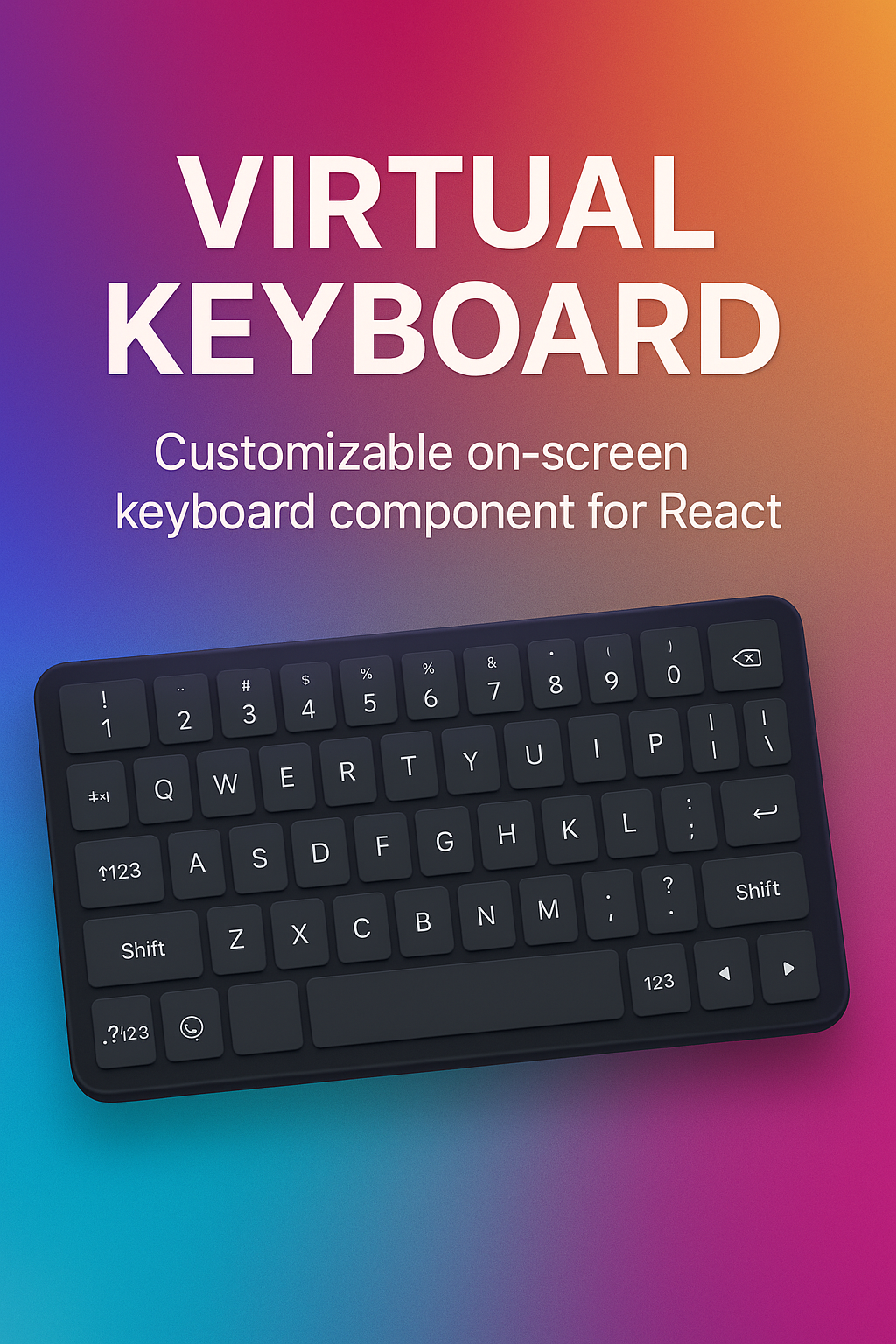
|
|
7
11
|
|
|
12
|
+
[**Visit the Demo →**](https://composed-input-y46p.vercel.app/)
|
|
8
13
|
|
|
9
|
-
|
|
14
|
+
---
|
|
10
15
|
|
|
11
|
-
|
|
12
|
-
> **기존 가상 키보드의 한계를 넘어, 한글 조합 이슈를 근본적으로 해결합니다.**
|
|
13
|
-
> 커스텀 디자인된 키보드와 함께, 웹에서 네이티브와 같은 한글 UX를 경험하세요.
|
|
16
|
+
`virtual-keyboard` is a React component library that provides a custom virtual keyboard and input field, specifically designed to solve the infamous Korean `composition` event issues in web environments. It offers a seamless and native-like typing experience, free from common bugs like character duplication, cursor jumping, and broken compositions.
|
|
14
17
|
|
|
15
|
-
|
|
18
|
+
## Key Features
|
|
19
|
+
|
|
20
|
+
- ✨ **Composition-Free Input**: Directly handles Korean character composition, bypassing native IME events to prevent common bugs.
|
|
21
|
+
- 🎹 **Customizable Keyboard UI**: Provides a default keyboard and supports fully custom layouts for any use case (e.g., number pads, phone keypads).
|
|
22
|
+
- 📱 **Mobile-First**: Blocks the native mobile keyboard for a consistent and controlled user experience in web apps.
|
|
23
|
+
- ⚛️ **React-Friendly API**: Simple, component-based architecture using `Provider` and `Input` for easy integration.
|
|
16
24
|
|
|
17
|
-
##
|
|
25
|
+
## Installation
|
|
18
26
|
|
|
19
27
|
```bash
|
|
20
28
|
npm install @uiwwsw/virtual-keyboard
|
|
21
29
|
```
|
|
22
30
|
|
|
23
|
-
|
|
24
|
-
|
|
25
|
-
## 🥁 왜 `virtual-keyboard`가 획기적인가요?
|
|
26
|
-
|
|
27
|
-
기존 웹 환경에서 한글 입력 시 발생하는 `composition` 이벤트의 불안정성은
|
|
28
|
-
**크로스워드, 게임 UI, 커스텀 에디터, 모바일 웹앱** 등에서 치명적인 문제로 작용했습니다.
|
|
29
|
-
❌ 네이티브 키보드와의 충돌
|
|
30
|
-
❌ 예측 불가능한 커서 이동
|
|
31
|
-
❌ 조합 중인 한글 깨짐
|
|
32
|
-
이러한 고질적인 문제들은 개발자와 사용자 모두에게 큰 불편함을 주었습니다.
|
|
31
|
+
## Usage
|
|
33
32
|
|
|
34
|
-
`
|
|
35
|
-
**기존의 `composition` 이벤트를 우회하고, 라이브러리 자체적으로 한글 조합 로직을 완벽하게 제어**함으로써,
|
|
36
|
-
어떤 환경에서도 안정적이고 예측 가능한 한글 입력 경험을 제공합니다.
|
|
37
|
-
이는 단순한 가상 키보드를 넘어, **웹 한글 입력 방식의 패러다임을 바꾸는 혁신**입니다.
|
|
38
|
-
|
|
39
|
-
---
|
|
33
|
+
Wrap your input fields with the `VirtualInputProvider`. This provider manages the keyboard's state and renders the UI.
|
|
40
34
|
|
|
41
|
-
|
|
35
|
+
### Basic Usage
|
|
42
36
|
|
|
43
|
-
|
|
37
|
+
Use the default QWERTY keyboard for Korean and English input.
|
|
44
38
|
|
|
45
|
-
|
|
39
|
+
```tsx
|
|
40
|
+
import { VirtualInput, VirtualInputProvider } from "@uiwwsw/virtual-keyboard";
|
|
46
41
|
|
|
47
|
-
|
|
48
|
-
|
|
49
|
-
|
|
50
|
-
|
|
42
|
+
function App() {
|
|
43
|
+
return (
|
|
44
|
+
<VirtualInputProvider>
|
|
45
|
+
<p>Your virtual input is here:</p>
|
|
46
|
+
<VirtualInput placeholder="텍스트를 입력하세요..." />
|
|
47
|
+
</VirtualInputProvider>
|
|
48
|
+
);
|
|
49
|
+
}
|
|
50
|
+
```
|
|
51
51
|
|
|
52
|
-
###
|
|
52
|
+
### Custom Layout
|
|
53
|
+
|
|
54
|
+
You can provide a custom layout for specialized inputs, such as a number pad for phone numbers.
|
|
55
|
+
|
|
56
|
+
```tsx
|
|
57
|
+
import { VirtualInput, VirtualInputProvider } from "@uiwwsw/virtual-keyboard";
|
|
58
|
+
|
|
59
|
+
const numberPadLayout = [
|
|
60
|
+
[{ value: "1" }, { value: "2" }, { value: "3" }],
|
|
61
|
+
[{ value: "4" }, { value: "5" }, { value: "6" }],
|
|
62
|
+
[{ value: "7" }, { value: "8" }, { value: "9" }],
|
|
63
|
+
// You can define special keys like 'Backspace'
|
|
64
|
+
[{ value: "010" }, { value: "0" }, { value: "Backspace", type: "action" }],
|
|
65
|
+
];
|
|
66
|
+
|
|
67
|
+
function App() {
|
|
68
|
+
return (
|
|
69
|
+
<VirtualInputProvider layout={numberPadLayout}>
|
|
70
|
+
<p>Enter your phone number:</p>
|
|
71
|
+
<VirtualInput placeholder="010-0000-0000" />
|
|
72
|
+
</VirtualInputProvider>
|
|
73
|
+
);
|
|
74
|
+
}
|
|
75
|
+
```
|
|
53
76
|
|
|
54
|
-
|
|
55
|
-
- `전용 Input`과 자동 연동: 별도의 설정 없이 `전용 Input`과 매끄럽게 연결됩니다.
|
|
56
|
-
- 가볍고 설치 없는 웹 앱 최적화: 웹 애플리케이션에 특화된 경량 솔루션으로, 사용자에게 추가 설치 부담을 주지 않습니다.
|
|
77
|
+
## Components API
|
|
57
78
|
|
|
58
|
-
|
|
79
|
+
### `<VirtualInputProvider />`
|
|
59
80
|
|
|
60
|
-
|
|
81
|
+
The main provider that manages the keyboard state and UI.
|
|
61
82
|
|
|
62
|
-
|
|
63
|
-
|
|
64
|
-
|
|
65
|
-
|
|
83
|
+
| Prop | Type | Description |
|
|
84
|
+
| :--------- | :--------------------- | :-------------------------------------------------- |
|
|
85
|
+
| `layout` | `Key[][][]` (optional) | A 2D array to define a custom keyboard layout. |
|
|
86
|
+
| `children` | `ReactNode` | Must contain at least one `VirtualInput` component. |
|
|
66
87
|
|
|
67
|
-
|
|
88
|
+
### `<VirtualInput />`
|
|
68
89
|
|
|
69
|
-
|
|
90
|
+
The replacement for the standard `<input>` element. It accepts all standard input element props like `value`, `defaultValue`, `placeholder`, `onChange`, etc.
|
|
70
91
|
|
|
71
|
-
|
|
72
|
-
- 커스텀 키보드 레이아웃 지원
|
|
73
|
-
- `<textarea>` 유사 인터페이스 확장
|
|
92
|
+
## Star History
|
|
74
93
|
|
|
75
|
-
|
|
94
|
+
[](https://www.star-history.com/#uiwwsw/virtual-keyboard&Date)
|
|
76
95
|
|
|
77
|
-
##
|
|
96
|
+
## Contributors
|
|
78
97
|
|
|
79
|
-
|
|
80
|
-
> **웹 한글 입력의 고질적인 `composition` 이슈를 해결하고, 개발자가 입력 과정을 완벽하게 제어할 수 있도록 돕는 혁신적인 `전용 Input`과 고성능 `VirtualKeyboard`를 통합한 솔루션**입니다.
|
|
98
|
+
[](https://github.com/uiwwsw/virtual-keyboard/graphs/contributors)
|
|
81
99
|
|
|
82
|
-
##
|
|
100
|
+
## License
|
|
83
101
|
|
|
84
|
-
[
|
|
102
|
+
[MIT](./LICENSE)
|
package/dist/index.js
CHANGED
|
@@ -580,6 +580,7 @@ import { jsxDEV as jsxDEV3 } from "react/jsx-dev-runtime";
|
|
|
580
580
|
function VirtualInput({
|
|
581
581
|
value: controlledValue,
|
|
582
582
|
defaultValue,
|
|
583
|
+
placeholder,
|
|
583
584
|
onChange,
|
|
584
585
|
...props
|
|
585
586
|
}) {
|
|
@@ -762,7 +763,8 @@ function VirtualInput({
|
|
|
762
763
|
}
|
|
763
764
|
if (!result.handled || !result.text)
|
|
764
765
|
return;
|
|
765
|
-
|
|
766
|
+
const { composing } = result;
|
|
767
|
+
let { text } = result;
|
|
766
768
|
if (shift && text.length === 1 && text.match(/[a-z]/i)) {
|
|
767
769
|
text = text.toUpperCase();
|
|
768
770
|
}
|
|
@@ -830,16 +832,23 @@ function VirtualInput({
|
|
|
830
832
|
return /* @__PURE__ */ jsxDEV3(ShadowWrapper, {
|
|
831
833
|
tagName: "virtual-input",
|
|
832
834
|
css: `
|
|
833
|
-
|
|
835
|
+
.wrap {
|
|
834
836
|
white-space: pre;
|
|
835
837
|
position: relative;
|
|
836
838
|
cursor: text;
|
|
837
839
|
border-radius: 4px;
|
|
838
|
-
|
|
840
|
+
user-select: none;
|
|
839
841
|
}
|
|
840
842
|
.wrap::after {
|
|
841
843
|
content: " ";
|
|
842
844
|
}
|
|
845
|
+
.placeholder {
|
|
846
|
+
position: absolute;
|
|
847
|
+
left: 0;
|
|
848
|
+
top: 0;
|
|
849
|
+
color: #aaa;
|
|
850
|
+
pointer-events: none;
|
|
851
|
+
}
|
|
843
852
|
.letter {
|
|
844
853
|
position: relative;
|
|
845
854
|
outline: none;
|
|
@@ -847,7 +856,7 @@ function VirtualInput({
|
|
|
847
856
|
.letter.selected {
|
|
848
857
|
background-color: #b4d5fe;
|
|
849
858
|
}
|
|
850
|
-
|
|
859
|
+
@keyframes blink {
|
|
851
860
|
0%,
|
|
852
861
|
49% {
|
|
853
862
|
opacity: 1;
|
|
@@ -860,12 +869,13 @@ function VirtualInput({
|
|
|
860
869
|
.blink {
|
|
861
870
|
animation: blink 1s step-start infinite;
|
|
862
871
|
}
|
|
863
|
-
|
|
872
|
+
`,
|
|
864
873
|
children: /* @__PURE__ */ jsxDEV3("div", {
|
|
865
874
|
...props,
|
|
866
875
|
ref: divRef,
|
|
867
876
|
className: "wrap",
|
|
868
877
|
role: "textbox",
|
|
878
|
+
"aria-placeholder": placeholder,
|
|
869
879
|
tabIndex: 0,
|
|
870
880
|
style: {
|
|
871
881
|
minHeight: "1.5em",
|
|
@@ -880,6 +890,10 @@ function VirtualInput({
|
|
|
880
890
|
onClick: handleClickWrap,
|
|
881
891
|
onPaste: handlePaste,
|
|
882
892
|
children: [
|
|
893
|
+
!internalValue && placeholder && /* @__PURE__ */ jsxDEV3("span", {
|
|
894
|
+
className: "placeholder",
|
|
895
|
+
children: placeholder
|
|
896
|
+
}, undefined, false, undefined, this),
|
|
883
897
|
letters.map((char, i) => /* @__PURE__ */ jsxDEV3("span", {
|
|
884
898
|
children: [
|
|
885
899
|
caretIndex === i && isFocused && !hasSelection && /* @__PURE__ */ jsxDEV3(BlinkingCaret, {}, undefined, false, undefined, this),
|
|
@@ -995,7 +1009,22 @@ function VirtualKeypad({
|
|
|
995
1009
|
flex: 1;
|
|
996
1010
|
gap: calc(8px / var(--scale-factor));
|
|
997
1011
|
}
|
|
1012
|
+
@keyframes key-pop {
|
|
1013
|
+
from {
|
|
1014
|
+
opacity: 0.9;
|
|
1015
|
+
transform: translate(-50%, 5px) scale(1);
|
|
1016
|
+
}
|
|
1017
|
+
to {
|
|
1018
|
+
opacity: 1;
|
|
1019
|
+
transform: translate(-50%, calc(-15px / var(--scale-factor))) scale(1.4);
|
|
1020
|
+
}
|
|
1021
|
+
}
|
|
1022
|
+
@keyframes key-press {
|
|
1023
|
+
from { transform: scale(1); }
|
|
1024
|
+
to { transform: scale(0.96); }
|
|
1025
|
+
}
|
|
998
1026
|
.keypad-button {
|
|
1027
|
+
position: relative;
|
|
999
1028
|
flex: 1;
|
|
1000
1029
|
display: flex;
|
|
1001
1030
|
justify-content: center;
|
|
@@ -1010,17 +1039,31 @@ function VirtualKeypad({
|
|
|
1010
1039
|
box-shadow: 0 calc(2px / var(--scale-factor)) calc(2px / var(--scale-factor)) rgba(0, 0, 0, 0.05);
|
|
1011
1040
|
}
|
|
1012
1041
|
.keypad-button:active {
|
|
1013
|
-
|
|
1014
|
-
transform: scale(0.98);
|
|
1015
|
-
box-shadow: 0 calc(1px / var(--scale-factor)) calc(1px / var(--scale-factor)) rgba(0, 0, 0, 0.1);
|
|
1016
|
-
transition: all 0.1s ease-in-out;
|
|
1042
|
+
animation: key-press 0.05s forwards;
|
|
1017
1043
|
}
|
|
1018
|
-
.
|
|
1019
|
-
|
|
1044
|
+
.key-popup {
|
|
1045
|
+
display: none;
|
|
1046
|
+
position: absolute;
|
|
1047
|
+
left: 50%;
|
|
1048
|
+
bottom: 80%;
|
|
1049
|
+
min-width: 100%;
|
|
1050
|
+
padding: calc(8px / var(--scale-factor)) calc(12px / var(--scale-factor));
|
|
1051
|
+
background-color: #f9fafb;
|
|
1052
|
+
color: #333;
|
|
1053
|
+
border-radius: calc(10px / var(--scale-factor));
|
|
1054
|
+
box-shadow: 0 calc(-2px / var(--scale-factor)) calc(10px / var(--scale-factor)) rgba(0, 0, 0, 0.15);
|
|
1055
|
+
pointer-events: none;
|
|
1056
|
+
font-size: calc(26px / var(--scale-factor));
|
|
1057
|
+
font-weight: 500;
|
|
1058
|
+
text-align: center;
|
|
1059
|
+
z-index: 10;
|
|
1060
|
+
line-height: 1.2;
|
|
1020
1061
|
}
|
|
1021
|
-
.keypad-button
|
|
1022
|
-
|
|
1062
|
+
.keypad-button:active .key-popup {
|
|
1063
|
+
display: block;
|
|
1064
|
+
animation: key-pop 0.1s ease-out forwards;
|
|
1023
1065
|
}
|
|
1066
|
+
|
|
1024
1067
|
`,
|
|
1025
1068
|
children: /* @__PURE__ */ jsxDEV4("div", {
|
|
1026
1069
|
onFocus: handleFocus,
|
|
@@ -1042,8 +1085,14 @@ function VirtualKeypad({
|
|
|
1042
1085
|
"data-type": cell.type,
|
|
1043
1086
|
onClick: insertCharacter,
|
|
1044
1087
|
className: `keypad-button ${cell.type === "action" ? "action" : ""}`,
|
|
1045
|
-
children:
|
|
1046
|
-
|
|
1088
|
+
children: [
|
|
1089
|
+
getTransformedValue(cell),
|
|
1090
|
+
/* @__PURE__ */ jsxDEV4("div", {
|
|
1091
|
+
className: "key-popup",
|
|
1092
|
+
children: getTransformedValue(cell)
|
|
1093
|
+
}, undefined, false, undefined, this)
|
|
1094
|
+
]
|
|
1095
|
+
}, `${i}-${j}`, true, undefined, this))
|
|
1047
1096
|
}, i, false, undefined, this))
|
|
1048
1097
|
}, undefined, false, undefined, this)
|
|
1049
1098
|
}, undefined, false, undefined, this);
|
|
@@ -4,6 +4,7 @@ export interface VirtualInputHandle {
|
|
|
4
4
|
export interface VirtualInputProps {
|
|
5
5
|
value?: string;
|
|
6
6
|
defaultValue?: string;
|
|
7
|
+
placeholder?: string;
|
|
7
8
|
onChange?: (event: React.ChangeEvent<HTMLInputElement>) => void;
|
|
8
9
|
}
|
|
9
|
-
export declare function VirtualInput({ value: controlledValue, defaultValue, onChange, ...props }: VirtualInputProps): import("react/jsx-runtime").JSX.Element;
|
|
10
|
+
export declare function VirtualInput({ value: controlledValue, defaultValue, placeholder, onChange, ...props }: VirtualInputProps): import("react/jsx-runtime").JSX.Element;
|