@ttsc/vscode 0.11.0 → 0.12.1
This diff represents the content of publicly available package versions that have been released to one of the supported registries. The information contained in this diff is provided for informational purposes only and reflects changes between package versions as they appear in their respective public registries.
package/README.md
CHANGED
|
@@ -1,39 +1,73 @@
|
|
|
1
|
-
#
|
|
1
|
+
# `@ttsc/vscode`
|
|
2
2
|
|
|
3
|
-
|
|
4
|
-
projects. It surfaces ttsc plugin (lint/format) diagnostics alongside the
|
|
5
|
-
tsgo type-check diagnostics in the same publishDiagnostics stream and
|
|
6
|
-
exposes ttsc-owned code actions and commands.
|
|
3
|
+
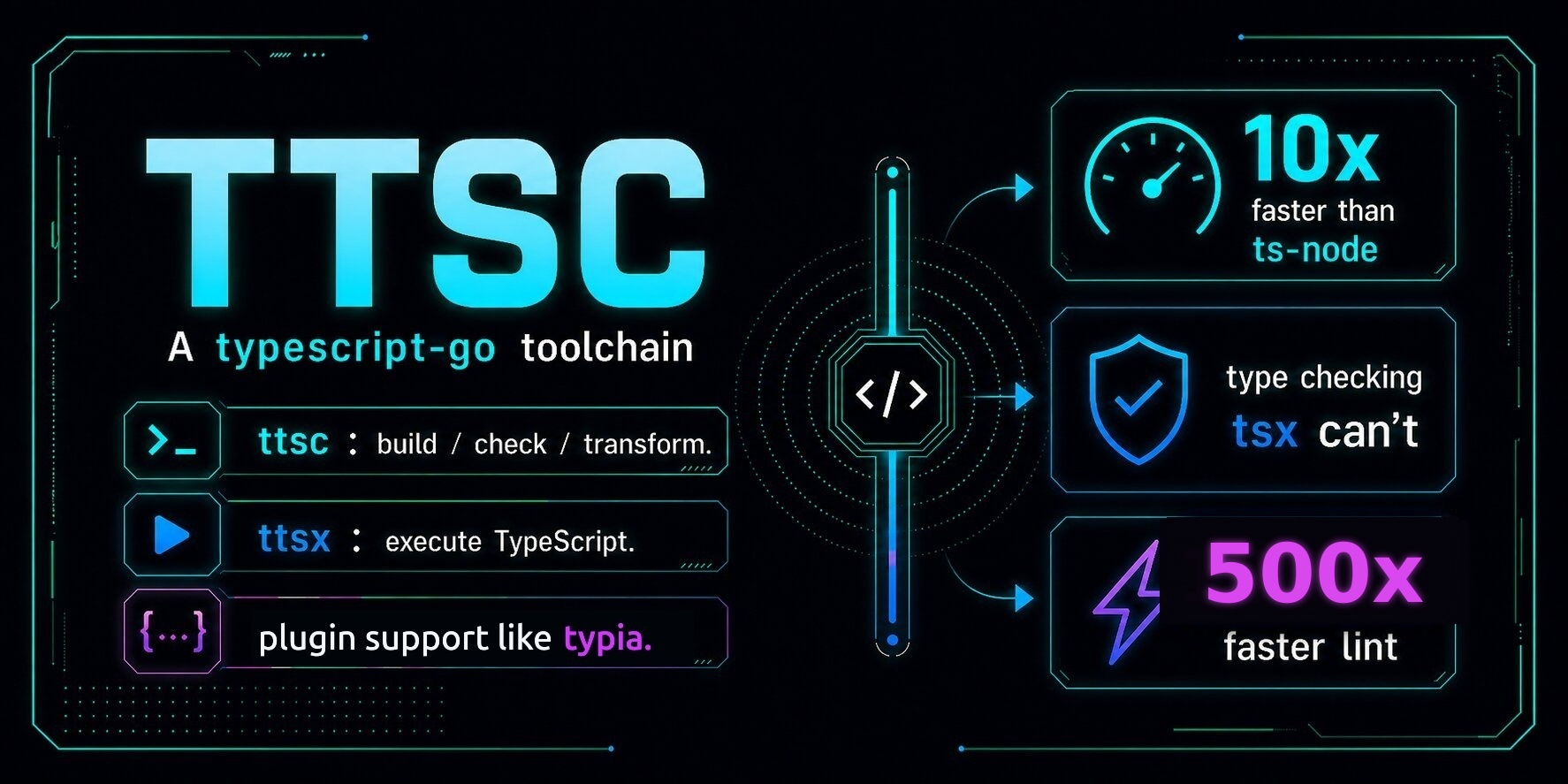
|
|
7
4
|
|
|
8
|
-
|
|
5
|
+
MIT licensed · [npm](https://www.npmjs.com/package/@ttsc/vscode) · [docs](https://ttsc.dev/docs) · [Discord](https://discord.gg/E94XhzrUCZ)
|
|
9
6
|
|
|
10
|
-
|
|
11
|
-
user-supplied absolute path).
|
|
12
|
-
- Receives merged diagnostics, hovers, completions, definitions from the
|
|
13
|
-
embedded tsgo LSP server.
|
|
14
|
-
- Adds the ttsc-owned commands `ttsc.lint.fixAll`, `ttsc.format.document`,
|
|
15
|
-
and `ttsc.server.restart` to the command palette.
|
|
7
|
+
VSCode extension for [`ttsc`](https://ttsc.dev) projects.
|
|
16
8
|
|
|
17
|
-
|
|
9
|
+
Lint diagnostics, format hints, and plugin code actions appear in your editor live — the same diagnostics `ttsc` would emit at build time, shown as you type.
|
|
10
|
+
|
|
11
|
+
## Requirements
|
|
12
|
+
|
|
13
|
+
- **VS Code** 1.94 or later
|
|
14
|
+
- **Node.js** 18 or later
|
|
15
|
+
- **`ttsc` installed in your project** — the extension uses the language server that ships with your project's `ttsc` package
|
|
18
16
|
|
|
19
17
|
```bash
|
|
20
|
-
|
|
21
|
-
pnpm install
|
|
22
|
-
pnpm -F @ttsc/vscode build
|
|
18
|
+
npm install -D ttsc @ttsc/lint @typescript/native-preview
|
|
23
19
|
```
|
|
24
20
|
|
|
25
|
-
|
|
21
|
+
## Install
|
|
22
|
+
|
|
23
|
+
The extension is not on the VS Code Marketplace yet. For now it ships as an npm package with a one-shot installer:
|
|
24
|
+
|
|
25
|
+
```bash
|
|
26
|
+
npm install -D @ttsc/vscode
|
|
27
|
+
npx ttsc-vscode
|
|
28
|
+
```
|
|
29
|
+
|
|
30
|
+
`npx ttsc-vscode` calls `code --install-extension` with the `.vsix` bundled in the npm tarball — VS Code picks it up immediately, no restart needed.
|
|
31
|
+
|
|
32
|
+
If the `code` CLI isn't on your `PATH`, open VS Code first, run **Shell Command: Install 'code' command in PATH** from the command palette, then re-run `npx ttsc-vscode`. (As a manual fallback, VS Code → Extensions → "…" menu → **Install from VSIX** also works on the file `npx ttsc-vscode` would have used — it lives under `node_modules/@ttsc/vscode/dist/`.)
|
|
33
|
+
|
|
34
|
+
To uninstall:
|
|
26
35
|
|
|
27
36
|
```bash
|
|
28
|
-
|
|
37
|
+
npx ttsc-vscode uninstall
|
|
29
38
|
```
|
|
30
39
|
|
|
31
|
-
|
|
32
|
-
project. The Output channel "ttsc" shows the language server log.
|
|
40
|
+
Marketplace release is tracked for v1; once it lands, the `npx` step goes away.
|
|
33
41
|
|
|
34
|
-
##
|
|
42
|
+
## What it adds
|
|
35
43
|
|
|
36
|
-
|
|
44
|
+
The extension activates on any TypeScript, JavaScript, TSX, or JSX file inside a project that has `ttsc` installed.
|
|
45
|
+
|
|
46
|
+
- **Live lint underlines.** Violations from `@ttsc/lint` (and any third-party rule plugins you've installed) appear in the same gutter as TypeScript type errors — same `error TSxxxxx` shape.
|
|
47
|
+
- **Quick fixes** for autofixable rules under the lightbulb menu.
|
|
48
|
+
- **Command palette entries:**
|
|
49
|
+
- `ttsc: Apply lint fixes to current file`
|
|
50
|
+
- `ttsc: Format current document`
|
|
51
|
+
- `ttsc: Restart language server`
|
|
52
|
+
|
|
53
|
+
The extension's identifier inside VS Code is `samchon.ttsc`.
|
|
54
|
+
|
|
55
|
+
## Settings
|
|
56
|
+
|
|
57
|
+
Open VS Code's settings (`Ctrl+,` / `Cmd+,`) and search for `ttsc`, or edit `settings.json` directly:
|
|
58
|
+
|
|
59
|
+
| Setting | Default | Effect |
|
|
37
60
|
| --- | --- | --- |
|
|
38
|
-
| `ttsc.serverPath` | `""` | Absolute path to
|
|
39
|
-
| `ttsc.trace.server` | `"off"` |
|
|
61
|
+
| `ttsc.serverPath` | `""` | Absolute path to a language-server binary. Empty means use the one bundled with the project's `ttsc` install — almost always what you want. |
|
|
62
|
+
| `ttsc.trace.server` | `"off"` | Set to `"messages"` or `"verbose"` to log LSP traffic. The log goes to **View → Output → ttsc**. Useful when diagnostics don't show up. |
|
|
63
|
+
|
|
64
|
+
## Troubleshooting
|
|
65
|
+
|
|
66
|
+
If lint underlines don't appear after install:
|
|
67
|
+
|
|
68
|
+
1. **Check the project has `ttsc`:** `npx ttsc --version`. If this errors, install `ttsc @ttsc/lint @typescript/native-preview` in the project first.
|
|
69
|
+
2. **Read the server log:** open **View → Output**, pick **ttsc** from the dropdown.
|
|
70
|
+
3. **Restart the server:** command palette → `ttsc: Restart language server`.
|
|
71
|
+
4. **Verbose tracing:** set `ttsc.trace.server` to `"verbose"`, repeat step 2.
|
|
72
|
+
|
|
73
|
+
If `npx ttsc-vscode` errors with `\`code\` CLI not found on PATH`: open VS Code → command palette → **Shell Command: Install 'code' command in PATH**, then retry the install.
|
|
Binary file
|
package/lib/extension.js
CHANGED
|
@@ -18118,14 +18118,16 @@ var client;
|
|
|
18118
18118
|
function resolveServerLauncher() {
|
|
18119
18119
|
const config = import_vscode.workspace.getConfiguration("ttsc");
|
|
18120
18120
|
const explicit = config.get("serverPath", "").trim();
|
|
18121
|
+
const bases = collectResolutionBases();
|
|
18121
18122
|
if (explicit && path.isAbsolute(explicit)) {
|
|
18122
18123
|
return {
|
|
18123
18124
|
command: explicit,
|
|
18124
18125
|
args: ["--stdio"],
|
|
18126
|
+
options: serverProcessOptions(bases[0]),
|
|
18125
18127
|
transport: import_node.TransportKind.stdio
|
|
18126
18128
|
};
|
|
18127
18129
|
}
|
|
18128
|
-
for (const base of
|
|
18130
|
+
for (const base of bases) {
|
|
18129
18131
|
try {
|
|
18130
18132
|
const launcher = require.resolve("ttsc/lib/launcher/ttscserver.js", {
|
|
18131
18133
|
paths: [base]
|
|
@@ -18133,6 +18135,7 @@ function resolveServerLauncher() {
|
|
|
18133
18135
|
return {
|
|
18134
18136
|
module: launcher,
|
|
18135
18137
|
args: ["--stdio"],
|
|
18138
|
+
options: serverProcessOptions(base),
|
|
18136
18139
|
transport: import_node.TransportKind.stdio
|
|
18137
18140
|
};
|
|
18138
18141
|
} catch {
|
|
@@ -18140,6 +18143,40 @@ function resolveServerLauncher() {
|
|
|
18140
18143
|
}
|
|
18141
18144
|
return void 0;
|
|
18142
18145
|
}
|
|
18146
|
+
function serverProcessOptions(base) {
|
|
18147
|
+
const tsgo = base ? resolveTsgoBinary(base) : void 0;
|
|
18148
|
+
if (!base && !tsgo) {
|
|
18149
|
+
return void 0;
|
|
18150
|
+
}
|
|
18151
|
+
return {
|
|
18152
|
+
cwd: base,
|
|
18153
|
+
env: tsgo ? {
|
|
18154
|
+
...process.env,
|
|
18155
|
+
TTSC_TSGO_BINARY: tsgo
|
|
18156
|
+
} : process.env
|
|
18157
|
+
};
|
|
18158
|
+
}
|
|
18159
|
+
function resolveTsgoBinary(base) {
|
|
18160
|
+
try {
|
|
18161
|
+
const packageJson = require.resolve(
|
|
18162
|
+
"@typescript/native-preview/package.json",
|
|
18163
|
+
{ paths: [base] }
|
|
18164
|
+
);
|
|
18165
|
+
const packageRoot = path.dirname(packageJson);
|
|
18166
|
+
const platformPackage = `@typescript/native-preview-${process.platform}-${process.arch}`;
|
|
18167
|
+
const platformPackageJson = require.resolve(
|
|
18168
|
+
`${platformPackage}/package.json`,
|
|
18169
|
+
{ paths: [packageRoot] }
|
|
18170
|
+
);
|
|
18171
|
+
return path.join(
|
|
18172
|
+
path.dirname(platformPackageJson),
|
|
18173
|
+
"lib",
|
|
18174
|
+
process.platform === "win32" ? "tsgo.exe" : "tsgo"
|
|
18175
|
+
);
|
|
18176
|
+
} catch {
|
|
18177
|
+
return void 0;
|
|
18178
|
+
}
|
|
18179
|
+
}
|
|
18143
18180
|
function collectResolutionBases() {
|
|
18144
18181
|
const bases = [];
|
|
18145
18182
|
const active = import_vscode.window.activeTextEditor?.document.uri;
|