@scalar/nuxt 0.4.19 → 0.4.20
This diff represents the content of publicly available package versions that have been released to one of the supported registries. The information contained in this diff is provided for informational purposes only and reflects changes between package versions as they appear in their respective public registries.
- package/README.md +7 -109
- package/dist/module.json +1 -1
- package/package.json +5 -5
package/README.md
CHANGED
|
@@ -1,4 +1,4 @@
|
|
|
1
|
-
# Scalar API Reference Nuxt
|
|
1
|
+
# Scalar API Reference Module for Nuxt
|
|
2
2
|
|
|
3
3
|
[](https://www.npmjs.com/package/@scalar/nuxt)
|
|
4
4
|
[](https://www.npmjs.com/package/@scalar/nuxt)
|
|
@@ -9,116 +9,14 @@ This plugin provides an easy way to render a beautiful API reference based on a
|
|
|
9
9
|
|
|
10
10
|
[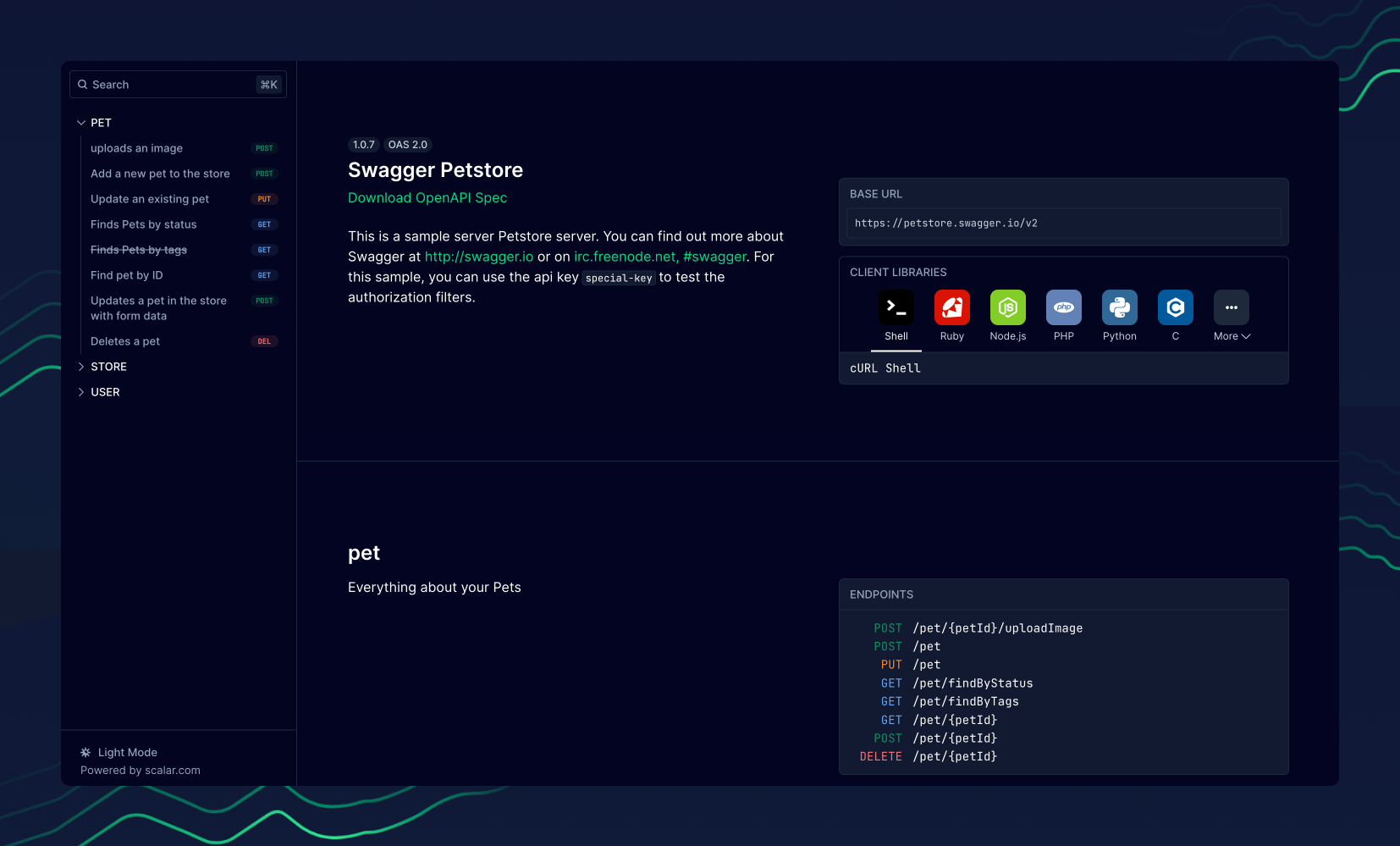](https://docs.scalar.com/swagger-editor)
|
|
11
11
|
|
|
12
|
-
##
|
|
12
|
+
## Documentation
|
|
13
13
|
|
|
14
|
-
|
|
14
|
+
[Read the documentation here](https://guides.scalar.com/scalar/scalar-api-references/integrations/nuxt)
|
|
15
15
|
|
|
16
|
-
|
|
17
|
-
npx nuxi module add @scalar/nuxt
|
|
18
|
-
```
|
|
16
|
+
## Community
|
|
19
17
|
|
|
20
|
-
|
|
18
|
+
We are API nerds. You too? Let’s chat on Discord: <https://discord.gg/scalar>
|
|
21
19
|
|
|
22
|
-
##
|
|
20
|
+
## License
|
|
23
21
|
|
|
24
|
-
|
|
25
|
-
config in your nuxt.config.ts
|
|
26
|
-
|
|
27
|
-
```ts
|
|
28
|
-
export default defineNuxtConfig({
|
|
29
|
-
modules: ['@scalar/nuxt'],
|
|
30
|
-
nitro: {
|
|
31
|
-
experimental: {
|
|
32
|
-
openAPI: true,
|
|
33
|
-
},
|
|
34
|
-
},
|
|
35
|
-
})
|
|
36
|
-
```
|
|
37
|
-
|
|
38
|
-
If you would like to add your own OpenAPI document you can do so with the following minimal config
|
|
39
|
-
|
|
40
|
-
```ts
|
|
41
|
-
export default defineNuxtConfig({
|
|
42
|
-
modules: ['@scalar/nuxt'],
|
|
43
|
-
scalar: {
|
|
44
|
-
url: 'https://cdn.jsdelivr.net/npm/@scalar/galaxy/dist/latest.yaml',
|
|
45
|
-
},
|
|
46
|
-
})
|
|
47
|
-
```
|
|
48
|
-
|
|
49
|
-
By default the docs will be hosted at `/docs` but you can easily customize that, here's a more in
|
|
50
|
-
depth config example.
|
|
51
|
-
|
|
52
|
-
```ts
|
|
53
|
-
export default defineNuxtConfig({
|
|
54
|
-
modules: ['@scalar/nuxt'],
|
|
55
|
-
scalar: {
|
|
56
|
-
darkMode: true,
|
|
57
|
-
hideModels: false,
|
|
58
|
-
hideDownloadButton: false,
|
|
59
|
-
metaData: {
|
|
60
|
-
title: 'API Documentation by Scalar',
|
|
61
|
-
},
|
|
62
|
-
proxyUrl: 'https://proxy.scalar.com',
|
|
63
|
-
searchHotKey: 'k',
|
|
64
|
-
showSidebar: true,
|
|
65
|
-
pathRouting: {
|
|
66
|
-
basePath: '/scalar',
|
|
67
|
-
},
|
|
68
|
-
url: 'https://cdn.jsdelivr.net/npm/@scalar/galaxy/dist/latest.yaml',
|
|
69
|
-
},
|
|
70
|
-
})
|
|
71
|
-
```
|
|
72
|
-
|
|
73
|
-
For multiple references, pass in an array of configuration objects which extend on top of the base
|
|
74
|
-
config.
|
|
75
|
-
|
|
76
|
-
```ts
|
|
77
|
-
export default defineNuxtConfig({
|
|
78
|
-
modules: ['@scalar/nuxt'],
|
|
79
|
-
scalar: {
|
|
80
|
-
darkMode: true,
|
|
81
|
-
metaData: {
|
|
82
|
-
title: 'API Documentation by Scalar',
|
|
83
|
-
},
|
|
84
|
-
proxyUrl: 'https://proxy.scalar.com',
|
|
85
|
-
configurations: [
|
|
86
|
-
{
|
|
87
|
-
url: 'https://cdn.jsdelivr.net/npm/@scalar/galaxy/dist/latest.yaml,
|
|
88
|
-
pathRouting: {
|
|
89
|
-
basePath: '/yaml',
|
|
90
|
-
},
|
|
91
|
-
},
|
|
92
|
-
{
|
|
93
|
-
url: 'https://cdn.jsdelivr.net/npm/@scalar/galaxy/dist/latest.json',
|
|
94
|
-
pathRouting: {
|
|
95
|
-
basePath: '/json',
|
|
96
|
-
},
|
|
97
|
-
},
|
|
98
|
-
],
|
|
99
|
-
},
|
|
100
|
-
})
|
|
101
|
-
```
|
|
102
|
-
|
|
103
|
-
For theme configuration, you can pass a `theme` property to the configuration object. The default theme is `nuxt`, but you can also pass `default` to use the default theme.
|
|
104
|
-
|
|
105
|
-
```ts
|
|
106
|
-
export default defineNuxtConfig({
|
|
107
|
-
modules: ['@scalar/nuxt'],
|
|
108
|
-
scalar: {
|
|
109
|
-
theme: 'nuxt',
|
|
110
|
-
},
|
|
111
|
-
})
|
|
112
|
-
```
|
|
113
|
-
|
|
114
|
-
## Troubleshooting
|
|
115
|
-
|
|
116
|
-
If you come across any `**** not default export` errors, its likely you are using `pnpm`.
|
|
117
|
-
A temporary fix for this would be to enable [shamefully-hoist](https://pnpm.io/npmrc#shamefully-hoist) until
|
|
118
|
-
we sort out what is causing the package issues.
|
|
119
|
-
|
|
120
|
-
To do this, just create a `.npmrc` file in your project root and fill it with:
|
|
121
|
-
|
|
122
|
-
```bash
|
|
123
|
-
shamefully-hoist=true
|
|
124
|
-
```
|
|
22
|
+
The source code in this repository is licensed under [MIT](https://github.com/scalar/scalar/blob/main/LICENSE).
|
package/dist/module.json
CHANGED
package/package.json
CHANGED
|
@@ -20,7 +20,7 @@
|
|
|
20
20
|
"testing",
|
|
21
21
|
"vue"
|
|
22
22
|
],
|
|
23
|
-
"version": "0.4.
|
|
23
|
+
"version": "0.4.20",
|
|
24
24
|
"engines": {
|
|
25
25
|
"node": ">=20"
|
|
26
26
|
},
|
|
@@ -39,10 +39,10 @@
|
|
|
39
39
|
],
|
|
40
40
|
"dependencies": {
|
|
41
41
|
"@nuxt/kit": "^3.12.3",
|
|
42
|
-
"@scalar/api-client": "2.5.
|
|
43
|
-
"@scalar/api-reference": "1.31.
|
|
44
|
-
"@scalar/
|
|
45
|
-
"@scalar/
|
|
42
|
+
"@scalar/api-client": "2.5.9",
|
|
43
|
+
"@scalar/api-reference": "1.31.15",
|
|
44
|
+
"@scalar/use-hooks": "0.2.2",
|
|
45
|
+
"@scalar/types": "0.2.3"
|
|
46
46
|
},
|
|
47
47
|
"devDependencies": {
|
|
48
48
|
"@nuxt/devtools": "^1.3.9",
|