@piperace/cli 0.3.6 → 0.3.7
This diff represents the content of publicly available package versions that have been released to one of the supported registries. The information contained in this diff is provided for informational purposes only and reflects changes between package versions as they appear in their respective public registries.
- package/README.md +30 -30
- package/package.json +2 -2
- package/scripts/install.js +1 -1
package/README.md
CHANGED
|
@@ -1,6 +1,10 @@
|
|
|
1
|
-
# Piperace
|
|
1
|
+
# Piperace
|
|
2
2
|
|
|
3
|
-
|
|
3
|
+
Expose your localhost to the internet in seconds — a self-hosted alternative to ngrok. Share a local server behind NAT or a firewall with a stable public URL and real TLS, using a single command.
|
|
4
|
+
|
|
5
|
+
🌐 **[piperace.com](https://piperace.com)**
|
|
6
|
+
|
|
7
|
+
|
|
4
8
|
|
|
5
9
|
## Install
|
|
6
10
|
|
|
@@ -11,36 +15,36 @@ npm install -g @piperace/cli
|
|
|
11
15
|
## Usage
|
|
12
16
|
|
|
13
17
|
```bash
|
|
18
|
+
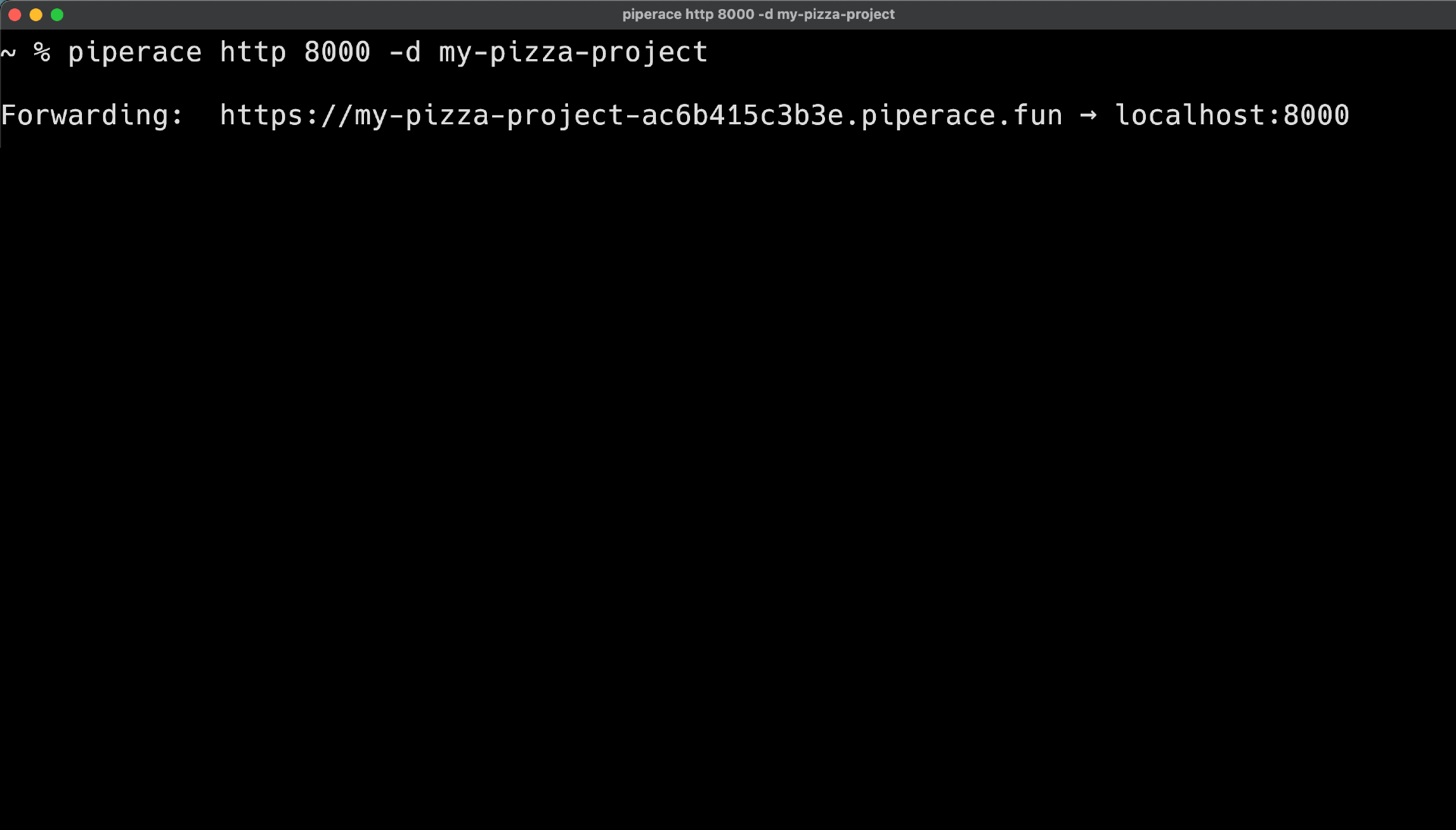
piperace http 3000 -d myapp # expose localhost:3000 → https://myapp.piperace.fun
|
|
19
|
+
piperace login # keep the same subdomain + a permanent token
|
|
20
|
+
piperace-gui # launch the desktop app
|
|
14
21
|
piperace --version
|
|
15
|
-
piperace http 3000 -d myapp
|
|
16
|
-
piperace login
|
|
17
|
-
piperace-gui
|
|
18
22
|
```
|
|
19
23
|
|
|
20
|
-
|
|
24
|
+
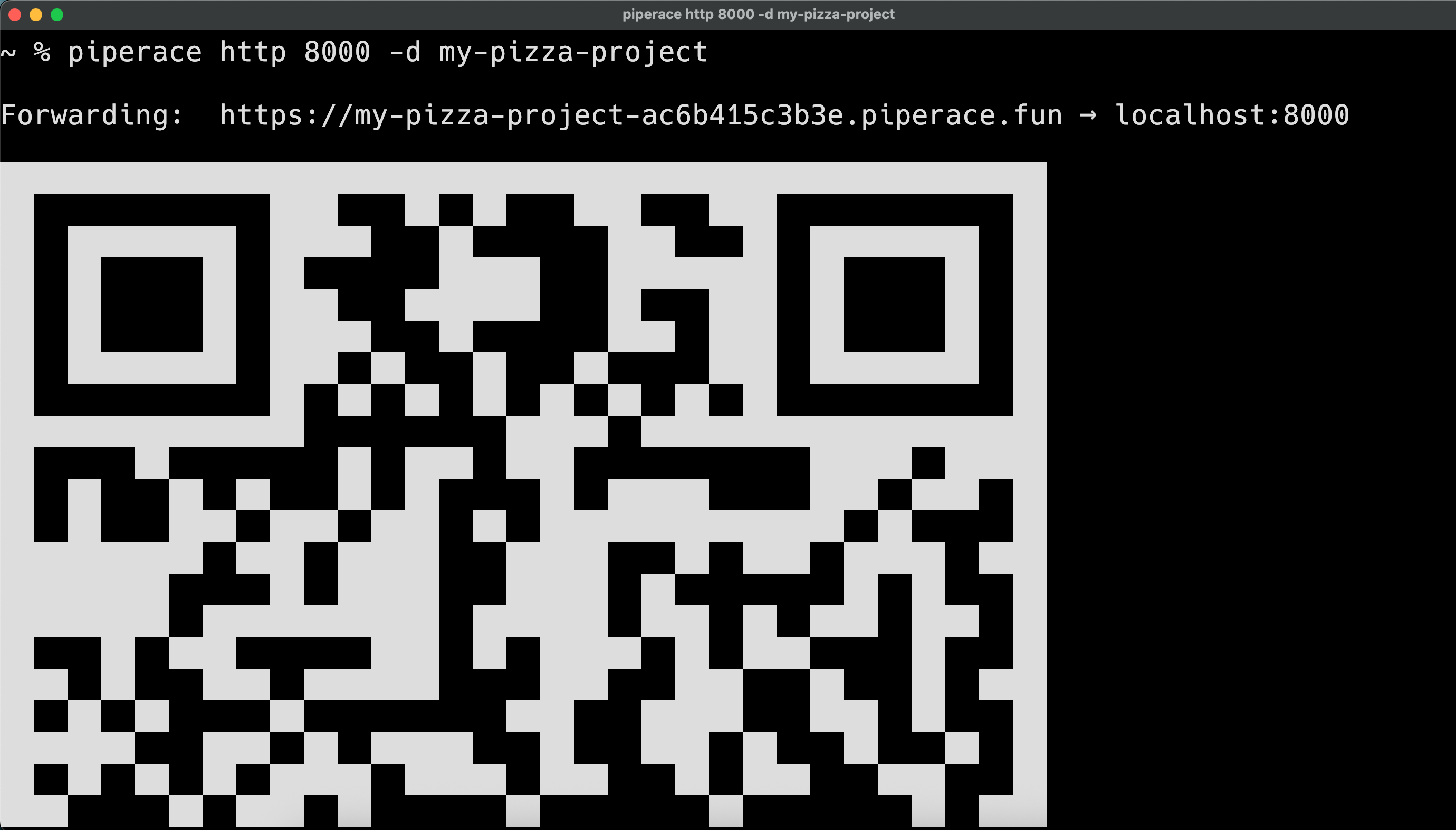
Works out of the box — no account required. When a tunnel starts, a QR code is printed so you can open it on your phone. Run `piperace login` to keep a stable subdomain and a permanent token.
|
|
21
25
|
|
|
22
|
-
|
|
26
|
+
|
|
23
27
|
|
|
24
|
-
|
|
25
|
-
2. Downloads it from `https://app.piperace.com/downloads/v<VERSION>/`.
|
|
28
|
+
## Supported platforms
|
|
26
29
|
|
|
27
|
-
|
|
30
|
+
Both the CLI and the desktop GUI are available for:
|
|
28
31
|
|
|
29
|
-
|
|
32
|
+
| OS | Architecture |
|
|
33
|
+
|---------|------------------------|
|
|
34
|
+
| macOS | Apple Silicon (arm64) |
|
|
35
|
+
| macOS | Intel (x64) |
|
|
36
|
+
| Linux | arm64 |
|
|
37
|
+
| Linux | x64 |
|
|
38
|
+
| Windows | x64 |
|
|
39
|
+
| Windows | ia32 (CLI only) |
|
|
30
40
|
|
|
31
|
-
|
|
32
|
-
|----------|-------|--------------------------------|
|
|
33
|
-
| macOS | arm64 | `piperace-darwin-arm64` |
|
|
34
|
-
| macOS | x64 | `piperace-darwin-amd64` |
|
|
35
|
-
| Linux | arm64 | `piperace-linux-arm64` |
|
|
36
|
-
| Linux | x64 | `piperace-linux-amd64` |
|
|
37
|
-
| Windows | x64 | `piperace-client.exe` |
|
|
38
|
-
| Windows | ia32 | `piperace-client-386.exe` |
|
|
41
|
+
The desktop app (`piperace-gui`) is set up automatically the first time you launch it.
|
|
39
42
|
|
|
40
43
|
## Environment variables
|
|
41
44
|
|
|
42
|
-
- `
|
|
43
|
-
- `
|
|
45
|
+
- `PIPERACE_ENV` — `development` or `production` (selects the API/tunnel endpoints).
|
|
46
|
+
- `PIPERACE_BINARY_PATH` — use a specific Piperace executable instead of the managed one.
|
|
47
|
+
- `PIPERACE_DOWNLOAD_URL` — override the base URL Piperace uses to fetch its components (default: `https://piperace.com/downloads`).
|
|
44
48
|
|
|
45
49
|
## Programmatic API
|
|
46
50
|
|
|
@@ -48,18 +52,14 @@ The downloaded binary is stored in `binaries/` inside the package and is launche
|
|
|
48
52
|
const piperace = require('@piperace/cli');
|
|
49
53
|
|
|
50
54
|
await piperace.run(['http', '3000', '-d', 'myapp'], {
|
|
51
|
-
env: { PIPERACE_ENV: 'production' }
|
|
55
|
+
env: { PIPERACE_ENV: 'production' },
|
|
52
56
|
});
|
|
53
57
|
```
|
|
54
58
|
|
|
55
|
-
## Publishing
|
|
56
|
-
|
|
57
|
-
```bash
|
|
58
|
-
npm version patch
|
|
59
|
-
npm publish --access public
|
|
60
|
-
```
|
|
61
|
-
|
|
62
59
|
## macOS note
|
|
63
60
|
|
|
64
|
-
|
|
61
|
+
If macOS shows an “unidentified developer” warning, Piperace clears the quarantine flag automatically on first run so the app can start.
|
|
62
|
+
|
|
63
|
+
## License
|
|
65
64
|
|
|
65
|
+
MIT
|
package/package.json
CHANGED
|
@@ -1,7 +1,7 @@
|
|
|
1
1
|
{
|
|
2
2
|
"name": "@piperace/cli",
|
|
3
|
-
"version": "0.3.
|
|
4
|
-
"description": "Piperace —
|
|
3
|
+
"version": "0.3.7",
|
|
4
|
+
"description": "Piperace — expose your localhost to the internet in seconds. A self-hosted ngrok alternative.",
|
|
5
5
|
"main": "lib/index.js",
|
|
6
6
|
"bin": {
|
|
7
7
|
"piperace": "bin/piperace",
|
package/scripts/install.js
CHANGED
|
@@ -169,7 +169,7 @@ async function installBinary(kind = 'cli') {
|
|
|
169
169
|
}
|
|
170
170
|
|
|
171
171
|
// 2. Fall back to downloading from the public CDN.
|
|
172
|
-
const baseUrl = process.env.PIPERACE_DOWNLOAD_URL || 'https://
|
|
172
|
+
const baseUrl = process.env.PIPERACE_DOWNLOAD_URL || 'https://piperace.com/downloads';
|
|
173
173
|
const url = `${baseUrl}/v${VERSION}/${sourceName}`;
|
|
174
174
|
console.log(`[piperace] Downloading ${kind} binary from ${url}`);
|
|
175
175
|
|