@gfazioli/mantine-window 0.6.1 → 0.6.2
This diff represents the content of publicly available package versions that have been released to one of the supported registries. The information contained in this diff is provided for informational purposes only and reflects changes between package versions as they appear in their respective public registries.
- package/README.md +7 -8
- package/package.json +1 -1
package/README.md
CHANGED
|
@@ -1,12 +1,6 @@
|
|
|
1
1
|
# Mantine Window Component
|
|
2
2
|
|
|
3
|
-
<
|
|
4
|
-
|
|
5
|
-
https://github.com/user-attachments/assets/7f80b2c0-90b1-442f-82c8-fddb75cca14e
|
|
6
|
-
|
|
7
|
-
</div>
|
|
8
|
-
|
|
9
|
-
---
|
|
3
|
+
<img width="2752" height="1536" alt="Mantine Window" src="https://github.com/user-attachments/assets/398a2a91-34d2-4819-a10a-791057e5b2ef" />
|
|
10
4
|
|
|
11
5
|
<div align="center">
|
|
12
6
|
|
|
@@ -24,7 +18,9 @@ This component is created on top of the [Mantine](https://mantine.dev/) library.
|
|
|
24
18
|
[](https://mantine.dev/)
|
|
26
20
|
|
|
27
|
-
A fully-featured floating window component for Mantine applications. Provides draggable windows with customizable drag modes (header-only, full-window, or both), 8-directional resizing (top, right, bottom, left, and corners), collapsible content with smooth animations, and persistent state management via localStorage.
|
|
21
|
+
A fully-featured floating window component for Mantine applications. Provides draggable windows with customizable drag modes (header-only, full-window, or both), 8-directional resizing (top, right, bottom, left, and corners), collapsible content with smooth animations, and persistent state management via localStorage.
|
|
22
|
+
|
|
23
|
+
Configure initial position, size constraints (min/max width/height), drag boundaries, and control interaction modes (none, vertical, horizontal, or both for resizing). Includes z-index management for multi-window scenarios, close/collapse buttons, and event callbacks for position and size changes. Perfect for building desktop-like interfaces, modals, tool panels, and floating widgets.
|
|
28
24
|
|
|
29
25
|
[](https://www.youtube.com/playlist?list=PL85tTROKkZrWyqCcmNCdWajpx05-cTal4)
|
|
@@ -75,3 +71,6 @@ function Demo() {
|
|
|
75
71
|
[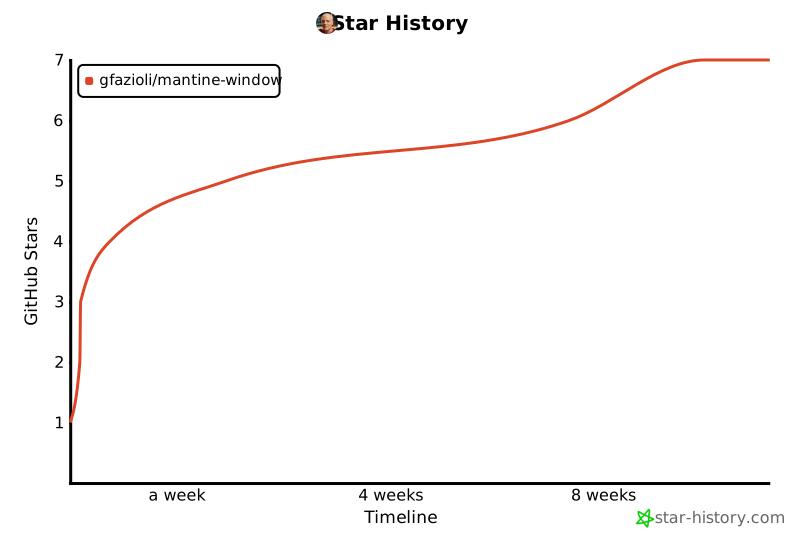](https://www.star-history.com/#gfazioli/mantine-window&Timeline)
|
|
76
72
|
|
|
77
73
|
</div>
|
|
74
|
+
|
|
75
|
+
https://github.com/user-attachments/assets/7f80b2c0-90b1-442f-82c8-fddb75cca14e
|
|
76
|
+
|
package/package.json
CHANGED
|
@@ -1,6 +1,6 @@
|
|
|
1
1
|
{
|
|
2
2
|
"name": "@gfazioli/mantine-window",
|
|
3
|
-
"version": "0.6.
|
|
3
|
+
"version": "0.6.2",
|
|
4
4
|
"description": "A Mantine extension component that renders draggable, resizable floating windows with persistent state, customizable boundaries, collapsible content, and flexible control over position, size, and interaction modes.",
|
|
5
5
|
"homepage": "https://gfazioli.github.io/mantine-window/",
|
|
6
6
|
"packageManager": "yarn@4.0.1",
|