@gbti/ryker 0.2.4 → 0.3.0
This diff represents the content of publicly available package versions that have been released to one of the supported registries. The information contained in this diff is provided for informational purposes only and reflects changes between package versions as they appear in their respective public registries.
- package/README.md +47 -11
- package/bin/ryker.js +1 -1
- package/drop-in/dist/ryker.js +996 -73
- package/package.json +1 -1
package/README.md
CHANGED
|
@@ -10,6 +10,10 @@ first, or that a summary buries its own conclusion. Those corrections are
|
|
|
10
10
|
structural and they are yours, and the usual place to make them is back in the
|
|
11
11
|
prompt, describing a document you are looking at but cannot touch.
|
|
12
12
|
|
|
13
|
+
[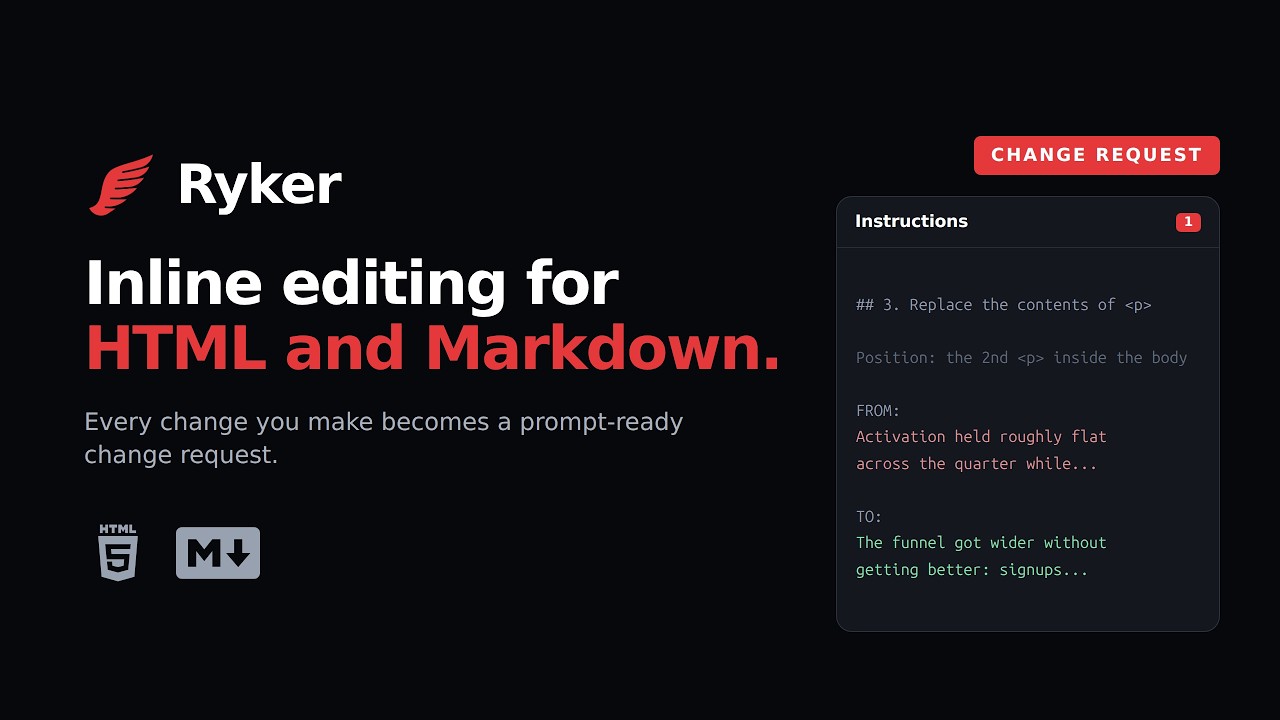](https://youtu.be/o0HQG7Ie5zY)
|
|
14
|
+
|
|
15
|
+
**[Watch the three minute walkthrough](https://youtu.be/o0HQG7Ie5zY).**
|
|
16
|
+
|
|
13
17
|
## Why inline
|
|
14
18
|
|
|
15
19
|
HTML has become a useful format for delivering rich content when working with
|
|
@@ -30,8 +34,9 @@ that document in place. Or open the Ryker workspace and load a Markdown or HTML
|
|
|
30
34
|
file from your own disk. On a tab Chrome will not let it touch, a new tab or a
|
|
31
35
|
`chrome://` page, the button opens the workspace instead of failing.
|
|
32
36
|
|
|
33
|
-
Ryker
|
|
34
|
-
from
|
|
37
|
+
[Add Ryker to Chrome](https://chromewebstore.google.com/detail/ryker/gohpdgonoaihfjfhhjioaejhnhhjmkkp)
|
|
38
|
+
from the Chrome Web Store, or load it unpacked from
|
|
39
|
+
[`extension/`](extension/README.md).
|
|
35
40
|
|
|
36
41
|
**As a drop-in.** Add Ryker to an HTML document with npx and it travels with the
|
|
37
42
|
file. A reader or reviewer can then edit the page and produce a change request
|
|
@@ -49,9 +54,32 @@ npx --yes @gbti/ryker insert ./report.html
|
|
|
49
54
|
- Move or delete whole sections from that outline, recorded as moves rather than
|
|
50
55
|
as character diffs
|
|
51
56
|
- Revision history tracked per document
|
|
57
|
+
- Comments on highlighted text, which travel with the change request as notes and ask for no change
|
|
58
|
+
- Rewrite, in the extension: variations of the text you selected, written by ChatGPT on your own
|
|
59
|
+
plan and steered by writing profiles whose rules you write
|
|
52
60
|
- Markdown with nested lists, tables and code fences, returned as the file it came from
|
|
53
61
|
- Save the edited document back over the file you opened, or as a new file beside it
|
|
54
62
|
|
|
63
|
+
## Rewrite with ChatGPT
|
|
64
|
+
|
|
65
|
+
Rewrite is part of the Chrome extension. Highlight some text, or hold Ctrl and click the headings
|
|
66
|
+
and paragraphs you want, then press **Rewrite** in the toolbar.
|
|
67
|
+
|
|
68
|
+
- **Your own ChatGPT plan.** The first time, Ryker walks you through connecting your ChatGPT
|
|
69
|
+
account. Requests count against that plan. There is no API key and no GBTI account.
|
|
70
|
+
- **Say how it should change.** Type what you want under "How should it change?", pick a model and
|
|
71
|
+
ask for one to five variations.
|
|
72
|
+
- **Writing profiles.** A profile is a named list of short rules that goes with every request. The
|
|
73
|
+
default profile, Persona, starts with one rule, "No EM Dashes". Add your own profiles, give them
|
|
74
|
+
rules, and choose one each time you ask.
|
|
75
|
+
- **Step through, edit, accept.** Move between the variations, edit one in place if it is nearly
|
|
76
|
+
right, and accept it. The accepted text replaces the original on the page and is recorded as an
|
|
77
|
+
ordinary change, so it reaches the change request like any other edit.
|
|
78
|
+
|
|
79
|
+
Rewrite also works inside a text box on a page, such as a post you are writing.
|
|
80
|
+
|
|
81
|
+
The drop-in has no Rewrite. A document carrying the drop-in can never send its text anywhere.
|
|
82
|
+
|
|
55
83
|
## Install into an HTML document
|
|
56
84
|
|
|
57
85
|
```bash
|
|
@@ -78,19 +106,27 @@ it.
|
|
|
78
106
|
Ryker requires Node.js 20 or newer for installation. The resulting HTML and
|
|
79
107
|
classic browser script work offline and from `file://` without Node.js.
|
|
80
108
|
|
|
81
|
-
This repository is at version `0.
|
|
109
|
+
This repository is at version `0.3.0`, and the npm `latest` tag serves it, so
|
|
82
110
|
every `npx` command above installs this code.
|
|
83
111
|
|
|
84
112
|
## Privacy
|
|
85
113
|
|
|
86
|
-
Ryker keeps its editing history in your own browser
|
|
87
|
-
|
|
88
|
-
export
|
|
89
|
-
|
|
90
|
-
|
|
91
|
-
|
|
92
|
-
|
|
93
|
-
|
|
114
|
+
Ryker keeps its editing history in your own browser. It has no server, no account of its own, no
|
|
115
|
+
sync and no telemetry, and nothing is ever sent to GBTI. The page cannot read the record. You can
|
|
116
|
+
export it whenever you like and clear it per document.
|
|
117
|
+
|
|
118
|
+
One feature sends text off your machine, and only when you ask it to: Rewrite, in the extension.
|
|
119
|
+
If you connect your own ChatGPT account and press Get variations, the text you selected, the
|
|
120
|
+
readable text of the page around it, your prompt and the rules of your writing profile go from your
|
|
121
|
+
browser to OpenAI, under your account. The popup's Full article tab shows that text before you send
|
|
122
|
+
it. On a page it has been opened on, Ryker's interface is sealed, so the page cannot read it or
|
|
123
|
+
press its buttons. If you never connect ChatGPT, Ryker sends
|
|
124
|
+
nothing anywhere.
|
|
125
|
+
|
|
126
|
+
The extension asks for no standing access to your browsing. It registers no content scripts, and
|
|
127
|
+
injects nothing until you click its button. The permission it uses, `activeTab`, grants access to
|
|
128
|
+
one tab for one gesture and expires with it. Access to OpenAI's sign-in and API is optional, and
|
|
129
|
+
Chrome asks you for it only when you press Continue with ChatGPT.
|
|
94
130
|
|
|
95
131
|
[privacy.md](privacy.md) is the full policy, and is the URL the Chrome Web Store
|
|
96
132
|
listing points at.
|
package/bin/ryker.js
CHANGED
|
@@ -4,7 +4,7 @@ import { copyFileSync, existsSync, mkdirSync, readFileSync, realpathSync, writeF
|
|
|
4
4
|
import { basename, dirname, extname, isAbsolute, relative, resolve, sep } from 'node:path';
|
|
5
5
|
import { fileURLToPath } from 'node:url';
|
|
6
6
|
|
|
7
|
-
const VERSION = '0.
|
|
7
|
+
const VERSION = '0.3.0';
|
|
8
8
|
const BEGIN = '<!-- ryker:begin -->';
|
|
9
9
|
const END = '<!-- ryker:end -->';
|
|
10
10
|
const root = resolve(dirname(fileURLToPath(import.meta.url)), '..');
|