@daypilot/daypilot-lite-vue 3.30.1 → 3.31.0
This diff represents the content of publicly available package versions that have been released to one of the supported registries. The information contained in this diff is provided for informational purposes only and reflects changes between package versions as they appear in their respective public registries.
- package/README.md +10 -1
- package/daypilot-vue.min.d.ts +1 -0
- package/daypilot-vue.min.js +7 -7
- package/package.json +1 -1
package/README.md
CHANGED
|
@@ -48,6 +48,8 @@ Customize the scheduling components using an online [UI Builder](https://builder
|
|
|
48
48
|
[Vue Calendar with Day/Week/Month Views (Open-Source)](https://code.daypilot.org/54002/vue-calendar-day-week-month-open-source)
|
|
49
49
|
Create a complex calendar UI in Vue.js with multiple views, view-switching buttons and an integrated date picker. Use a shared data source to make it fast and Vue templates to define event appearance.
|
|
50
50
|
|
|
51
|
+
***
|
|
52
|
+
|
|
51
53
|
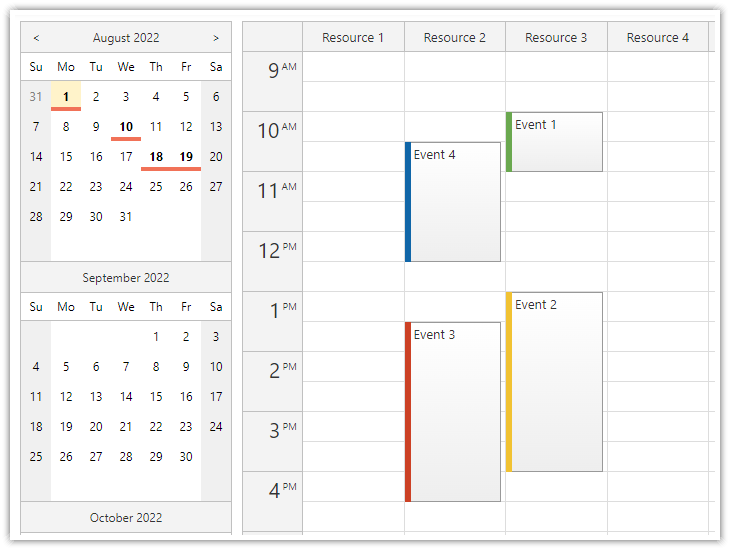
### Vue Resource Calendar Tutorial
|
|
52
54
|
|
|
53
55
|
[](https://code.daypilot.org/66224/vue-resource-calendar-open-source)
|
|
@@ -55,6 +57,8 @@ Create a complex calendar UI in Vue.js with multiple views, view-switching butto
|
|
|
55
57
|
[Vue Resource Calendar (Open-Source)](https://code.daypilot.org/66224/vue-resource-calendar-open-source)
|
|
56
58
|
Use the Vue calendar component to display an interactive schedule for multiple resources.
|
|
57
59
|
|
|
60
|
+
***
|
|
61
|
+
|
|
58
62
|
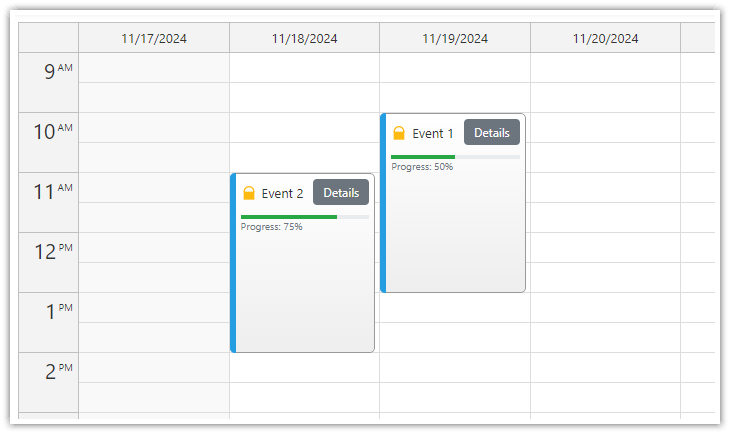
### Vue Calendar: Using Event Templates
|
|
59
63
|
|
|
60
64
|
[](https://code.daypilot.org/34309/vue-calendar-templates-open-source)
|
|
@@ -62,6 +66,8 @@ Use the Vue calendar component to display an interactive schedule for multiple r
|
|
|
62
66
|
[Vue Calendar: Using Templates to Add Icons, Buttons, or Progress Bars to Events (Open-Source)](https://code.daypilot.org/34309/vue-calendar-templates-open-source)
|
|
63
67
|
Vue templates allow adding dynamic content to Vue Calendar events, including interactive elements and custom Vue components.
|
|
64
68
|
|
|
69
|
+
***
|
|
70
|
+
|
|
65
71
|
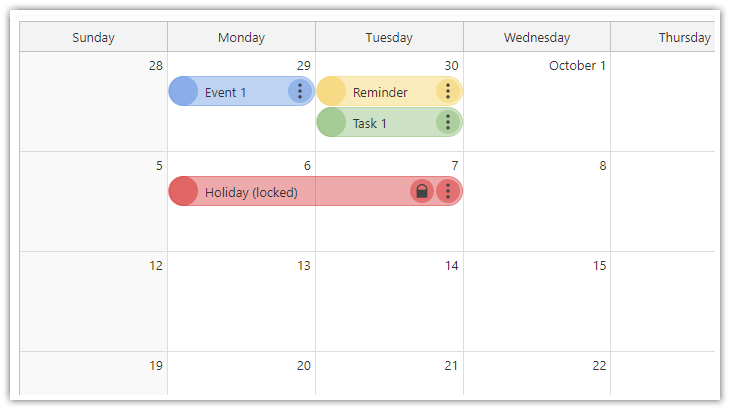
### Vue Monthly Calendar/Scheduler Tutorial
|
|
66
72
|
|
|
67
73
|
[](https://code.daypilot.org/89705/vue-monthly-calendar-scheduler-open-source)
|
|
@@ -69,6 +75,8 @@ Vue templates allow adding dynamic content to Vue Calendar events, including int
|
|
|
69
75
|
[Vue Monthly Calendar/Scheduler (Open-Source)](https://code.daypilot.org/89705/vue-monthly-calendar-scheduler-open-source)
|
|
70
76
|
How to create a monthly calendar/scheduler view for planning events, tasks, and reminders in Vue. The downloadable Vue project uses the open-source DayPilot Lite library.
|
|
71
77
|
|
|
78
|
+
***
|
|
79
|
+
|
|
72
80
|
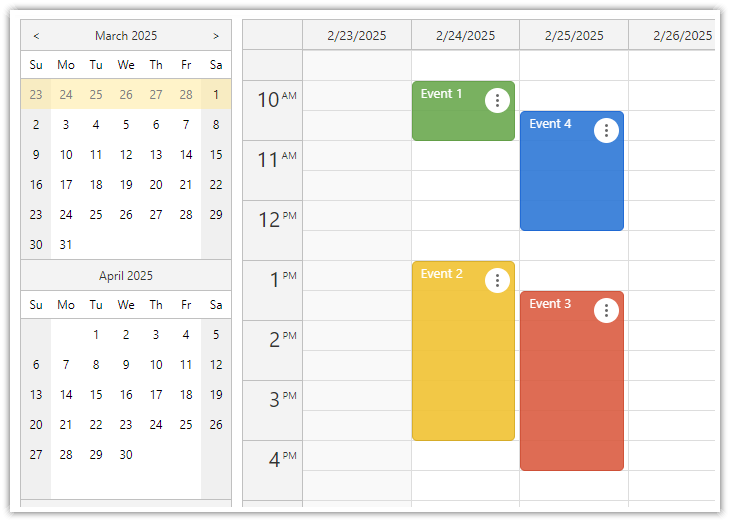
### Vue Weekly Calendar Tutorial
|
|
73
81
|
|
|
74
82
|
[](https://code.daypilot.org/10748/vue-js-weekly-calendar-tutorial)
|
|
@@ -76,6 +84,8 @@ How to create a monthly calendar/scheduler view for planning events, tasks, and
|
|
|
76
84
|
[Vue.js Weekly Calendar Tutorial (Open-Source)](https://code.daypilot.org/10748/vue-js-weekly-calendar-tutorial)
|
|
77
85
|
How to create a weekly calendar web application using a Vue calendar component. The tutorial includes a Vue.js project with JavaScript source code for download.
|
|
78
86
|
|
|
87
|
+
***
|
|
88
|
+
|
|
79
89
|
### Vue Date Picker Tutorial
|
|
80
90
|
|
|
81
91
|
[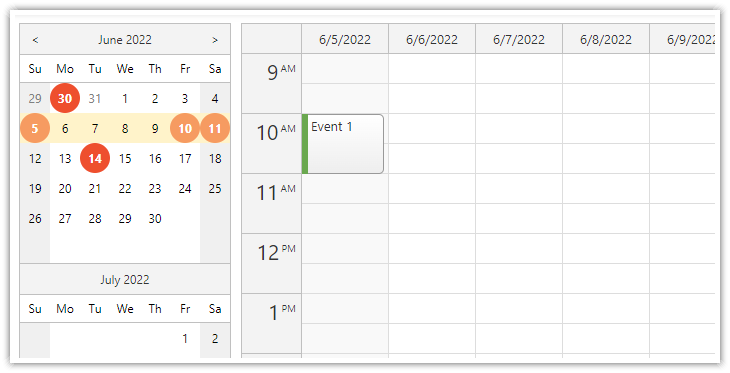](https://code.daypilot.org/99014/vue-date-picker-with-free-busy-highlighting)
|
|
@@ -83,7 +93,6 @@ How to create a weekly calendar web application using a Vue calendar component.
|
|
|
83
93
|
[Vue Date Picker with Free/Busy Highlighting (Open-Source)](https://code.daypilot.org/99014/vue-date-picker-with-free-busy-highlighting)
|
|
84
94
|
Use the Vue date picker component (Navigator) to change the current date. The date picker can highlight dates that already have events or are not available.
|
|
85
95
|
|
|
86
|
-
|
|
87
96
|
## Example
|
|
88
97
|
|
|
89
98
|
```vue
|
package/daypilot-vue.min.d.ts
CHANGED