@daypilot/daypilot-lite-react 3.33.0 → 3.33.1
This diff represents the content of publicly available package versions that have been released to one of the supported registries. The information contained in this diff is provided for informational purposes only and reflects changes between package versions as they appear in their respective public registries.
- package/README.md +16 -0
- package/daypilot-react.min.d.ts +2 -0
- package/daypilot-react.min.js +7 -7
- package/package.json +2 -2
package/README.md
CHANGED
|
@@ -77,6 +77,22 @@ React application that displays a monthly event calendar. Calendar events use cu
|
|
|
77
77
|
|
|
78
78
|
***
|
|
79
79
|
|
|
80
|
+
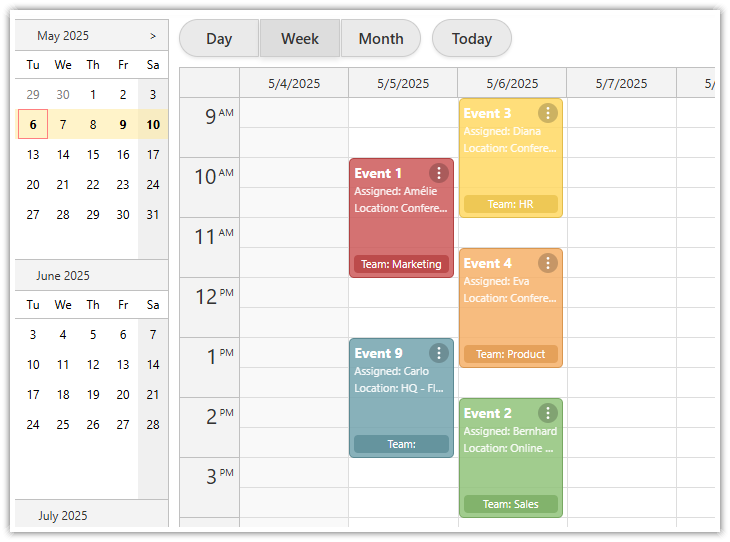
### Next.js Calendar with Day/Week/Month Views
|
|
81
|
+
[](https://code.daypilot.org/62886/next-js-calendar-day-week-month-open-source)
|
|
82
|
+
|
|
83
|
+
[Next.js Calendar with Day/Week/Month Views (Open-Source)](https://code.daypilot.org/62886/next-js-calendar-day-week-month-open-source)
|
|
84
|
+
How to create an integrated day, week, and month calendar view with a shared data source in Next.js.
|
|
85
|
+
|
|
86
|
+
***
|
|
87
|
+
|
|
88
|
+
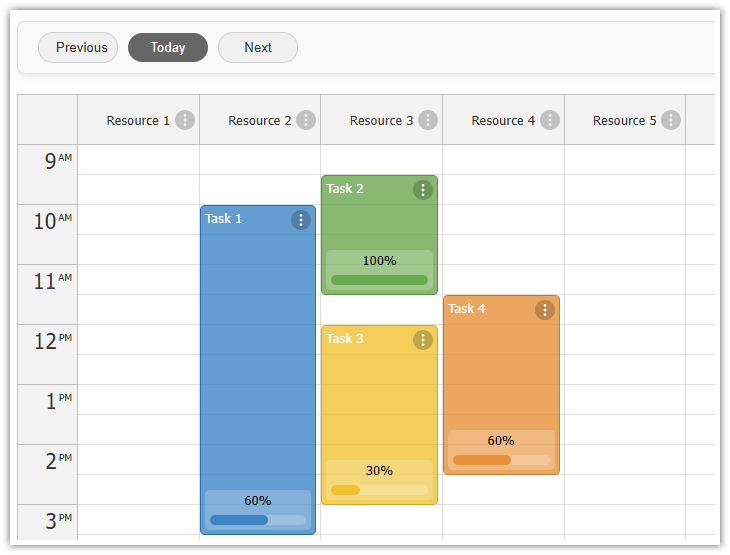
### Next.js Resource-Scheduling Calendar
|
|
89
|
+
[](https://code.daypilot.org/13080/next-js-resource-scheduling-calendar-open-source)
|
|
90
|
+
|
|
91
|
+
[Next.js Resource-Scheduling Calendar (Open-Source)](https://code.daypilot.org/13080/next-js-resource-scheduling-calendar-open-source)
|
|
92
|
+
This Next.js app uses a resource-scheduling calendar UI to let you manage tasks for multiple resources side by side. Each column displays a 24-hour timeline for a different resource.
|
|
93
|
+
|
|
94
|
+
***
|
|
95
|
+
|
|
80
96
|
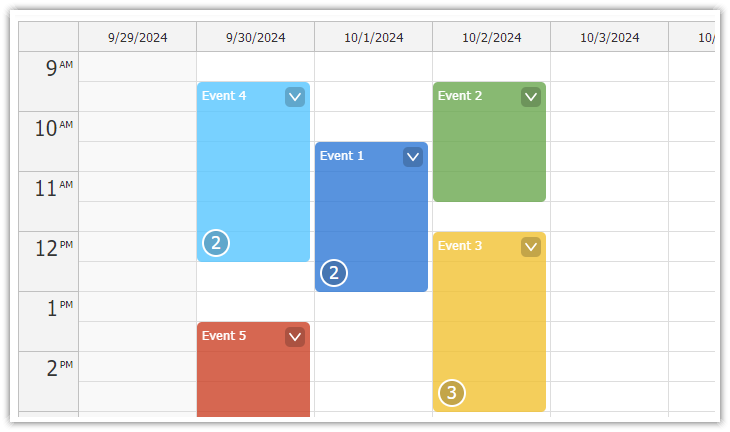
### Next.js Weekly Calendar Tutorial
|
|
81
97
|
|
|
82
98
|
[](https://code.daypilot.org/45330/next-js-weekly-calendar-open-source)
|
package/daypilot-react.min.d.ts
CHANGED
|
@@ -55,10 +55,12 @@ export module DayPilot {
|
|
|
55
55
|
loadingLabelVisible?: boolean;
|
|
56
56
|
locale?: string;
|
|
57
57
|
showToolTip?: boolean;
|
|
58
|
+
snapToGrid?: boolean;
|
|
58
59
|
startDate?: DayPilot.Date | string;
|
|
59
60
|
theme?: string;
|
|
60
61
|
timeFormat?: "Auto" | "Clock12Hours" | "Clock24Hours";
|
|
61
62
|
timeRangeSelectedHandling?: "Enabled" | "Disabled" | "CallBack";
|
|
63
|
+
useEventBoxes?: "Always" | "Never";
|
|
62
64
|
viewType?: "Day" | "Days" | "Week" | "WorkWeek" | "Resources";
|
|
63
65
|
visible?: boolean;
|
|
64
66
|
weekStarts?: "Auto" | number;
|