@daypilot/daypilot-lite-react 3.30.1 → 3.32.0
This diff represents the content of publicly available package versions that have been released to one of the supported registries. The information contained in this diff is provided for informational purposes only and reflects changes between package versions as they appear in their respective public registries.
- package/README.md +18 -6
- package/daypilot-react.min.d.ts +2 -1
- package/daypilot-react.min.js +9 -9
- package/package.json +2 -2
package/README.md
CHANGED
|
@@ -48,13 +48,17 @@ Customize the scheduling components using an online [UI Builder](https://builder
|
|
|
48
48
|
[React Weekly Calendar Tutorial (Open-Source)](https://code.daypilot.org/42221/react-weekly-calendar-tutorial)
|
|
49
49
|
React application that displays a weekly event calendar using an open-source DayPilot React calendar component. Includes a date picker for changing the visible week. The calendar/scheduler appearance is customized using CSS.
|
|
50
50
|
|
|
51
|
+
***
|
|
52
|
+
|
|
51
53
|
### React Resource Calendar with Editable Columns
|
|
52
54
|
|
|
53
|
-
[](https://code.daypilot.org/62447/react-resource-calendar-open-source)
|
|
54
56
|
|
|
55
57
|
[React Resource Calendar with Editable Columns (Open-Source)](https://code.daypilot.org/62447/react-resource-calendar-open-source)
|
|
56
58
|
How to use the open-source React resource calendar component to create a scheduling application for multiple groups of resources (locations, people, tools). Add a date picker and next/previous buttons that let users change the visible date.
|
|
57
59
|
|
|
60
|
+
***
|
|
61
|
+
|
|
58
62
|
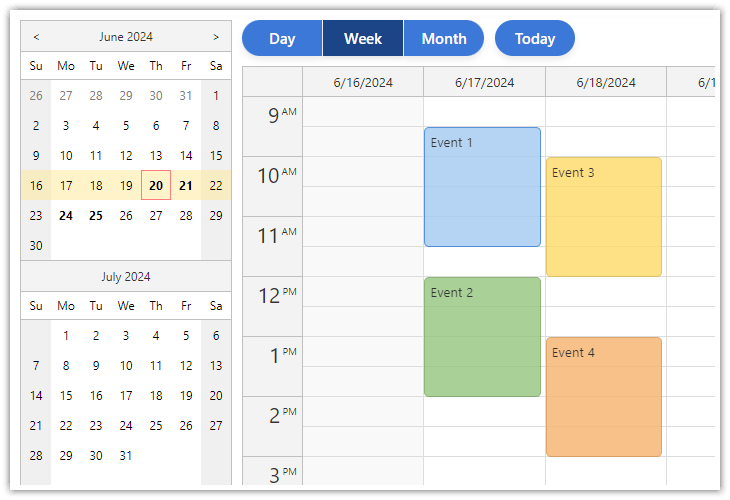
### React Calendar with Day/Week/Month Views
|
|
59
63
|
|
|
60
64
|
[](https://code.daypilot.org/27556/react-day-week-month-calendar)
|
|
@@ -62,6 +66,8 @@ How to use the open-source React resource calendar component to create a schedul
|
|
|
62
66
|
[React Calendar with Day/Week/Month Views (Open-Source)](https://code.daypilot.org/27556/react-day-week-month-calendar)
|
|
63
67
|
This tutorial shows how to create a complex calendar component that displays integrated daily, weekly and monthly calendars in React.
|
|
64
68
|
|
|
69
|
+
***
|
|
70
|
+
|
|
65
71
|
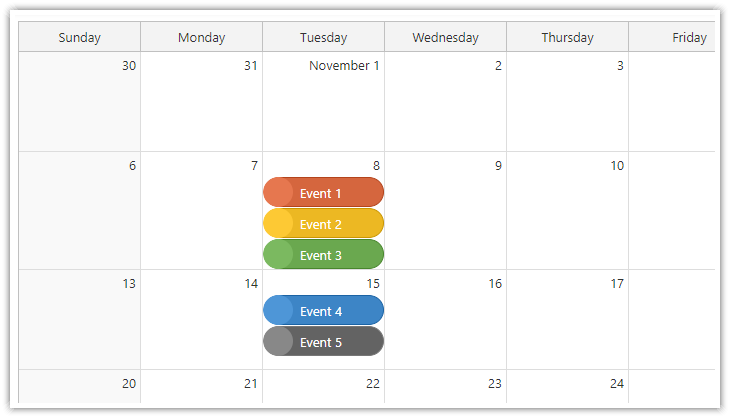
### React Monthly Calendar
|
|
66
72
|
|
|
67
73
|
[](https://code.daypilot.org/26289/react-monthly-calendar-tutorial)
|
|
@@ -69,6 +75,8 @@ This tutorial shows how to create a complex calendar component that displays int
|
|
|
69
75
|
[React Monthly Calendar (Open-Source)](https://code.daypilot.org/26289/react-monthly-calendar-tutorial)
|
|
70
76
|
React application that displays a monthly event calendar. Calendar events use custom background to show event type. A context menu allows deleting events and changing color.
|
|
71
77
|
|
|
78
|
+
***
|
|
79
|
+
|
|
72
80
|
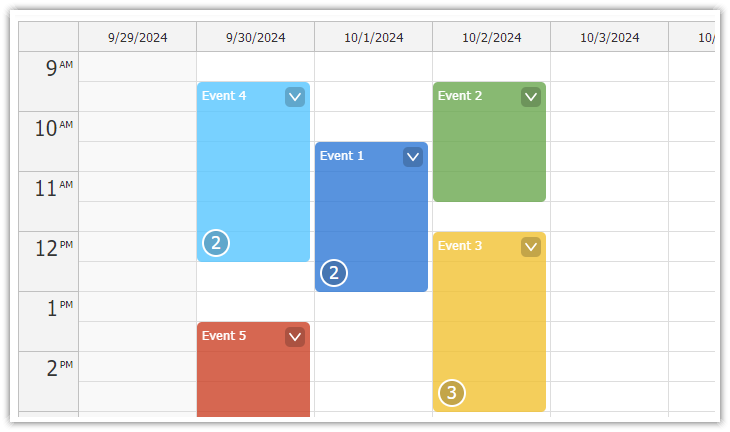
### Next.js Weekly Calendar Tutorial
|
|
73
81
|
|
|
74
82
|
[](https://code.daypilot.org/45330/next-js-weekly-calendar-open-source)
|
|
@@ -76,6 +84,8 @@ React application that displays a monthly event calendar. Calendar events use cu
|
|
|
76
84
|
[Next.js Weekly Calendar Tutorial (Open-Source)](https://code.daypilot.org/45330/next-js-weekly-calendar-open-source)
|
|
77
85
|
How to create a weekly calendar web application using a Next.js project with JavaScript source code for download.
|
|
78
86
|
|
|
87
|
+
***
|
|
88
|
+
|
|
79
89
|
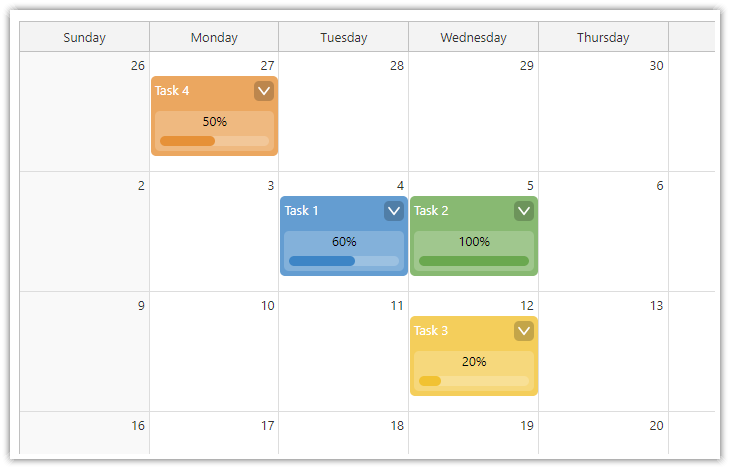
### Next.js Monthly Calendar Tutorial
|
|
80
90
|
|
|
81
91
|
[](https://code.daypilot.org/37709/next-js-monthly-calendar-open-source)
|
|
@@ -83,6 +93,8 @@ How to create a weekly calendar web application using a Next.js project with Jav
|
|
|
83
93
|
[Next.js Monthly Calendar Tutorial (Open-Source)](https://code.daypilot.org/37709/next-js-monthly-calendar-open-source)
|
|
84
94
|
Learn how to build a customized monthly calendar UI in Next.js 15 using the open-source DayPilot scheduling library.
|
|
85
95
|
|
|
96
|
+
***
|
|
97
|
+
|
|
86
98
|
### React Calendar with Date Picker
|
|
87
99
|
|
|
88
100
|
[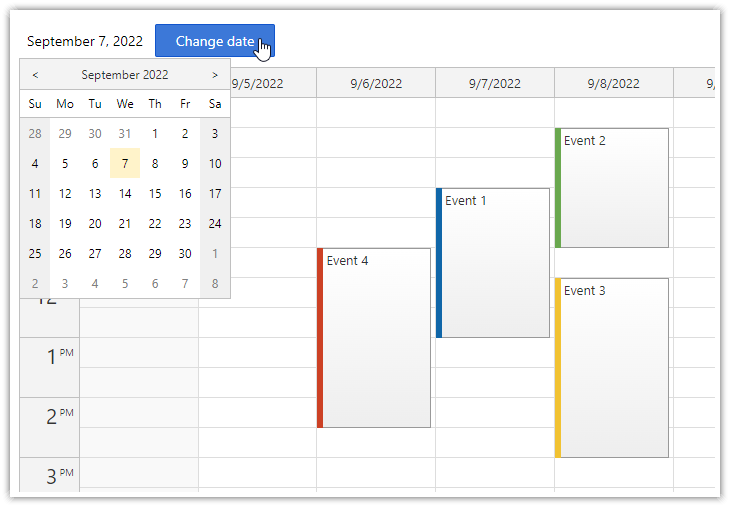](https://code.daypilot.org/10750/react-calendar-with-date-picker-open-source)
|
|
@@ -105,14 +117,14 @@ function Calendar() {
|
|
|
105
117
|
{
|
|
106
118
|
id: 1,
|
|
107
119
|
text: "Event 1",
|
|
108
|
-
start: "
|
|
109
|
-
end: "
|
|
120
|
+
start: "2025-09-07T10:30:00",
|
|
121
|
+
end: "2025-09-07T13:00:00"
|
|
110
122
|
},
|
|
111
123
|
{
|
|
112
124
|
id: 2,
|
|
113
125
|
text: "Event 2",
|
|
114
|
-
start: "
|
|
115
|
-
end: "
|
|
126
|
+
start: "2025-09-08T09:30:00",
|
|
127
|
+
end: "2025-09-08T11:30:00",
|
|
116
128
|
barColor: "#6aa84f"
|
|
117
129
|
},
|
|
118
130
|
]);
|
|
@@ -131,7 +143,7 @@ function Calendar() {
|
|
|
131
143
|
return (
|
|
132
144
|
<DayPilotCalendar
|
|
133
145
|
viewType={"Week"}
|
|
134
|
-
startDate={"
|
|
146
|
+
startDate={"2025-09-07"}
|
|
135
147
|
timeRangeSelectedHandling={"Enabled"}
|
|
136
148
|
events={events}
|
|
137
149
|
onEventClick={onEventClick}
|
package/daypilot-react.min.d.ts
CHANGED
|
@@ -1,5 +1,5 @@
|
|
|
1
1
|
/*
|
|
2
|
-
Copyright ©
|
|
2
|
+
Copyright © 2025 Annpoint, s.r.o.
|
|
3
3
|
|
|
4
4
|
Licensed under the Apache License, Version 2.0 (the "License");
|
|
5
5
|
you may not use this file except in compliance with the License.
|
|
@@ -192,6 +192,7 @@ export module DayPilot {
|
|
|
192
192
|
html: string;
|
|
193
193
|
backColor: string;
|
|
194
194
|
cssClass?: string;
|
|
195
|
+
horizontalAlignment?: "left" | "center" | "right";
|
|
195
196
|
verticalAlignment?: "top" | "center" | "bottom";
|
|
196
197
|
toolTip: string;
|
|
197
198
|
areas: AreaData[];
|