@daypilot/daypilot-lite-react 3.22.2-sandbox.531 → 3.23.0
This diff represents the content of publicly available package versions that have been released to one of the supported registries. The information contained in this diff is provided for informational purposes only and reflects changes between package versions as they appear in their respective public registries.
- package/NOTICE.txt +1 -0
- package/README.md +18 -4
- package/daypilot-react.min.d.ts +3 -1
- package/daypilot-react.min.js +6 -6
- package/package.json +5 -2
package/NOTICE.txt
ADDED
|
@@ -0,0 +1 @@
|
|
|
1
|
+
This software includes DayPilot (https://www.daypilot.org).
|
package/README.md
CHANGED
|
@@ -46,12 +46,19 @@ React application that displays a weekly event calendar using an open-source Day
|
|
|
46
46
|
[React Resource Calendar with Editable Columns (Open-Source)](https://code.daypilot.org/62447/react-resource-calendar-open-source)
|
|
47
47
|
How to use the open-source React resource calendar component to create a scheduling application for multiple groups of resources (locations, people, tools). Add a date picker and next/previous buttons that let users change the visible date.
|
|
48
48
|
|
|
49
|
-
### React Calendar with
|
|
49
|
+
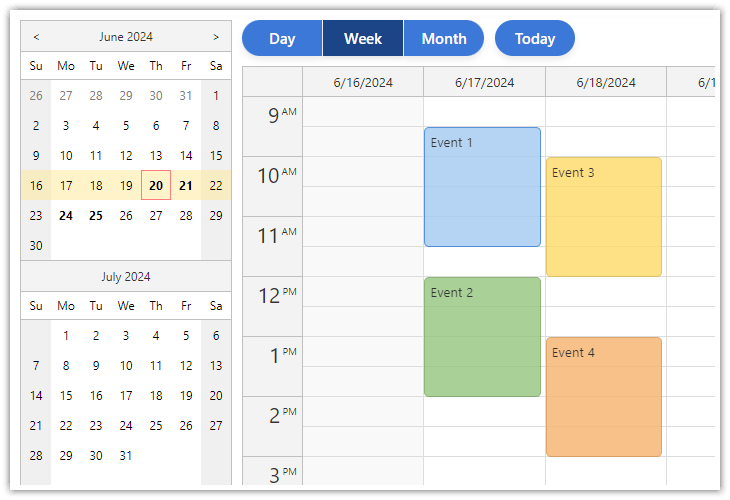
### React Calendar with Day/Week/Month Views
|
|
50
50
|
|
|
51
|
-
[](https://code.daypilot.org/27556/react-day-week-month-calendar)
|
|
52
52
|
|
|
53
|
-
[React Calendar with
|
|
54
|
-
|
|
53
|
+
[React Calendar with Day/Week/Month Views (Open-Source)](https://code.daypilot.org/27556/react-day-week-month-calendar)
|
|
54
|
+
This tutorial shows how to create a complex calendar component that displays integrated daily, weekly and monthly calendars in React.
|
|
55
|
+
|
|
56
|
+
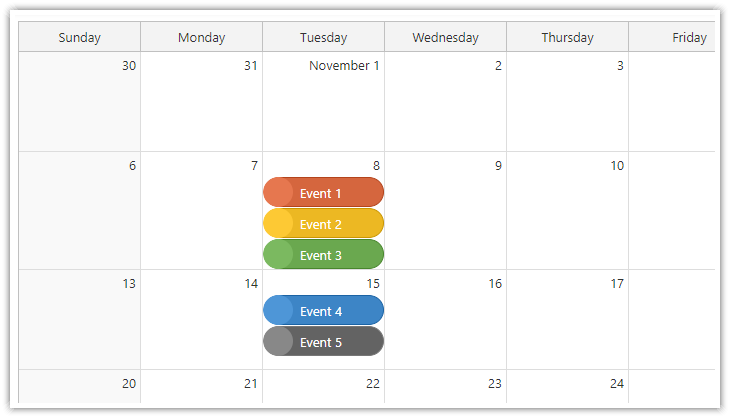
### React Monthly Calendar
|
|
57
|
+
|
|
58
|
+
[](https://code.daypilot.org/26289/react-monthly-calendar-tutorial)
|
|
59
|
+
|
|
60
|
+
[React Monthly Calendar (Open-Source)](https://code.daypilot.org/26289/react-monthly-calendar-tutorial)
|
|
61
|
+
React application that displays a monthly event calendar. Calendar events use custom background to show event type. A context menu allows deleting events and changing color.
|
|
55
62
|
|
|
56
63
|
### Next.js Weekly Calendar Tutorial
|
|
57
64
|
|
|
@@ -60,6 +67,13 @@ How to use a popup date picker to select a date displayed by the React Calendar
|
|
|
60
67
|
[Next.js Weekly Calendar Tutorial (Open-Source)](https://code.daypilot.org/45330/next-js-weekly-calendar-open-source)
|
|
61
68
|
How to create a weekly calendar web application using a Next.js project with JavaScript source code for download.
|
|
62
69
|
|
|
70
|
+
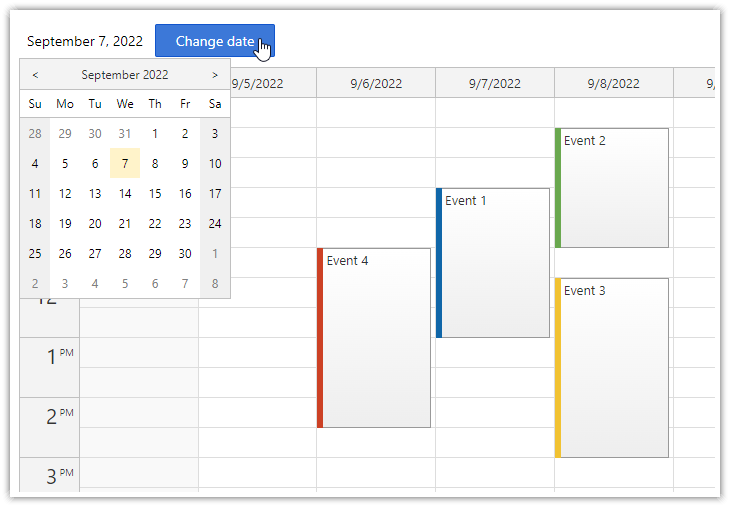
### React Calendar with Date Picker
|
|
71
|
+
|
|
72
|
+
[](https://code.daypilot.org/10750/react-calendar-with-date-picker-open-source)
|
|
73
|
+
|
|
74
|
+
[React Calendar with Date Picker (Open-Source)](https://code.daypilot.org/10750/react-calendar-with-date-picker-open-source)
|
|
75
|
+
How to use a popup date picker to select a date displayed by the React Calendar component.
|
|
76
|
+
|
|
63
77
|
## Example
|
|
64
78
|
|
|
65
79
|
```javascript
|
package/daypilot-react.min.d.ts
CHANGED
|
@@ -314,6 +314,7 @@ export module DayPilot {
|
|
|
314
314
|
cellHeaderClickHandling?: "Enabled" | "Disabled";
|
|
315
315
|
cellHeaderHeight?: number;
|
|
316
316
|
cellHeight?: number;
|
|
317
|
+
cellMarginBottom?: number;
|
|
317
318
|
contextMenu?: DayPilot.Menu;
|
|
318
319
|
eventBarVisible?: boolean;
|
|
319
320
|
eventClickHandling?: "Enabled" | "Disabled" | "CallBack" | "ContextMenu";
|
|
@@ -358,7 +359,7 @@ export module DayPilot {
|
|
|
358
359
|
}
|
|
359
360
|
|
|
360
361
|
export class MonthConfig extends MonthPropsAndEvents {
|
|
361
|
-
events?: EventData;
|
|
362
|
+
events?: EventData[];
|
|
362
363
|
}
|
|
363
364
|
|
|
364
365
|
export class Month extends MonthPropsAndEvents {
|
|
@@ -373,6 +374,7 @@ export module DayPilot {
|
|
|
373
374
|
error: (args: { request: XMLHttpRequest, exception: any; }) => void
|
|
374
375
|
): void;
|
|
375
376
|
remove(e: DayPilot.Event): void;
|
|
377
|
+
remove(id: EventId): void;
|
|
376
378
|
update(e: DayPilot.Event): void;
|
|
377
379
|
};
|
|
378
380
|
|