@cesdk/engine 1.6.0 → 1.6.1
This diff represents the content of publicly available package versions that have been released to one of the supported registries. The information contained in this diff is provided for informational purposes only and reflects changes between package versions as they appear in their respective public registries.
- package/README.md +34 -24
- package/assets/core/cesdk.wasm +0 -0
- package/index.d.ts +2 -4
- package/index.js +1 -1
- package/package.json +1 -1
package/README.md
CHANGED
|
@@ -1,51 +1,61 @@
|
|
|
1
1
|
|
|
2
2
|
|
|
3
|
-
#
|
|
3
|
+
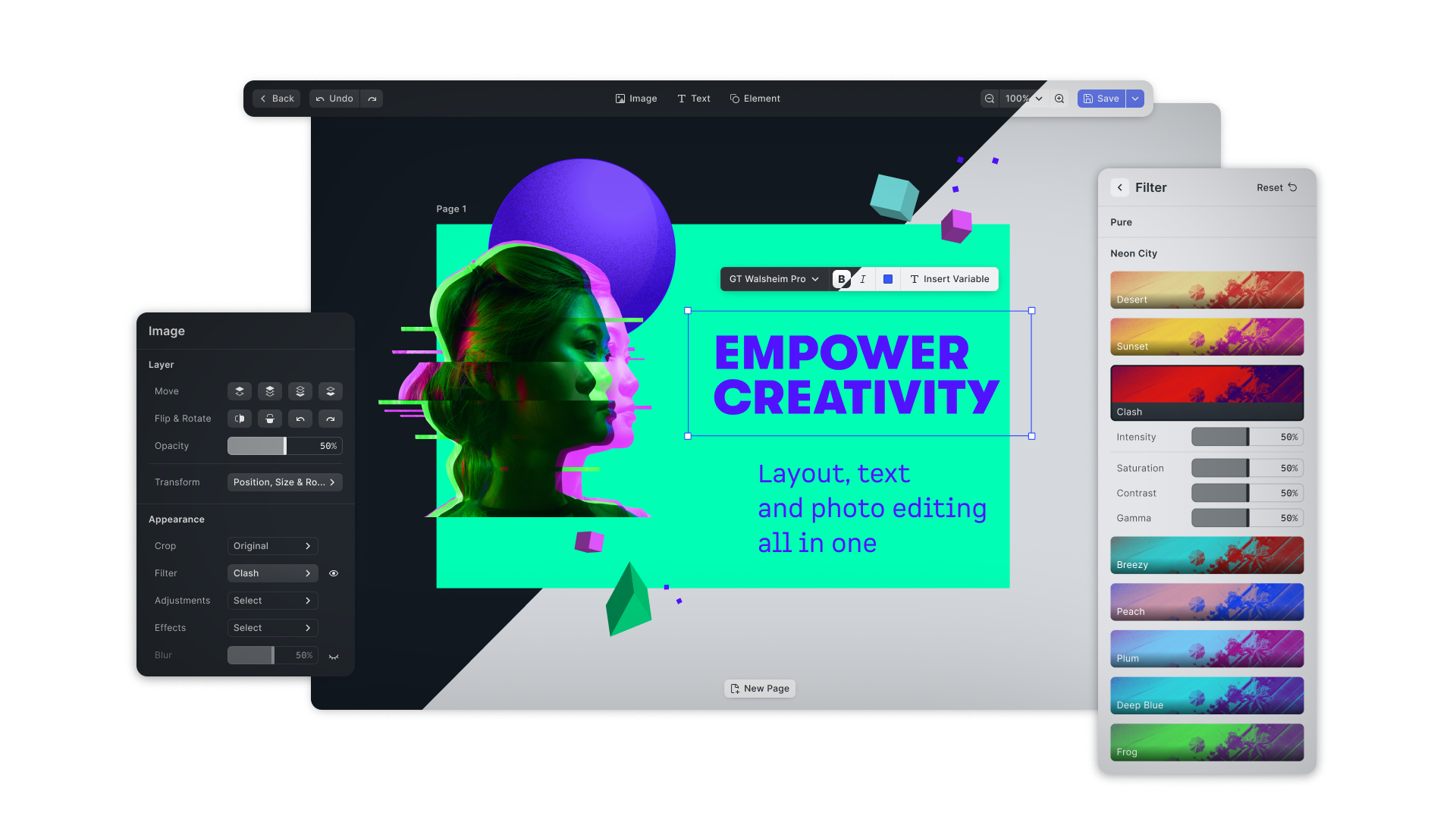
# Creative Engine
|
|
4
4
|
|
|
5
|
-
The CreativeEditor SDK (**CE.SDK**) for Web is a fully customizable,
|
|
5
|
+
The CreativeEditor SDK (**CE.SDK**) for Web is a fully customizable,
|
|
6
|
+
simple-to-use design editor.
|
|
6
7
|
|
|
7
|
-
Seamlessly integrate it into any Web app with just a few lines of code. The
|
|
8
|
+
Seamlessly integrate it into any Web app with just a few lines of code. The
|
|
9
|
+
editor combines the best of layout, typography and photo editing. **CE.SDK**
|
|
10
|
+
also facilitates both template creation and adaption workflows, also featuring
|
|
11
|
+
constraints and text placeholders for database automations.
|
|
8
12
|
|
|
9
|
-
|
|
13
|
+
This package contains the Creative Engine, the core of our SDK, including only
|
|
14
|
+
the rendering engine and a Javascript API for building headless applications or
|
|
15
|
+
custom UIs.
|
|
16
|
+
|
|
17
|
+
Visit our [website](https://img.ly) for more tutorials on how to integrate and
|
|
18
|
+
customize the engine for your specific use-case.
|
|
10
19
|
|
|
11
20
|
## Usage
|
|
12
21
|
|
|
13
|
-
## 1. Install
|
|
22
|
+
## 1. Install the Creative Engine dependency to your project
|
|
14
23
|
Install the SDK with `npm`
|
|
15
24
|
```bash
|
|
16
|
-
npm install --save @cesdk/
|
|
25
|
+
npm install --save @cesdk/engine
|
|
17
26
|
```
|
|
18
27
|
|
|
19
28
|
or with `yarn`
|
|
20
29
|
```bash
|
|
21
|
-
yarn add @cesdk/
|
|
22
|
-
```
|
|
23
|
-
|
|
24
|
-
## 2. Create an empty Container
|
|
25
|
-
We need to add an empty `<div>` with an id or class as container for the SDK.
|
|
26
|
-
|
|
27
|
-
```html
|
|
28
|
-
<div id="cesdk_container" style="width: 100vw; height: 100vh"></div>
|
|
30
|
+
yarn add @cesdk/engine
|
|
29
31
|
```
|
|
30
32
|
|
|
31
|
-
|
|
32
|
-
|
|
33
|
-
## 3. Instantiate SDK
|
|
33
|
+
## 2. Instantiate Creative Engine
|
|
34
34
|
The last step involves the configuration and instantiation of the SDK.
|
|
35
35
|
|
|
36
36
|
```JS
|
|
37
|
-
import
|
|
37
|
+
import CreativeEngine from '@cesdk/engine'
|
|
38
38
|
|
|
39
|
-
|
|
40
|
-
.init(
|
|
39
|
+
CreativeEngine
|
|
40
|
+
.init()
|
|
41
41
|
.then((instance) => {
|
|
42
|
-
/** do something with the instance of
|
|
42
|
+
/** do something with the instance of CreativeEngine **/
|
|
43
43
|
});
|
|
44
44
|
```
|
|
45
|
+
|
|
46
|
+
You can find a more complete example inside the package, in the included
|
|
47
|
+
`index.html`/`example.js` files.
|
|
48
|
+
|
|
45
49
|
## Documentation
|
|
46
|
-
The full documentation of
|
|
47
|
-
[https://img.ly/docs/cesdk/](https://img.ly/docs/cesdk/).
|
|
50
|
+
The full documentation of Creative Engine can be found at
|
|
51
|
+
[https://img.ly/docs/cesdk/web/guides/headless/](https://img.ly/docs/cesdk/web/guides/headless/).
|
|
52
|
+
There you will learn what configuration options are available and find a list
|
|
53
|
+
and description of all API methods.
|
|
48
54
|
|
|
49
55
|
## License
|
|
50
56
|
|
|
51
|
-
|
|
57
|
+
The CreativeEditor SDK is a commercial product. To use it as such and get
|
|
58
|
+
access to its white label version - without the watermark in the export - you
|
|
59
|
+
need to unlock the SDK with a license file. You can purchase a license at
|
|
60
|
+
https://img.ly/pricing.
|
|
61
|
+
|
package/assets/core/cesdk.wasm
CHANGED
|
Binary file
|
package/index.d.ts
CHANGED
|
@@ -1989,13 +1989,11 @@ declare type TemplateDefinition = Preset & {
|
|
|
1989
1989
|
/** @public */
|
|
1990
1990
|
declare type TypefaceDefinition = Preset & {
|
|
1991
1991
|
family: string;
|
|
1992
|
-
fonts:
|
|
1993
|
-
{
|
|
1992
|
+
fonts: {
|
|
1994
1993
|
fontURL: string;
|
|
1995
1994
|
weight: FontWeight;
|
|
1996
1995
|
style: FontStyle;
|
|
1997
|
-
}
|
|
1998
|
-
];
|
|
1996
|
+
}[];
|
|
1999
1997
|
};
|
|
2000
1998
|
|
|
2001
1999
|
/**
|